Chalkboard Surface Texture
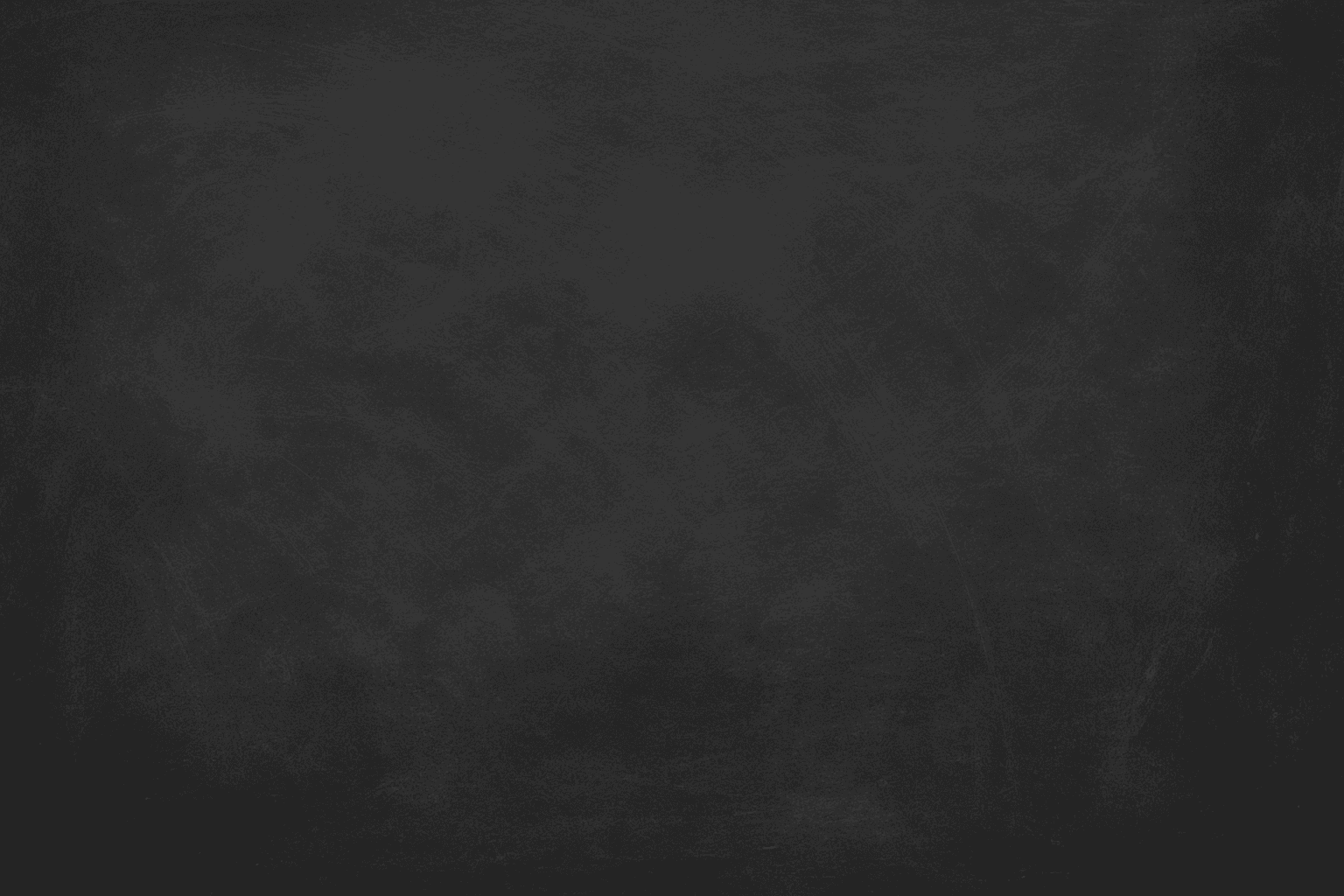
Chalkboard Surface Texture captures the unique look and feel of traditional blackboards commonly used in classrooms. It combines dark, matte backgrounds with subtle surface grains and visible chalk-related markings like smudges and partial rubbings. This texture adds tactility and context to illustrations, educational materials, design projects, or product simulations involving chalkboards. When integrated into AI image prompts, it guides the AI to emphasize realistic surface details and material qualities, avoiding overly smooth or flat rendering. This results in images that evoke familiarity and authenticity, making them ideal for conveying variety in textural compositions or thematic classroom scenarios.
Definition
The 'Chalkboard Surface Texture' keyword is used in AI image prompts to instruct the model to simulate the unique visual qualities of a chalkboard surface—matte finish, slight graininess, and chalk smudges. This results in images that realistically portray this tactile material, adding authenticity and depth to the depiction of classroom and related scenes.
Prompt Formula
Combine descriptive adjectives with texture and material cues to ensure clarity in AI prompts. Use formulae such as: 'chalkboard surface texture, matte finish, subtle chalk smudges, slight scratches, diffuse natural lighting' or 'detailed chalkboard grain with erase marks, soft highlights, realistic chalk residue.' This guides the AI to emphasize surface tactile qualities alongside environmental lighting for realism.
- chalkboard surface texture, matte finish, subtle chalk smudges
- chalkboard texture with erase marks and scratches
- dark matte chalkboard grain, soft diffuse light
Best Use Cases
- Educational visuals featuring realistic classroom blackboards or lecture scenes.
- Graphic design backgrounds for chalk-style typography or menus.
- Product packaging concepts that use chalkboard aesthetics to convey handmade or organic qualities.
Common Mistakes
Common pitfalls when prompting for chalkboard surface texture include specifying the texture vaguely, which can produce flat or overly shiny surfaces unlike authentic chalkboards. Overloading the prompt with unrelated materials or colors may confuse the AI, resulting in muddy or unrealistic textures. Avoid generic terms like 'blackboard' without texture cues; instead, emphasize surface details such as 'chalk smudges' and 'matte grain' to prevent glossy or plastic-like renderings.
- Using only 'blackboard' without texture details
- Specifying shiny or glossy materials contradicting matte surface
- Over-complicating prompts with unrelated textures causing muddiness
Advanced Techniques
Refine results by coupling chalkboard texture keywords with lighting and material descriptors like 'soft shadows,' 'ambient occlusion,' or 'micro-scratches.' Incorporate temporal cues such as 'worn edges' or 'faint chalk dust particles' to add storytelling depth. For layered complexity, blend with keywords like 'wet chalk residue' or 'partially erased text' to simulate realistic usage. Use negative prompting to minimize unwanted gloss or metallic reflections.
- Add 'soft shadows' and 'ambient occlusion' for depth
- Include 'worn edges' and 'faint chalk dust' for realism
- Negative prompts for gloss or reflections to preserve matte
Professional Workflow
Start by clearly defining the use case and target material realism level. Draft prompts emphasizing 'chalkboard surface texture' combined with specific details (smudges, scratches). Generate multiple variants to test subtle differences in texture and lighting. Review generated images for tactile authenticity, and iteratively refine by adjusting or adding descriptors (e.g., 'matte finish,' 'subtle chalk dust'). Finalize by selecting images that match the project’s aesthetic while retaining texture clarity and natural lighting.
- Define usage scenario and realism requirements
- Create varied prompts focusing on surface and lighting details
- Evaluate and refine based on tactile feel and visual authenticity
- Select final images based on texture fidelity and aesthetic
Related Styles
- Chalk Drawing Art
- Vintage Classroom Interior
- Matte Painted Surfaces
Model-Specific Tips
For contemporary AI models, avoid overly complex nested syntax; prefer clear, descriptive language with direct texture keywords. Specify lighting and surface properties explicitly to guide the model effectively. Combine the texture keyword with clarifying adjectives ('matte,' 'grainy,' 'subtle chalk dust') for better material fidelity. Test prompts across different models to adjust for their texture rendition tendencies and balance detail vs. noise.
- Use direct descriptive phrases instead of complex operators
- Combine texture terms with lighting cues for realism
- Test and iterate per model to optimize texture accuracy
FAQ
How can I make sure the chalkboard texture looks realistic in AI-generated images?
Include specific descriptors like 'matte finish,' 'chalk smudges,' 'erase marks,' and 'soft diffuse lighting' in your prompt. Avoid terms that imply gloss or shine and provide context to reinforce the material, such as classroom or menu scenarios.
Can I combine chalkboard surface texture with other textures?
Yes, but do so carefully. Combining with rough wood or aged paper textures can add richness, but excessive layering without control can confuse the AI and produce less realistic results. Use modifiers to clearly distinguish each material's characteristics.
Is 'chalkboard surface texture' suitable for commercial stock images?
Absolutely. This texture appeals broadly for education, hospitality, and design uses, making it valuable for commercial stock imagery on platforms like Adobe Stock.
Continue Exploring
Related Prompts
Matte Surface Texture
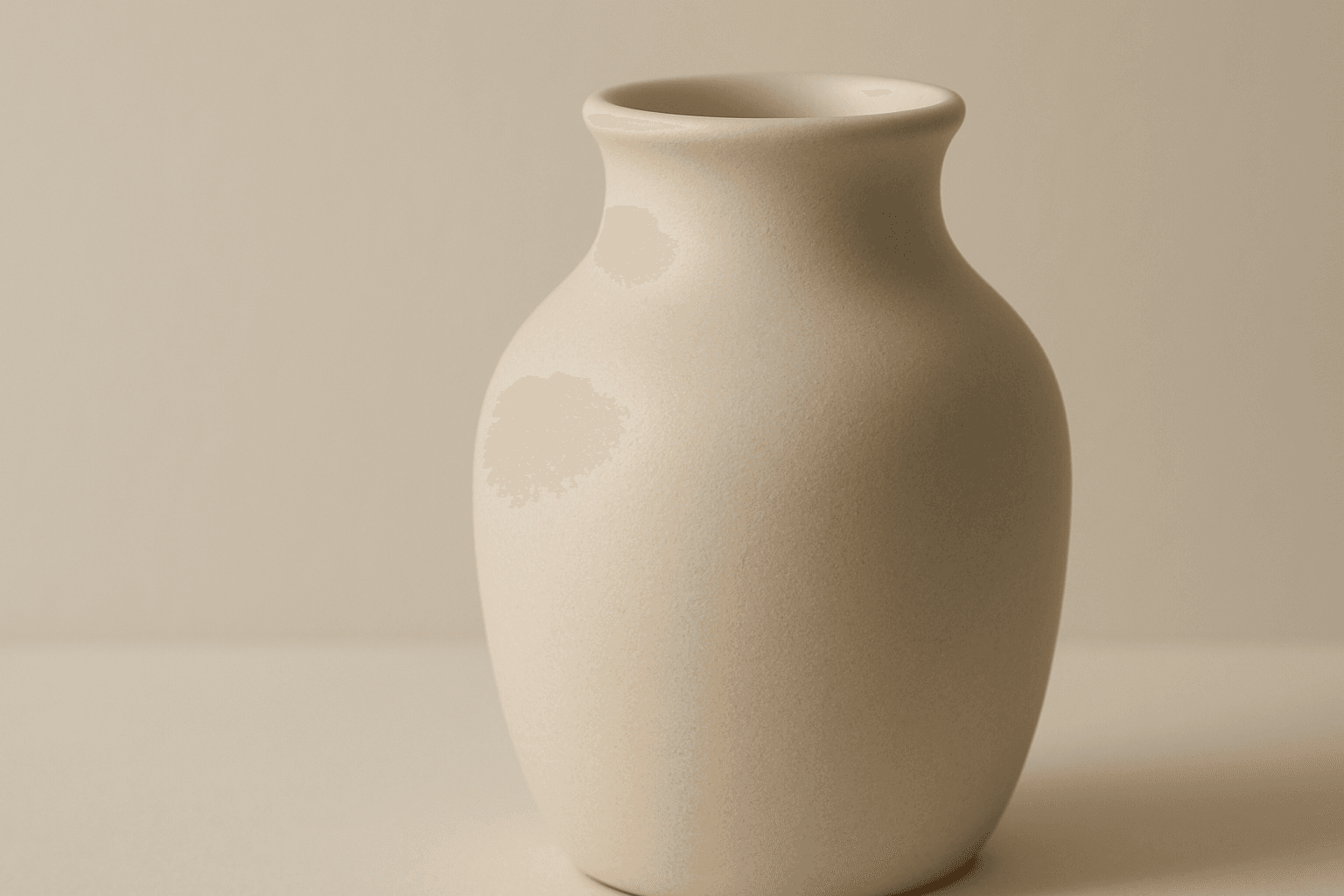
The 'Matte Surface Texture' keyword in AI image generation is fundamental when aiming for realism and subtlety in material appearance. Unlike glossy or reflective surfaces, matte textures offer a restrained light interaction, producing soft shadows and even visual tones. This texture is valued for its fine grain, softness, and understated elegance, making images appear modern and refined. Including this keyword enhances the material rendition of subjects like ceramics, paper, cloth, or painted surfaces, enabling photorealistic or stylized outputs that emphasize tactile qualities without distracting reflections. It's especially effective for editorial visuals, product mockups, and interior materials where controlling reflection is crucial.
Granular Surface Texture
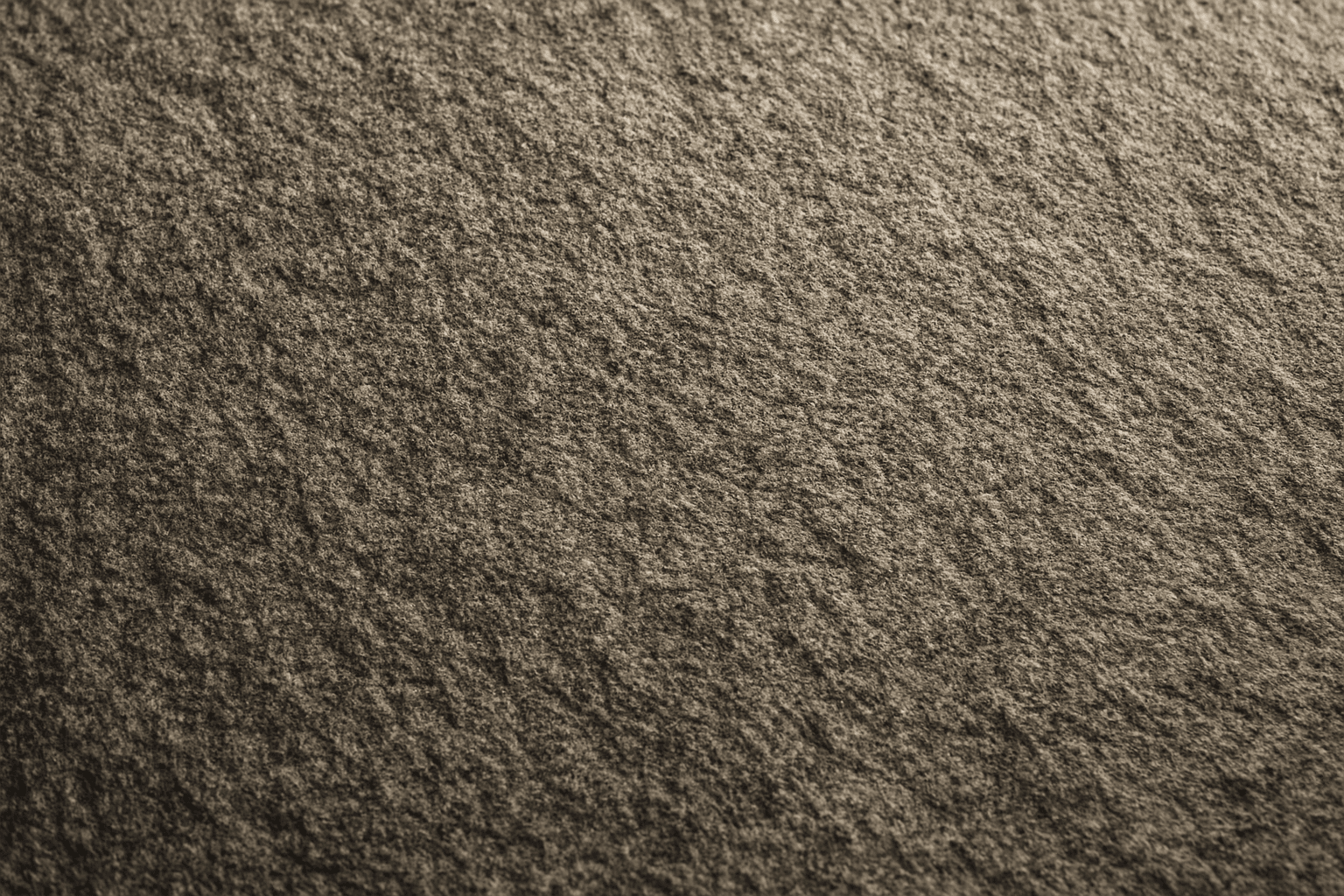
Granular Surface Texture is a key descriptive keyword used in AI image prompting to achieve photorealistic and tactile surfaces characterized by finely distributed grains or tiny particles. This texture offers an intricate level of detail that enriches the material quality of objects, making them appear more natural and tangible. When included in prompts, it encourages the generation of surfaces akin to sandpaper, concrete, rough fabric, or unpolished stone, providing visual complexity that appeals to designers and artists alike. Its use can transform otherwise flat or generic surfaces into engaging, dynamic visuals with depth and interest. This makes it valuable across many creative projects, from product visualization to environmental design.

Wood Grain Surface Texture
Wood grain surface texture captures the intricate patterns and natural beauty found in wooden materials. This texture is characterized by flowing lines, knots, and a warm color palette that conjures the organic essence of wood. When incorporated in AI image generation prompts, it helps models produce authentic wooden surfaces, from smooth polished floors to rustic furniture with visible fibers. Wood grain lends tactile depth and aesthetic appeal, making images more immersive and rich in detail. Its versatility allows for use across design, interior visualization, product mockups, and artistic compositions, enhancing the material realism dramatically.

Plasticized Surface Texture
Plasticized Surface Texture emphasizes a sleek, shiny appearance with a polished, flexible quality resembling plastic materials. When used in AI image generation, it transforms surfaces into smooth, glossy finishes characterized by bright highlights and subtle reflections. This texture does not show roughness or matte properties but instead creates a distinctive synthetic look often associated with consumer products, packaging, or modern design elements. It helps convey contemporary, clean aesthetics and can enhance visual emphasis on material quality in digital rendering or conceptual imagery.

Rough Concrete Surface Texture
The 'Rough Concrete Surface Texture' keyword is essential for generating realistic architectural and artistic images where material authenticity is key. This texture conveys the tactile sensation of coarse, unfinished concrete, distinguished by its irregular surface, visible small stones, and imperfections like cracks and pores. Including this keyword in AI prompts enhances image realism by focusing on material detail. It is especially valuable in designs requiring gritty, industrial, or urban aesthetics, contributing to a sense of depth and authenticity in both digital and print projects. Mastery of rendering this texture helps designers and artists produce compelling visuals that resonate with users seeking raw and tangible surfaces.
Rustic Metal Texture
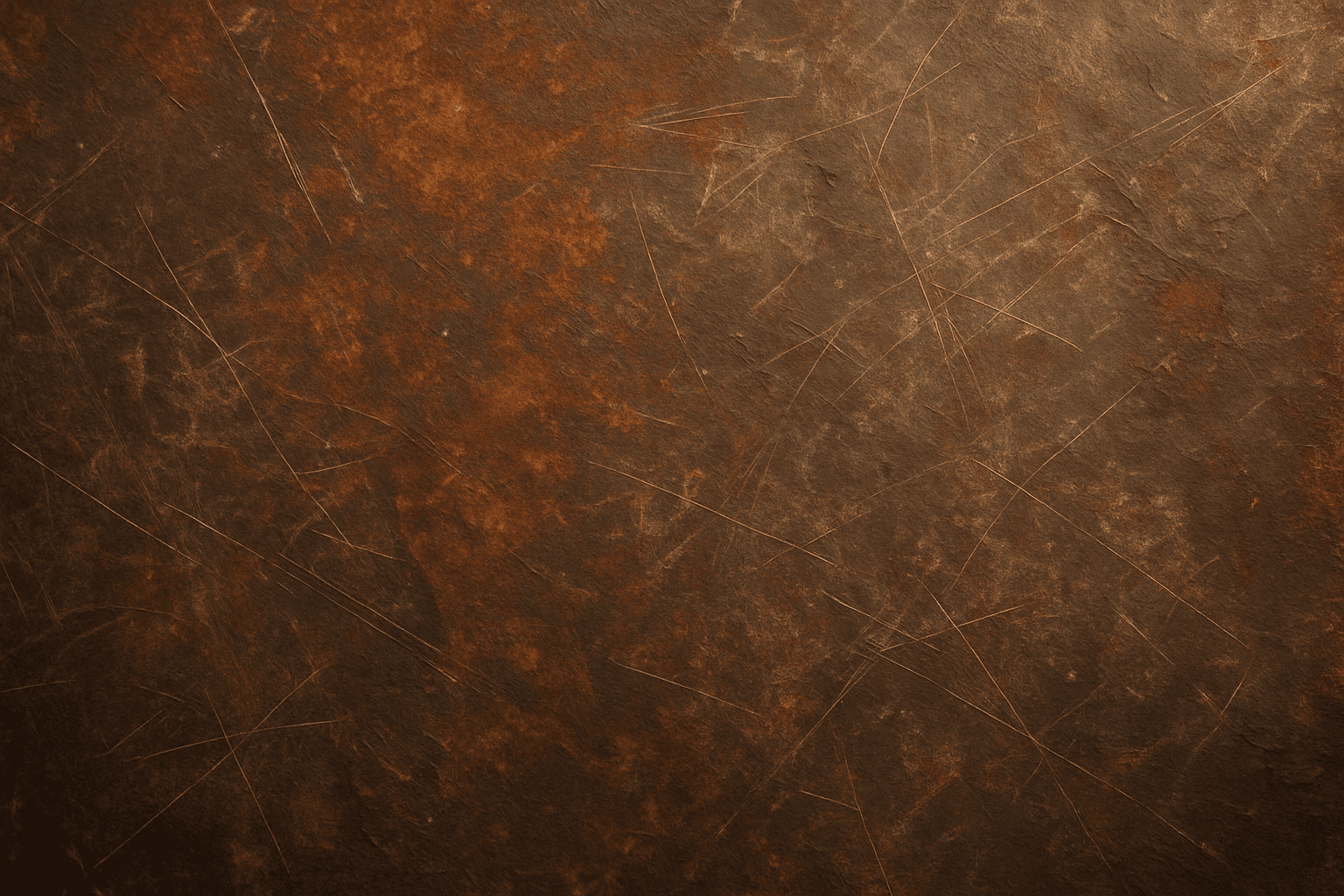
Using the Rustic Metal Texture keyword in AI image generation prompts enables artists and designers to depict materials that evoke a tactile sense of history and industrial age charm. The effect mimics the natural aging process on metals, featuring oxidation, pitting, and surface irregularities, which deliver a realistic and visually compelling finish. This texture works well in designs requiring an authentic vintage or handcrafted aesthetic, often used to contrast smoother, newer materials or to emphasize material quality and environment. Incorporating this keyword enhances the feel of depth and realism, making digital renders more tangible and atmospheric for editorial, product visualization, and concept art contexts.