Glass Reflection Effects
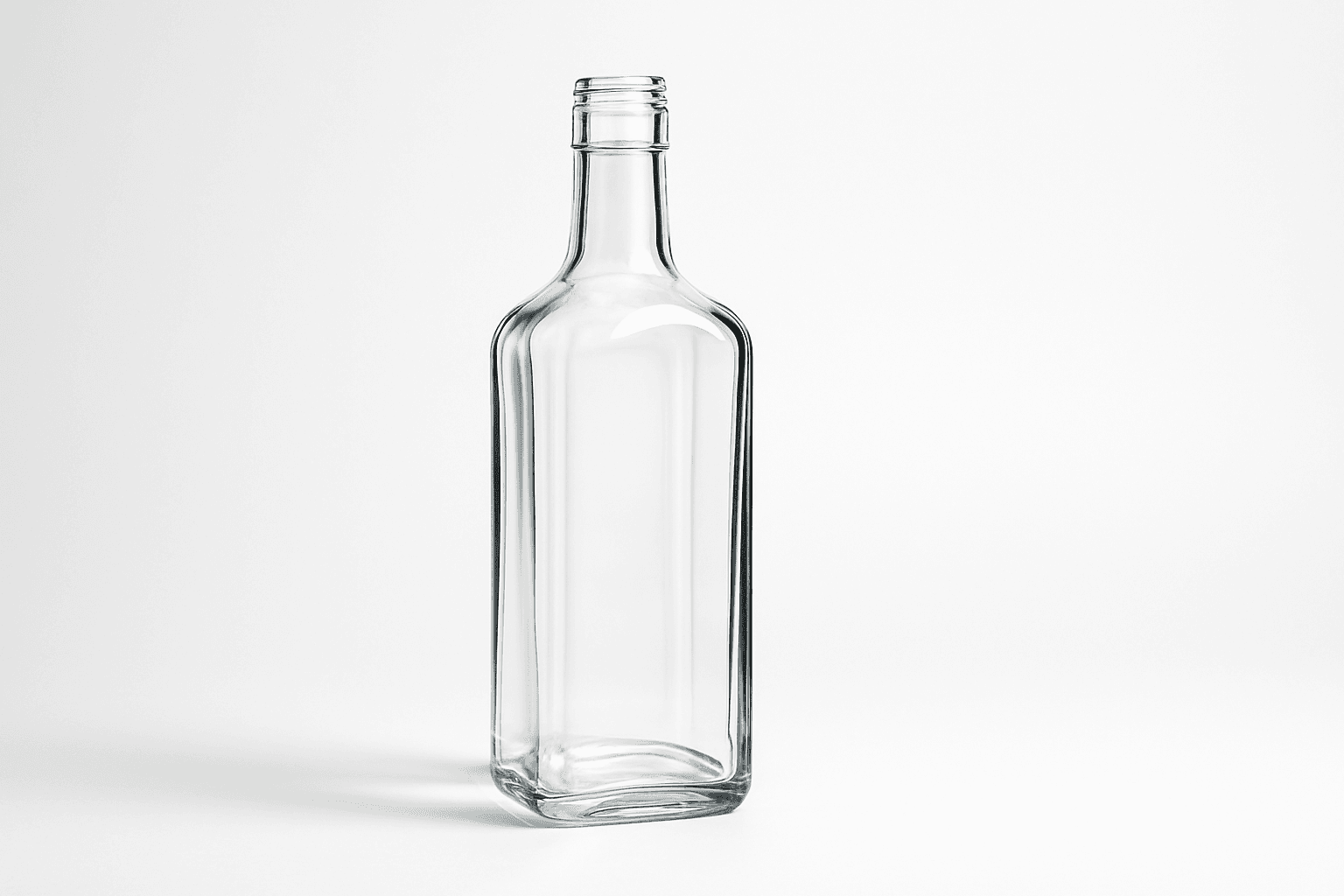
Glass Reflection Effects bring a premium realism to AI-generated images by simulating the natural behavior of light on glass materials. This keyword enhances textures and surfaces, making objects appear polished and three-dimensional with believable reflections and refractions that respond to environmental lighting. Using these effects can elevate images from flat or artificial to lifelike visuals suitable for professional design, marketing, and artistic projects. By incorporating Glass Reflection Effects in prompts, creators can achieve sophisticated renderings of windows, glassware, bottles, and architectural elements with convincing material qualities.
Definition
Glass Reflection Effects describe the simulation of light interacting realistically with glass surfaces in AI-generated images. This includes realistic reflection, transparency, and refraction that give digital objects depth and material authenticity. Adding this keyword to an AI prompt instructs the model to render glass with detailed highlights and environmental reflections, enhancing overall realism.
Prompt Formula
To effectively use Glass Reflection Effects in your AI prompts, combine descriptive material keywords with environment and lighting details. For example: "[Subject] with crystal-clear glass reflection effects, [lighting condition], [background setting]" or "[Product] featuring realistic transparent glass with sharp reflections and subtle refractions under [light type]." Including terms like "glossy," "transparent," and specific light sources (e.g., "golden hour," "studio softbox") promotes refined glass rendering.
- [Subject] with glass reflection effects
- Lighting details (e.g., soft ambient, golden hour)
- Background environment (e.g., blurred, minimalistic)
Best Use Cases
- Realistic product visualization of glass objects like bottles or screens
- Architectural images featuring reflective glass windows and facades
- Editorial photography requiring polished glass surfaces and natural reflections
Creative Variations
To avoid repetitive outputs when using Glass Reflection Effects, experiment with varying light sources (natural sunlight vs. artificial), different times of day, and contrasting backgrounds to influence reflection qualities. Change the glass type, from frosted to crystal-clear or colored tints, and try diverse angles such as close-ups emphasizing imperfections or wide shots showing full structures. Incorporating dynamic reflections like cityscapes or interiors can add narrative depth.
- Vary lighting: golden hour, neon, studio
- Change glass type: frosted, colored, tinted
- Alternate composition: close-up, macro, wide angle
Industry Applications
Glass Reflection Effects serve multiple commercial sectors by enhancing visual appeal and material authenticity. In ecommerce, they elevate product photos to convey luxury and quality. Architectural firms use them to visualize buildings with reflective glass surfaces realistically, aiding client presentations. Advertising agencies benefit from these effects in luxury campaigns to emphasize premium materials and craftsmanship for watches, perfume bottles, or automotive glass elements.
- Ecommerce product photography
- Architectural visualization and renderings
- Luxury brand advertising and editorial content
Common Mistakes
A frequent pitfall is overusing reflection intensity, causing unnatural glare or distracting highlights that reduce realism. Another is ignoring environment context, leading to inconsistent or missing reflections. Avoid generic prompts that lack material nuance, which produce flat or plastic-like glass. To prevent this, specify lighting conditions, reflection characteristics, and related texture details in prompts to balance realism and artistic clarity.
- Over-intense reflections causing glare
- Lack of environmental context for reflections
- Generic, vague prompt terms leading to unrealistic glass
Advanced Techniques
For sophisticated results, combine Glass Reflection Effects with keywords detailing light physics, such as "caustics," "dispersion," or "chromatic aberration" to mimic complex refraction. Use negative prompts to suppress unwanted distortions or excessive transparency. Layer prompts with material-specific descriptors like "borosilicate glass" or "etched glass" to control texture granularity. Experiment with HDR lighting scenarios and environment maps embedded within prompts for nuanced reflection management.
- Add light physics terms: caustics, dispersion
- Use negative prompts to control artifacts
- Specify advanced materials: borosilicate, etched glass
Professional Workflow
Begin by briefing clear objectives outlining desired glass materials, lighting, and environment context. Generate multiple prompt iterations varying reflection intensity and light sources. Curate top results emphasizing realistic transparency and reflection quality. Refine selected images with post-processing tools to adjust contrast or remove minor artifacts. Finally, perform consistency checks if the images are part of a series to maintain material coherence and aesthetic harmony across usages.
- Clarify material and lighting goals
- Iterate prompt variations
- Select and refine best images
- Ensure consistency in image series
FAQ
How do I avoid unnatural reflections when using Glass Reflection Effects?
Specify the environment and light source in your prompt so reflections correspond realistically. Avoid overemphasizing reflection intensity and include modifiers like 'soft reflections' or 'subtle highlights' to maintain natural appearance.
Can I use Glass Reflection Effects for colored or frosted glass?
Yes. Include descriptive terms such as 'frosted glass' or specify color tints to adapt reflection effects to different glass types realistically.
Continue Exploring
Related Prompts
Frosted Glass Surface
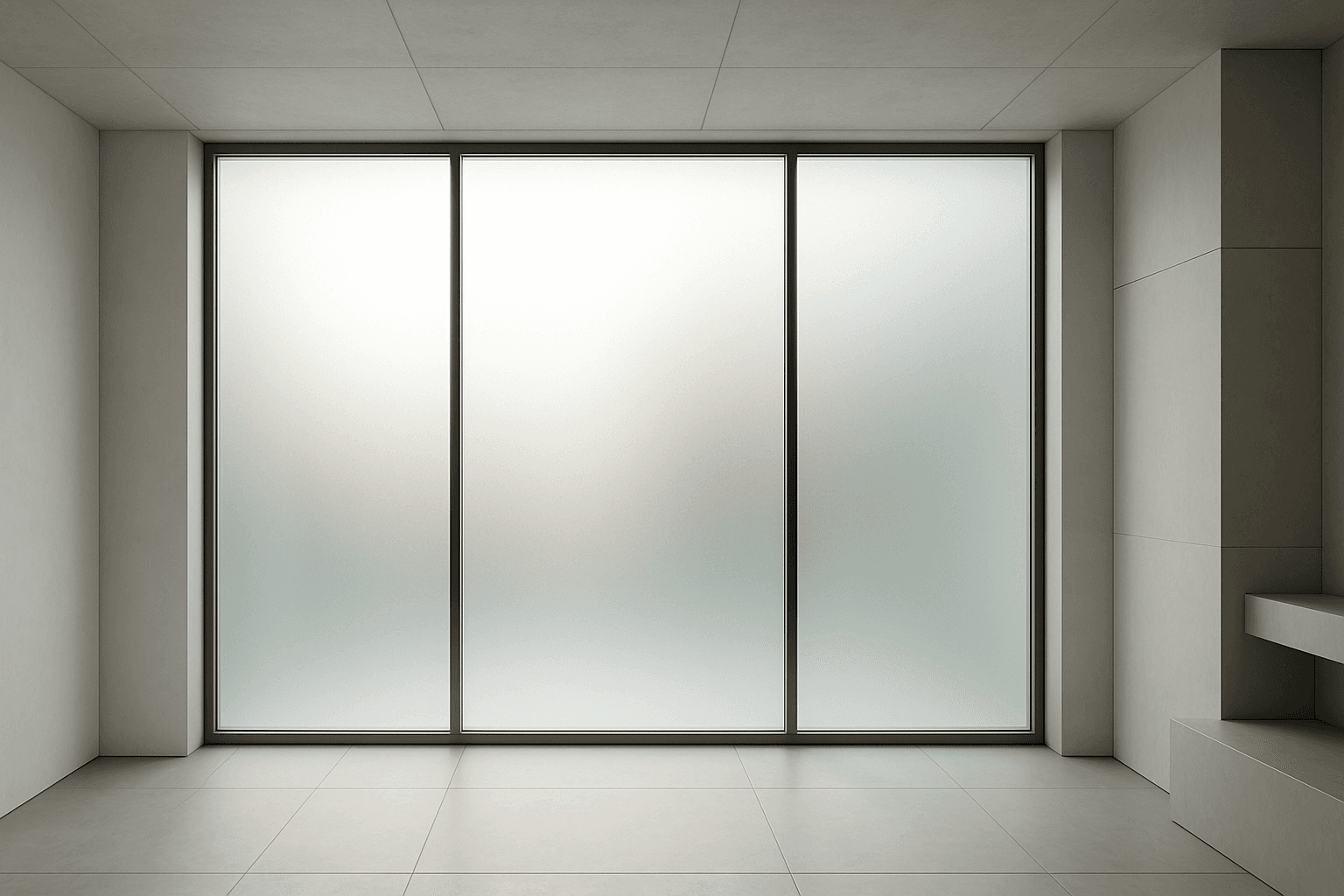
Frosted glass surfaces are widely used in modern design to provide privacy without sacrificing natural light. When incorporated into AI image prompts, this texture lends a subtle, elegant diffusion effect that replicates real-world glass treatments. It enhances scenes requiring sophisticated material realism and refined lighting. The frosted finish creates soft visual layers, allowing light to scatter gently and producing an inviting atmosphere. This texture works well in architecture, product design, and abstract compositions, adding depth while maintaining clarity of shape and color. Using this keyword correctly guides AI models to render nuanced glass surfaces with premium polish and tactile authenticity.
Leather Grain Texture
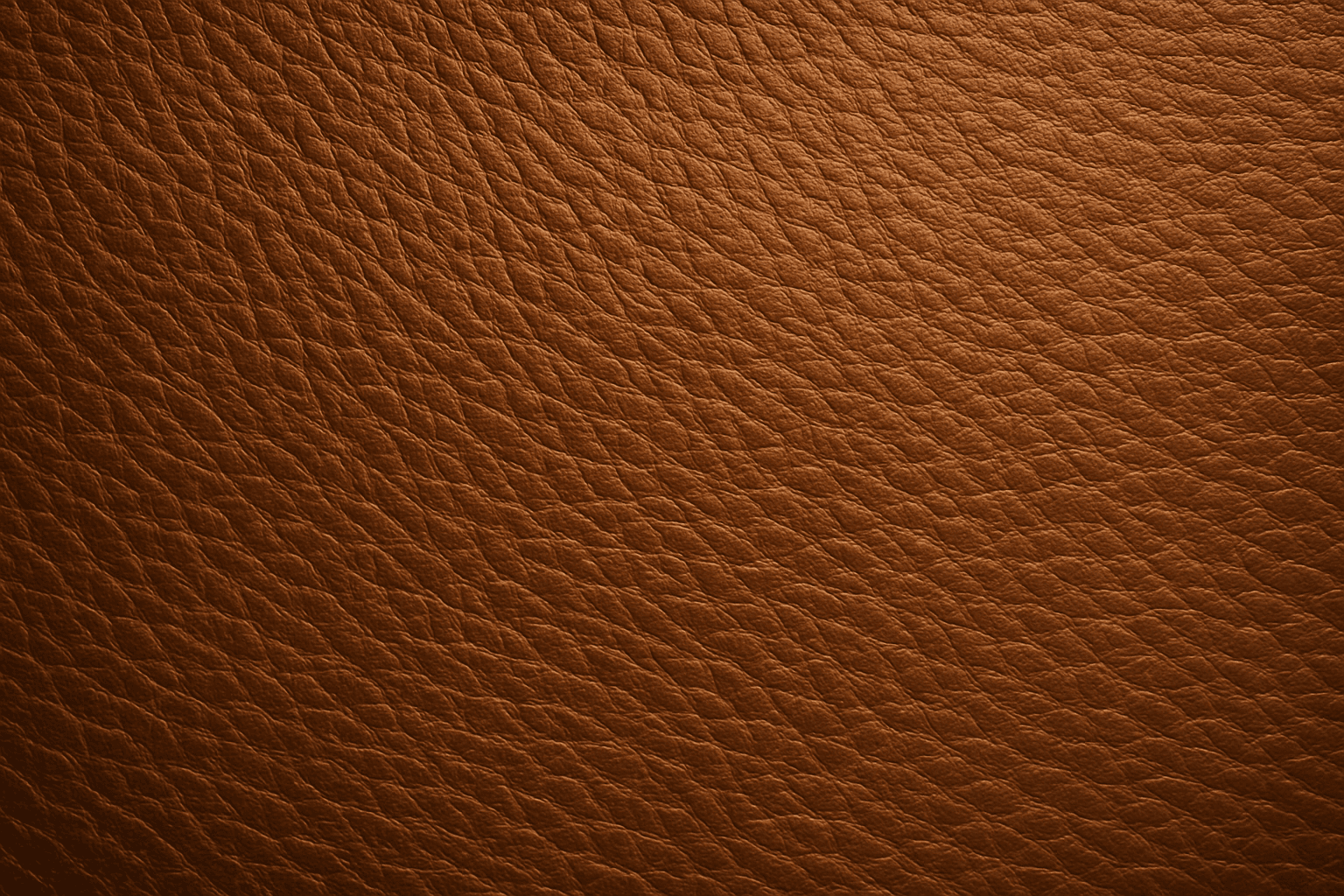
Using 'Leather Grain Texture' in AI image prompts allows creators to generate images with highly detailed and realistic leather surfaces. This keyword enhances the tactile quality of materials depicted, making them appear more authentic and premium. The characteristic grain patterns convey luxury and craftsmanship, useful for designs needing sophisticated material representation. When combined with appropriate lighting and composition, this texture can create visually rich images suitable for product visualization, fashion editorials, or interior design concepts. Mastery of this keyword helps artists achieve depth and realism in their material renderings, appealing to audiences seeking visually convincing visuals.
Ceramic Surface
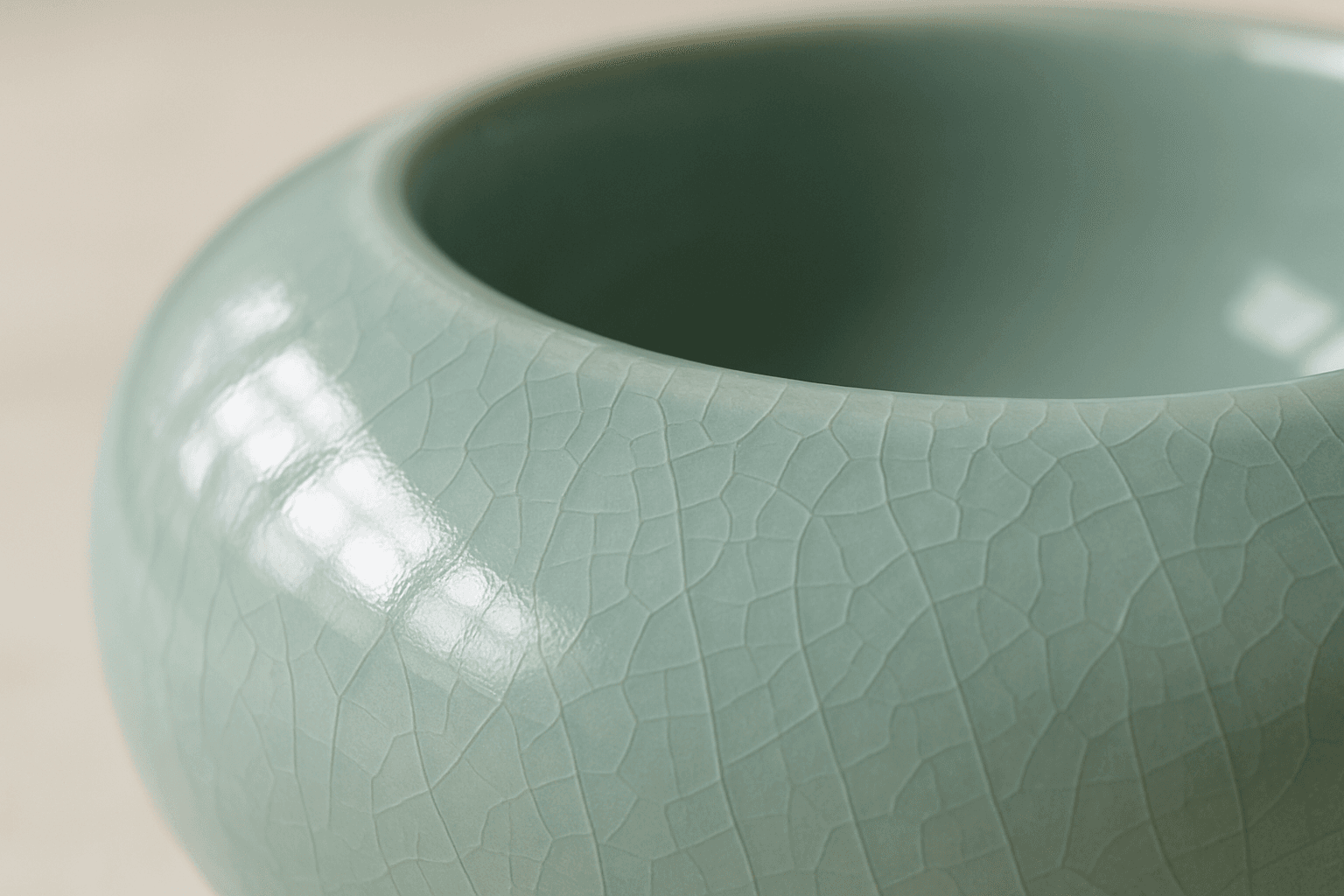
The keyword 'Ceramic Surface' in AI image generation targets a distinct material aesthetic recognizable by its smooth, often glossy finish and subtle textural nuances like glaze or crackle effects. Using this keyword refines renders to showcase the refined, tactile qualities of ceramics. It is essential for creating realistic representations of items like pottery, ceramic tiles, or porcelain wares, especially under nuanced lighting that enhances surface reflections and textures. The effect adds depth and realism, making objects appear tangible and convincing within various artistic or commercial compositions.
Rust Texture Effects
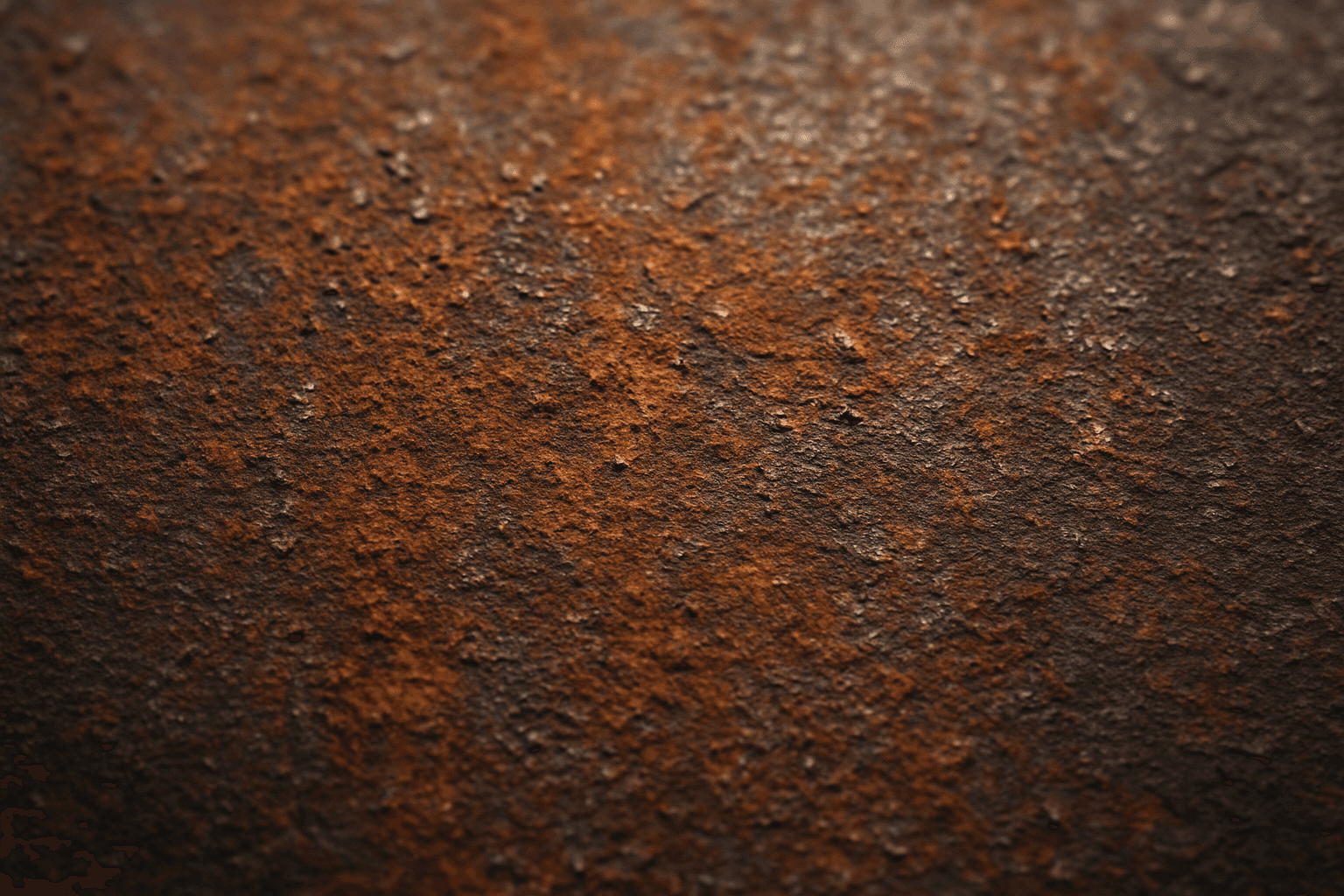
Rust Texture Effects in AI image generation add a convincing layer of corroded metal appearance. By integrating these effects, creators simulate the natural oxidation process visually, bringing out the aged, worn, and tactile quality of metallic surfaces. This keyword is especially valuable for industrial, steampunk, or vintage designs where authentic material wear enriches realism. The subtle depth and nuanced lighting in rust effects help enhance story elements, making objects appear time-worn or neglected. Ultimately, rust texture prompts empower users to produce compelling, textured imagery that feels grounded in real-world material physics.
Glossy Surface Finish
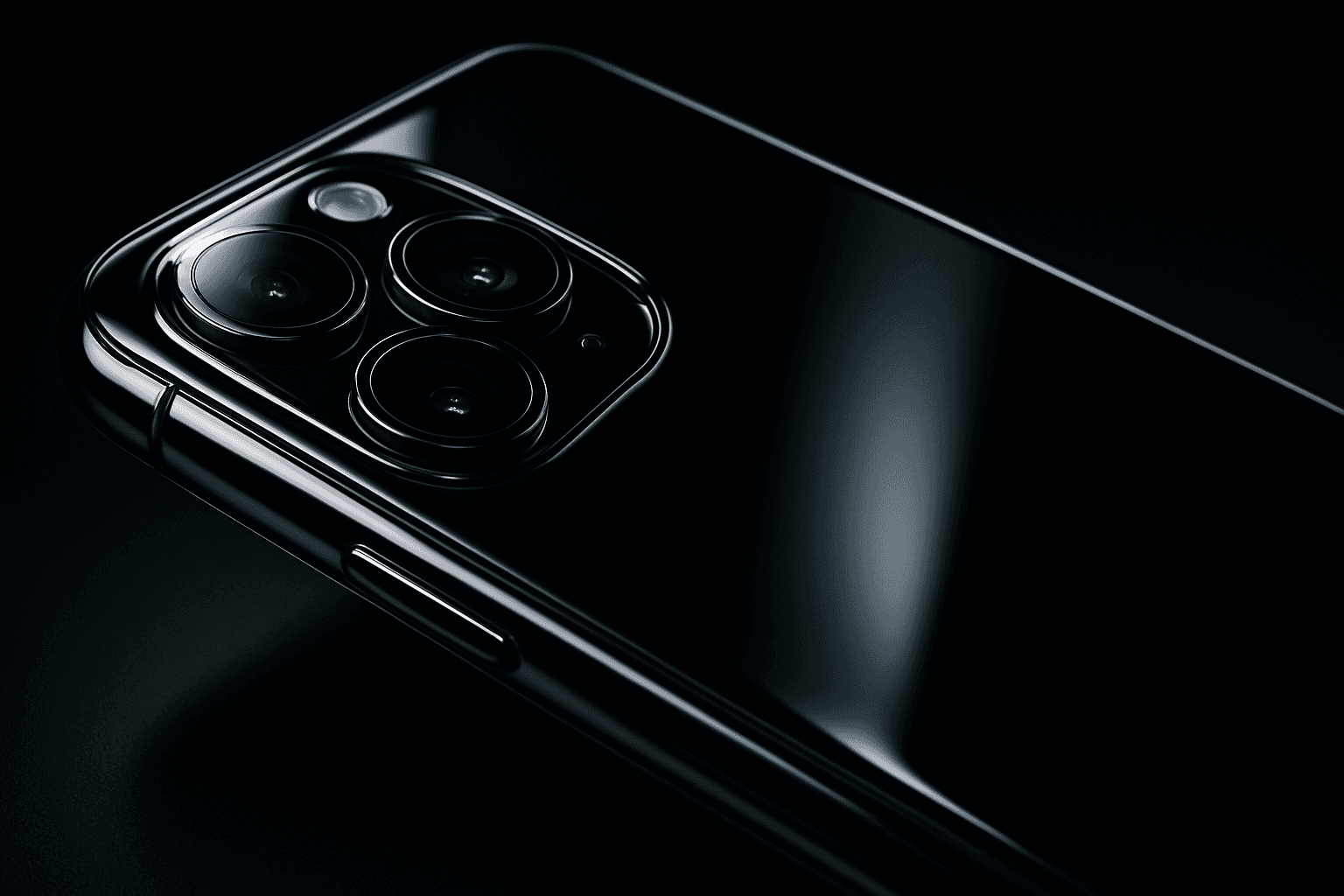
Adding a glossy surface finish to your AI image prompts transforms objects or materials by emphasizing their shiny, smooth qualities. It simulates surfaces like glass, polished metal, lacquered wood, or wet textures. This finish enhances realism by reflecting environmental light and adding depth, often making images appear more vibrant and tactile. Use it to create premium, high-end product renders, detailed textures, or eye-catching editorial visuals where surface quality matters. Glossy finishes can be combined with various materials and lighting setups, giving artists and designers flexibility to achieve the desired mood and style.
Wet Glass Surface Effect
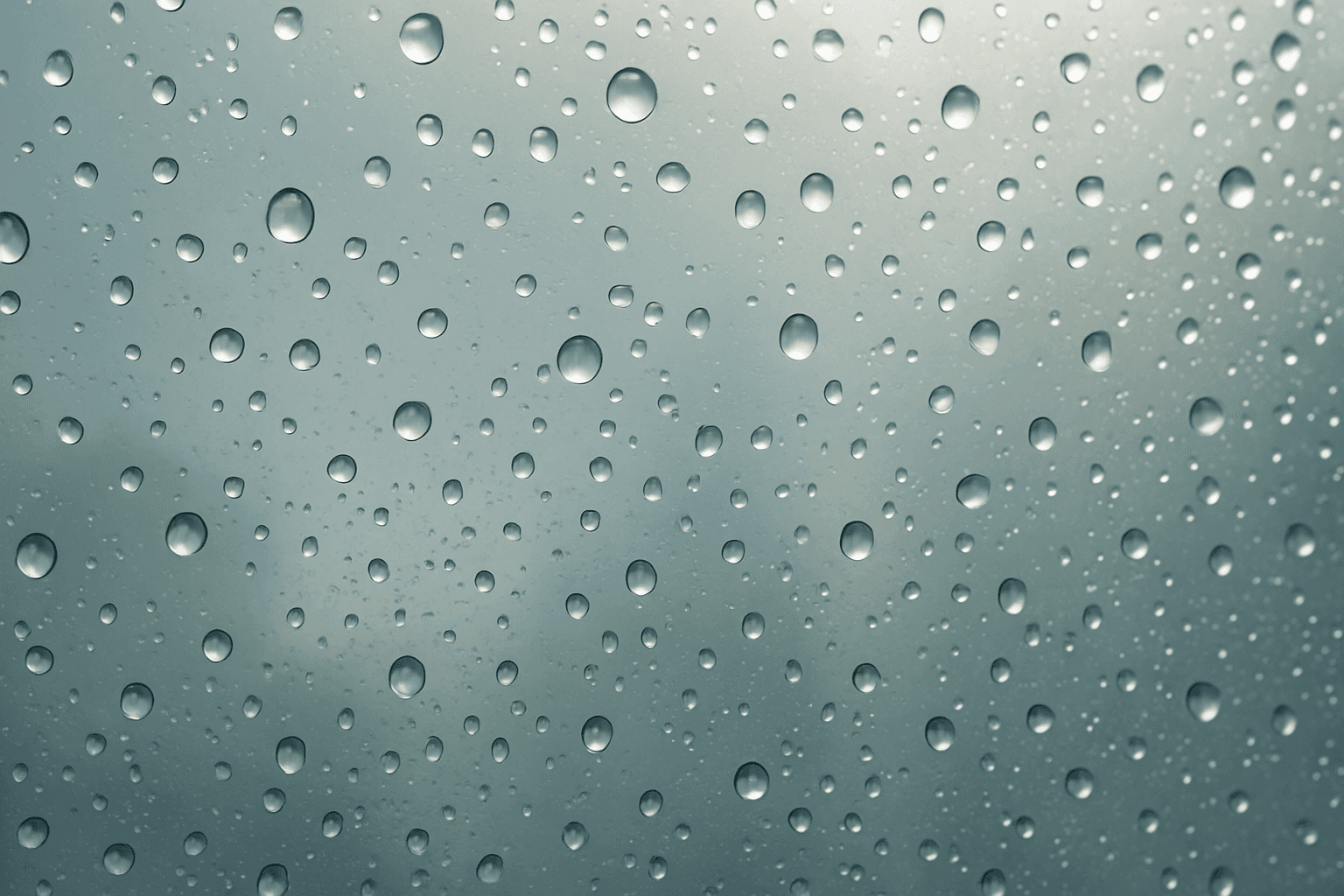
The Wet Glass Surface Effect creates compelling visual interest by simulating glass surfaces covered with moisture. This effect captures the fine details of water droplets and the way they alter light transmission and reflection, producing a glossy, tactile appearance. It's favored in modern editorial photography and advertising to evoke freshness, moisture, or a rainy ambiance. By incorporating this effect, AI-generated images gain added realism and textural complexity, making them ideal for product shots, interior scenes, and artistic photography with atmospheric mood.