Rust Texture Effects
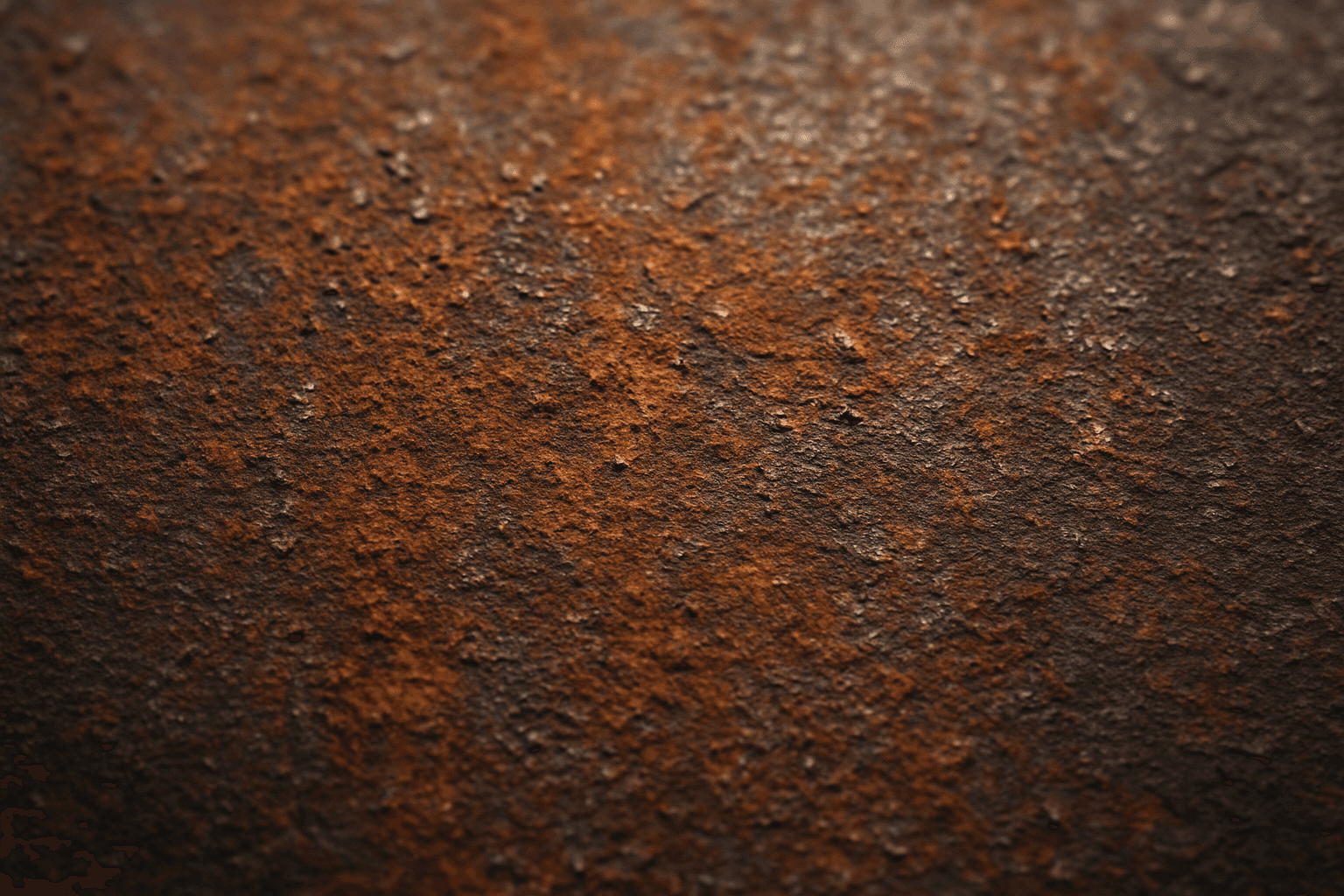
Rust Texture Effects in AI image generation add a convincing layer of corroded metal appearance. By integrating these effects, creators simulate the natural oxidation process visually, bringing out the aged, worn, and tactile quality of metallic surfaces. This keyword is especially valuable for industrial, steampunk, or vintage designs where authentic material wear enriches realism. The subtle depth and nuanced lighting in rust effects help enhance story elements, making objects appear time-worn or neglected. Ultimately, rust texture prompts empower users to produce compelling, textured imagery that feels grounded in real-world material physics.
Definition
Rust Texture Effects are AI prompt keywords used to generate images that realistically simulate rust or corrosion on metal surfaces. This effect adds visual detail like reddish-brown coloration, flaky patches, and uneven textures that replicate natural metal oxidization. Including this keyword modifies the image's surface appearance to look aged and weathered, improving material realism.
Prompt Formula
To incorporate Rust Texture Effects effectively, combine surface description with lighting and resolution parameters. Example patterns include: - 'rust texture effects, close-up metal surface, natural diffuse lighting, high detail' - 'weathered rust texture, peeling paint, soft shadows, macro photography style' - 'detailed rusty metal corrosion, rough texture, dramatic lighting, 4k resolution' This formula builds prompts blending texture, lighting ambiance, and composition for realistic results.
- rust texture effects
- close-up/medium/wide shot
- lighting style (natural, dramatic, soft shadows)
- image detail level (high detail, 4k, macro)
- material or object type (metal gate, engine, pipeline)
Best Use Cases
- Creating realistic, aged metal surfaces in industrial or steampunk artwork
- Designing detailed backgrounds or objects for video game environments with weathered assets
- Enhancing advertising visuals for products emphasizing vintage or rugged durability
Creative Variations
To diversify Rust Texture Effects outcomes, experiment with lighting, angle, and color saturation. Try different: - Lighting: ambient soft light for subtle rust, or harsh directional light to emphasize texture depth - Angles: extreme close-ups highlighting flakes, or wide shots showing rust patterns over whole objects - Color tones: saturated reds for fresh rust, muted browns for old/oxidized metals - Composite subjects: rusty mechanical parts, natural iron rocks, or abstract rusty patterns for artistic use
- Lighting style (ambient, harsh, soft)
- Camera angle (close-up, wide shot, macro)
- Rust coloration (red, brown, orange hues)
- Subject variation (machines, architecture, abstract)
Industry Applications
Rust Texture Effects have broad commercial uses:\n- Advertising campaigns for vintage, rugged, or durable products benefit from rust-textured visuals emphasizing authenticity.\n- Editorial content themed on aging, decay, or industrial history can use rust textures to communicate mood.\n- Ecommerce platforms displaying reclaimed metal furniture, steampunk jewelry, or artisan goods leverage rust effects to convey material uniqueness and craftsmanship.
- Advertising for vintage or durable products
- Editorial imagery on aging or industrial themes
- Ecommerce product images featuring reclaimed or rustic metal
Common Mistakes
A frequent error when using Rust Texture Effects is overapplying rust, making surfaces look unrealistically damaged or cluttered. Avoid generic corrosion patterns by specifying variation and detail. Also, neglecting lighting interaction can result in flat textures lacking depth. To prevent muddy colors, balance saturation and contrast adequately. Clear prompt details about rust intensity, scale, and placement help maintain natural, believable effects.
- Overusing rust covering entire surface unrealistically
- Using repetitive or generic rust patterns
- Ignoring lighting, resulting in flat texture appearance
- Poor color balance causing unnatural hues
FAQ
How do I make rust textures appear realistic in AI images?
Include specific details in your prompt about rust coloration, texture type, lighting conditions, and image resolution. Mention natural variations, close-ups, and use lighting to create depth, which together produce realistic rust effects.
Can Rust Texture Effects be combined with other material keywords?
Yes, combining rust textures with keywords like 'peeling paint', 'corroded metal', or 'weathered surfaces' can create more complex and authentic material appearances in AI-generated images.
Continue Exploring
Related Prompts
Aged Rusted Metal Texture
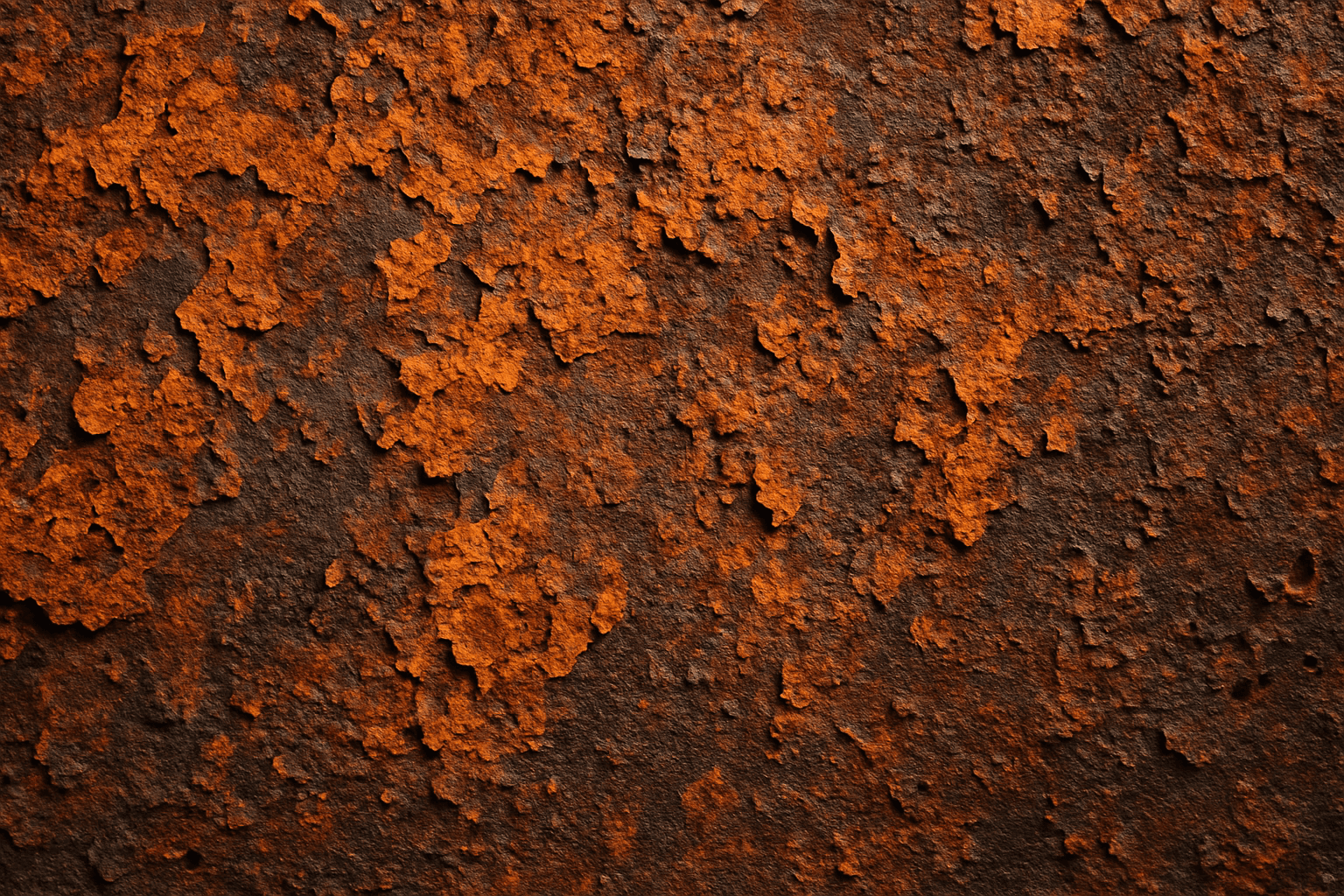
The keyword "Aged Rusted Metal Texture" evokes imagery of metal that has undergone natural corrosion over time, resulting in unique and complex surface patterns. In AI-generated visuals, this texture adds authenticity and vintage character, often featuring combinations of flaky rust, oxidized patches, and distressed metal surfaces. It enhances the tactile quality of materials and conveys a sense of history or neglect. Such textures are essential in design, art, and modeling when a raw, industrial, or antique aesthetic is desired. By manipulating this keyword in prompts, creators can produce diverse and compelling interpretations of rusted metal suitable for backgrounds, product renders, and artistic compositions.
Rustic Metal Texture
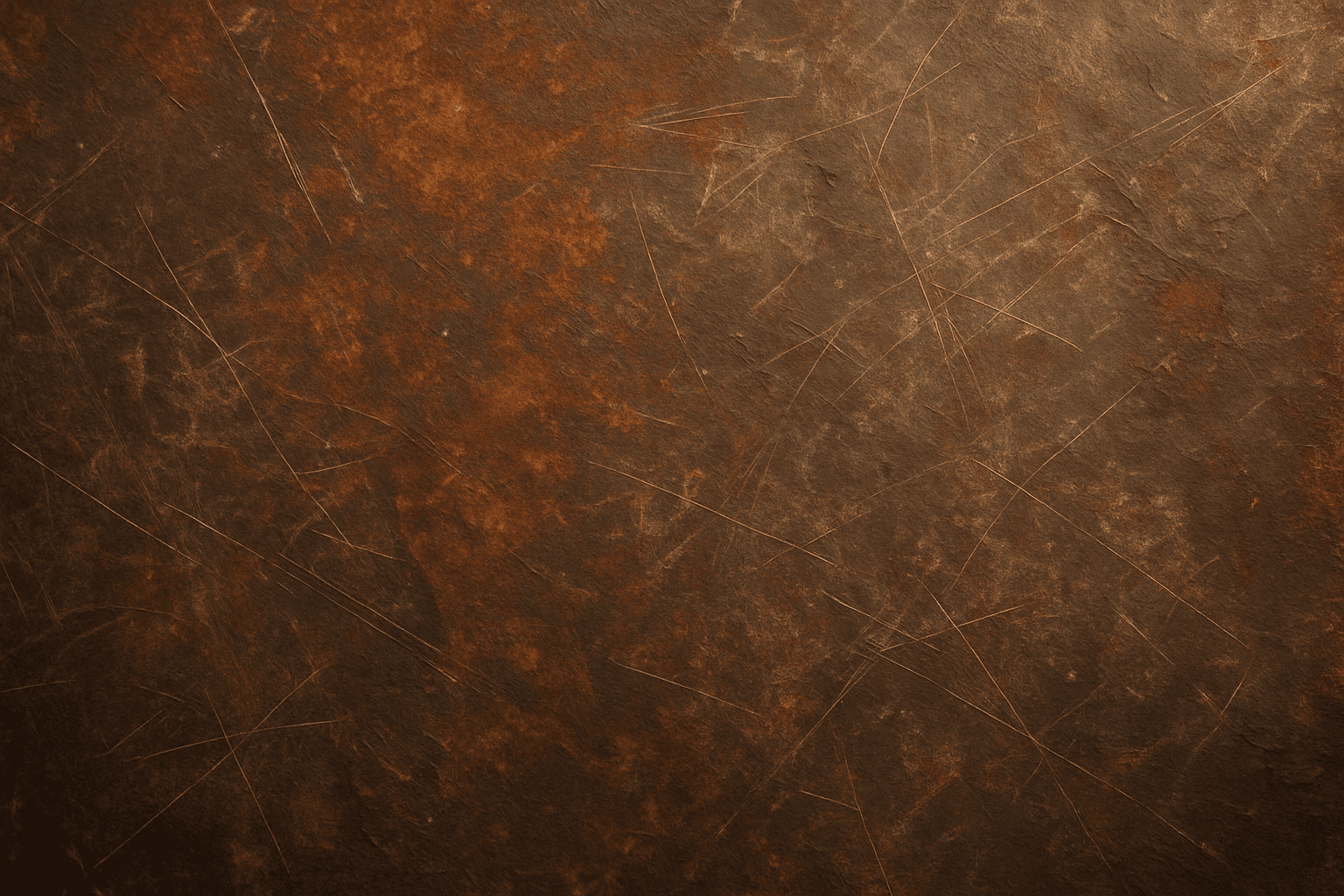
Using the Rustic Metal Texture keyword in AI image generation prompts enables artists and designers to depict materials that evoke a tactile sense of history and industrial age charm. The effect mimics the natural aging process on metals, featuring oxidation, pitting, and surface irregularities, which deliver a realistic and visually compelling finish. This texture works well in designs requiring an authentic vintage or handcrafted aesthetic, often used to contrast smoother, newer materials or to emphasize material quality and environment. Incorporating this keyword enhances the feel of depth and realism, making digital renders more tangible and atmospheric for editorial, product visualization, and concept art contexts.
Texture Overlay Techniques
Texture Overlay Techniques are essential for artists and designers using AI image generation to add realistic or stylized surface qualities to their visuals. By specifying textures in a prompt, you can transform flat or generic images into rich, detailed creations that mimic physical materials or artistic effects. These overlays help in achieving mood, authenticity, or unique artistry by adding layers of complexity without altering the core composition. Whether you want a weathered wall effect or a glossy metallic finish, texture overlays deepen the narrative and visual appeal. Understanding how to incorporate texture keywords and their combinations allows for controlled refinement and diverse outputs, making images stand out in editorial, commercial, or creative projects.
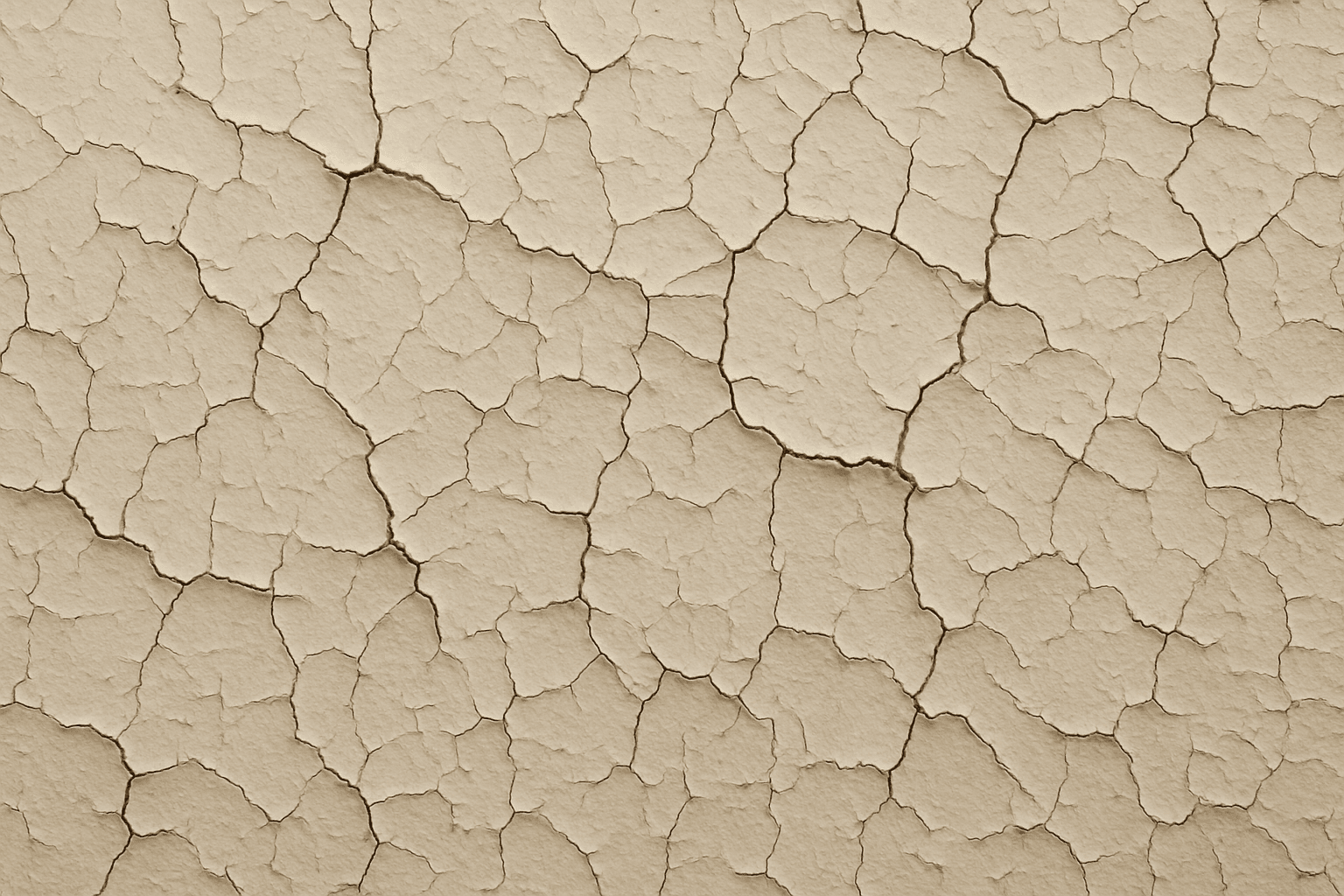
Cracked Paint Wall Texture
Cracked paint wall texture is a highly sought-after element in digital art and design for its ability to convey urban decay, vintage charm, or neglected environments. When applied to AI image generation, this keyword guides models to create detailed and photorealistic renderings of distressed wall surfaces marked by peeling, cracking, and flaking paint. These textures can evoke strong visual interest and tactile realism, ideal for use in backgrounds, material references, or concept art. Incorporating cracked paint enhances an image’s authenticity by simulating natural deterioration effects often seen in outdoor or abandoned settings, influencing the mood with aged aesthetics and weathered charm.
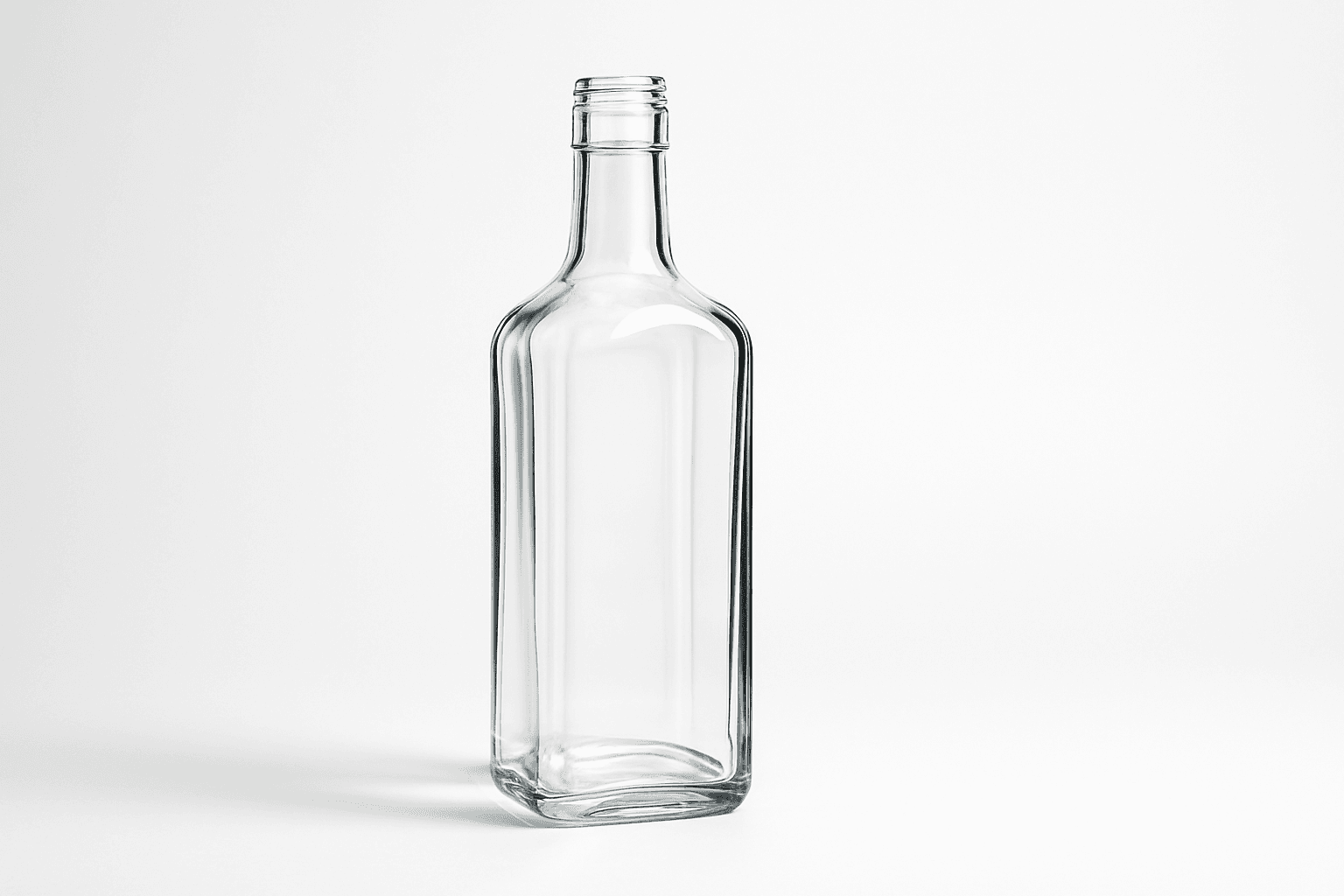
Glass Reflection Effects
Glass Reflection Effects bring a premium realism to AI-generated images by simulating the natural behavior of light on glass materials. This keyword enhances textures and surfaces, making objects appear polished and three-dimensional with believable reflections and refractions that respond to environmental lighting. Using these effects can elevate images from flat or artificial to lifelike visuals suitable for professional design, marketing, and artistic projects. By incorporating Glass Reflection Effects in prompts, creators can achieve sophisticated renderings of windows, glassware, bottles, and architectural elements with convincing material qualities.
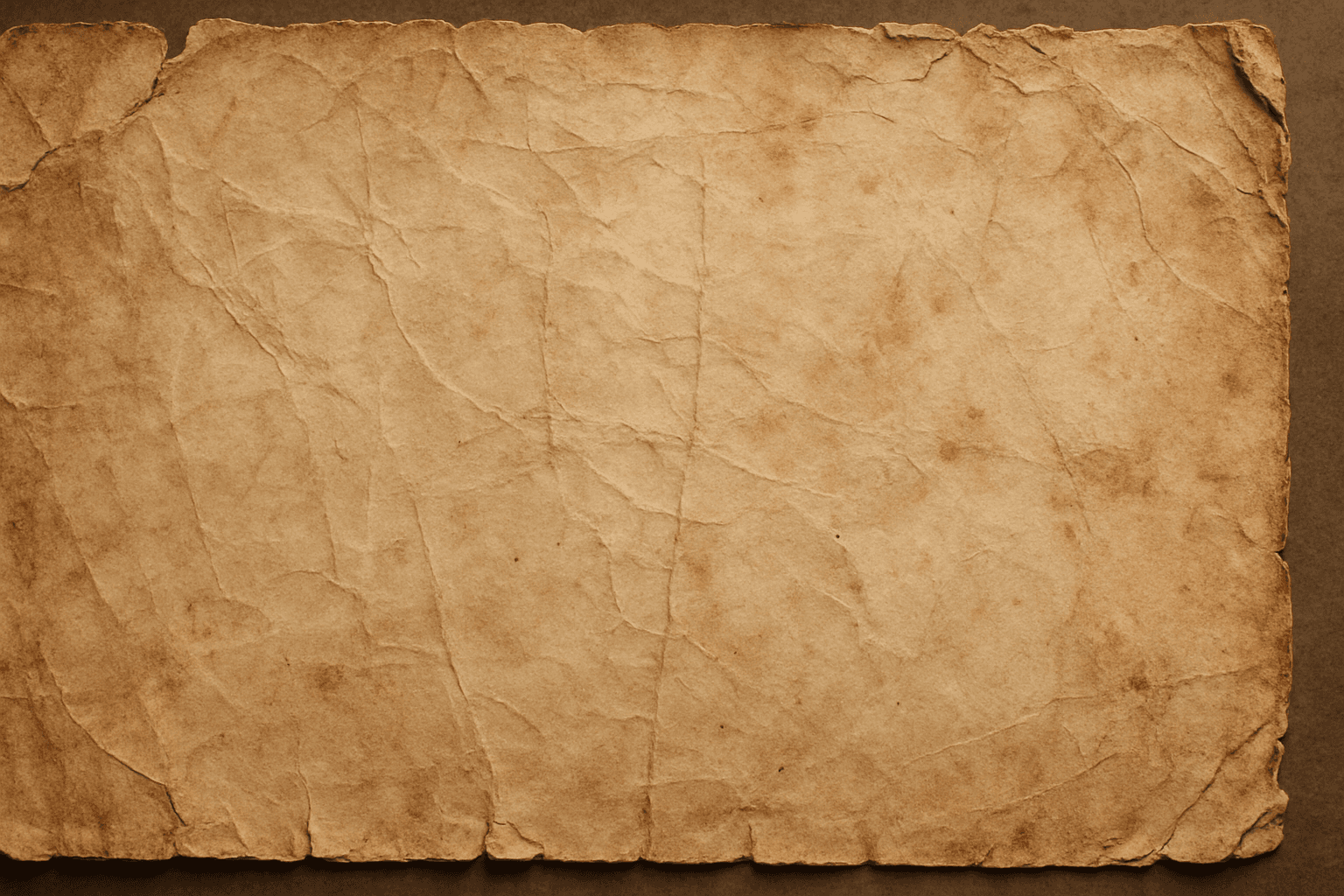
Distressed Paper Texture
The distressed paper texture keyword is a valuable tool in AI image generation that adds authenticity and historical ambiance to digital artworks by simulating the look of aged or damaged paper. This effect is popular for creating backgrounds, overlays, or standalone textures in graphic design, photography adjustments, and illustrative projects. Incorporating distressed paper elements enriches visual storytelling, evokes nostalgia, and can enhance the mood of vintage or handmade aesthetics. Controlled application within prompts ensures that the wear appears natural without overpowering the primary subject.