Wet Glass Surface Effect
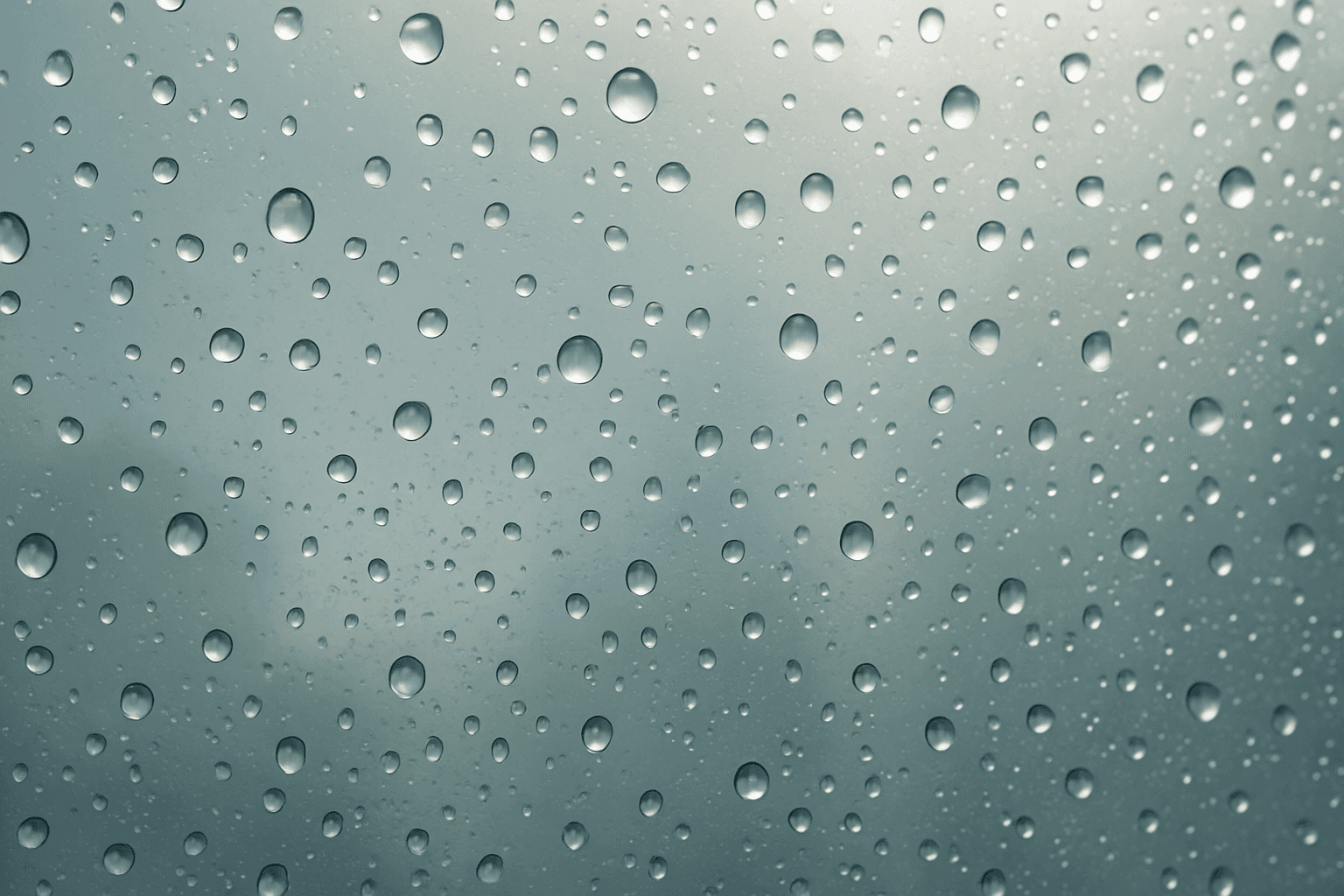
The Wet Glass Surface Effect creates compelling visual interest by simulating glass surfaces covered with moisture. This effect captures the fine details of water droplets and the way they alter light transmission and reflection, producing a glossy, tactile appearance. It's favored in modern editorial photography and advertising to evoke freshness, moisture, or a rainy ambiance. By incorporating this effect, AI-generated images gain added realism and textural complexity, making them ideal for product shots, interior scenes, and artistic photography with atmospheric mood.
Definition
The Wet Glass Surface Effect simulates the appearance of glass covered with moisture such as droplets, condensation, or streaks in AI-generated images. It changes the visual texture and light interactions on the glass, enhancing realism by mimicking how water distorts and reflects light. Adding this keyword to AI prompts guides the model to create detailed wetness effects, often used to add mood or freshness to compositions.
Prompt Formula
Use combinations that specify the wet glass texture and lighting to achieve premium results. Typical formula: [Subject] + "wet glass surface with realistic water droplets" + [Lighting style] + [Focus/high detail] + [Photography style or mood]. Example phrases: - "wet glass with condensation and glistening reflections" - "macro shot of rainy glass surface with sharp water droplets" - "moody lighting highlighting wet glass texture"
- wet glass surface with realistic water droplets
- condensation patterns on glass
- glistening reflections with soft light
- macro focus on wet glass texture
- moody atmospheric lighting
Best Use Cases
- Refreshing product photography for beverages or cosmetics
- Editorial imagery evoking rainy, nostalgic, or moody atmospheres
- Architectural or interior scenes featuring windows with moisture effects
Industry Applications
The Wet Glass Surface Effect finds extensive use across commercial sectors. In advertising, it elevates luxury products by conveying freshness and quality, such as chilled drinks or perfume bottles. Editorial content benefits from its ability to set moody, atmospheric tones, often used on magazine covers or feature articles about rainy weather or emotional narratives. E-commerce platforms leverage this effect to showcase product materials with tactile realism, enhancing buyer trust. Additionally, interior design visuals use it to depict real-world environmental conditions convincingly.
- Advertising luxury beverages and cosmetics
- Editorial magazine and digital content
- E-commerce product imaging and lifestyle catalogs
Common Mistakes
Common pitfalls when prompting the Wet Glass Surface Effect include overemphasizing wetness to the point of obscuring details, resulting in muddy or overly reflective surfaces that look unrealistic. Another mistake is neglecting lighting context, which diminishes the wet effect’s impact. Additionally, using vague descriptors like "wet glass" without specifying droplet clarity or focus can generate generic or blurry textures. To avoid these, specify droplet size, lighting quality, and degree of condensation precisely.
- Overdoing wetness causing loss of subject clarity
- Ignoring lighting and reflections for wet surfaces
- Using vague terms without detailing droplet or condensation type
Advanced Techniques
To master the Wet Glass Surface Effect, combine it with precise lighting constraints such as 'soft natural backlight' or 'dramatic side-lit reflections' to enhance droplet texture. Adding modifiers like 'high-resolution macro detail' or 'selective focus on water droplets' refines realism. For nuanced atmosphere, blend with environmental terms like 'early morning dew' or 'heavy rainstorm backdrop'. Layering the effect with related keywords—such as 'raindrops on glass' or 'foggy window pane'—can yield sophisticated visual textures suitable for high-end photographic simulations.
- Combine with directional soft lighting for natural highlights
- Use macro focus to emphasize droplet clarity
- Integrate environmental descriptors for atmospheric mood
- Layer with related effects like fog or raindrops for complexity
Professional Workflow
Start by precisely briefing the visual intent, defining the subject and the desired wet glass effect details such as droplet size, lighting, and mood. Generate multiple AI outputs with variations in focus, lighting, and droplet density. Review and select images balancing texture realism and compositional clarity. Refine chosen images by iterating prompt adjustments or post-processing to enhance reflections and remove artifacts. Finally, integrate the images into layouts or presentations ensuring consistent color grading and lighting harmony.
- Define detailed visual brief with wet glass specifications
- Generate prompt variants exploring lighting and droplet focus
- Select images with best texture and clarity balance
- Refine with prompt tweaks or image editing for realism
- Integrate into final editorial or commercial layouts
Related Styles
- Glass Surface Texture
- Raindrops on Glass
- Condensation Effect
FAQ
How can I make the water droplets look more realistic on glass?
Specify lighting conditions such as soft side light or backlight to highlight droplet shapes and reflections. Use terms like 'macro detail' and 'sharp focus' to enhance clarity. Including environmental context, like 'morning dew' or 'rainy window,' also helps create realism.
Is the Wet Glass Surface Effect suitable for all subjects?
This effect works best with subjects featuring visible glass surfaces like windows, bottles, or vases. For non-glass subjects, it may look unnatural unless creatively integrated.
Continue Exploring
Related Prompts
Frosted Glass Surface
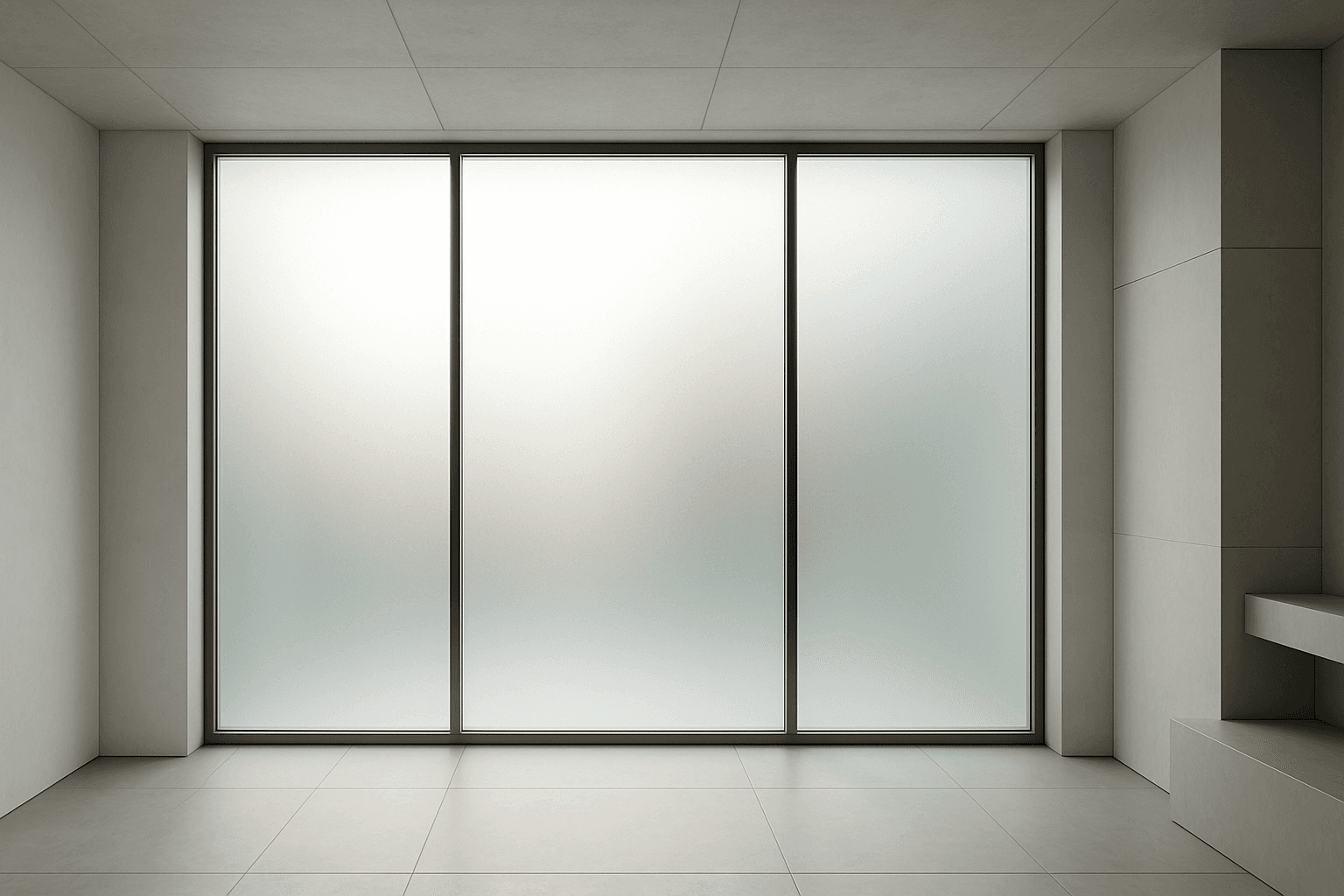
Frosted glass surfaces are widely used in modern design to provide privacy without sacrificing natural light. When incorporated into AI image prompts, this texture lends a subtle, elegant diffusion effect that replicates real-world glass treatments. It enhances scenes requiring sophisticated material realism and refined lighting. The frosted finish creates soft visual layers, allowing light to scatter gently and producing an inviting atmosphere. This texture works well in architecture, product design, and abstract compositions, adding depth while maintaining clarity of shape and color. Using this keyword correctly guides AI models to render nuanced glass surfaces with premium polish and tactile authenticity.
Glass Reflection Effects
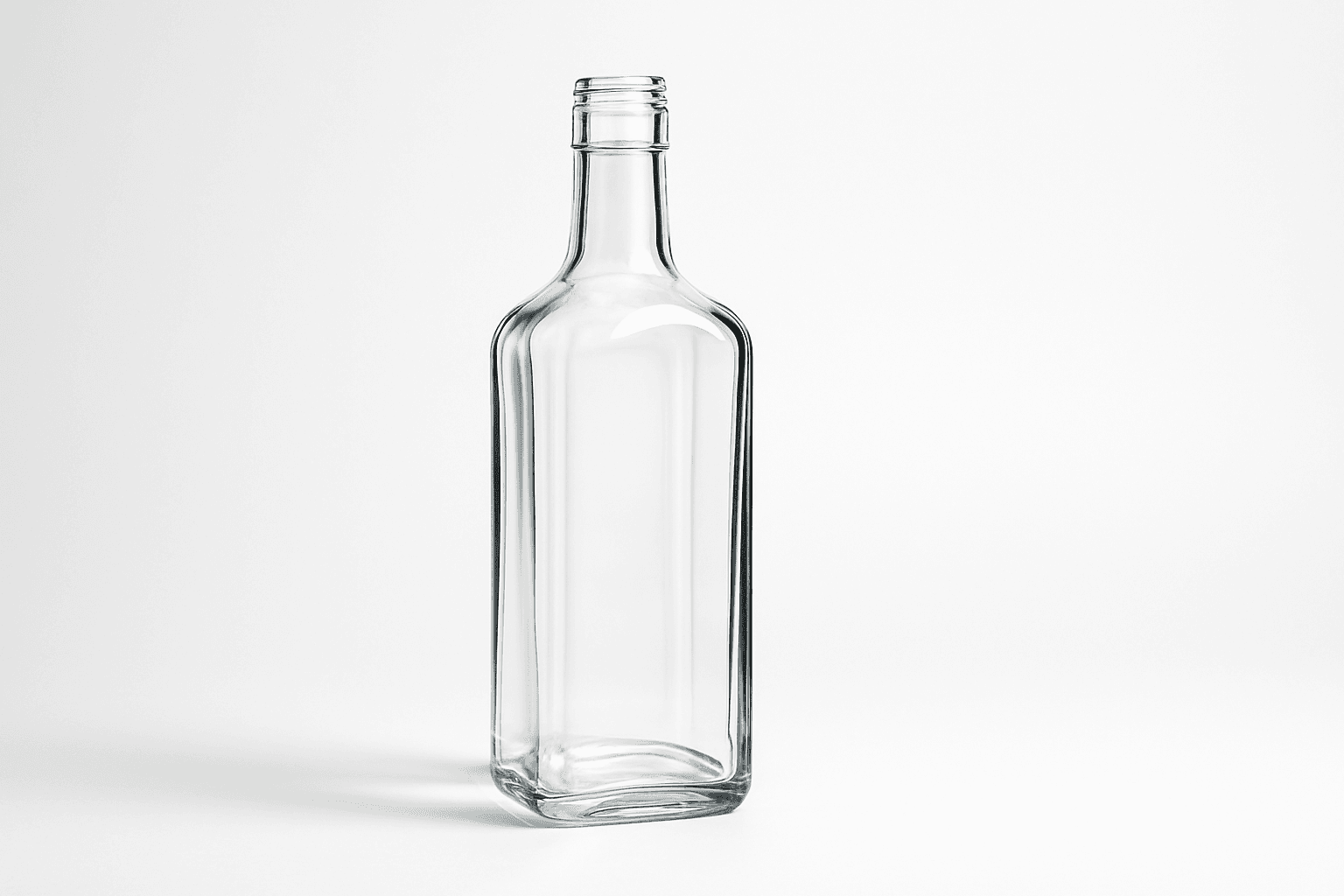
Glass Reflection Effects bring a premium realism to AI-generated images by simulating the natural behavior of light on glass materials. This keyword enhances textures and surfaces, making objects appear polished and three-dimensional with believable reflections and refractions that respond to environmental lighting. Using these effects can elevate images from flat or artificial to lifelike visuals suitable for professional design, marketing, and artistic projects. By incorporating Glass Reflection Effects in prompts, creators can achieve sophisticated renderings of windows, glassware, bottles, and architectural elements with convincing material qualities.
Granular Surface Texture
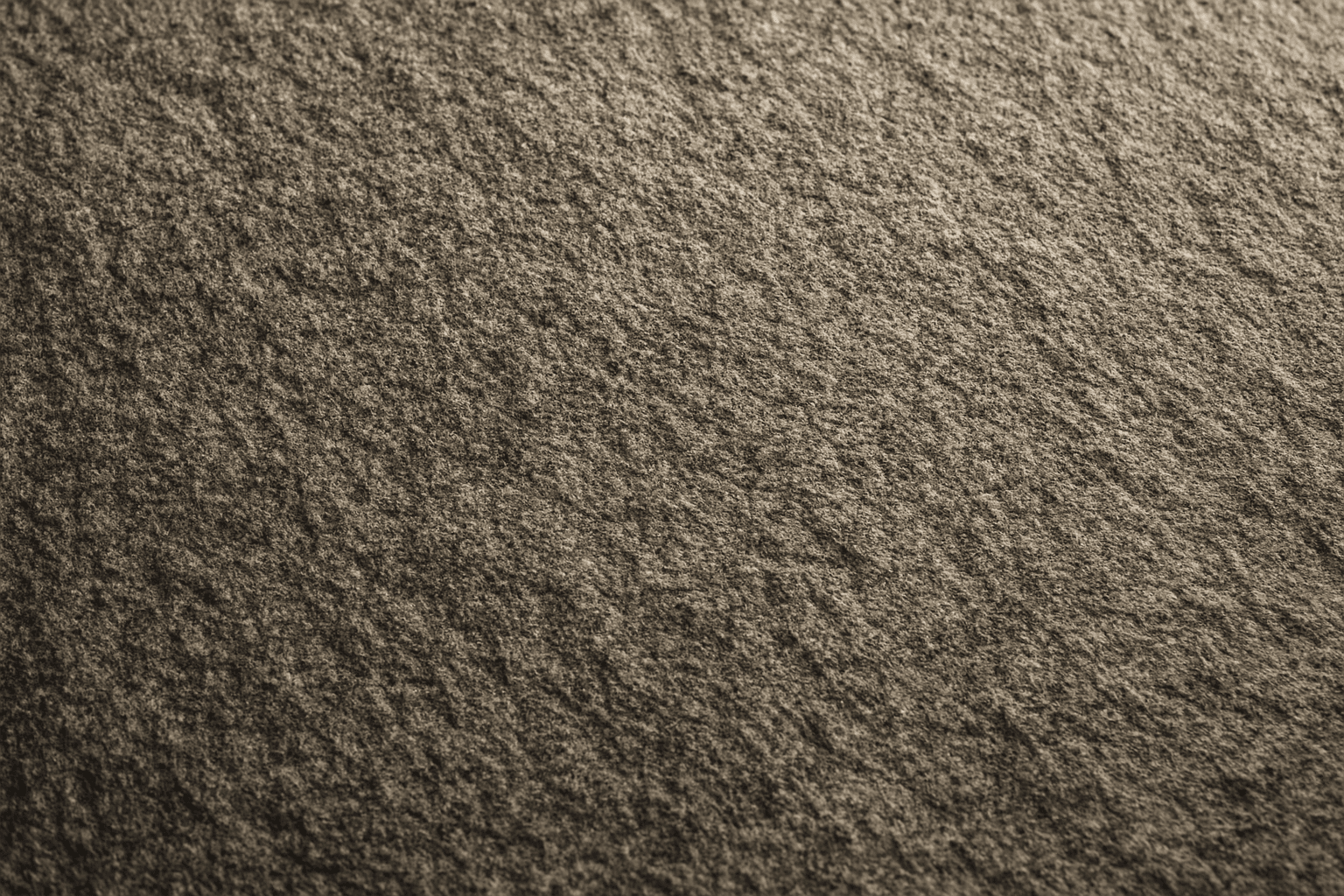
Granular Surface Texture is a key descriptive keyword used in AI image prompting to achieve photorealistic and tactile surfaces characterized by finely distributed grains or tiny particles. This texture offers an intricate level of detail that enriches the material quality of objects, making them appear more natural and tangible. When included in prompts, it encourages the generation of surfaces akin to sandpaper, concrete, rough fabric, or unpolished stone, providing visual complexity that appeals to designers and artists alike. Its use can transform otherwise flat or generic surfaces into engaging, dynamic visuals with depth and interest. This makes it valuable across many creative projects, from product visualization to environmental design.
Glossy Surface Finish
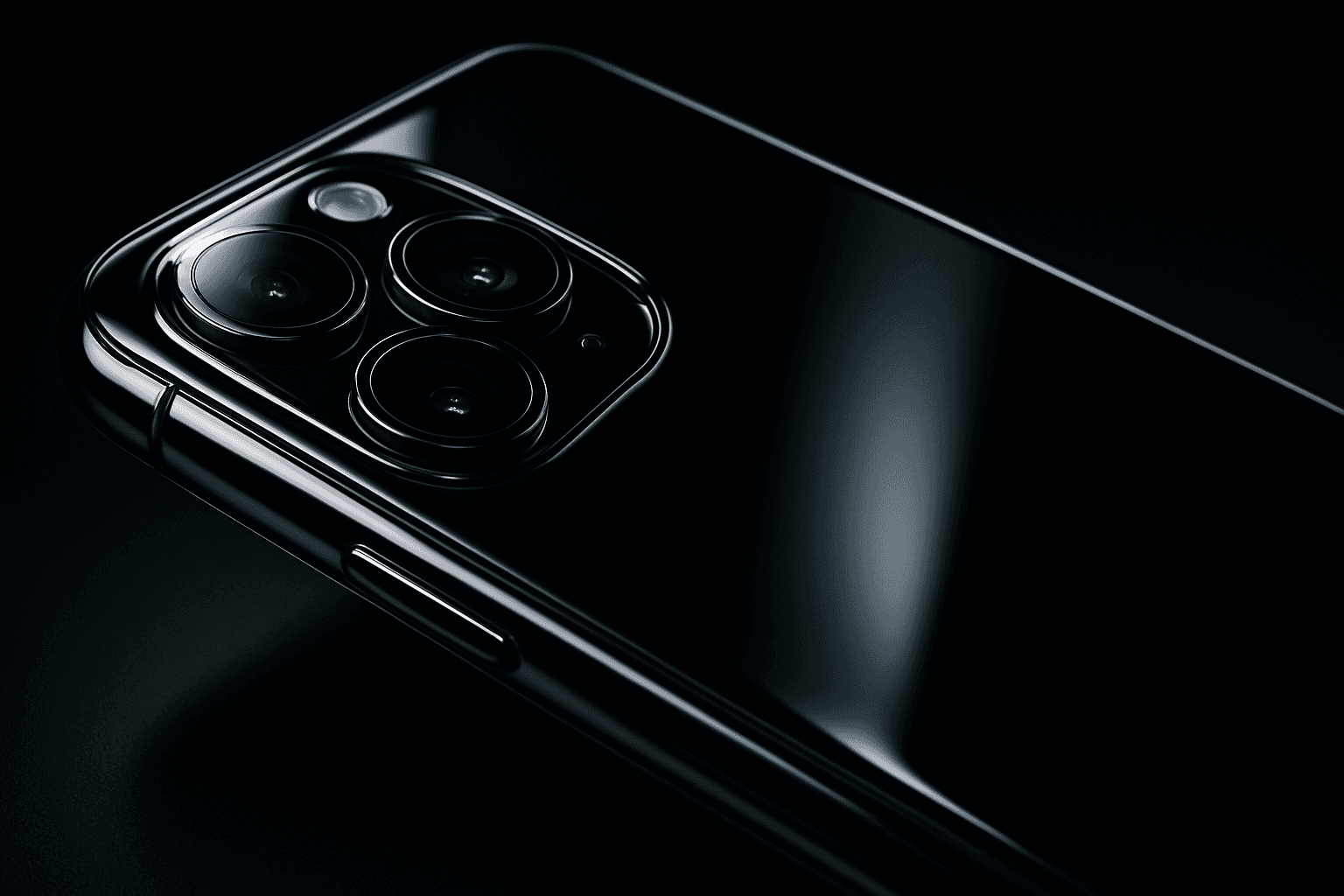
Adding a glossy surface finish to your AI image prompts transforms objects or materials by emphasizing their shiny, smooth qualities. It simulates surfaces like glass, polished metal, lacquered wood, or wet textures. This finish enhances realism by reflecting environmental light and adding depth, often making images appear more vibrant and tactile. Use it to create premium, high-end product renders, detailed textures, or eye-catching editorial visuals where surface quality matters. Glossy finishes can be combined with various materials and lighting setups, giving artists and designers flexibility to achieve the desired mood and style.
Matte Surface Texture
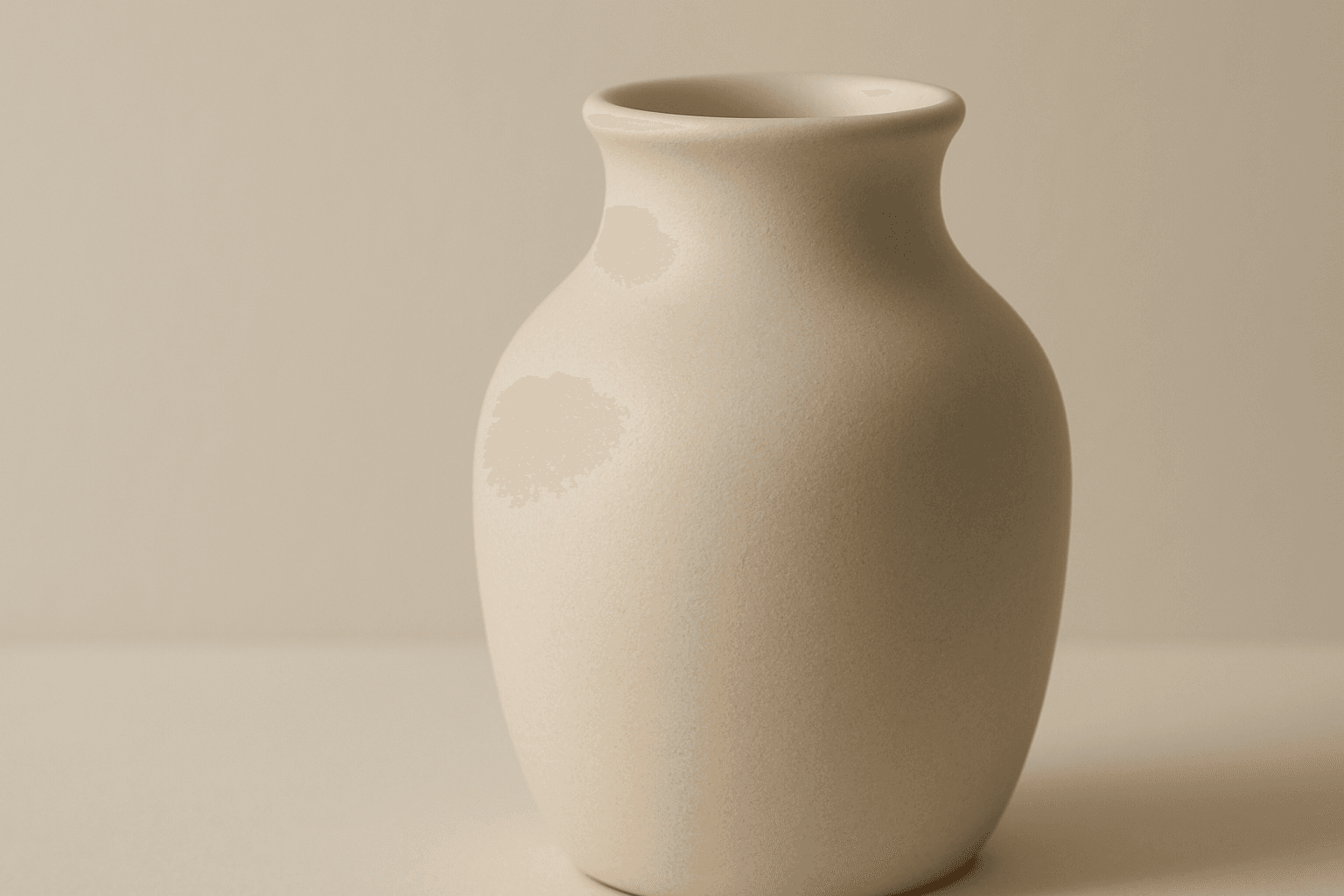
The 'Matte Surface Texture' keyword in AI image generation is fundamental when aiming for realism and subtlety in material appearance. Unlike glossy or reflective surfaces, matte textures offer a restrained light interaction, producing soft shadows and even visual tones. This texture is valued for its fine grain, softness, and understated elegance, making images appear modern and refined. Including this keyword enhances the material rendition of subjects like ceramics, paper, cloth, or painted surfaces, enabling photorealistic or stylized outputs that emphasize tactile qualities without distracting reflections. It's especially effective for editorial visuals, product mockups, and interior materials where controlling reflection is crucial.

Wood Grain Surface Texture
Wood grain surface texture captures the intricate patterns and natural beauty found in wooden materials. This texture is characterized by flowing lines, knots, and a warm color palette that conjures the organic essence of wood. When incorporated in AI image generation prompts, it helps models produce authentic wooden surfaces, from smooth polished floors to rustic furniture with visible fibers. Wood grain lends tactile depth and aesthetic appeal, making images more immersive and rich in detail. Its versatility allows for use across design, interior visualization, product mockups, and artistic compositions, enhancing the material realism dramatically.