Frosted Glass Surface
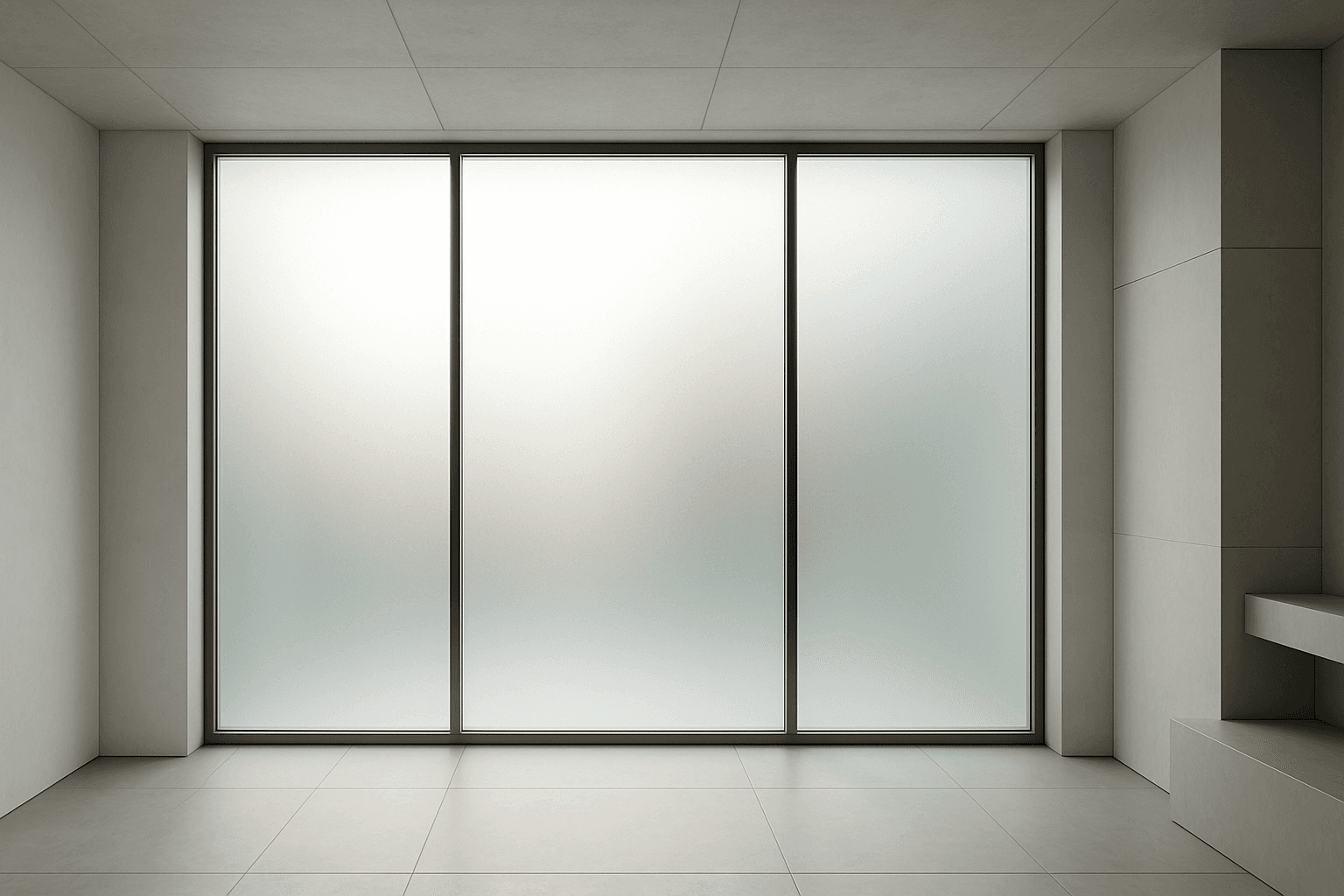
Frosted glass surfaces are widely used in modern design to provide privacy without sacrificing natural light. When incorporated into AI image prompts, this texture lends a subtle, elegant diffusion effect that replicates real-world glass treatments. It enhances scenes requiring sophisticated material realism and refined lighting. The frosted finish creates soft visual layers, allowing light to scatter gently and producing an inviting atmosphere. This texture works well in architecture, product design, and abstract compositions, adding depth while maintaining clarity of shape and color. Using this keyword correctly guides AI models to render nuanced glass surfaces with premium polish and tactile authenticity.
Definition
Frosted glass surface describes glass that has been treated or textured to obscure visibility while transmitting light diffusely. This creates a matte, semi-opaque finish instead of clear transparency. In AI imagery, adding this keyword guides the model to simulate that signature texture, affecting how light scatters and reflections appear. It replaces the usual sharp reflections and clarity of clear glass with a softened, blurred visual effect. Beginners should understand this changes the material realism with subtle surface detail and light diffusion, producing a more tactile and refined glass appearance.
Prompt Formula
- [subject] on/in frosted glass surface with soft diffused lighting
- Close-up of [object] reflecting on frosted glass surface, subtle matte texture
- Abstract composition with layered frosted glass surfaces, gentle light scattering
Best Use Cases
- Privacy glass panels in modern architectural renderings
- Product shots featuring frosted glass packaging or decor elements
- Backgrounds and abstracts requiring diffused light and subtle textures
Advanced Techniques
For experienced prompt writers, combine 'frosted glass surface' with modifiers specifying light quality, color temperature, or environment reflections to achieve nuanced effects. Use constraints like 'soft shadows' and 'natural backlighting' to enhance realism. Pair with complementary materials such as brushed metal or matte ceramics to create sophisticated compositions. Try alternating density terms like 'lightly frosted' versus 'heavily frosted' to control translucency intensity and visual layering.
- Combine with natural or ambient lighting descriptors
- Use modifiers for frost density: lightly frosted, heavily frosted
- Pair with complementary materials like brushed metal or matte stone
- Add reflections or refractions with subtle ambient colors
- Control shadow softness to emphasize texture depth
Professional Workflow
Start your workflow by defining the intended scene's mood and purpose — whether architectural, product-focused, or abstract. Include 'frosted glass surface' early in your prompts to fix the core texture. Generate multiple variations adjusting light direction and frost intensity parameters. Select images showcasing realistic light diffusion and desirable blur levels. Refine outputs by reiterating prompt precision, experimenting with modifiers such as glossiness and shadow softness until premium quality and composition coherence are achieved. Finally, perform post-processing to enhance contrast subtly while preserving texture authenticity.
- Brief scene purpose and desired mood
- Include 'frosted glass surface' early in prompts
- Generate varied lighting and frost intensity versions
- Select images with optimal light diffusion and texture
- Refine prompts iteratively and enhance outputs post-generation
Related Styles
- Matte & soft-focus textures
- Translucent and semi-opaque materials
- Minimalist modern architectural aesthetics
Model-Specific Tips
When working with contemporary AI image generation models, use clear, descriptive language emphasizing texture and light interaction rather than relying on obscure jargon. Avoid syntax that may be unstable across model versions, such as overly nested brackets or rare tokens. Incorporate simple adjectives like 'frosted,' 'matte,' and 'diffused light' to steer models effectively. Testing prompt iterations helps find optimal phrasing due to subtle differences in model training data and token recognition, ensuring consistent results without model-specific dependencies.
- Use straightforward adjectives like 'frosted' and 'diffused'
- Avoid complex or unstable syntax structures
- Test variations for best model response
- Describe light and material effects explicitly
- Ensure prompts are portable across AI models
FAQ
How does a frosted glass surface differ from clear glass in AI prompts?
In AI prompts, specifying 'frosted glass surface' tells the model to apply a translucent, matte texture that diffuses light and obscures visibility behind the glass, unlike clear glass which is fully transparent with sharp reflections.
Can frosted glass surfaces be combined with other materials in a prompt?
Yes, frosted glass surfaces pair well with materials like brushed metal, wood, and matte ceramics to add tactile richness and visual contrast in compositions.
Continue Exploring
Related Prompts
Wet Glass Surface Effect
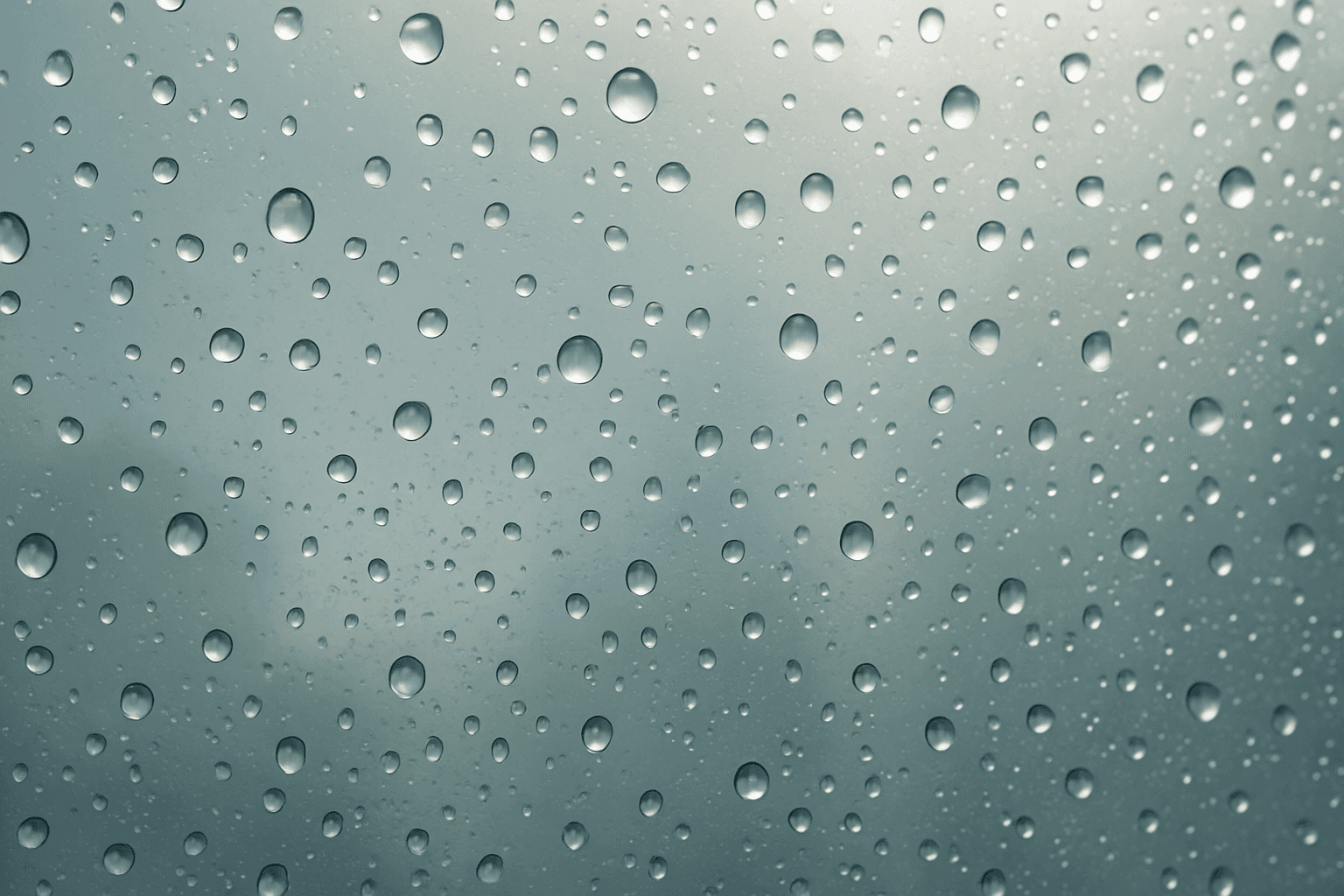
The Wet Glass Surface Effect creates compelling visual interest by simulating glass surfaces covered with moisture. This effect captures the fine details of water droplets and the way they alter light transmission and reflection, producing a glossy, tactile appearance. It's favored in modern editorial photography and advertising to evoke freshness, moisture, or a rainy ambiance. By incorporating this effect, AI-generated images gain added realism and textural complexity, making them ideal for product shots, interior scenes, and artistic photography with atmospheric mood.
Glass Reflection Effects
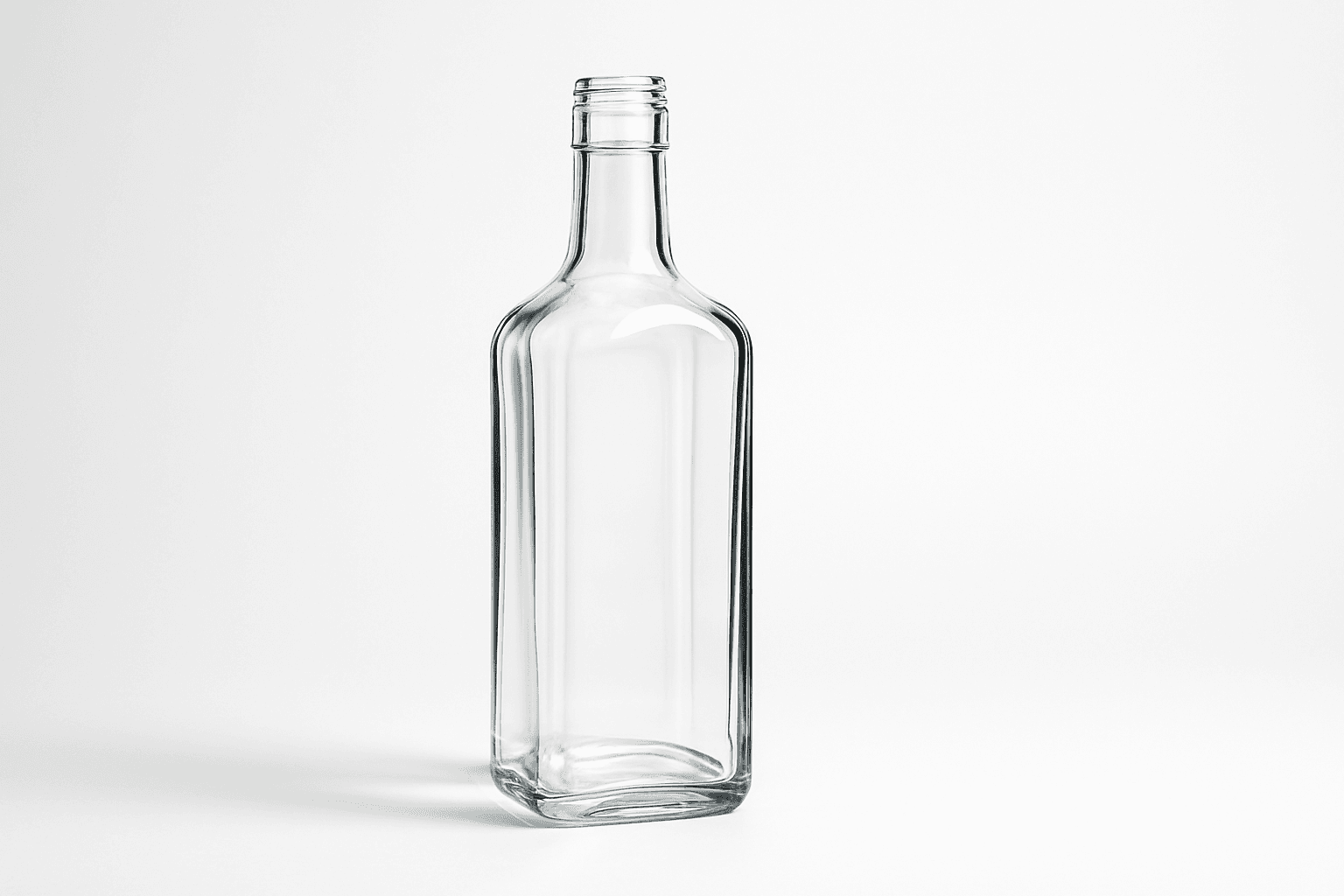
Glass Reflection Effects bring a premium realism to AI-generated images by simulating the natural behavior of light on glass materials. This keyword enhances textures and surfaces, making objects appear polished and three-dimensional with believable reflections and refractions that respond to environmental lighting. Using these effects can elevate images from flat or artificial to lifelike visuals suitable for professional design, marketing, and artistic projects. By incorporating Glass Reflection Effects in prompts, creators can achieve sophisticated renderings of windows, glassware, bottles, and architectural elements with convincing material qualities.

Plasticized Surface Texture
Plasticized Surface Texture emphasizes a sleek, shiny appearance with a polished, flexible quality resembling plastic materials. When used in AI image generation, it transforms surfaces into smooth, glossy finishes characterized by bright highlights and subtle reflections. This texture does not show roughness or matte properties but instead creates a distinctive synthetic look often associated with consumer products, packaging, or modern design elements. It helps convey contemporary, clean aesthetics and can enhance visual emphasis on material quality in digital rendering or conceptual imagery.
Matte Surface Texture
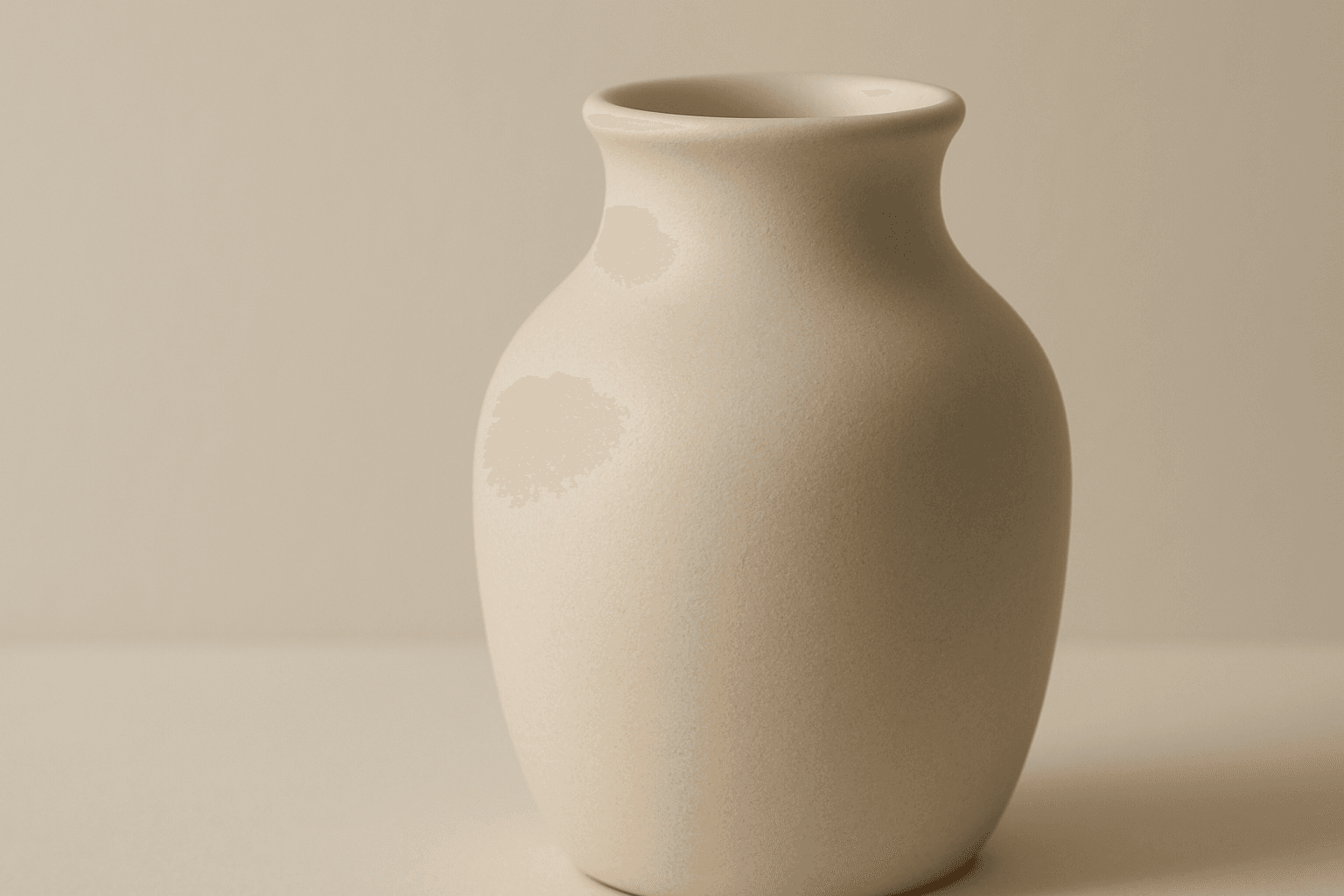
The 'Matte Surface Texture' keyword in AI image generation is fundamental when aiming for realism and subtlety in material appearance. Unlike glossy or reflective surfaces, matte textures offer a restrained light interaction, producing soft shadows and even visual tones. This texture is valued for its fine grain, softness, and understated elegance, making images appear modern and refined. Including this keyword enhances the material rendition of subjects like ceramics, paper, cloth, or painted surfaces, enabling photorealistic or stylized outputs that emphasize tactile qualities without distracting reflections. It's especially effective for editorial visuals, product mockups, and interior materials where controlling reflection is crucial.
Polished Wood Texture
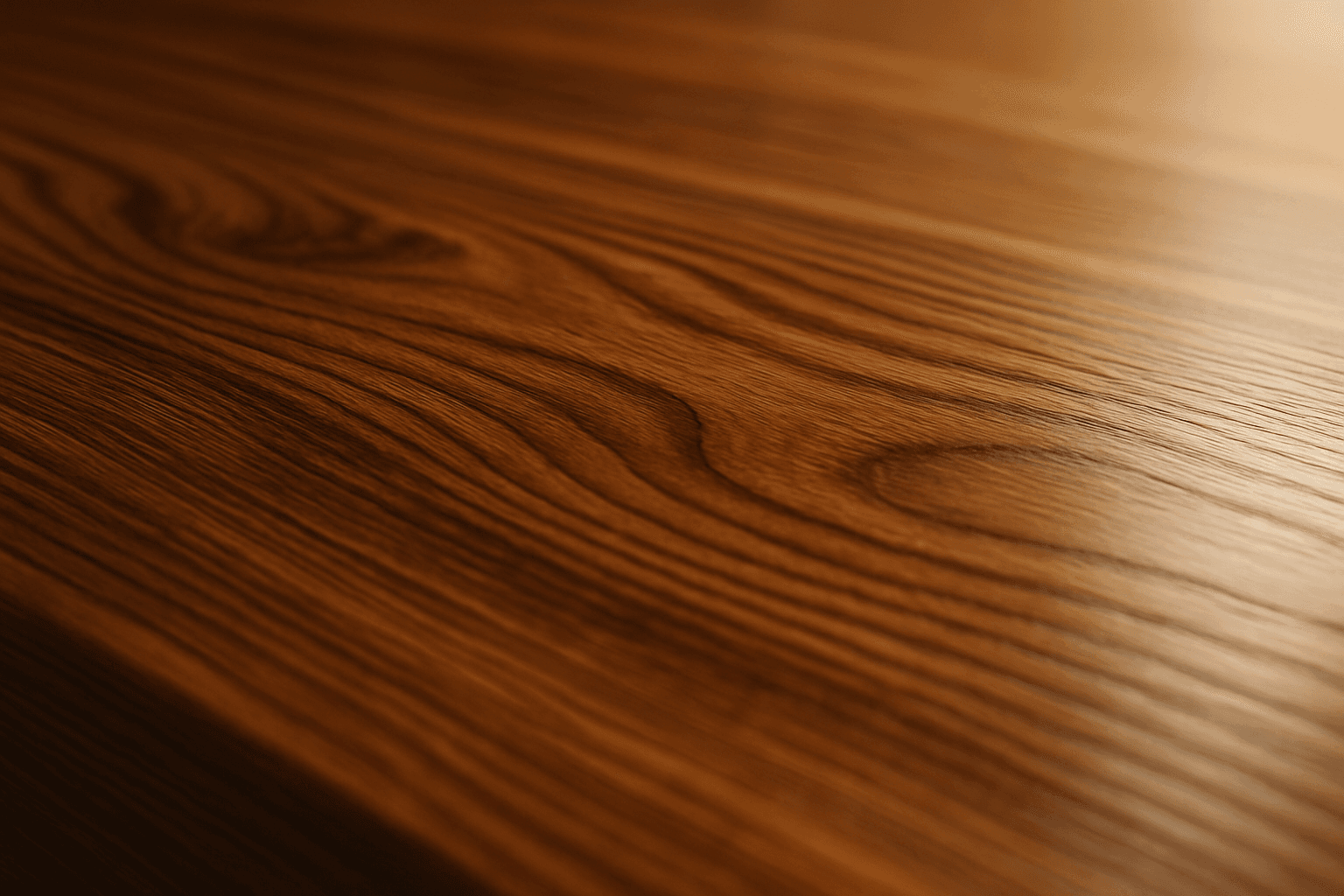
The 'Polished Wood Texture' keyword is essential for creating highly realistic and visually appealing wood surfaces in AI-generated imagery, especially in product design, interior visualization, and material studies. This texture emphasizes the fine finish and reflective qualities of wood that has been carefully sanded and treated with a glossy coating, producing subtle light reflections and depth. Using this keyword, artists and designers can quickly convey a sense of luxury, craftsmanship, and natural warmth in their images. It works effectively with various wood types and complements modern editorial aesthetics that value clean, premium material representations. Leveraging this texture in AI-generated images helps achieve a refined realism suitable for high-end design presentations or stock imagery.
Ceramic Surface
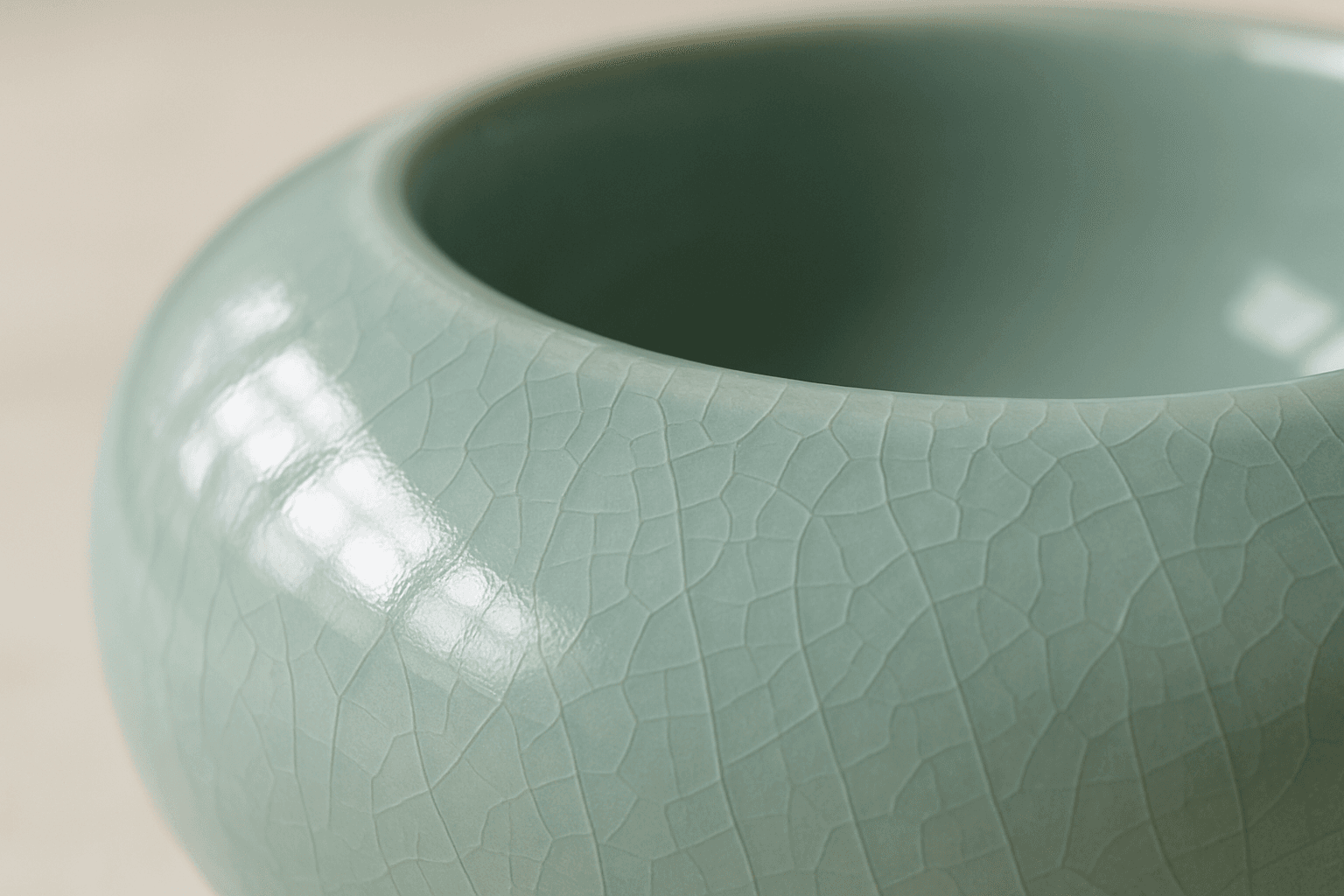
The keyword 'Ceramic Surface' in AI image generation targets a distinct material aesthetic recognizable by its smooth, often glossy finish and subtle textural nuances like glaze or crackle effects. Using this keyword refines renders to showcase the refined, tactile qualities of ceramics. It is essential for creating realistic representations of items like pottery, ceramic tiles, or porcelain wares, especially under nuanced lighting that enhances surface reflections and textures. The effect adds depth and realism, making objects appear tangible and convincing within various artistic or commercial compositions.