Patina Metal Finish
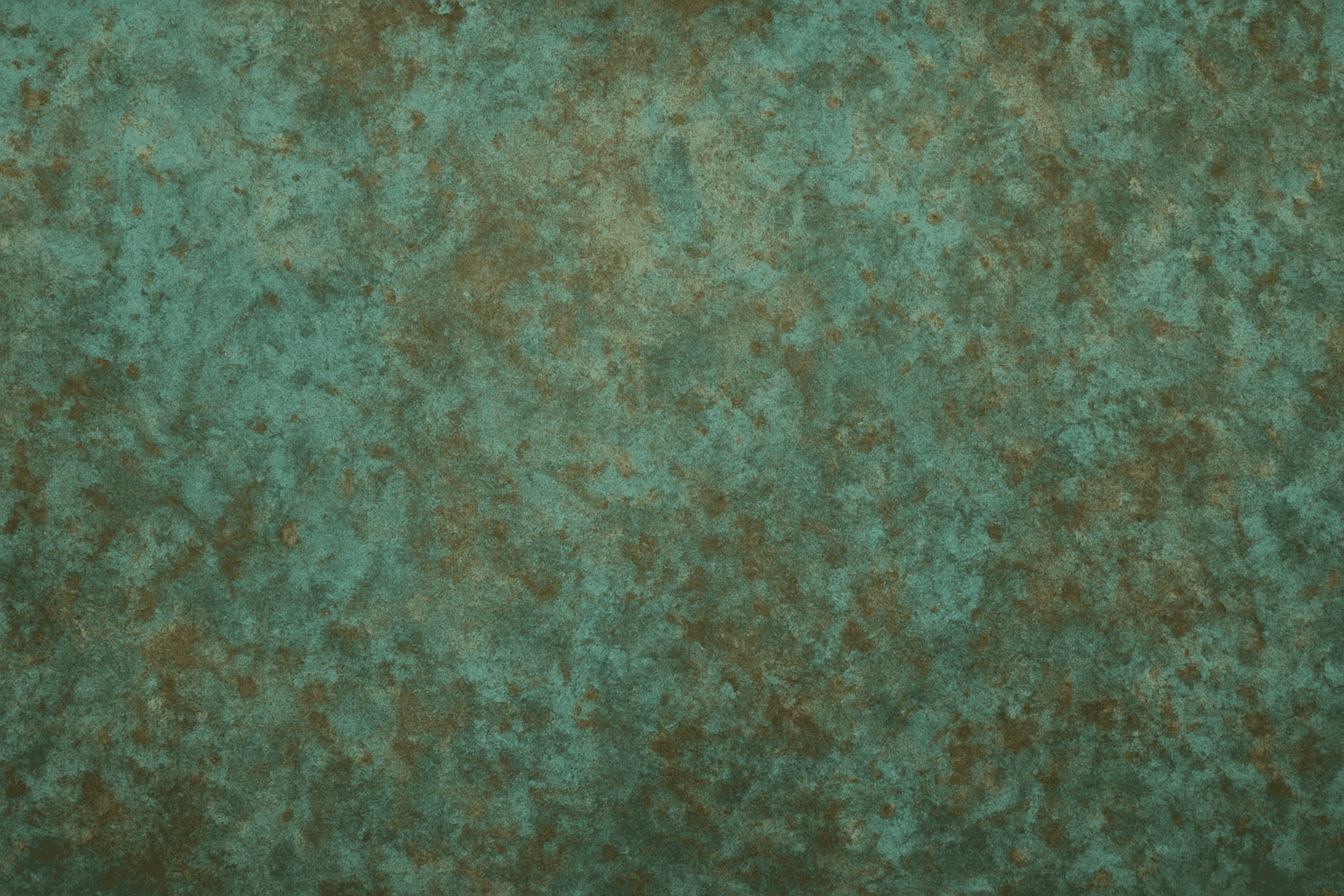
The 'Patina Metal Finish' keyword enriches AI-generated images with the unique appearance of aged metal surfaces. Unlike polished metal that looks shiny and new, a patina finish evokes a sense of history, weathering, and natural chemical transformation over time. Including this keyword in your AI prompts helps produce visuals where metal objects have color variations such as verdigris or rust-like textures with realistic surface imperfections. This effect is prized in product design renders, architectural visualizations, and artistic scenes to impart authenticity and tactile appeal. It bridges the gap between pristine metal surfaces and natural aging processes, adding storytelling depth via materials.
Definition
The 'Patina Metal Finish' keyword defines an aged metallic surface characterized by a thin layer of chemical oxidation or weathering, producing distinct colors like green, blue, or brown hues. When used in AI prompts, it directs the generation toward realistic textured metal surfaces with naturally mottled colorations and subtle reflections, emulating wear and age instead of smooth newness.
Prompt Formula
- [object] with patina metal finish
- patina metal finish texture, detailed oxidation and weathering
- close-up of [metal item], rich patina metal finish, natural green and brown tones
Best Use Cases
- Vintage or antique metal objects for artistic renders
- Architectural designs emphasizing aged metal elements
- Industrial or rustic-themed product visualizations
Common Mistakes
Common pitfalls when using 'Patina Metal Finish' include over-saturating the green or blue hues, making the metal appear unnatural or cartoonish. Another mistake is ignoring surface texture, resulting in flat or unrealistic appearances. Additionally, combining this keyword with overly shiny or polished metal descriptors causes conflicting visual cues, reducing realism. Avoid vague terms like 'metal' alone without specifying aging or oxidation to get the intended effect.
- Avoid excessive green/blue saturation that looks artificial
- Include surface texture descriptors to prevent flatness
- Don’t mix with keywords implying polished or new metal
- Specify oxidation or weathering to clarify aging effect
Advanced Techniques
To refine 'Patina Metal Finish' outputs, combine it with light conditioning terms like 'soft diffuse lighting' or 'natural sunlight' to bring out surface textures naturally. Specifying exact metal types (e.g., bronze, copper) plus oxidation colors enhances accuracy. Use modifiers such as 'subtle wear,' 'mottled oxidation,' or 'textured corrosion' to add nuance. Layering in environmental context (rust, moisture) can increase realism and story depth.
- Combine with specific metals: bronze, copper, brass
- Use light descriptors to showcase texture realistically
- Add modifiers like 'subtle wear' or 'mottled oxidation'
- Incorporate environmental elements: rust, moisture, dirt
Professional Workflow
Start by clearly defining the metal object and style required, selecting descriptive keywords including 'Patina Metal Finish' to set the material look. Generate initial renders using varied prompt iterations adjusting oxidation intensity and texture detail. Review outputs for realistic coloration, surface complexity, and lighting fidelity. Refine by incorporating more precise modifiers or adjusting model parameters to reduce noise and artifacting. Finalize images by post-processing for color accuracy and sharpness, ensuring suitability for commercial or editorial use.
- Define object and desired metal type accurately
- Include 'Patina Metal Finish' plus modifiers in prompt
- Generate multiple variations to evaluate oxidation effects
- Select best results based on realism and detail
- Refine prompts for texture, light, and color balance
Related Styles
- Oxidized Metal Texture
- Vintage Industrial Style
- Rusty Metal Surfaces
Model-Specific Tips
For wide-coverage AI models, pairing 'Patina Metal Finish' with clear material and lighting descriptions enhances output quality. Avoid overly complex syntax that may confuse models. Use straightforward phrases like 'aged copper with patina' or 'weathered bronze with oxidation.' Testing prefix and suffix placement can help; for example, placing 'patina metal finish' immediately after the object description usually yields cleaner results. Adjust sampling parameters and CFG scales to balance detail versus noise.
- Pair with explicit metal types and lighting terms
- Use simple, clear phrase constructions
- Place keyword right after object for clarity
- Tune sampling and CFG for detail balance
- Test variations in prompt order for optimum result
FAQ
What colors are typical of a patina metal finish?
Typical patina colors include green, blue, brown, and sometimes reddish hues caused by oxidation and chemical reactions on metals like copper and bronze.
Can 'Patina Metal Finish' be used for digital sculptures?
Yes, specifying this keyword helps digital sculptures appear aged and textured realistically, adding depth and authenticity to metal surfaces.
How can I avoid unrealistic patina in AI images?
Avoid excessive color saturation or uniform coloration. Include texture and lighting details in your prompt to accurately convey natural aging effects.
Continue Exploring
Related Prompts
Rustic Metal Texture
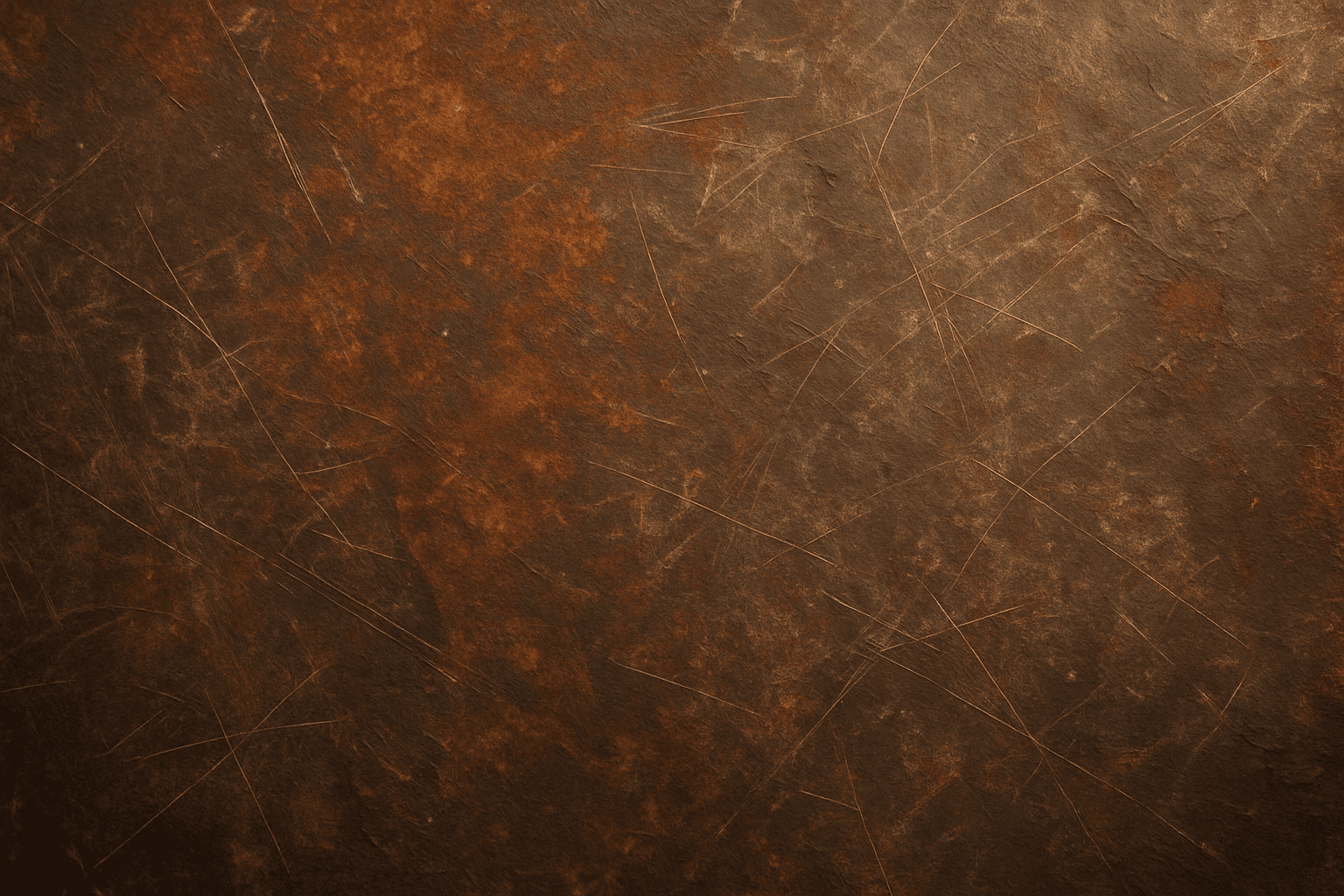
Using the Rustic Metal Texture keyword in AI image generation prompts enables artists and designers to depict materials that evoke a tactile sense of history and industrial age charm. The effect mimics the natural aging process on metals, featuring oxidation, pitting, and surface irregularities, which deliver a realistic and visually compelling finish. This texture works well in designs requiring an authentic vintage or handcrafted aesthetic, often used to contrast smoother, newer materials or to emphasize material quality and environment. Incorporating this keyword enhances the feel of depth and realism, making digital renders more tangible and atmospheric for editorial, product visualization, and concept art contexts.
Weathered Wood Texture
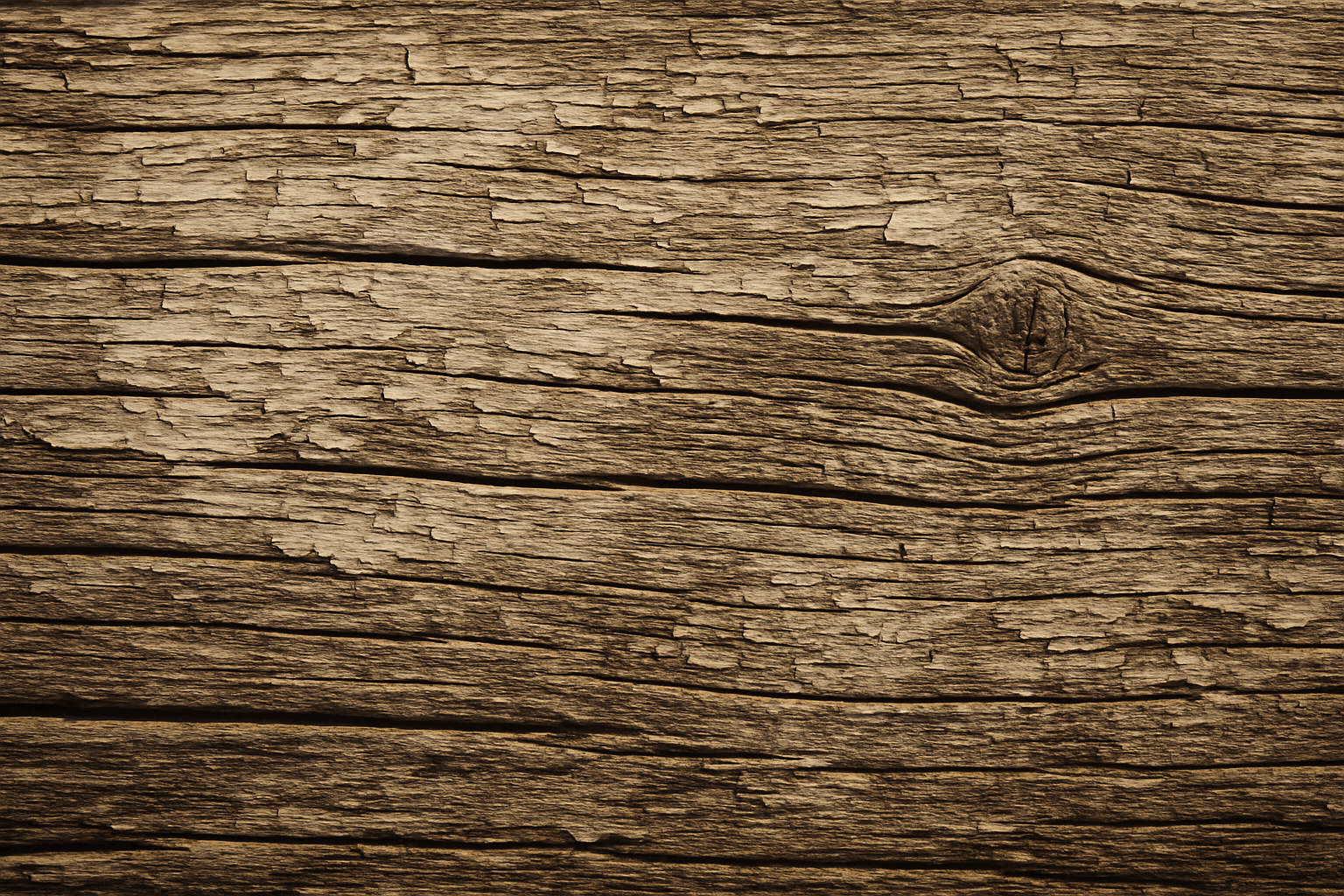
Weathered wood texture is prized in design and digital art for conveying authenticity and natural aging. It evokes warmth and rustic charm by representing wood that has been exposed to sun, rain, and wind over time. When used in AI prompt engineering, incorporating 'weathered wood texture' guides image generation models to produce materials that look tactile and imperfect, often featuring grain irregularities, color variations, and surface damage. This texture works well for backgrounds, architectural visualization, product packaging, and artistic projects where natural, worn aesthetics are desired, adding depth and storytelling potential to digital imagery.
Wood Grain
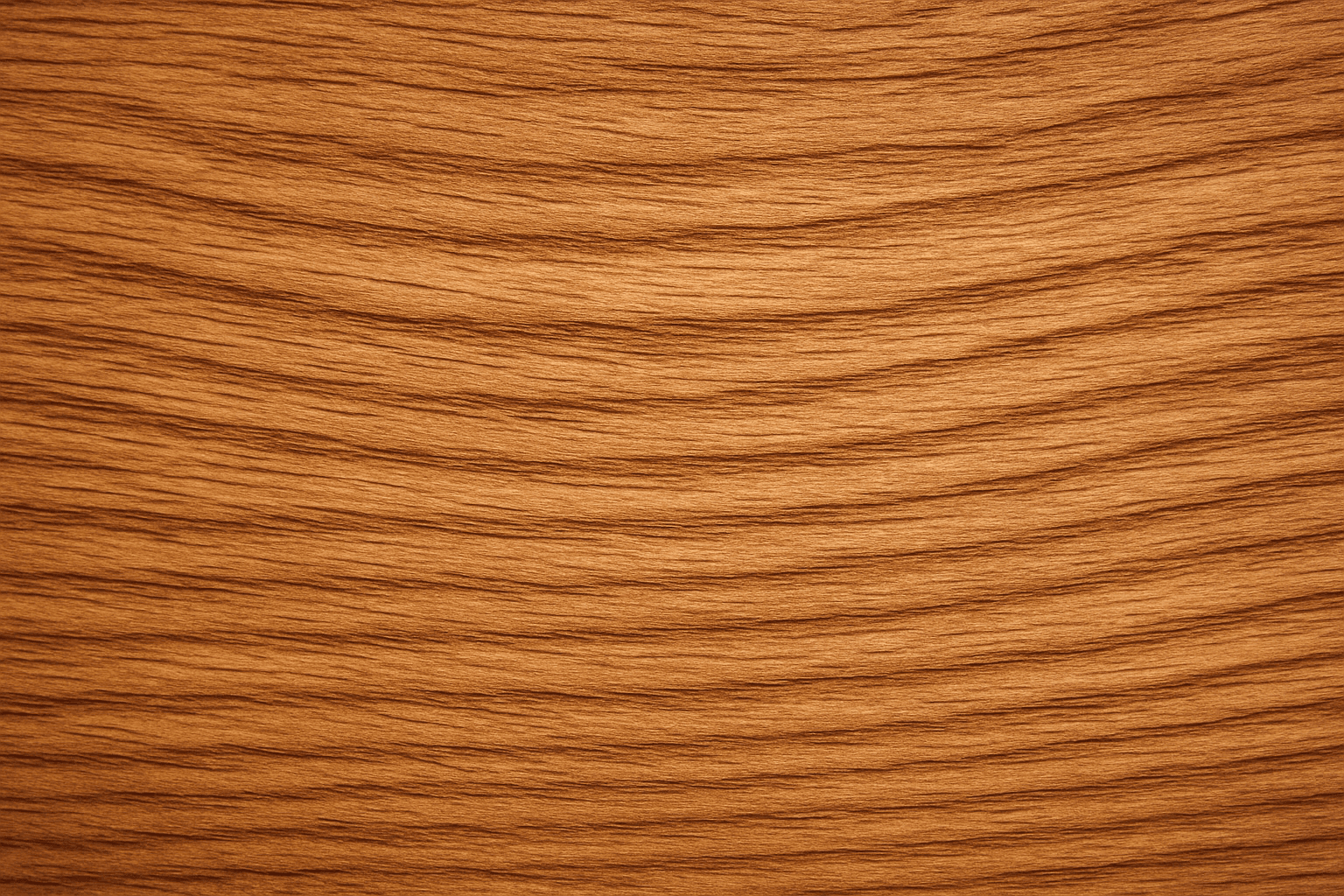
Incorporating 'wood grain' into AI image prompts enriches visuals with authentic wooden textures that convey warmth and natural beauty. This keyword directs AI to replicate the complex, organic patterns seen in wood, including growth rings and surface details. It is ideal for creating backgrounds, materials, or objects that visually suggest wood, lending depth and tactile quality to images. When employed thoughtfully, it helps artists, designers, and content creators generate engaging visuals for furniture design, nature themes, or rustic aesthetics with subtle lighting and realistic material simulation.
Brushed Metal Texture
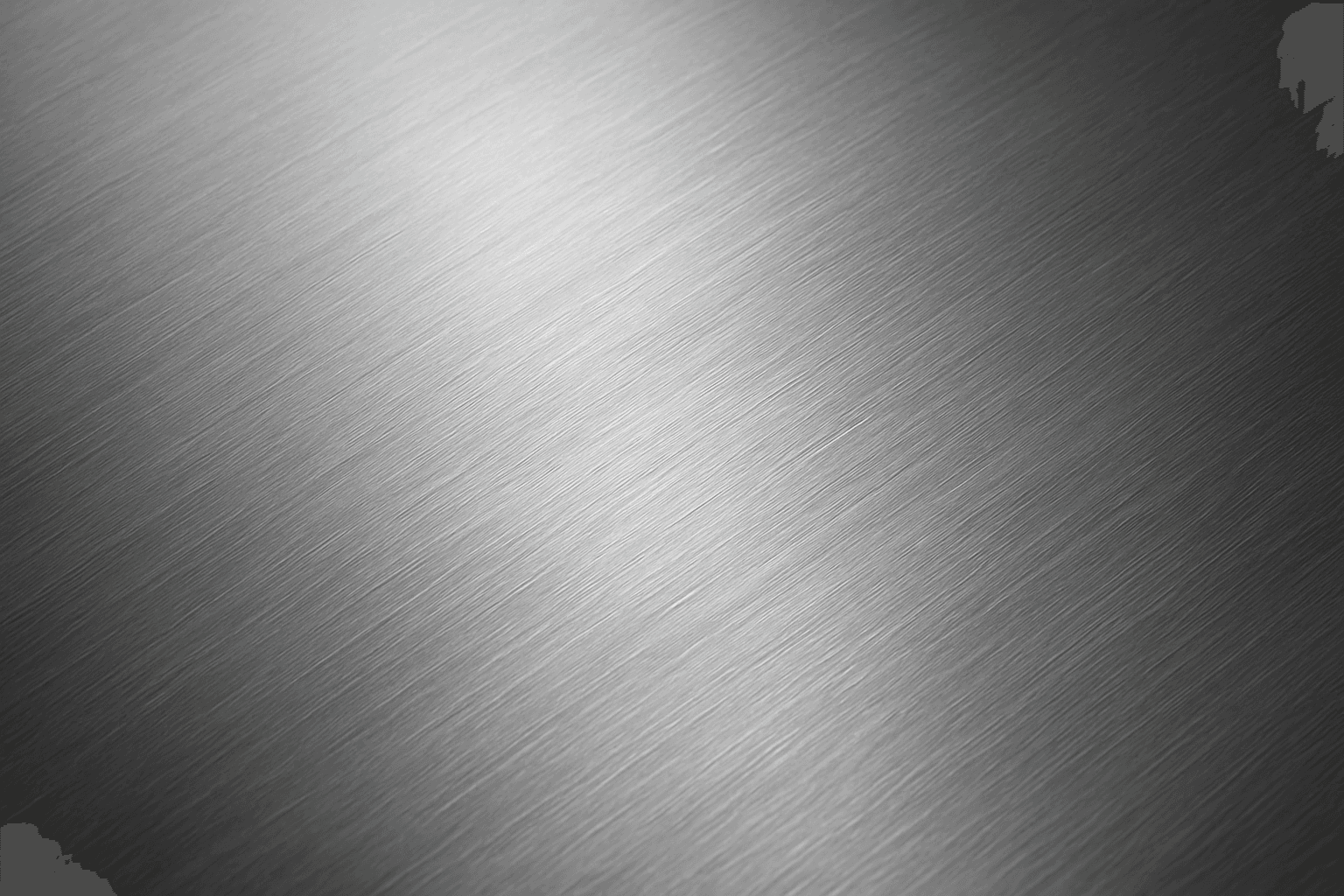
Brushed Metal Texture in AI art generation captures the distinctive look of metal surfaces treated by abrasive brushing, which creates smooth, parallel lines affecting how light reflects. It's a popular material finish in industrial design, consumer electronics, and architectural elements, lending a premium, tactile quality to images. Using this texture in AI prompts ensures realistic rendering of metal objects with nuanced light interplay and surface depth. This texture enhances visual interest while maintaining subtlety, making it ideal for product visualizations, backgrounds, and stylized concept art. By controlling this parameter, creators can elevate the authenticity and sophistication of metallic materials within their compositions.
Cracked Paint Texture
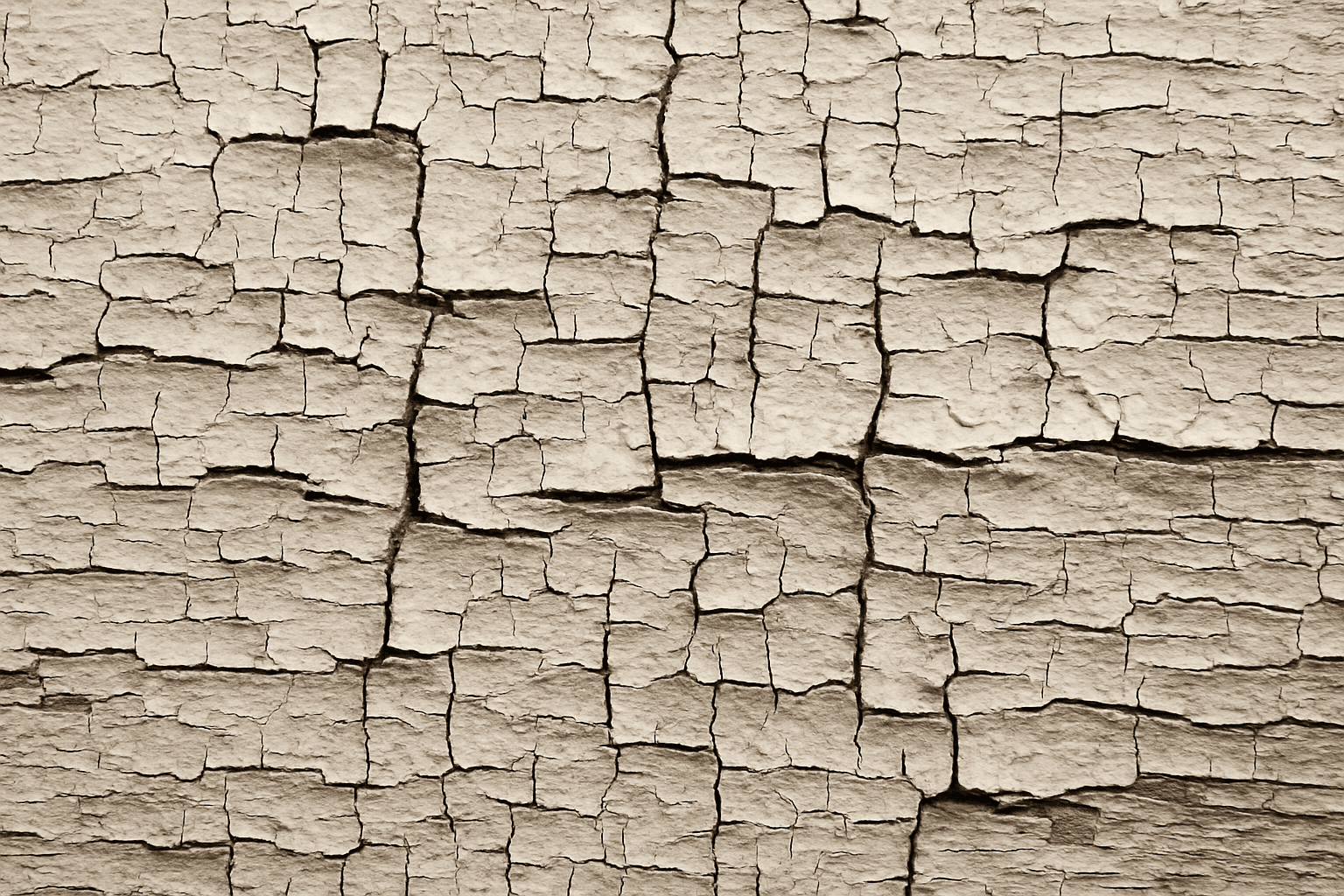
The cracked paint texture keyword enhances AI-generated images by adding a distinctive aged or weathered surface effect commonly seen on old walls, furniture, or vehicles. This texture introduces visual complexity and an organic feel, making scenes appear more realistic or artistically rich. By emphasizing imperfections, it invokes a tactile dimension that conveys history, decay, or rustic charm. Using this keyword allows creators to explore themes of time passage or urban aesthetics in digital art, photography-inspired visuals, or realistic product renders.
Glossy Surface Finish
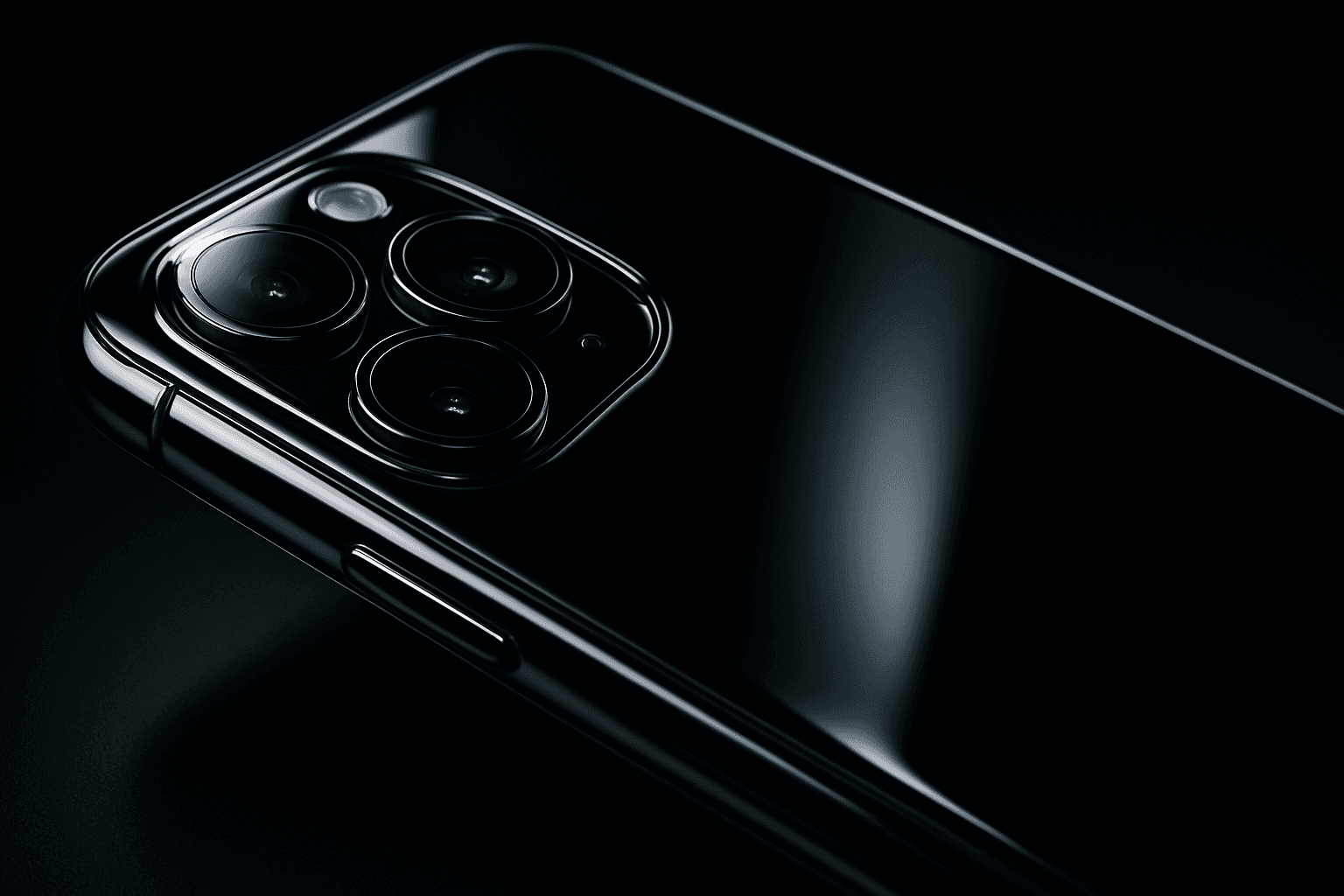
Adding a glossy surface finish to your AI image prompts transforms objects or materials by emphasizing their shiny, smooth qualities. It simulates surfaces like glass, polished metal, lacquered wood, or wet textures. This finish enhances realism by reflecting environmental light and adding depth, often making images appear more vibrant and tactile. Use it to create premium, high-end product renders, detailed textures, or eye-catching editorial visuals where surface quality matters. Glossy finishes can be combined with various materials and lighting setups, giving artists and designers flexibility to achieve the desired mood and style.