Torn Paper Texture
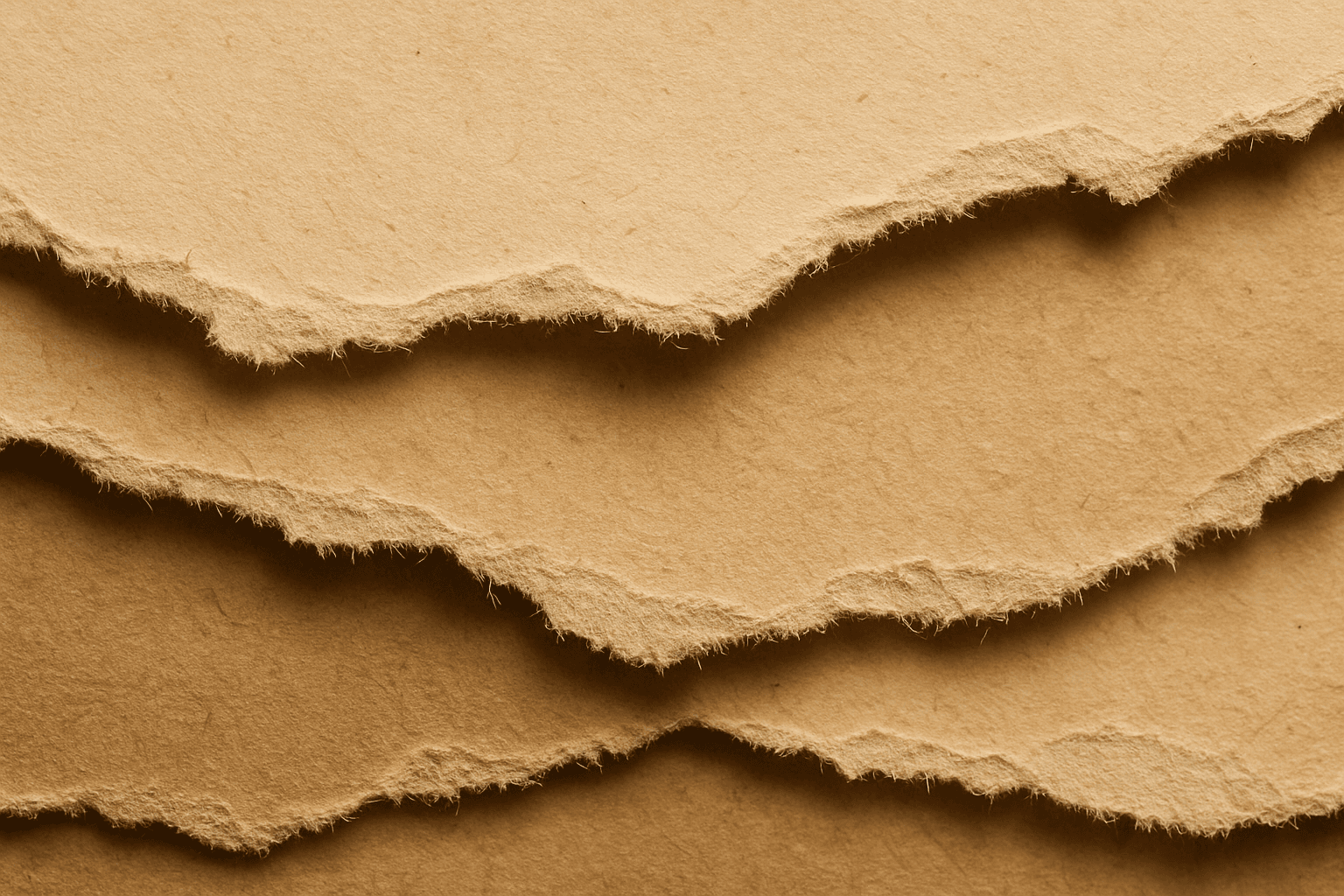
Using the Torn Paper Texture keyword in AI image prompts helps generate visuals that mimic torn paper edges and surfaces. This texture adds depth and realism by introducing naturally imperfect boundaries, often with visible fibers and roughness. It's ideal for creating collage effects, vintage posters, scrapbook aesthetics, or rustic backgrounds. Incorporating torn paper details can lend a tactile and handcrafted feel to digital images, making them stand out with organic imperfection rather than smooth, flat edges.
Definition
Torn Paper Texture refers to the simulated appearance of paper with ripped or jagged edges in AI-generated images. It changes prompts by instructing AI models to include uneven borders and visible fibrous paper details, replicating the natural imperfection of torn paper. This effect is useful for adding a tactile, handcrafted look to digital visuals.
Prompt Formula
Use combinations that specify torn edges and paper details for best results. Examples: - "Torn paper edge, visible fibers, rough texture" - "Close-up of torn paper with natural rips, ambient lighting" - "Layered torn paper pieces, soft shadows, vintage color palette" Adding adjectives like 'rough', 'jagged', 'fibrous', and specifying lighting or color tones refines the output.
- Torn paper edge, visible fibers, rough texture
- Close-up of torn paper with natural rips, ambient lighting
- Layered torn paper pieces, soft shadows, vintage color palette
Best Use Cases
- Vintage or retro-themed posters and flyers
- Digital scrapbooking and collage artwork
- Backgrounds for craft, stationery, or handmade product promos
Related Styles
- Ripped Edge Texture
- Paper Grain Detail
- Vintage Paper Effect
Model-Specific Tips
When using AI image models, balance the level of detail by pairing the 'Torn Paper Texture' keyword with lighting and material descriptors to avoid overly artificial edges. For models that support modifiers, use negative prompts to reduce unwanted artifacts like excessive tearing or unrealistic fiber colors. Experiment with layering torn paper prompts alongside style or color keywords to achieve the desired aesthetic, whether vintage, artistic, or minimal. Consistently check preview outputs to adjust prompt weight and maintain natural torn effects.
FAQ
How do I make the torn paper texture look more realistic in AI images?
Include descriptors like 'visible fibers,' 'rough edges,' and specify lighting such as 'soft shadows' or 'studio lighting.' Combining these with realistic color palettes helps the AI render authentic torn paper effects.
Can I use Torn Paper Texture for digital scrapbooking?
Yes. This keyword excels in creating authentic torn paper visuals that are perfect for digital scrapbooking, collage art, and craft-inspired designs.
Continue Exploring
Related Prompts
Paper Fiber Texture
Paper Fiber Texture in AI-generated images enhances realism by simulating the microscopic fibers found in physical paper. This texture adds subtle detail and tactile qualities to artwork, making backgrounds or materials appear organic and handcrafted. When included in prompts, it helps models focus on delicate and uneven surfaces rather than flat or overly smooth ones. This keyword is especially useful in designs needing authenticity or vintage aesthetics, offering an alternative to digital or synthetic textures. It works well combined with lighting descriptions to highlight the tactile aspects of the fibers and create refined editorial visuals.
Distressed Paper Texture
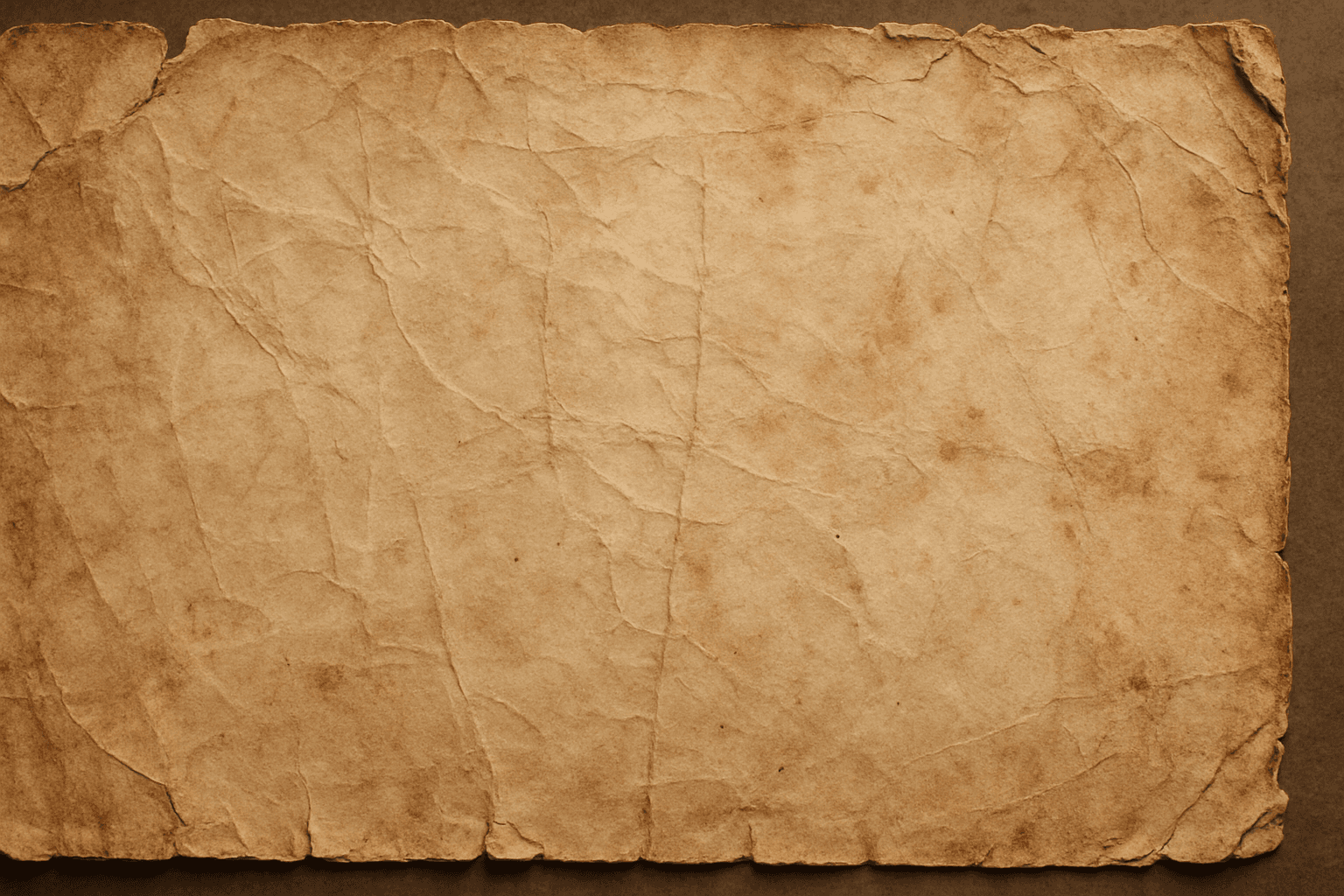
The distressed paper texture keyword is a valuable tool in AI image generation that adds authenticity and historical ambiance to digital artworks by simulating the look of aged or damaged paper. This effect is popular for creating backgrounds, overlays, or standalone textures in graphic design, photography adjustments, and illustrative projects. Incorporating distressed paper elements enriches visual storytelling, evokes nostalgia, and can enhance the mood of vintage or handmade aesthetics. Controlled application within prompts ensures that the wear appears natural without overpowering the primary subject.
Soft Matte Paper Texture
Soft Matte Paper Texture is a specialized prompt keyword that helps artists and designers generate images featuring realistic, tactile paper surfaces with a matte finish. This texture is characterized by subdued reflections and a soft, natural look that avoids glare or shine. Using this keyword in AI prompts supports creations such as book covers, packaging mockups, stationery backgrounds, and fine art prints where the paper quality matters. The resulting images carry a premium aesthetic, imitating high-quality paper stock that is often sought after in print-design visualizations and marketing materials. Overall, employing Soft Matte Paper Texture enriches an AI image with subtle tactile cues contributing to a refined, understated finish.
Texture Overlay Techniques
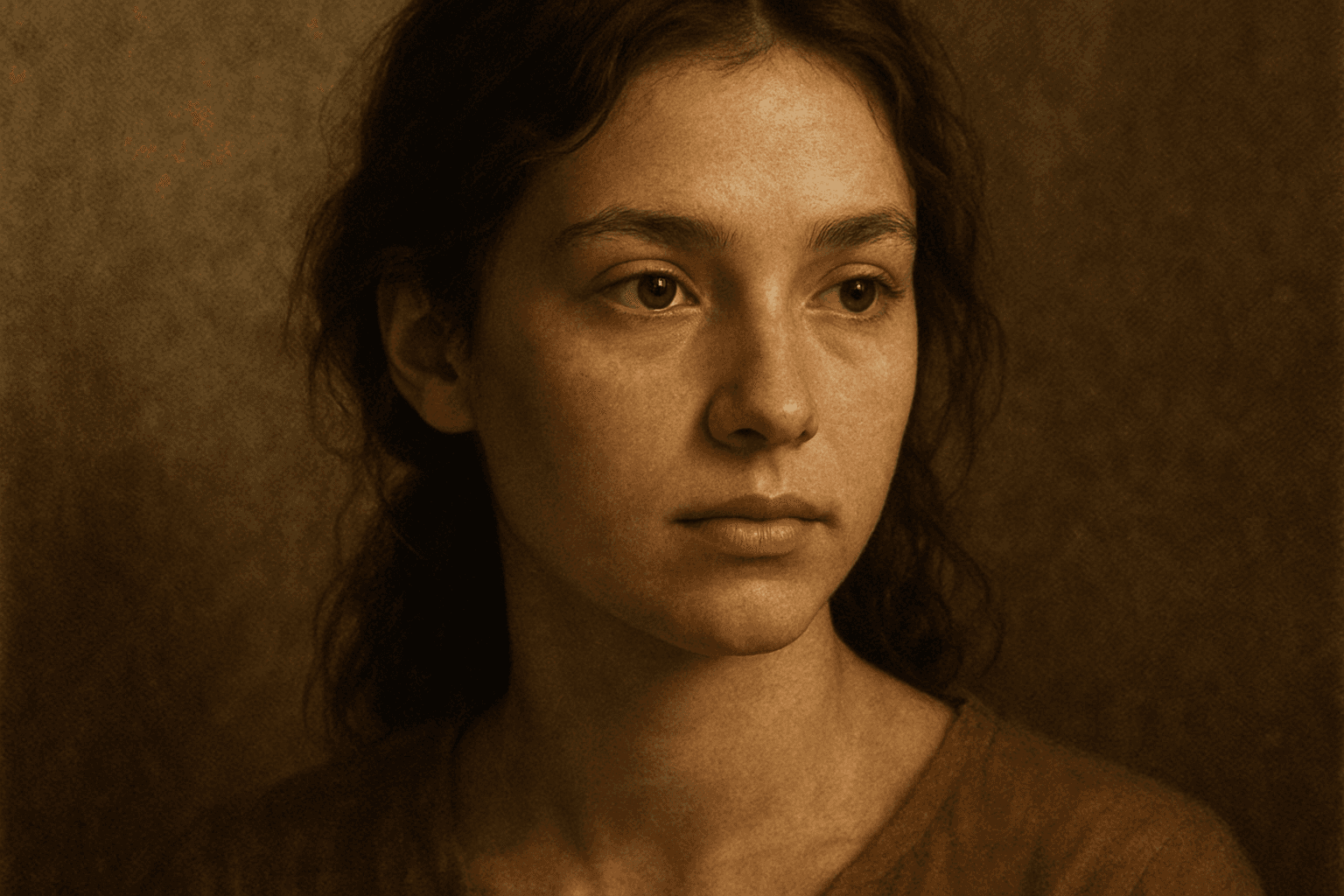
Texture Overlay Techniques are essential for artists and designers using AI image generation to add realistic or stylized surface qualities to their visuals. By specifying textures in a prompt, you can transform flat or generic images into rich, detailed creations that mimic physical materials or artistic effects. These overlays help in achieving mood, authenticity, or unique artistry by adding layers of complexity without altering the core composition. Whether you want a weathered wall effect or a glossy metallic finish, texture overlays deepen the narrative and visual appeal. Understanding how to incorporate texture keywords and their combinations allows for controlled refinement and diverse outputs, making images stand out in editorial, commercial, or creative projects.
Chalk Texture Background
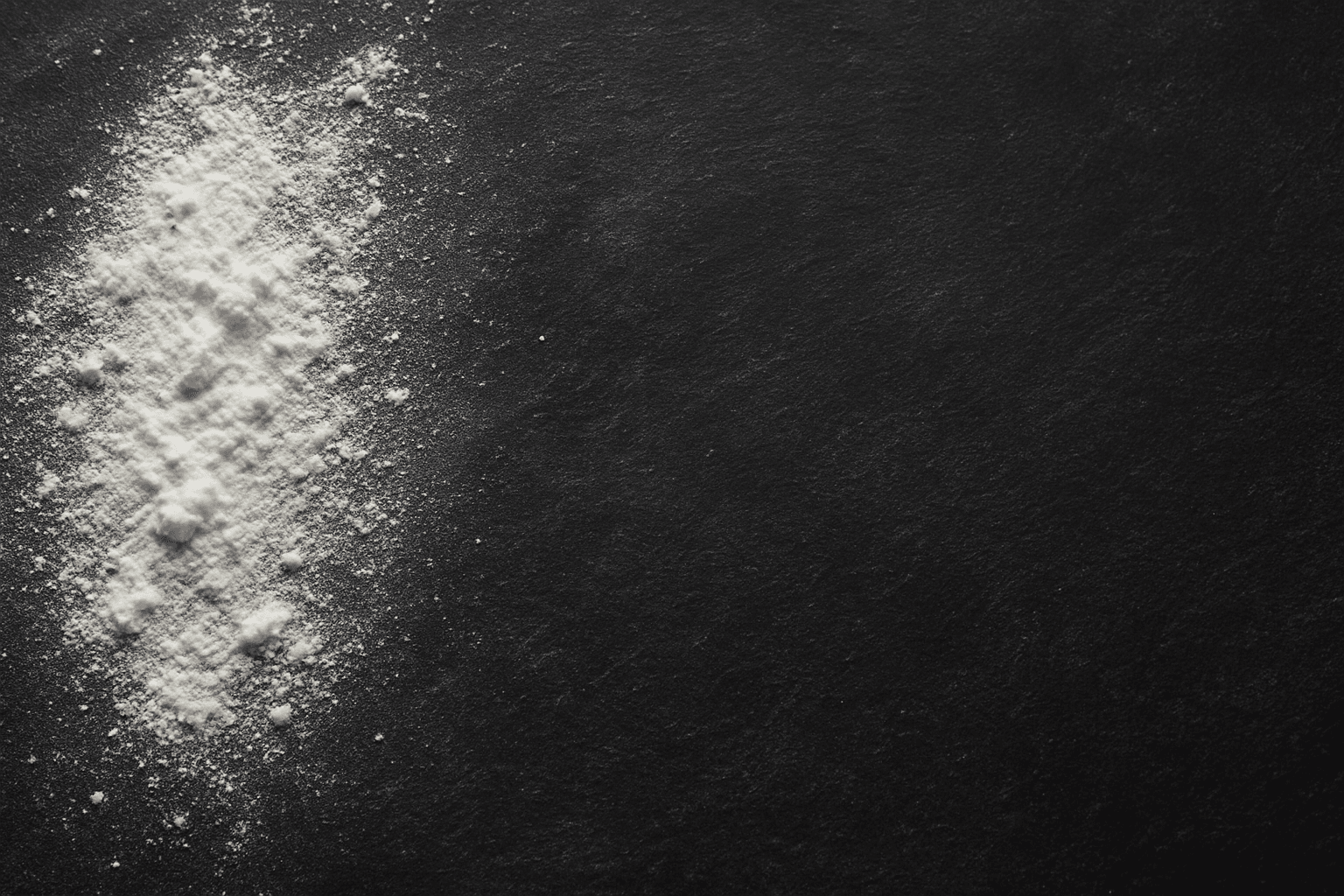
The 'Chalk Texture Background' keyword is a valuable addition to AI image prompting that instructs the model to render backgrounds mimicking chalk surfaces. This texture evokes an organic, handcrafted aesthetic characterized by grainy, dusty finishes with subtle imperfections. Ideal for mimicking blackboards, chalk art, or educational themed visuals, it adds a tactile quality rarely captured in digital images. When included, it helps deepen visual narratives by infusing backgrounds with textural nuance, useful across creative and commercial projects aiming for authenticity or artistic flair.
Leather Grain Texture
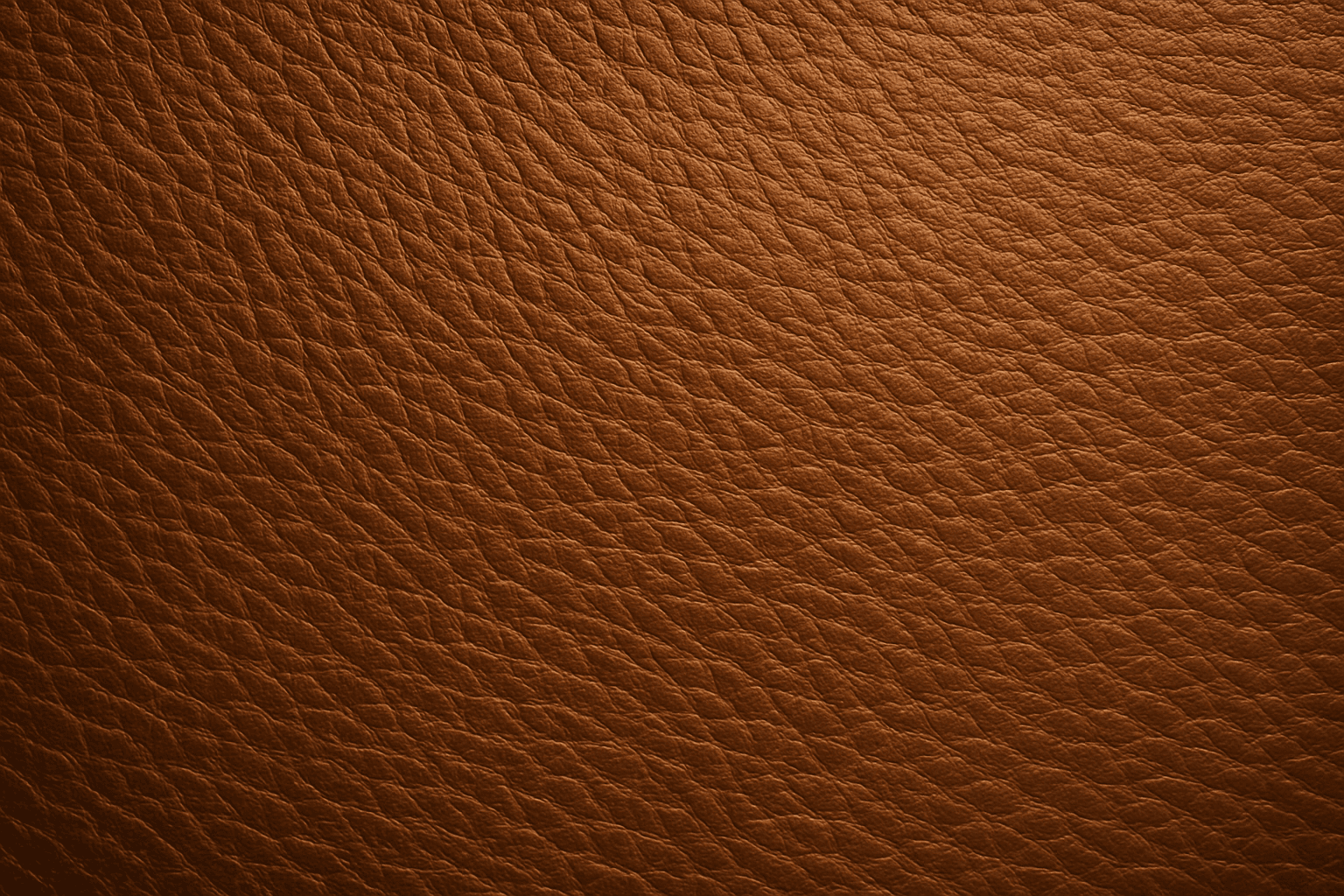
Using 'Leather Grain Texture' in AI image prompts allows creators to generate images with highly detailed and realistic leather surfaces. This keyword enhances the tactile quality of materials depicted, making them appear more authentic and premium. The characteristic grain patterns convey luxury and craftsmanship, useful for designs needing sophisticated material representation. When combined with appropriate lighting and composition, this texture can create visually rich images suitable for product visualization, fashion editorials, or interior design concepts. Mastery of this keyword helps artists achieve depth and realism in their material renderings, appealing to audiences seeking visually convincing visuals.