Texture Overlay Technique
Texture Overlay Technique is a powerful method in AI image generation that improves the visual quality of outputs by simulating the appearance of varied material surfaces. By incorporating texture descriptors directly into prompts, users influence the model to apply intricate overlays such as cracks, fabric weaves, wood grains, or metallic finishes. This enriches images with a tactile sense, making them more engaging and lifelike. This technique is especially useful in design, art, and advertising where material authenticity impacts viewer perception. Mastering texture overlays helps prompt creators elevate simple base images into sophisticated visuals with nuanced surface dynamics.
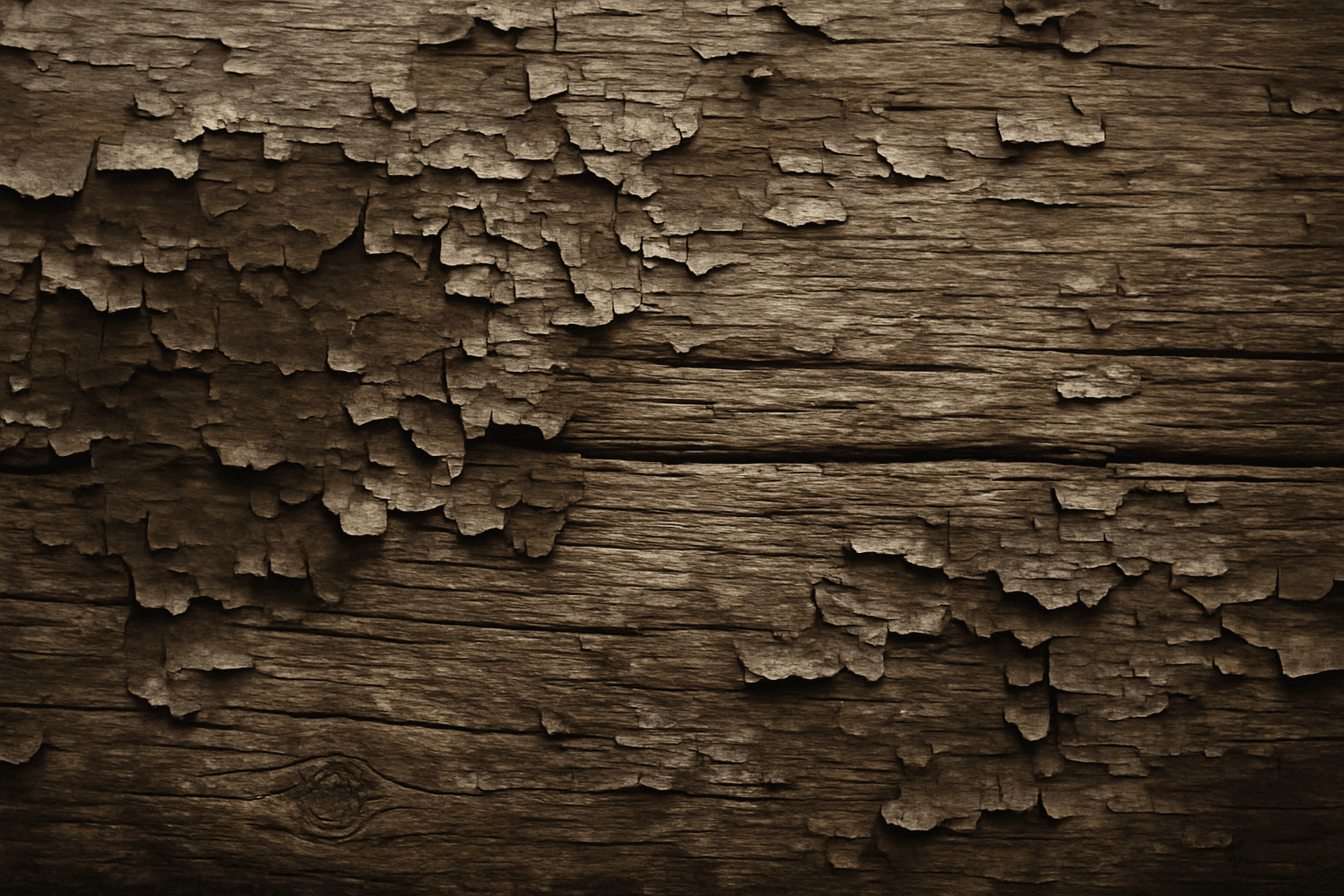
Definition
The Texture Overlay Technique involves adding descriptive texture elements into AI prompts to simulate surface characteristics such as roughness, grain, or fabric weave. It transforms simple images into richly surfaced visuals that appear tactile and realistic. This method guides AI models to layer or integrate specific textural qualities, improving overall depth and material authenticity.
Prompt Formula
Use this template to build texture overlay prompts: [Subject] + [Material or Surface Type] + 'texture overlay' + [Lighting/Environment Descriptor] + [Mood or Style]. Example: "Ancient stone wall texture overlay, soft golden hour lighting, photorealistic". Incorporate adjectives describing texture intensity or type, e.g., rough, cracked, smooth, to customize results.
- [Subject] + [Material or Surface Type] + 'texture overlay'
- Add lighting and environmental context
- Specify texture quality adjectives (e.g., cracked, smooth)
- Include style or mood keywords to refine aesthetics
Best Use Cases
The Texture Overlay Technique excels in enhancing images where surface detail impacts the viewer's connection or understanding. It is ideal for product presentations requiring realistic material representation, architectural renders that demand intricate facade details, and concept art where atmosphere and tactile sensation contribute to immersion.
- Product mockups requiring realistic material finishes
- Architectural visualization including detailed surfaces
- Concept art emphasizing tactile and environmental detail
Common Mistakes
Overusing texture overlays can result in cluttered or unnatural visuals where textures compete rather than complement. Vague or generic texture prompts lead to muddy or indistinct overlays. Avoid using conflicting texture descriptors simultaneously, and maintain balance by coupling texture with appropriate lighting to preserve realism.
- Excessive texture layering causing visual confusion
- Generic prompts producing unrealistic or blurry textures
- Conflicting adjectives diluting the texture effect
- Ignoring lighting effects when applying textures
Advanced Techniques
Combine multiple layered texture overlays specified with clarity, such as "dusty cracked paint" plus "matte rust" for aged metal effects. Use negative prompts to exclude undesired artifacts, and add fine detail zoom-ins to emphasize specific texture areas. Adjust prompt weightings to balance texture prominence against base imagery.
- Combine multiple texture descriptors sequentially
- Use negative prompts to eliminate unwanted texture artifacts
- Focus on macro details with zoom or close-up instructions
- Adjust prompt weighting to control texture intensity
Professional Workflow
Begin by briefing the desired texture characteristics clearly, then generate preliminary images using broad texture overlay prompts. Select candidates showcasing strong, realistic textures and refine prompts to enhance or tone down overlays. Iterate with lighting and stylistic adjustments to achieve polished final images suitable for commercial use.
- Stage 1: Define texture attributes and image context
- Stage 2: Generate initial images with basic texture overlays
- Stage 3: Review and select images with optimal texture rendering
- Stage 4: Refine prompts by tweaking texture specificity and lighting
- Stage 5: Finalize and prepare images for client or market
Related Styles
Texture Overlay Technique complements styles like hyperrealism, photorealism, and material-centric rendering. Related PromptAtlas keywords include Material Texture, Surface Detail, and Realistic Materials, which explore different nuances of surface portrayal and textural authenticity.
- Material Texture
- Surface Detail
- Realistic Materials
Model-Specific Tips
Use clear, unambiguous texture descriptors avoiding overly poetic language to ensure models interpret texture prompts correctly. Emphasize adjectives that detail tactile feel, and pair texture overlay instructions with lighting and environment cues for better consistency. Test variations to match your preferred model’s style tendencies and update prompts as models evolve.
- Use precise, common texture adjectives
- Combine texture terms with lighting/environment tags
- Test variations to accommodate model style shifts
- Keep prompts clear to avoid misinterpretation
FAQ
How do I avoid unrealistic texture overlays in AI images?
Specify clear texture descriptors with appropriate lighting and avoid combining contradictory texture terms. Refine prompts gradually and use negative terms to exclude unwanted artifacts for more natural results.
Can I use the Texture Overlay Technique for abstract art?
Yes. While typically used for realism, texture overlays can add interesting layered effects and depth to abstract compositions, enhancing their visual complexity.
Continue Exploring
Related Prompts
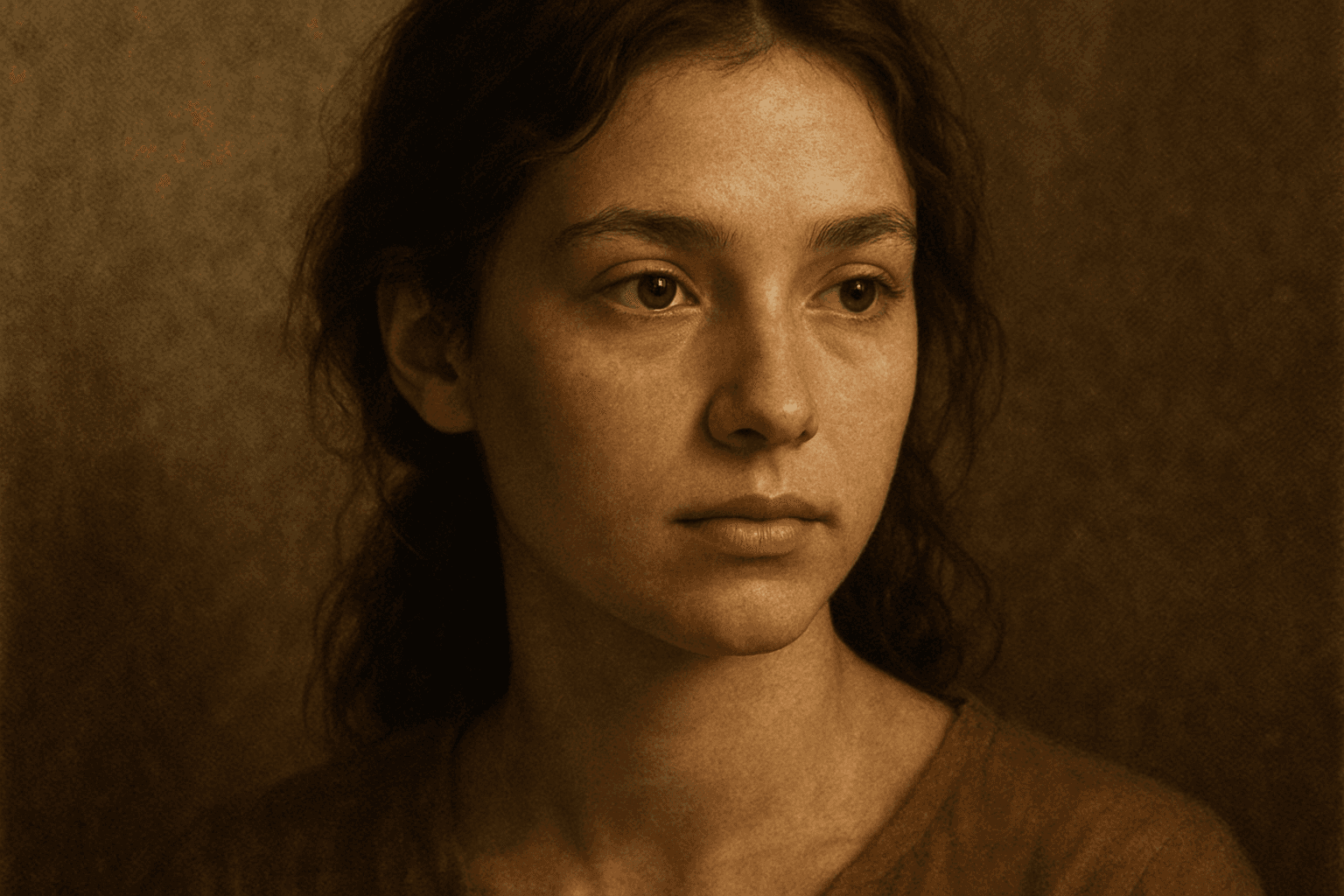
Texture Overlay Techniques
Texture Overlay Techniques are essential for artists and designers using AI image generation to add realistic or stylized surface qualities to their visuals. By specifying textures in a prompt, you can transform flat or generic images into rich, detailed creations that mimic physical materials or artistic effects. These overlays help in achieving mood, authenticity, or unique artistry by adding layers of complexity without altering the core composition. Whether you want a weathered wall effect or a glossy metallic finish, texture overlays deepen the narrative and visual appeal. Understanding how to incorporate texture keywords and their combinations allows for controlled refinement and diverse outputs, making images stand out in editorial, commercial, or creative projects.
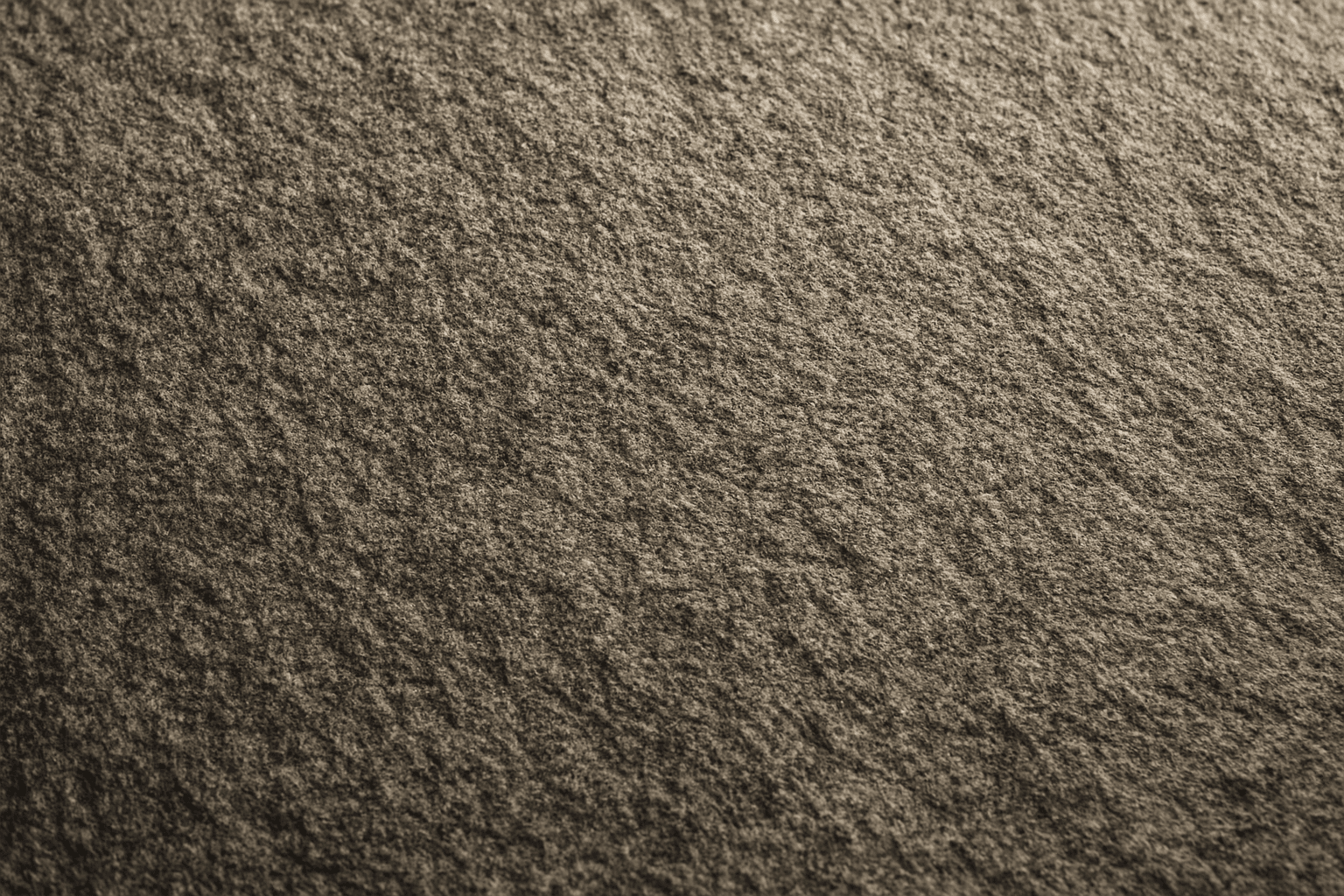
Granular Surface Texture
Granular Surface Texture is a key descriptive keyword used in AI image prompting to achieve photorealistic and tactile surfaces characterized by finely distributed grains or tiny particles. This texture offers an intricate level of detail that enriches the material quality of objects, making them appear more natural and tangible. When included in prompts, it encourages the generation of surfaces akin to sandpaper, concrete, rough fabric, or unpolished stone, providing visual complexity that appeals to designers and artists alike. Its use can transform otherwise flat or generic surfaces into engaging, dynamic visuals with depth and interest. This makes it valuable across many creative projects, from product visualization to environmental design.
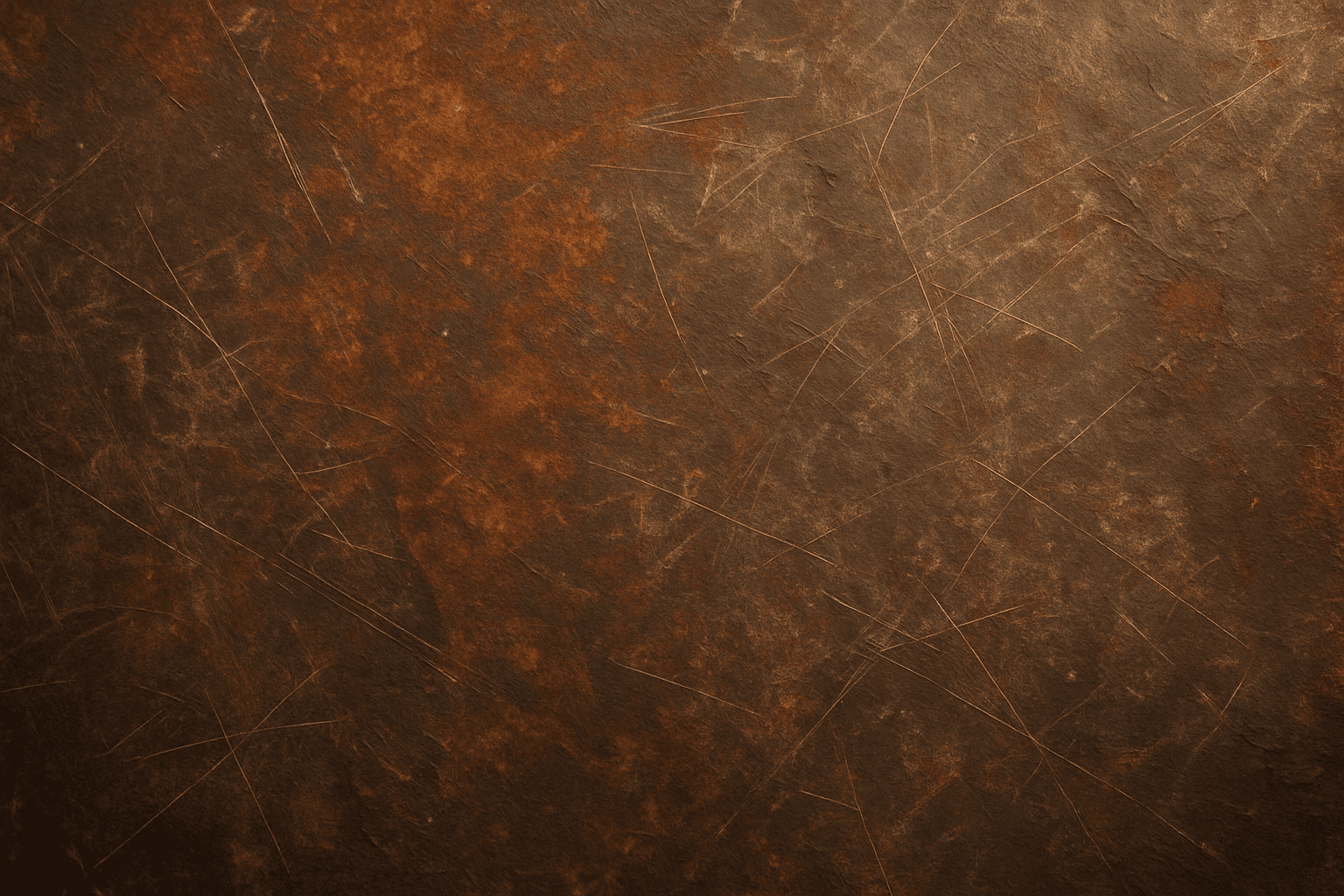
Rustic Metal Texture
Using the Rustic Metal Texture keyword in AI image generation prompts enables artists and designers to depict materials that evoke a tactile sense of history and industrial age charm. The effect mimics the natural aging process on metals, featuring oxidation, pitting, and surface irregularities, which deliver a realistic and visually compelling finish. This texture works well in designs requiring an authentic vintage or handcrafted aesthetic, often used to contrast smoother, newer materials or to emphasize material quality and environment. Incorporating this keyword enhances the feel of depth and realism, making digital renders more tangible and atmospheric for editorial, product visualization, and concept art contexts.
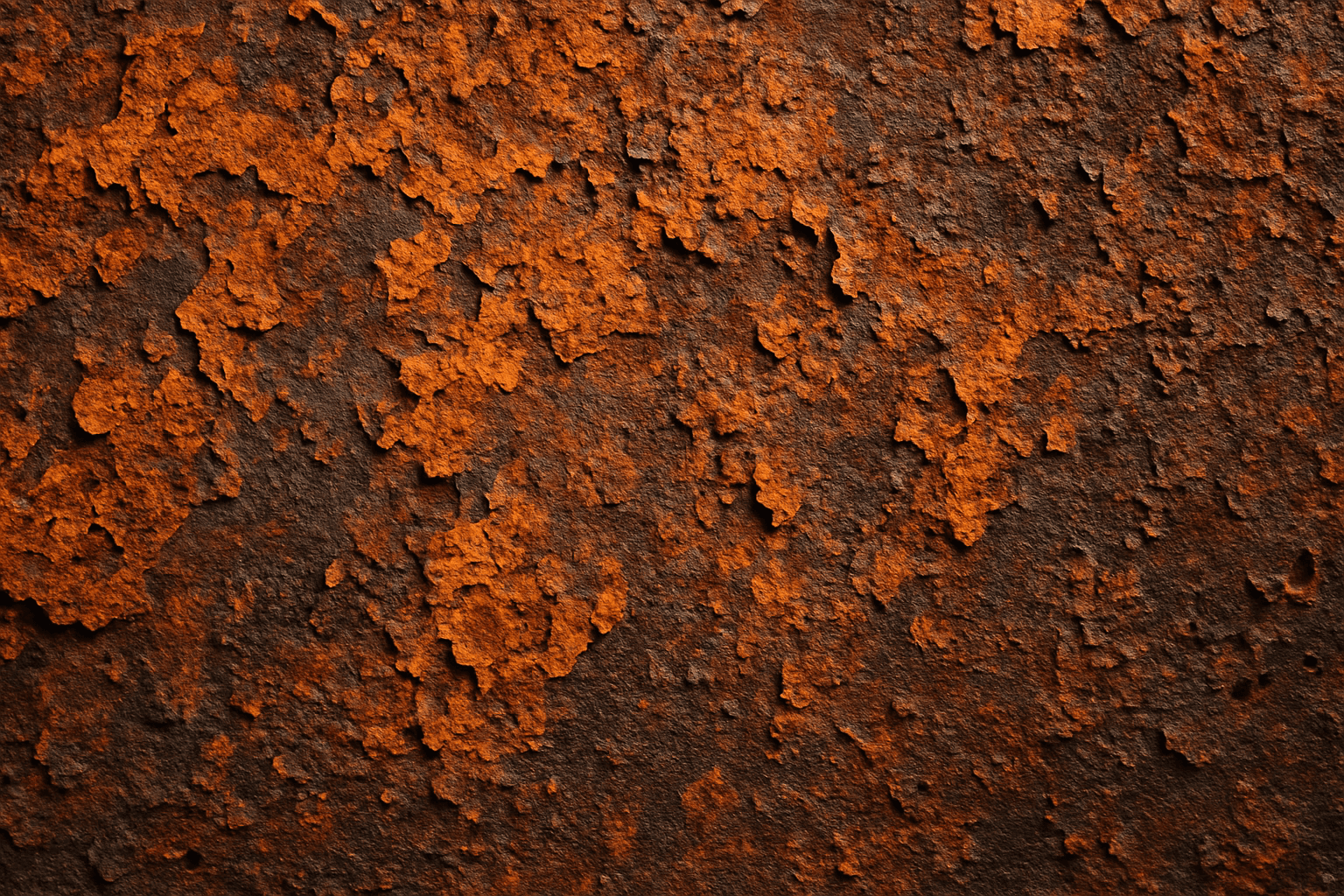
Aged Rusted Metal Texture
The keyword "Aged Rusted Metal Texture" evokes imagery of metal that has undergone natural corrosion over time, resulting in unique and complex surface patterns. In AI-generated visuals, this texture adds authenticity and vintage character, often featuring combinations of flaky rust, oxidized patches, and distressed metal surfaces. It enhances the tactile quality of materials and conveys a sense of history or neglect. Such textures are essential in design, art, and modeling when a raw, industrial, or antique aesthetic is desired. By manipulating this keyword in prompts, creators can produce diverse and compelling interpretations of rusted metal suitable for backgrounds, product renders, and artistic compositions.

Wood Grain Surface Texture
Wood grain surface texture captures the intricate patterns and natural beauty found in wooden materials. This texture is characterized by flowing lines, knots, and a warm color palette that conjures the organic essence of wood. When incorporated in AI image generation prompts, it helps models produce authentic wooden surfaces, from smooth polished floors to rustic furniture with visible fibers. Wood grain lends tactile depth and aesthetic appeal, making images more immersive and rich in detail. Its versatility allows for use across design, interior visualization, product mockups, and artistic compositions, enhancing the material realism dramatically.
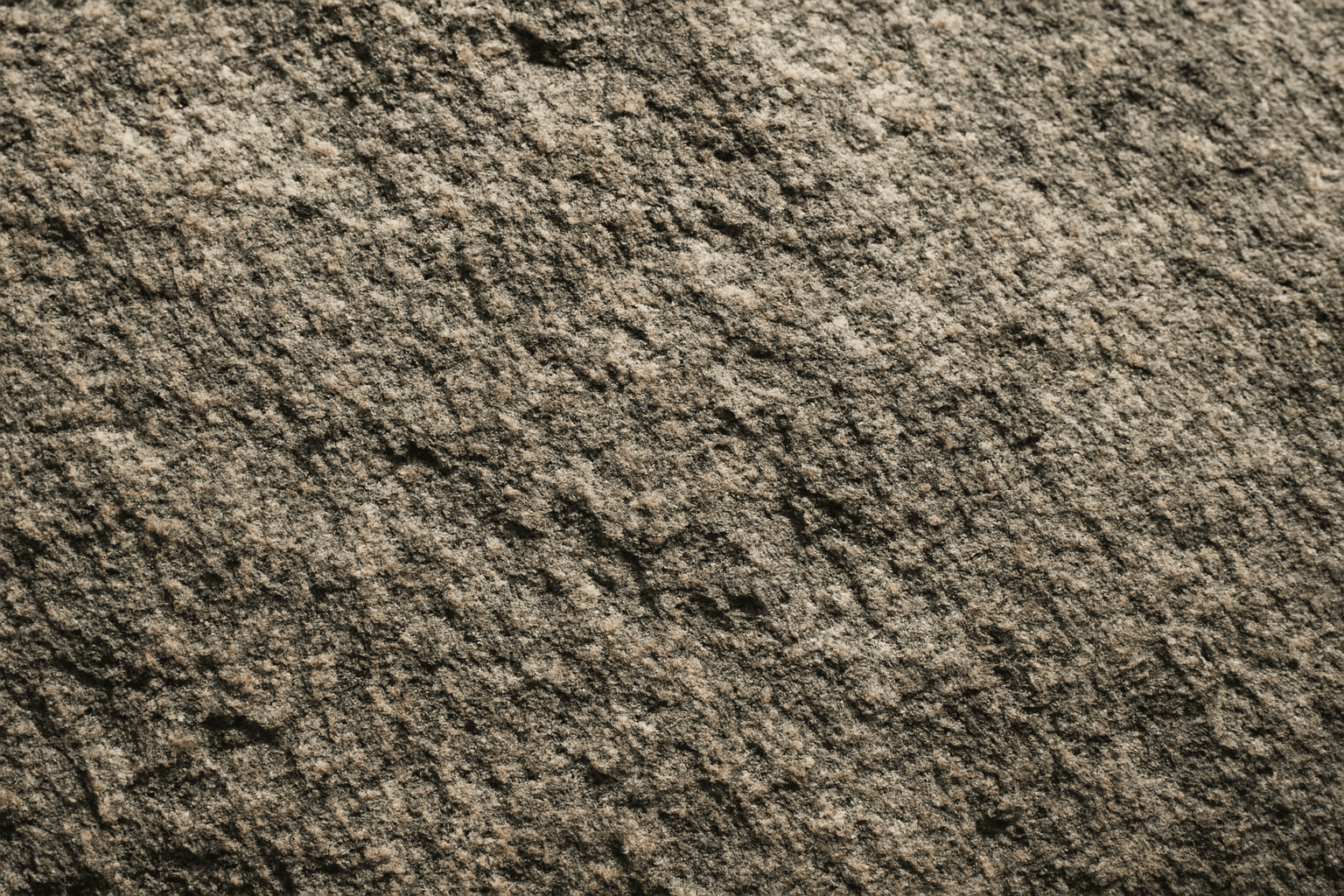
Rough Stone Surface Texture
The 'rough stone surface texture' keyword enriches AI-generated images by emphasizing the coarse and uneven qualities of stone materials. Incorporating this into prompts directs the AI to produce surfaces with natural irregularities, such as grains, cracks, and rugged edges, which simulate real-world rough stone. This texture adds depth and realism, making visuals suitable for architectural renders, backgrounds, or tactile material studies. By mastering this keyword, creators can enhance visual storytelling where material authenticity plays a key role in immersion or aesthetic appeal.