Geometric Pattern Style
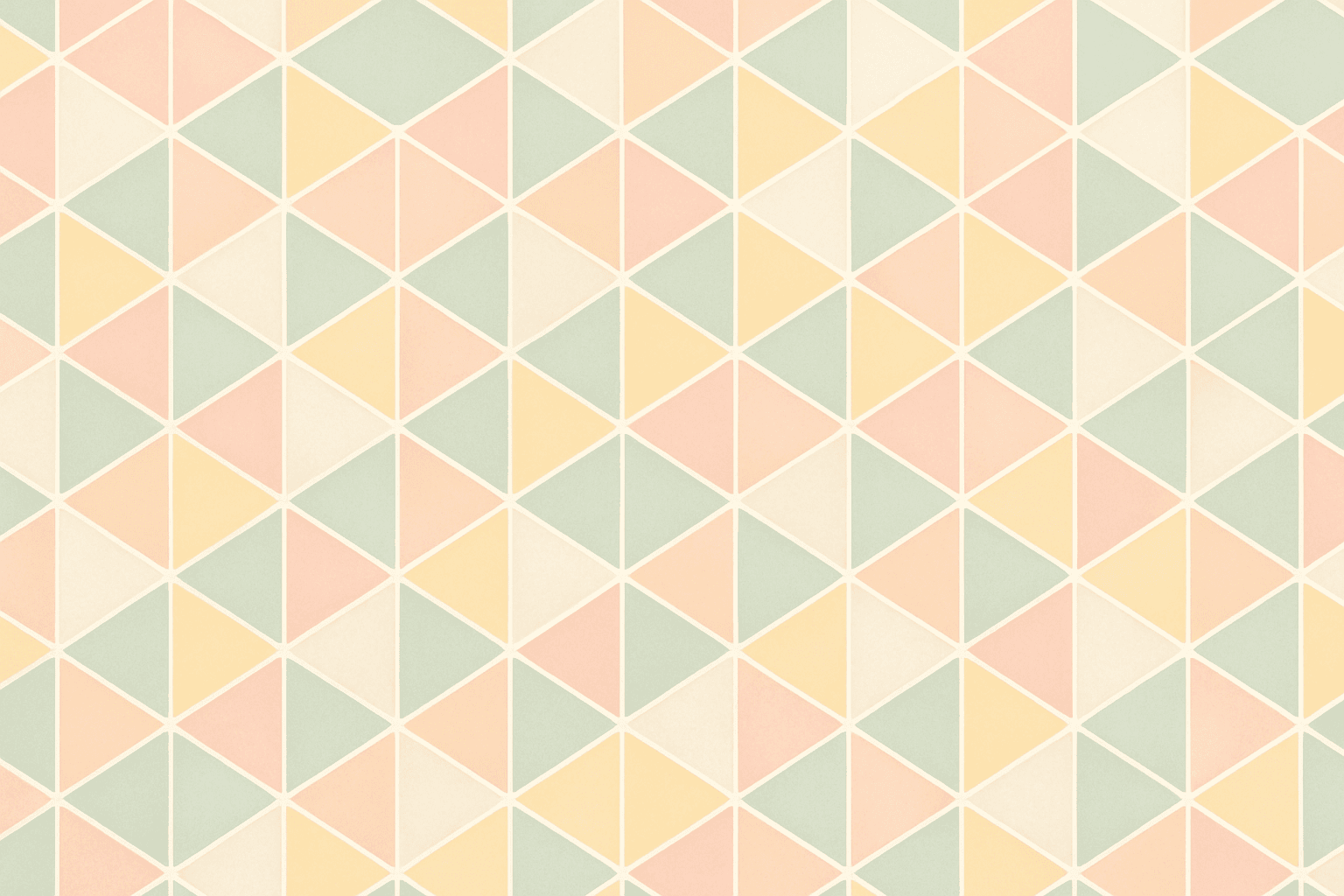
Geometric Pattern Style in AI image generation harnesses the power of simple yet striking shapes to create visually compelling designs. This style is characterized by the careful arrangement of shapes such as triangles, squares, circles, and hexagons to form patterns that emphasize symmetry, repetition, and rhythm. It is widely used in contemporary art, branding, textile design, and digital interfaces to communicate clarity and modernity. When incorporated in AI prompts, it guides the model toward generating imagery that feels ordered, minimalistic, and balanced, making it ideal for editorial visuals and product backgrounds where a subtle but engaging backdrop is needed.
Definition
Geometric Pattern Style in AI image prompts means directing the AI to create images dominated by repeated shapes like squares, triangles, and circles arranged in symmetrical or tessellated layouts. This style prioritizes structure, mathematical harmony, and abstraction, avoiding organic or irregular forms. It transforms prompts to focus more on pattern formation, precise edges, and balanced composition, helping beginners understand how to evoke modern, clean visuals in AI-generated content.
Prompt Formula
To build effective prompts for the Geometric Pattern Style, combine shape descriptors, compositional terms, and visual attributes. This formula guides prompt crafting for consistent results.
- Start with a base shape: triangle, circle, square, hexagon
- Add pattern type: tessellated, repeated, symmetrical, mosaic
- Include style adjectives: clean, minimalistic, modern, bold
- Specify color scheme or lighting: pastel colors, monochrome, high contrast, soft lighting
- Mention image quality and style: premium stock image, sharp focus, refined lighting
Best Use Cases
- Creating backgrounds for branding materials that require a modern and minimalistic look
- Designing textile patterns for fashion or home interiors using repeatable motifs
- Generating editorial and social media backgrounds that add subtle visual interest without overpowering text
Industry Applications
The Geometric Pattern Style has broad utility across several commercial sectors. Advertising agencies utilize it to produce contemporary backdrops for campaigns, enhancing product visibility. Fashion brands rely on geometric motifs in textile prints and accessories to establish visual identity and trend relevance. In digital and print editorial design, geometric patterns serve as elegant, non-distracting backgrounds complementing content. E-commerce platforms use these designs for product packaging and UI elements to create a cohesive, modern user experience.
- Advertising and marketing visual assets
- Fashion textile and surface pattern design
- Editorial publications and digital media layouts
Common Mistakes
A frequent error when prompting for Geometric Pattern Style is overcomplicating the shapes or mixing too many pattern types, which leads to cluttered or confusing visuals. Another pitfall is neglecting clarity in symmetry or repetition, resulting in uneven or awkward patterns. Avoid using vague color instructions that diminish the geometric clarity, such as overly busy or gradient-heavy palettes. Ensuring crisp edges and consistent spacing is critical to maintain the style’s hallmark precision.
- Avoid mixing too many geometric shapes in one pattern
- Ensure consistent symmetry or tessellation for visual harmony
- Specify clear color schemes to keep patterns clean and readable
- Do not add organic or random elements that disrupt geometric consistency
Advanced Techniques
Experienced prompt writers can elevate geometric patterns by layering multiple pattern types with transparency effects for depth or applying lighting constraints to simulate realistic materials like glass or metal. Using color gradients within individual shapes while preserving sharp edges creates dynamic textures. Prompt modifiers like '3D rendered', 'glossy finish', or 'soft shadows' can add dimension without losing pattern clarity. Controlling repetition scale can help generate complex tiling or macro patterns depending on project needs.
- Combine tessellated and symmetrical patterns with layering effects
- Use lighting terms to imitate realistic materials (glass, metal)
- Incorporate subtle gradients inside shapes for texture
- Specify repetition scale for macro or micro pattern focus
- Add 3D or shadow effects for dimensionality
Professional Workflow
A streamlined workflow begins with a clear briefing outlining the intended geometric shapes, color palettes, and pattern types. Next, generate multiple AI image variations based on structured prompts using the formula described. Evaluate outputs for symmetry, edge sharpness, and color fidelity. Select images that best meet project requirements, then apply refinements such as cropping, repetition tuning, or color adjustments in post-processing. Final assets should be tested for adaptability across intended platforms, ensuring consistency and professional polish.
- Define shapes, pattern types, and colors in brief
- Generate multiple AI variants using structured prompts
- Review and select images focused on symmetry and clarity
- Refine selected images with cropping and color correction
- Test final assets across platforms for consistency
Related Styles
Geometric Pattern Style pairs well with Minimalist Style and Abstract Pattern Style, both emphasizing simplicity and abstraction but with differing focuses—minimalism on space and form, abstract on creative liberty. Tessellation Pattern is a closely related keyword involving mathematically precise repeating patterns, useful for complex tiling designs. Exploring these adjacent styles enables creators to diversify visual approaches while maintaining a cohesive aesthetic foundation.
- Minimalist Style
- Abstract Pattern Style
- Tessellation Pattern
FAQ
How do I ensure the geometric patterns are symmetrical in AI-generated images?
Use prompt phrases like 'symmetrical arrangement,' 'balanced composition,' or 'tessellated pattern,' which specifically instruct the AI to maintain even repetition and alignment of shapes to achieve symmetry.
Can I combine Geometric Pattern Style with organic elements?
While possible, combining geometric patterns with organic forms can disrupt the style’s characteristic precision and harmony. Use modifiers carefully to keep geometric shapes predominant or try layering organic elements subtly to maintain balance.
What lighting effects work best for geometric pattern images?
Soft, diffused lighting or subtle shadows help emphasize shape edges without overpowering the pattern. Glossy or metallic finishes can also add dimensionality if specified carefully.
Continue Exploring
Related Prompts

Flat Graphic Style
The Flat Graphic Style is a popular design approach that emphasizes simplicity and clarity. It removes three-dimensional effects like shadows and highlights, focusing on clean, bold shapes and monochromatic or limited color palettes. This style is widely used in digital and print media for its readability and modern aesthetic. When used in AI prompt engineering, it guides the image generation toward compositions that look graphic and stylized rather than photorealistic. This makes it ideal for editorial illustrations, icons, and various branding materials where clarity and impact are essential.
Graphic Line Art Style
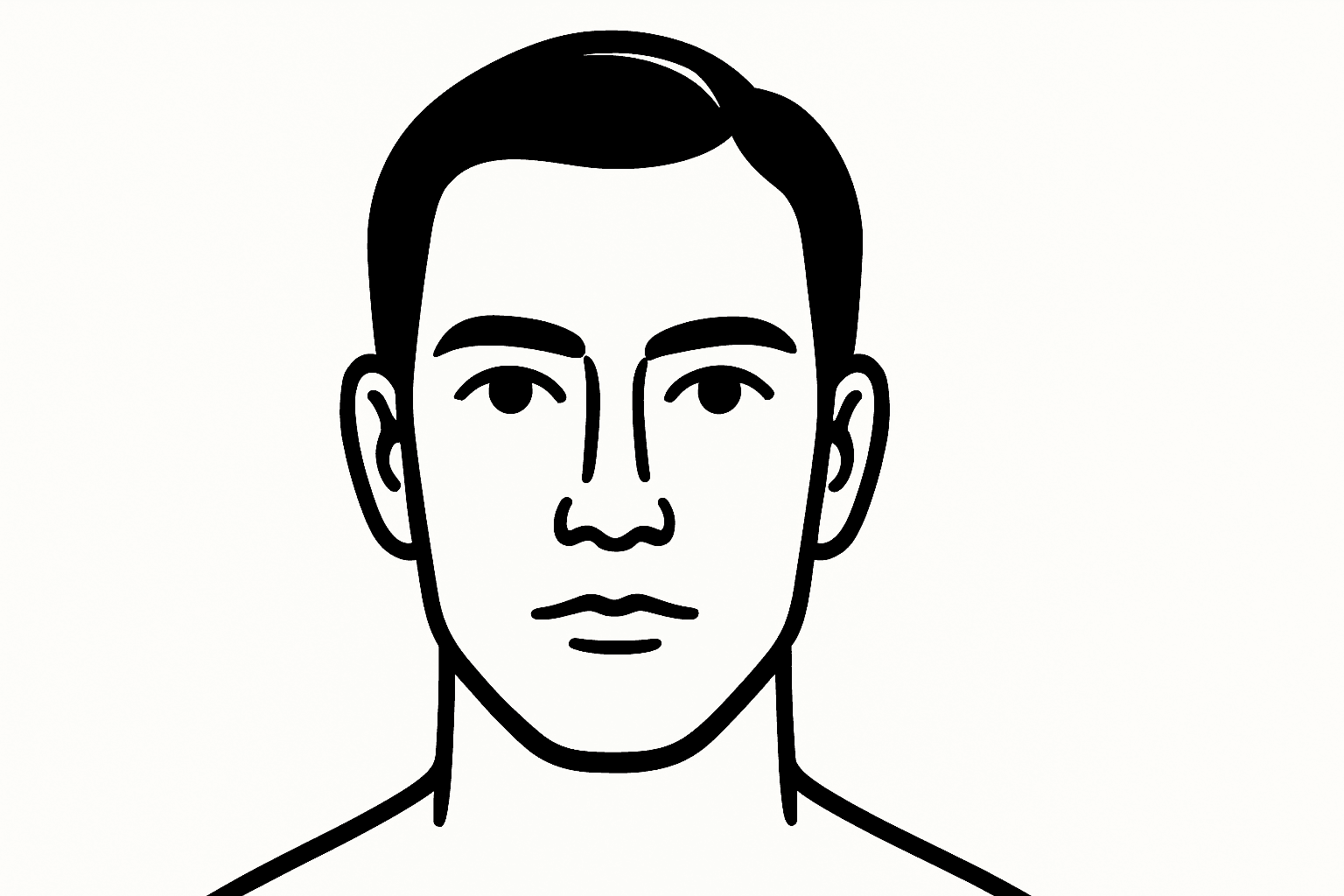
Graphic Line Art Style is a visually striking illustration approach emphasizing clarity and simplicity through well-defined lines. It focuses on outlining forms with precision and minimalistic detail, avoiding heavy shading or elaborate color schemes. This style is popular in editorial illustrations, logos, and iconography due to its crisp readability and modern aesthetic. When incorporated into AI image prompts, it directs the model to produce minimalist visuals that can easily adapt to various themes while maintaining a clean, graphic look. Its simplicity makes it versatile for both monochrome and limited color compositions, suitable for branding, presentations, and artistic sketches where impact comes from form rather than texture or color richness.
Brutalist Graphic Style
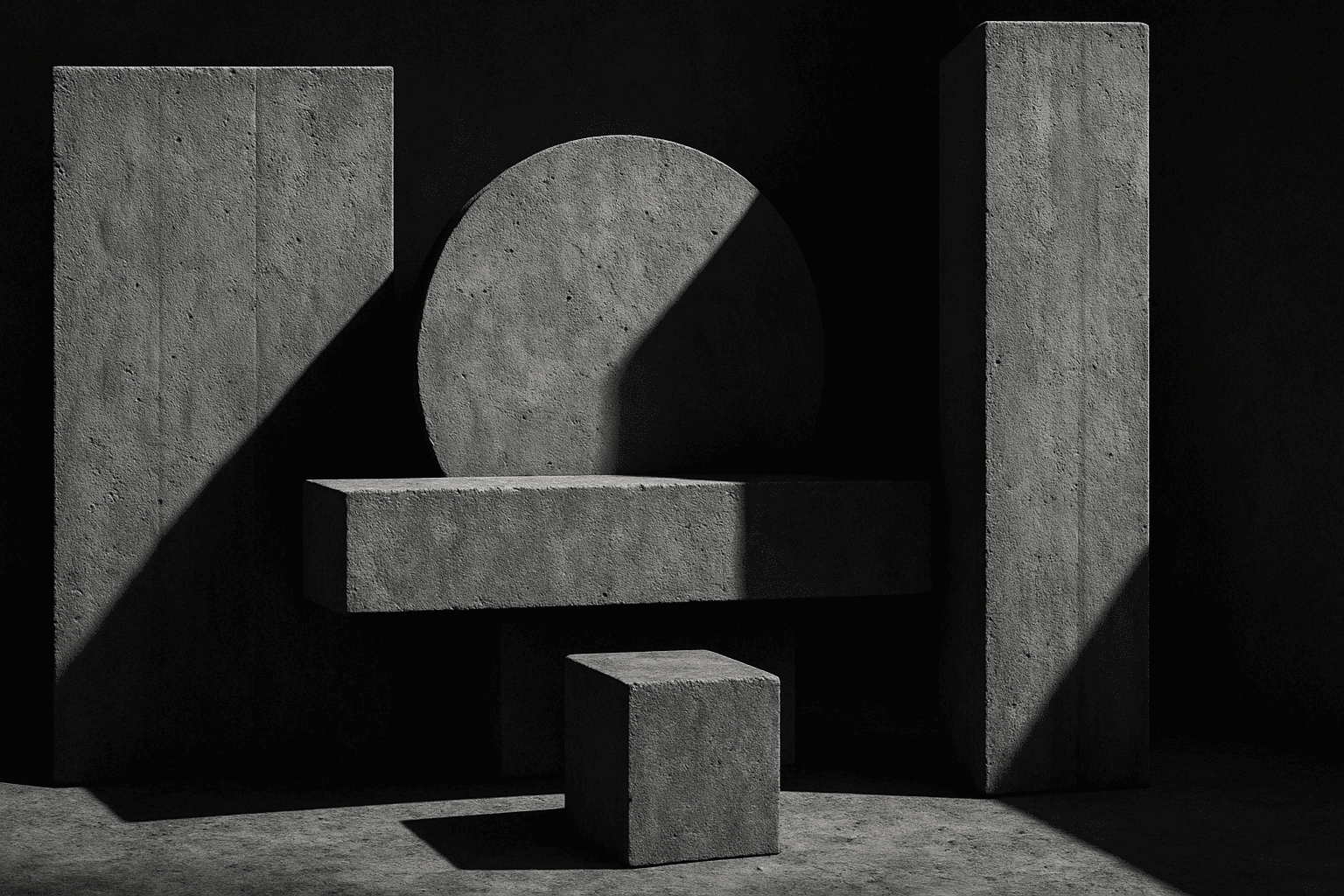
Brutalist Graphic Style channels the architectural Brutalism movement into graphic design and AI-generated imagery. This style emphasizes structural honesty, simplicity, and stark, unornamented forms. When used as a keyword in AI prompts, it guides image generation towards designs that are bold, edgy, and visually striking with minimal frivolity. Ideal for projects that want to convey strength, modernity, and a no-nonsense attitude, Brutalist Graphic Style is distinct from more decorative or soft aesthetic prompts. It helps create a commanding presence with clear lines and unrefined textures, perfect for editorial layouts, posters, or digital art with an avant-garde edge.
Flat Design Style
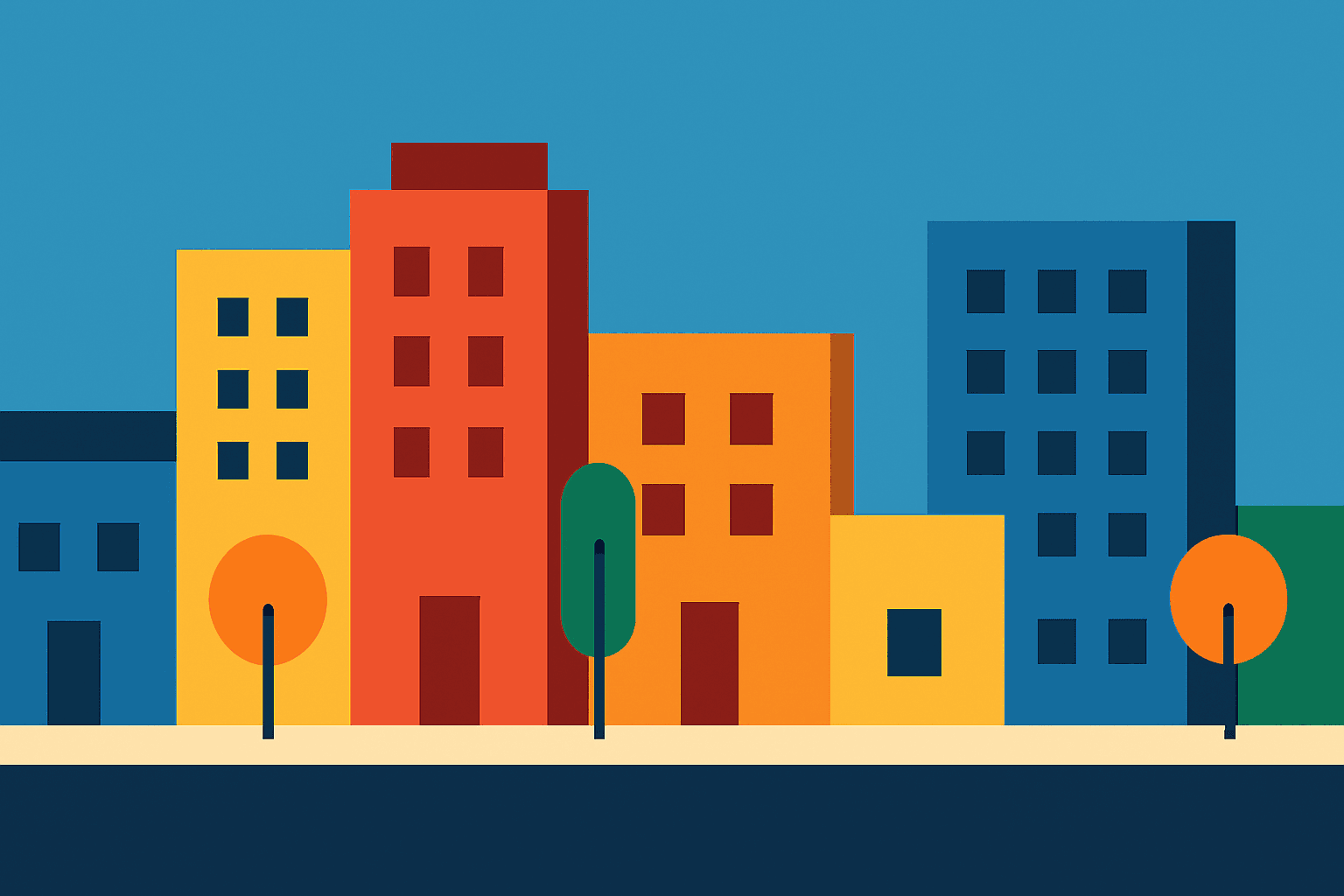
Flat Design Style simplifies visual elements by stripping down imagery to essential shapes and colors, lending itself to clarity and legibility. It's widely used in user interfaces, infographics, and branding where straightforward communication is key. AI image models interpreting this style produce images with sharp lines, uniform hues, and a graphic feel that avoids photorealism, making it perfect for scalable and versatile visuals that maintain impact across platforms.
Minimalist Design Style
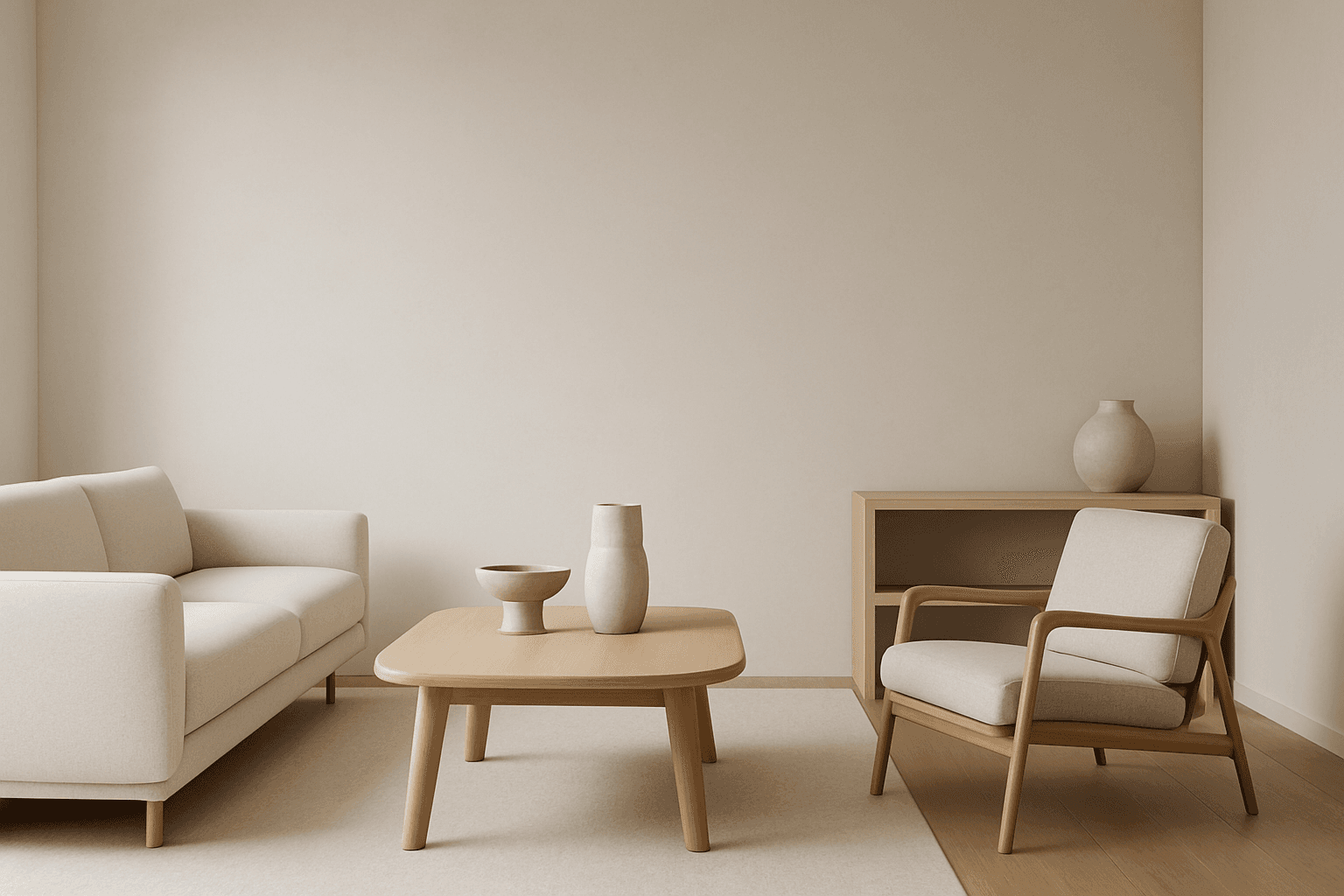
Minimalist design style is a popular artistic approach that strips visuals down to their fundamental components. It values functionality, clarity, and subtlety rather than embellishment. When used in AI image generation, it leads to creations with harmonious balance, simplicity, and impact. Minimalism favors sleek geometry, reduced ornamentation, and neutral or pastel color schemes. This style communicates sophistication and modern elegance, making it well suited for branding, editorial illustrations, product visuals, and architectural imagery. Adopting minimalist design in prompts guides AI to focus on essential shapes and textures, delivering images with visual calm and refined aesthetics.
Monoline Icon Style
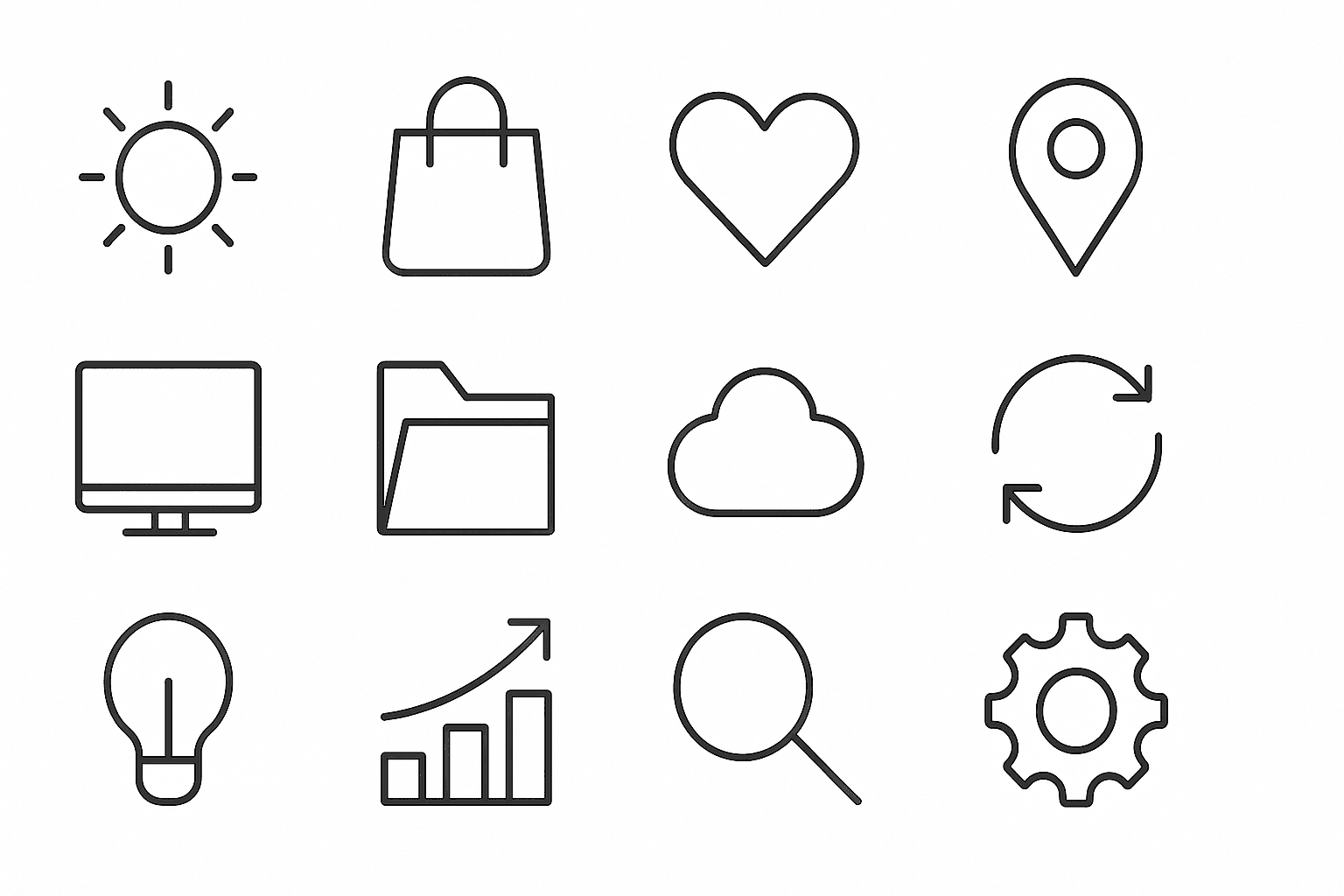
Monoline Icon Style is a popular visual approach that uses single-weight lines to construct simple and elegant illustrations or icons. This style avoids line thickness variation, gradients, or complex textures, resulting in a modern, crisp aesthetic. It’s widely used in digital product design, branding, and editorial contexts, especially to communicate ideas efficiently with minimal visual clutter. When incorporated into AI image prompts, this keyword guides the model to produce artwork that resembles vector line icons often used in user interfaces, signage, and infographics. The style’s consistency allows easy scalability and integration across different mediums.