Hand Rendered Illustration Style
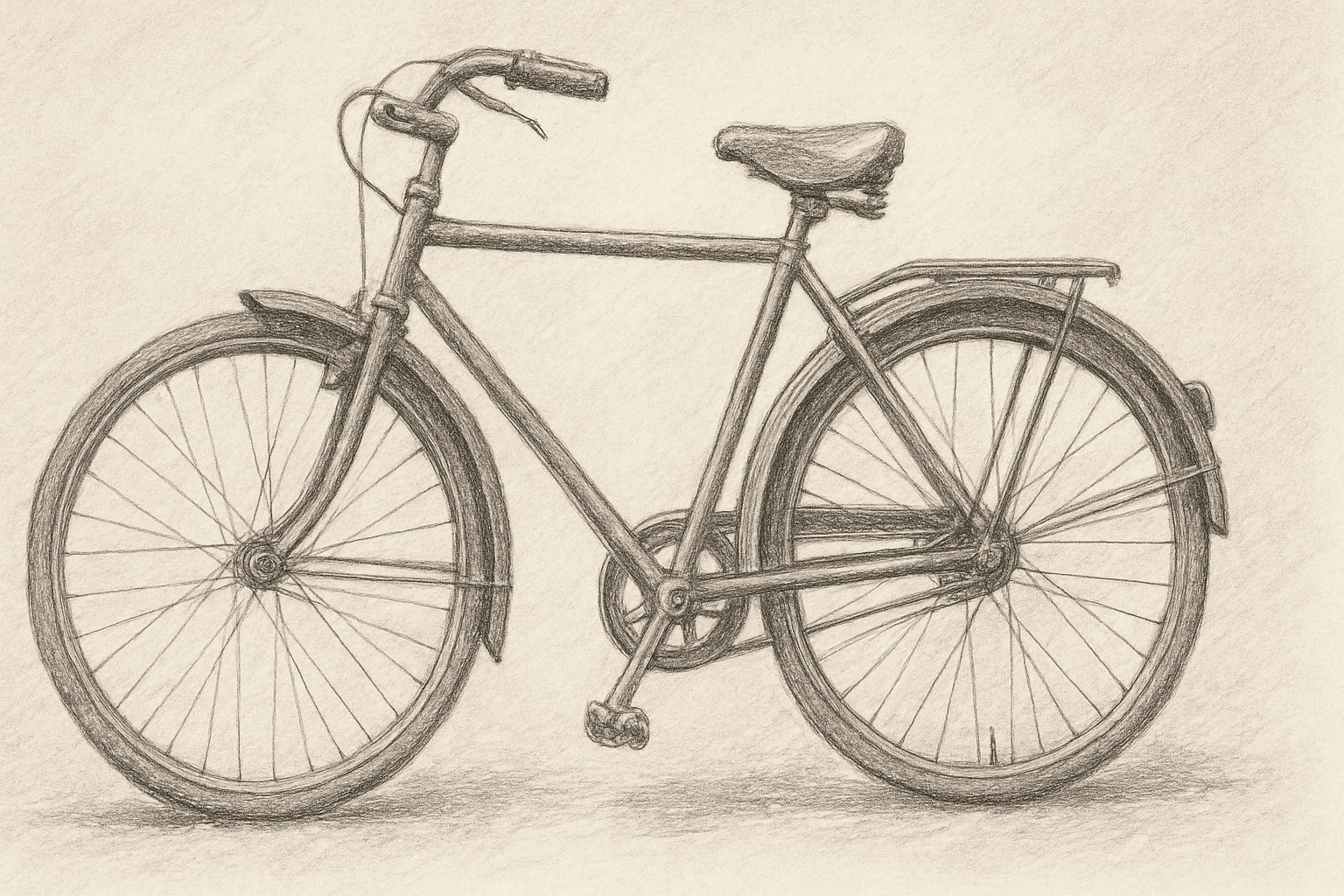
The Hand Rendered Illustration Style embraces the charm of traditional artistry by instructing AI models to create images that look hand-drawn. This style adds warmth, character, and individuality to digital art through visual cues typical of manual techniques, such as imperfect lines and subtle textures. It is favored in editorial illustrations, storybook art, and creative branding where a personal, artisanal touch is desired. By focusing on painterly or sketched effects, this approach contrasts stark photorealistic or overly polished AI outputs, offering expressive, tactile imagery that resonates with viewers seeking authenticity.
Definition
Hand Rendered Illustration Style means prompting AI to create images that look as though they were made by traditional hand drawing or painting techniques. It changes an AI prompt by focusing on organic line work, texture variation, and imperfect strokes commonly seen in pencil, ink, or brush art. This style prioritizes authenticity and the tactile qualities of manual illustration over digital smoothness or photorealism.
Prompt Formula
Try combining material descriptors with artistic media and rendering terms, for example: - "hand rendered" + [media] + [style] + [subject] - Examples: "hand rendered ink drawing of a cityscape", "hand rendered pencil sketch portrait with textured shading" Include adjectives like "textured", "organic", or "visible strokes" to add nuance.
- hand rendered + pencil sketch + subject + textured shading
- hand rendered + ink drawing + subject + visible brush strokes
- hand rendered + watercolor painting + subject + paper texture
Best Use Cases
- Illustrations for editorial and magazines emphasizing artistic authenticity
- Children's book illustrations needing a handcrafted warm feel
- Brand and packaging design that values unique handcrafted artwork
Common Mistakes
A frequent mistake is prompting with vague terms like "hand drawn" without specifying the medium or texture, leading to generic, flat results. Overusing style tags can cause muddiness or overly busy visuals losing artistic clarity. To avoid unrealistic or digitally perfect renditions, emphasize imperfections and texture explicitly, and steer clear of conflicting styles such as photorealism within the same prompt.
Advanced Techniques
Enhance hand rendered prompts by combining multiple traditional media descriptors, e.g., "hand rendered pencil and ink with watercolor wash." Use constraints like "visible stroke direction" or "uneven line weight" to increase authenticity. Specify paper types or texture overlays. Experiment with layering styles for complexity, such as adding "cross-hatching" or "stippling." Adjust lighting effects to mimic natural shadowing on textured surfaces.
- Combine media: pencil + ink + watercolor wash
- Specify stroke details: visible stroke direction, uneven line weight
- Include paper textures: rough, cold press, or grainy
- Layer effects: cross-hatching, stippling
- Natural light and shadow for texture depth
Professional Workflow
1. Start with a clear, concise prompt incorporating specific media and style descriptors. 2. Generate multiple image variations to explore interpretation. 3. Select images exhibiting authentic hand rendered qualities like texture and stroke variety. 4. Use post-processing tools to subtly enhance paper textures or add imperfections if needed. 5. Iterate prompt refinement based on results, adjusting adjectives and constraints for desired artistic nuance. 6. Finalize with high-resolution exports for client delivery or stock submission.
FAQ
How can I ensure the AI produces genuinely hand drawn effects?
Be specific with the medium (e.g., 'pencil sketch', 'ink drawing') and include descriptors like 'visible strokes,' 'textured shading,' or 'uneven line weight' to guide the AI toward realistic hand drawn effects.
Can I mix hand rendered style with colors?
Yes, combining hand rendered line work with watercolor or colored pencil effects can create rich, authentic illustrations. Just include clear color style prompts like 'watercolor wash' alongside 'hand rendered' keywords.
Continue Exploring
Related Prompts
Hand Drawn Sketch Style
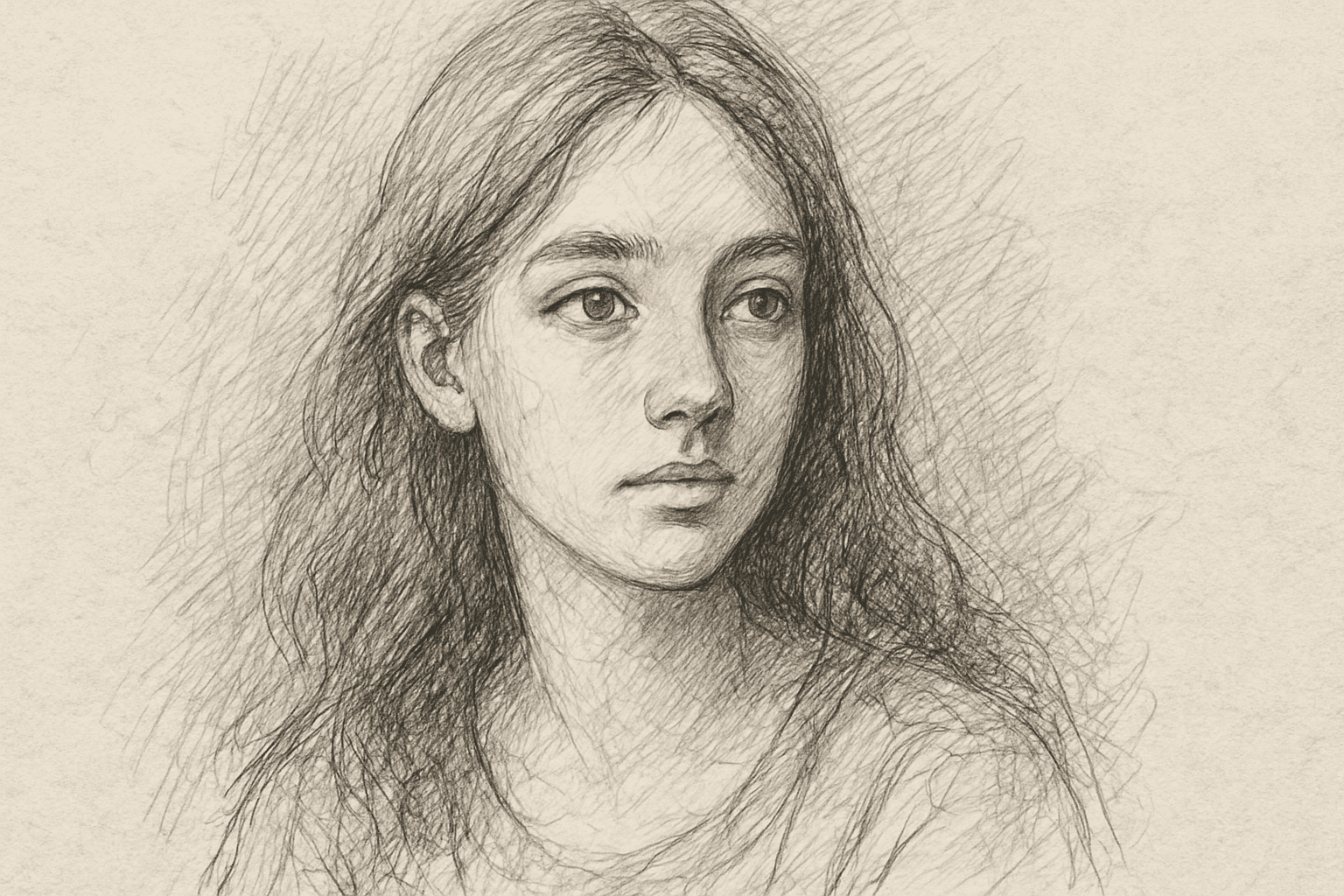
Hand Drawn Sketch Style is a favored artistic approach in AI image generation, evoking the charm and authenticity of manual sketches. This style highlights visible strokes and spontaneous line imperfections, creating images that feel intimate and creative rather than polished. It is ideal for conceptual art, storyboarding, character design, and illustrations where raw expressiveness and personality are prioritized. The style softens digital perfection by emulating paper texture and hand pressure variations, making images appear crafted by an artist’s hand. Artists, designers, and content creators use this style to produce unique visuals that stand out with a traditional artistic touch while leveraging AI speed and flexibility.
Hand Lettered Typography Style
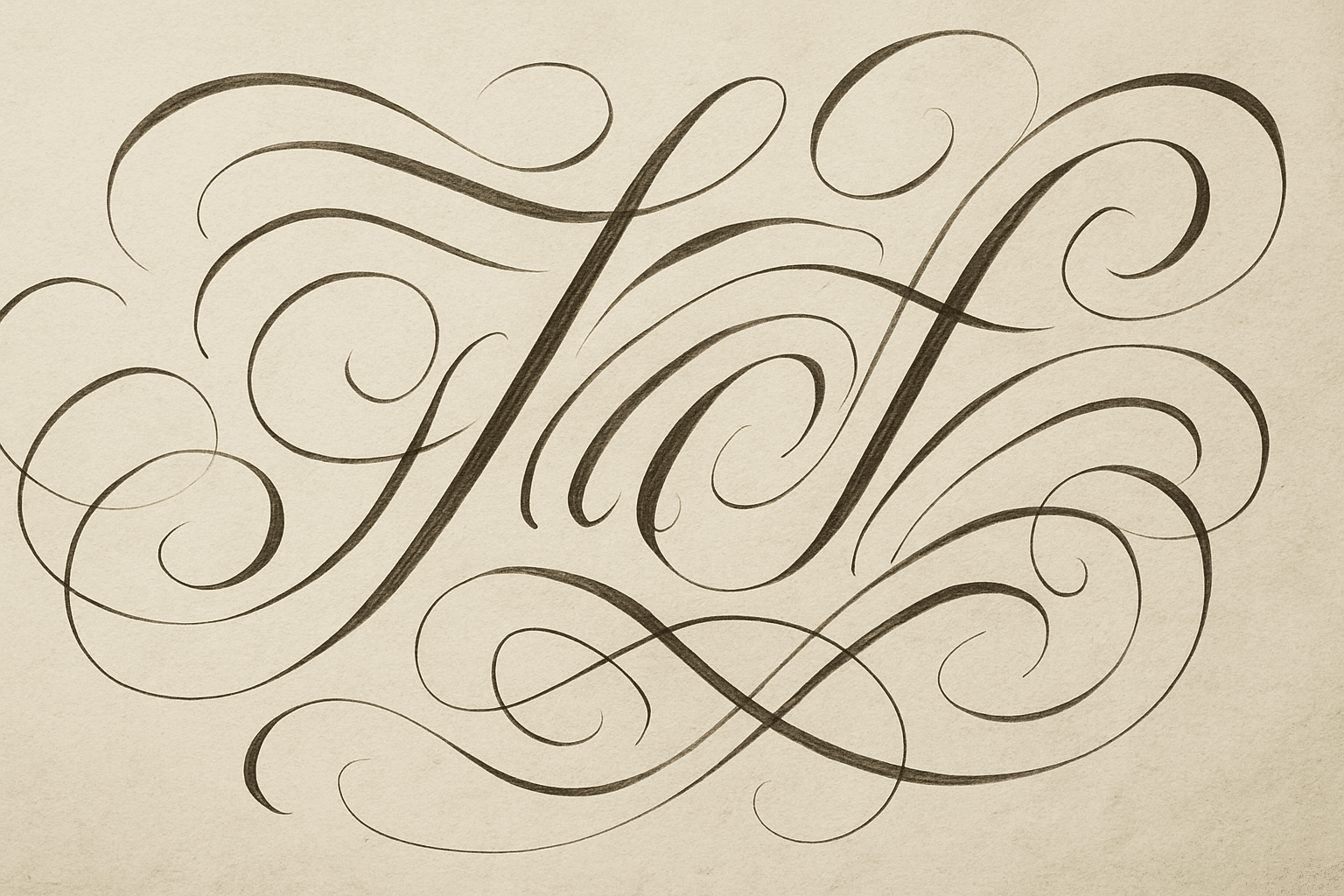
Hand lettered typography style is a popular artistic approach that emphasizes the uniqueness and handcrafted appearance of lettering. When incorporated into AI image generation prompts, it encourages the AI to produce text or lettering that looks as if it were skillfully drawn by hand using pens, brushes, or markers. This style gives the resulting images a personal and creative touch that standard digital typography often lacks. Designers use hand lettering to evoke authenticity, warmth, and an artisanal feel, making it ideal for branding, product labels, and editorial compositions. By specifying hand lettered typography in prompts, you bring character and charm to your AI-created visuals, ensuring they stand out with a custom-crafted vibe.
Hand Drawn Cartoon Style
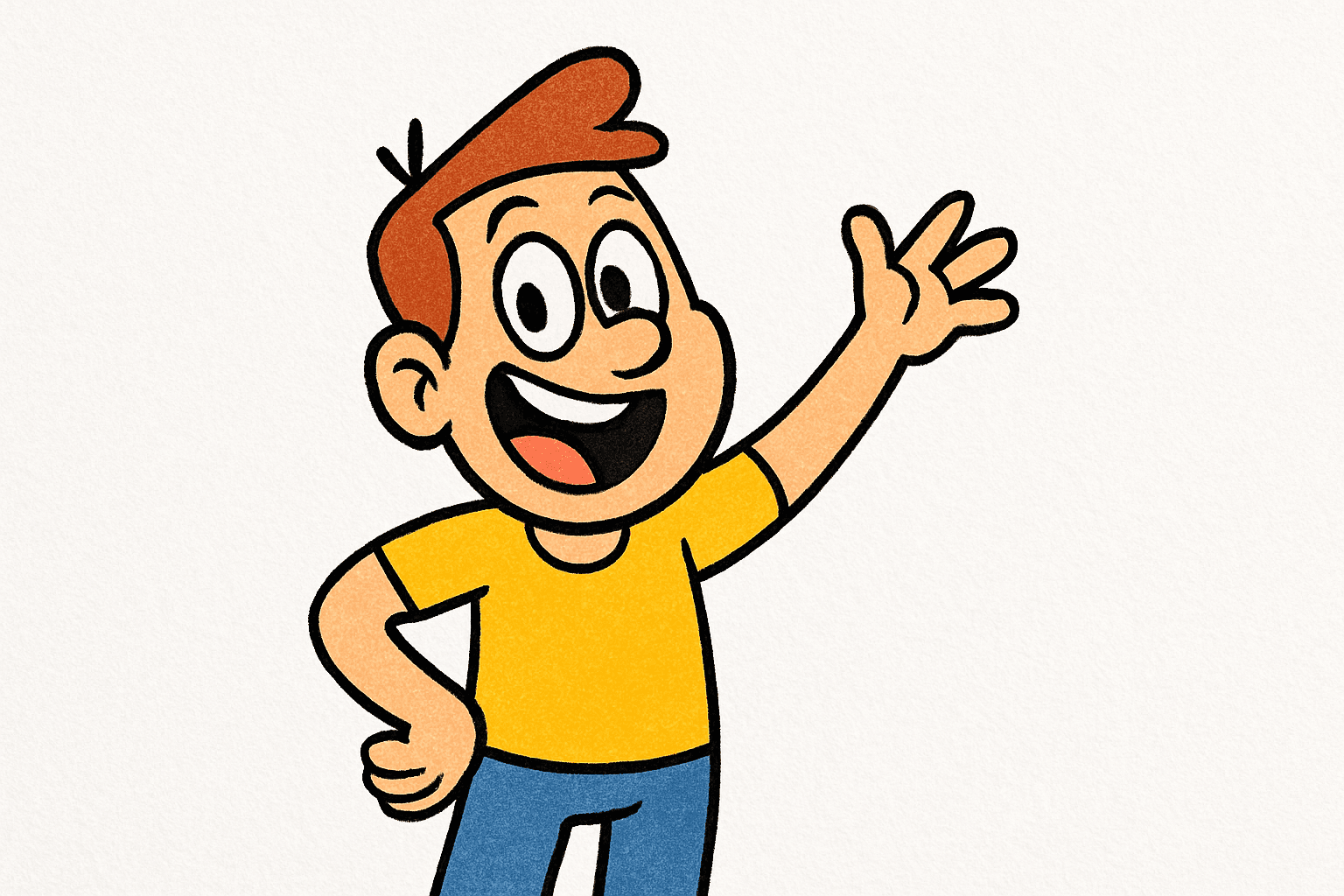
The Hand Drawn Cartoon Style is a popular choice for AI-generated images that aim to evoke a nostalgic, playful, or illustrative atmosphere. This style emulates traditional cartoon art, often seen in comic strips, animation sketches, and children’s book illustrations. By leveraging this style keyword in prompts, users can generate images that have an organic and approachable quality, with visible hand-drawn techniques such as rough lines, dynamic strokes, and lively exaggeration. This makes the style especially suited for character designs, storyboards, and lighthearted visual concepts where realism is intentionally set aside for charm and expressiveness.
Vintage Linework Style
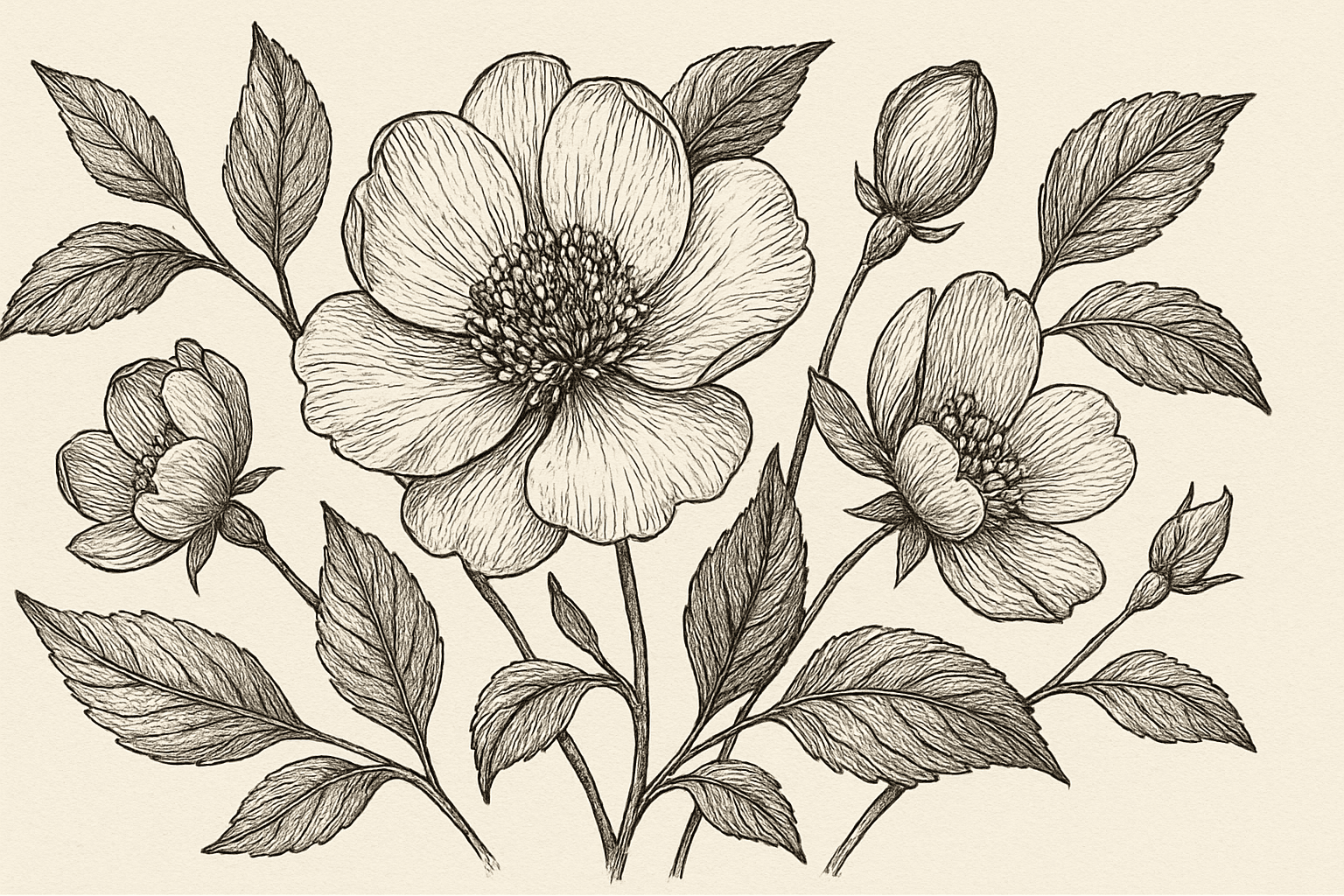
Vintage Linework Style captures the essence of classical illustration art, featuring intricate line detail and minimal coloring to create a nostalgic, handcrafted feel. This style is ideal for conveying a sense of history, craftsmanship, and elegance by highlighting contour and texture through fine lines rather than color gradients or digital effects. Artists and designers use it to evoke authenticity and sophistication in editorial art, packaging, and storytelling imagery. In AI image generation, specifying this style helps produce artwork reminiscent of old woodcuts, engravings, and book illustrations with a modern clean finish.
Painterly Brushstroke Style
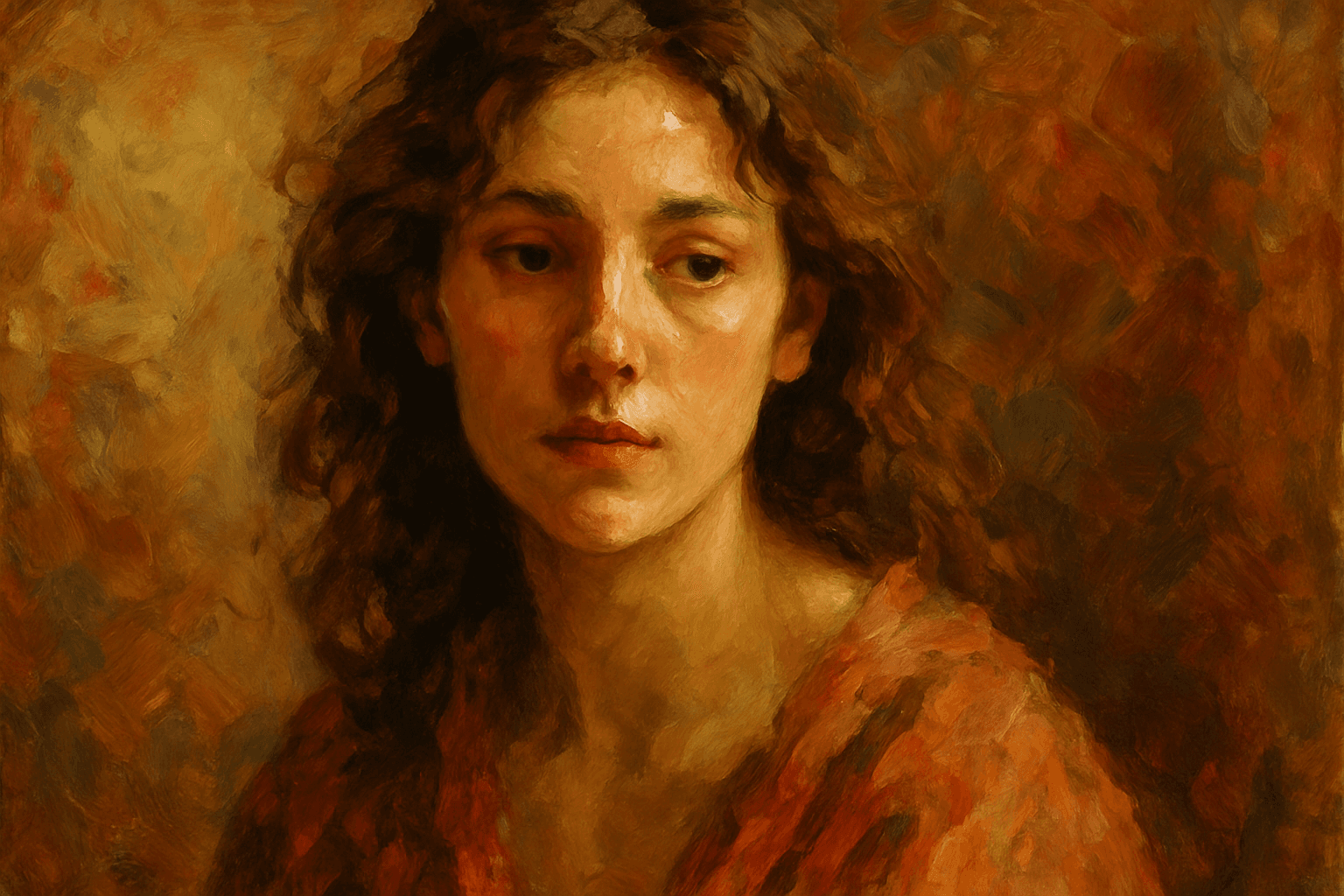
The Painterly Brushstroke Style is an artistic rendering approach that mimics the effect of traditional painting techniques, especially oil or acrylic brushwork. Instead of sharp, crisp digital lines, this style produces images with tactile texture, highlighting the brush's motion and layering of color. It lends images a warm, handcrafted feeling that appeals to art lovers and creative professionals seeking authenticity and emotional impact. When used in AI prompt crafting, it transforms generated images into artworks that resemble a masterful painting rather than a mere digital creation, ideal for editorial illustrations, creative concept art, and fine art reproductions.
Line Art Illustration Style
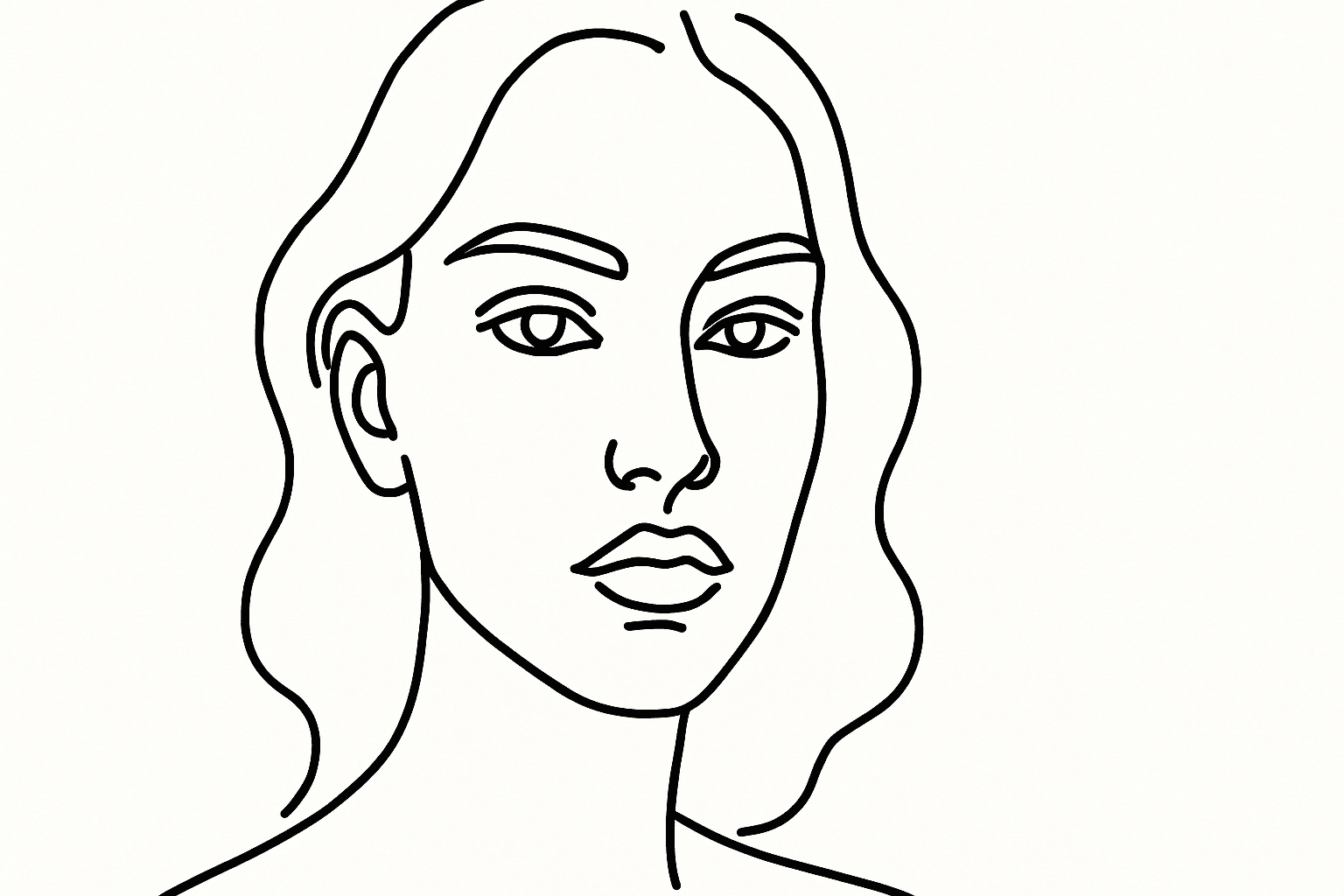
Line Art Illustration Style is a versatile graphic approach characterized by clean, continuous lines that define the shapes and forms of the subject. This style eliminates complex textures and color variations, resulting in minimalist and visually striking images. In AI-generated images, including this keyword instructs the model to focus on contour and form, making it ideal for icons, logos, sketches, and editorial visuals. Its simplicity enhances clarity and adaptability across various design contexts, especially where readability and visual impact are crucial.