Line Art Illustration Style
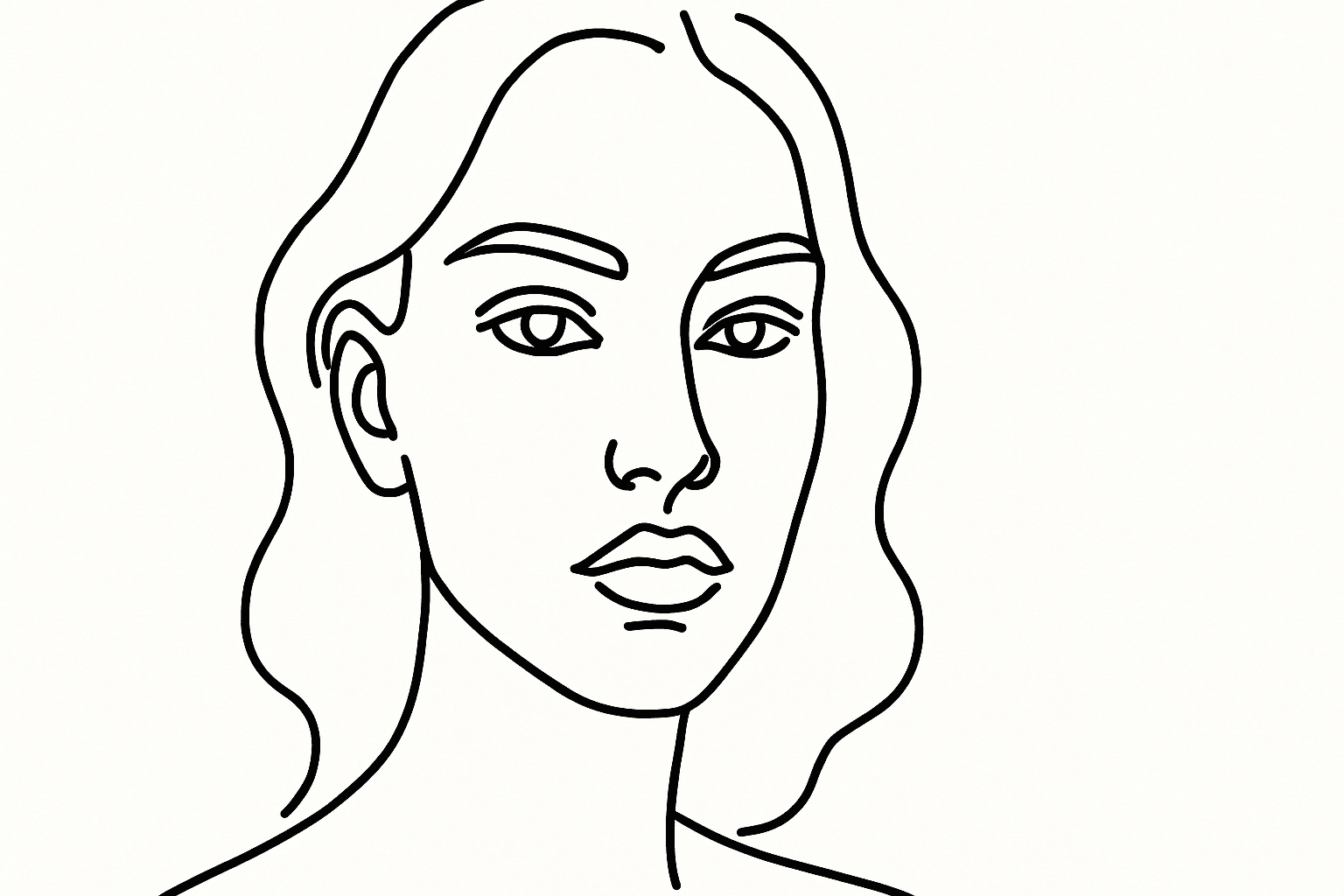
Line Art Illustration Style is a versatile graphic approach characterized by clean, continuous lines that define the shapes and forms of the subject. This style eliminates complex textures and color variations, resulting in minimalist and visually striking images. In AI-generated images, including this keyword instructs the model to focus on contour and form, making it ideal for icons, logos, sketches, and editorial visuals. Its simplicity enhances clarity and adaptability across various design contexts, especially where readability and visual impact are crucial.
Definition
Line Art Illustration Style focuses on creating images primarily composed of clear, continuous lines that define shapes without using gradients or detailed textures. In AI image generation, inputting this style directs the model to generate artwork that emphasizes contours and outlines, resulting in minimalistic and easily interpretable visuals. It reduces visual noise by stripping images down to their essential linear elements, ideal for simple yet expressive depiction of subjects.
Prompt Formula
To integrate Line Art Illustration Style into AI prompts effectively, combine style descriptors with subject and detail focus. Example reusable patterns include:
- "Line art illustration of [subject] with clean, bold outlines"
- "Minimalist line drawing of [object], monochrome, no shading"
- "Black and white line art sketch emphasizing fine contours and shapes"
Best Use Cases
This style works best in contexts where clarity and simplicity are essential. Common scenarios include:
- Technical diagrams and instructional visuals requiring clear differentiation
- Logo and icon concepts benefiting from minimalistic forms
- Editorial and conceptual illustrations that need to communicate ideas directly
Industry Applications
Line Art Illustration Style finds practical commercial applications across various industries:
- Graphic design, especially for branding and identity creation
- Editorial content, including magazines, blogs, and newspapers, for clean imagery
- Product packaging and manufacturing diagrams demanding schematic representation
Common Mistakes
When prompting line art style, avoid these pitfalls:
- Inconsistent or overly complex line thickness that clutters the image
- Unclear subject boundaries due to incomplete or sketchy lines
- Excessive shading or color usage that contradicts the line art minimalism
Advanced Techniques
For experienced users, refining line art prompts can enhance output quality:
- Specify line thickness variations for depth and emphasis
- Combine line art with subtle use of spot color to highlight key areas
- Incorporate direction on perspective and background simplicity
Professional Workflow
A streamlined approach to use Line Art Illustration Style in AI projects includes:
- 1. Define concept and isolate key shapes for clarity
- 2. Build prompts focused on line clarity and subject separation
- 3. Generate multiple variants to compare line quality and composition
- 4. Select images with consistent line weight and subject definition
- 5. Refine with post-processing tools if necessary to clean or vectorize lines
FAQ
What is the main advantage of using Line Art Illustration Style in AI image generation?
It produces clean, minimalist images focused on outlines, making visuals easier to interpret and versatile across design contexts.
Can I use color in line art style prompts?
Line art traditionally uses monochrome outlines, but subtle color accents can be added for emphasis if desired, depending on the prompt.
Continue Exploring
Related Prompts

Graphic Line Art Style
Graphic Line Art Style is a visually striking illustration approach emphasizing clarity and simplicity through well-defined lines. It focuses on outlining forms with precision and minimalistic detail, avoiding heavy shading or elaborate color schemes. This style is popular in editorial illustrations, logos, and iconography due to its crisp readability and modern aesthetic. When incorporated into AI image prompts, it directs the model to produce minimalist visuals that can easily adapt to various themes while maintaining a clean, graphic look. Its simplicity makes it versatile for both monochrome and limited color compositions, suitable for branding, presentations, and artistic sketches where impact comes from form rather than texture or color richness.
Monoline Icon Style
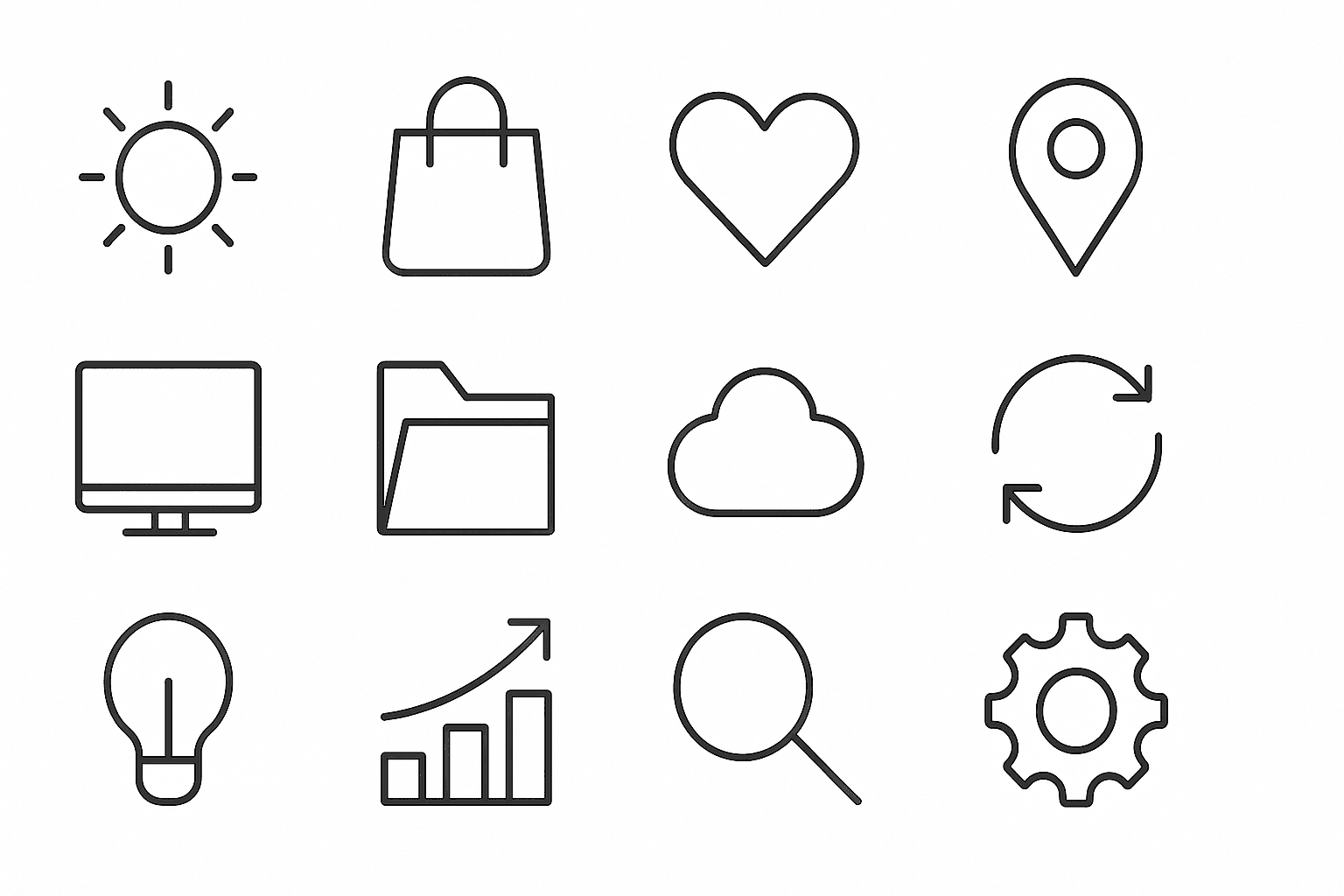
Monoline Icon Style is a popular visual approach that uses single-weight lines to construct simple and elegant illustrations or icons. This style avoids line thickness variation, gradients, or complex textures, resulting in a modern, crisp aesthetic. It’s widely used in digital product design, branding, and editorial contexts, especially to communicate ideas efficiently with minimal visual clutter. When incorporated into AI image prompts, this keyword guides the model to produce artwork that resembles vector line icons often used in user interfaces, signage, and infographics. The style’s consistency allows easy scalability and integration across different mediums.
Minimalist Design Style
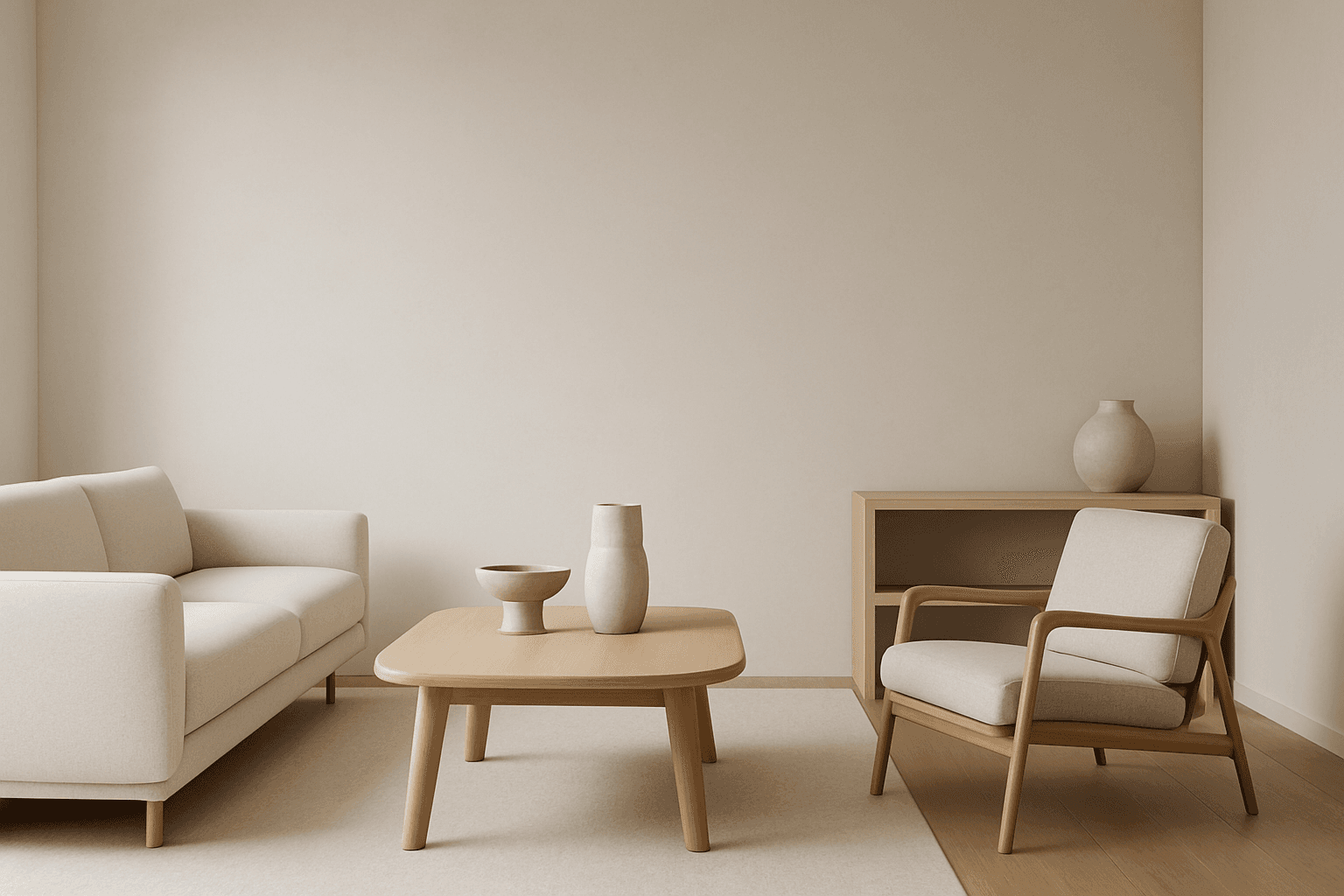
Minimalist design style is a popular artistic approach that strips visuals down to their fundamental components. It values functionality, clarity, and subtlety rather than embellishment. When used in AI image generation, it leads to creations with harmonious balance, simplicity, and impact. Minimalism favors sleek geometry, reduced ornamentation, and neutral or pastel color schemes. This style communicates sophistication and modern elegance, making it well suited for branding, editorial illustrations, product visuals, and architectural imagery. Adopting minimalist design in prompts guides AI to focus on essential shapes and textures, delivering images with visual calm and refined aesthetics.

Vector Art Style
Vector Art Style produces images that look like digital illustrations made with graphic design software such as Adobe Illustrator. The style focuses on clarity, precision, and scalability, capturing designs with minimal detail yet high definition. These images avoid texture noise and use solid colors, making them ideal for icons, logos, and infographics. AI models, when prompted correctly, can replicate this by generating artwork with polygonal shapes and smooth curves, delivering a modern, polished aesthetic suitable for professional and commercial uses.

Flat Graphic Style
The Flat Graphic Style is a popular design approach that emphasizes simplicity and clarity. It removes three-dimensional effects like shadows and highlights, focusing on clean, bold shapes and monochromatic or limited color palettes. This style is widely used in digital and print media for its readability and modern aesthetic. When used in AI prompt engineering, it guides the image generation toward compositions that look graphic and stylized rather than photorealistic. This makes it ideal for editorial illustrations, icons, and various branding materials where clarity and impact are essential.
Hand Drawn Sketch Style
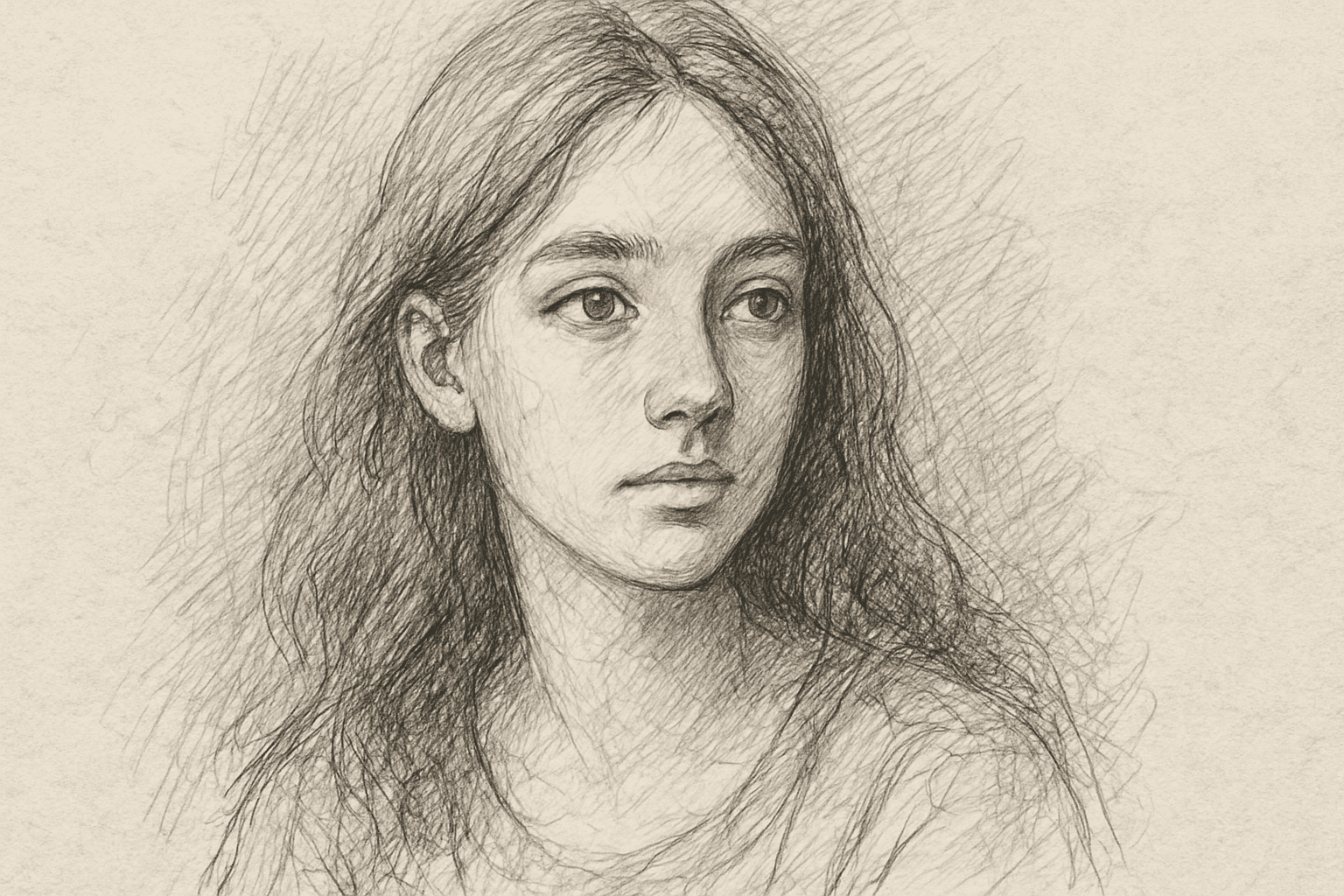
Hand Drawn Sketch Style is a favored artistic approach in AI image generation, evoking the charm and authenticity of manual sketches. This style highlights visible strokes and spontaneous line imperfections, creating images that feel intimate and creative rather than polished. It is ideal for conceptual art, storyboarding, character design, and illustrations where raw expressiveness and personality are prioritized. The style softens digital perfection by emulating paper texture and hand pressure variations, making images appear crafted by an artist’s hand. Artists, designers, and content creators use this style to produce unique visuals that stand out with a traditional artistic touch while leveraging AI speed and flexibility.