Isometric Graphic Style
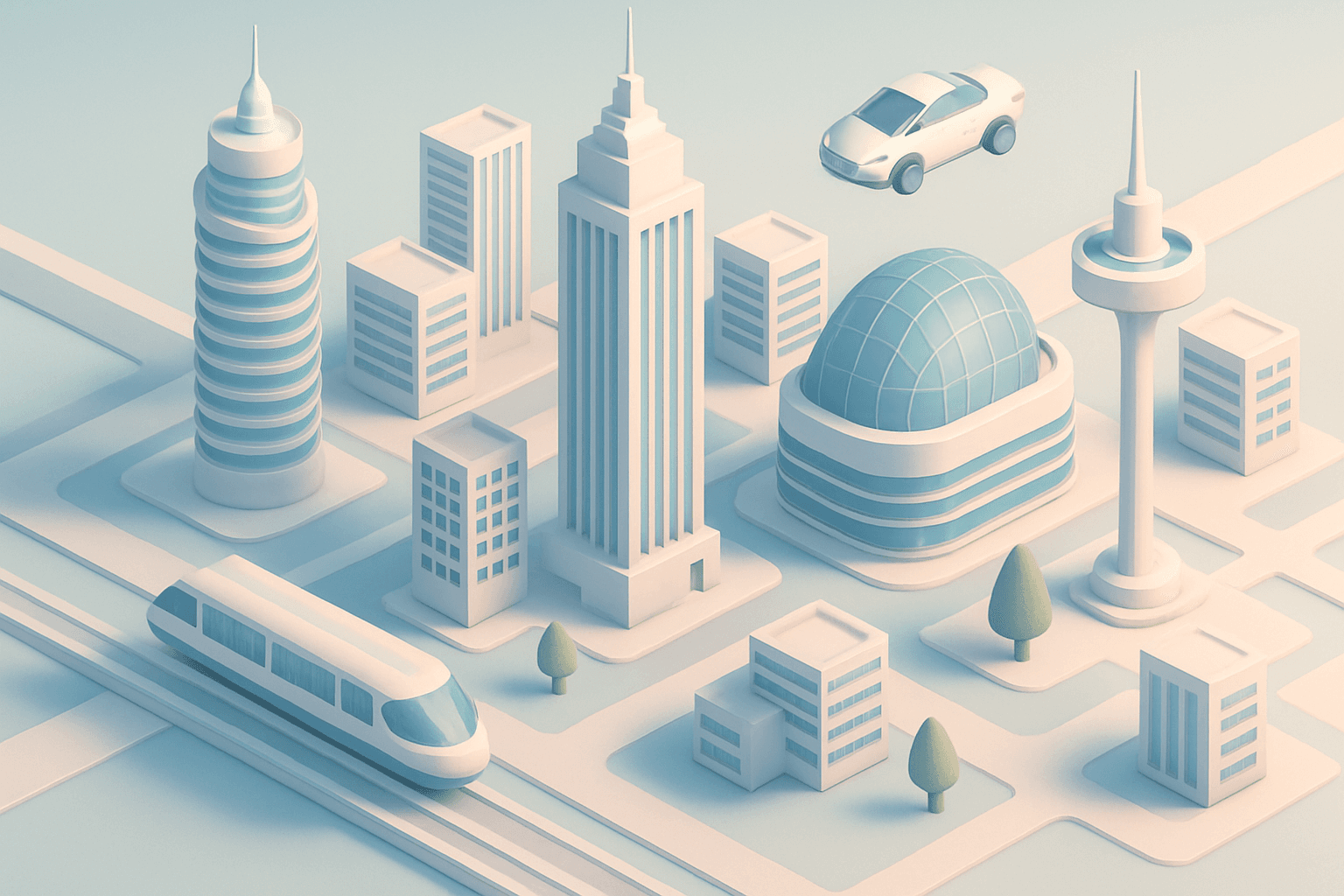
The Isometric Graphic Style presents a visually distinct approach within AI-generative art, emphasizing a three-dimensional feel without traditional perspective. This style simplifies complex scenes by eliminating vanishing points and foreshortening, instead showing multiple sides of an object or environment simultaneously in a balanced, angular format. Artists and designers use it to convey spatial relations clearly and attractively across various applications, from game design to infographics and architectural visualization. Its precision and clarity make it ideal for communicating technical details, while its stylized geometry gives images a modern and clean aesthetic. Incorporating this style into AI prompts enhances reproducibility of consistent angles and depth, producing images with a polished, schematic look that appeals across digital design fields.
Definition
Isometric Graphic Style is a technique in AI image generation that creates three-dimensional images using parallel projection without perspective distortion. It shows multiple sides of an object equally, using consistent angles (around 30 degrees), resulting in geometric, balanced illustrations. Adding this keyword to a prompt guides AI to produce clean, spatially accurate images ideal for technical and schematic visuals.
Visual Characteristics
- Parallel lines with no vanishing points
- Consistent, equal-scale views of faces and edges
- Clean geometry with clear edges and lighting
Prompt Formula
To incorporate Isometric Graphic Style into AI prompts effectively, combine geometry-focused descriptors with lighting and color terms that enhance clarity and depth without realistic perspective. Use structure such as:
- isometric graphic style, [subject], clean lines, subtle shadows
- isometric graphic style, [scene], flat colors, geometric shapes
- isometric graphic style, [object], minimalistic details, balanced lighting
Best Use Cases
- Technical illustrations like architectural plans or machinery diagrams
- Infographics and dashboards where spatial clarity is critical
- Game and app asset design requiring uniform 3D-like visuals
Creative Variations
To diversify outputs, experiment with complementary lighting (soft vs. sharp shadows), color schemes (monochrome vs. vibrant palettes), and subjects (organic shapes vs. structured objects). Consider adding reflections, textures, or environmental context while maintaining isometric projection. Also, try mixing in minimalism or retro-futuristic motifs to expand style boundaries.
- Soft diffuse lighting for gentle depth
- Vibrant neon or pastel color schemes
- Mixing architectural and organic elements
- Adding textures like brushed metal or glass
Industry Applications
- UI/UX and game design for clear, modular assets
- Marketing and product demos needing simplified visualization
- Editorial content requiring schematic and modern illustrations
Related Styles
- Flat design with simplified shapes and colors
- Vector art emphasizing clean scalable lines
- Low poly style highlighting geometric abstraction
Model-Specific Tips
When prompting for Isometric Graphic Style across AI models, focus on specifying angle consistency and eliminating perspective terms to avoid unwanted warping. Using phrases like 'parallel projection' or 'no perspective distortion' helps. Emphasize clean lines and geometric precision. Avoid overly vague terms like "3D" without 'isometric' to prevent perspective rendering. Iteratively check outputs and refine angle and lighting descriptors to maintain the style's fidelity.
FAQ
What is the main difference between isometric and perspective styles in AI images?
Isometric style maintains equal scale and angle across all dimensions with no vanishing points, showing multiple sides equally, while perspective style simulates how objects appear smaller as they get farther, with vanishing points creating depth.
Can Isometric Graphic Style be used for realistic scenes?
Isometric style is better suited for schematic and stylized imagery rather than photo-realistic scenes because it lacks traditional perspective that contributes to natural realism.
Continue Exploring
Related Prompts

Flat Graphic Design
Flat Graphic Design is a popular style that emphasizes simplicity and clarity. It avoids complex textures, realistic lighting, or three-dimensional effects. Instead, it focuses on clear lines, crisp edges, and vibrant color palettes to communicate ideas effectively and aesthetically. When used in AI image prompts, it helps generate visually clean, easily recognizable subjects suitable for icons, interface elements, and editorial illustrations. This style aligns perfectly with modern digital and branding trends, providing a fresh and approachable look that appeals broadly.

Flat Graphic Style
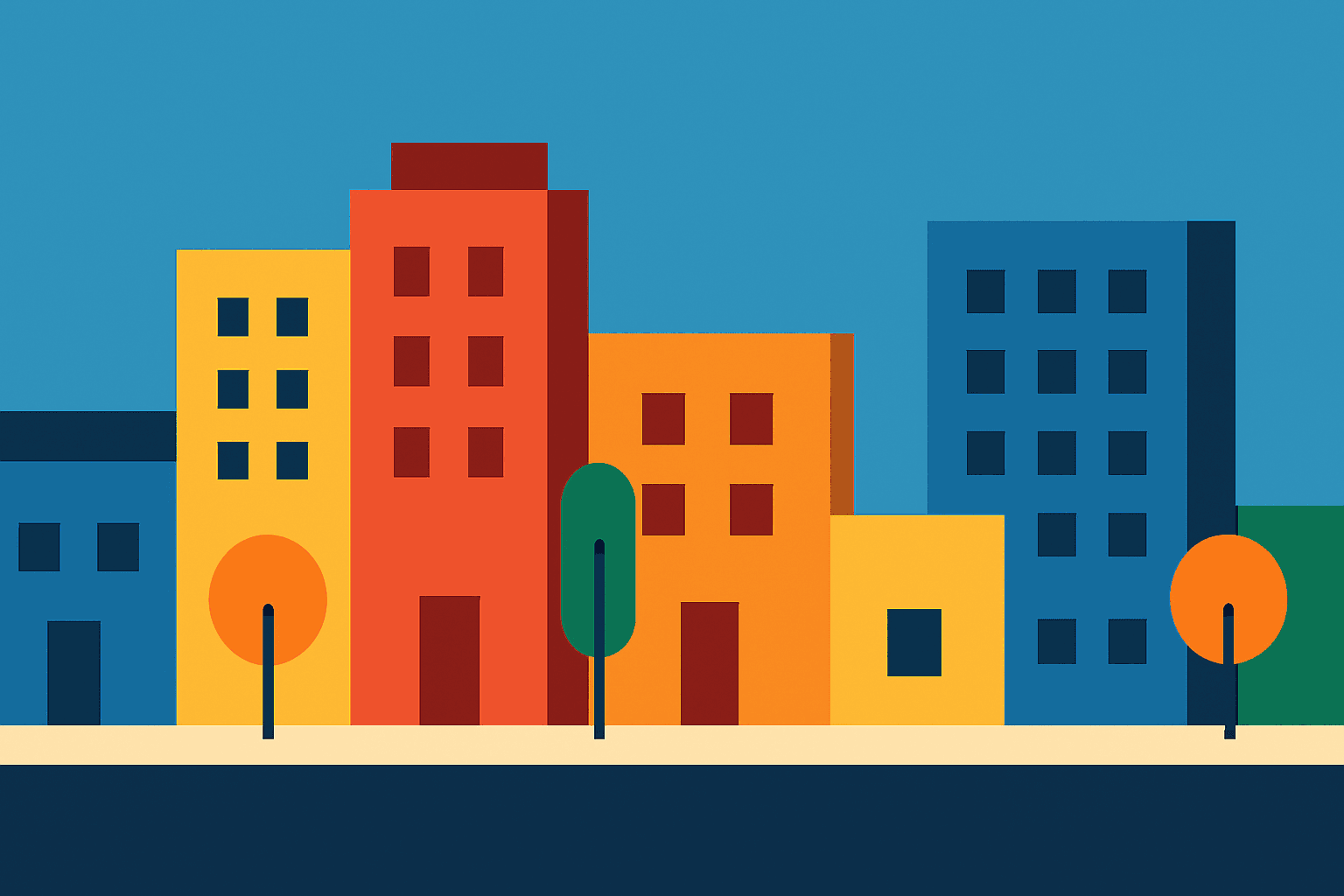
The Flat Graphic Style is a popular design approach that emphasizes simplicity and clarity. It removes three-dimensional effects like shadows and highlights, focusing on clean, bold shapes and monochromatic or limited color palettes. This style is widely used in digital and print media for its readability and modern aesthetic. When used in AI prompt engineering, it guides the image generation toward compositions that look graphic and stylized rather than photorealistic. This makes it ideal for editorial illustrations, icons, and various branding materials where clarity and impact are essential.
Flat Design Style
Flat Design Style simplifies visual elements by stripping down imagery to essential shapes and colors, lending itself to clarity and legibility. It's widely used in user interfaces, infographics, and branding where straightforward communication is key. AI image models interpreting this style produce images with sharp lines, uniform hues, and a graphic feel that avoids photorealism, making it perfect for scalable and versatile visuals that maintain impact across platforms.
Graphic Line Art Style
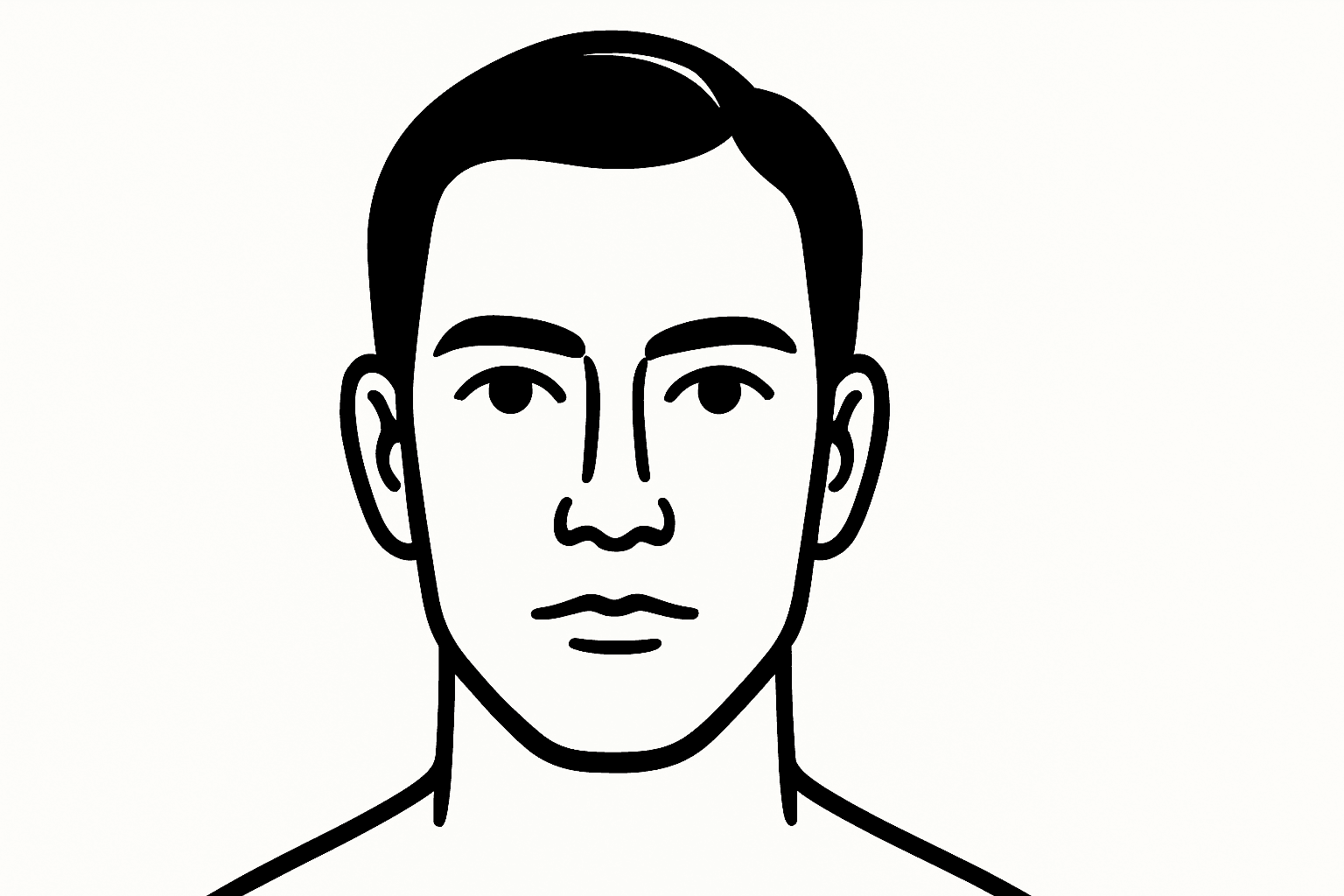
Graphic Line Art Style is a visually striking illustration approach emphasizing clarity and simplicity through well-defined lines. It focuses on outlining forms with precision and minimalistic detail, avoiding heavy shading or elaborate color schemes. This style is popular in editorial illustrations, logos, and iconography due to its crisp readability and modern aesthetic. When incorporated into AI image prompts, it directs the model to produce minimalist visuals that can easily adapt to various themes while maintaining a clean, graphic look. Its simplicity makes it versatile for both monochrome and limited color compositions, suitable for branding, presentations, and artistic sketches where impact comes from form rather than texture or color richness.

Vector Art Style
Vector Art Style produces images that look like digital illustrations made with graphic design software such as Adobe Illustrator. The style focuses on clarity, precision, and scalability, capturing designs with minimal detail yet high definition. These images avoid texture noise and use solid colors, making them ideal for icons, logos, and infographics. AI models, when prompted correctly, can replicate this by generating artwork with polygonal shapes and smooth curves, delivering a modern, polished aesthetic suitable for professional and commercial uses.
Monoline Icon Style
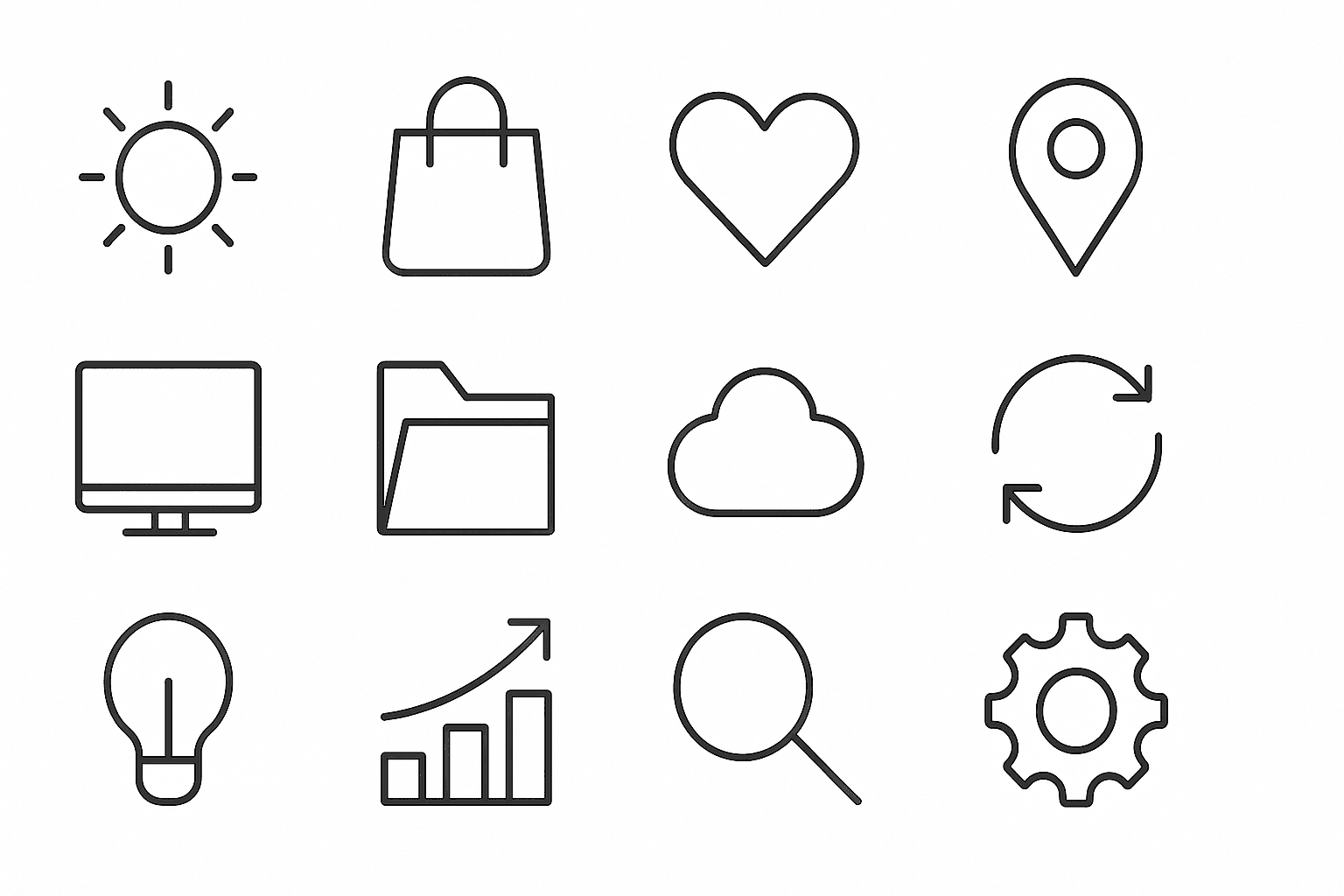
Monoline Icon Style is a popular visual approach that uses single-weight lines to construct simple and elegant illustrations or icons. This style avoids line thickness variation, gradients, or complex textures, resulting in a modern, crisp aesthetic. It’s widely used in digital product design, branding, and editorial contexts, especially to communicate ideas efficiently with minimal visual clutter. When incorporated into AI image prompts, this keyword guides the model to produce artwork that resembles vector line icons often used in user interfaces, signage, and infographics. The style’s consistency allows easy scalability and integration across different mediums.