Packaging Mockup Design
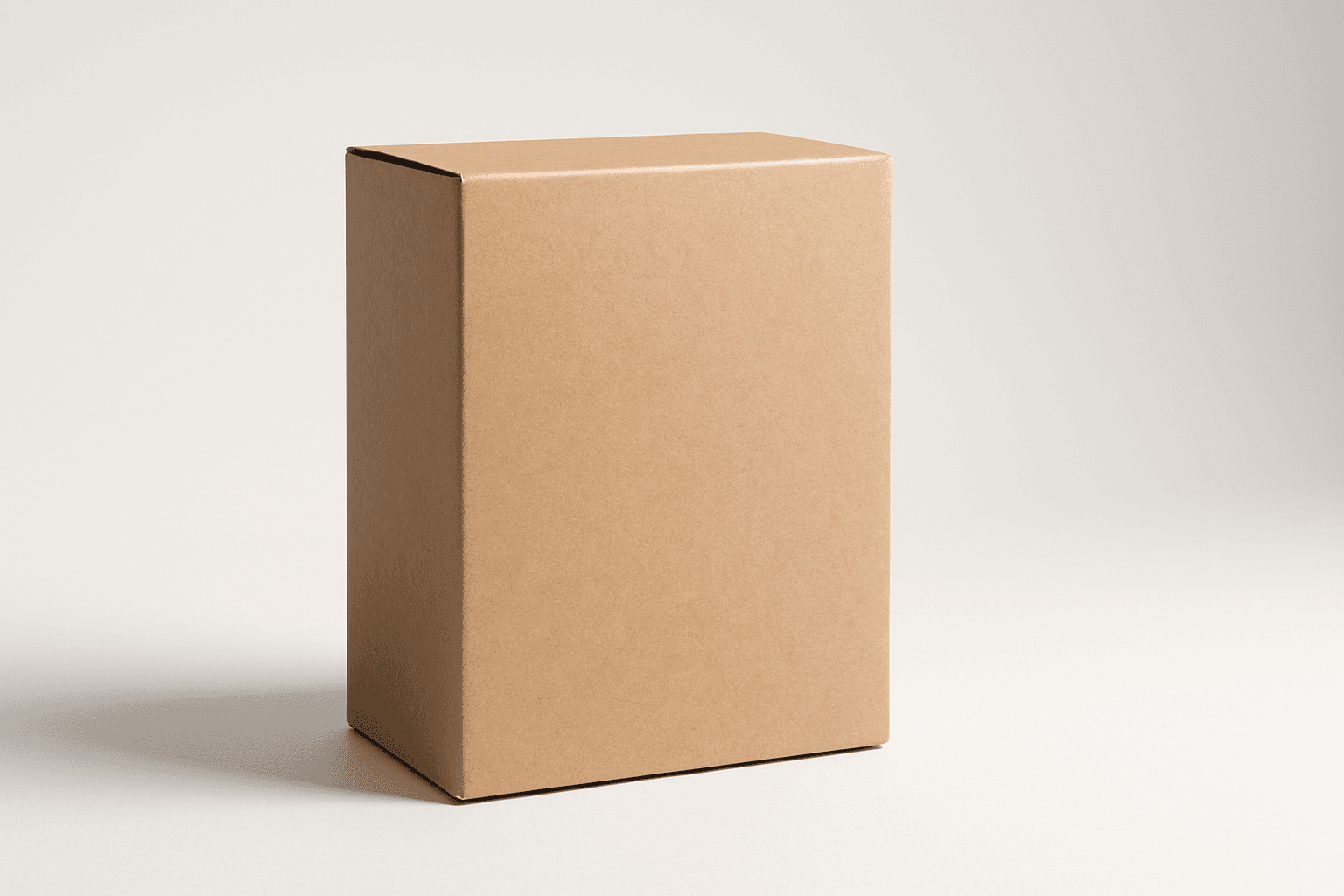
Packaging Mockup Design is an essential keyword for AI image generation when creating realistic and versatile product packaging visuals. It helps designers, marketers, and content creators visualize packaging concepts with premium stock-image polish and refined lighting. The resulting images typically feature clean editorial compositions focused on packaging shape and material details without any distracting text or logos. This keyword boosts the quality and usability of product presentation images for commercial use, branding proposals, or online stores.
Definition
Packaging Mockup Design in AI image generation means producing images that realistically simulate product packaging as three-dimensional objects. This keyword helps beginners understand how to prompt AI to visualize different packaging materials, shapes, and forms with photorealistic lighting and texture detail. Using this keyword changes the prompt focus to packaging prototypes rather than abstract product art or flat graphics.
Visual Characteristics
- Realistic light and shadow interplay emphasizing packaging form
- Textured surfaces showing materials like glass, plastic, paper, or metal
- Neutral or minimal backgrounds to keep focus on packaging structure
Prompt Formula
Use prompt structures combining specific packaging types and materials with lighting and background descriptions for best results.
- "[Product type] packaging mockup design with [material] texture, [lighting style], clean background"
- "Realistic [container shape] packaging mockup with subtle reflections and soft shadows"
- "Editorial style packaging mockup design, premium stock photo quality, minimal composition"
Best Use Cases
- Design portfolio presentations showcasing packaging concepts
- Advertising imagery for new product launches
- E-commerce platforms needing clean, generic package visuals
Advanced Techniques
Experienced prompt writers can refine Packaging Mockup Design visuals by adding constraints like seasonally appropriate lighting, specific texture granularity, or packaging damage states. Combining this keyword with style descriptors such as ‘matte finish,’ ‘gloss coating,’ or ‘eco-friendly recycled materials’ sharpens the realism and thematic relevance. Layering environmental context like ‘studio setting’ or ‘outdoor daylight’ further enhances the scene.
- Specify material finishes: matte, gloss, metallic
- Add environmental lighting: natural daylight, studio softbox
- Use damage or wear terms: creased, scratched, crumpled packaging
Professional Workflow
Start by briefing the packaging type and target audience to the AI prompt, incorporating the Packaging Mockup Design keyword with material and lighting details. Generate multiple image variants to capture different angles and finishes. Select images with optimal lighting and texture realism, then refine with iterative prompts or post-processing. Finally, incorporate branding elements in graphic design software to complete the mockup for client use.
- Define packaging specifics and audience needs
- Generate diverse outputs with refined prompts
- Select and refine best images for photorealism and clarity
- Add branding and final adjustments externally
Related Styles
- Minimalist Product Rendering
- Luxury Branding Mockups
- Sustainable Packaging Designs
Model-Specific Tips
When working with modern AI image generators, frame Packaging Mockup Design prompts clearly around specific packaging types and desired materials rather than relying on brand names. Use natural language descriptors and avoid overly technical jargon to maintain model understanding. Including lighting and textural adjectives increases likelihood of realism. Testing different prompt orders and weights can enhance detail accuracy without needing proprietary syntax.
- Focus on descriptive material and lighting adjectives
- Avoid brand names for generic mockups
- Experiment with prompt phrasing to balance detail and realism
FAQ
Can Packaging Mockup Design prompts include branding logos?
Typically, these prompts exclude logos to keep the mockups versatile and reusable. Branding is usually added later in graphic design software.
What materials can be simulated with Packaging Mockup Design?
Common materials include cardboard, glass, plastic, metal, and paper, often represented with realistic textures and finishes.
Is Packaging Mockup Design suitable for beginner AI users?
Yes, it is accessible but requires understanding of material and lighting descriptors to maximize image quality, placing it at an intermediate level.
Continue Exploring
Related Prompts
Packaging Mockup
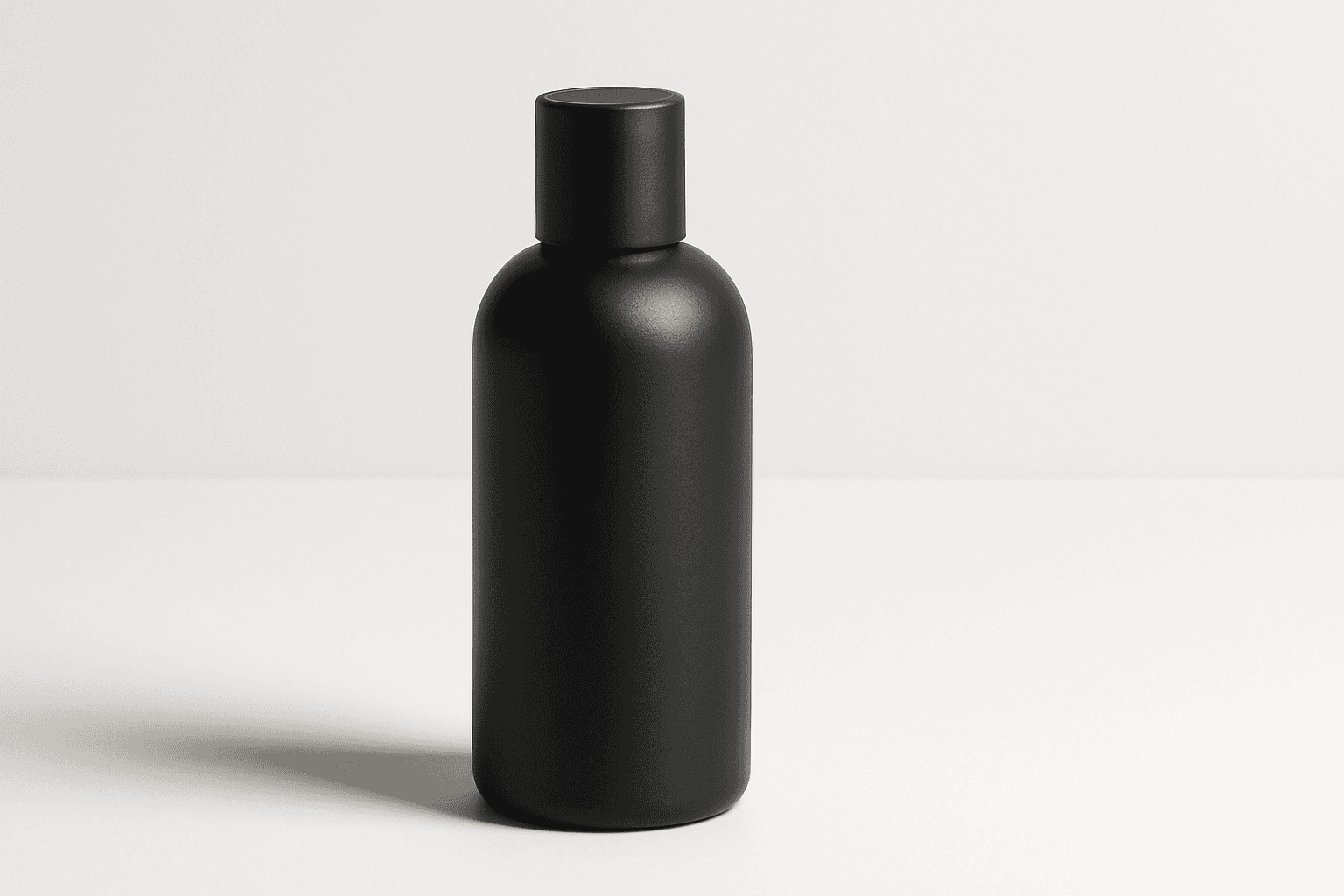
Packaging mockups are essential tools in product design and marketing, allowing designers and brands to visualize and present their packaging concepts in a realistic setting before production. When using AI image prompts, including 'packaging mockup' guides the generation process to focus on product boxes, bottles, or containers with attention to accurate textures and lighting. This results in polished, professional images ideal for presentations, ecommerce, or advertisements. The style should emphasize clarity and premium quality, highlighting packaging features without distractions like logos or text, ensuring versatility for various commercial applications.
Packaging Design Presentation
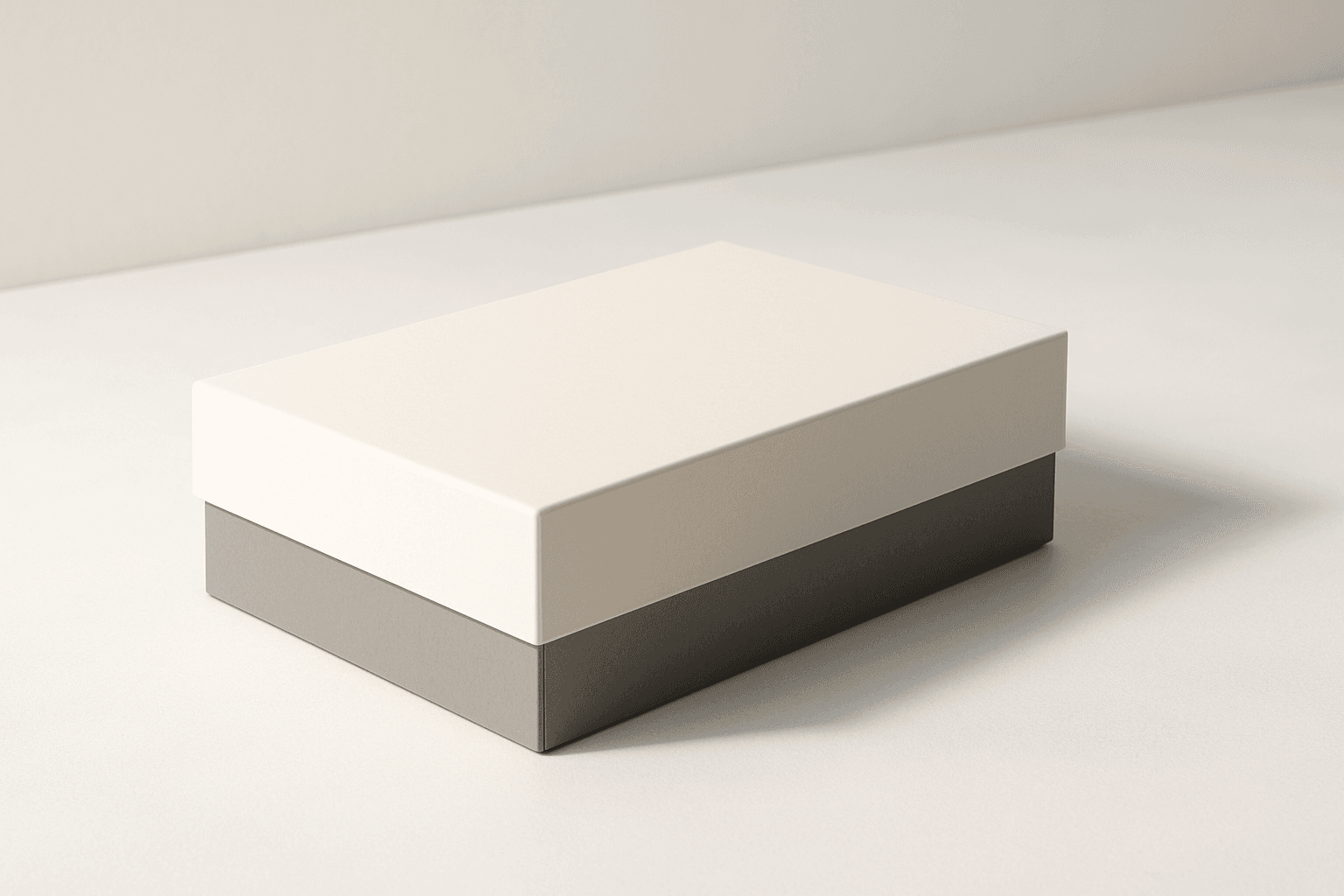
The 'Packaging Design Presentation' keyword elevates AI-generated images to display consumer product packaging in a professional, editorial style. It's designed to produce visuals that showcase packaging designs with premium polish, realistic material representation, and refined lighting. This approach is essential for designers, marketers, and e-commerce professionals needing imagery that accurately reflects packaging aesthetics without distractions. The results typically feature a clean background, subtle depth to accentuate three-dimensionality, and an absence of text or logos, ensuring the focus remains on the package design itself. By integrating this keyword into prompts, users can expect images suitable for presentations, online catalogs, and marketing assets that demand a commercial finish.

Packaging Design Visuals
Packaging Design Visuals are critical in illustrating product packaging concepts for designers, marketers, and retailers. Using AI prompts with this keyword generates imagery that highlights packaging prototypes or final designs with photorealistic qualities, often emphasizing materials and dimensional structure in well-lit editorial-style compositions. Such visuals are vital for client presentations, advertisements, e-commerce showcases, and refining packaging aesthetics without the need for physical samples. The approach focuses on clarity, material authenticity, and minimal distractions, making it a powerful tool in both creative and commercial workflows.
Brand Campaign Visual
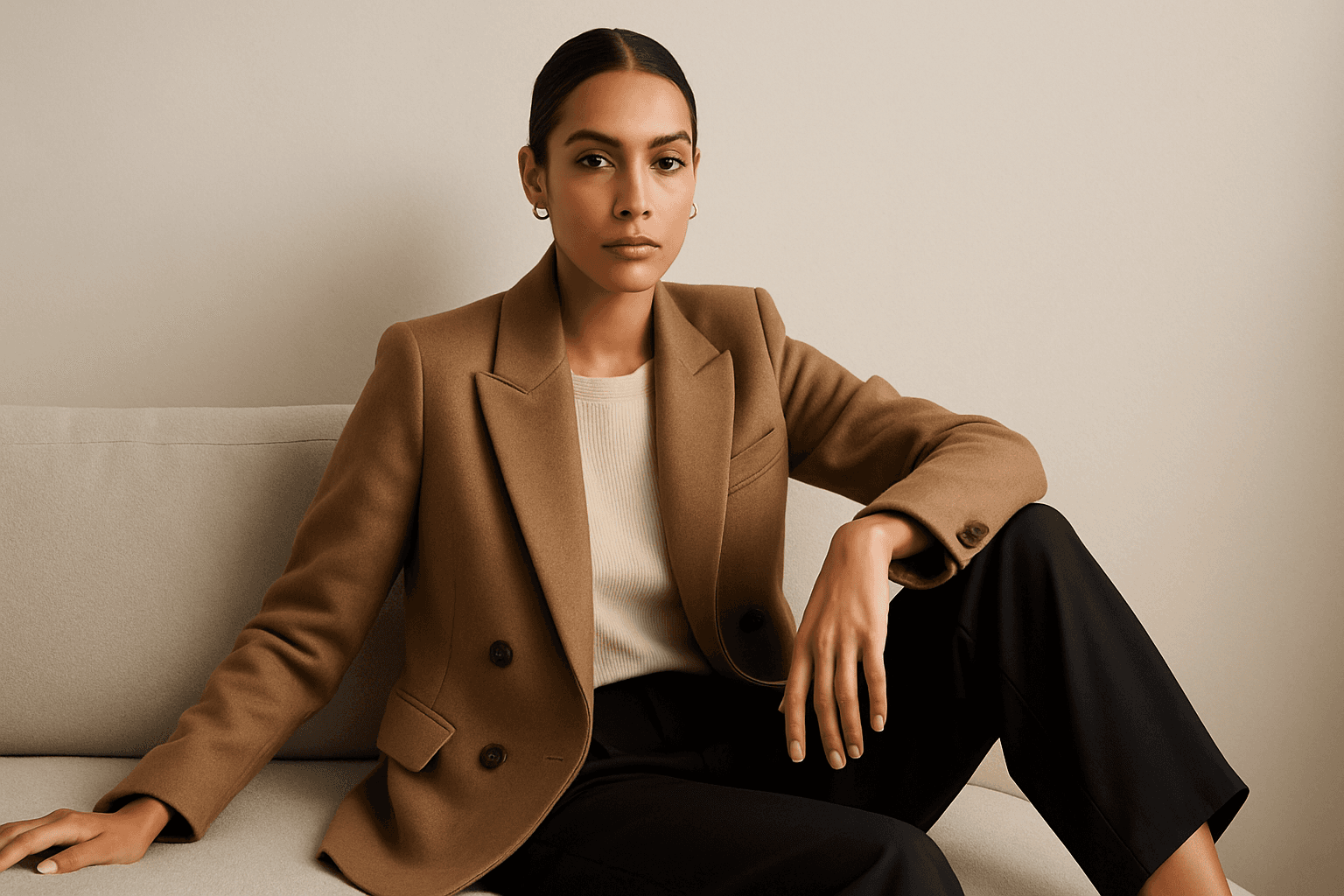
Brand Campaign Visual is an essential AI prompt keyword designed to generate high-quality images that effectively portray a brand’s personality and marketing message. These visuals typically feature a clean and sophisticated style, suitable for use in digital advertisements, social media, and corporate presentations. By directing AI models with this keyword, creators obtain images that incorporate subtle depth, premium stock-photo polish, and realistic textures to engage viewers while maintaining brand consistency. This approach helps marketers save time and resources in producing visuals that align tightly with their campaign goals.

Social Media Banner Design
Social Media Banner Design is a crucial category in AI image generation aimed at producing graphics optimized for social media headers, ads, and promotional content. These designs prioritize clean layouts, modern aesthetics, and balanced lighting to ensure clarity and premium appeal. Using this keyword helps prompt AI models to focus on the visual language suitable for digital marketing banners—emphasizing readability, simplicity, and brand adaptability without text or logos. This is essential for marketers and designers who want to generate versatile hero images or thumbnails ready for social media use, maintaining consistency and professionalism across campaigns.
Corporate Presentation Design
Corporate Presentation Design as a keyword guides AI models to generate images resembling professional slideshow designs used in business meetings and corporate communications. These images highlight a balance of clarity and elegance, often featuring well-organized text placeholders, charts, and graphical elements with a polished style. Using this keyword helps produce visuals that carry a premium editorial feel without clutter or excessive artistic flair, making them fit for corporate branding, consultancy reports, and executive summaries. This facilitates designers and marketers in quickly accessing fitting inspirational content or base imagery for branding and presentation projects.