Rotational Symmetry Layout
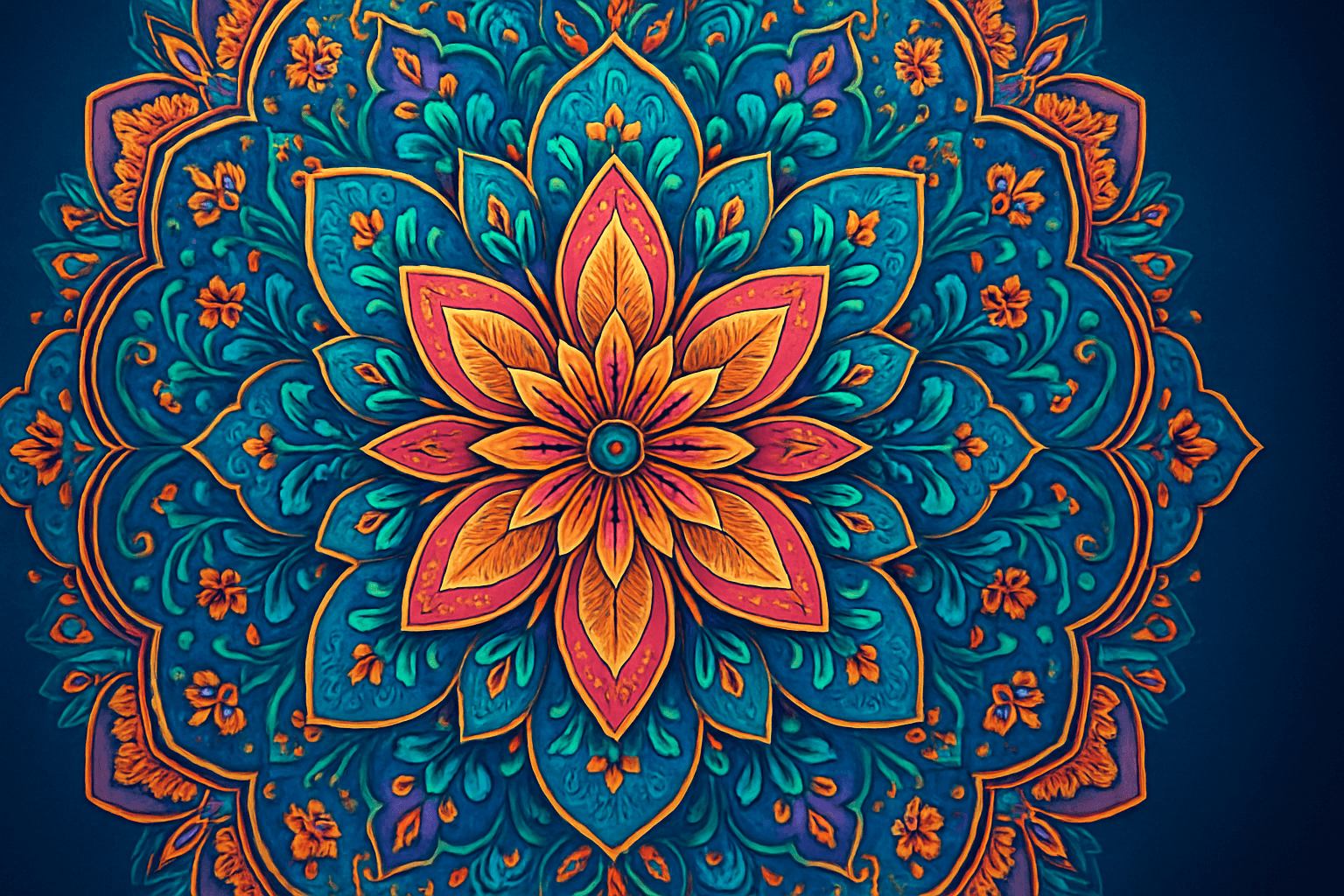
Rotational symmetry layouts create images where visual elements are arranged in repeated patterns around a central axis, producing a sense of balance and rhythm. This design principle is widely used in art, design, architecture, and nature-inspired motifs. When incorporated into AI prompts, rotational symmetry guides the generation to emphasize circular repetition and harmony, enhancing aesthetic appeal and structured complexity. This layout is especially effective for creating intricate mandalas, floral designs, decorative backgrounds, or abstract patterns with a sense of continuous movement. The balanced nature of rotational symmetry makes it an excellent choice for compositions requiring visual stability combined with creative flair.
Definition
Rotational symmetry layout is a design approach where elements are repeated evenly around a central point, creating a harmonious circular pattern. In AI image prompts, specifying this layout instructs the model to arrange details symmetrically in a rotating fashion, boosting balance and visual rhythm in the composition. This changes the typical spatial arrangement by introducing repeated angular segments, often resulting in mandala or kaleidoscopic aesthetics.
Visual Characteristics
- Central focal point with elements radiating outward
- Repeating motifs evenly spaced around a circle
- Balanced and harmonious circular patterns creating dynamic flow
Prompt Formula
Use phrases that clearly describe the rotational symmetry layout and related visual elements. Begin with the subject, add specific descriptors of symmetry, and finalize with style or lighting preferences for clarity and control.
- [Subject] with rotational symmetry layout
- Intricate [motifs/patterns] arranged radially
- Symmetrical repetition around central point
- Specify style or lighting: e.g., "vibrant colors," "soft ambient light"
- Aspect ratio modifiers for framing, e.g., --ar 1:1 or --ar 16:9
Best Use Cases
- Digital mandalas and intricate circular art
- Backgrounds and textures with repeating patterns
- Logos and brand elements needing symmetry
Creative Variations
To keep outputs fresh, combine rotational symmetry with varying styles or lighting conditions. Introduce different subjects or color schemes and play with detail density or scale to diversify results.
- Change color palettes: monochromatic, pastel, neon
- Alter lighting: soft glow, dramatic shadows, ambient
- Vary styles: cyberpunk, minimalistic, baroque
- Adjust the complexity: from minimal shapes to ornate details
- Combine with thematic motifs: floral, geometric, futuristic
Industry Applications
- Branding and logo design utilizing balanced motifs
- Textile and surface pattern markets
- Editorial and advertising art requiring eye-catching symmetry
Common Mistakes
A frequent error is overcomplicating symmetry by adding too many elements, which can clutter the image and reduce visual clarity. Avoid vague instructions that don't specify the degree or nature of repetition, leading to partial or inconsistent symmetry. Also, be careful with lighting and color contrasts to maintain the pattern's legibility and harmonious appearance.
- Overloading composition with excessive detail
- Failing to specify the rotational repetition angle or count
- Using inconsistent or clashing color schemes
- Neglecting lighting that supports pattern clarity
Model-Specific Tips
For modern AI image models, be explicit about symmetry type and repetition count if supported. Use clear, common terms such as "rotational symmetry" and supplement with descriptive adjectives. Regularly iterate with small phrasing changes to find the best output balance. Include aspect ratio parameters to enhance composition framing around the central symmetry.
- Explicitly mention "rotational symmetry" and angles when possible
- Include detail level descriptors: "highly detailed," "minimalist"
- Use aspect ratio flags to frame circular patterns (e.g., --ar 1:1)
- Iterate prompts to refine symmetry and composition
- Combine symmetry terms with style keywords for tailored outputs
FAQ
What is rotational symmetry layout in AI image generation?
It is a compositional instruction that guides the AI to arrange image elements evenly around a central point, creating balanced, circular patterns in the generated artwork.
How can I avoid clutter in rotational symmetry images?
Be specific about the number of repetitions and keep detail levels balanced; avoid too many overlapping elements to maintain clear patterns and visual harmony.
Continue Exploring
Related Prompts
Radial Symmetry Composition
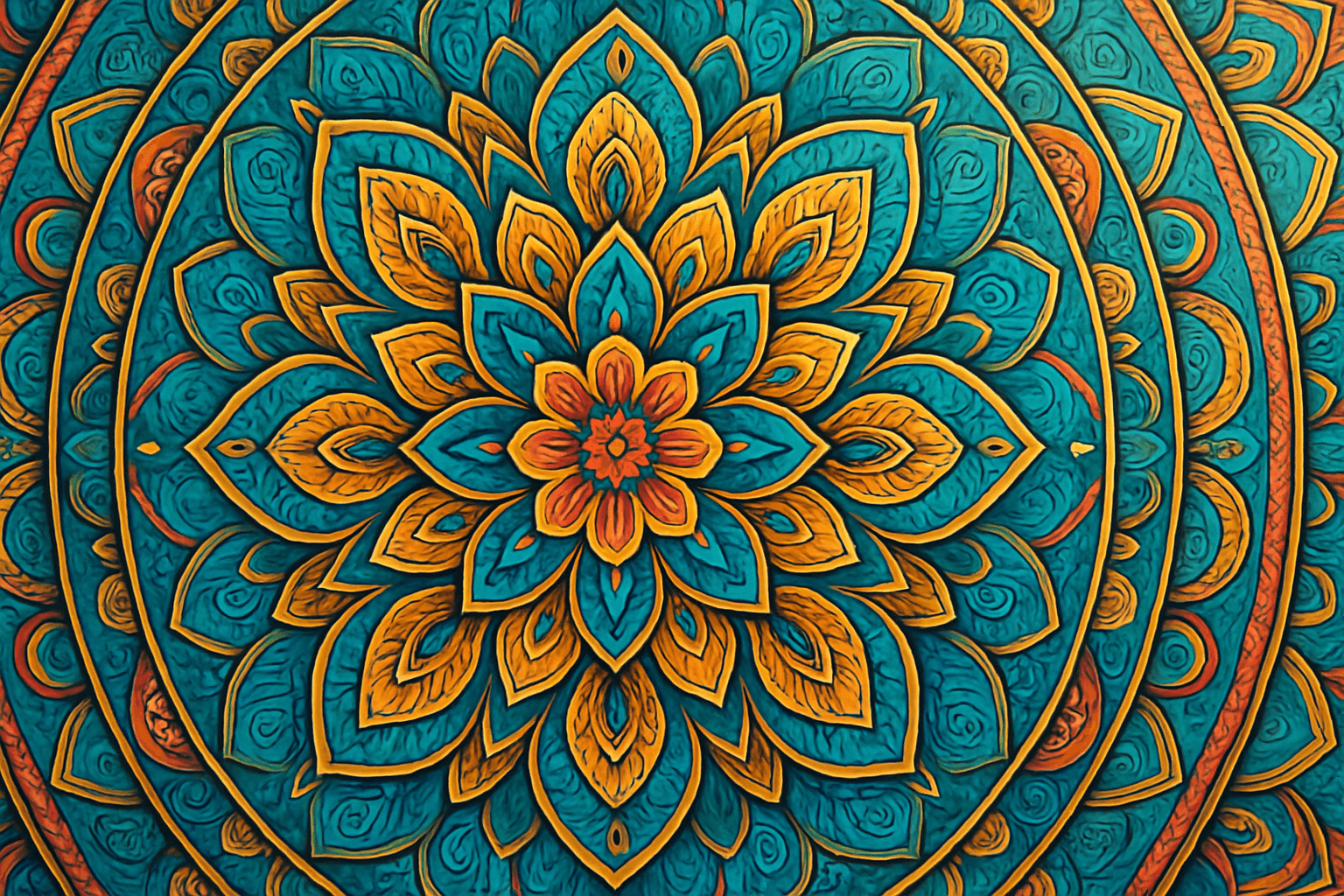
Radial Symmetry Composition creates visually striking images by arranging elements around a central axis, producing harmony and balance. This composition technique is especially effective in AI image generation for producing mandala-like designs, floral patterns, or architectural elements that draw the eye inward and convey stability. By integrating radial symmetry into prompts, artists can achieve images that feel cohesive and organized, enhancing aesthetic appeal. This method is widely favored in editorial imagery, decorative art, and visual branding, providing a dynamic yet orderly visual experience.
Diagonal Symmetry Composition
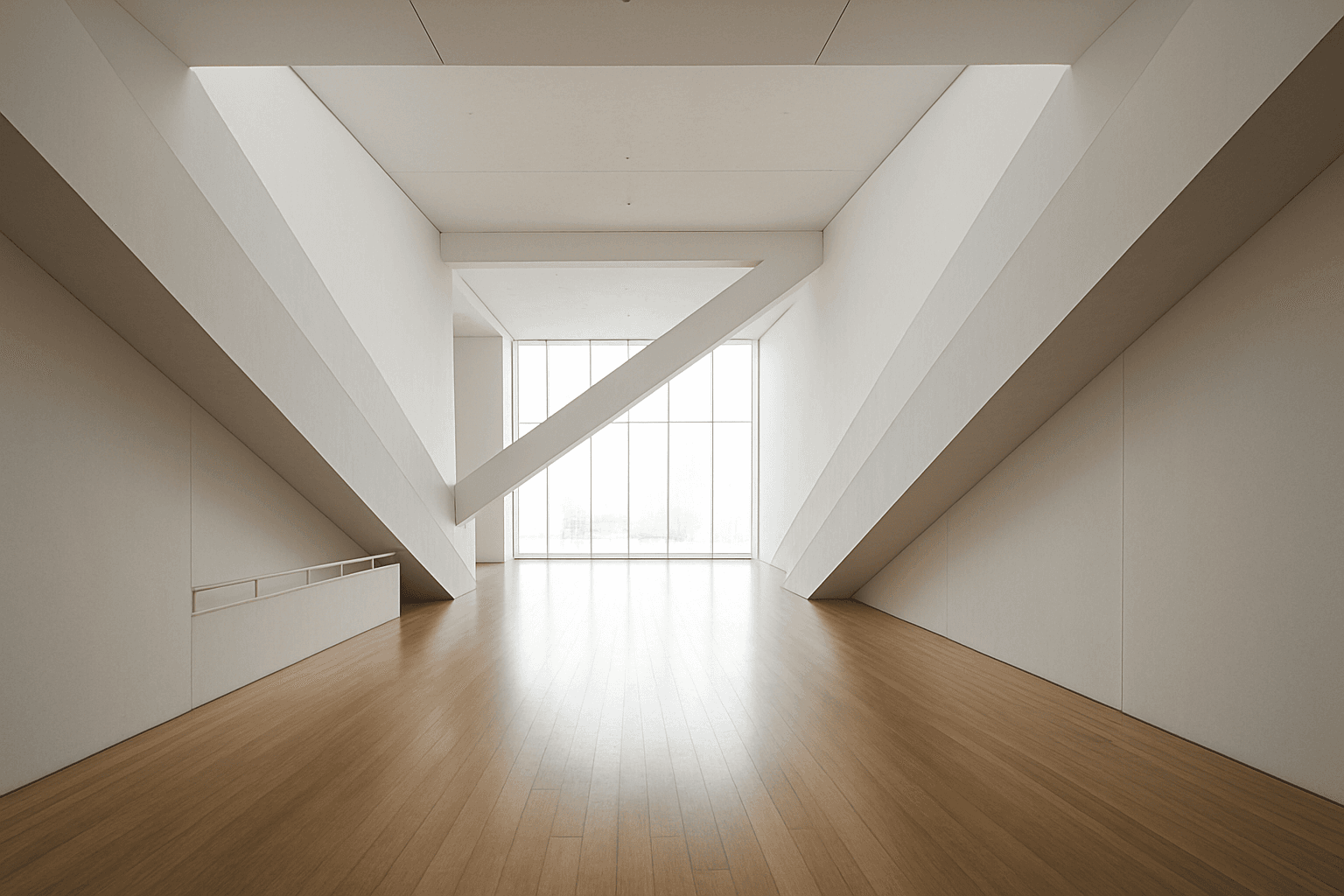
Diagonal Symmetry Composition is a powerful compositional approach that instructs AI models to arrange image elements reflecting across a diagonal axis. Unlike horizontal or vertical symmetry, the diagonal axis introduces dynamic tension and movement, lending images a striking and balanced appeal. By using this composition in AI prompts, creators can generate visuals that feel both stable and energetic. This approach often results in more engaging photographs, illustrations, and designs by leveraging unique balance and spatial relationships. It's particularly valuable in art, photography, and design projects aiming for modern and compelling visual narratives that stand out with subtle depth and refined lighting.

Circular Composition Layout
The Circular Composition Layout is essential for artists and designers who want to create images with natural balance and dynamic flow. By structuring elements around a central axis or circle, this composition draws viewers’ attention evenly across the image, often leading them to a central focus. In AI-generated art, specifying circular composition helps produce images with a polished aesthetic and organic movement, suitable for varied creative applications such as editorial visuals, product showcases, and social content. The layout promotes symmetry while still allowing visual complexity and interest, making images feel complete and professionally composed.
Golden Ratio Layout
The Golden Ratio Layout is a timeless compositional principle found in nature, art, and design, used to establish visually harmonious and aesthetically compelling images. Applying this concept to AI image generation helps create compositions where the subject placement and background elements follow the golden section, improving viewer engagement and creating a sense of balance and flow. This layout is especially favored in editorial photography, branding visuals, and architectural renders to evoke sophistication and natural beauty. By including the Golden Ratio Layout keyword in your prompts, you encourage AI models to prioritize this balanced and elegant arrangement, enhancing the professional quality of outputs.
Symmetry And Balance
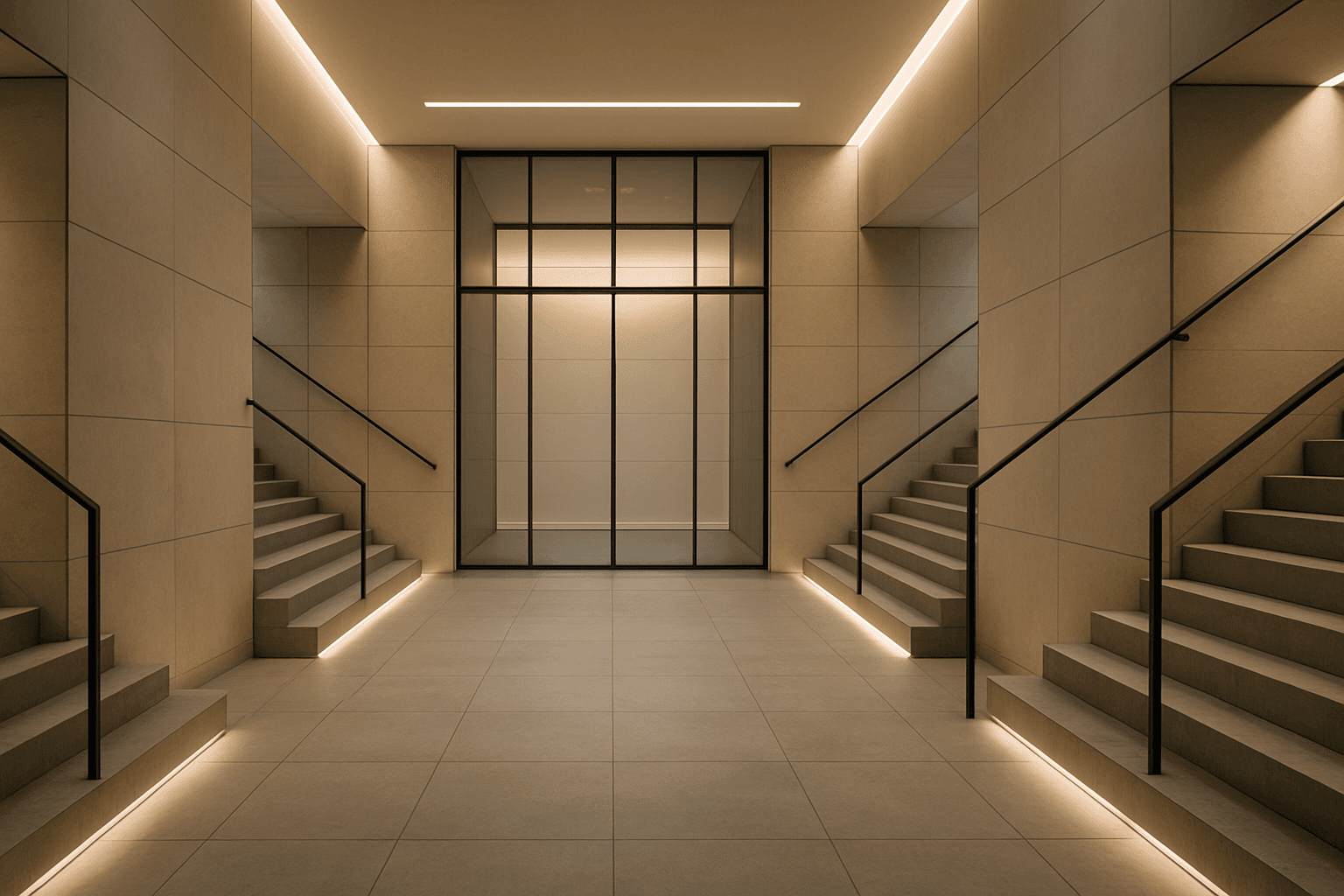
Symmetry and balance are foundational principles in visual arts and crucial for composing captivating AI-generated images. Using these keywords prompts AI models to structure scenes with mirrored or harmoniously weighted elements, creating aesthetically pleasing and organized visuals. Balanced compositions evoke feelings of stability and calm, while symmetry creates formal harmony admired in architecture, product photography, and portraiture. Incorporating these concepts refines the image's coherence and appeal, benefiting creatives who require polished, professional results. Whether applied to landscapes, objects, or abstract designs, symmetry, and balance guide the AI toward harmonious imagery that resonates with viewers on a subconscious level.

Rule Of Thirds Layout
The Rule of Thirds Layout is essential for creating visually balanced and aesthetically pleasing images by dividing the frame into thirds both horizontally and vertically. This technique avoids centering subjects and instead positions them along grid intersections, producing natural movement and interest within the composition. When incorporated into AI image prompts, it influences the algorithm to create images with better spatial harmony and focal placement. This adjustment can vastly improve the overall buy-in and professionalism of generated visuals, fitting perfectly for editorial, advertising, and artistic image creation.