Sequential Image Layout
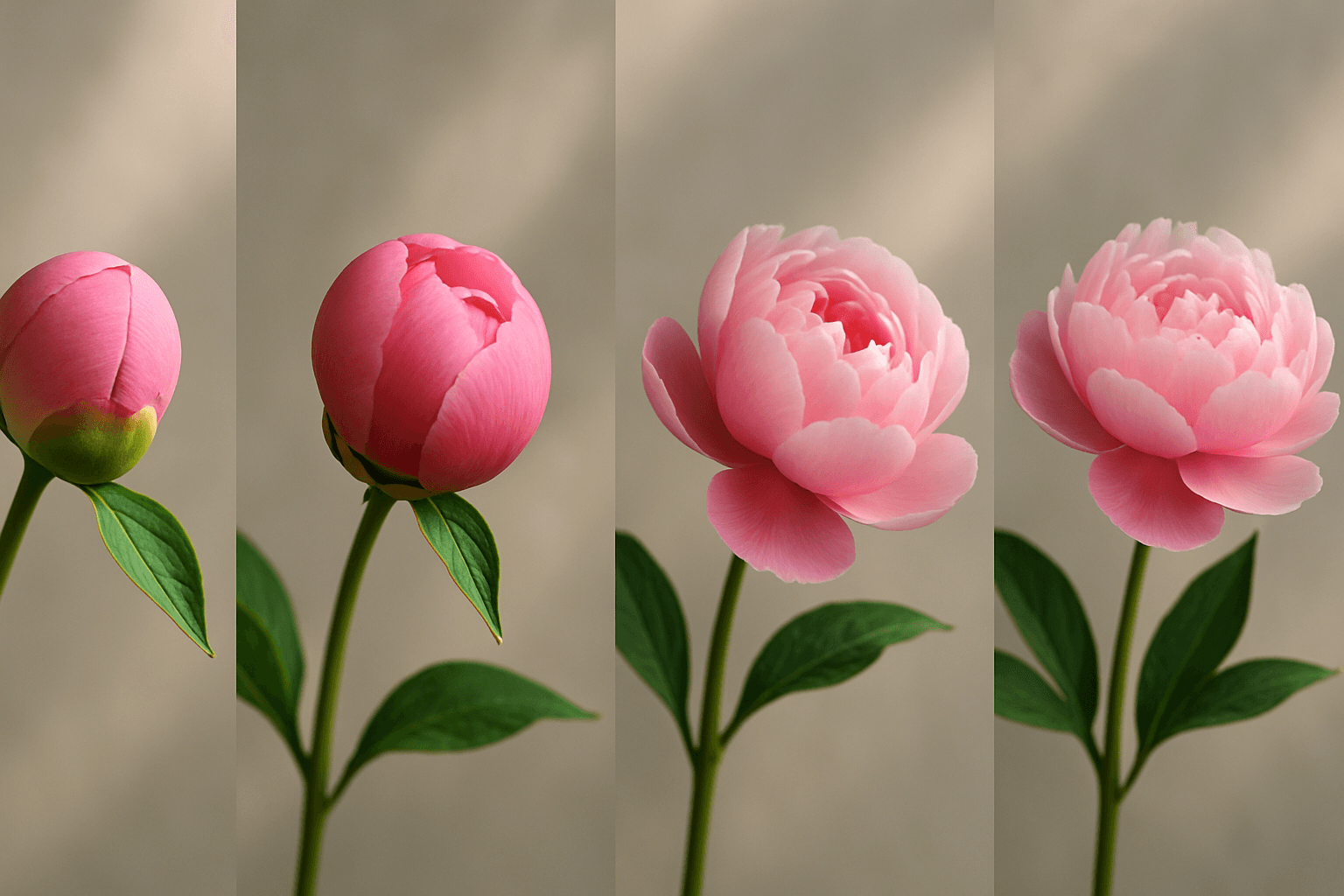
Sequential Image Layout is a compositional technique used to display multiple images or scenes in a structured sequence within a single frame. This layout visually communicates progression, change, or a story—ideal for showing step-by-step processes, before-and-after scenarios, or narrative arcs. When incorporated into AI image prompts, it instructs the model to generate art with a natural flow that guides the viewer through related moments or concepts seamlessly. This clarity enhances understanding and engagement, making it especially useful in editorial, educational, and advertising contexts where storytelling through images is critical.
Definition
Sequential Image Layout arranges several images or scenes in a purposeful sequence within one frame to tell a story or display a process visually. In AI prompts, it directs the creation of multiple connected visuals that reflect progression or narrative continuity, enhancing clarity and engagement.
Visual Characteristics
- Linear or grid organization that suggests time or steps
- Thematic or subject consistency showing gradual change
- Visual flow guiding attention across adjoining images
Prompt Formula
To generate sequential layouts, use prompt patterns combining phrases that specify sequence and layout style. For instance, "A series of [subject] in sequential order, arranged in a horizontal grid with subtle depth, premium lighting," or "Four-panel layout showing [process] steps, realistic materials, clean editorial style." These patterns help AI understand to produce ordered frames with consistent aesthetics.
Best Use Cases
- Creating visual narratives such as comics or storyboards
- Designing instructional or how-to graphics
- Building comparison images like before-and-after scenes
Creative Variations
Enhance your sequential layouts by experimenting with lighting, color schemes, and composition. Try soft morning light to evoke calm progression or stark contrast lighting for dramatic effect. Incorporate monochromatic color palettes for minimalism or vibrant hues to energize sequences. Adjust framing from consistent symmetric grids to staggered placements for dynamic flow, and vary subjects to include abstract, realistic, or stylized renditions.
Industry Applications
- Editorial illustrations conveying complex stories simply
- Ecommerce visuals demonstrating product usage stages
- Social media content that tells brand stories in sequential panels
Common Mistakes
Beginners often mistake sequential layouts by overcrowding images or lacking clear progression, leading to visual clutter and confusion. Avoid generic or disconnected frames with inconsistent styles that disrupt narrative flow. Overly complex sequences or improper lighting can make individual images indistinct or muddy. To prevent this, keep frames focused, maintain cohesive aesthetics, and use clear directional cues to guide the viewer smoothly through the sequence.
FAQ
How can I ensure the images flow naturally in a sequential layout?
Use consistent visual elements such as lighting, color, and style across all frames, and arrange them logically to reflect real progression or narrative order, guiding the viewer's eye smoothly from one image to the next.
Is Sequential Image Layout suitable for single-subject images?
While it focuses on multiple related images, it can be effectively applied to sequences featuring a single subject shown at different stages or moments, highlighting change or development.
Continue Exploring
Related Prompts
Dynamic Asymmetric Layout
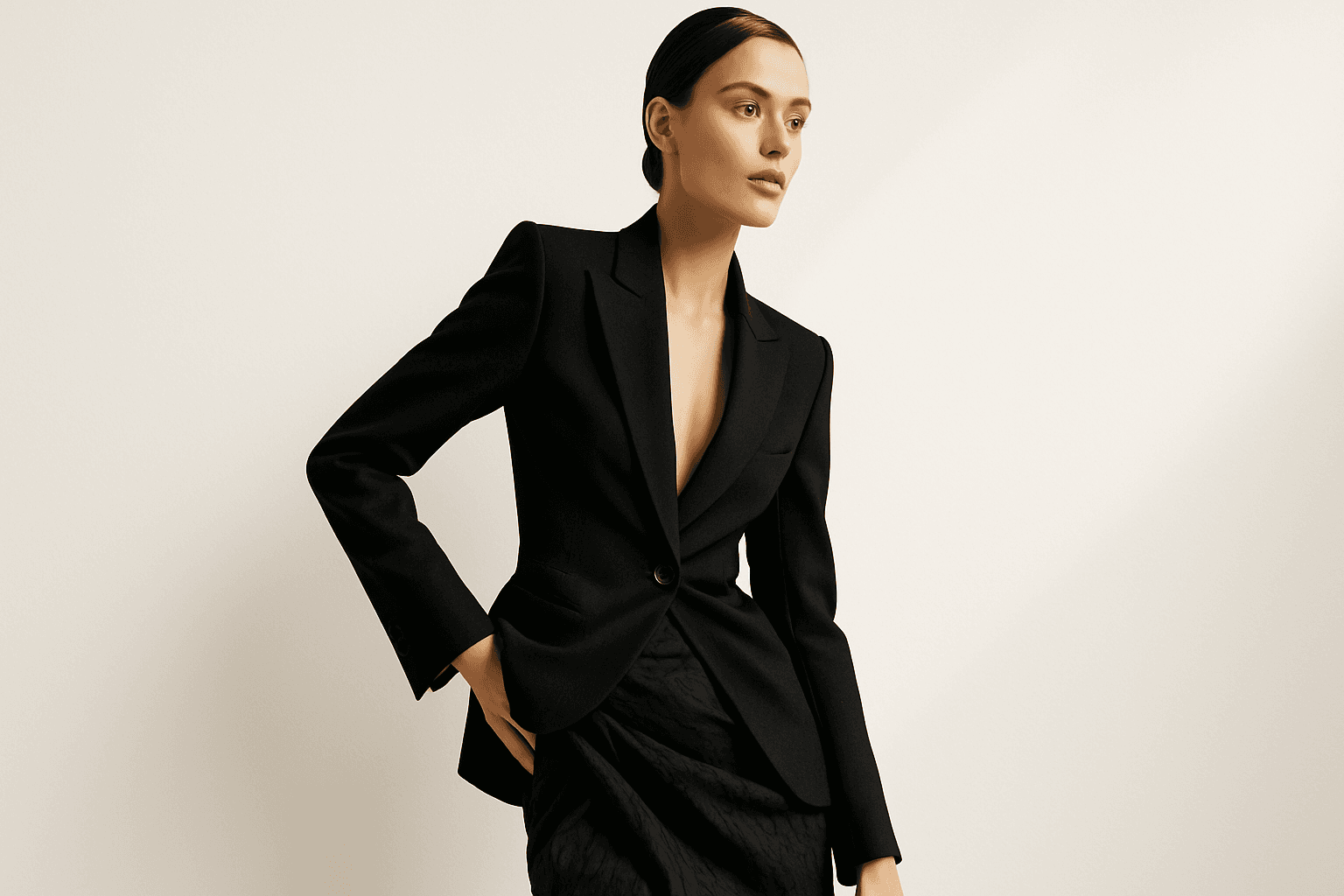
Dynamic asymmetric layouts break away from the predictability of centered designs by introducing imbalance that attracts the viewer's eye across the composition. This style is widely used in editorial design, advertising, and digital media to convey energy, modernity, and sophistication. By emphasizing contrast and selective clustering, the layout guides attention strategically without relying on rigid balance. In AI image generation, specifying dynamic asymmetric layout in your prompt encourages the model to produce visually compelling scenes with elements arranged unevenly yet harmoniously, enhancing the overall narrative or mood of the image. This approach works particularly well for premium stock images and design headlines where a clean, polished look with subtle depth is desired.

Circular Composition Layout
The Circular Composition Layout is essential for artists and designers who want to create images with natural balance and dynamic flow. By structuring elements around a central axis or circle, this composition draws viewers’ attention evenly across the image, often leading them to a central focus. In AI-generated art, specifying circular composition helps produce images with a polished aesthetic and organic movement, suitable for varied creative applications such as editorial visuals, product showcases, and social content. The layout promotes symmetry while still allowing visual complexity and interest, making images feel complete and professionally composed.
Golden Ratio Layout
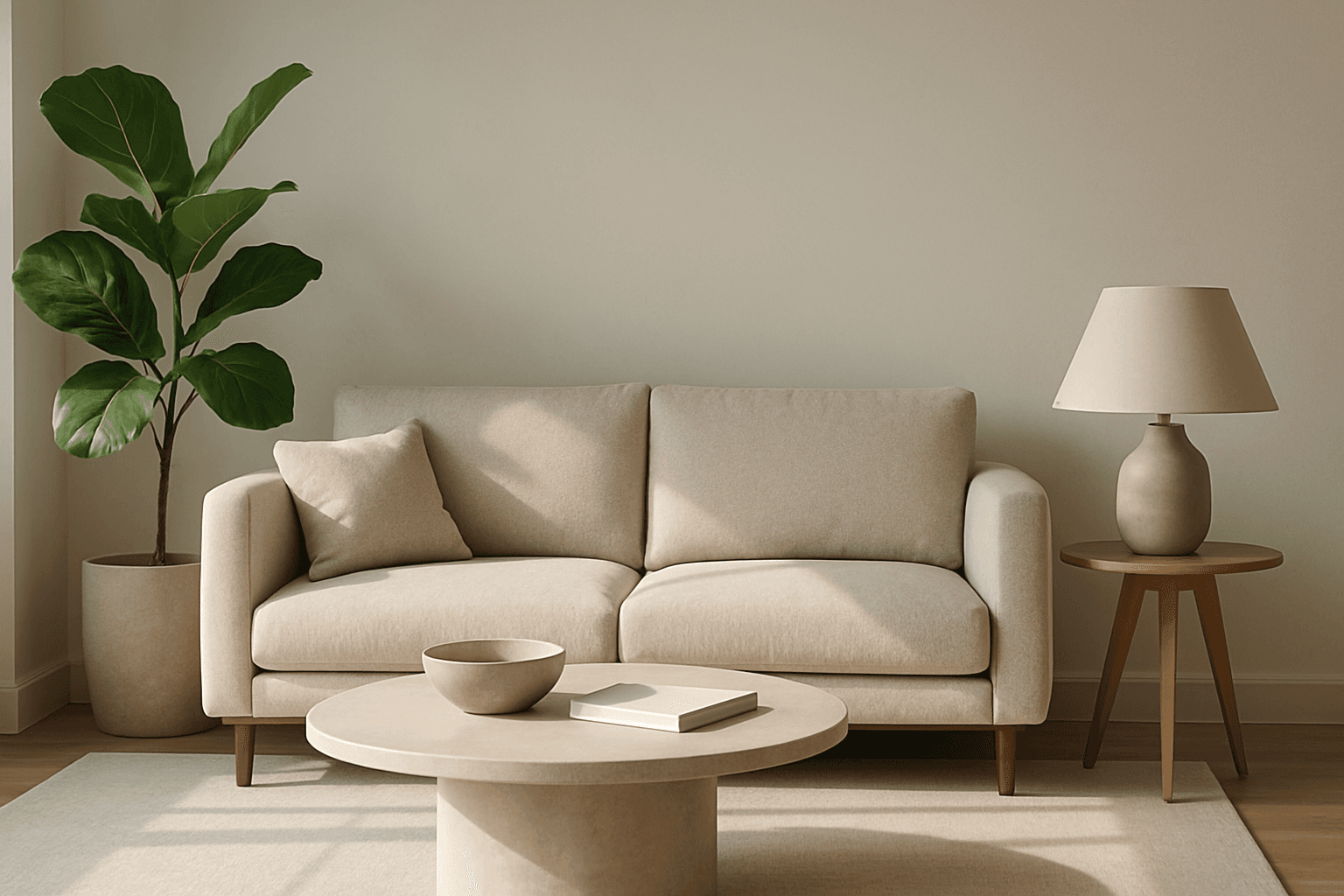
The Golden Ratio Layout is a timeless compositional principle found in nature, art, and design, used to establish visually harmonious and aesthetically compelling images. Applying this concept to AI image generation helps create compositions where the subject placement and background elements follow the golden section, improving viewer engagement and creating a sense of balance and flow. This layout is especially favored in editorial photography, branding visuals, and architectural renders to evoke sophistication and natural beauty. By including the Golden Ratio Layout keyword in your prompts, you encourage AI models to prioritize this balanced and elegant arrangement, enhancing the professional quality of outputs.

Centered Focus Layout
The Centered Focus Layout is a foundational composition style used extensively in photography, design, and digital art to create visually stable and impactful images. By placing the subject in the exact center, this layout naturally directs viewer attention and conveys a sense of order and clarity. In AI image prompting, explicitly stating this layout ensures the model arranges the composition with clear symmetry and emphasis on the focal point. This method works exceptionally well for portraits, product images, and editorial visuals, where clarity and strong presence are priorities. It also integrates seamlessly with minimalistic and formal aesthetics, supporting diverse creative goals with straightforward visual appeal.
Rule Of Thirds Layout
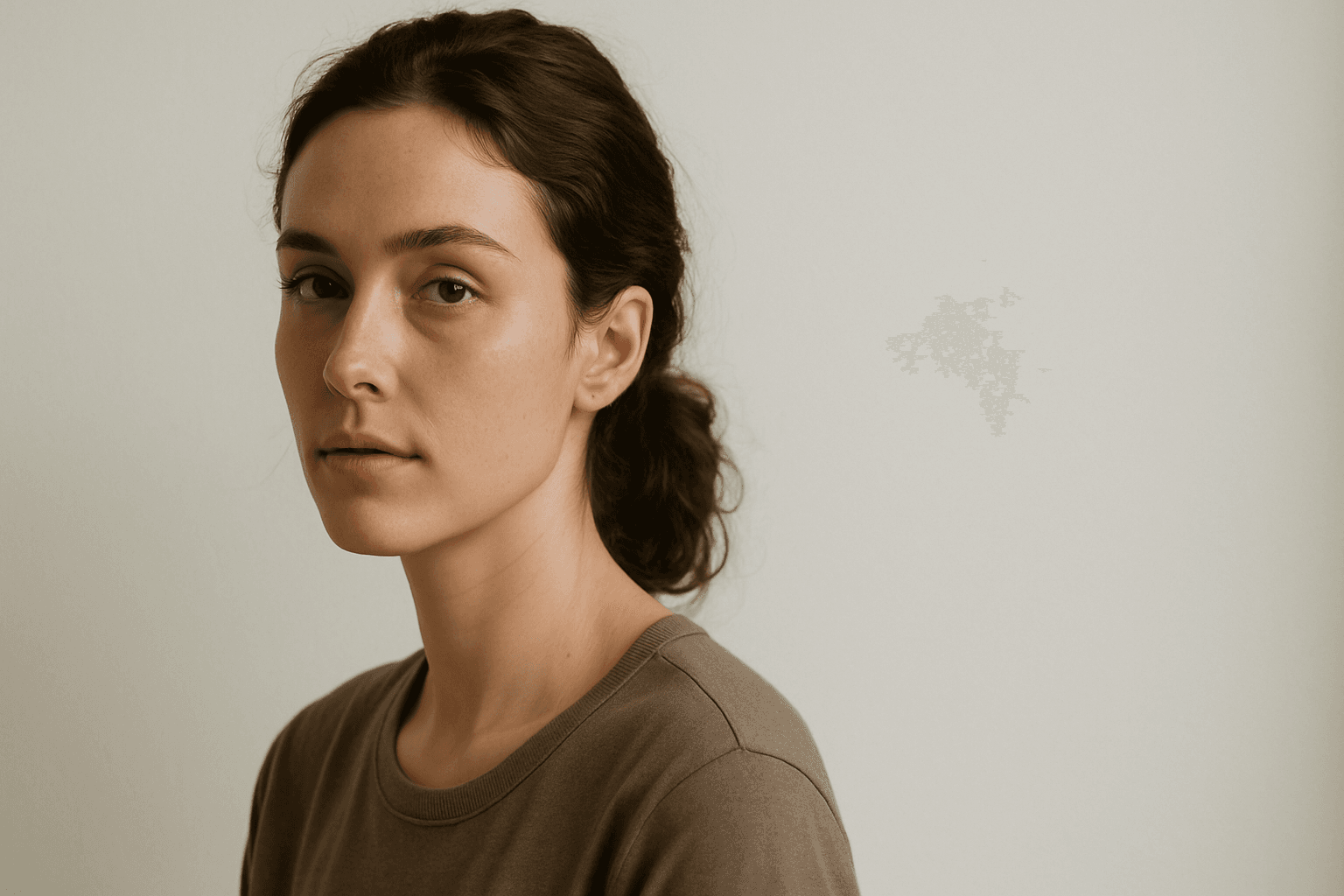
The Rule of Thirds Layout is essential for creating visually balanced and aesthetically pleasing images by dividing the frame into thirds both horizontally and vertically. This technique avoids centering subjects and instead positions them along grid intersections, producing natural movement and interest within the composition. When incorporated into AI image prompts, it influences the algorithm to create images with better spatial harmony and focal placement. This adjustment can vastly improve the overall buy-in and professionalism of generated visuals, fitting perfectly for editorial, advertising, and artistic image creation.
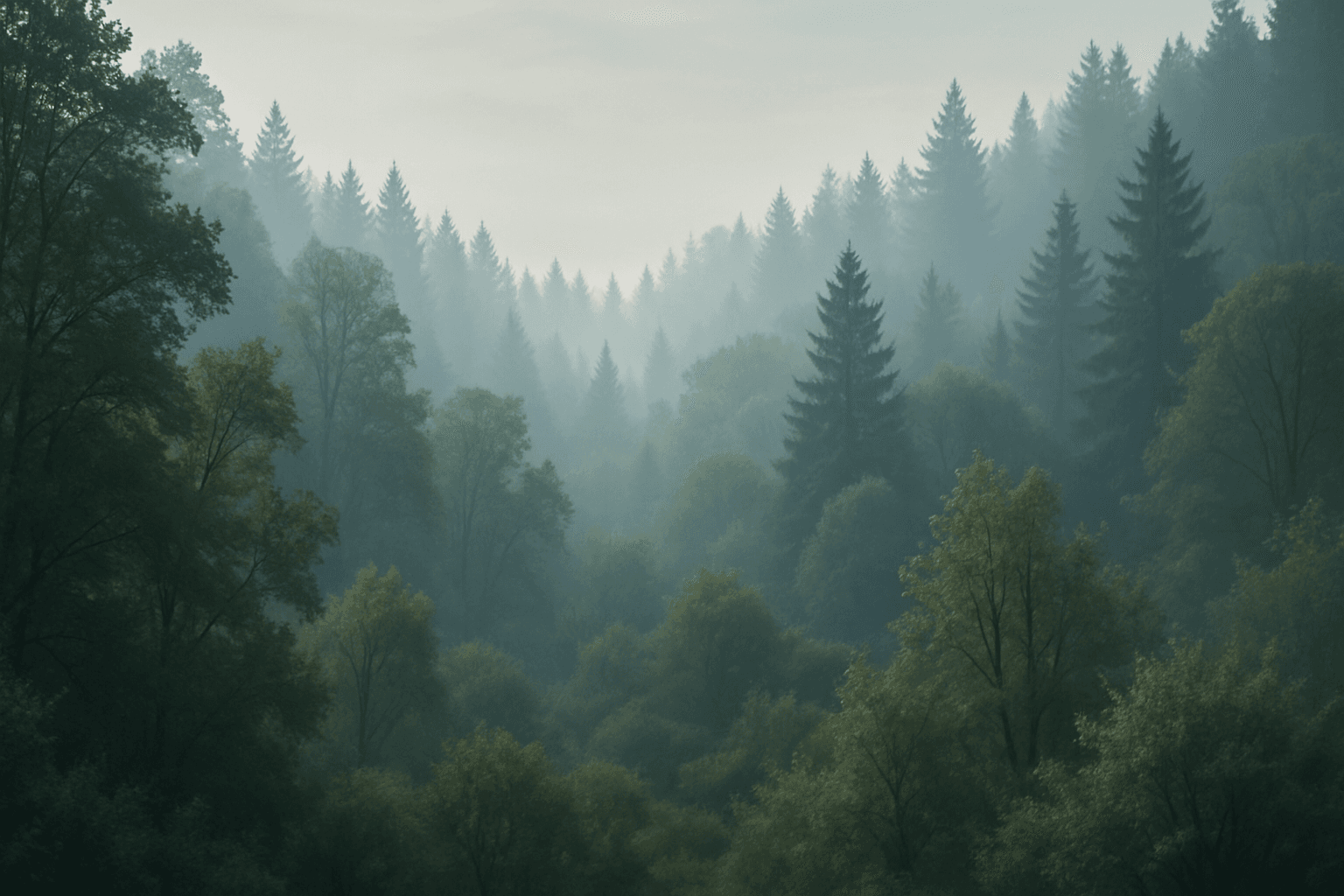
Layered Composition
Layered Composition is a foundational technique in photography, graphic design, and digital art used to add dimensionality to images. By strategically layering visual elements, artists create scenes that feel immersive and dynamic rather than flat. This technique leverages natural cues like perspective and lighting contrasts along with careful arrangement to differentiate layers. It helps convey complex narratives effectively, as each layer contributes unique information or mood. Modern digital tools further allow nuanced control over layering with adjustable opacity and blending modes, enhancing refinement. Layered compositions captivate viewers by guiding their attention sequentially through scenes with depth, fostering richer engagement and storytelling potential.