Soft Ambient Glow
The Soft Ambient Glow keyword is essential for adding subtle warmth and diffuse light to AI-generated images. Unlike direct or harsh lighting, it creates a gentle, enveloping glow that enriches texture and form while maintaining natural shadow gradations. This effect works well in editorial portraits, interior scenes, and nature photography, helping images feel intimate and polished. By leveraging this effect, creators can evoke mood and focus attention without overwhelming brightness. It’s particularly useful for achieving premium, realistic visuals that appeal to lifestyle, advertising, or stock image markets. Soft Ambient Glow enhances quality through refined lighting sophistication.
Definition
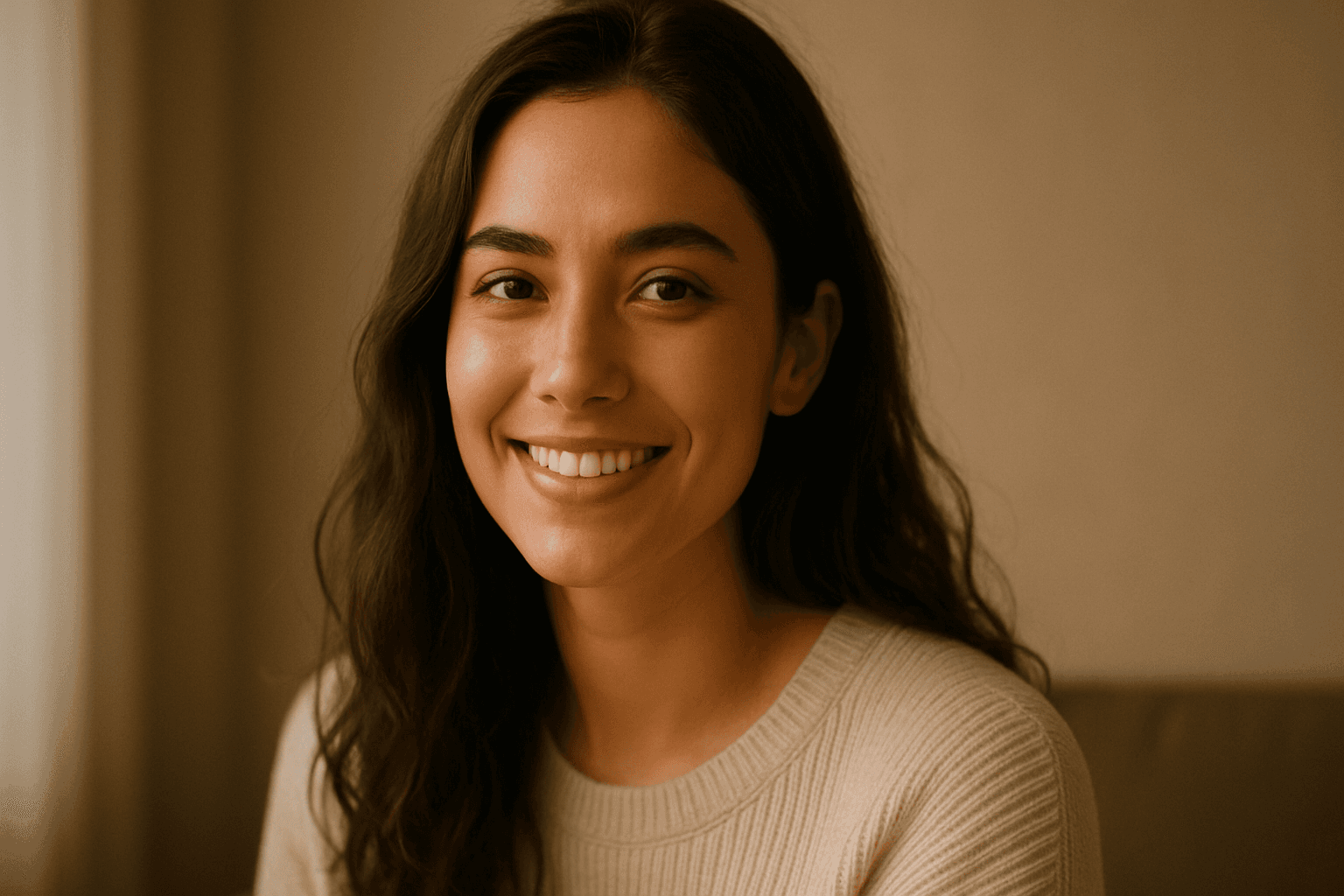
Soft Ambient Glow is a lighting effect that produces gentle, diffused illumination in AI-generated images. It softens shadows and blends light smoothly around subjects to create a warm and inviting atmosphere. When included in prompts, it cues the AI to simulate natural, subtle light that highlights textures and forms without sharp contrasts, resulting in images that feel cozy and visually harmonious.
Prompt Formula
Use these pattern examples to incorporate Soft Ambient Glow effectively: - "[Subject] with soft ambient glow, warm diffused light, gentle shadows" - "[Scene] illuminated by soft ambient glow, natural warm lighting, subtle light gradients" - "[Environment] featuring a soft ambient glow creating cozy atmosphere, smooth light transition, gentle radiance" Adjust descriptors based on the desired warmth, time of day, or mood to refine output.
- [Subject] with soft ambient glow, warm diffused light, gentle shadows
- [Scene] illuminated by soft ambient glow, natural warm lighting, subtle light gradients
- [Environment] featuring a soft ambient glow creating cozy atmosphere, smooth light transition, gentle radiance
Best Use Cases
- Portrait photography needing flattering, natural light
- Interior design visuals showcasing cozy, inviting spaces
- Nature scenes capturing morning or evening light ambiance
Common Mistakes
Common pitfalls when using Soft Ambient Glow include over-softening the lighting to the point of losing subject details, producing flat or hazy images. Another mistake is combining it with overly saturated or harsh color tones that reduce realism. Also, failing to specify the light direction or time of day can lead to unnatural or generic lighting. To avoid these, balance the softness with clarity, choose harmonious color temperatures, and pair the glow with descriptors like "warm" or "morning light" to maintain coherence.
- Over-softening causing loss of detail and flatness
- Pairing with harsh or saturated colors reducing realism
- Omitting light direction or time leading to unnatural glow
- Neglecting contrast causing overly hazy images
Advanced Techniques
Experienced prompt writers can enhance Soft Ambient Glow by combining it with specific lighting cues such as "golden hour" or "window light rays" to simulate realistic light sources. Layering it with material textures like "silky fabric" or "glossy surfaces" enhances how light interacts with objects. Applying constraints like "high dynamic range" or "sharp focus on eyes" maintains clarity amid softness. Experimenting with modifiers like "cinematic" or "moody" can tailor the glow’s emotional impact. These nuanced approaches yield sophisticated images that balance mood and detail.
- Combine with ‘golden hour’ or ‘window light rays’ for realism
- Pair with material textures like ‘silky fabric’ or ‘glossy surfaces’
- Use constraints like ‘high dynamic range’ or ‘sharp focus’ to preserve clarity
- Add mood modifiers such as ‘cinematic’ or ‘moody’ for emotional depth
Professional Workflow
Start by clearly briefing the desired lighting mood emphasizing subtle, soft, and warm illumination. Incorporate Soft Ambient Glow in initial prompts alongside environment and subject details. Generate multiple image variations adjusting glow intensity and light direction. Select options showing optimal balance of softness and detail. Refine chosen images by adding color temperature adjustments or enhancing textures. Finally, validate the image against intended usage requirements such as resolution and compositional focus to ensure usability for commercial or editorial projects.
- Brief lighting mood focusing on soft, warm glow
- Generate multiple variations with soft ambient glow
- Select images balancing softness and subject clarity
- Refine color temperatures and texture details
- Validate against project resolution and composition needs
FAQ
How does Soft Ambient Glow differ from other lighting keywords?
Soft Ambient Glow emphasizes gentle, diffused lighting that envelops subjects with warm, natural light, unlike directional or harsh lighting keywords which create strong shadows and contrasts.
Can Soft Ambient Glow be used in outdoor scenes?
Yes, it works well in outdoor scenes like sunrise or sunset, where soft, warm light naturally occurs, enhancing atmosphere without overpowering brightness.
Continue Exploring
Related Prompts
Warm Ambient Glow
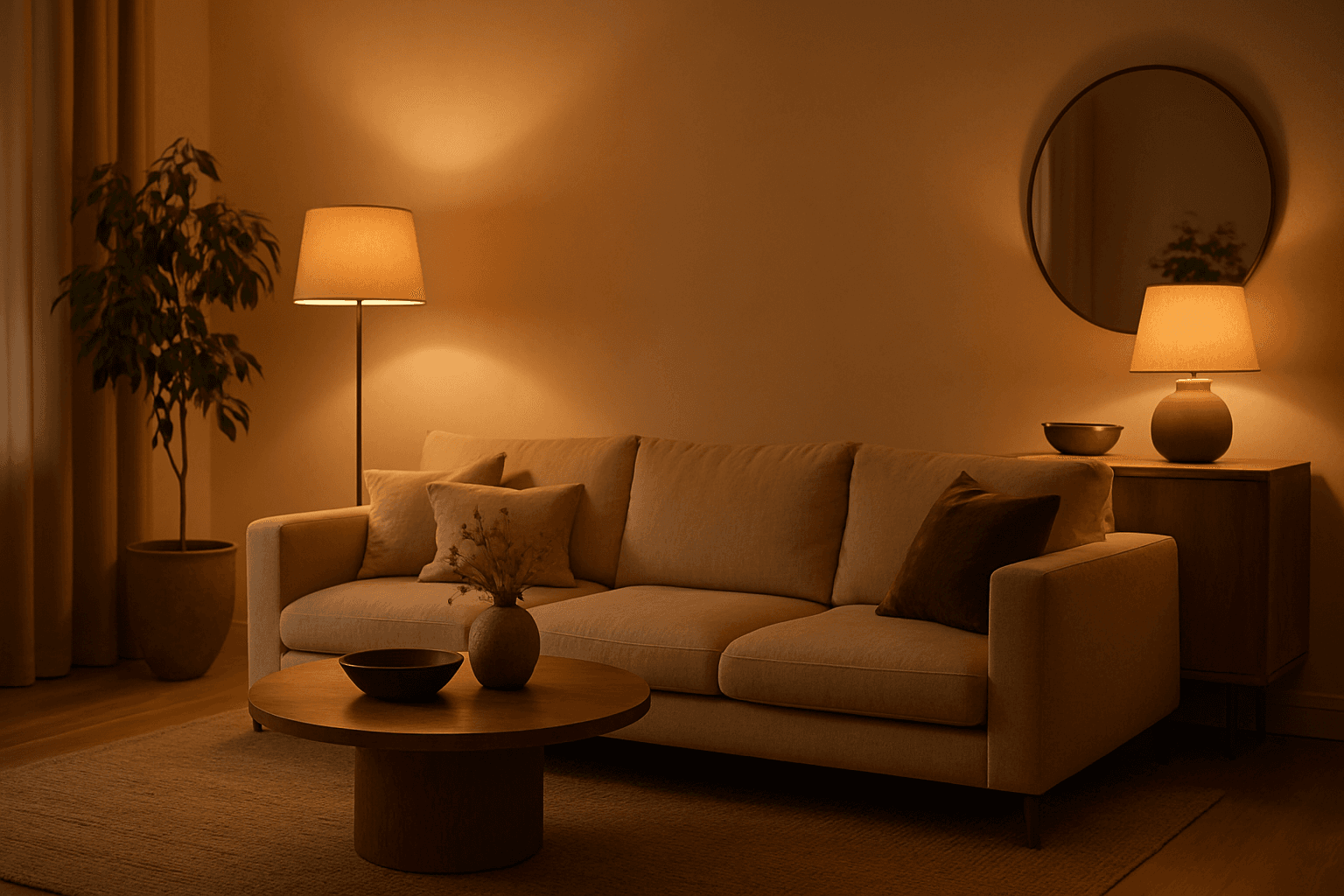
In AI-generated imagery, the "Warm Ambient Glow" keyword is used to simulate cozy, inviting lighting environments characterized by soft, warm illumination that enriches the visual texture and mood. This lighting effect mimics natural golden-hour sunlight or artificial sources like incandescent lamps, casting gentle gradients of warm light that add emotional warmth and realism without overpowering highlights or harsh contrasts. The resulting images often convey feelings of comfort, intimacy, or nostalgia and are especially valuable in editorial, lifestyle, and interior design visuals. Incorporating this prompt keyword encourages AI models to focus on warm tones and a balanced ambient light distribution, making it ideal for enhancing the aesthetic appeal of portraits, product shots, and environmental scenes with a premium, polished finish.
Golden Hour Soft Light
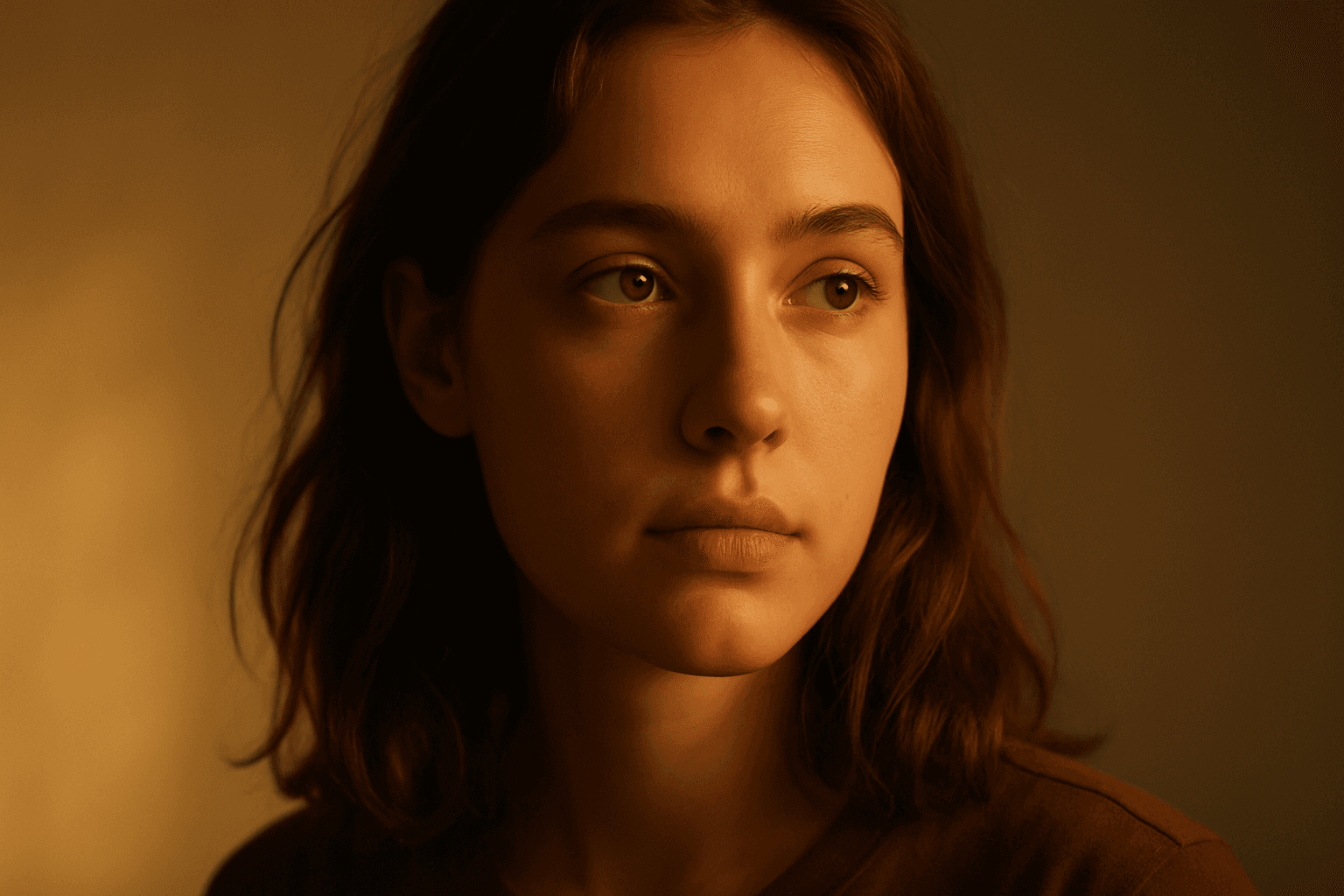
Golden Hour Soft Light captures the magical lighting conditions during the early morning or late afternoon sun. This natural lighting style is prized for its warm colors and flattering softness, often leading to images that feel intimate and aesthetically pleasing. When incorporated into AI prompts, it helps generate scenes with realistic ambient and directional light that evokes emotion and depth. This lighting style works well across portraiture, landscapes, and still-life imagery, providing a premium and elegant look. It subtly enhances textures and materials without harsh contrasts or glare, offering a polished and professional finish suitable for editorial and commercial use.
Ambient Light Effects
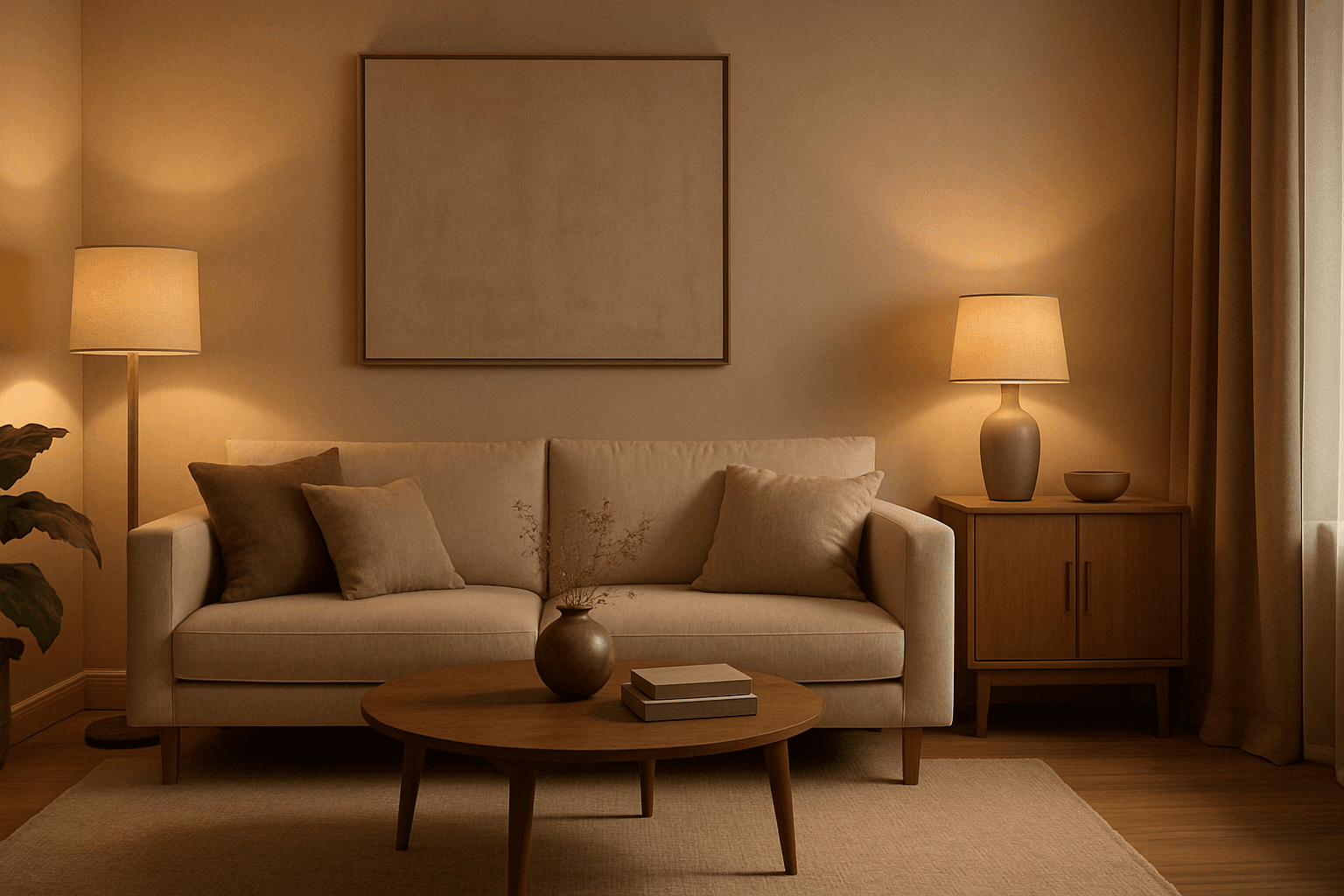
Ambient Light Effects in AI-generated images create a harmonious and natural lighting environment that enhances realism and mood without overpowering contrasts. This lighting type softly bathes scenes in diffuse light, mimicking the effect of indirect sunlight or overcast skies. By integrating ambient light into prompts, users can achieve visuals that feel authentic and immersive, ideal for scenes requiring subtle illumination or a calm atmosphere. This approach minimizes harsh shadows and bright spots, yielding images with smooth gradations and an understated elegance. The result is a balanced exposure that allows textures and colors to appear true to life, enhancing the viewer’s emotional connection.
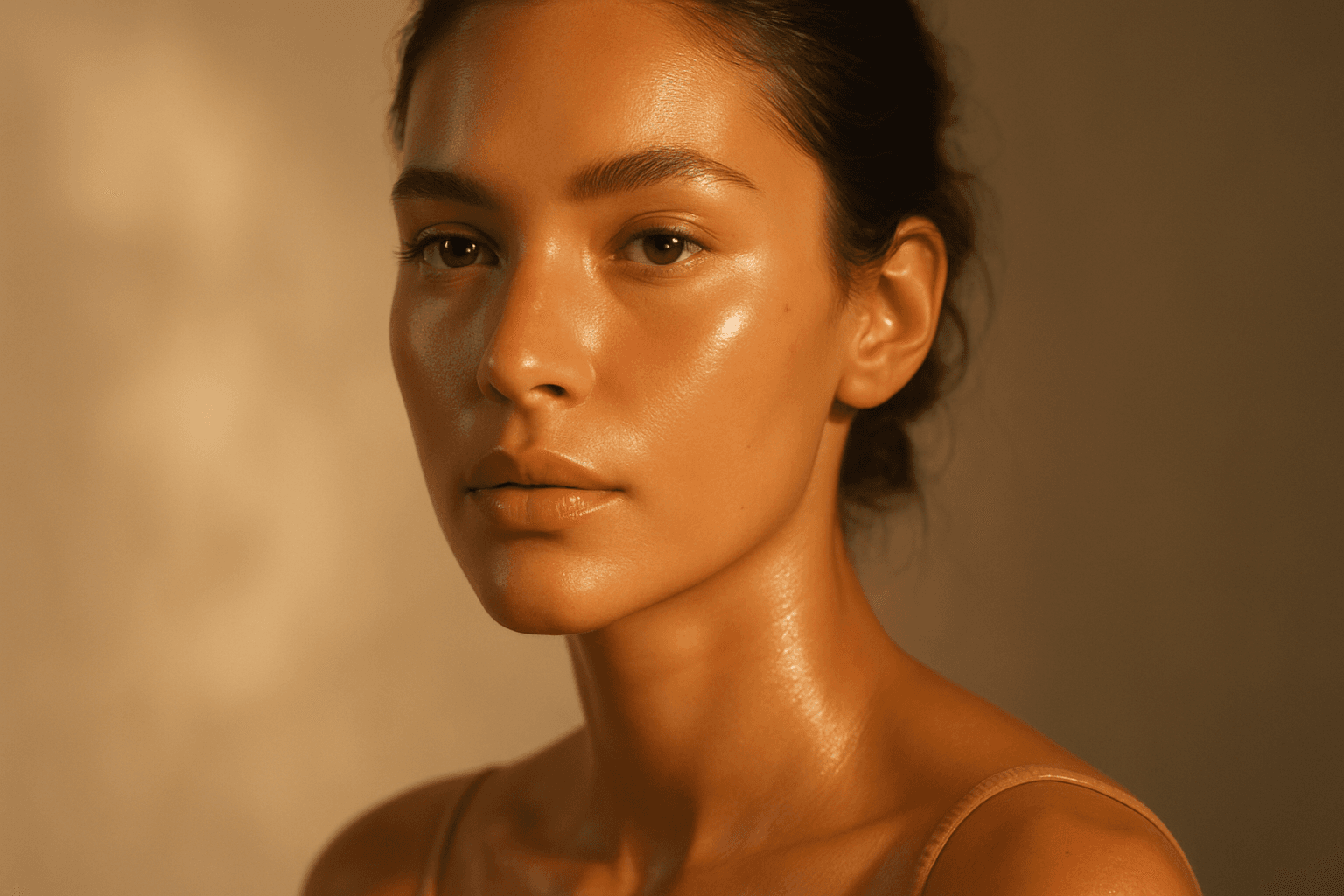
Radiant Glow Effect
The Radiant Glow Effect is a popular keyword in AI-generated imagery for its ability to create captivating lighting that enhances the mood and realism of digital compositions. By incorporating this effect in prompts, users encourage the model to simulate light that softly radiates, producing a luminous aura around objects or environments. This effect can transform flat or dull scenes into vibrant, atmospheric visuals that feel warm and inviting. It is particularly valuable in scenes featuring candles, neon signs, sunsets, or magical elements where the glow enriches the overall narrative of the image. The effect works well complementing realistic materials and natural lighting setups, contributing to images that are both eye-catching and emotionally engaging.
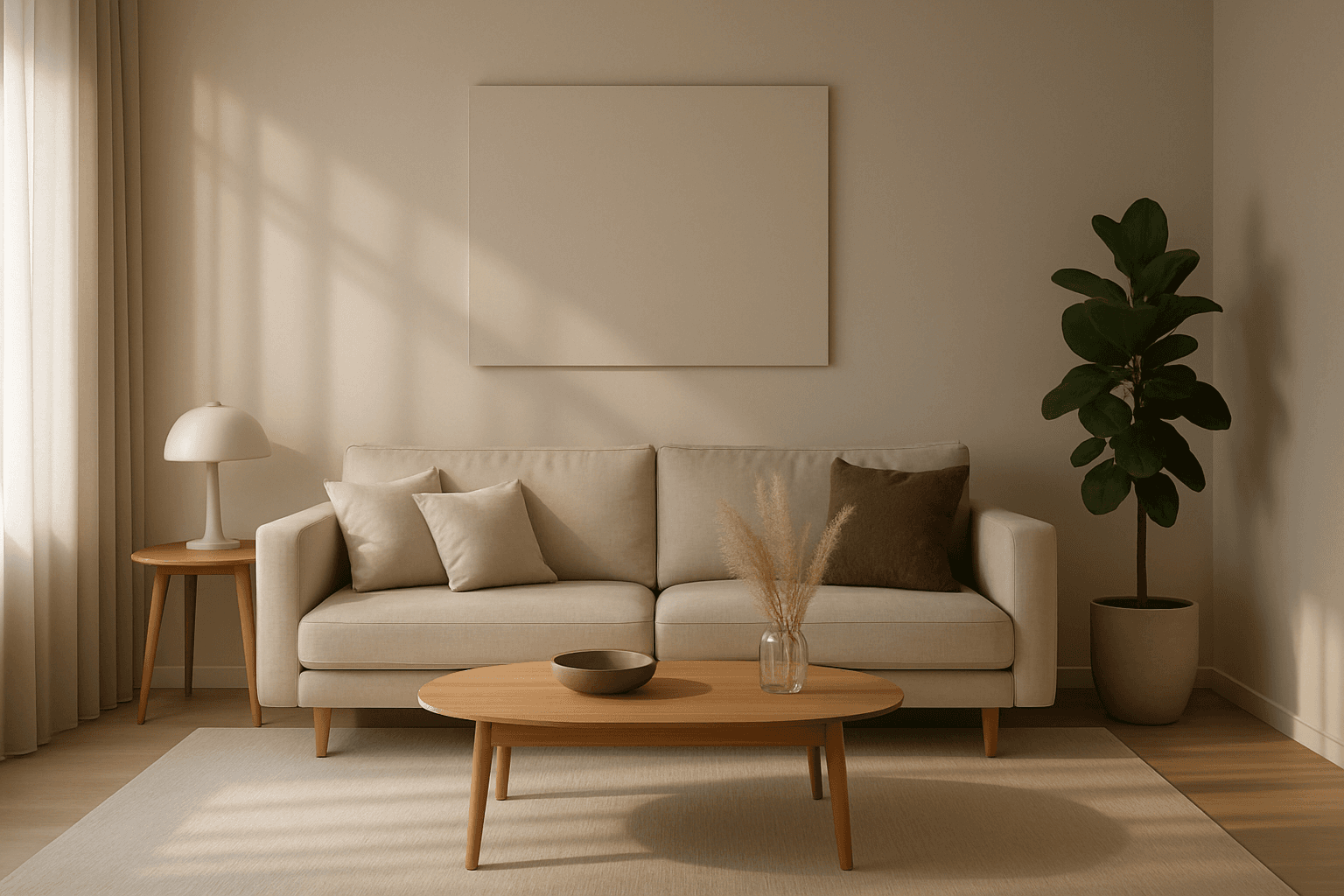
Soft Shadow Play
Soft Shadow Play enriches AI-generated visuals by introducing diffused shadows that simulate natural lighting conditions. Rather than sharp, stark shadows, this effect ensures that shadows appear smooth and blend seamlessly with illuminated areas. Incorporating Soft Shadow Play into prompts supports a refined, premium look with delicate depth cues. It is ideal for compositions where a gentle atmosphere and realistic lighting nuance are desired, such as portraits, product photography, or serene landscapes. Mastering this technique empowers creators to produce images with a calm, elegant mood and enhanced three-dimensionality.

Soft Fill Light Setup
Soft fill light setup is an essential lighting approach in photography, cinematography, and AI image generation that focuses on enhancing visual clarity by gently illuminating subjects. This method employs diffused light sources positioned strategically to fill in shadows without creating new ones or flattening the image's depth. In AI-generated images, specifying a soft fill light setup guides the model to render scenes with subtle shading and natural contrast, making portraits, still life, and product shots appear more realistic and appealing. By balancing the interplay between light and shadow, the soft fill light setup adds dimension while maintaining a polished and professional look suitable for editorial, commercial, and creative projects.