Radiant Glow Effect
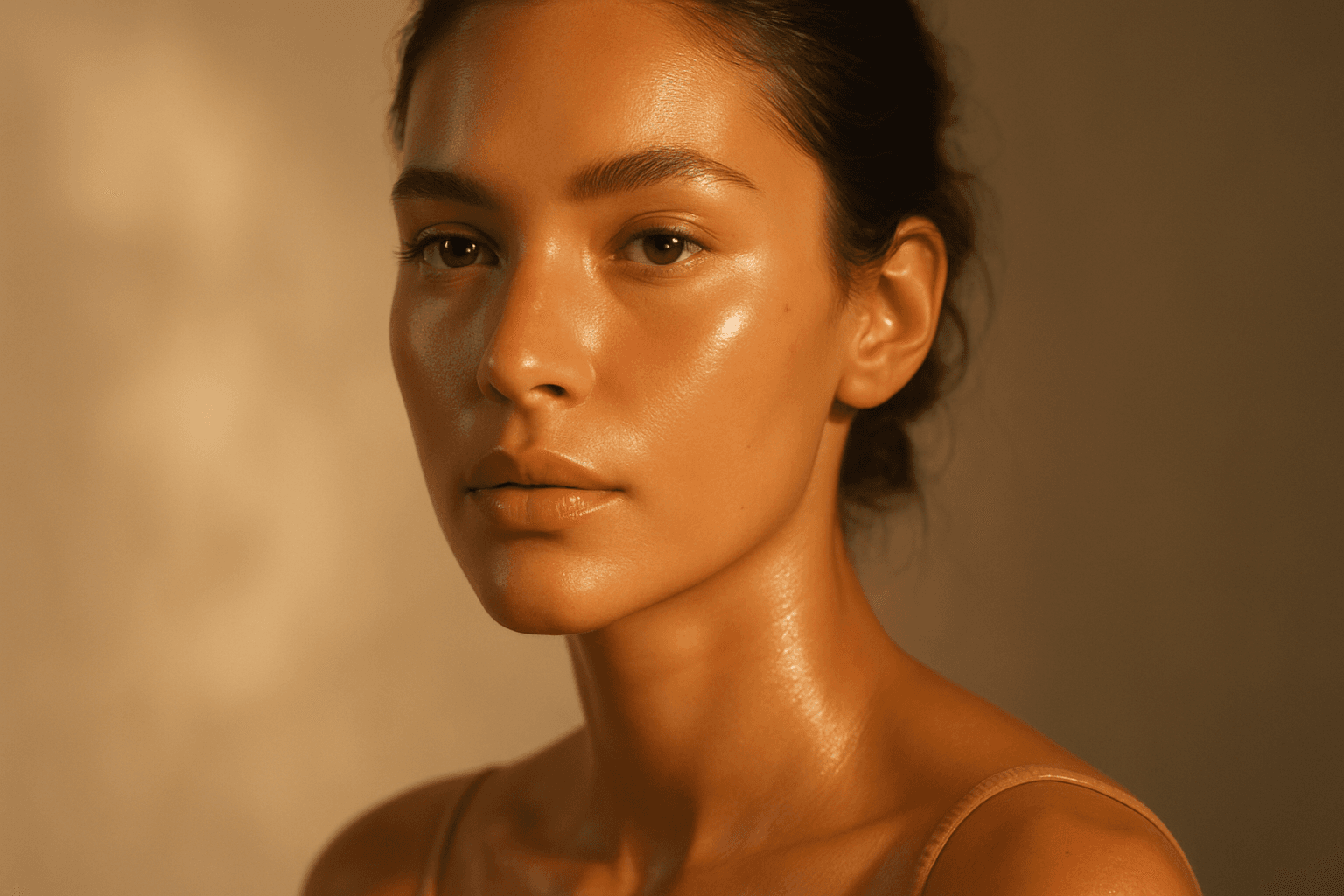
The Radiant Glow Effect is a popular keyword in AI-generated imagery for its ability to create captivating lighting that enhances the mood and realism of digital compositions. By incorporating this effect in prompts, users encourage the model to simulate light that softly radiates, producing a luminous aura around objects or environments. This effect can transform flat or dull scenes into vibrant, atmospheric visuals that feel warm and inviting. It is particularly valuable in scenes featuring candles, neon signs, sunsets, or magical elements where the glow enriches the overall narrative of the image. The effect works well complementing realistic materials and natural lighting setups, contributing to images that are both eye-catching and emotionally engaging.
Definition
The Radiant Glow Effect refers to an AI image prompt descriptor that directs the model to generate images with luminous, glowing light around focal points or subjects. It enhances the lighting by simulating light diffusion and warmth, creating ethereal shine that makes the visual more dynamic and engaging. Beginners can use this keyword to inject atmospheric lighting into scenes without complex prompt engineering.
Visual Characteristics
- Visible soft light halos or aura around light sources or subjects
- Warm, diffuse brightness adding a natural glow to surfaces
- Enhanced contrast with illuminated highlights and smooth light gradients
Prompt Formula
To effectively apply the Radiant Glow Effect, combine it with descriptors specifying light quality, source, and mood. Use patterns like "[scene description], radiant glow effect, soft warm lighting, realistic materials, subtle depth" or "[subject] illuminated by radiant glow, ethereal light, gentle diffusion, high detail." This formula ensures consistent, high-quality glow rendering.
Best Use Cases
- Portrait photography for flattering, soft lighting effects
- Product shots requiring eye-catching luminous highlights
- Fantasy or sci-fi art emphasizing magical or radiant elements
Creative Variations
Varying the Radiant Glow Effect in prompts can yield different visual moods and styles. For example, specify color temperature to shift from warm golden glows to cool blue auras. Experiment with glow intensity by adding terms like "subtle" or "intense." Change composition orientation to spotlight glow areas differently, or combine with environmental elements like mist or bokeh to enrich atmosphere.
Industry Applications
- Advertising visuals that use glow for product emphasis and allure
- Fashion editorial shoots enhancing skin luminosity and drama
- Ecommerce imagery highlighting features of jewelry, cosmetics, or lighting fixtures
Common Mistakes
One typical mistake is overusing the Radiant Glow Effect, which can cause unnatural, overly bright spots that distract rather than enhance. Avoid vague prompts without specifying the glow’s intensity or color, as results may be muddy or inconsistent. Also, neglecting other aspects like material realism or lighting context can produce unrealistic or flat images despite the glow keyword.
Model-Specific Tips
For best results across AI models, keep the Radiant Glow Effect paired with clear descriptive terms for light quality and environment. Avoid overly complex modifiers that might confuse the model. Use straightforward phrases like "soft radiant glow," "warm luminous light," and "subtle glow around edges." This approach helps maintain portability and consistent outputs regardless of the AI platform used.
FAQ
How does the Radiant Glow Effect improve AI-generated images?
It adds soft, luminous lighting around subjects or light sources, enhancing depth, warmth, and visual interest, making images more appealing and atmospheric.
Can I use the Radiant Glow Effect for product photography?
Yes, it highlights product features with attractive glowing highlights that draw viewer attention and add a premium feel.
Is the Radiant Glow Effect suitable for all lighting styles?
It works best with scenes needing warm, soft, or magical light; harsh or flat lighting styles may not benefit as much from this effect.
Continue Exploring
Related Prompts
Warm Ambient Glow
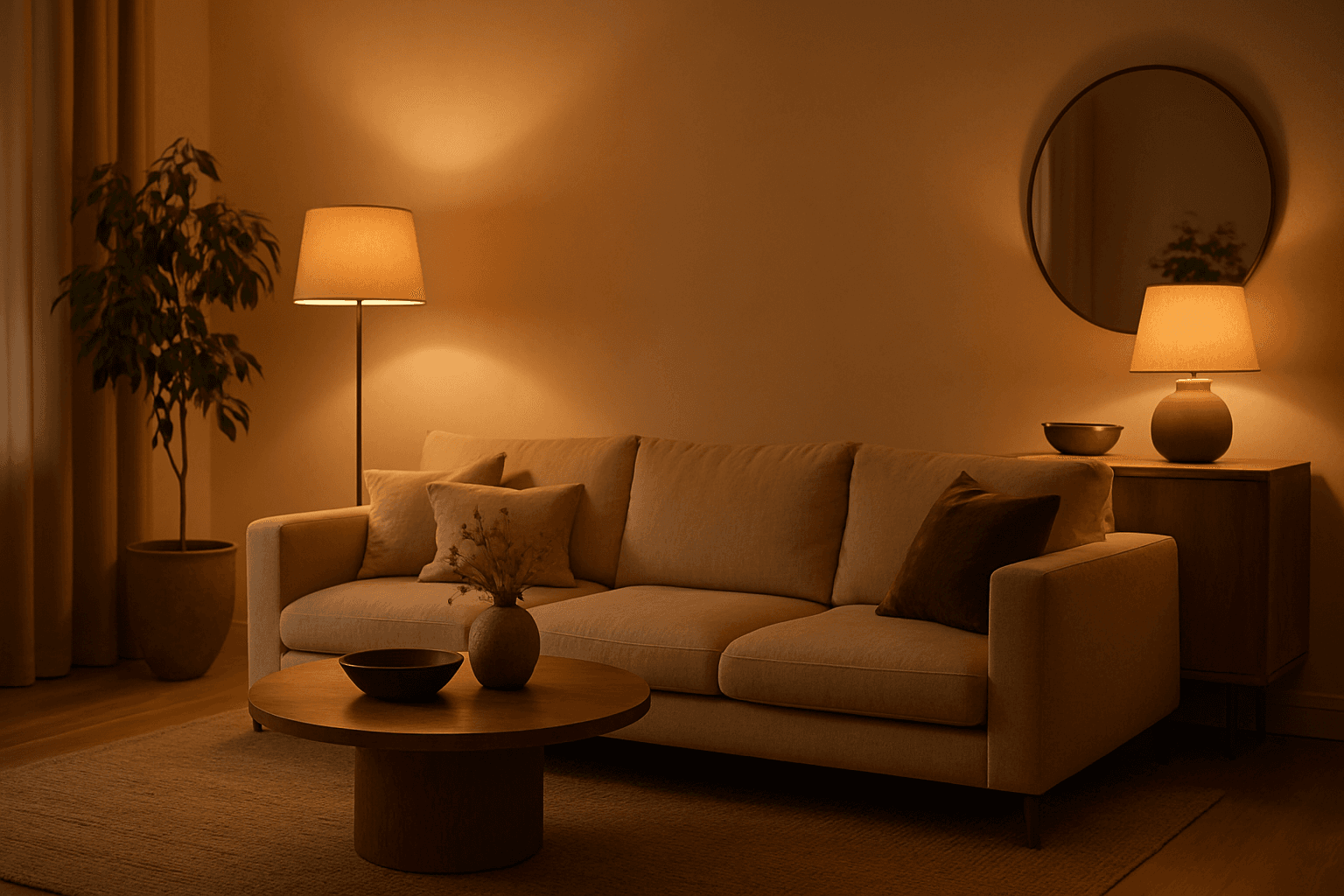
In AI-generated imagery, the "Warm Ambient Glow" keyword is used to simulate cozy, inviting lighting environments characterized by soft, warm illumination that enriches the visual texture and mood. This lighting effect mimics natural golden-hour sunlight or artificial sources like incandescent lamps, casting gentle gradients of warm light that add emotional warmth and realism without overpowering highlights or harsh contrasts. The resulting images often convey feelings of comfort, intimacy, or nostalgia and are especially valuable in editorial, lifestyle, and interior design visuals. Incorporating this prompt keyword encourages AI models to focus on warm tones and a balanced ambient light distribution, making it ideal for enhancing the aesthetic appeal of portraits, product shots, and environmental scenes with a premium, polished finish.
Backlight Glow Effect
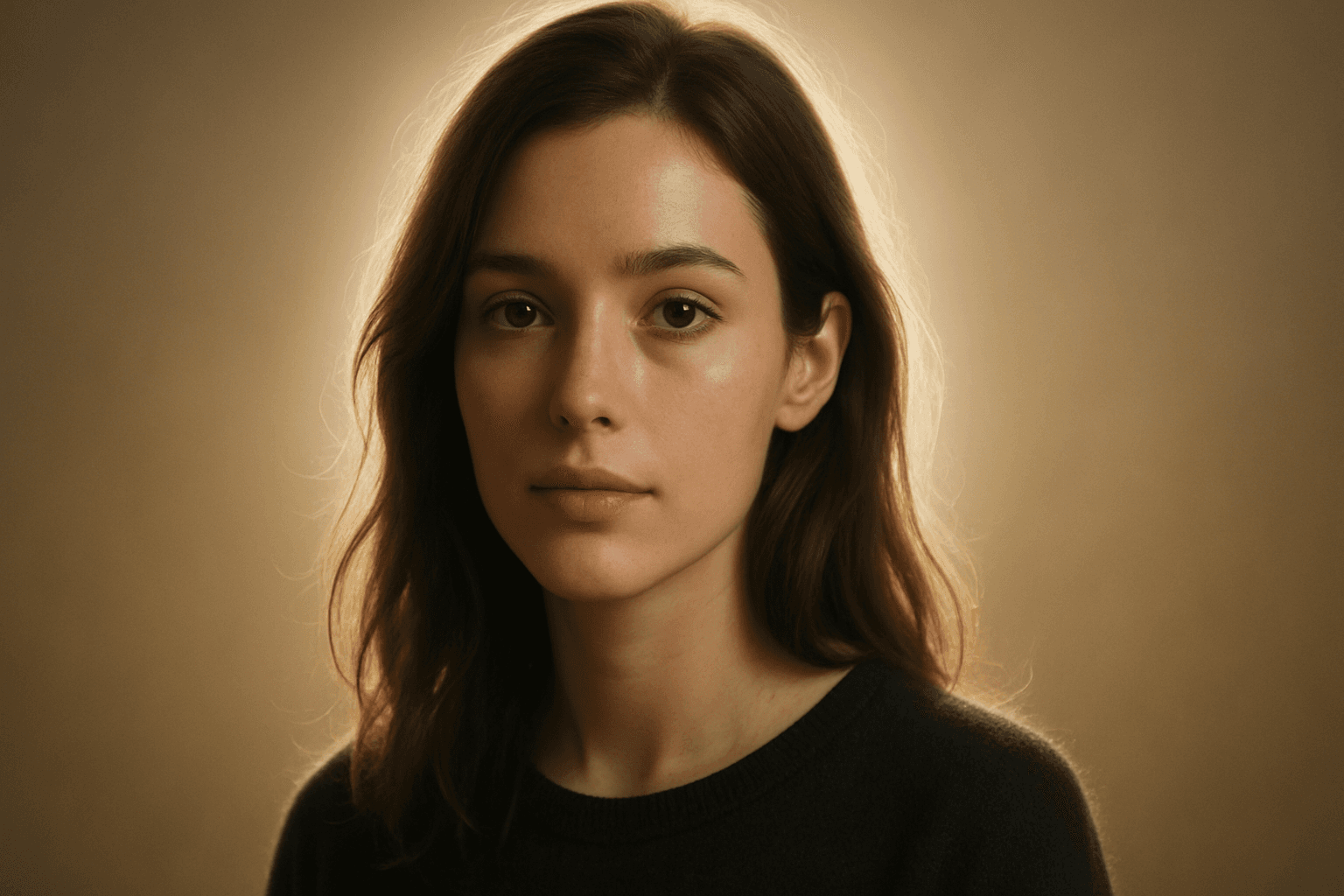
The Backlight Glow Effect is a powerful lighting feature that adds a striking, luminous outline to subjects by simulating a light source positioned behind them. In AI image generation, specifying this effect helps create images with enhanced spatial separation, subtle highlights, and atmospheric mood. It is a popular choice for editorial, portrait, fashion, and product photography styles, especially when a clean yet visually dynamic aesthetic is desired. This effect captures the modern preference for refined, realistic lighting setups that emphasize texture and form without overpowering the composition.

Soft Ambient Glow
The Soft Ambient Glow keyword is essential for adding subtle warmth and diffuse light to AI-generated images. Unlike direct or harsh lighting, it creates a gentle, enveloping glow that enriches texture and form while maintaining natural shadow gradations. This effect works well in editorial portraits, interior scenes, and nature photography, helping images feel intimate and polished. By leveraging this effect, creators can evoke mood and focus attention without overwhelming brightness. It’s particularly useful for achieving premium, realistic visuals that appeal to lifestyle, advertising, or stock image markets. Soft Ambient Glow enhances quality through refined lighting sophistication.
Natural Golden Hour Light
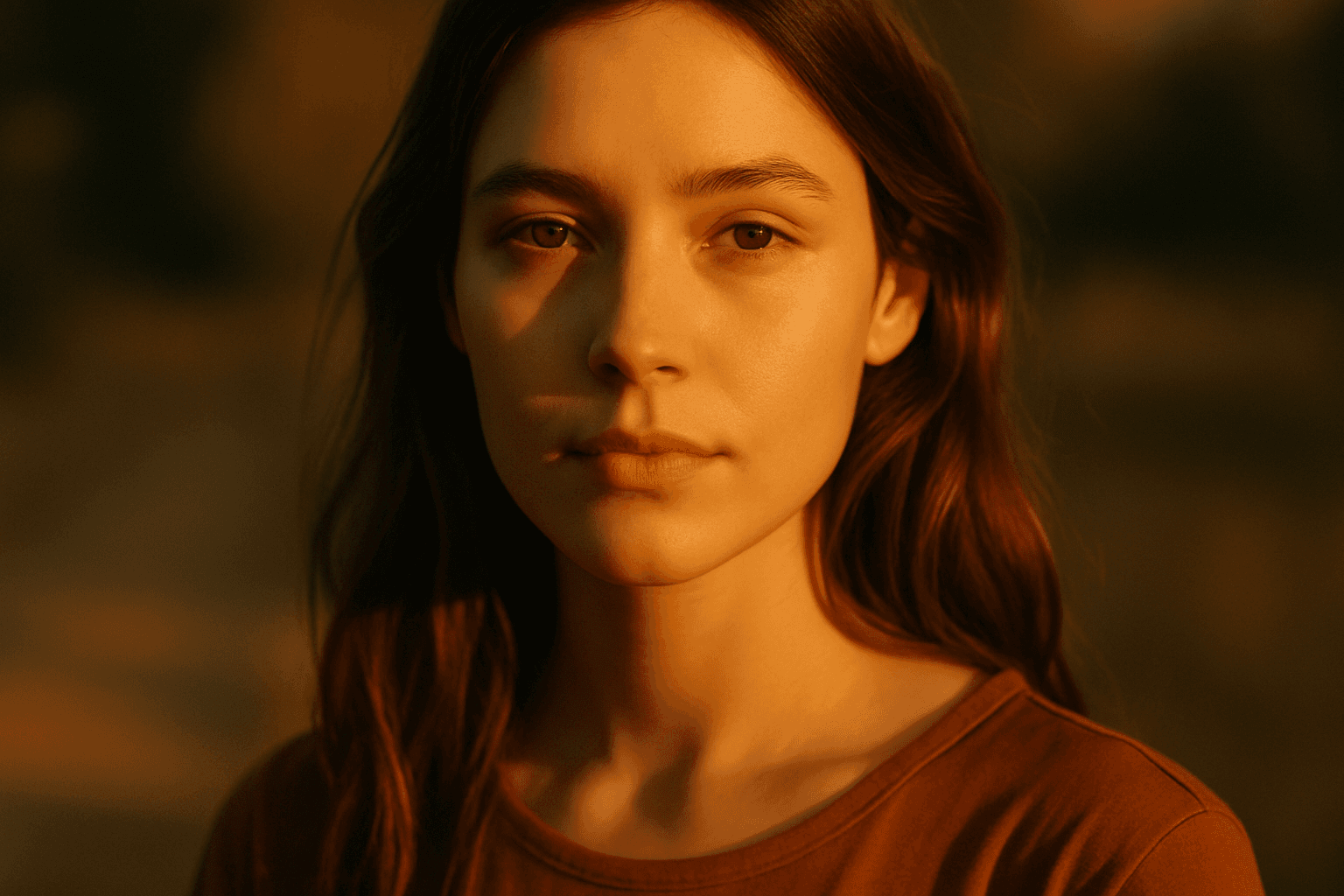
Natural Golden Hour Light is a highly valued lighting effect in photography, cinematography, and digital art for its ability to create warm, inviting, and richly textured images. This lighting appears during the brief periods of sunrise and sunset when the sun is low on the horizon, casting a golden hue that enhances colors and shapes without harsh contrasts. When used in AI image generation, prompt inclusion of this term helps achieve scenes with realistic and appealing atmospheric conditions, ideal for portraits, landscapes, and lifestyle imagery. It energizes visuals with a natural softness that is both aesthetically pleasing and emotionally evocative, often used to convey tranquility, romance, and beauty.
Volumetric Light Rays
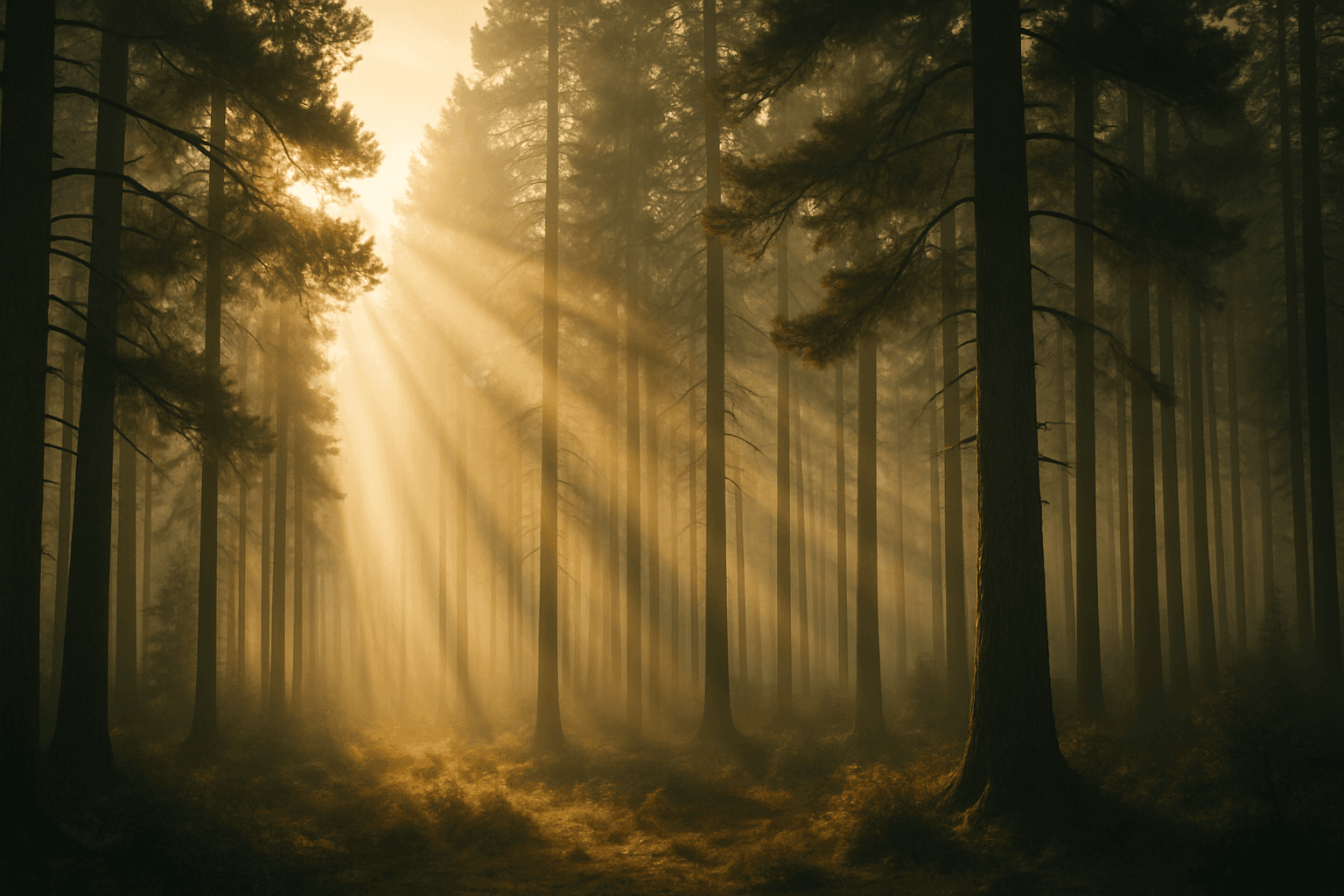
Volumetric light rays serve as a compelling lighting effect in AI-generated images, offering a sense of realism and spatial depth by mimicking how light interacts with particles in the air. Incorporating this keyword in prompts helps create scenes lit through fog, dust, or haze where beams of light are visible, producing cinematic or ethereal atmospheres. Common in landscape photography, interiors with windows, and dramatic portraits, volumetric light rays enhance storytelling by emphasizing ambient conditions or time of day. This effect can elevate compositions by adding subtle guiding lines that direct viewers’ attention and foster a mood of mystery, tranquility, or awe.

Diffuse Lighting Effect
Diffuse lighting effect is a crucial concept in photography, art, and AI image generation that simulates soft, widespread light typically produced by overcast skies or light diffusion materials. This lighting style provides smooth gradations between light and shadow, avoiding harsh contrasts. When integrated into AI image prompts, it helps achieve images with a gentle, natural look that emphasizes subject details without dramatic shadows or glare. Diffuse lighting creates a mood of calm realism, ideal for portraits, product photography, and interior scenes. Understanding how to prompt for this effect enables creators to produce realistic and appealing visuals with enhanced depth and subtlety while maintaining a clean and harmonious composition.