Backlight Glow Effect
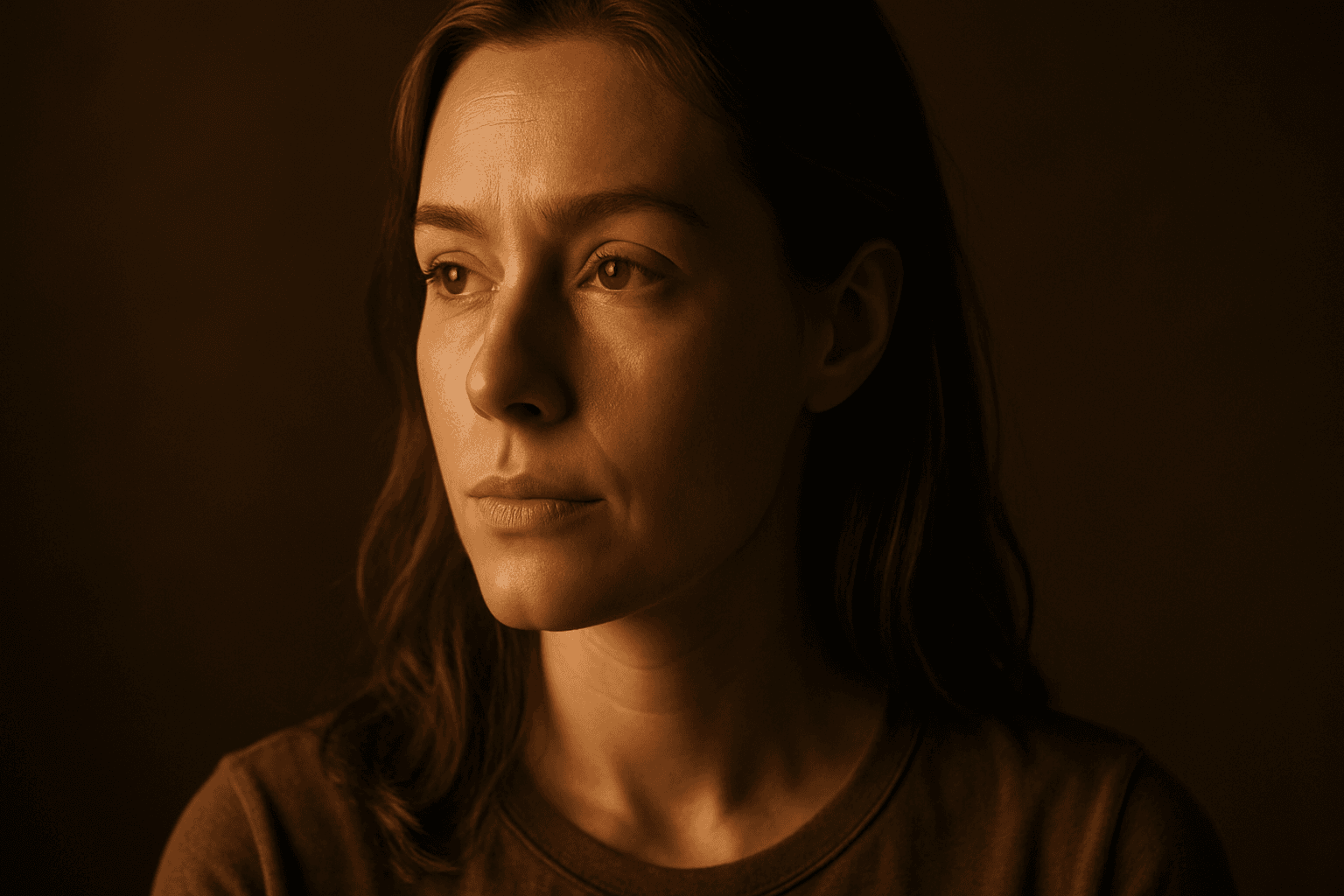
The Backlight Glow Effect is a powerful lighting feature that adds a striking, luminous outline to subjects by simulating a light source positioned behind them. In AI image generation, specifying this effect helps create images with enhanced spatial separation, subtle highlights, and atmospheric mood. It is a popular choice for editorial, portrait, fashion, and product photography styles, especially when a clean yet visually dynamic aesthetic is desired. This effect captures the modern preference for refined, realistic lighting setups that emphasize texture and form without overpowering the composition.
Definition
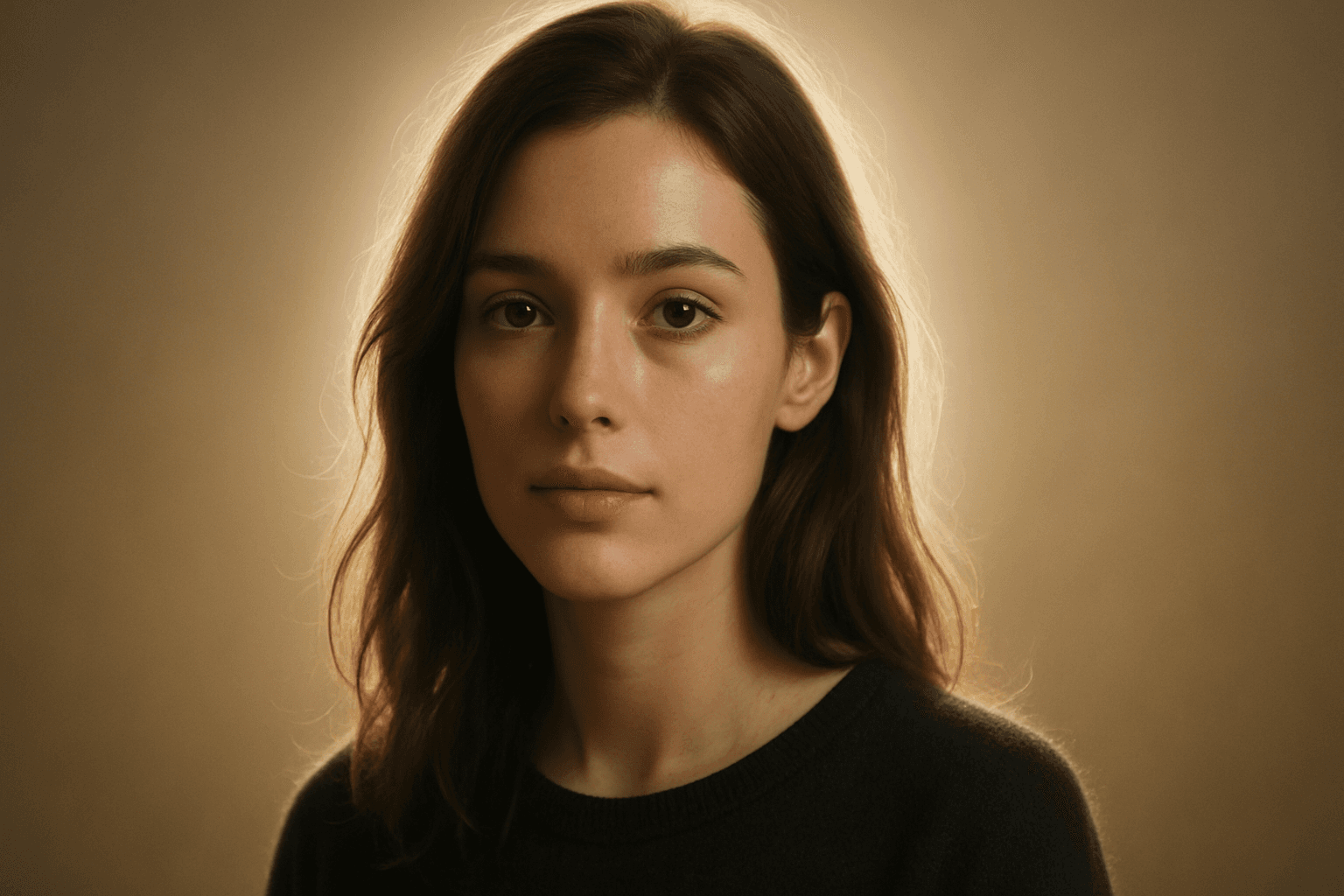
The Backlight Glow Effect is a lighting technique that places a light source behind the subject to create a soft glowing outline or halo. This effect enhances depth by visually separating the subject from the background, adding drama and subtle luminosity. When included in AI image prompts, it signals the model to reproduce this rim lighting style, contributing to realistic and dynamic lighting compositions.
Prompt Formula
Use descriptive phrases to build a prompt emphasizing the Backlight Glow Effect: - Start with the subject and setting. - Add 'backlight glow effect' or 'rim lighting with soft glow.' - Include lighting adjectives like 'subtle luminous glow' or 'soft halo light.' - Specify style adjectives (e.g., 'clean editorial,' 'realistic materials'). - Optionally add mood or color tones.
- Subject + 'with backlight glow effect'
- 'rim lighting with soft luminous halo'
- 'clean editorial style, refined lighting'
- Optional: mood or color accents such as 'warm tone'
Best Use Cases
- Product shots emphasizing texture and silhouette
- Portrait photography with natural dramatic lighting
- Fashion editorials requiring visually engaging but subtle highlights
Common Mistakes
A typical mistake in using the Backlight Glow Effect in prompts is requesting an overly intense or unnatural glow that overwhelms the subject, resulting in unrealistic or blown-out highlights. Another issue is vague phrasing, which can produce muddy or diffuse lighting lacking clear definition. Avoid omitting the light source placement or glow quality, as this may yield generic lighting without the characteristic rim glow. Make sure to balance glow intensity with surrounding lighting conditions for a natural look.
- Overemphasis causing unrealistic blown highlights
- Vague wording leading to undefined or muddy lighting
- Ignoring light source direction resulting in poor glow placement
- Overusing glow effect causing loss of subject detail
Advanced Techniques
For sophisticated prompt crafting, combine the Backlight Glow Effect with specific environmental or material descriptors, such as 'backlight glow effect on translucent fabrics' or 'rim lighting with soft glow and subtle lens flare.' Adding constraints like 'maintain natural skin tones' or 'balanced glow to preserve texture' further refines results. Experiment with color modifiers like 'cool blue backlight glow' or 'warm golden rim light' for mood variation. Layering glow with dust particles or volumetric light boosts atmosphere.
- Combine with material properties (e.g., translucent, metallic)
- Add color tint to the glow for mood shifts
- Include constraints to preserve texture and details
- Layer with atmospheric elements like volumetric light or dust
Professional Workflow
Start by defining the subject and desired mood clearly, incorporating the Backlight Glow Effect in your prompt with precise descriptors. Generate multiple images with varying glow intensities and lighting angles. Review results focusing on glow quality, subject separation, and realism. Select top candidates and refine prompts by adjusting glow softness, color, and light source description. Post-process as needed to enhance glow subtly while maintaining a natural look. This iterative workflow ensures polished, usable images suited for commercial or editorial use.
- Brief subject and mood with explicit glow terms
- Generate variations adjusting glow intensity and angle
- Evaluate and select images prioritizing realism and depth
- Refine prompts for optimal glow softness and color tone
- Apply minimal post-processing to enhance without overdoing glow
Related Styles
- Rim Lighting
- Soft Glow
- Edge Lighting
Model-Specific Tips
While syntax may vary between AI models, the Backlight Glow Effect is best evoked by clear, descriptive phrases that specify light positioning and glow quality. Use straightforward language such as 'backlit with soft glowing edges' or 'rim lighting creating a luminous halo.' Avoid overly technical jargon not widely supported, and favor adjectives describing glow intensity and color temperature. Testing slight variations helps adapt prompts to each model’s strengths, ensuring consistent results without relying on provider-specific tokens.
- Use clear descriptive phrases like 'soft glowing rim light'
- Specify light direction explicitly: 'backlit' or 'rim lighting'
- Avoid model-specific or rare tokens to maximize portability
- Experiment with intensity and color adjectives for best rendering
FAQ
What does the Backlight Glow Effect do in AI-generated images?
It simulates a light source behind the subject that creates a soft luminous halo or rim glow, enhancing depth and separation from the background.
How can I avoid unnatural lighting with the Backlight Glow Effect?
Avoid excessive glow intensity in your prompt and specify glow softness and balance to maintain realistic and subtle lighting.
Continue Exploring
Related Prompts
Backlit Rim Lighting
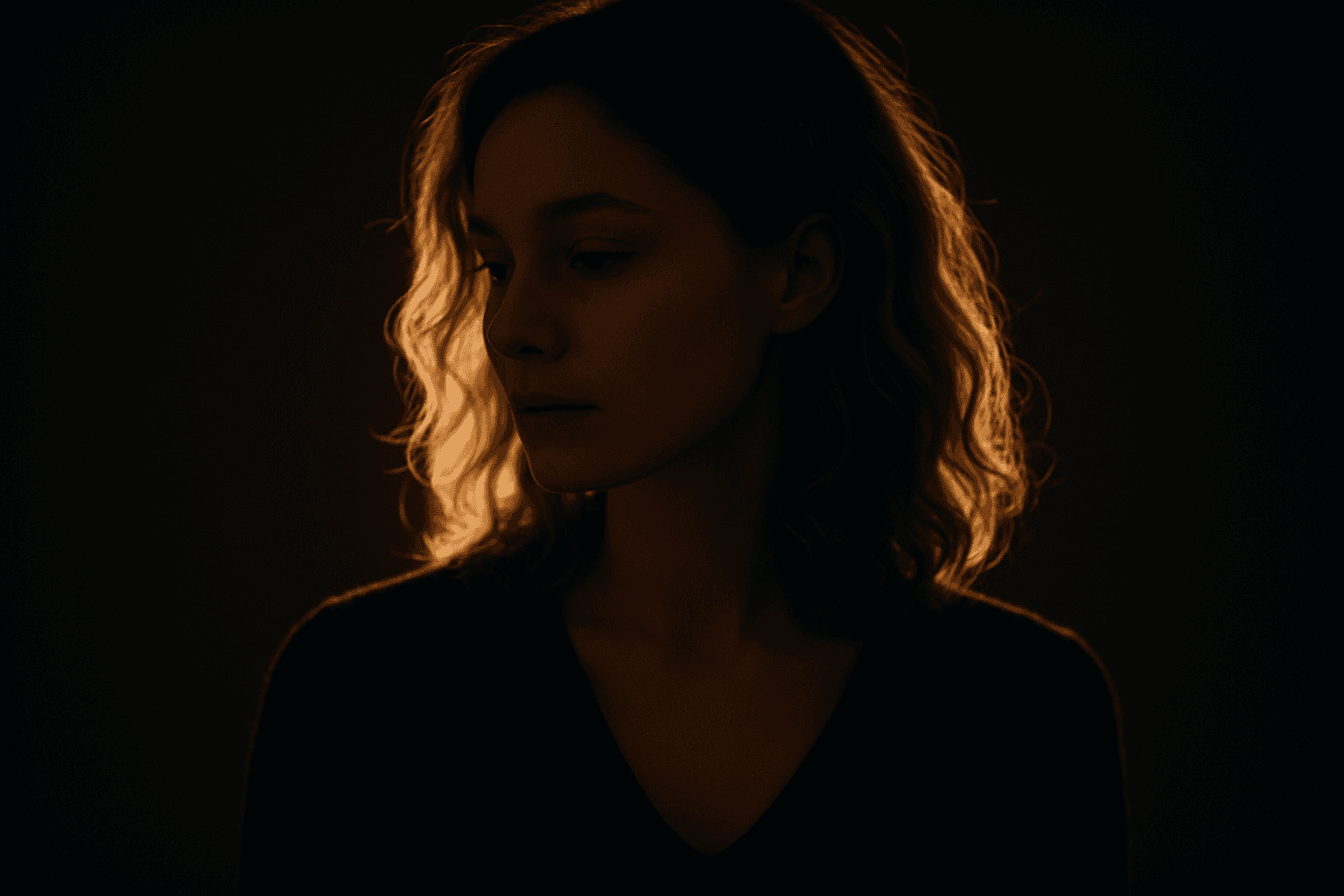
Backlit Rim Lighting offers a striking way to emphasize shapes and contours by placing light sources behind the subject. This technique casts a luminous halo or rim around the edges, enabling clear subject separation from backgrounds even if they are dimly lit. In AI-generated images, prompts including this term encourage models to simulate realistic lighting setups that heighten drama, depth, and visual interest. Artists and photographers often use this style to evoke mood or highlight subject textures through translucent or reflective surfaces. Incorporating Backlit Rim Lighting in image generation can instantly transform compositions, lending premium polish suitable for editorial, cinematic, and commercial visuals.
Radiant Glow Effect
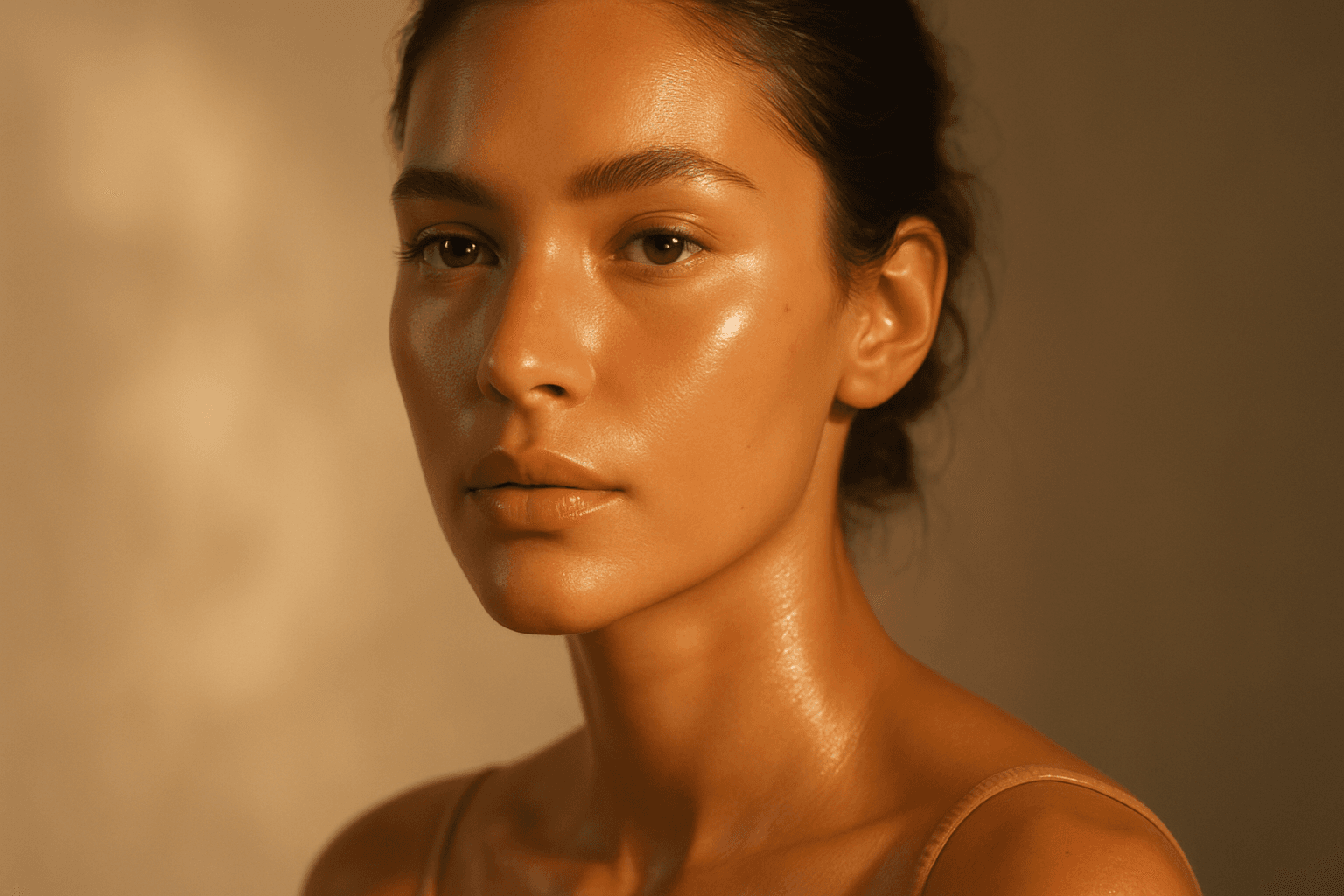
The Radiant Glow Effect is a popular keyword in AI-generated imagery for its ability to create captivating lighting that enhances the mood and realism of digital compositions. By incorporating this effect in prompts, users encourage the model to simulate light that softly radiates, producing a luminous aura around objects or environments. This effect can transform flat or dull scenes into vibrant, atmospheric visuals that feel warm and inviting. It is particularly valuable in scenes featuring candles, neon signs, sunsets, or magical elements where the glow enriches the overall narrative of the image. The effect works well complementing realistic materials and natural lighting setups, contributing to images that are both eye-catching and emotionally engaging.
Silhouette Outline Lighting
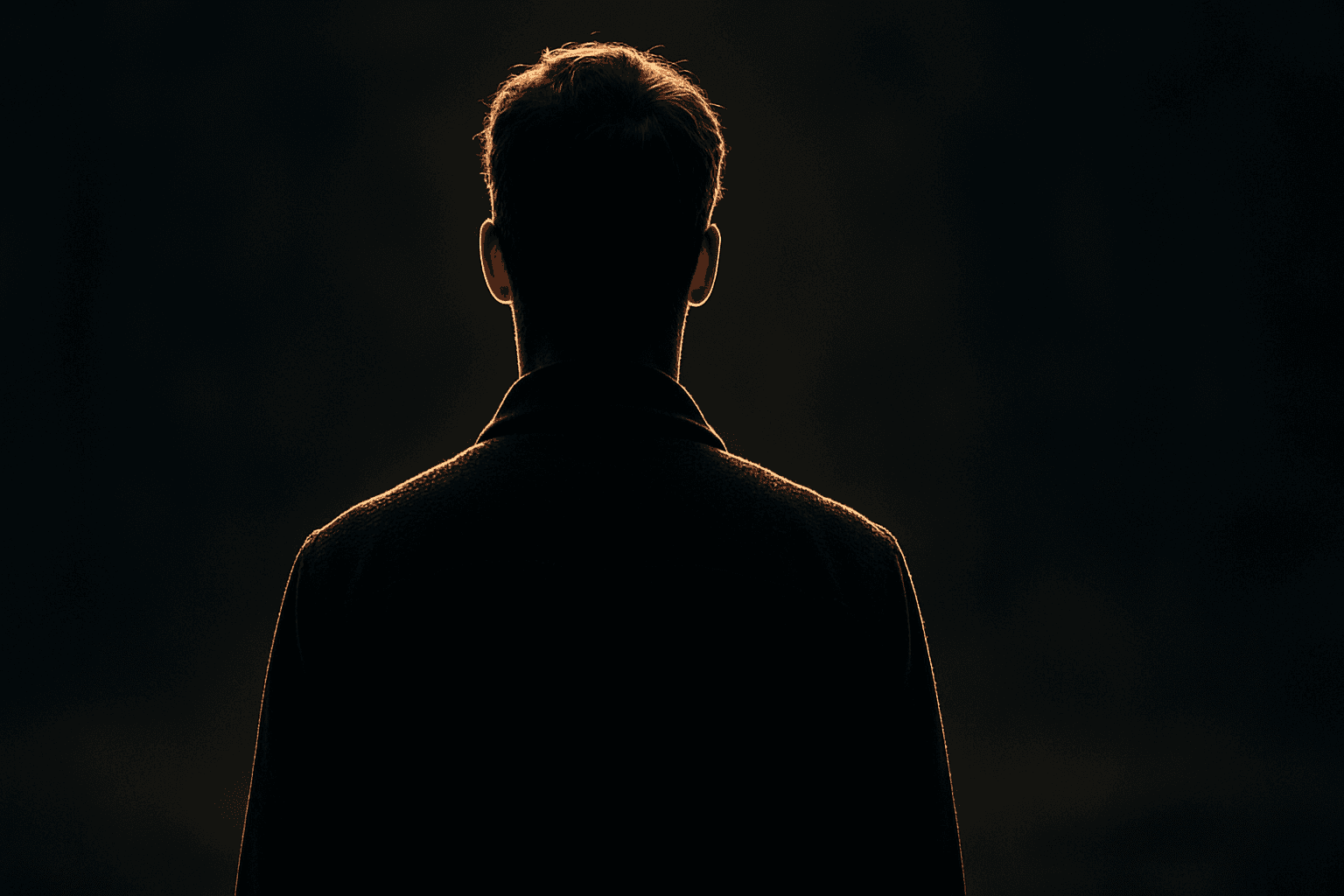
Silhouette Outline Lighting is a specialized lighting effect that enhances AI-generated images by emphasizing the subject's edges with a glowing rim of light. Commonly used to create dramatic, visually appealing silhouettes, this lighting style accentuates contours and adds striking contrast by brightly outlining the subject against a darker background. In AI image generation, including this keyword can guide the model to apply backlighting or rim lighting techniques, which help separate the subject from the background and add an artistic flair. This approach is widely appreciated in portraiture, product photography, and conceptual art for its ability to convey emotion and focus attention on shape and form.
Directional Side Lighting
Directional side lighting is a powerful lighting technique widely used in photography and digital art to add dimensionality and mood. In the context of AI image generation, specifying directional side lighting shapes how the model simulates light interaction with subjects and environments. This lighting style creates pronounced contrasts between illuminated and shaded areas, resulting in images with realistic depth and enhanced visual interest. It is especially effective for emphasizing textures and defining shapes in portraits, still life, architectural renders, and product shots. Using this lighting approach in AI prompts helps generate more polished and professional visuals suitable for editorial and commercial use.

Low Angle Lighting
Low angle lighting is a powerful photographic and artistic technique that shifts the viewer's perspective by lighting subjects from below. When integrated into AI image prompts, it helps generate images with a distinct, often dramatic mood and added dimensionality. This lighting arrangement mimics natural scenarios like sunrise or artificial lighting such as street lamps from ground level. Due to its uncommon viewpoint, low angle lighting enhances textures and contours by reversing traditional shadow placement, producing striking images ideal for editorial portraits, architectural shots, and dynamic compositions. Leveraging this keyword allows creators to break away from standard lighting styles and evoke more intriguing atmospheres in synthetic visuals.

Soft Ambient Glow
The Soft Ambient Glow keyword is essential for adding subtle warmth and diffuse light to AI-generated images. Unlike direct or harsh lighting, it creates a gentle, enveloping glow that enriches texture and form while maintaining natural shadow gradations. This effect works well in editorial portraits, interior scenes, and nature photography, helping images feel intimate and polished. By leveraging this effect, creators can evoke mood and focus attention without overwhelming brightness. It’s particularly useful for achieving premium, realistic visuals that appeal to lifestyle, advertising, or stock image markets. Soft Ambient Glow enhances quality through refined lighting sophistication.