Visual Weight Balance
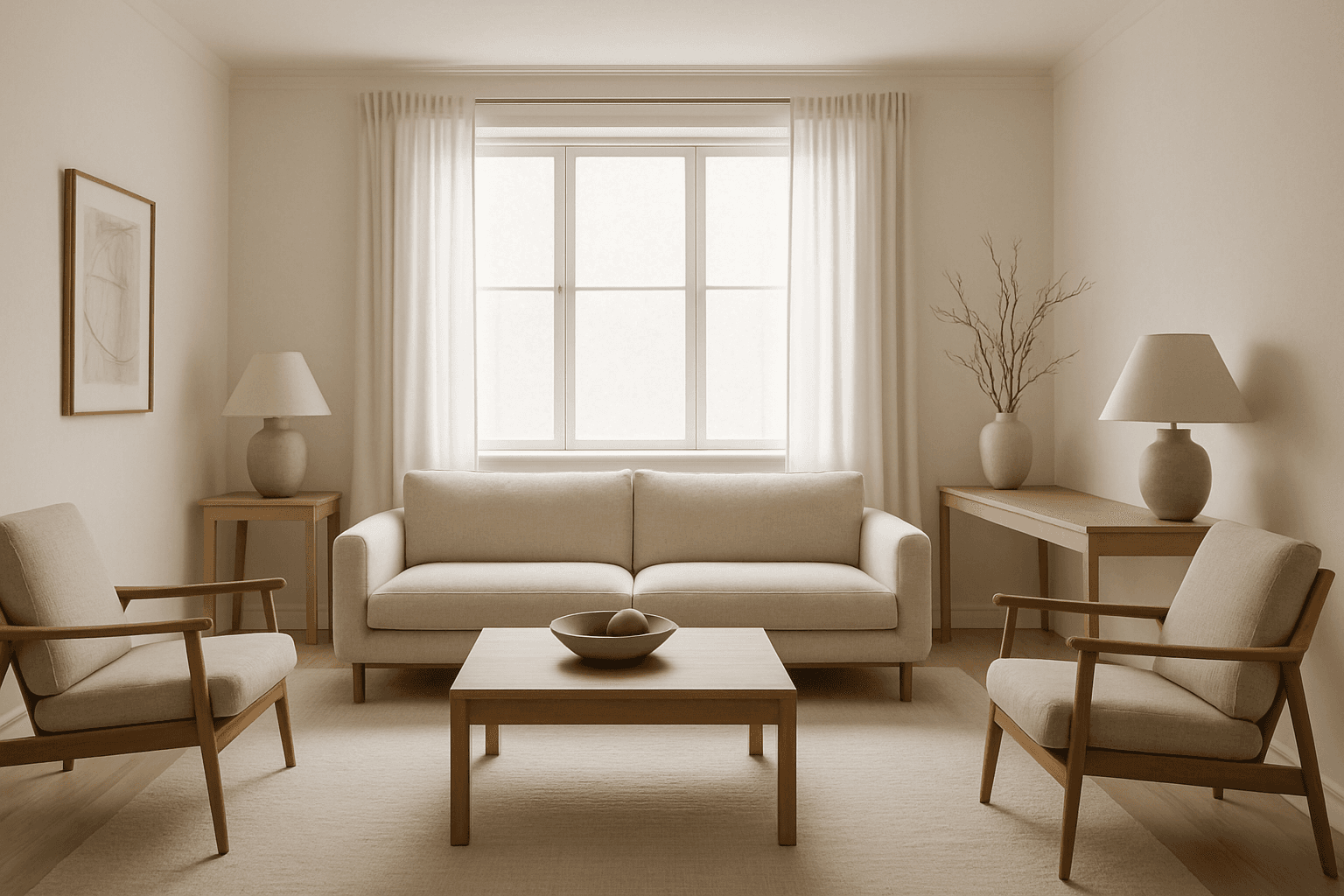
Visual Weight Balance is a fundamental principle in image composition that ensures harmonious distribution of visual elements across the frame. When crafting AI image prompts, emphasizing this keyword helps in generating images where objects, colors, and contrasts are allocated thoughtfully to prevent lopsided or cluttered scenes. Balanced visuals direct the viewer’s eye across the image naturally, creating a sense of calm and order. This balance is achieved by managing the size, color intensity, and positioning of elements so that no part overwhelms the rest. Using Visual Weight Balance in prompts is essential for editorial, product, or environmental imagery where clarity and coherence are crucial.
Definition
Visual Weight Balance is about evenly distributing the importance of elements in an image to create a stable and harmonious composition. For AI image prompts, this means guiding the placement, size, and color intensity of objects so no part dominates excessively, resulting in a natural and pleasing layout.
Prompt Formula
Use descriptive phrases that specify placement, symmetry, and element distribution. Combine terms to balance focal points and color contrast effectively.
- Balanced composition with symmetrical elements
- Evenly distributed colors and shapes
- Harmonious visual weight across the frame
- Soft lighting to enhance balance
- Subtle shadows for depth without overpowering
Best Use Cases
- Clean product photography highlighting features evenly
- Editorial images requiring viewer focus to flow naturally
- Architecture or interiors showcasing spatial harmony and organization
Advanced Techniques
For experienced prompt writers, combine Visual Weight Balance with advanced concepts such as asymmetrical balance for dynamic tension, use of negative space to offset heavy elements, and layering contrasting textures or colors. Incorporate specific lighting styles (e.g., rim light or soft diffused light) to accentuate balance. Use modifiers for spatial relations like 'balanced foreground and background' or 'visual weight evenly distributed across thirds.'
- Combine asymmetrical balance with negative space
- Layer textures and contrast for subtle balance
- Specify lighting direction to emphasize balance
- Use spatial terms like foreground/background balance
- Direct color saturation to balance visual flow
Professional Workflow
Start by briefing the composition’s visual goals emphasizing balance. Generate images using prompts including Visual Weight Balance and review composition stability and harmony in thumbnails. Select images with even focal distribution and adjust prompts iteratively refining object placement, lighting, and contrast. Final edits can be done selectively to improve balance without disrupting the natural harmony.
- Define balanced composition goals in briefing
- Use Visual Weight Balance keyword in prompts
- Review generated images for stable visual harmony
- Iteratively refine prompt for better element distribution
- Apply selective post-processing to enhance balance
FAQ
How does Visual Weight Balance differ from symmetry?
While symmetry means mirroring elements evenly on both sides, Visual Weight Balance involves distributing compositional 'weight' to achieve harmony, which can be symmetrical or asymmetrical.
Can I use Visual Weight Balance with dynamic or chaotic scenes?
Yes, applying Visual Weight Balance in dynamic scenes helps maintain viewer focus by balancing intense or busy elements with calmer areas, preventing visual overload.
Continue Exploring
Related Prompts

Asymmetrical Balance Composition
Asymmetrical balance composition is a powerful design principle that infuses AI-generated images with dynamic harmony and visual interest. Unlike traditional symmetrical layouts, this technique balances elements of varying sizes, colors, or textures to create a cohesive whole without mirroring. Within AI prompting, directing the model to apply asymmetrical balance produces images that feel organic and engaging, often enhancing storytelling and emotional impact. This composition style is widely used in editorial design, contemporary art, and photography to avoid predictability and add depth. For AI creatives, mastering asymmetrical balance opens new pathways to dynamic, polished, and visually compelling imagery.
Symmetrical Visual Balance
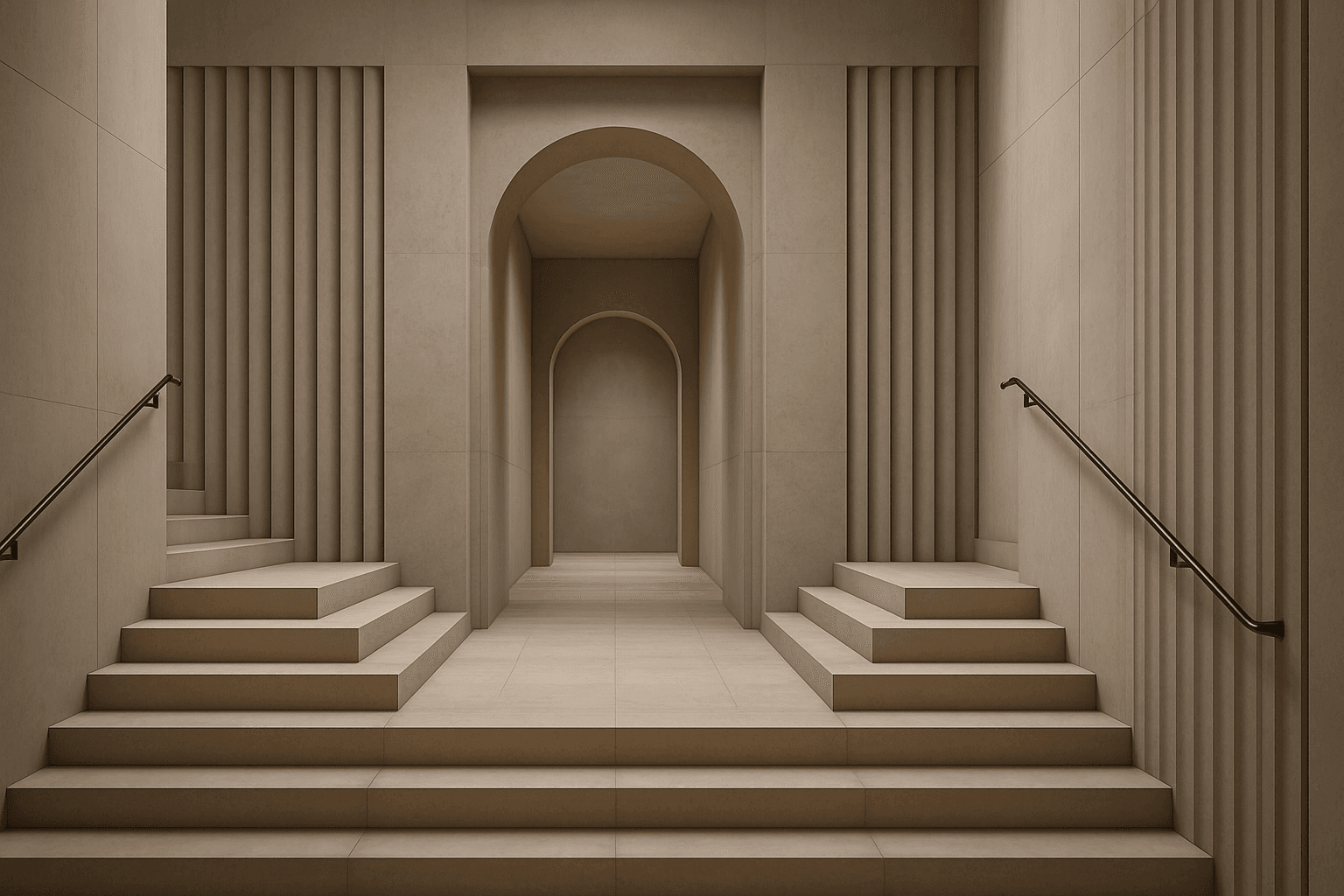
Symmetrical visual balance is a fundamental principle of composition that guides AI image generation toward harmonious and stable designs. By specifying this keyword, users encourage the visual content to be evenly arranged on both sides of a central axis, which can evoke feelings of calmness and structure. This approach suits a range of imagery, from portraits and architecture to product photography, giving a refined and polished look. When applied in prompts, it helps achieve clean editorial styles with subtle depth and premium polish, making the results ideal for hero images or thumbnails in a modern content library.

Asymmetrical Visual Balance
Asymmetrical visual balance is a fundamental compositional technique used to create engaging and dynamic images. Rather than relying on symmetry, it balances visual interest through the thoughtful placement of diverse elements differing in size, color, or texture. This approach lends images a more natural, spontaneous feel while maintaining harmony. In AI image generation, explicitly directing asymmetrical visual balance helps craft images that are visually compelling with organic flow, useful in editorial designs, advertising, and fine art creations. Understanding this principle enhances creativity in prompt engineering, enabling more versatile and striking results.

Negative Space Usage
Negative space usage in AI-generated images is a powerful compositional tool that enhances visual impact by balancing filled and unfilled areas within the frame. By thoughtfully incorporating empty spaces around key elements, artists and designers can guide the viewer's eye, create breathing room, and elevate the subject's importance. When integrated into AI prompts, specifying negative space helps produce cleaner, more refined images that align with modern editorial and premium stock aesthetics. This technique promotes minimal distractions and supports sophisticated, polished results well-suited for professional use and commercial applications.
Symmetry And Balance
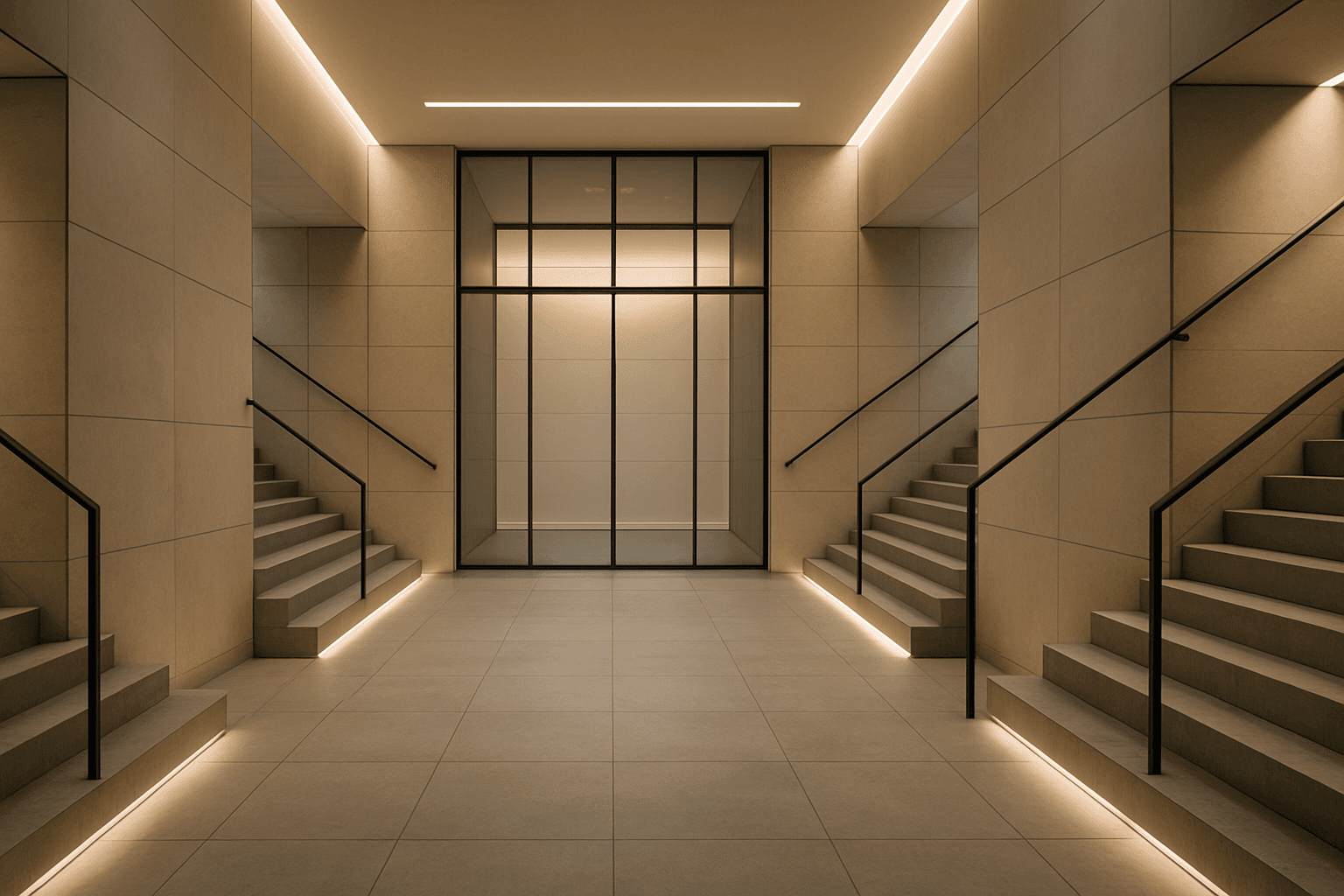
Symmetry and balance are foundational principles in visual arts and crucial for composing captivating AI-generated images. Using these keywords prompts AI models to structure scenes with mirrored or harmoniously weighted elements, creating aesthetically pleasing and organized visuals. Balanced compositions evoke feelings of stability and calm, while symmetry creates formal harmony admired in architecture, product photography, and portraiture. Incorporating these concepts refines the image's coherence and appeal, benefiting creatives who require polished, professional results. Whether applied to landscapes, objects, or abstract designs, symmetry, and balance guide the AI toward harmonious imagery that resonates with viewers on a subconscious level.

Symmetrical Balance Composition
Symmetrical balance composition is a fundamental principle that ensures an image's elements are arranged so both sides mirror each other, giving the viewer a sense of harmony and equilibrium. This approach can be particularly powerful in AI image generation for crafting outstanding visuals that feel orderly and intentional. By specifying symmetrical balance in prompts, creators can achieve polished layouts that emphasize clarity and calmness, often suitable for editorial, commercial, and artistic needs. The balanced nature brings focus and often highlights a central subject elegantly, making images instantly engaging and aesthetically pleasing.