Asymmetrical Visual Balance
Asymmetrical visual balance is a fundamental compositional technique used to create engaging and dynamic images. Rather than relying on symmetry, it balances visual interest through the thoughtful placement of diverse elements differing in size, color, or texture. This approach lends images a more natural, spontaneous feel while maintaining harmony. In AI image generation, explicitly directing asymmetrical visual balance helps craft images that are visually compelling with organic flow, useful in editorial designs, advertising, and fine art creations. Understanding this principle enhances creativity in prompt engineering, enabling more versatile and striking results.

Definition
Asymmetrical visual balance means the harmonious distribution of visual weight in an image without mirroring elements. It's about creating equilibrium using varying sizes, shapes, colors, or positions rather than symmetry. For AI prompts, this ensures the model places components unevenly but in a balanced way, resulting in more dynamic and visually interesting images.
Prompt Formula
Use descriptive phrases to guide asymmetrical balance effectively:
- "asymmetrical visual balance with off-center focal point"
- "unequal distribution of elements balanced by color and shape"
- "dynamic composition with visual weight shifted to one side"
Best Use Cases
- Editorial illustrations requiring energy and flow
- Advertising imagery that demands viewer engagement
- Fine art portraits with creative, naturalistic layouts
Common Mistakes
Often, prompts miss directing the balance properly, resulting in cluttered or lopsided images that don’t feel harmonious. Avoid vague terms like “balanced” without specifying asymmetry—this can lead models to default to symmetry. Also, overloading one side with too many elements or colors can break the visual flow. Ensure the prompt clarifies the kind of imbalance desired, with cues on color, size, or placement to guide the AI smoothly.
Advanced Techniques
Refine asymmetrical balance by combining it with other compositional rules or style modifiers. For example, pair it with "rule of thirds" or "negative space" to create tension and release. Use constraints like "subtle color accents on the lighter side" or "larger forms balanced by multiple smaller shapes". Incorporate lighting contrast to emphasize the balance or specify textures to distribute visual weight across layers.
Professional Workflow
Start by briefing the desired compositional mood emphasizing asymmetrical balance. Generate multiple images varying element placement and color distribution. Select images exhibiting good visual harmony without symmetry but with clear focal flow. Refine by iterating on prompts, adding modifiers on scale and contrast. Finally, post-process to enhance lighting and sharpness, ensuring the dynamic balance translates well in final output.
Related Styles
- Golden Ratio Composition - harmonious but more geometric
- Rule of Thirds - common framing technique supporting asymmetry
- Dynamic Composition - emphasizes movement and tension
Model-Specific Tips
Use clear descriptive language rather than rigid syntax to maintain broad model compatibility. Avoid complex nested commands; instead, phrase instructions naturally, e.g., "an asymmetrical balanced layout with off-center elements." For models supporting weights, apply slight emphasis to terms like "asymmetrical" or "dynamic balance" to reinforce the composition preference without restricting creativity.
FAQ
How does asymmetrical visual balance differ from symmetrical balance?
Symmetrical balance arranges elements as mirror images on either side of an axis, creating formal and static compositions. Asymmetrical balance distributes visual weight unevenly but harmoniously, creating more dynamic and interesting layouts.
Can I combine asymmetrical visual balance with other composition rules in AI prompts?
Yes, combining it with rules like the rule of thirds or the golden ratio can help guide the AI to produce more complex and appealing compositions that feel natural yet structured.
Continue Exploring
Related Prompts
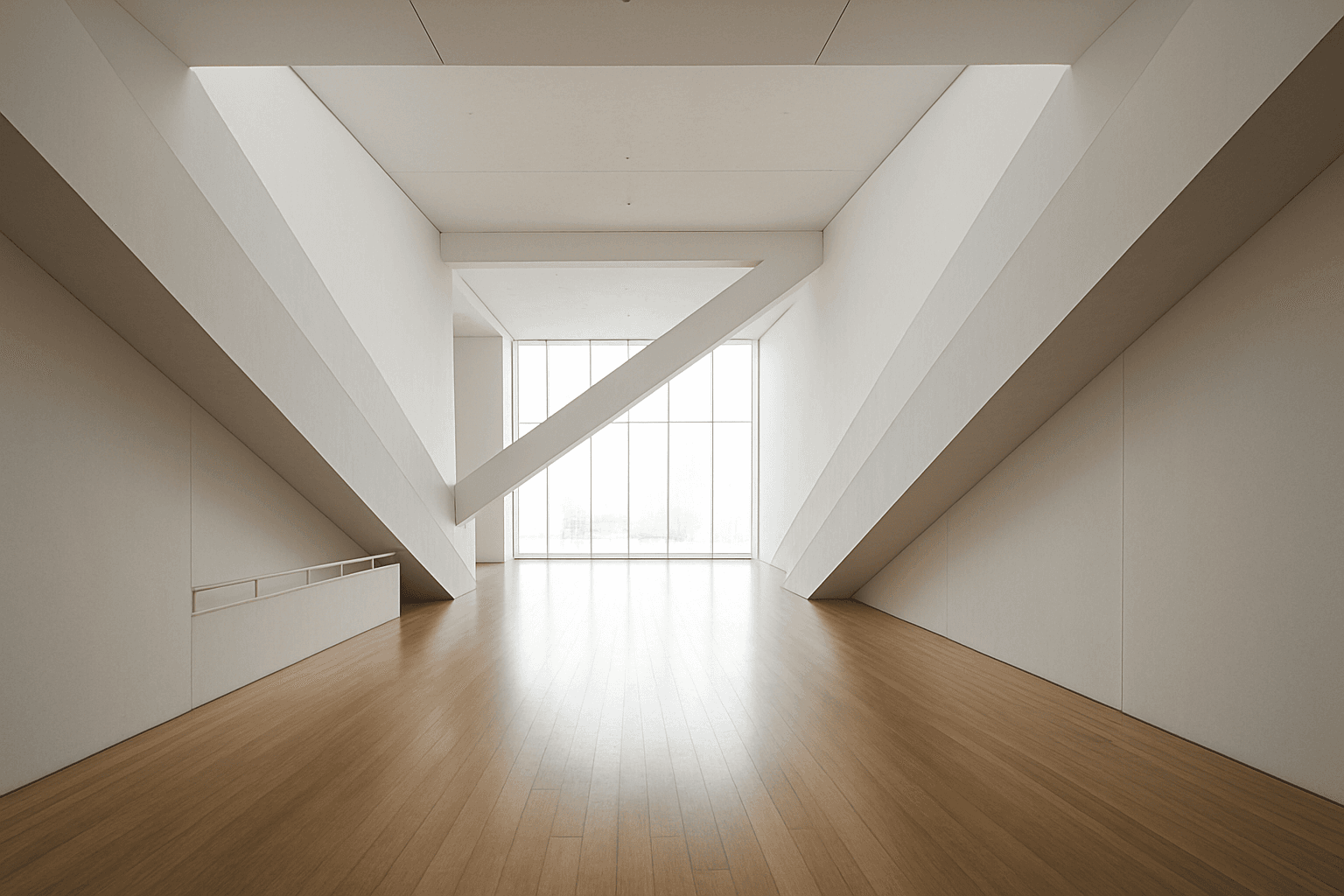
Diagonal Symmetry Composition
Diagonal Symmetry Composition is a powerful compositional approach that instructs AI models to arrange image elements reflecting across a diagonal axis. Unlike horizontal or vertical symmetry, the diagonal axis introduces dynamic tension and movement, lending images a striking and balanced appeal. By using this composition in AI prompts, creators can generate visuals that feel both stable and energetic. This approach often results in more engaging photographs, illustrations, and designs by leveraging unique balance and spatial relationships. It's particularly valuable in art, photography, and design projects aiming for modern and compelling visual narratives that stand out with subtle depth and refined lighting.

Asymmetrical Balance Composition
Asymmetrical balance composition is a powerful design principle that infuses AI-generated images with dynamic harmony and visual interest. Unlike traditional symmetrical layouts, this technique balances elements of varying sizes, colors, or textures to create a cohesive whole without mirroring. Within AI prompting, directing the model to apply asymmetrical balance produces images that feel organic and engaging, often enhancing storytelling and emotional impact. This composition style is widely used in editorial design, contemporary art, and photography to avoid predictability and add depth. For AI creatives, mastering asymmetrical balance opens new pathways to dynamic, polished, and visually compelling imagery.
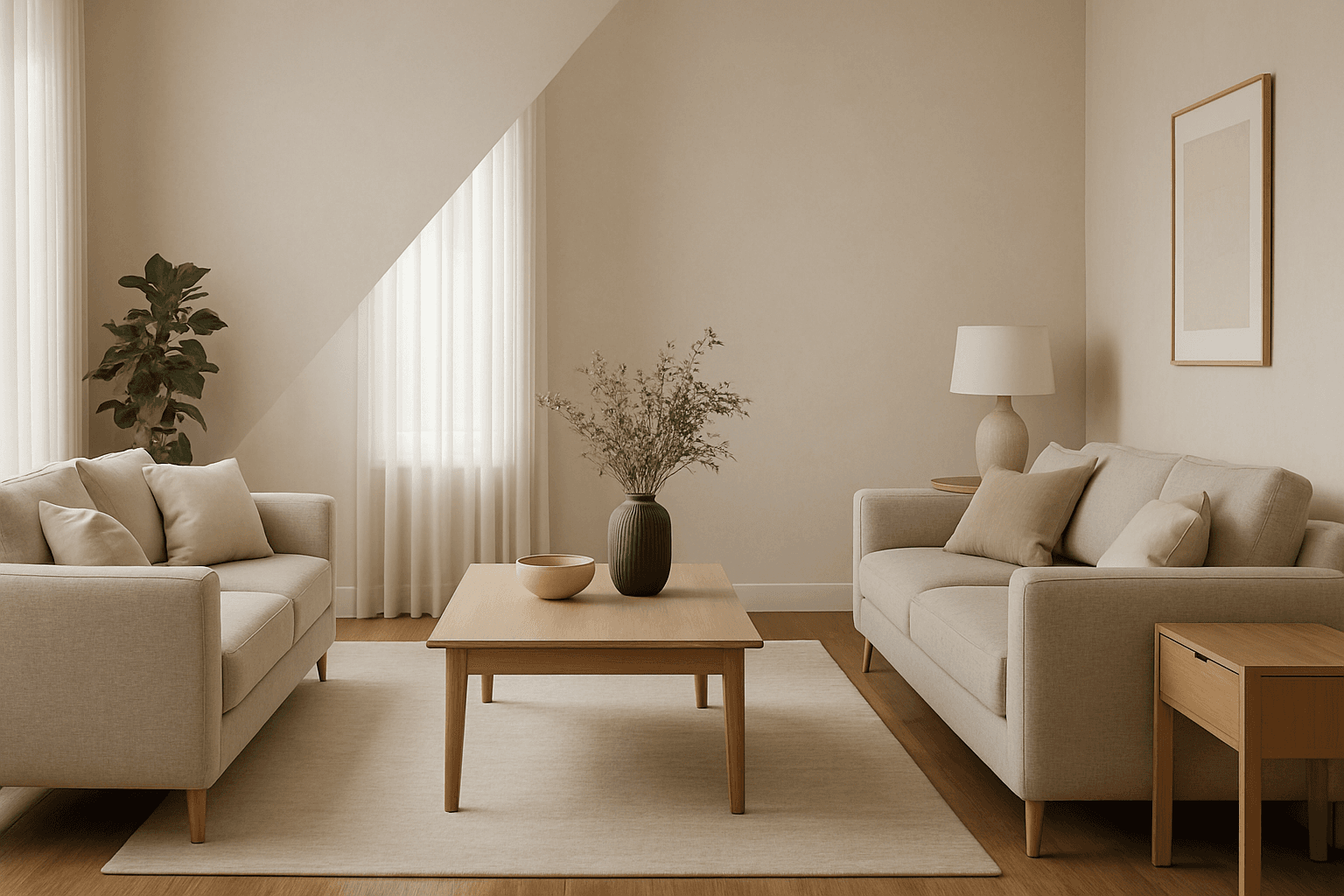
Diagonal Symmetry Layout
Diagonal Symmetry Layout offers a sophisticated compositional approach for AI-generated images by leveraging symmetry across a diagonal axis rather than traditional vertical or horizontal lines. This layout introduces dynamic balance and movement, making scenes more engaging and less static. When used in AI prompts, it directs the model to position objects, lighting, or shapes so that they reflect symmetrically along a diagonal, resulting in refined and harmonious visuals. Its subtle complexity suits diverse genres from architectural photography to product design, especially when aiming for modern, editorial-quality imagery with premium polish and sophisticated lighting.
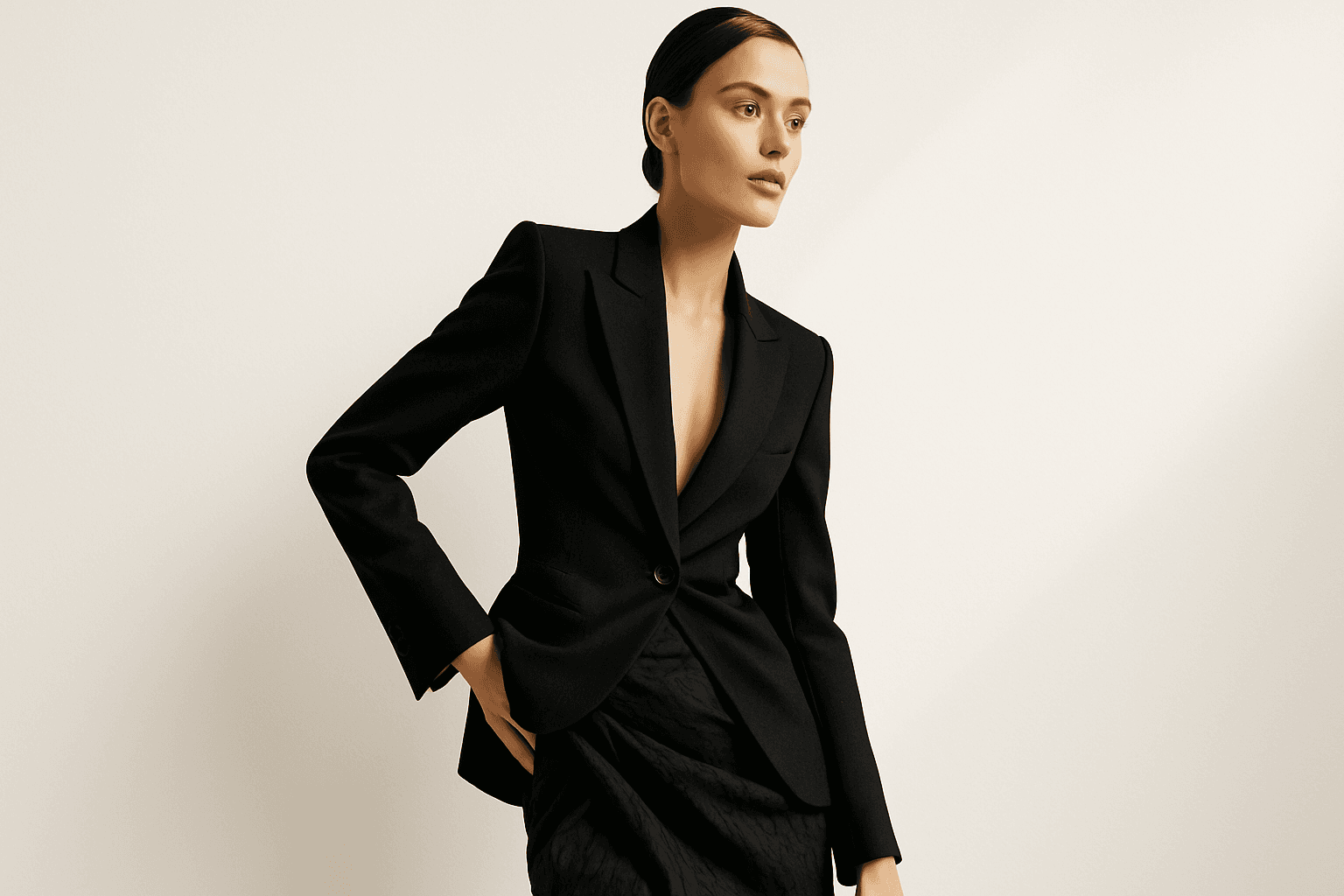
Dynamic Asymmetric Layout
Dynamic asymmetric layouts break away from the predictability of centered designs by introducing imbalance that attracts the viewer's eye across the composition. This style is widely used in editorial design, advertising, and digital media to convey energy, modernity, and sophistication. By emphasizing contrast and selective clustering, the layout guides attention strategically without relying on rigid balance. In AI image generation, specifying dynamic asymmetric layout in your prompt encourages the model to produce visually compelling scenes with elements arranged unevenly yet harmoniously, enhancing the overall narrative or mood of the image. This approach works particularly well for premium stock images and design headlines where a clean, polished look with subtle depth is desired.
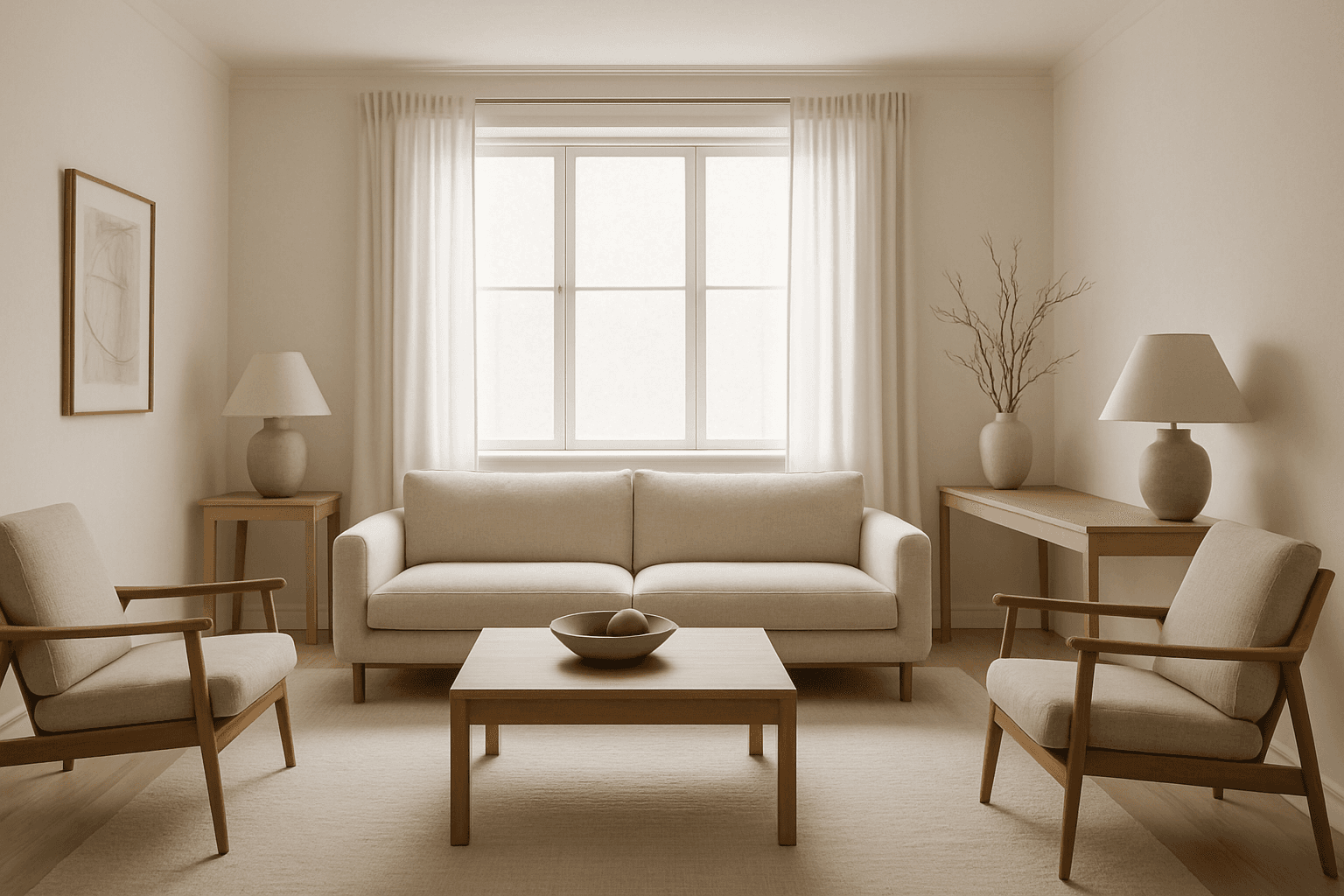
Visual Weight Balance
Visual Weight Balance is a fundamental principle in image composition that ensures harmonious distribution of visual elements across the frame. When crafting AI image prompts, emphasizing this keyword helps in generating images where objects, colors, and contrasts are allocated thoughtfully to prevent lopsided or cluttered scenes. Balanced visuals direct the viewer’s eye across the image naturally, creating a sense of calm and order. This balance is achieved by managing the size, color intensity, and positioning of elements so that no part overwhelms the rest. Using Visual Weight Balance in prompts is essential for editorial, product, or environmental imagery where clarity and coherence are crucial.
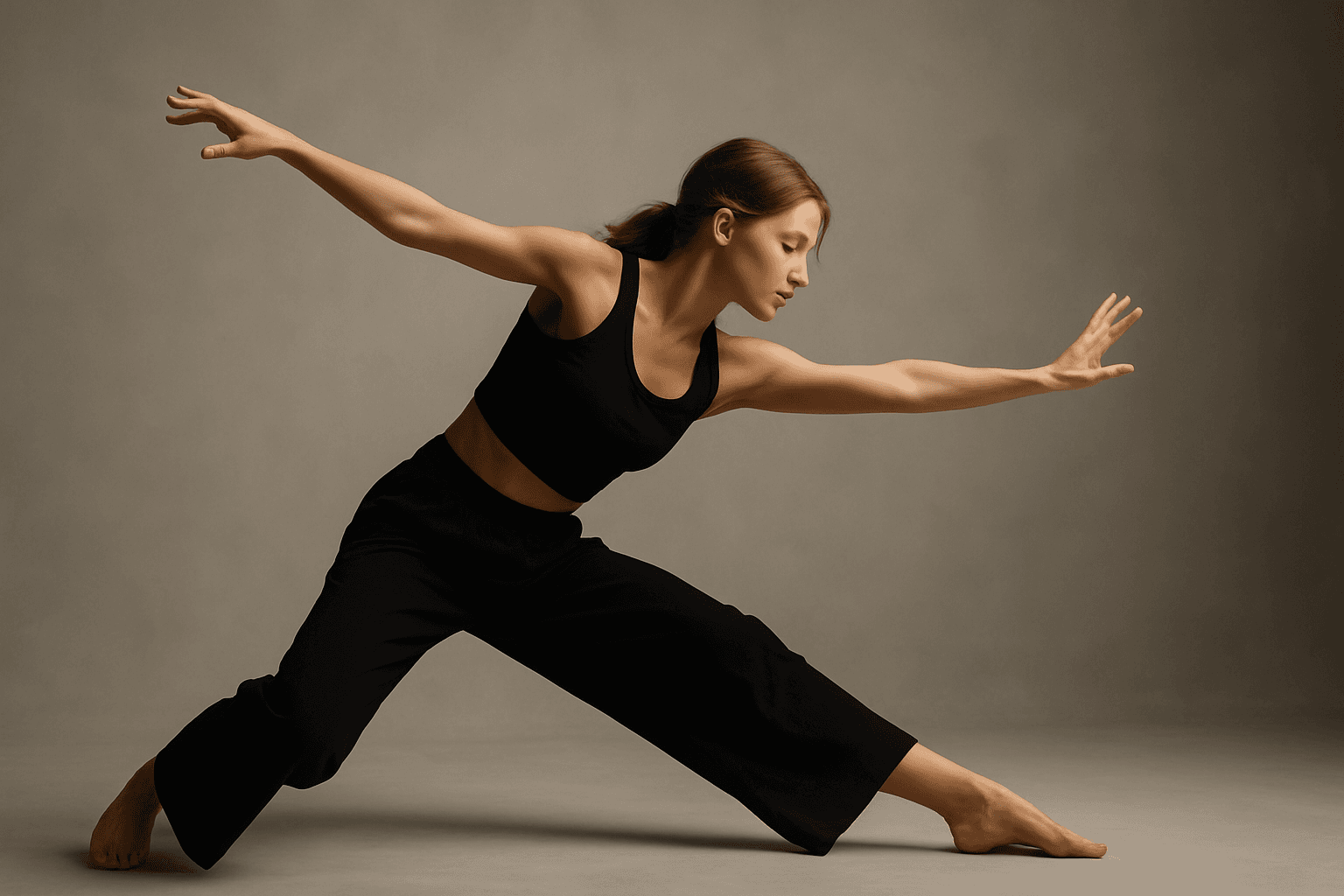
Diagonal Movement Layout
Diagonal Movement Layout is a popular visual strategy in creative imagery that infuses energy and direction into a composition. By aligning main subjects, backgrounds, or elements along diagonal axes, AI-generated images achieve a feeling of flow and progression that captures viewers' attention. This approach contrasts with static horizontal or vertical layouts by introducing tension and rhythm. Using this layout in AI prompts, artists and designers can create more engaging visuals for editorial, advertising, and artistic uses where motion and storytelling are key.