Diagonal Symmetry Layout
Diagonal Symmetry Layout offers a sophisticated compositional approach for AI-generated images by leveraging symmetry across a diagonal axis rather than traditional vertical or horizontal lines. This layout introduces dynamic balance and movement, making scenes more engaging and less static. When used in AI prompts, it directs the model to position objects, lighting, or shapes so that they reflect symmetrically along a diagonal, resulting in refined and harmonious visuals. Its subtle complexity suits diverse genres from architectural photography to product design, especially when aiming for modern, editorial-quality imagery with premium polish and sophisticated lighting.
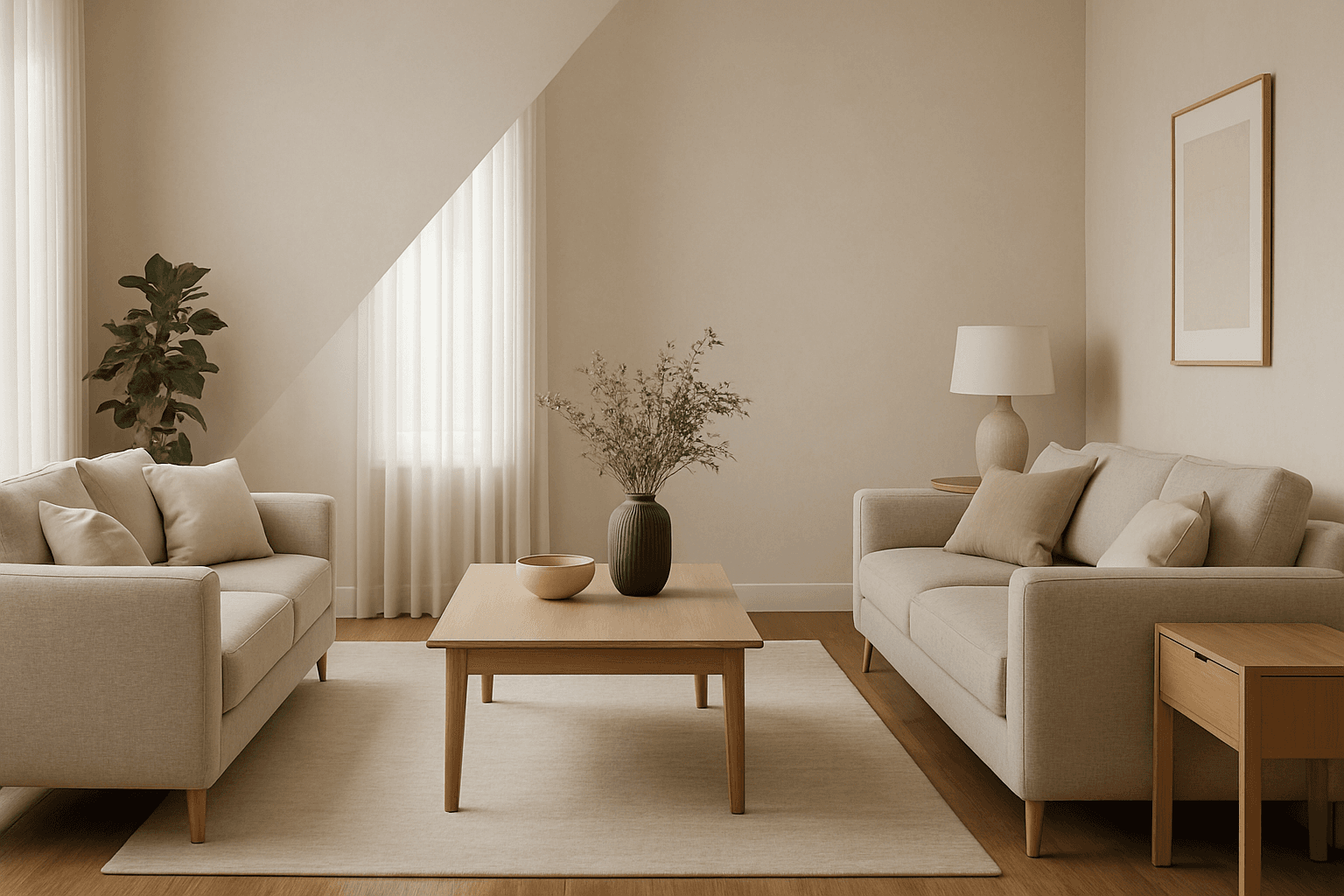
Definition
Diagonal Symmetry Layout refers to a design principle where key elements in an image are arranged to mirror each other across a diagonal line, rather than the traditional vertical or horizontal axes. In AI image prompting, including this keyword encourages models to create balanced compositions that guide viewers’ attention dynamically along a diagonal pathway, producing harmonious yet visually engaging results.
Prompt Formula
Use concise and flexible phrase combinations to incorporate diagonal symmetry into your AI image prompts effectively.
- "diagonal symmetry layout"
- "elements mirrored across a diagonal axis"
- "balanced composition with diagonal reflection"
- "dynamic diagonal symmetry, premium lighting"
- "clean editorial style with diagonal balance"
Best Use Cases
- Architectural photography and interior spaces emphasizing dynamic balance
- Fashion editorial shoots featuring modern, engaging poses
- Product display images requiring premium, polished compositional layouts
Common Mistakes
A frequent error when using diagonal symmetry in AI prompts is over-describing or mixing it with vertical/horizontal symmetry keywords, causing the model to generate confusing or cluttered layouts. Another pitfall is neglecting lighting and depth cues, which can make the diagonal symmetry feel flat or artificial. Avoid generic phrases that dilute the diagonal focus and steer clear of overcrowding the scene with too many mirrored elements, which may result in unrealistic or distracting images.
Advanced Techniques
Combine diagonal symmetry with selective lighting and subtle depth cues for refined, professional-grade images. You can specify complementary color schemes on opposite sides of the diagonal, or introduce slight asymmetries in textures or shapes to add naturalism while maintaining balance. Use constraints like 'soft diagonal shadows' or 'gradient lighting emphasizing diagonal axis' to enhance dimensionality and visual interest.
- Pair diagonal symmetry with golden hour lighting for added warmth
- Introduce subtle asymmetry in texture to avoid mechanical repetition
- Use complementary colors aligned along the diagonal axis
- Incorporate depth-of-field effects to highlight diagonal composition
- Blend diagonal symmetry with radial elements for complex designs
Professional Workflow
Start by briefing your AI tool with a clear description of the scene and specify 'diagonal symmetry layout' early in the prompt. Generate multiple variations to explore different interpretations. Select images with well-defined diagonal mirroring and premium polish. Apply refinement steps such as adjusting lighting, shadow depth, and texture realism in post-processing or through iterative prompting. Consistently annotate your prompt library to capture effective phrasing for future projects, ensuring efficient and replicable results.
Related Styles
Diagonal Symmetry Layout shares conceptual relationship with radial symmetry, which arranges elements around a central point, and the golden ratio composition, which leverages proportion for balance. It also complements rule of thirds layouts by adding diagonal tension. These adjacent styles enable designers and prompt writers to create versatile, visually engaging images by blending symmetrical approaches.
- Radial symmetry compositions
- Golden ratio and spiral layouts
- Rule of thirds with diagonal tension
Model-Specific Tips
Most modern AI image models respond well to explicit symmetry keywords but may interpret diagonal symmetry differently. Use simple, clear phrases like 'diagonal symmetry layout' rather than complex syntax to maintain broad compatibility. Include supplementary descriptors like lighting and materials to reinforce intended mood. Test prompt variants to check how each model handles the diagonal axis to optimize output quality without model-specific syntax dependencies.
- Favor straightforward phrases for portability
- Combine with lighting and material descriptors
- Avoid overcomplicated prompt structures
- Test prompt behavior across different models
FAQ
What is diagonal symmetry layout in AI image generation?
It is a composition technique where visual elements mirror each other along a diagonal axis, creating balance and dynamic flow in AI-generated images.
How can I avoid unnatural results when using diagonal symmetry?
Avoid mixing conflicting symmetry terms, use clear concise prompts, and incorporate lighting and depth cues to maintain realism and aesthetic quality.
Continue Exploring
Related Prompts
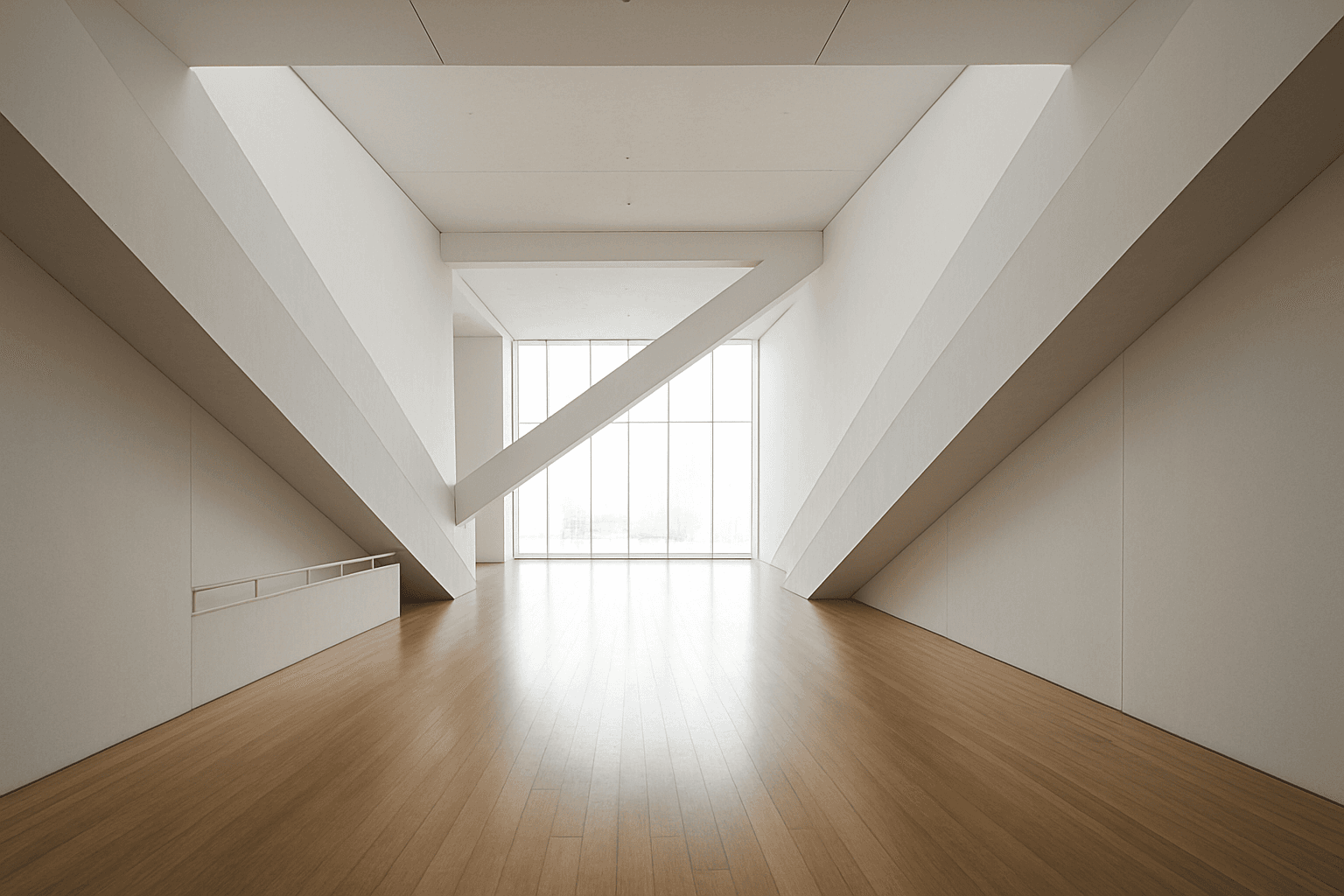
Diagonal Symmetry Composition
Diagonal Symmetry Composition is a powerful compositional approach that instructs AI models to arrange image elements reflecting across a diagonal axis. Unlike horizontal or vertical symmetry, the diagonal axis introduces dynamic tension and movement, lending images a striking and balanced appeal. By using this composition in AI prompts, creators can generate visuals that feel both stable and energetic. This approach often results in more engaging photographs, illustrations, and designs by leveraging unique balance and spatial relationships. It's particularly valuable in art, photography, and design projects aiming for modern and compelling visual narratives that stand out with subtle depth and refined lighting.
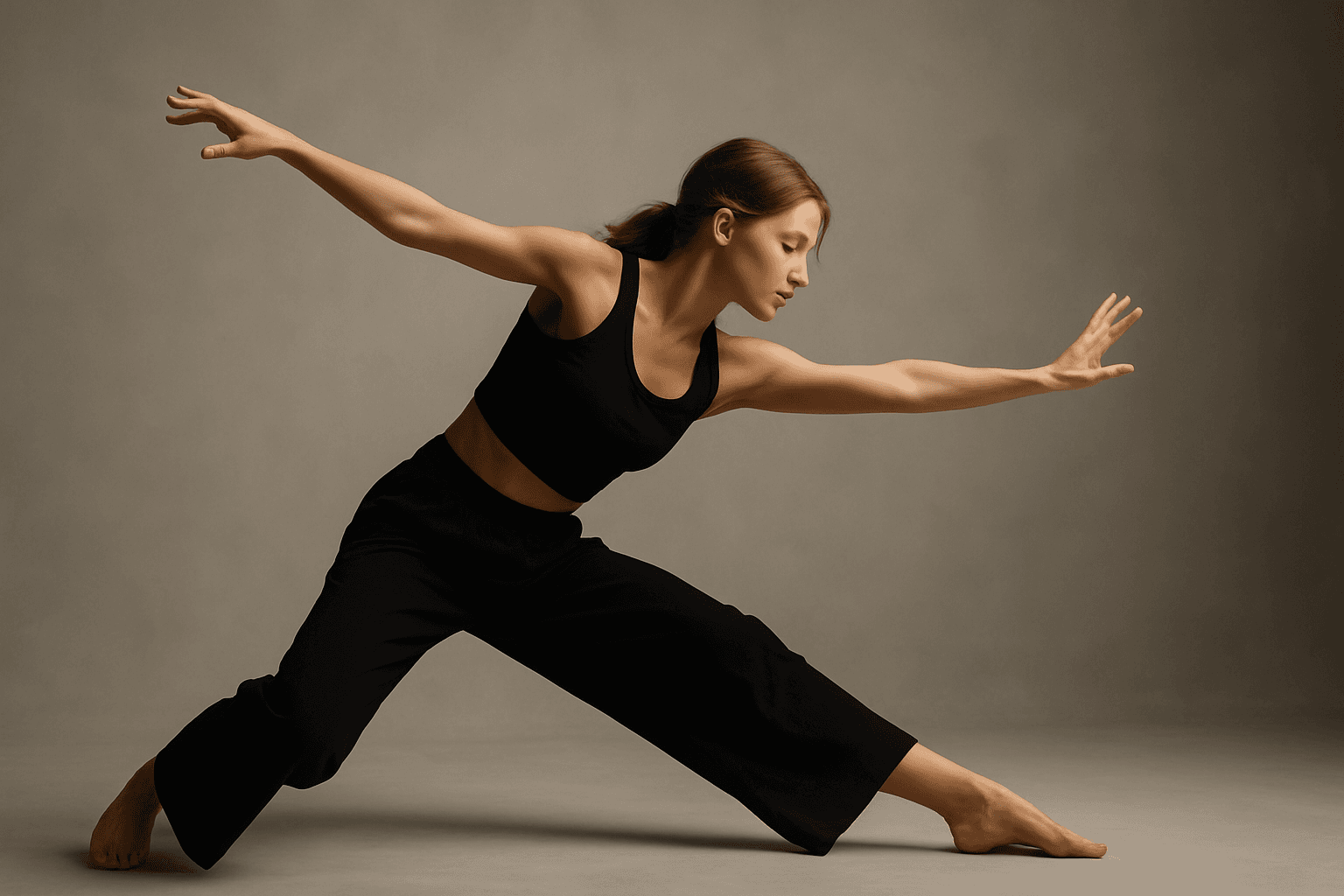
Diagonal Movement Layout
Diagonal Movement Layout is a popular visual strategy in creative imagery that infuses energy and direction into a composition. By aligning main subjects, backgrounds, or elements along diagonal axes, AI-generated images achieve a feeling of flow and progression that captures viewers' attention. This approach contrasts with static horizontal or vertical layouts by introducing tension and rhythm. Using this layout in AI prompts, artists and designers can create more engaging visuals for editorial, advertising, and artistic uses where motion and storytelling are key.
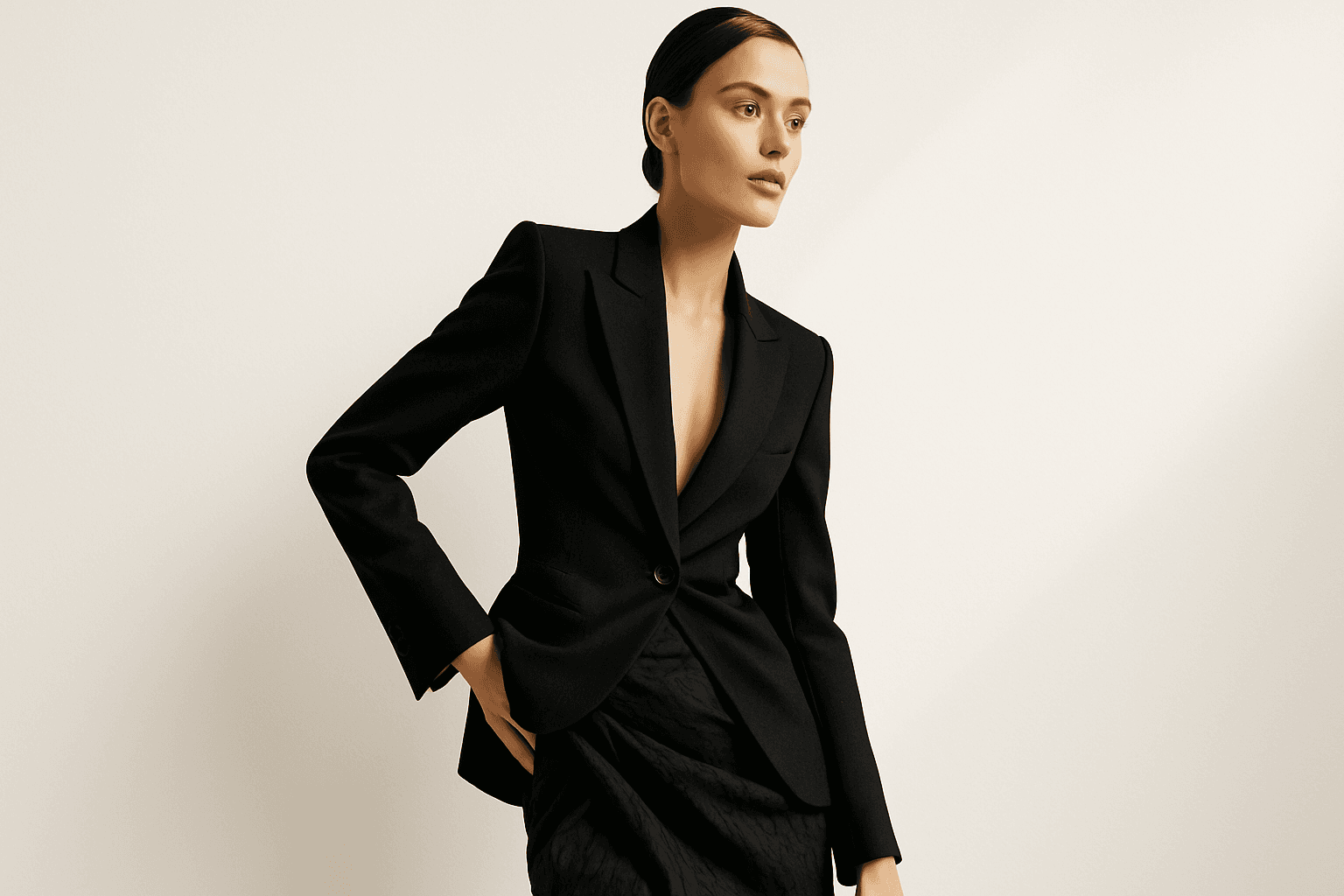
Dynamic Asymmetric Layout
Dynamic asymmetric layouts break away from the predictability of centered designs by introducing imbalance that attracts the viewer's eye across the composition. This style is widely used in editorial design, advertising, and digital media to convey energy, modernity, and sophistication. By emphasizing contrast and selective clustering, the layout guides attention strategically without relying on rigid balance. In AI image generation, specifying dynamic asymmetric layout in your prompt encourages the model to produce visually compelling scenes with elements arranged unevenly yet harmoniously, enhancing the overall narrative or mood of the image. This approach works particularly well for premium stock images and design headlines where a clean, polished look with subtle depth is desired.

Asymmetrical Visual Balance
Asymmetrical visual balance is a fundamental compositional technique used to create engaging and dynamic images. Rather than relying on symmetry, it balances visual interest through the thoughtful placement of diverse elements differing in size, color, or texture. This approach lends images a more natural, spontaneous feel while maintaining harmony. In AI image generation, explicitly directing asymmetrical visual balance helps craft images that are visually compelling with organic flow, useful in editorial designs, advertising, and fine art creations. Understanding this principle enhances creativity in prompt engineering, enabling more versatile and striking results.

Diagonal Composition
Diagonal composition is a popular and effective technique used in photography, painting, and design to enhance visual interest. By positioning important elements along diagonal lines instead of horizontal or vertical axes, the image gains a dynamic flow that naturally draws the viewer’s eyes through the scene. This approach breaks away from static layouts, injecting energy and a sense of motion. Using diagonals can also create depth by suggesting perspective or distance within flat images. Photographers often look for strong lines in the environment—like roads, rivers, or architectural details—to compose their shots diagonally. The result is an engaging, well-balanced image that feels both harmonious and lively, suitable for a variety of creative contexts.
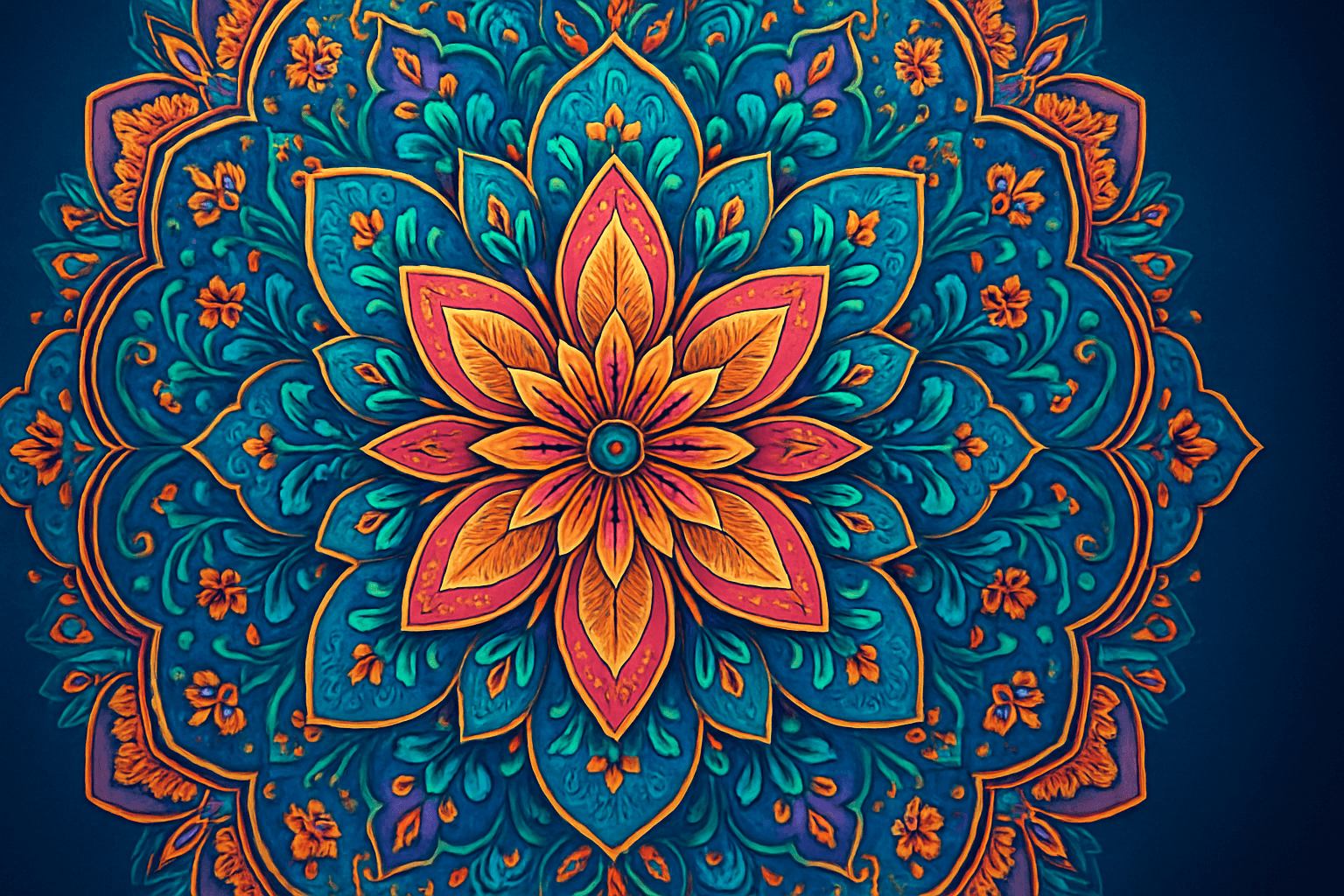
Rotational Symmetry Layout
Rotational symmetry layouts create images where visual elements are arranged in repeated patterns around a central axis, producing a sense of balance and rhythm. This design principle is widely used in art, design, architecture, and nature-inspired motifs. When incorporated into AI prompts, rotational symmetry guides the generation to emphasize circular repetition and harmony, enhancing aesthetic appeal and structured complexity. This layout is especially effective for creating intricate mandalas, floral designs, decorative backgrounds, or abstract patterns with a sense of continuous movement. The balanced nature of rotational symmetry makes it an excellent choice for compositions requiring visual stability combined with creative flair.