Warm Backlighting Style
Warm Backlighting Style uniquely enhances AI-generated images by positioning a soft, warm light source behind the subject. This technique produces a delicate halo effect, defining silhouettes and edges with luminous warmth. The resulting glow often includes amber or golden hues, reminiscent of sunset or candlelight, which adds an inviting and atmospheric ambiance to scenes. Artists and designers use warm backlighting to convey intimacy, nostalgia, or highlight textures naturally. By specifying warm backlighting in your AI prompts, you gain a versatile lighting style that infuses mood and visual interest with gentle contrast and depth.

Definition
Warm Backlighting Style refers to a lighting setup where a warm-hued light source is positioned behind the subject, creating a glowing rim or halo effect. In AI prompts, this phrase directs the model to simulate this luminous edge and warm coloration, enhancing subject separation and mood.
Visual Characteristics
- Soft halo or rim light highlighting subject edges
- Warm color tones like amber, gold, or sunset hues
- Subtle background glow creating depth and atmosphere
Prompt Formula
To effectively use Warm Backlighting Style in prompts, combine descriptors of warm colors with backlight lighting terms and moods. Example formula: "[subject], backlit by warm amber light, glowing edges, soft halo effect, golden hour ambiance, high contrast rim lighting". You can vary adjectives (e.g., 'soft', 'radiant'), time of day ('sunset', 'dawn'), and subjects to expand results.
- [subject], backlit by warm amber light
- glowing edges with soft halo effect
- golden hour ambiance
- high contrast rim lighting
- warm transparent highlights
Best Use Cases
- Portrait photography emphasizing hair and facial contours
- Product shots requiring atmospheric warmth and highlight separation
- Nature or outdoor scenes during sunrise or sunset lighting
Creative Variations
To keep outputs fresh, experiment with cool-warm light contrast by adding subtle cool fill with warm backlighting. Change color temperature shades between orange, gold, and pinkish to alter mood. Mix backlighting with volumetric light effects like mist or dust. Try different subjects like transparent fabrics, glass objects, or foliage to highlight the rim illumination creatively.
- Add cool fill light for color contrast
- Vary warm hues: amber, gold, pink tones
- Incorporate volumetric effects like mist or smoke
- Apply to diverse subjects: fabrics, glass, foliage
Industry Applications
- Fashion advertising that highlights model silhouettes and textures
- Ecommerce product imagery emphasizing product contours
- Editorial photography for magazine covers capturing mood and depth
Common Mistakes
A common error is overusing bright backlight without warmth, resulting in harsh or washed-out edges rather than a soft glow. Another is ignoring subject-background contrast, which can flatten the image. Avoid generic or cluttered backgrounds that compete with the subtle rim light. Lastly, forcing unrealistic warm colors can break immersion; keep tones natural to the scene.
- Backlight too bright causing harsh edges
- Insufficient subject-background contrast
- Busy backgrounds detracting from rim glow
- Unnatural or oversaturated warm tones
Model-Specific Tips
Modern AI image models respond well to clear lighting descriptors. Use explicit adjectives like 'warm amber backlight' or 'golden rim lighting' for better results. Combine lighting keywords with time-of-day terms like 'sunset' to enhance lighting context. Avoid ambiguous phrases; instead include physical light qualities such as 'soft', 'diffused', or 'glowing edges' to help models interpret the warmth and direction correctly.
- Use specific adjectives: 'warm amber', 'golden rim lighting'
- Combine with time references: 'sunset', 'dawn'
- Include lighting qualities: 'soft', 'diffused', 'glowing edges'
- Avoid ambiguous terms, prefer precise lighting descriptions
FAQ
How does warm backlighting affect the mood of an AI-generated image?
Warm backlighting adds a cozy, intimate, and nostalgic mood by casting soft, amber glows that highlight subject contours. It enhances depth and emotional warmth, making images feel inviting and atmospheric.
Can warm backlighting be combined with other lighting styles in prompts?
Yes, combining warm backlighting with soft fill lights or cooler tones can create dynamic contrasts and richer visual effects. Including terms like 'soft cool fill light' alongside warm backlight helps balance the image composition.
Continue Exploring
Related Prompts
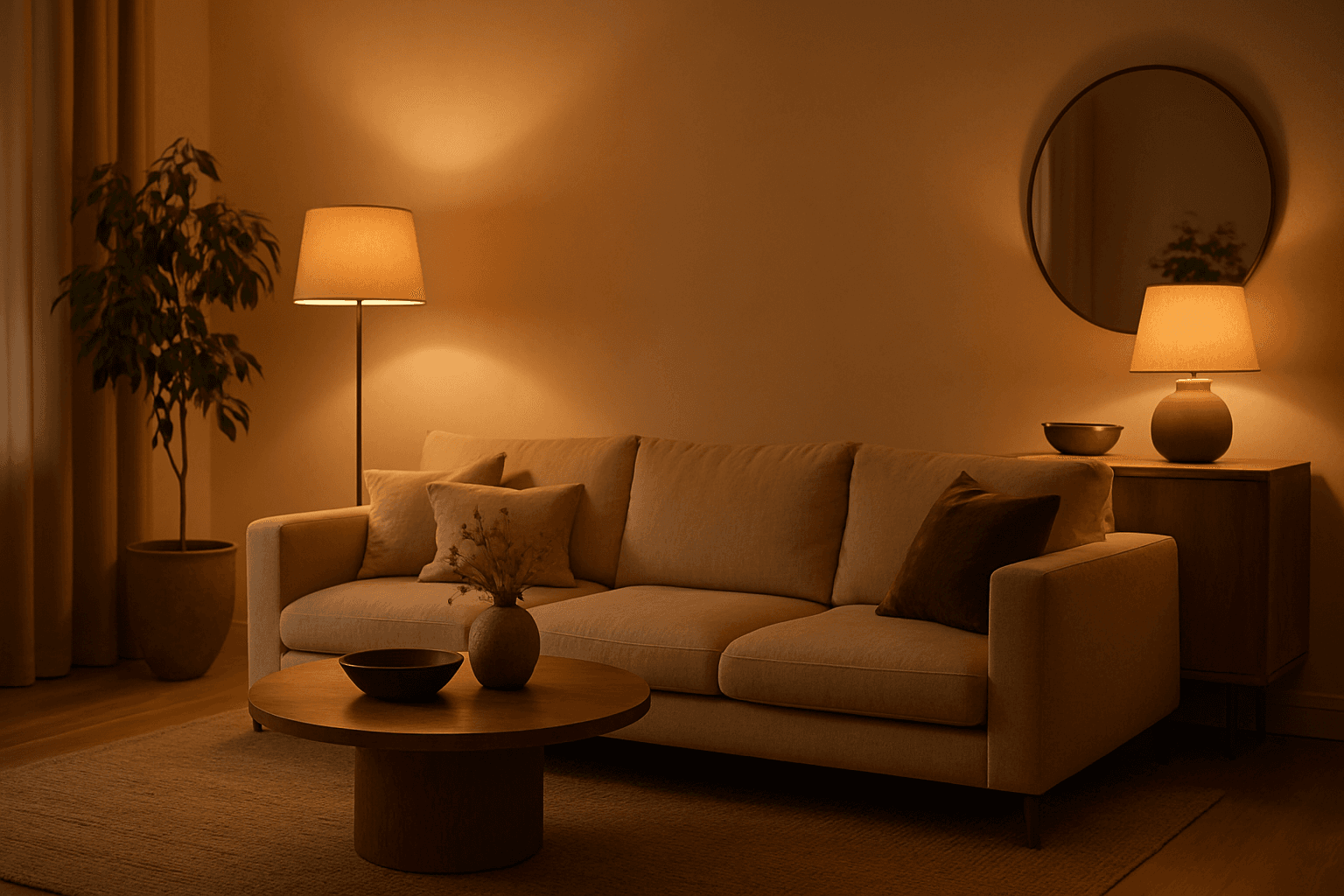
Warm Ambient Glow
In AI-generated imagery, the "Warm Ambient Glow" keyword is used to simulate cozy, inviting lighting environments characterized by soft, warm illumination that enriches the visual texture and mood. This lighting effect mimics natural golden-hour sunlight or artificial sources like incandescent lamps, casting gentle gradients of warm light that add emotional warmth and realism without overpowering highlights or harsh contrasts. The resulting images often convey feelings of comfort, intimacy, or nostalgia and are especially valuable in editorial, lifestyle, and interior design visuals. Incorporating this prompt keyword encourages AI models to focus on warm tones and a balanced ambient light distribution, making it ideal for enhancing the aesthetic appeal of portraits, product shots, and environmental scenes with a premium, polished finish.
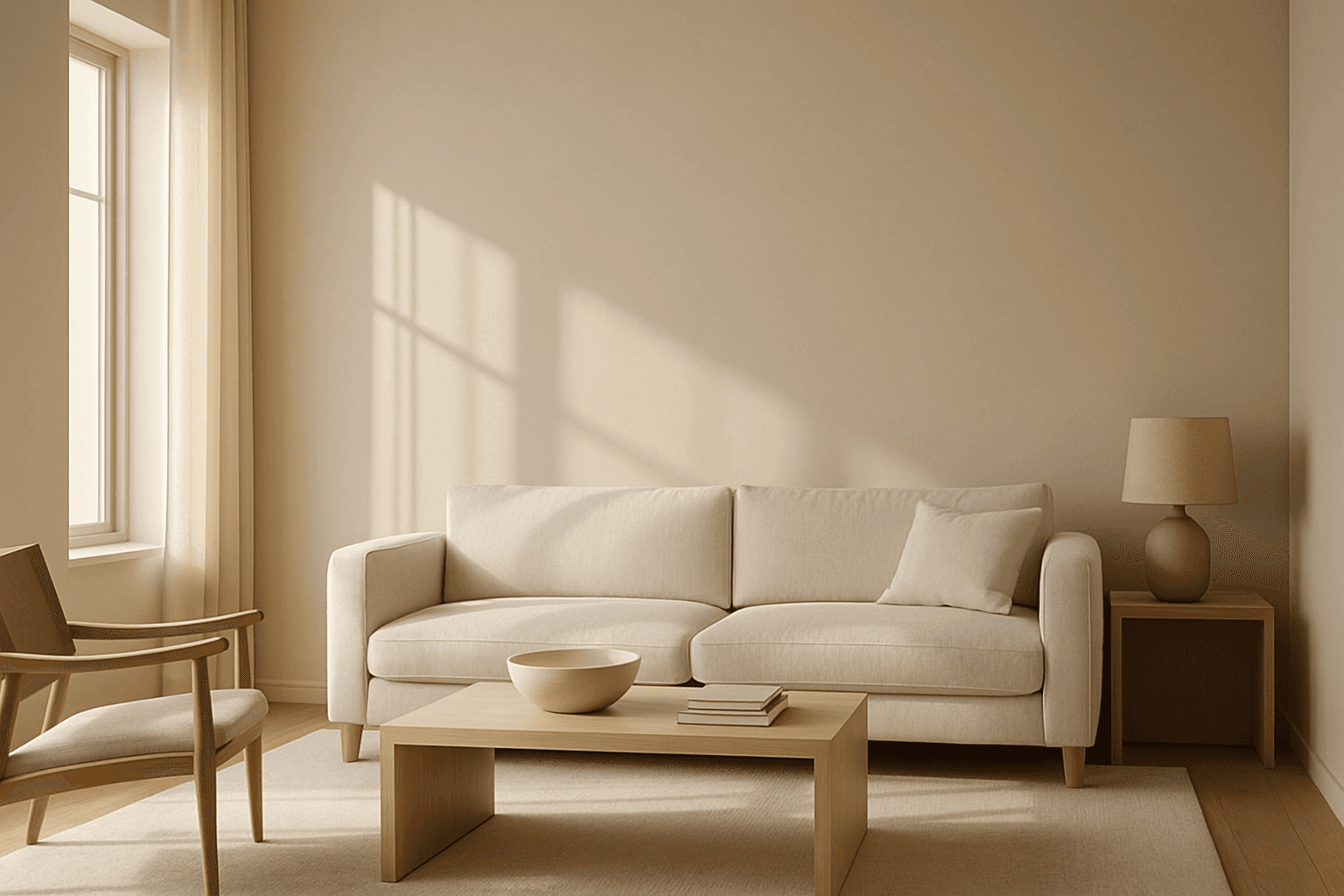
Natural Window Lighting
Natural Window Lighting is a popular lighting technique that mimics the ambient daylight streaming through windows, offering a natural and realistic illumination style in AI-generated images. It emphasizes soft shadows and highlights that define form and texture without harsh contrasts, making scenes appear inviting and warm. This lighting enhances photographic aesthetics, especially for indoor portraits, still lifes, and architectural visualizations, by adding depth and subtle color shifts. Using this keyword in AI prompts guides the image generation to prioritize delicate lighting effects and realistic shadow play reminiscent of early morning or late afternoon light filtering through windowpanes.
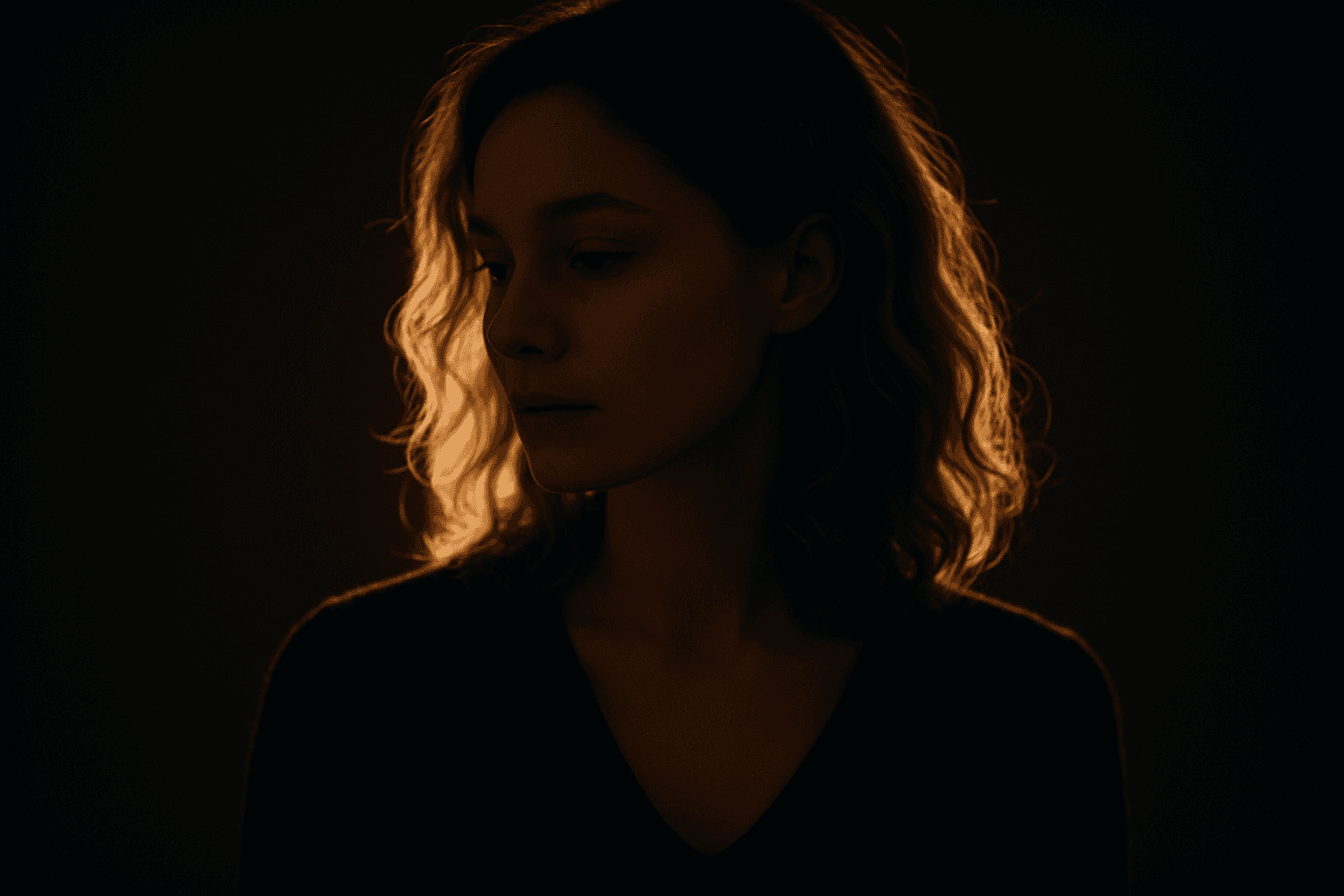
Backlit Rim Lighting
Backlit Rim Lighting offers a striking way to emphasize shapes and contours by placing light sources behind the subject. This technique casts a luminous halo or rim around the edges, enabling clear subject separation from backgrounds even if they are dimly lit. In AI-generated images, prompts including this term encourage models to simulate realistic lighting setups that heighten drama, depth, and visual interest. Artists and photographers often use this style to evoke mood or highlight subject textures through translucent or reflective surfaces. Incorporating Backlit Rim Lighting in image generation can instantly transform compositions, lending premium polish suitable for editorial, cinematic, and commercial visuals.
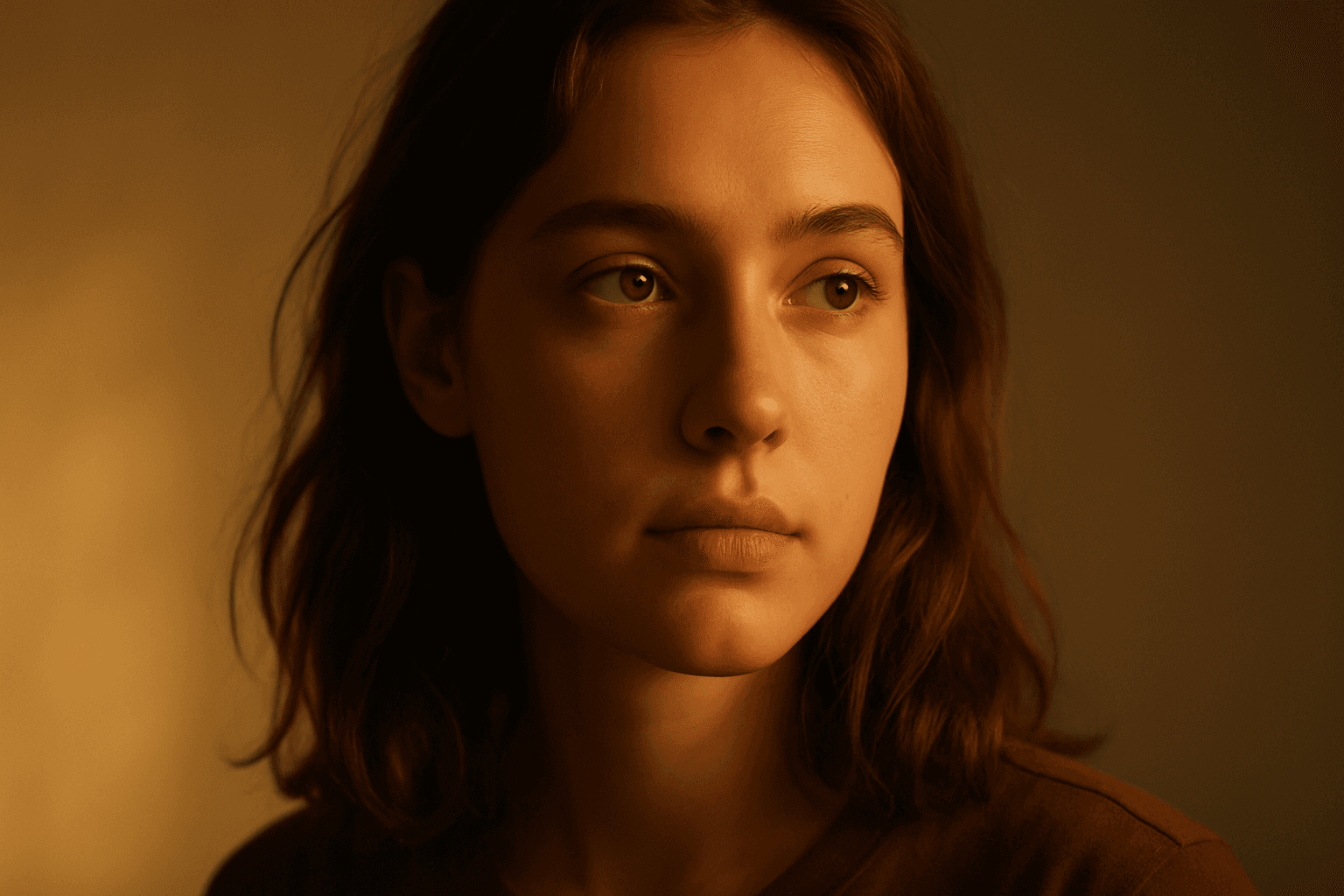
Golden Hour Soft Light
Golden Hour Soft Light captures the magical lighting conditions during the early morning or late afternoon sun. This natural lighting style is prized for its warm colors and flattering softness, often leading to images that feel intimate and aesthetically pleasing. When incorporated into AI prompts, it helps generate scenes with realistic ambient and directional light that evokes emotion and depth. This lighting style works well across portraiture, landscapes, and still-life imagery, providing a premium and elegant look. It subtly enhances textures and materials without harsh contrasts or glare, offering a polished and professional finish suitable for editorial and commercial use.
Natural Golden Hour Light
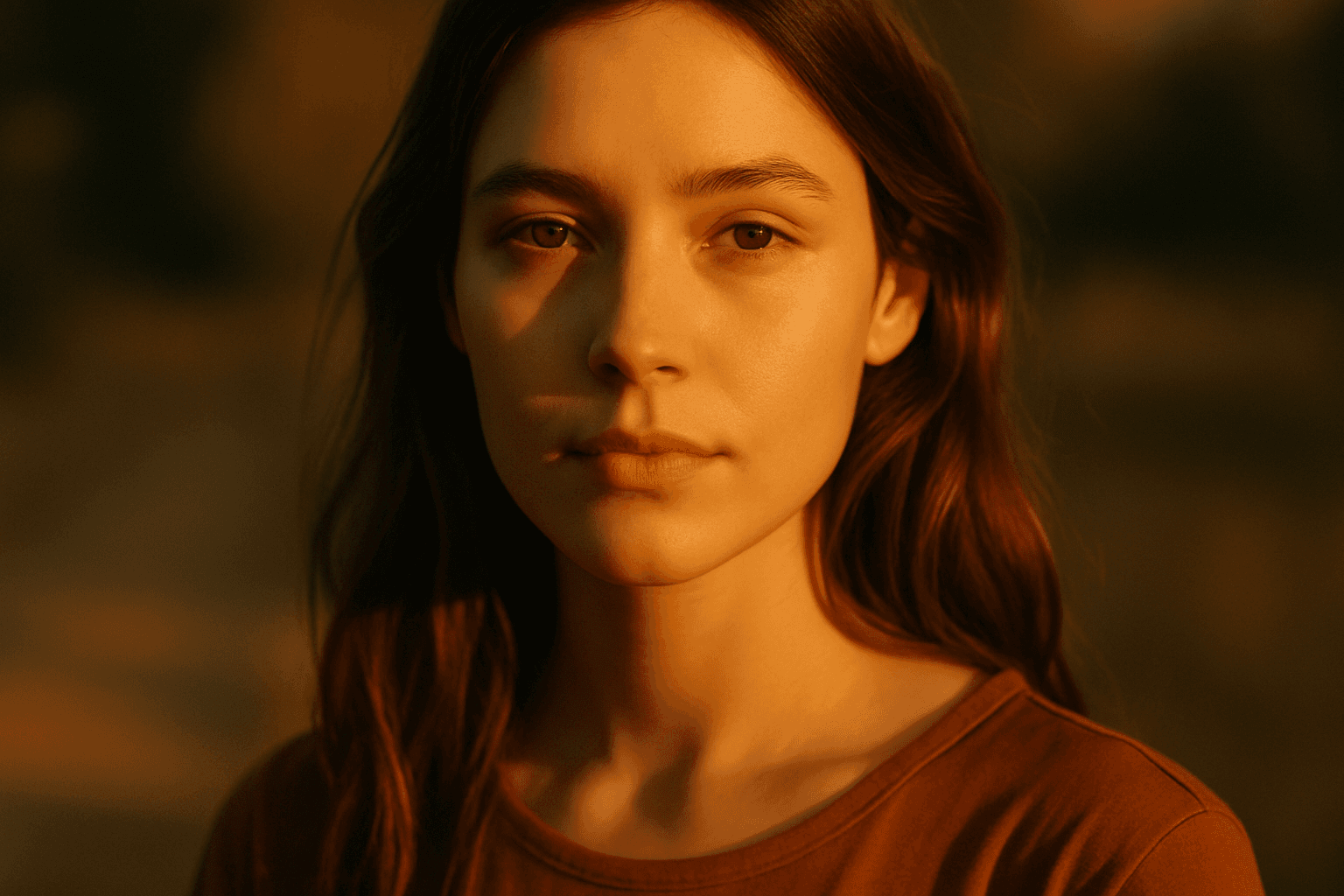
Natural Golden Hour Light is a highly valued lighting effect in photography, cinematography, and digital art for its ability to create warm, inviting, and richly textured images. This lighting appears during the brief periods of sunrise and sunset when the sun is low on the horizon, casting a golden hue that enhances colors and shapes without harsh contrasts. When used in AI image generation, prompt inclusion of this term helps achieve scenes with realistic and appealing atmospheric conditions, ideal for portraits, landscapes, and lifestyle imagery. It energizes visuals with a natural softness that is both aesthetically pleasing and emotionally evocative, often used to convey tranquility, romance, and beauty.
Golden Hour
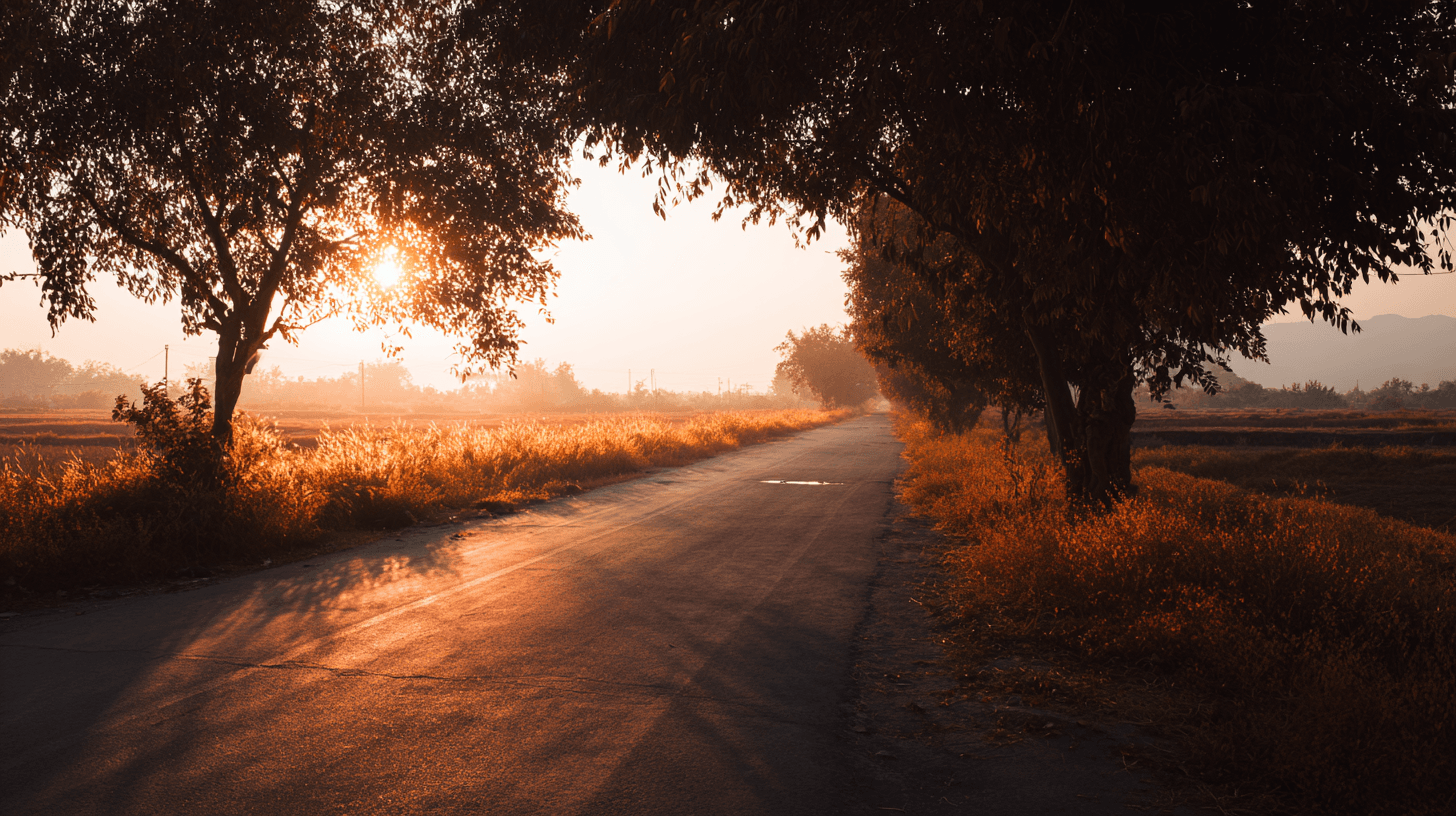
Golden Hour is a lighting keyword that refers to the warm, low-angle sunlight shortly after sunrise or shortly before sunset. In AI image prompts, it is one of the easiest ways to make a scene feel natural, emotional, and commercially appealing. The light is usually softer than midday sun, the shadows are longer, and the color temperature leans warm. This makes subjects feel more flattering and environments feel more inviting. For beginners, Golden Hour is a dependable keyword because it improves mood without requiring a complicated lighting setup. It works for people, landscapes, products, interiors, food, travel scenes, and lifestyle imagery.