Backlight
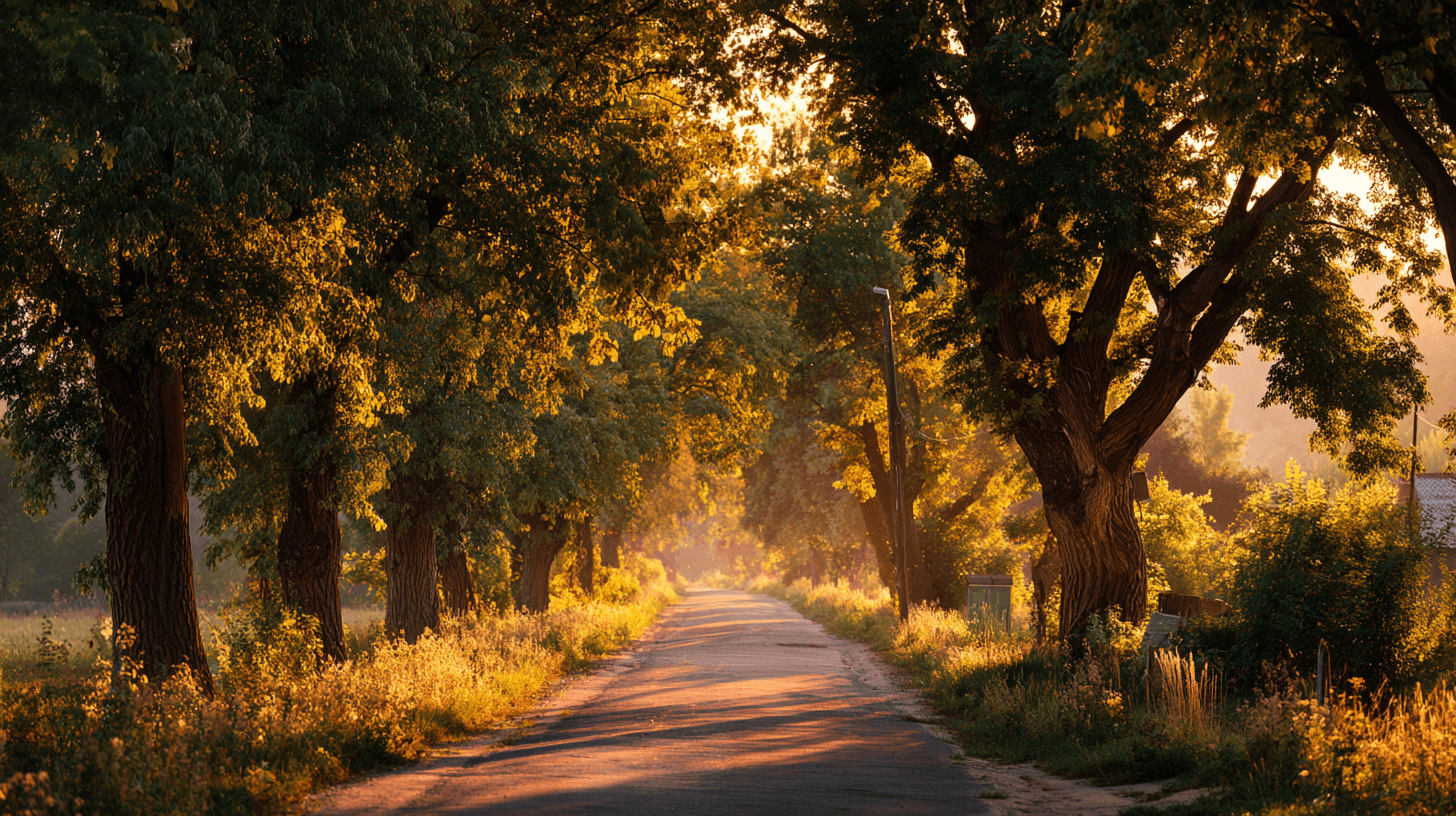
Backlight is a lighting direction where the main light source sits behind the subject, facing toward the camera. It can create glowing edges, silhouettes, translucent materials, and a strong sense of atmosphere. In AI image prompts, Backlight is useful when you want an image to feel warm, emotional, mysterious, or visually layered. It is common in outdoor lifestyle photography, travel imagery, nature scenes, music videos, and cinematic portraits. Beginners can use Backlight to make a simple scene feel more dramatic without needing complicated camera or lighting language.
Overview
Backlight is a lighting direction where the main light source sits behind the subject, facing toward the camera. It can create glowing edges, silhouettes, translucent materials, and a strong sense of atmosphere. In AI image prompts, Backlight is useful when you want an image to feel warm, emotional, mysterious, or visually layered. It is common in outdoor lifestyle photography, travel imagery, nature scenes, music videos, and cinematic portraits. Beginners can use Backlight to make a simple scene feel more dramatic without needing complicated camera or lighting language.
What It Does
When a prompt includes Backlight, the model often places the brightest part of the image behind the main subject. This can create a halo around hair, a glowing outline around a person, light passing through fabric, or a bright window behind a product. Backlight can also make haze, dust, smoke, or fog more visible, which is why it pairs well with Volumetric Lighting and Atmospheric Haze. It is different from Rim Light because Backlight describes the overall direction of the light, while Rim Light describes the visible edge highlight that may result from it. To control Backlight, add phrases like soft backlight, warm backlight, silhouette, golden hour, translucent fabric, or subject still visible. If the subject becomes too dark, add fill light, visible face, balanced exposure, or soft front detail.
Best Use Cases
- Outdoor portraits and lifestyle scenes where warm sunlight behind the subject creates an emotional, aspirational feeling.
- Travel, wellness, nature, and family imagery where glow, atmosphere, and natural beauty matter more than hard detail.
- Product and still-life images involving glass, fabric, leaves, beverages, bottles, or translucent materials that look better when light passes through them.
- Commercial concepts such as hope, freedom, renewal, calm, spirituality, morning routines, outdoor adventure, and premium lifestyle.
Example Prompt
Adobe Stock Potential
Backlight has high Adobe Stock potential because it supports emotional and aspirational image concepts. Buyers often need visuals for wellness, travel, spirituality, outdoor products, family lifestyle, environmental themes, and inspirational campaigns. Backlit images can feel premium when the subject remains readable and the glow does not wash out the entire frame. For stock use, avoid turning every image into a full silhouette unless that is the concept. A partially visible subject is often more flexible. Backlight works especially well when paired with clear copy space, natural settings, and universal themes such as new beginnings, health, freedom, and calm living.
Continue Exploring
Related Prompts
Volumetric Lighting
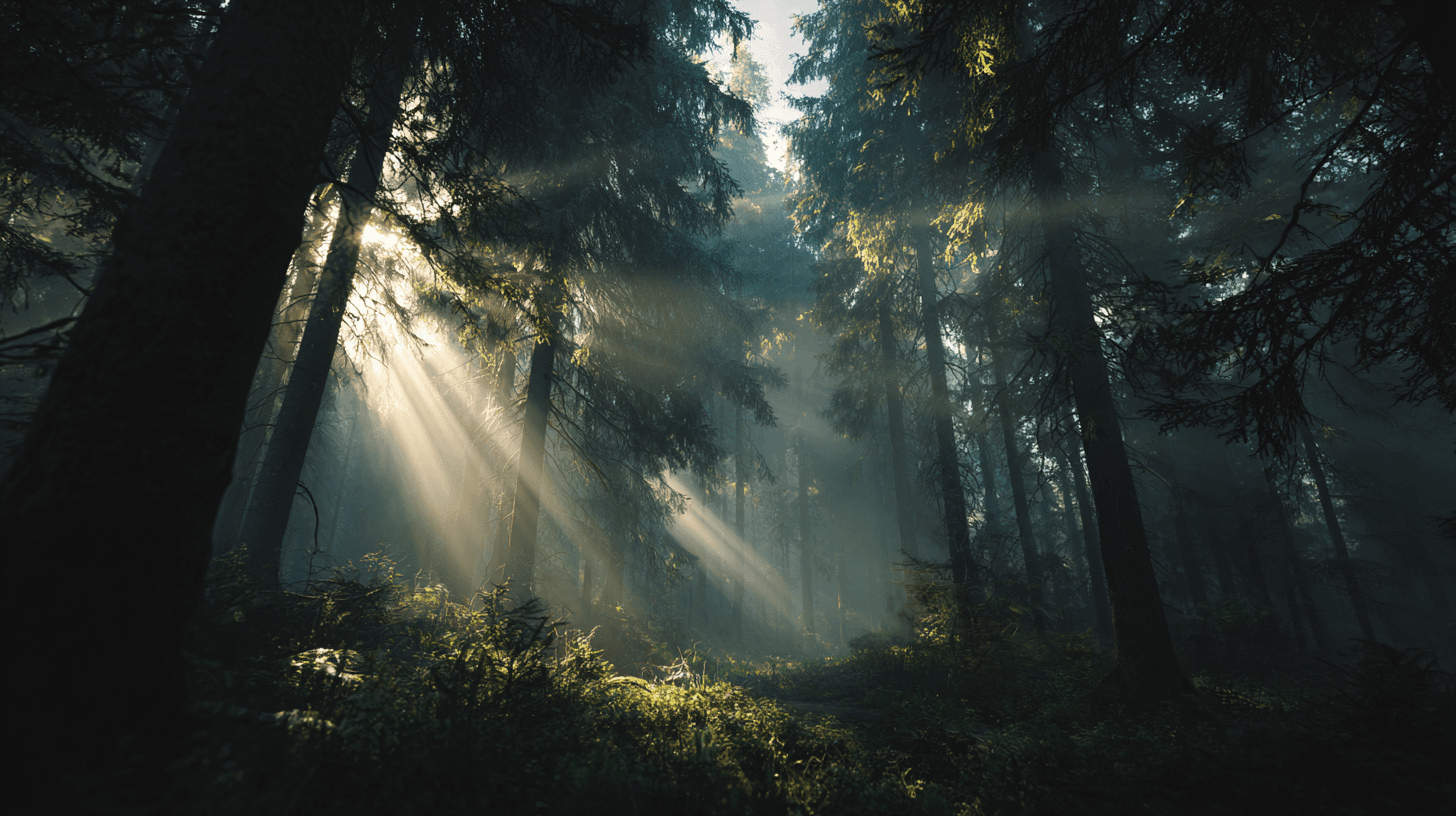
Volumetric Lighting describes visible beams of light traveling through particles in the air, such as mist, dust, smoke, fog, or atmospheric haze. In AI image generation, it is a powerful keyword for adding depth and drama. Instead of light simply landing on objects, the light itself becomes visible inside the scene. This can make an image feel cinematic, mysterious, sacred, futuristic, or magical depending on the setting. Beginners can use Volumetric Lighting when a prompt feels flat or lacks atmosphere. It is especially useful when you want the viewer to feel the scale of a space, the direction of the light, or the mood of an environment.
Golden Hour
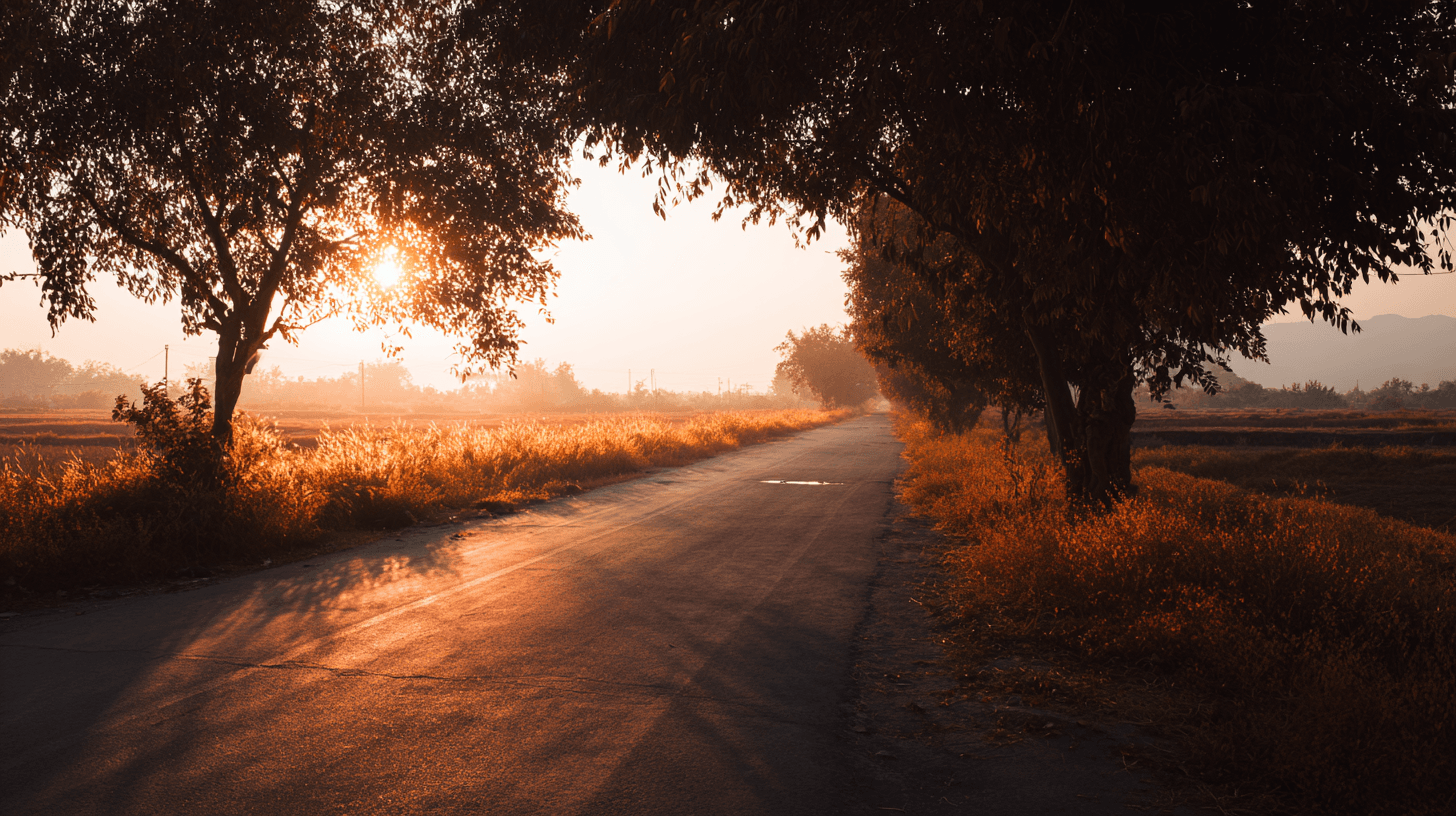
Golden Hour is a lighting keyword that refers to the warm, low-angle sunlight shortly after sunrise or shortly before sunset. In AI image prompts, it is one of the easiest ways to make a scene feel natural, emotional, and commercially appealing. The light is usually softer than midday sun, the shadows are longer, and the color temperature leans warm. This makes subjects feel more flattering and environments feel more inviting. For beginners, Golden Hour is a dependable keyword because it improves mood without requiring a complicated lighting setup. It works for people, landscapes, products, interiors, food, travel scenes, and lifestyle imagery.
Rim Light
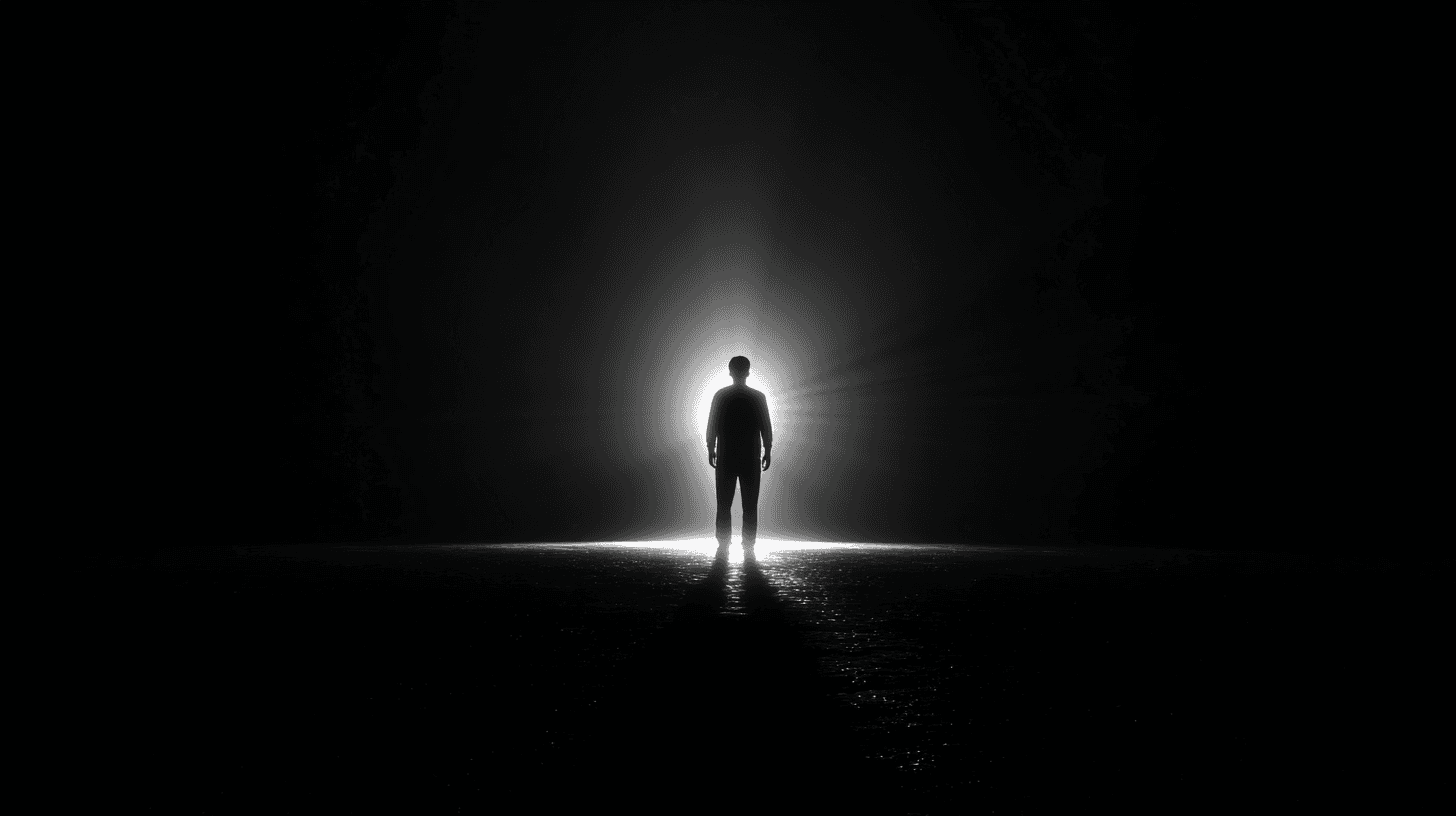
Rim Light is a lighting keyword that describes a bright edge of light around a subject. The light usually comes from behind or slightly behind the subject, catching the outline of hair, shoulders, products, glass, metal, or other edges. In AI image generation, Rim Light is useful when the subject blends into the background or when you want a more professional, cinematic result. It adds separation, depth, and polish. For beginners, Rim Light is a practical keyword because it solves a common problem: flat images where the subject does not stand out clearly.
Cinematic Lighting
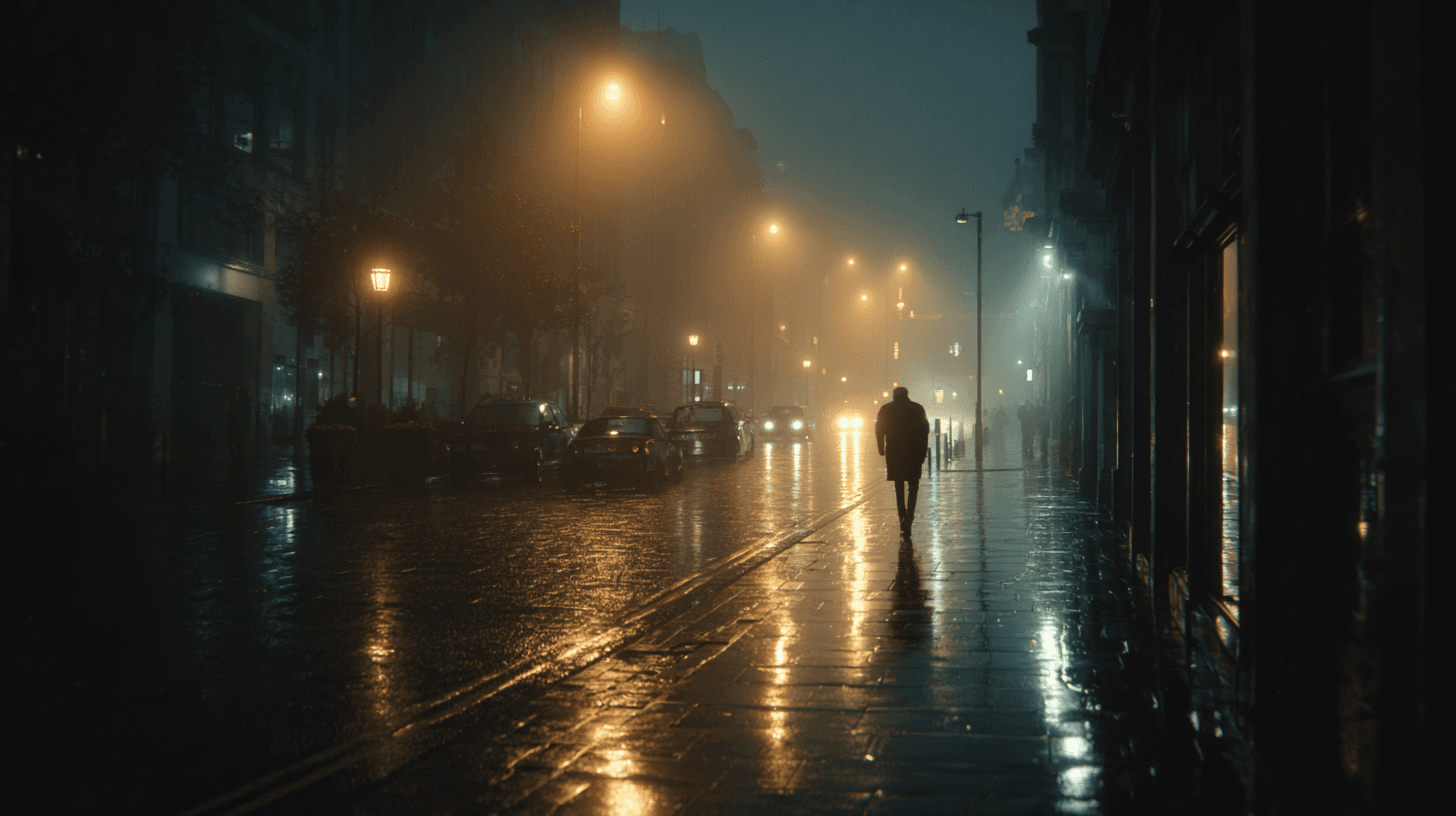
Cinematic Lighting is one of the most useful prompt keywords for making AI-generated images feel intentional, polished, and story-driven. Instead of asking for a flat, evenly lit image, this keyword signals that the scene should feel as if it was lit for a film, commercial, or high-end editorial shoot. The result often includes stronger direction in the light source, more purposeful shadows, richer contrast, and a clearer sense of atmosphere. For beginners, it is a reliable way to move an image away from a generic render and toward something that feels composed, dramatic, and visually memorable.
Moody Lighting
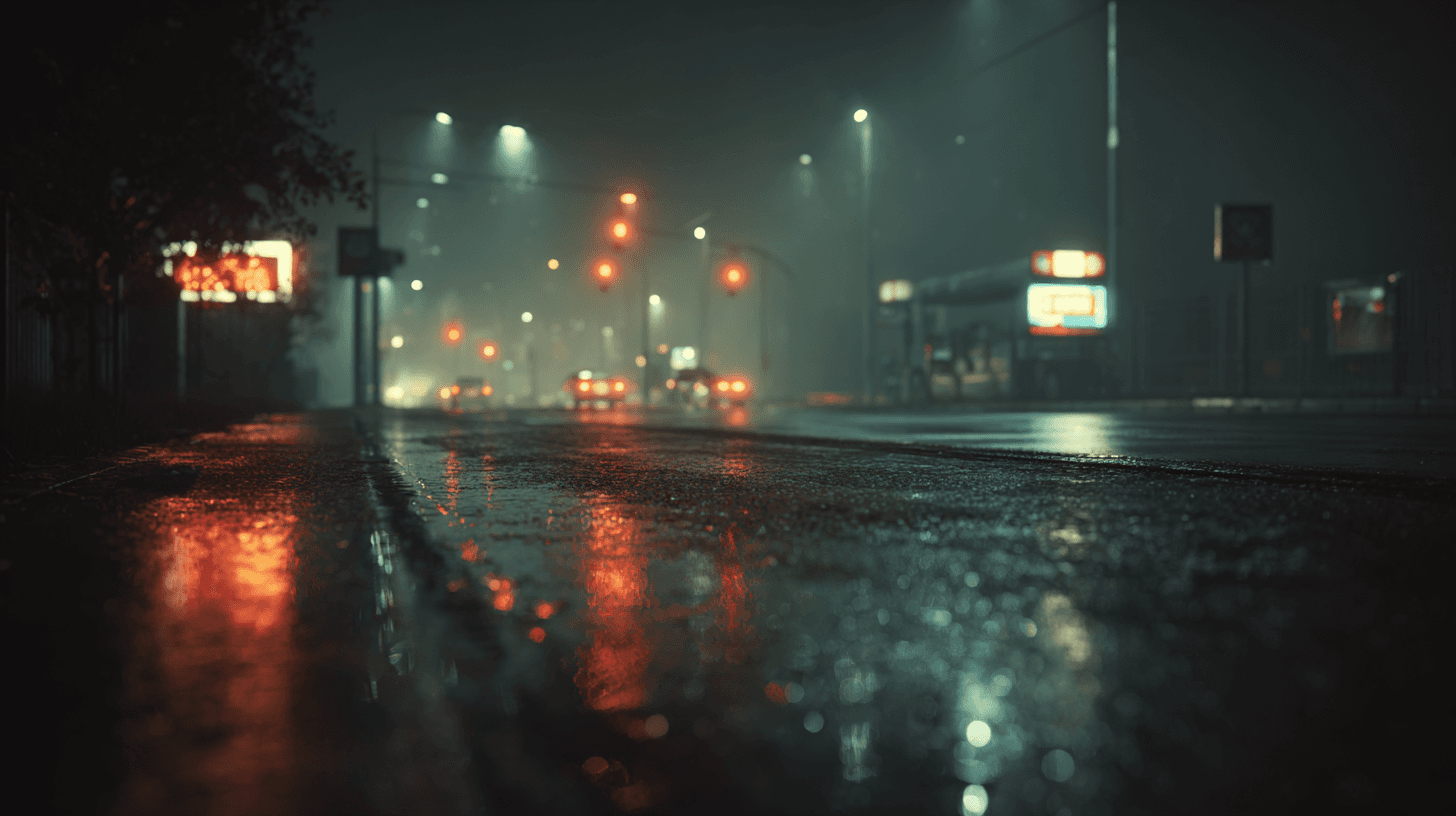
Moody Lighting is a prompt keyword for images with atmosphere, emotional depth, and a more restrained lighting style. It often includes darker tones, directional light, muted colors, and visible shadow areas, but it does not have to be as dark as Low Key Lighting. In AI image generation, Moody Lighting is useful when you want a scene to feel thoughtful, cinematic, intimate, elegant, or mysterious. It is common in editorial portraits, luxury interiors, coffee shop scenes, rainy windows, fashion campaigns, and premium product photography. Beginners can use it to add feeling and story to otherwise plain images.
Soft Light
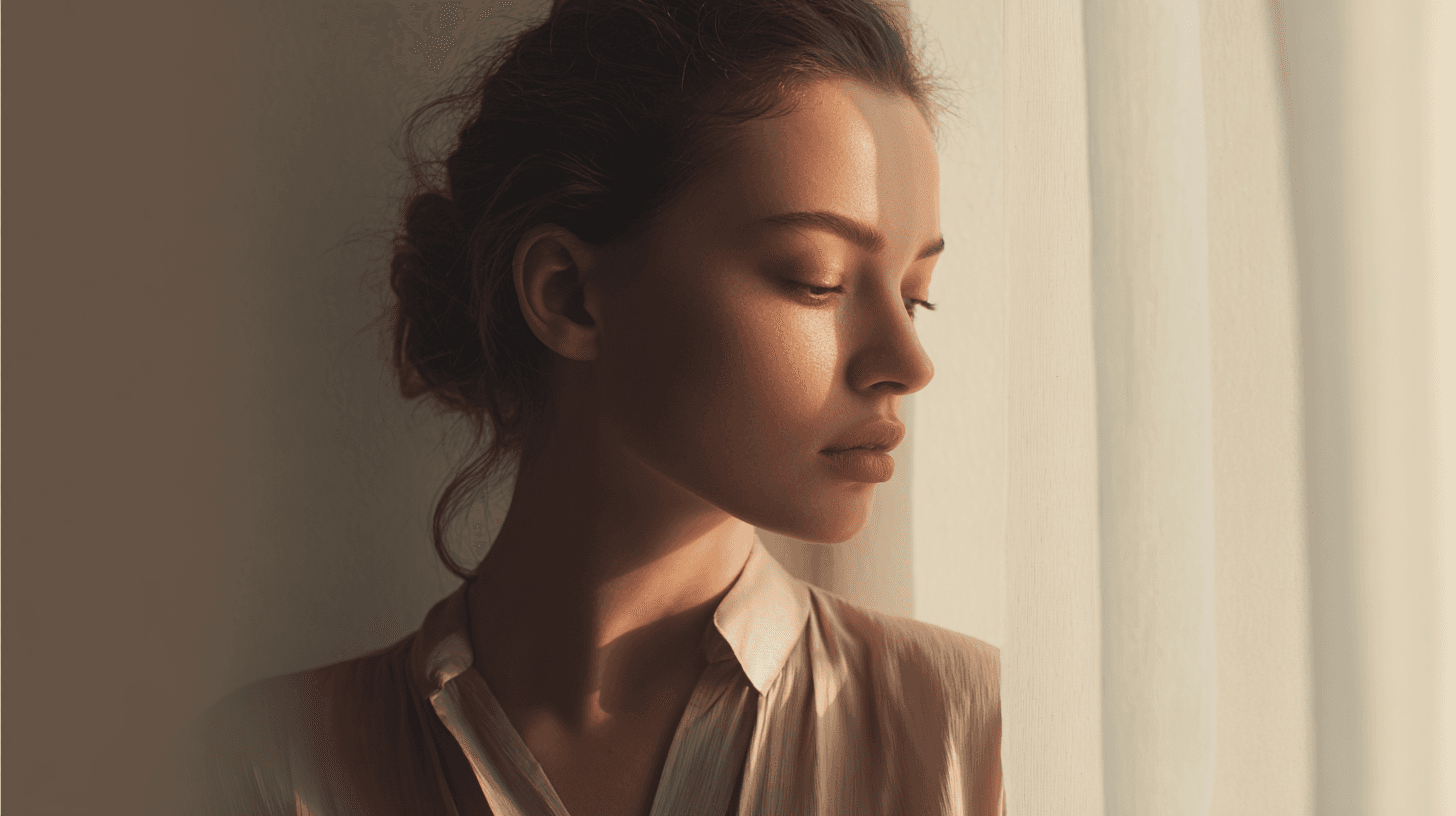
Soft Light is a lighting keyword used to create gentle, flattering, low-contrast images. It describes light that has been diffused before it reaches the subject, like daylight through a sheer curtain, a large studio softbox, or cloudy outdoor light. In AI image prompts, Soft Light is especially useful when you want the image to feel calm, natural, welcoming, and easy to use commercially. It reduces harsh shadow edges and helps skin, products, interiors, and materials look smoother. For beginners, Soft Light is one of the safest lighting keywords because it improves many images without making them feel too dramatic or overly stylized.