Close Up
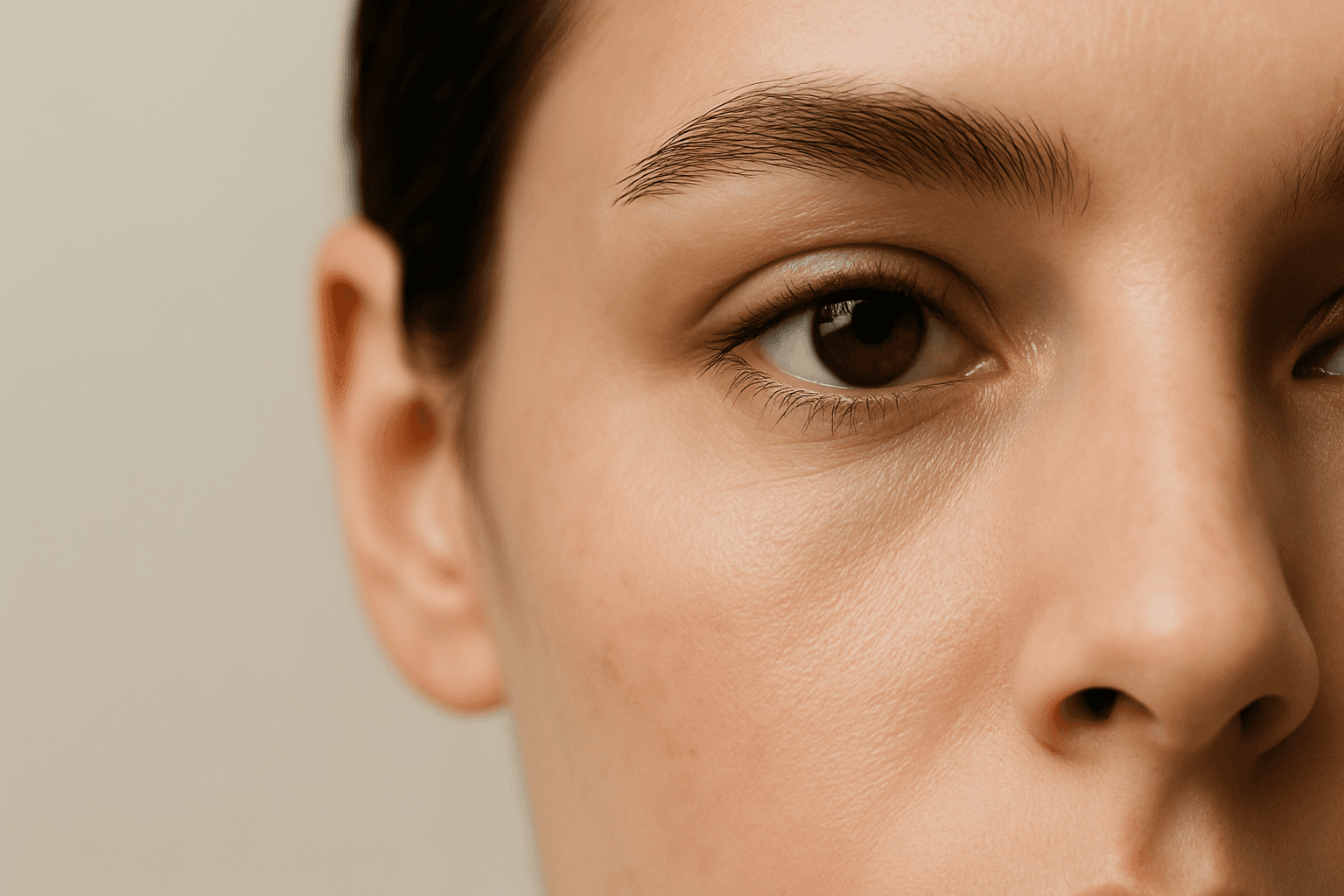
Close Up is a framing keyword that brings the camera near the subject. It emphasizes detail, texture, expression, material, or product features.
Definition
Close Up is a framing keyword that brings the camera near the subject. It emphasizes detail, texture, expression, material, or product features.
Visual Characteristics
- Tight framing with strong subject detail and reduced background context.
- Often uses shallow depth of field, macro texture, or tactile surface emphasis.
- Works well with products, food, beauty, craft, materials, and portraits.
Best Use Cases
- Product details, skincare, food photography, jewelry, paper texture, packaging, and craft objects.
- Portrait details, hands, materials, ingredients, and premium surface finishes.
- Stock concepts about quality, care, detail, craftsmanship, flavor, and luxury.
Prompt Examples
- Close up of a handmade paper invitation, paper texture, soft light, luxury branding.
- A close up of fresh coffee beans, warm tones, shallow depth of field, food stock photography.
- A close up of a glass perfume bottle, studio lighting, reflective surface, premium detail.
Adobe Stock Potential
Close Up images are strong for stock when they show useful details clearly. They work especially well for food, beauty, craft, materials, and product marketing.
FAQ
Is close up the same as macro?
Macro is an extreme close view of very small details; close up is broader and more flexible.
How do I make close ups commercial?
Use clear texture, controlled light, clean composition, and visible product detail.
Continue Exploring
Related Prompts

Depth of Field
Depth of Field describes how much of an image appears sharp versus blurred. In AI prompts, it often means a sharp subject with a softer foreground or background.

Layered Foreground Background
In AI-generated imagery, achieving convincing spatial depth is key to visual impact. The 'Layered Foreground Background' composition style organizes visual elements so that there is a tangible separation between the front and back parts of a scene. This approach helps direct viewer attention to important subjects while providing context with background details. By defining prompt terms that specify layering, users encourage AI models to render multiple distinct planes with differing focus and clarity. The result is images with realistic depth cues, subtle volumetric lighting, and engaging storytelling potential. This technique is versatile across genres such as landscapes, portraits, and still life, giving compositions professional polish and clarity.
Vignette Framing Technique
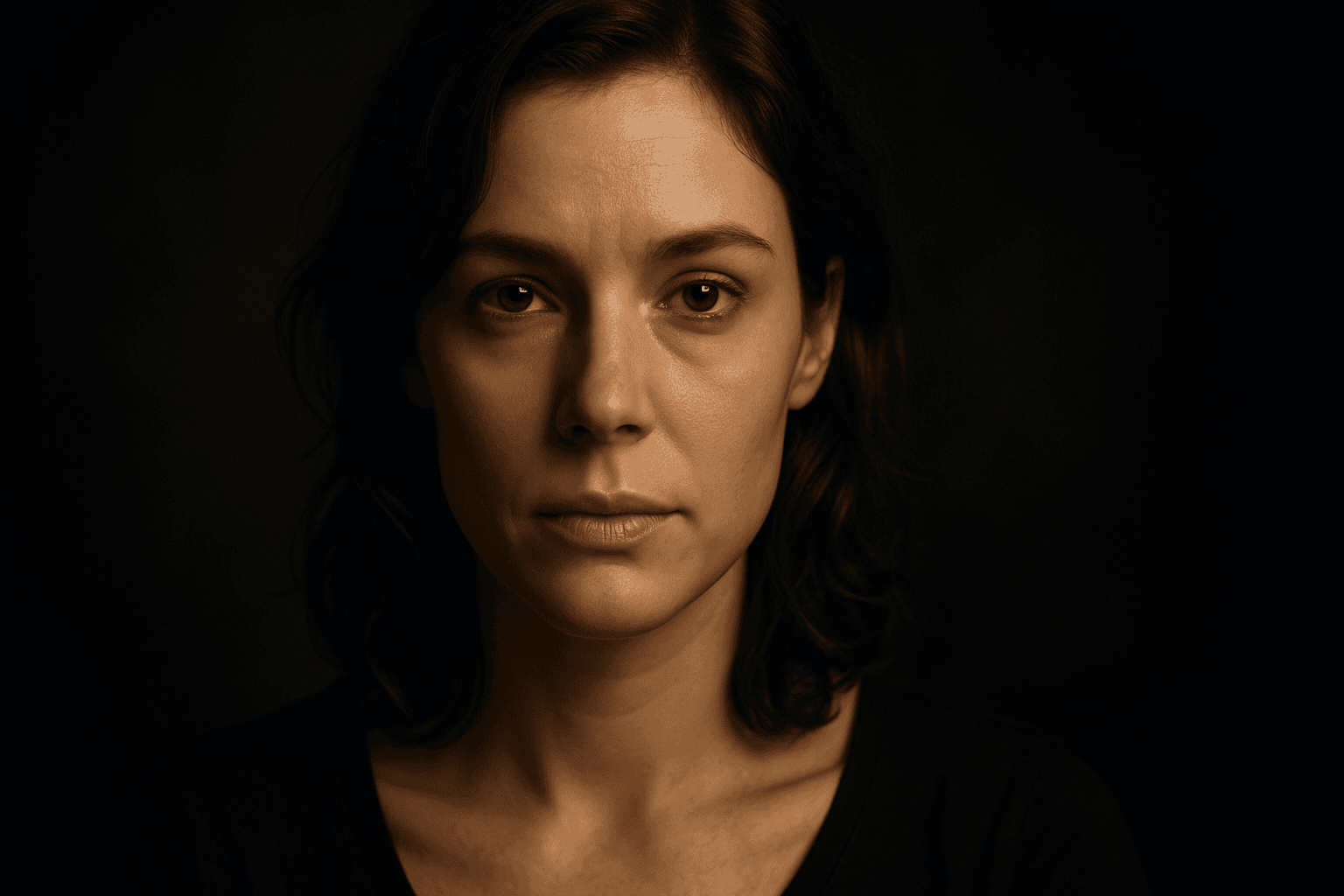
The Vignette Framing Technique is widely used in photography and digital art to subtly guide the viewer's eye toward the main subject. When incorporated into AI image prompts, it suggests the system to create imagery where the edges are softened, darkened, or less detailed, enhancing central focus and depth perception. This approach elevates the visual impact, especially in portraits, still-life, or scene compositions requiring a mood or intimate feel. Employing vignetting in AI-generated images creates a professional, polished look by framing the scene organically, subtly isolating subjects without the need for harsh borders or cropping.

Flat Lay Composition
Flat lay composition is a popular style in photography and design where subjects are arranged on a flat surface and captured from above. This approach highlights details, textures, and relationships between objects, often resulting in visually appealing and organized images. It is widely used in product photography, social media content, and editorial spreads to present multiple items cohesively. The flat lay style helps viewers grasp all elements at once, making it ideal for storytelling or showcasing diverse products in a single frame. Lighting is typically even and soft to reduce shadows, enhancing clarity and realism.

Leading Lines
Leading Lines are visual lines that guide the viewer's eye toward a subject or deeper into the scene. In AI prompts, they improve depth, direction, and composition.
Soft Focus Background
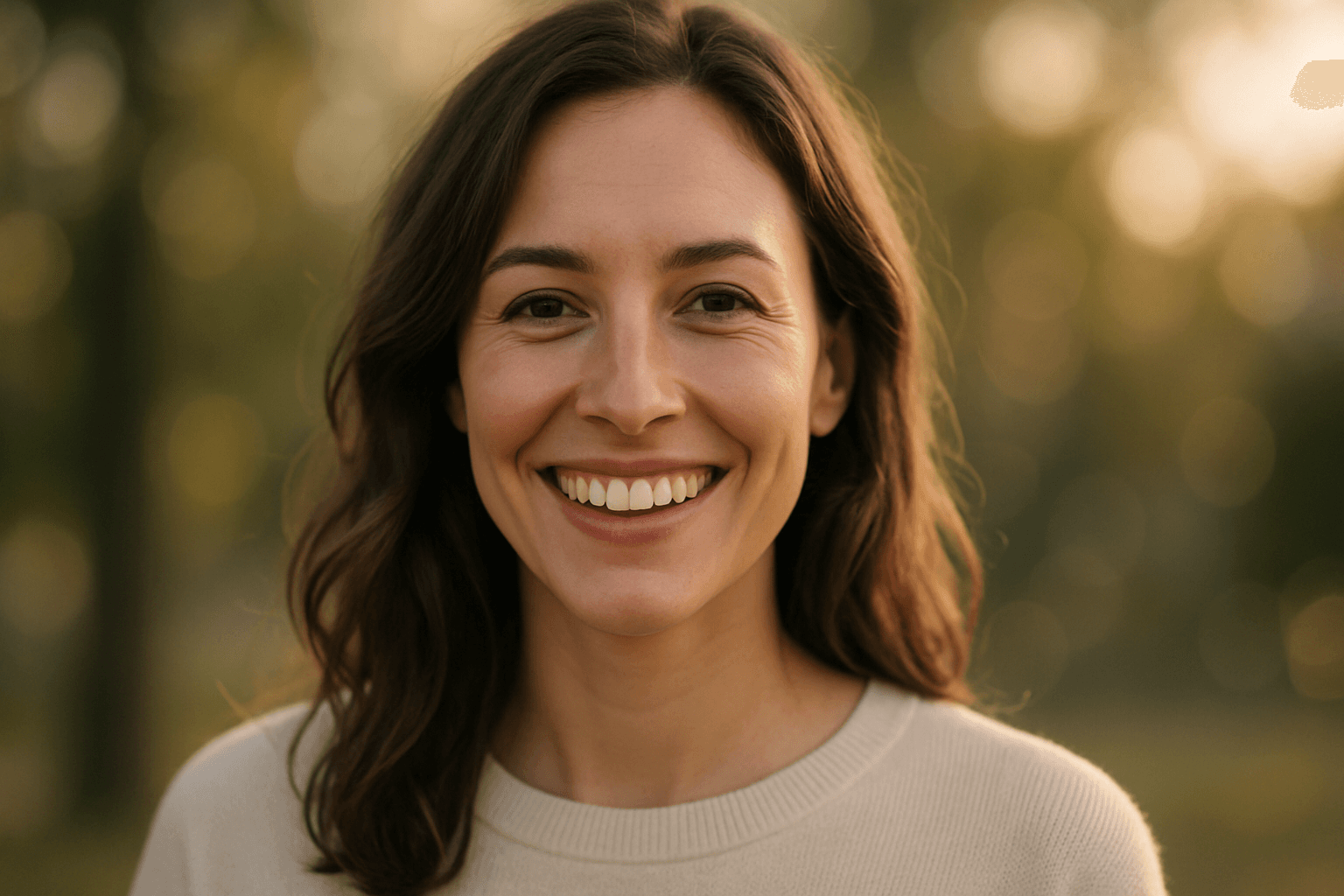
In AI image generation, the 'Soft Focus Background' effect helps create compelling compositions by gently blurring background areas while keeping foreground subjects sharp and detailed. This technique mimics professional photography, where lens aperture settings are used to isolate the subject from distracting elements. Adding this keyword enhances the image's mood and depth, giving it a polished, premium look suitable for editorial layouts, product shots, or portraits. It balances subtlety in lighting and texture while maintaining natural materials and colors, ensuring the image remains believable and sophisticated.