Depth of Field
Depth of Field describes how much of an image appears sharp versus blurred. In AI prompts, it often means a sharp subject with a softer foreground or background.

Definition
Depth of Field describes how much of an image appears sharp versus blurred. In AI prompts, it often means a sharp subject with a softer foreground or background.
Visual Characteristics
- Clear focal subject with blurred background or foreground separation.
- A photographic look that adds realism, depth, and subject priority.
- Common in portraits, products, food, lifestyle, and editorial imagery.
Best Use Cases
- Portraits, product photography, food, workspaces, lifestyle scenes, and nature details.
- Images where the subject needs to stand out from a busy environment.
- Stock concepts about focus, quality, attention, professionalism, and detail.
Prompt Examples
- A cup of coffee beside a laptop, depth of field, soft light, warm tones, modern office.
- A skincare bottle in focus with blurred bathroom background, shallow depth of field, clean commercial photo.
- A portrait with sharp eyes, soft background blur, natural window light, editorial photography.
Adobe Stock Potential
Depth of Field is very useful for commercial stock because it creates professional focus and clear subject hierarchy. Keep the subject sharp and avoid blur that hides key details.
FAQ
What is shallow depth of field?
It means only a narrow area is sharp while the background or foreground is blurred.
Why use depth of field in prompts?
It helps the subject stand out and makes images feel more photographic.
Continue Exploring
Related Prompts
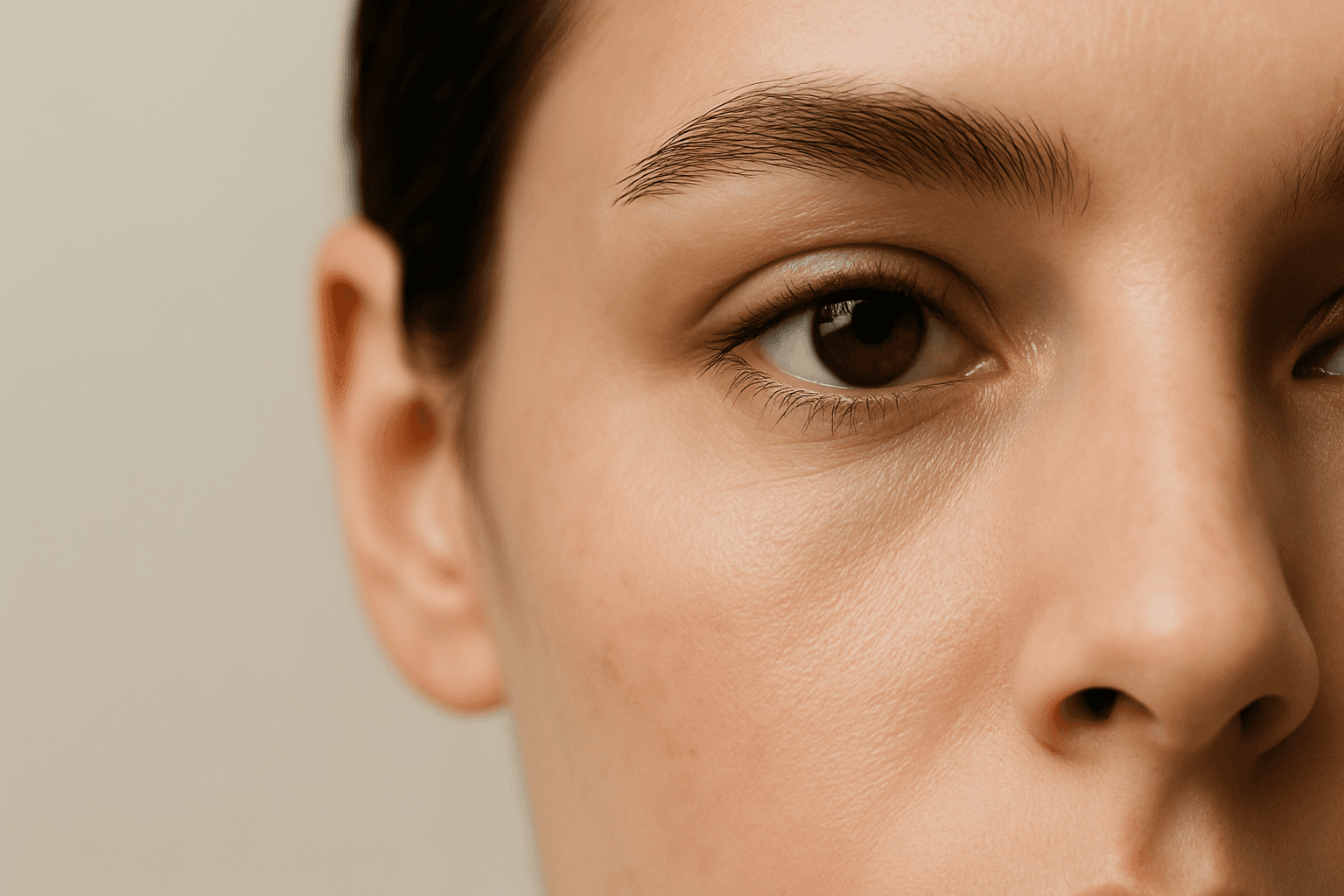
Close Up
Close Up is a framing keyword that brings the camera near the subject. It emphasizes detail, texture, expression, material, or product features.

Layered Foreground Background
In AI-generated imagery, achieving convincing spatial depth is key to visual impact. The 'Layered Foreground Background' composition style organizes visual elements so that there is a tangible separation between the front and back parts of a scene. This approach helps direct viewer attention to important subjects while providing context with background details. By defining prompt terms that specify layering, users encourage AI models to render multiple distinct planes with differing focus and clarity. The result is images with realistic depth cues, subtle volumetric lighting, and engaging storytelling potential. This technique is versatile across genres such as landscapes, portraits, and still life, giving compositions professional polish and clarity.
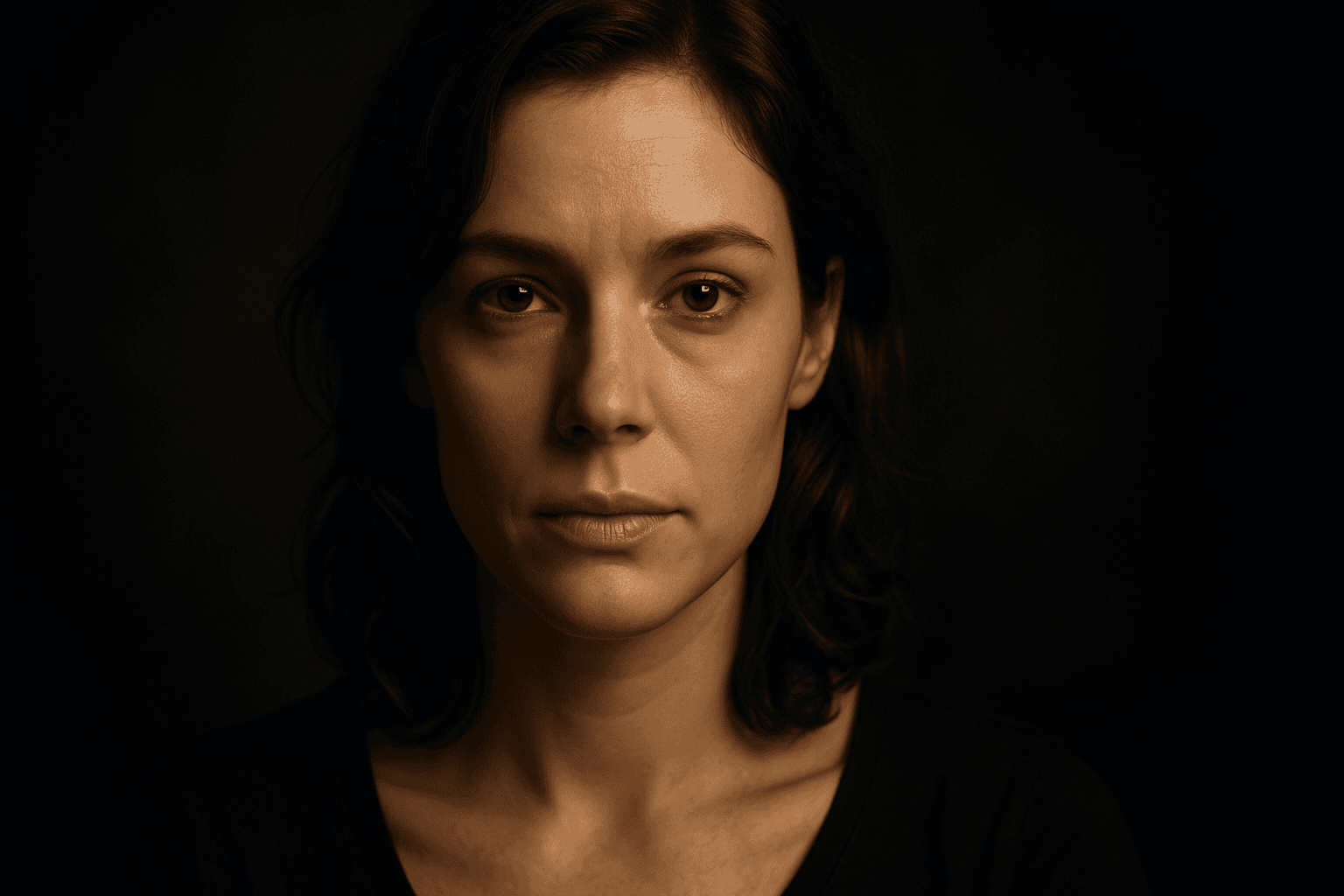
Vignette Framing Technique
The Vignette Framing Technique is widely used in photography and digital art to subtly guide the viewer's eye toward the main subject. When incorporated into AI image prompts, it suggests the system to create imagery where the edges are softened, darkened, or less detailed, enhancing central focus and depth perception. This approach elevates the visual impact, especially in portraits, still-life, or scene compositions requiring a mood or intimate feel. Employing vignetting in AI-generated images creates a professional, polished look by framing the scene organically, subtly isolating subjects without the need for harsh borders or cropping.
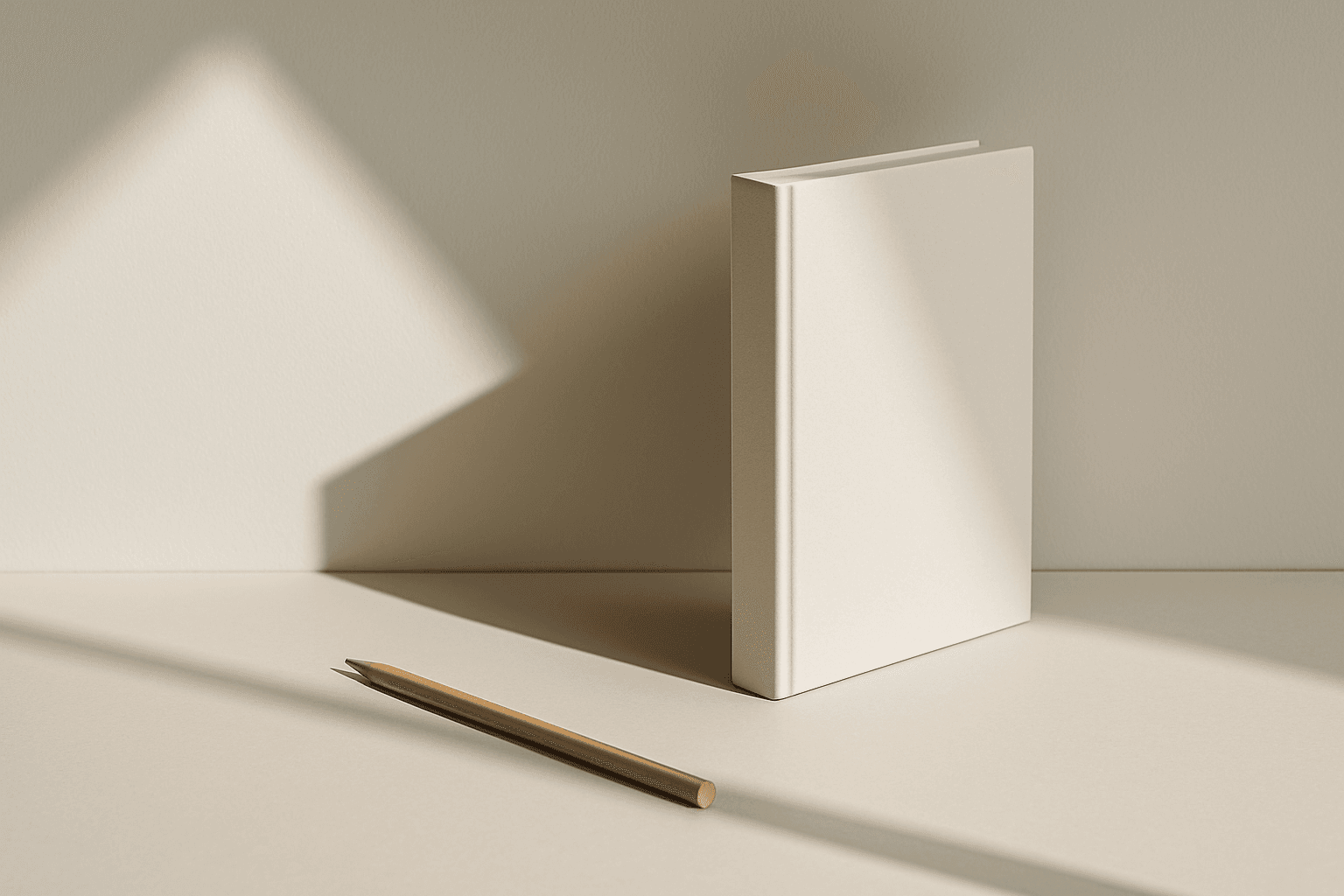
Leading Lines
Leading Lines are visual lines that guide the viewer's eye toward a subject or deeper into the scene. In AI prompts, they improve depth, direction, and composition.

Layered Depth Composition
Layered Depth Composition is a fundamental concept in visual arts that translates exceptionally well to AI-generated images. By specifying this technique in your prompt, you encourage the AI to arrange scene components in a three-dimensional manner, mimicking human depth perception. This method avoids flatness and clutter often found in AI images by distinguishing spatial planes. It improves storytelling by directing attention through prioritized layers, enhancing viewer engagement and realism. Commonly seen in landscape, architectural, and cinematic imagery, it offers clarity and focus in complex scenes. Applying layered depth results in premium visuals suitable for editorial, marketing, and creative projects requiring polished, immersive compositions.

Layered Depth Perspective
Layered Depth Perspective is an effective compositional tool in AI imagery that introduces realistic spatial layering to enhance depth perception. By instructing models to arrange elements across multiple planes, it helps mimic how human eyes perceive space, making images appear more three-dimensional and engaging. This technique guides AI to produce subtle variations in detail, lighting, and focus among layers, adding complexity and visual interest without clutter. Whether illustrating landscapes, architectural scenes, or complex narratives, using Layered Depth Perspective enriches image storytelling and elevates the quality of outputs beyond flat, two-dimensional visuals.