High Key Lighting Setup
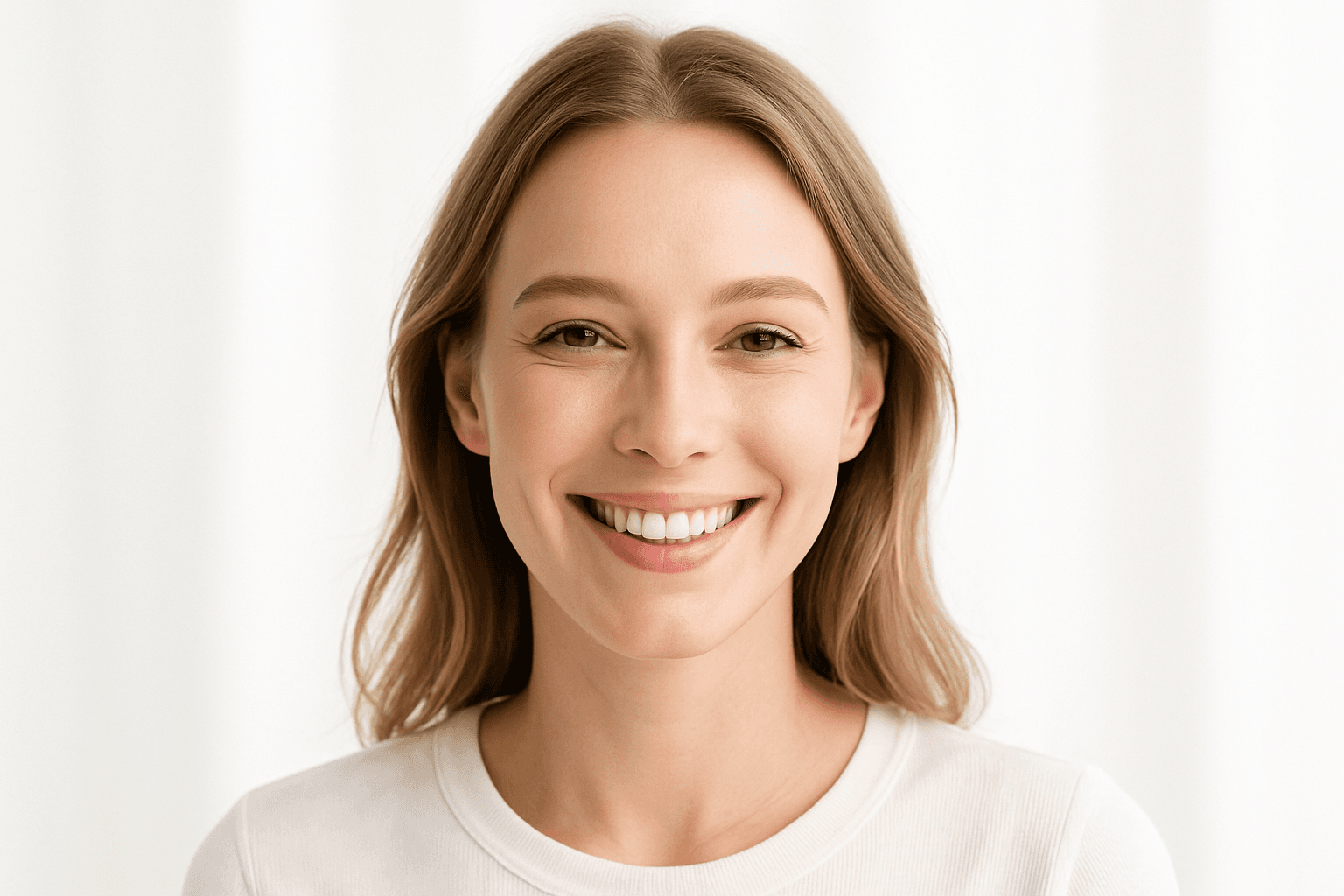
High Key Lighting Setup transforms the mood and clarity of an image by emphasizing brightness and reducing harsh shadows. This style is known for its airy, clean, and polished aesthetic that enhances softness and detail. In AI image generation, specifying a high key lighting setup helps evoke feelings of freshness, positivity, and elegance, making images appear bright and inviting. It effectively highlights textures and color purity without dramatic shadows, which suits product photography, portraits, and editorial uses where a crisp, premium look is desired. Understanding and applying high key lighting keywords in prompts ensure consistent outputs aligned with this visual ethos.
Definition
High Key Lighting Setup is a lighting style used in photography and AI imaging to create bright, evenly lit scenes with minimal shadows and low contrast. It produces a clean and airy atmosphere by emphasizing light tones and soft shadows. When used in an AI prompt, this keyword instructs the model to simulate this effect, resulting in images with luminous, polished appearances suitable for portraits, products, and editorial content.
Visual Characteristics
- Bright, evenly illuminated subjects with minimal shadow detail
- Soft and diffused lighting that reduces contrast
- Light color palette dominated by whites and pale backgrounds
Prompt Formula
To incorporate High Key Lighting Setup in AI prompts, use phrases emphasizing brightness, softness, and minimal shadows. Combine it with descriptors of the subject and desired mood for best results. Example formula: [Subject description], high key lighting setup, soft shadows, bright and airy, white or pale background, clean and polished look.
- Use 'high key lighting setup' explicitly
- Add 'soft shadows' or 'minimal shadows' to refine effect
- Include 'bright and airy' or 'even illumination' to enhance brightness
- Specify background tones like 'white background' or 'pale backdrop'
Best Use Cases
- Product photography highlighting white or pastel items
- Portraits with soft skin tones and bright, clear expressions
- Editorial and commercial imagery featuring minimalistic and fresh aesthetics
Creative Variations
To diversify high key lighting outputs and avoid repetition, experiment with variations in style and composition. Try mixing high key lighting with different colors, angles, and subjects to create unique images. Consider adjusting softness levels or combining with natural lighting themes for creative contrast.
- Introduce pastel color schemes instead of pure white
- Combine high key lighting with minimalistic compositions
- Use side or backlighting to add dimensionality
- Apply high key lighting to diverse subjects like still life or abstract forms
- Blend with natural light elements for subtle texture
Industry Applications
- Advertising photography demanding clean, appealing product shots
- Beauty and skincare portraiture emphasizing smooth, flawless skin
- Editorial fashion imagery requiring bright, elegant visuals
FAQ
What does high key lighting mean in AI image prompts?
In AI image prompts, high key lighting directs the model to generate images with bright, evenly distributed light, minimal shadows, and low contrast, resulting in a clean and soft appearance.
How can I use high key lighting in product photography prompts?
Include 'high key lighting setup' along with terms like 'bright background', 'soft shadows', and 'even illumination' in your product photography prompt to achieve a clean, well-lit look.
Continue Exploring
Related Prompts

High Key Background Lighting
High key background lighting is a crucial concept in visual arts and photography that has been effectively incorporated into AI image generation. By emphasizing strong, uniform illumination, this lighting style reduces shadows and creates a minimal contrast environment that lends a clean, elegant aesthetic to images. When used in AI prompts, it signals the model to brighten the scene, focusing on light tones and softer shadows. This technique is widely appreciated for its ability to highlight subjects distinctly against an uncluttered, bright backdrop, making the image feel fresh and inviting. High key lighting is particularly popular in fashion, portrait, and product photography and translates well to digital art and design.
Diffuse Lighting Effect
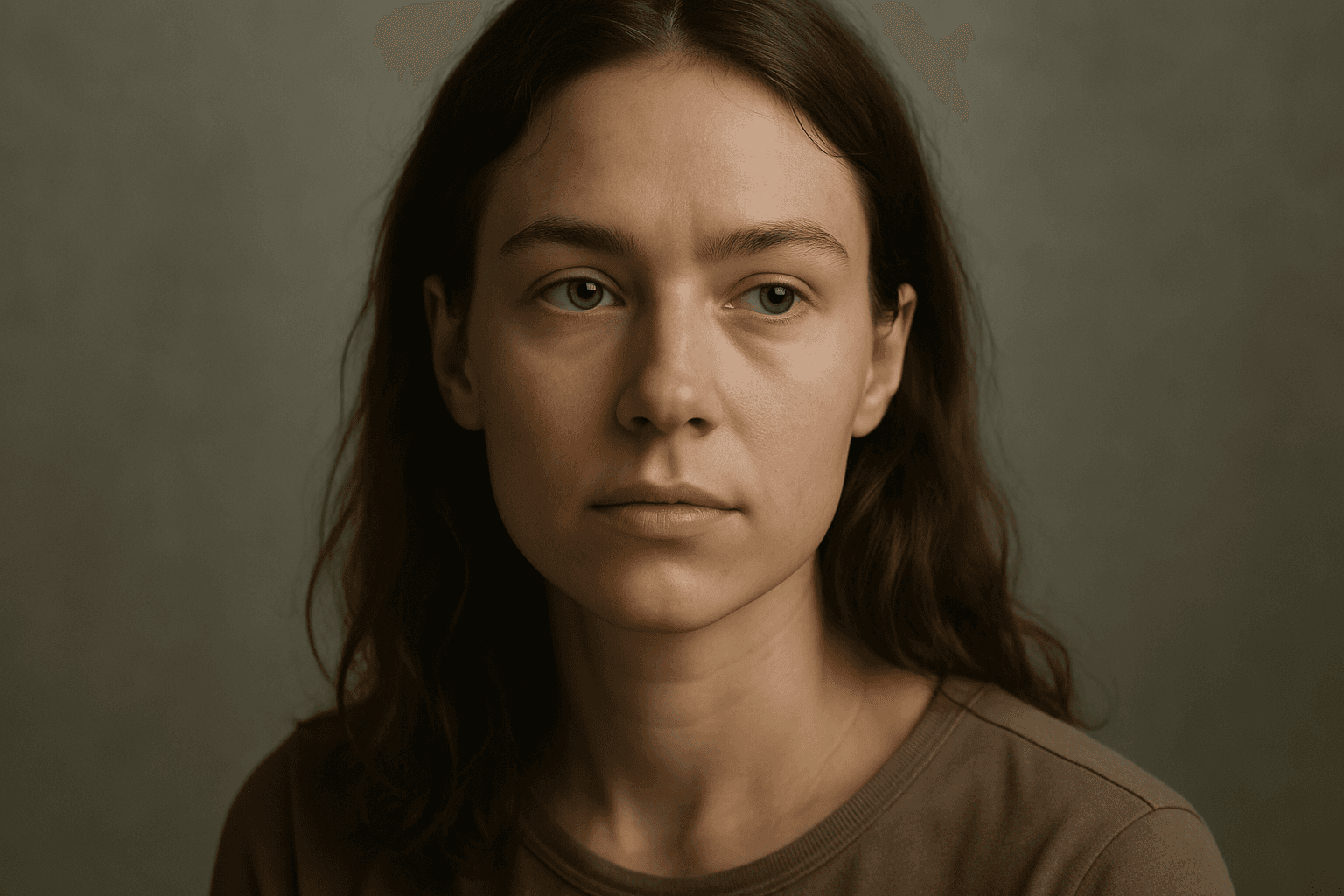
Diffuse lighting effect is a crucial concept in photography, art, and AI image generation that simulates soft, widespread light typically produced by overcast skies or light diffusion materials. This lighting style provides smooth gradations between light and shadow, avoiding harsh contrasts. When integrated into AI image prompts, it helps achieve images with a gentle, natural look that emphasizes subject details without dramatic shadows or glare. Diffuse lighting creates a mood of calm realism, ideal for portraits, product photography, and interior scenes. Understanding how to prompt for this effect enables creators to produce realistic and appealing visuals with enhanced depth and subtlety while maintaining a clean and harmonious composition.
Soft Diffused Lighting
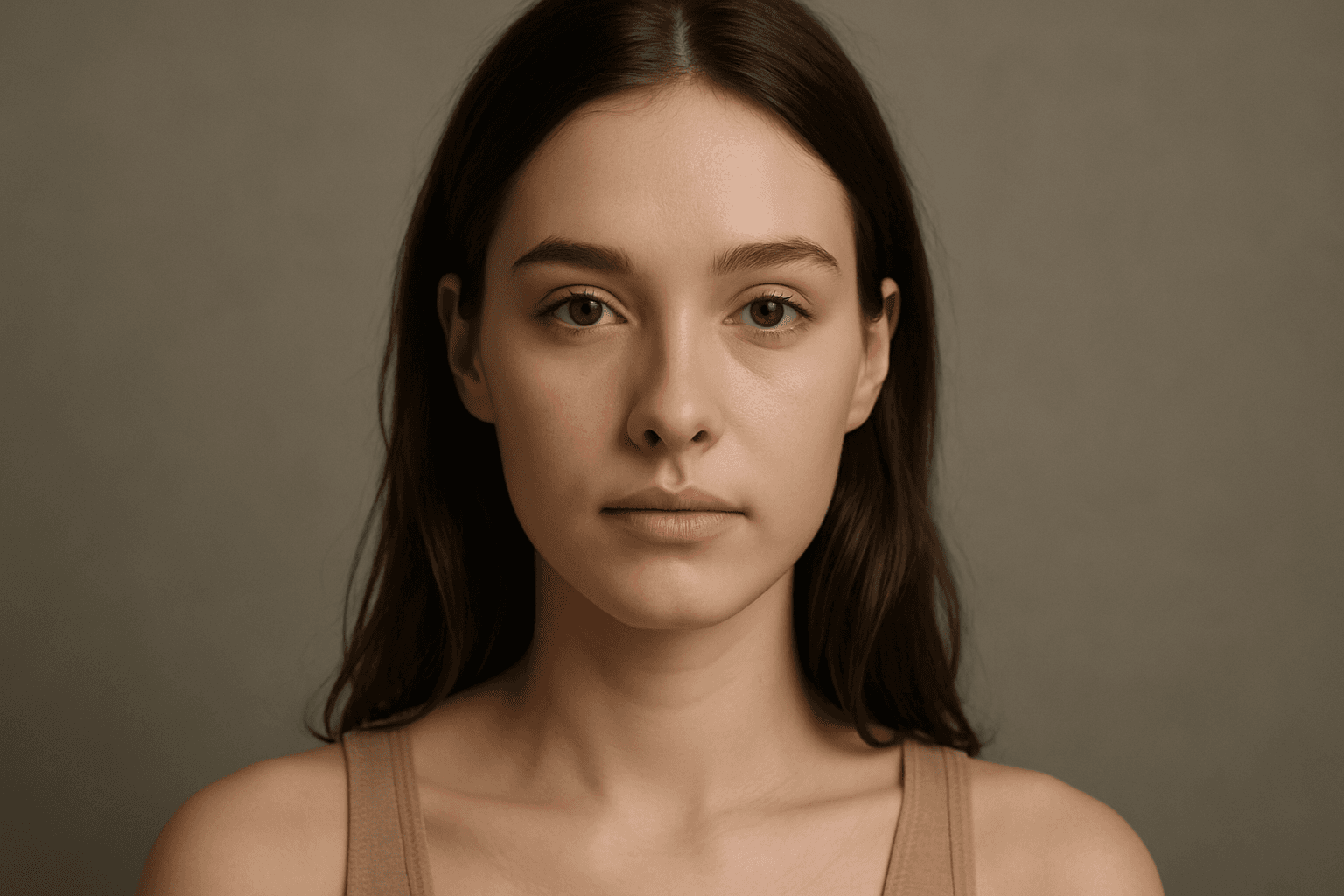
Soft diffused lighting is a popular lighting technique used to create visually appealing images with gentle, even illumination. This lighting style reduces harsh shadows and highlights, producing a smooth transition of light on subjects and backgrounds. In AI-generated imagery, specifying soft diffused lighting helps to evoke a natural, calming mood, making subjects appear more realistic and intricate details visible without stark contrast. It is commonly used in portraiture, product photography, and editorial imagery to deliver a polished, premium look. Leveraging soft diffused lighting enhances an image’s depth and material realism, ensuring a refined and aesthetically balanced output.

High Contrast Lighting Setup
High contrast lighting setups are widely used in photography and cinematic visuals to produce bold, dynamic images that captivate viewers. Incorporating 'high contrast lighting setup' in an AI image prompt instructs the AI to emphasize striking light sources and deep shadows, adding visual tension and clarity to the scene. This lighting approach reveals textures more vividly and helps create a mood that can range from mysterious to intense. For AI-generated images intended for editorial, commercial, or fine art applications, applying this keyword ensures that the resulting visuals have professional-quality lighting that enhances subject definition and atmosphere.
High Key Lighting
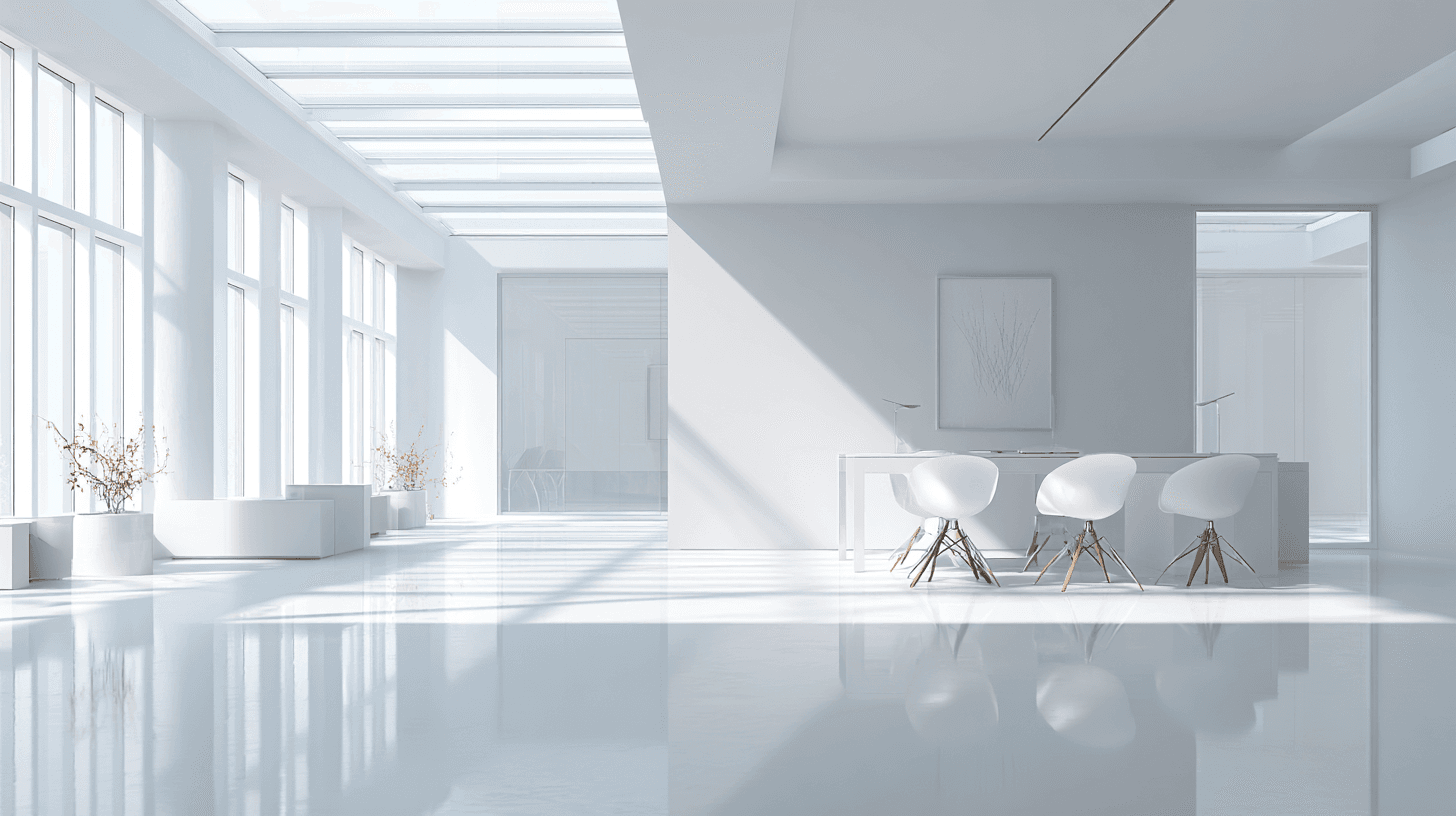
High Key Lighting is a bright lighting style with low contrast, pale shadows, and an airy overall feeling. In AI image prompts, it is useful for creating clean, optimistic, fresh, and approachable images. The background is often white or light-toned, and the subject is evenly illuminated. High Key Lighting is common in beauty campaigns, wellness imagery, ecommerce product photography, healthcare visuals, baby and family photography, and modern business imagery. For beginners, it is a helpful keyword when you want a bright commercial look without harsh shadows or heavy drama.
High Contrast Rim Lighting
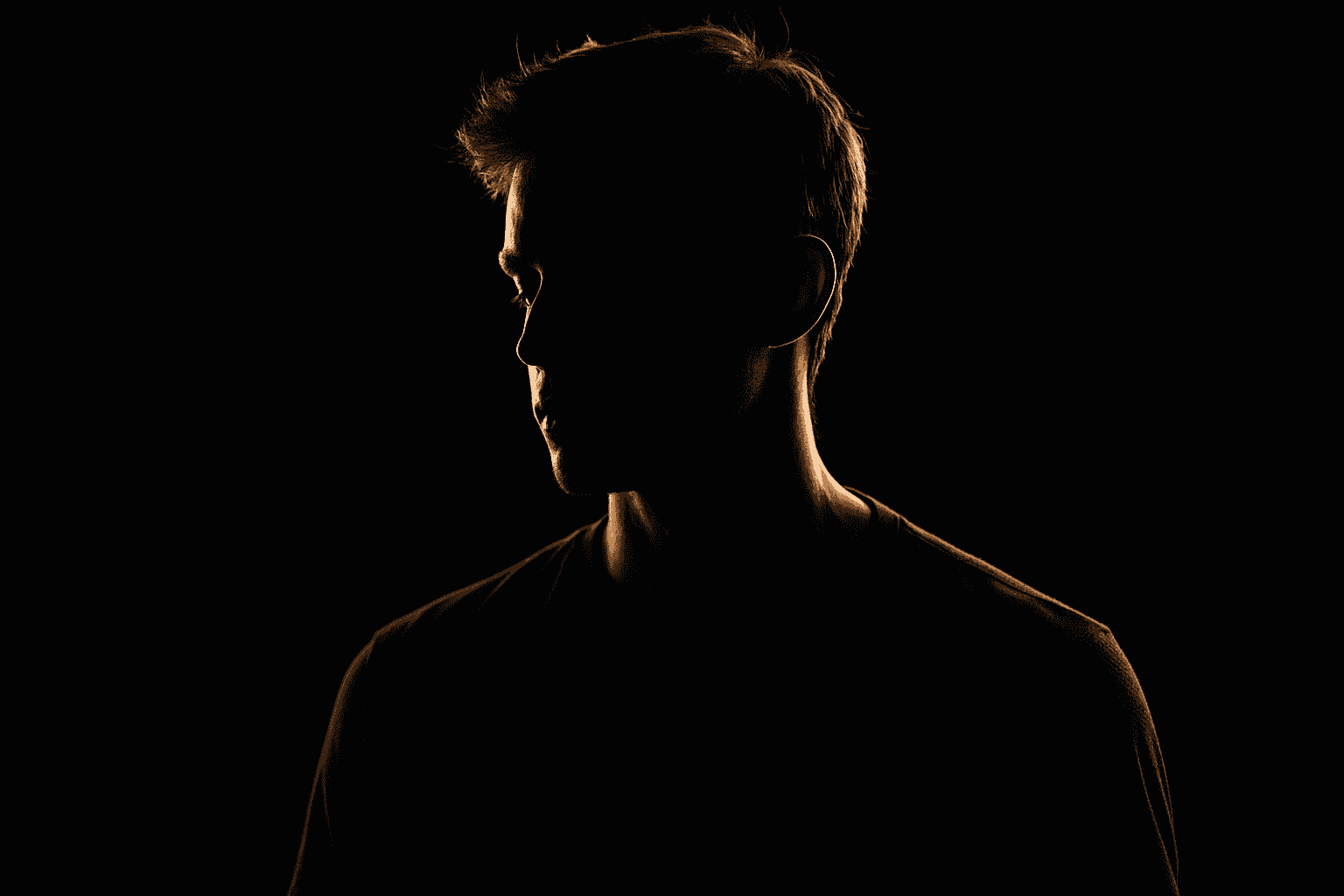
High Contrast Rim Lighting is a powerful creative technique that adds dramatic flair and dimension to images. By placing a bright light source behind the subject, this method produces vivid outlines with intense brightness contrasting starkly against darker areas. In AI-generated images, this lighting effect helps to make subjects pop by accentuating edges and contours, improving visual separation and focus. It is especially effective for portraits, product shots, and stylized artistic renditions. Incorporating this keyword in AI prompts guides the model to produce images with refined lighting nuances, sharp contrasts, and enhanced depth that elevate the overall composition.