Analogous Colors
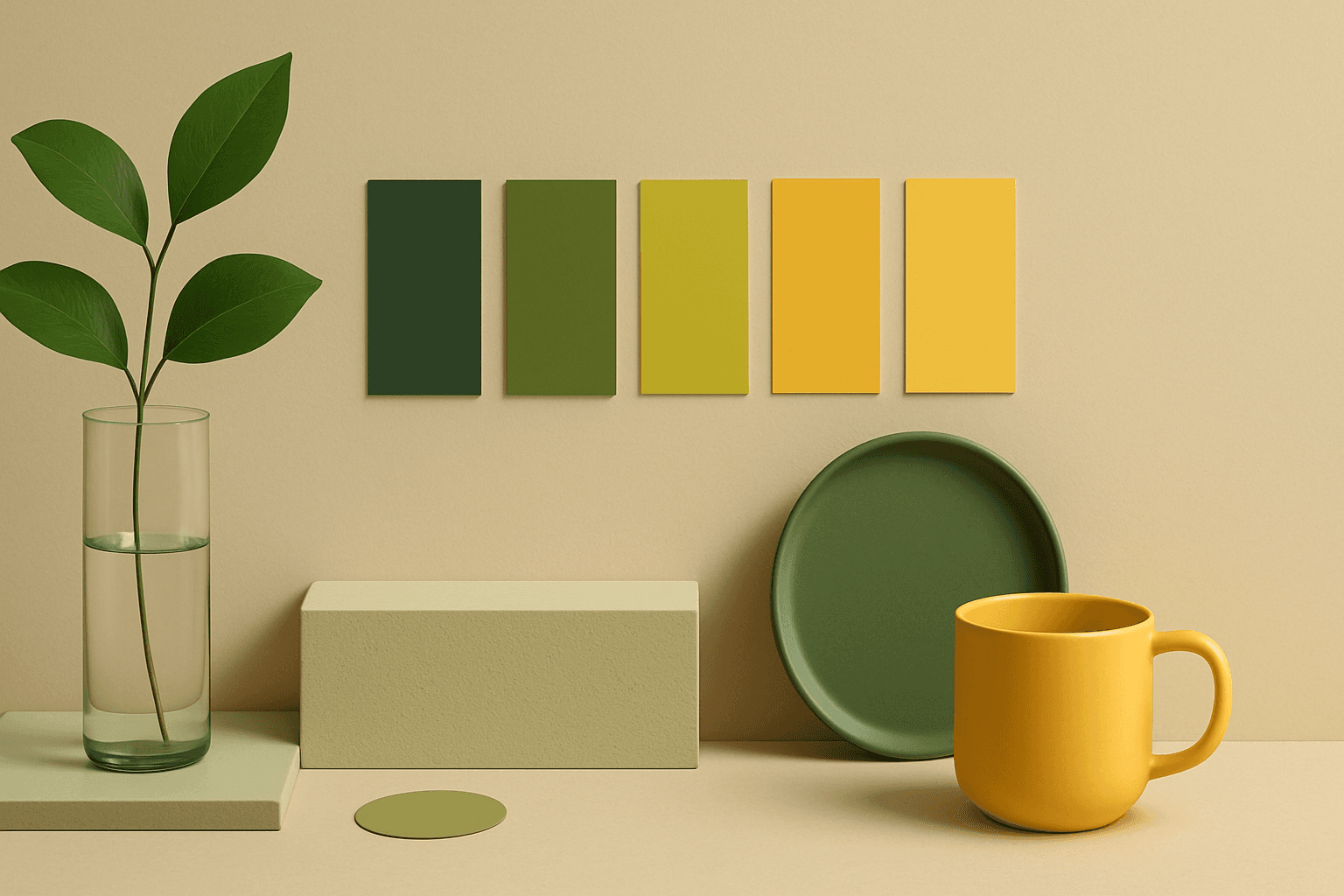
Analogous Colors are useful when you want an AI image to feel harmonious and easy to look at. Because the colors are related, the image often feels more cohesive and less visually jarring. This makes the keyword helpful for interior design, nature scenes, wellness branding, beauty campaigns, fashion styling, and editorial backgrounds. For beginners, Analogous Colors are easier to control than complex palettes because the colors naturally belong together.
Definition
Analogous Colors are colors that sit next to each other on the color wheel, such as blue, teal, and green or red, orange, and yellow. They create harmony rather than strong contrast.
Visual Characteristics
- Neighboring colors with smooth relationships and low visual tension.
- A cohesive palette that can feel natural, calm, elegant, or immersive.
- Works well for interiors, landscapes, branding, fashion, and lifestyle imagery.
Best Use Cases
- Interior design, fashion styling, landscape, wellness, beauty, and calm lifestyle visuals.
- Brand images that need a cohesive color system without high contrast.
- Stock concepts such as harmony, balance, calm, nature, creativity, and design.
Prompt Examples
- An analogous colors interior with olive, sage, and warm green textiles, soft light.
- A blue teal green analogous color background with abstract glass shapes and copy space.
- A red orange yellow analogous food campaign image with warm color harmony.
Adobe Stock Potential
Analogous Colors have good stock value because harmonious palettes are easy for designers to use. They work especially well for backgrounds, interiors, lifestyle images, and brand-friendly compositions.
FAQ
Are analogous colors good for beginners?
Yes. Neighboring hues usually work well together, so they are easier to control than high-contrast palettes.
How do I make analogous colors more interesting?
Add texture, light direction, depth of field, or a small tonal contrast.
Continue Exploring
Related Prompts
Muted Colors
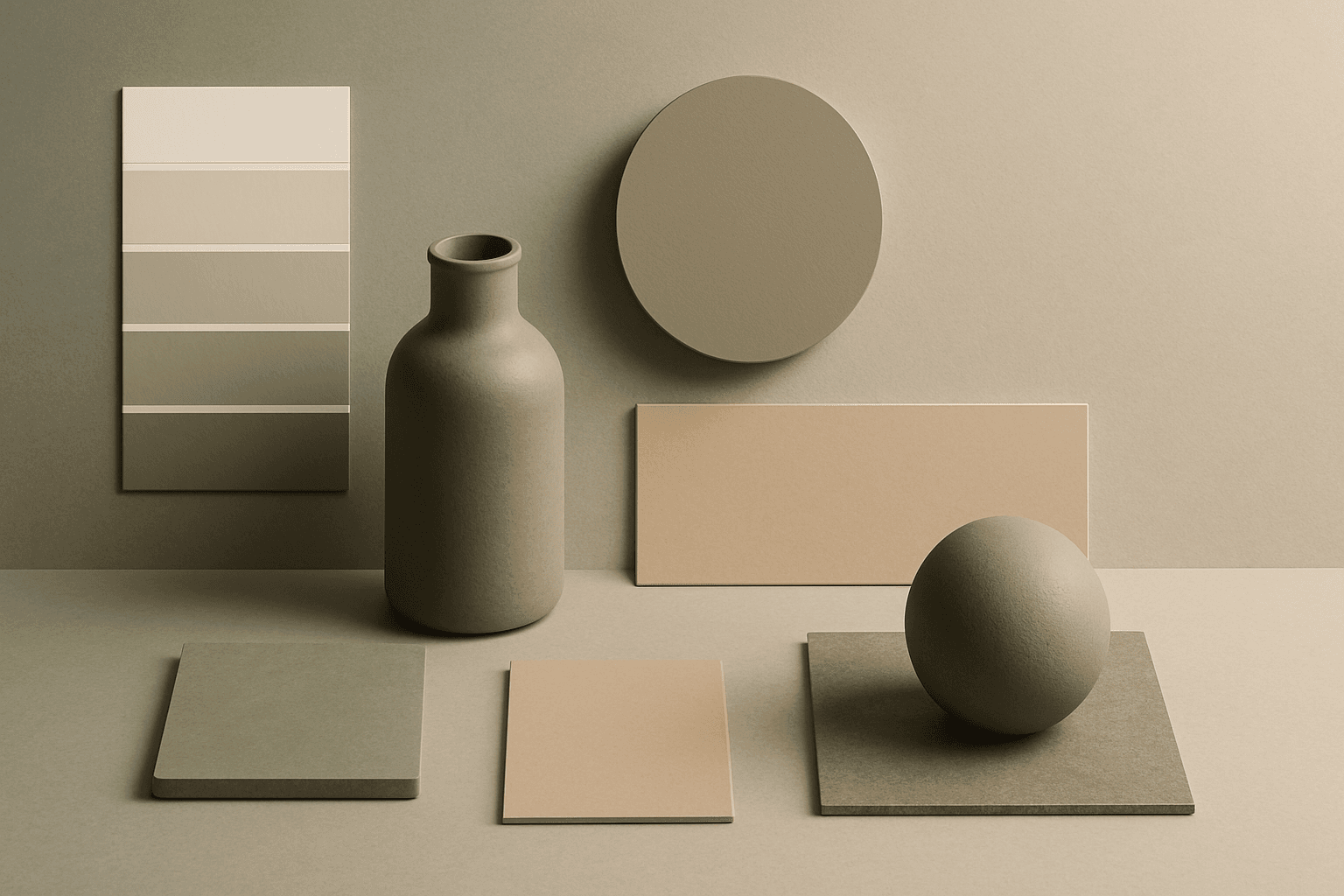
Muted Colors are useful when you want AI-generated images to feel sophisticated instead of loud. They are common in interiors, lifestyle photography, fashion editorials, packaging, wellness brands, and business imagery. For stock creators, muted palettes can make images more flexible because they do not overpower text or brand elements. They also help avoid the overly saturated look that many AI images produce by default.
Pastel Colors
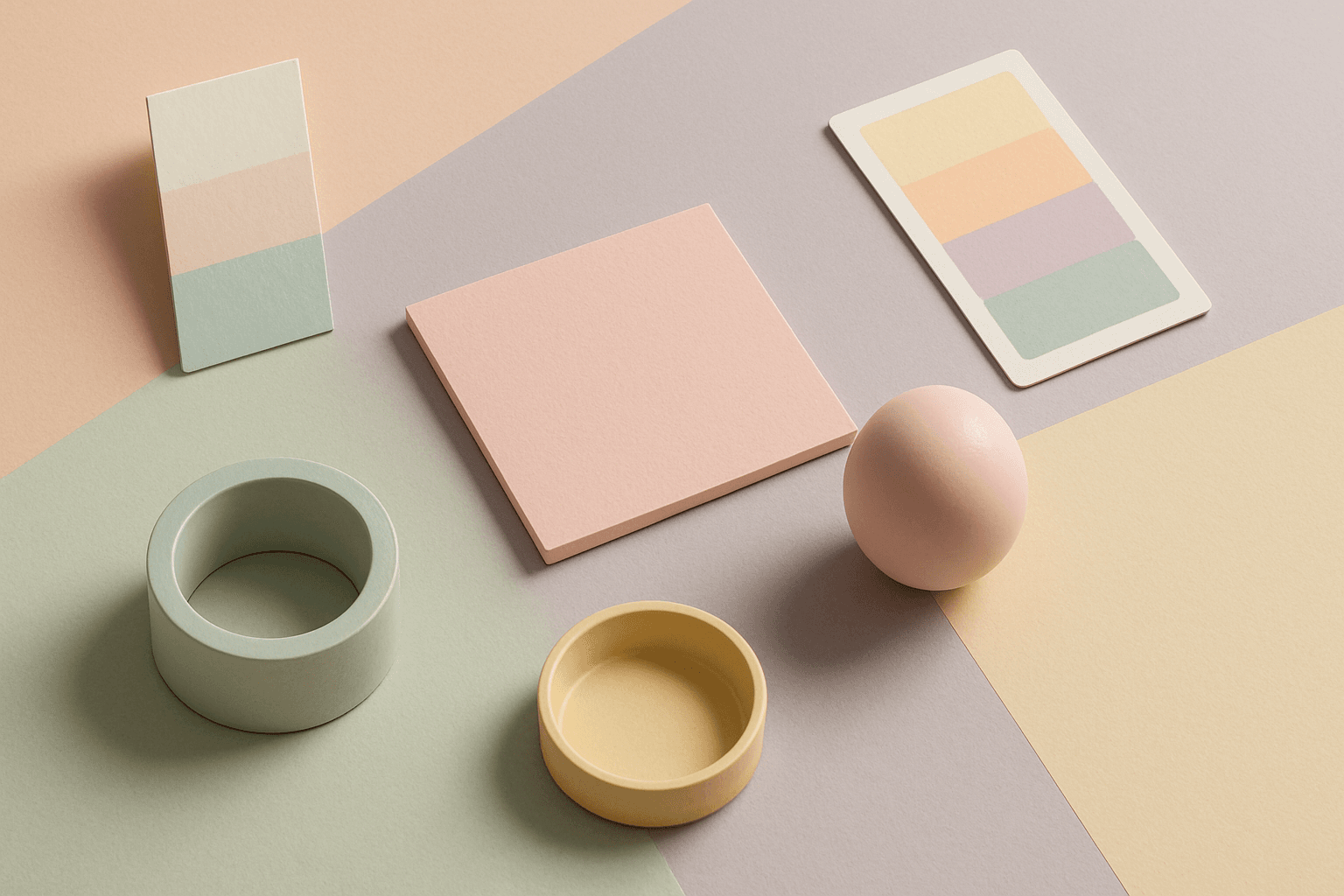
Pastel Colors are a beginner-friendly way to make AI images feel soft, clean, and emotionally light. They are especially helpful when default AI results look too saturated or visually loud. Pastels can make a product feel more approachable, an interior feel calm, or a social graphic feel cheerful without becoming aggressive. For stock image creators, this keyword works well because pastel images often support text overlays, seasonal campaigns, beauty brands, lifestyle blogs, and gentle product presentation.

Earth Tone Colors
Earth Tone Colors are useful for creating grounded, organic, and commercially current AI images. They are common in wellness branding, sustainable packaging, interiors, handmade products, food, outdoor lifestyle, and natural beauty campaigns. For stock creators, earth tones can communicate authenticity and trust without needing obvious eco symbols. They also work well in minimalist layouts because the palette is calm but still warm.
Neutral Colors
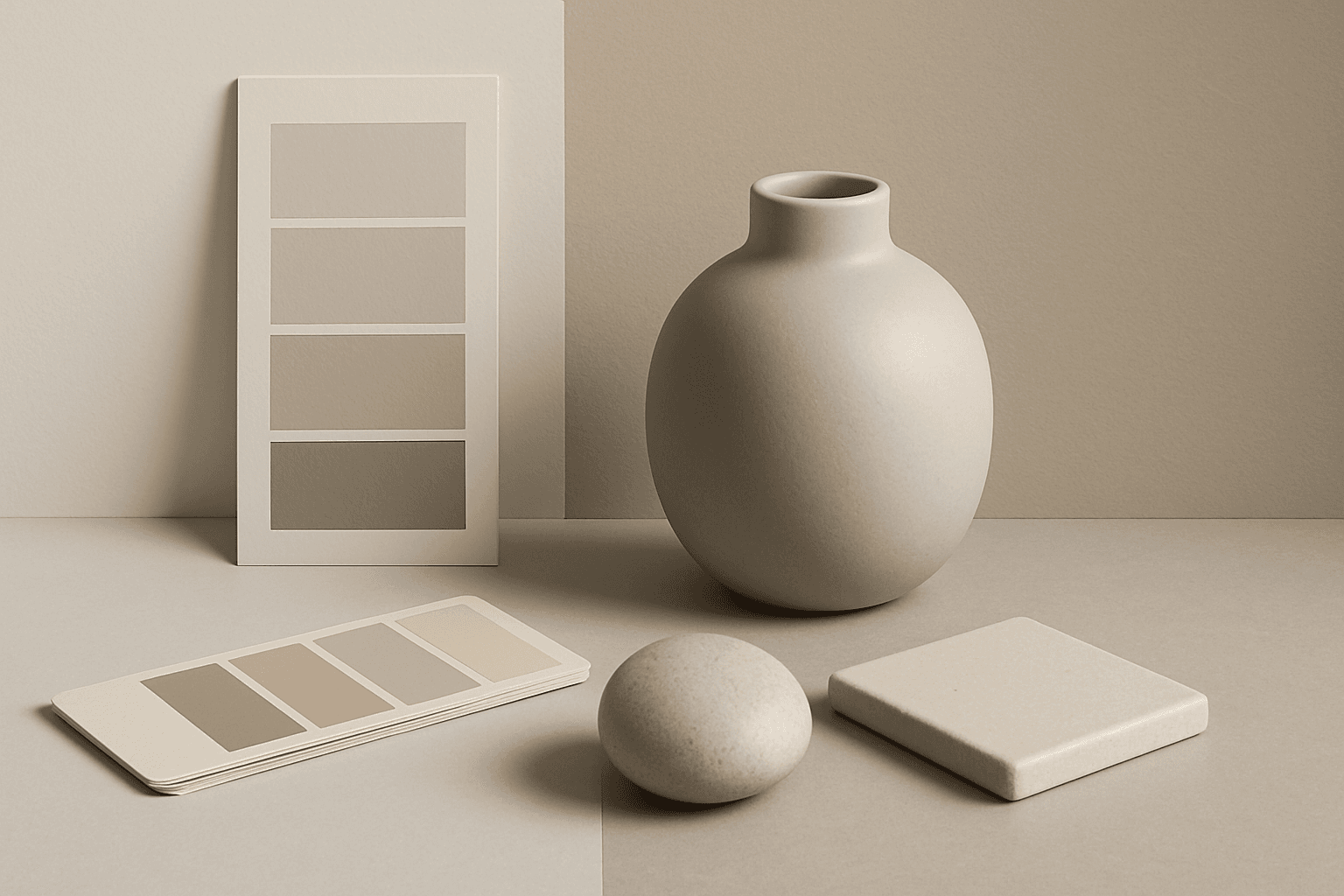
Neutral Colors are among the most commercially useful palette keywords. They help AI images feel clean, versatile, and layout-friendly. Neutral images can support text overlays, product packaging, editorial design, websites, and presentations without competing with brand colors. For stock creators, this is a practical keyword because buyers often need visuals that can blend into many design systems.
Warm Color Palette
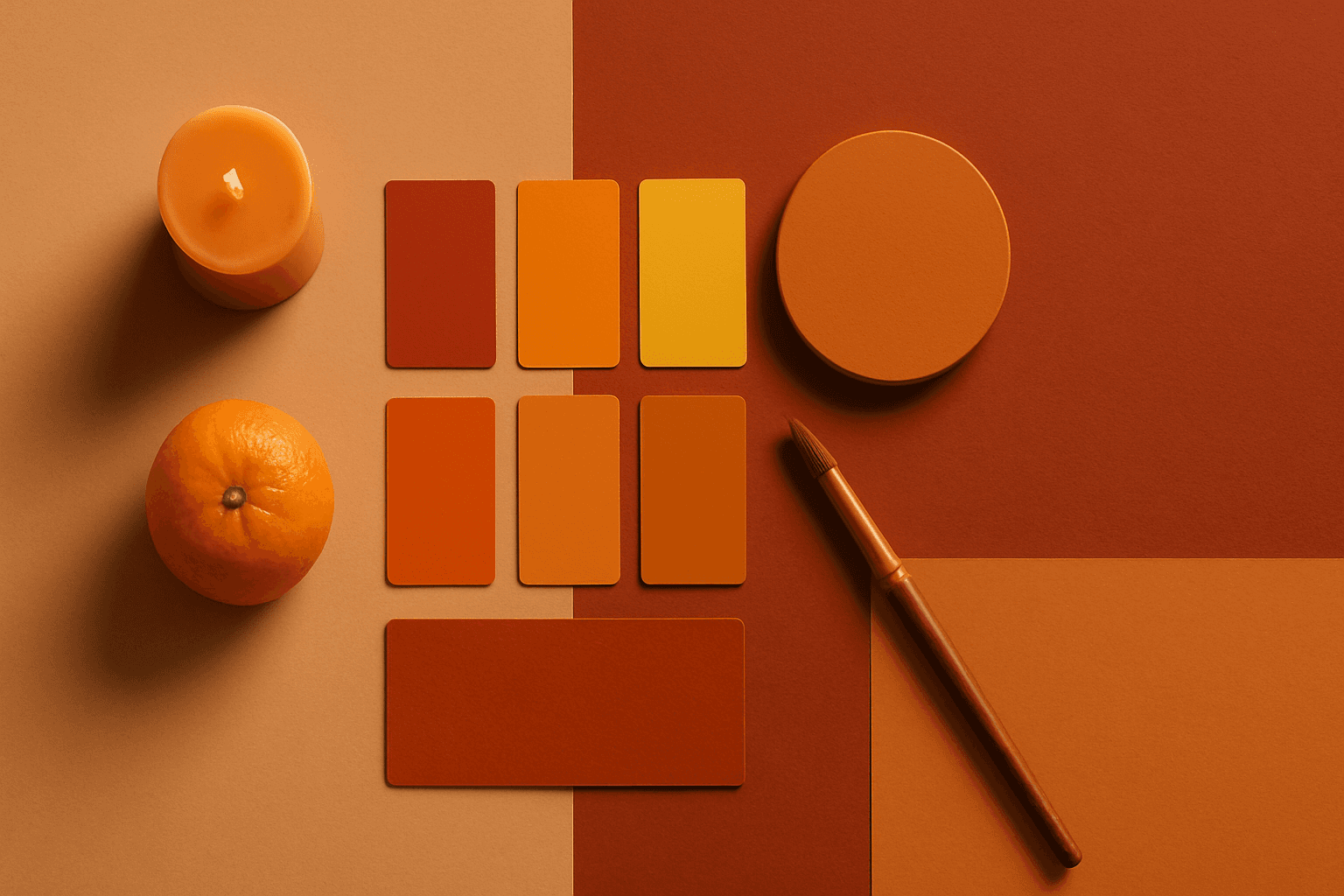
Warm Color Palette is a practical keyword for guiding emotional tone. It can make a breakfast scene feel cozy, a travel image feel sunny, or a brand visual feel more approachable. Warm palettes are strong for commercial images because they connect quickly with themes like comfort, care, family, food, hospitality, wellness, and optimism. For beginners, this keyword is easier to control than listing many individual colors.
Vibrant Colors
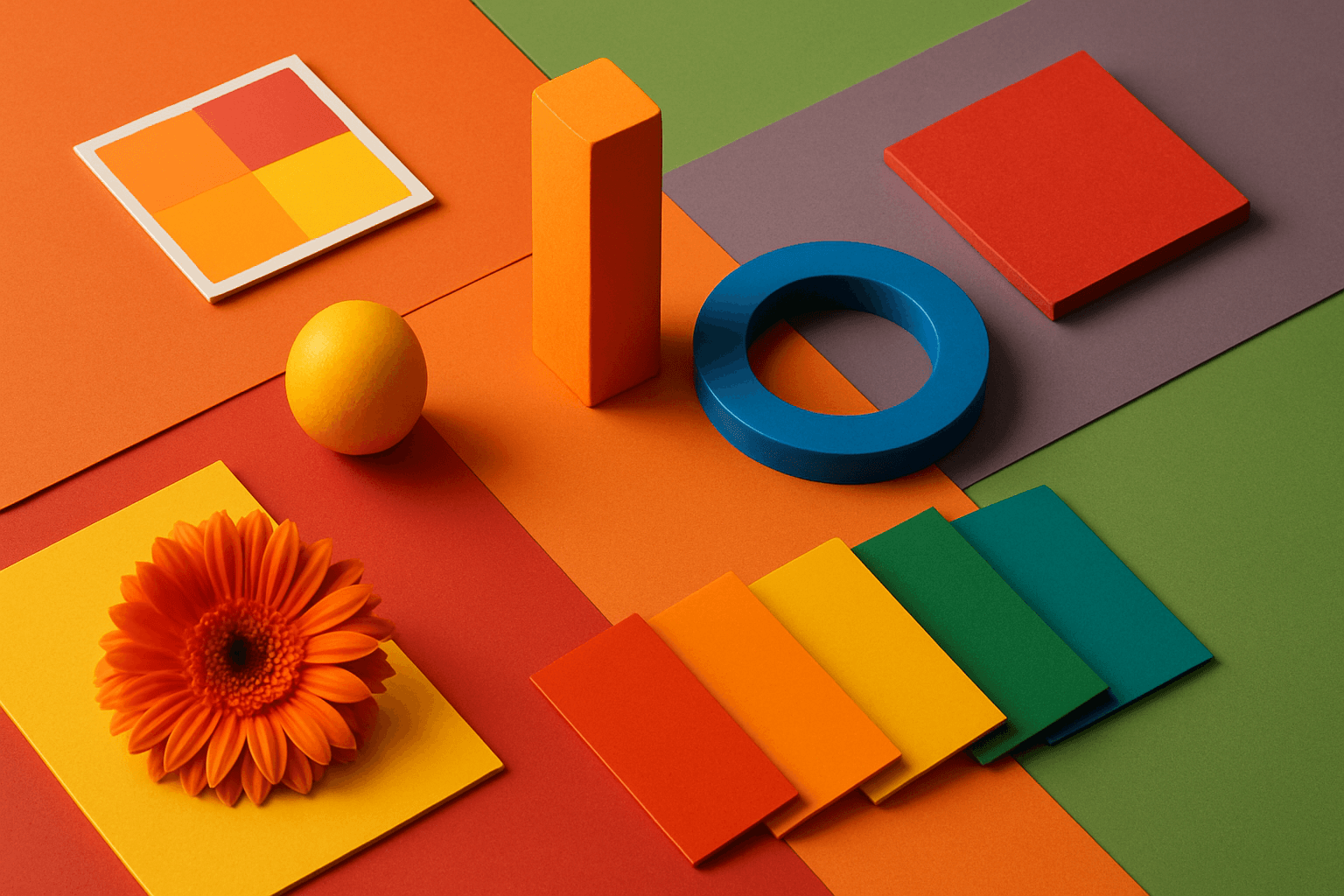
Vibrant Colors are useful when you want an AI image to grab attention quickly. They can make products look exciting, posters feel energetic, and social content stand out in feeds. This keyword is powerful for commercial creators, but it needs control. Too many saturated colors can feel chaotic or cheap. The best vibrant images usually have a clear subject, strong composition, and a limited set of bold colors.