Category
Color
Palette keywords for controlling temperature, contrast, softness, and brand feeling.
What Color Prompt Keywords Mean
What this category means
Color prompt keywords describe palette, temperature, contrast, saturation, and emotional tone. They help control whether an image feels warm, cool, muted, vibrant, neutral, premium, playful, or calm.
Why it matters for AI image prompting
Color is one of the fastest ways to shape audience perception. Good palette prompts make images easier to match with brands, campaigns, seasonal themes, and layout systems.
When to use this category
Use color keywords when default outputs feel too saturated, when a brand mood matters, or when images need to fit a specific design system.
Prompt Pattern
Use this as a starting structure, then swap in specific keywords from the category below.
Start Here
Popular Keywords in this Category
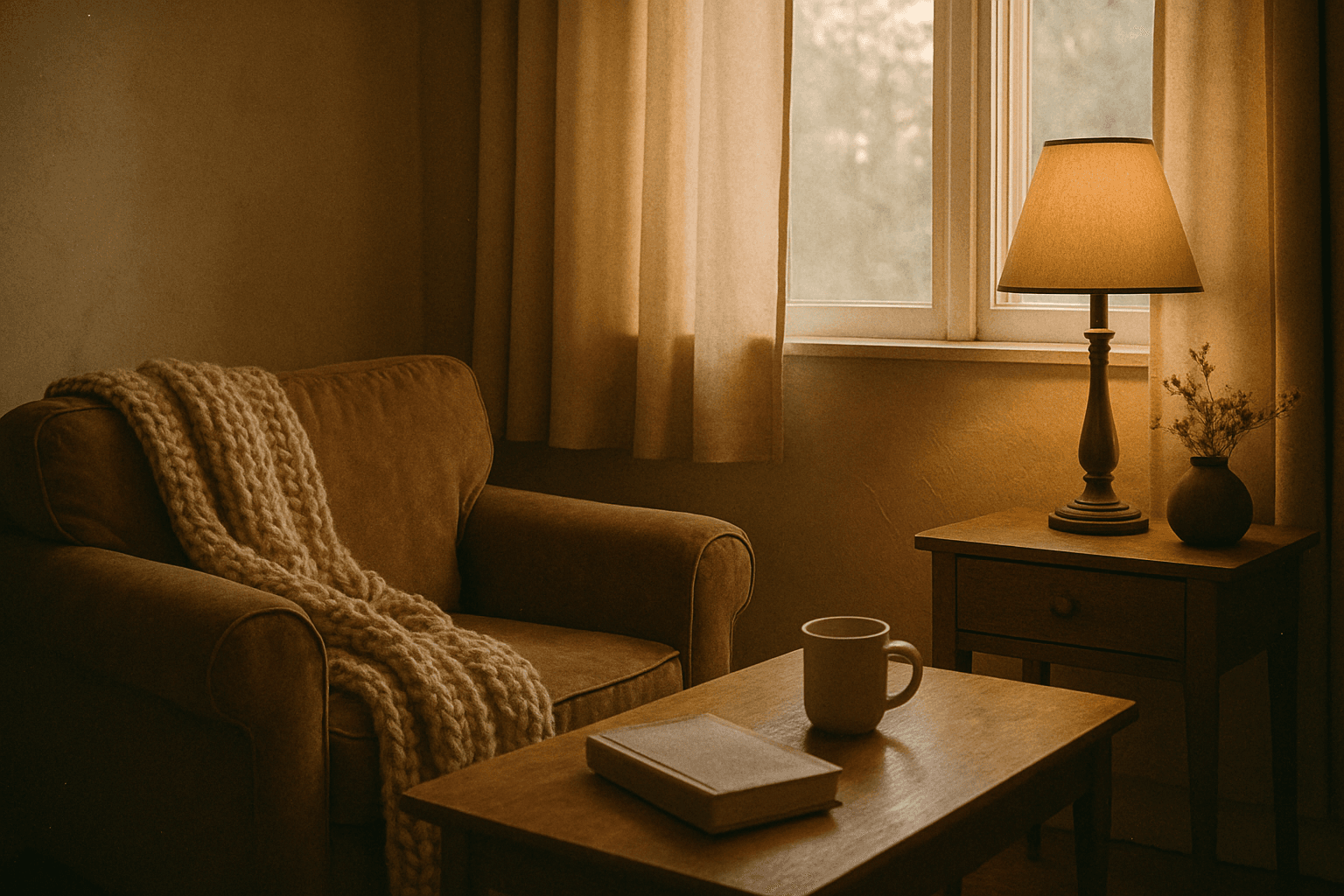
Analog Film Color Palette
The Analog Film Color Palette is a popular keyword in AI image generation, used to achieve an aesthetic inspired by classic analog photography. It encourages AI models to emulate the color tones of vintage film rolls, incorporating soft reds, dusty blues, faded greens, and warm beige hues. This palette adds emotional depth and a nostalgic atmosphere to images, evoking memories of the past with subtle imperfections like gentle grain and nuanced light scattering. It is highly valued for creating editorial looks, lifestyle imagery, and artistic photographs that stand out for their authenticity and mood. Incorporating this palette can elevate digital images beyond bright, clinical colors toward more tactile, artistic visuals.
View keyword

Analogous Color Schemes
Analogous color schemes bring a visually pleasing harmony to AI-generated images by combining hues that neighbor each other on the color wheel. This creates images with gentle transitions and a cohesive mood, avoiding stark contrasts. When used in prompts, this scheme helps produce illustrations, photography-style renders, or digital art that feel naturally balanced—ideal for themes that require softness or unity like nature scenes, interiors, or fashion visuals. This approach makes images feel comfortable and inviting without overwhelming the viewer.
View keyword
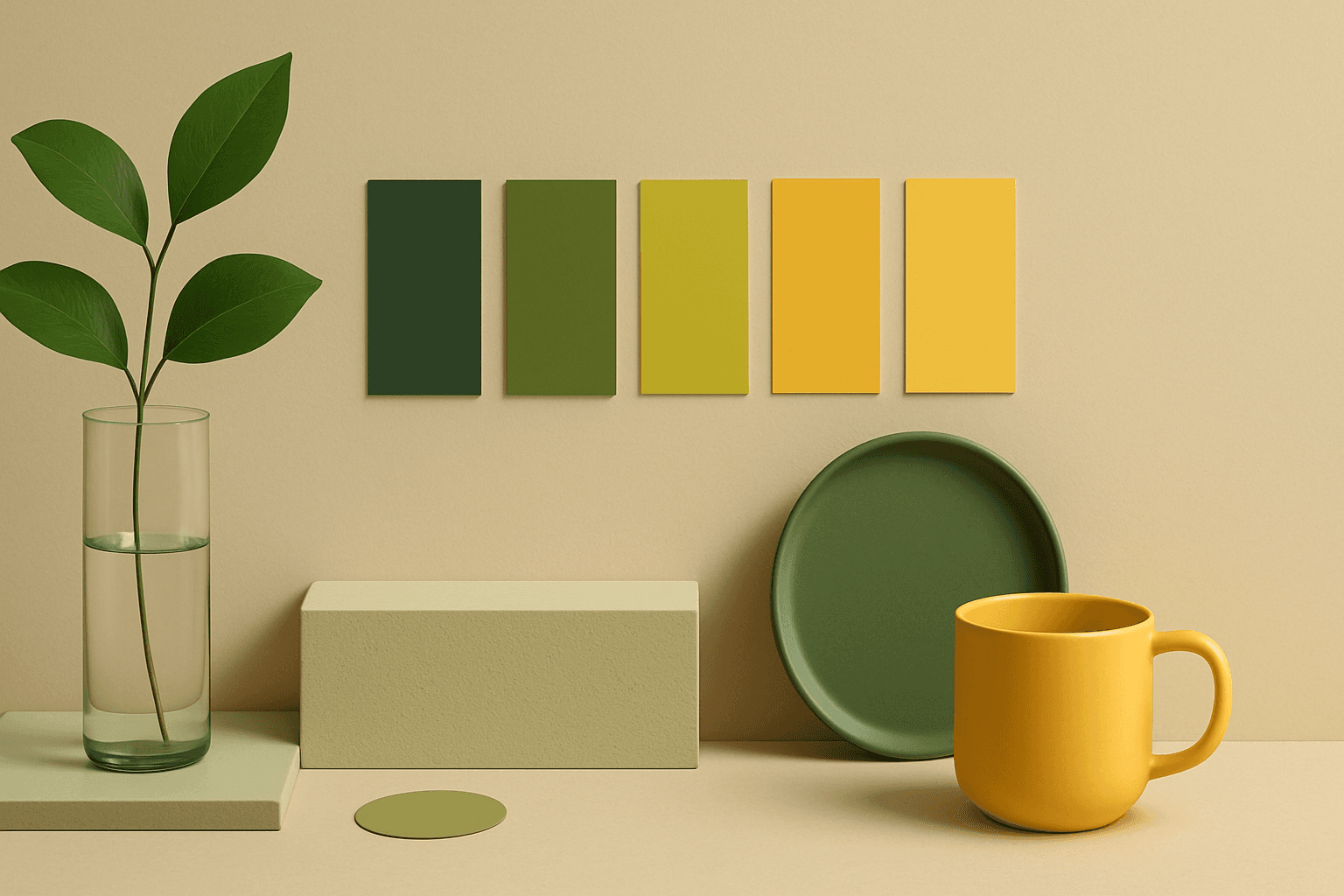
Analogous Colors
Analogous Colors are useful when you want an AI image to feel harmonious and easy to look at. Because the colors are related, the image often feels more cohesive and less visually jarring. This makes the keyword helpful for interior design, nature scenes, wellness branding, beauty campaigns, fashion styling, and editorial backgrounds. For beginners, Analogous Colors are easier to control than complex palettes because the colors naturally belong together.
View keyword

Analogous Warm Color Scheme
Analogous Warm Color Schemes employ colors adjacent on the color wheel within warm tones—reds, oranges, and yellows—to produce harmonious, vibrant images. In AI-generated art, specifying this scheme guides the model to focus on these related colors, resulting in visuals that feel unified and energetic. This scheme evokes warmth, comfort, and optimism, excellent for compositions needing a welcoming or lively mood. Using it strategically in prompts helps artists and designers achieve balanced, naturally blended color palettes that enhance emotional impact without overwhelming the viewer.
View keyword
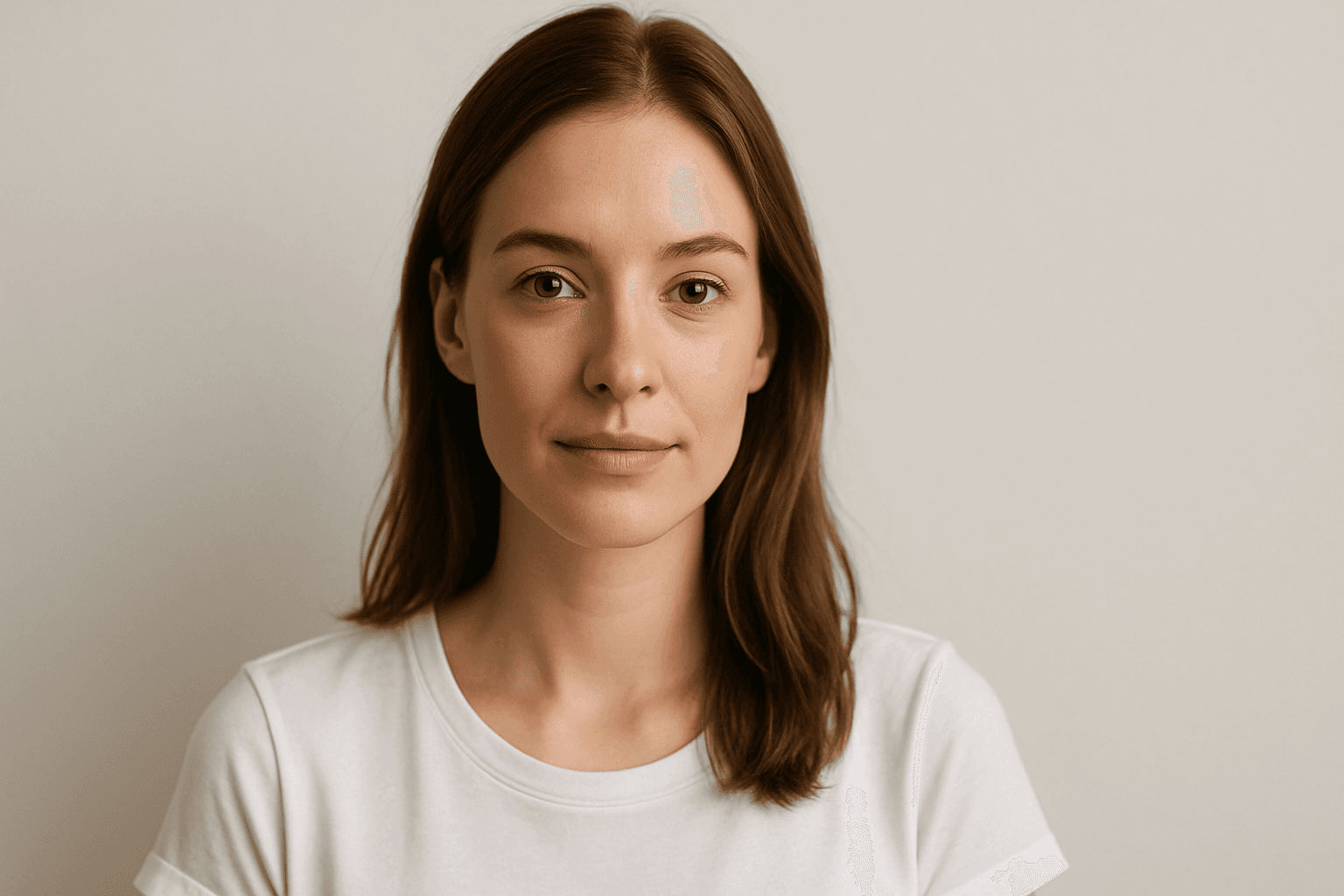
Balanced Color Temperature
Balanced Color Temperature in AI-generated images ensures that lighting appears natural and true-to-life, avoiding overpowering warm or cool tones. This quality impacts the mood and realism of visuals by maintaining a neutral color balance, making images suitable for professional presentations, product photography, and editorial content. By controlling color temperature, artists and creators can highlight details without unnatural tints, producing polished and visually coherent artworks.
View keyword
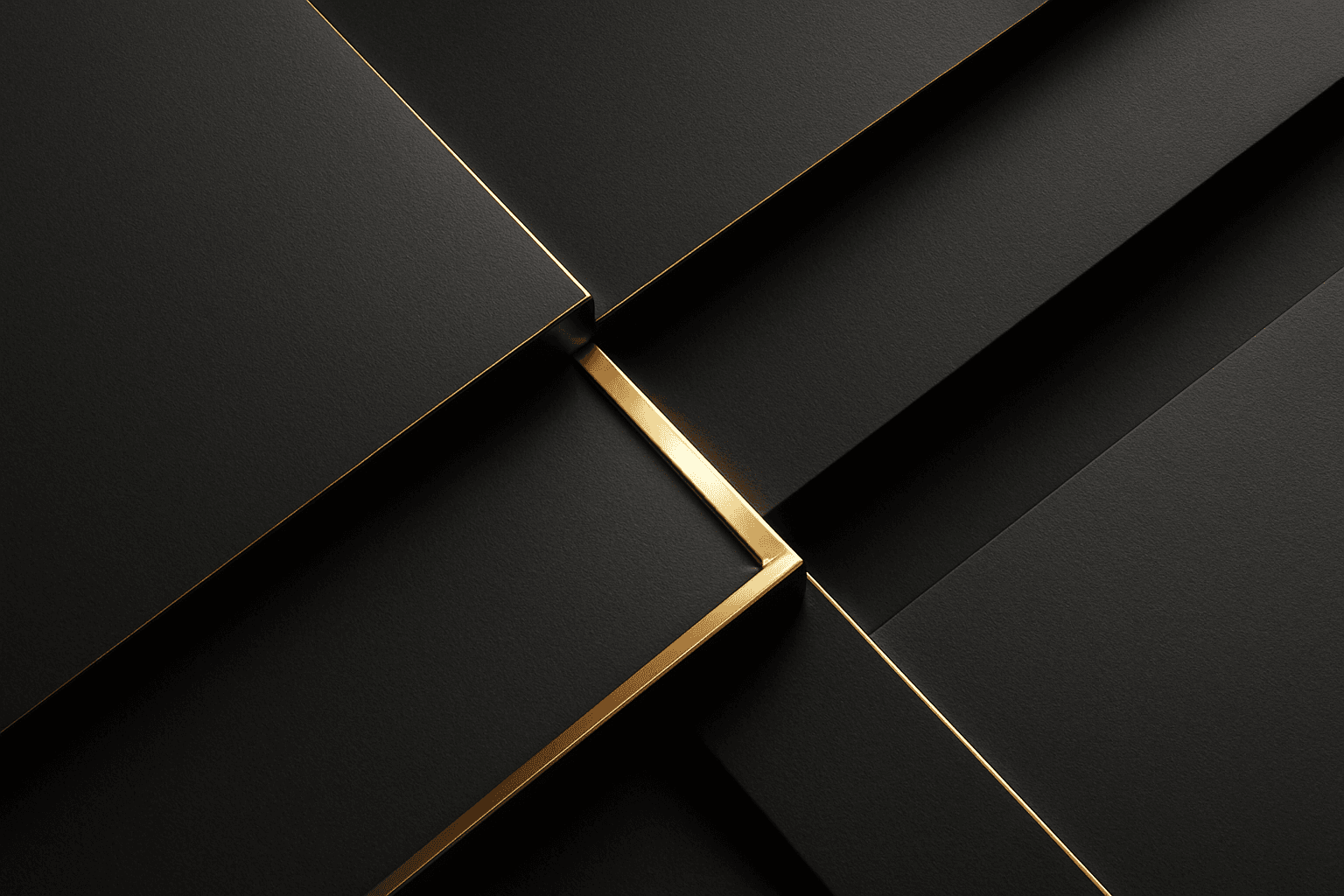
Black and Gold Palette
The Black and Gold Palette is a timeless color combination used widely across design, fashion, and branding to convey luxury, exclusivity, and elegance. The deep black background serves as a solid, grounding base that enhances the rich, lustrous tone of metallic gold accents. This pairing is versatile enough to appear in editorial layouts, product packaging, and digital art, offering a premium and refined visual appeal. The interplay between matte black and reflective gold elements creates subtle depth and sophisticated contrast, drawing viewers' attention effectively. Its association with opulence and tradition makes it a popular choice for high-end projects seeking a polished and stylish aesthetic.
View keyword
How to Use This Category
- Use one main palette keyword, then add two or three supporting color words if precision matters.
- Balance color with lighting language so the palette does not become flat or unrealistic.
- Choose neutral or muted palettes for flexible stock, slide, and website assets.
- Use contrast keywords carefully when the subject needs to remain readable.
All Color Keywords
Browse the full set of published PromptAtlas keywords in this topic area.
Morandi Palette
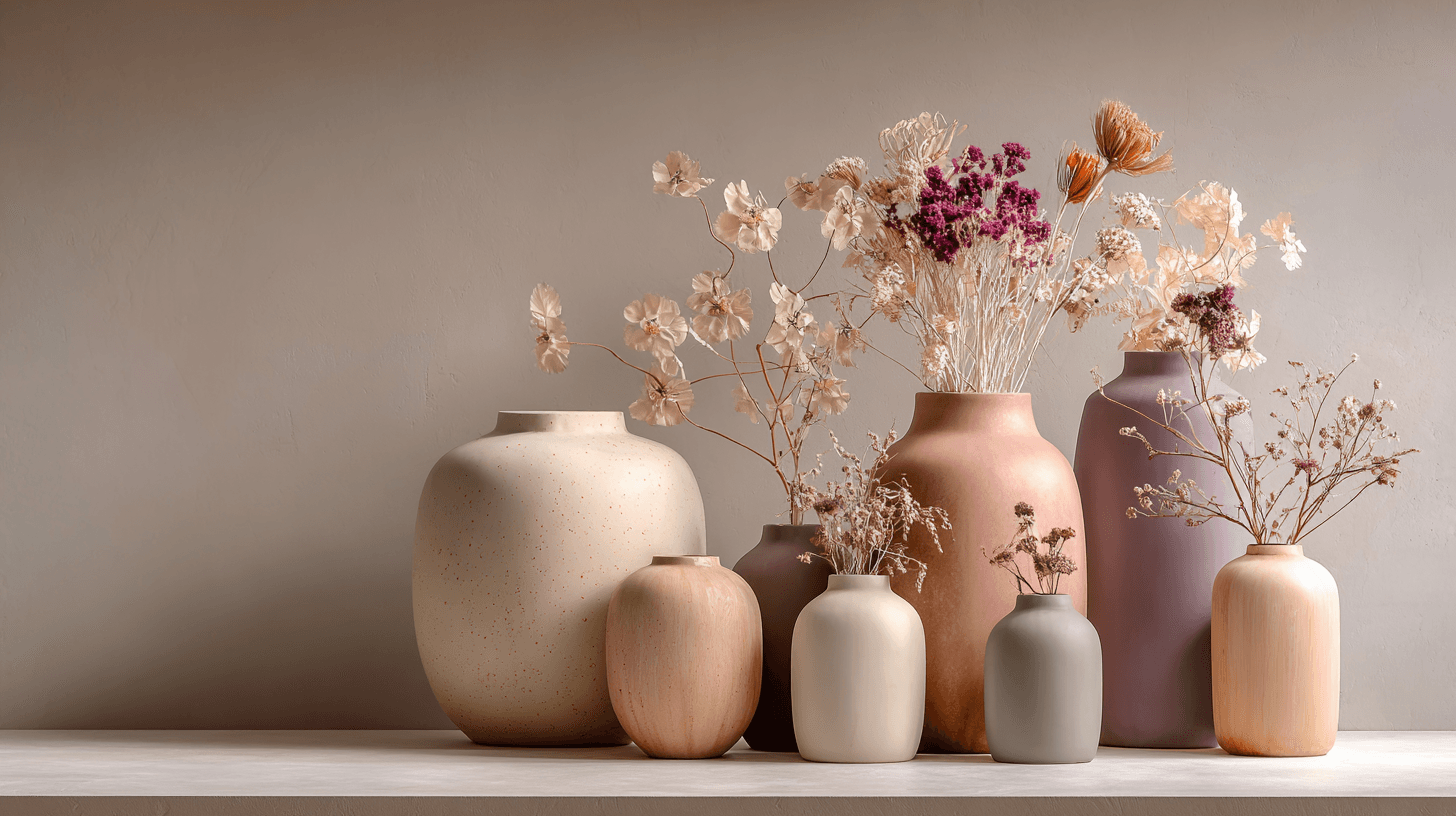
Morandi Palette is a color keyword inspired by the quiet, dusty tones associated with painter Giorgio Morandi. In AI image prompts, it usually points the model toward muted, low-saturation colors such as dusty rose, warm gray, clay, sage, beige, soft blue, faded mauve, and stone. The effect is refined, calm, and slightly editorial. This palette is useful when you want an image to feel sophisticated without becoming cold or overly minimal. For beginners, Morandi Palette is a practical way to control color harmony. It can make a scene feel more tasteful, cohesive, and brand-ready, especially when default AI colors look too bright or artificial.
View keyword
Warm Tones
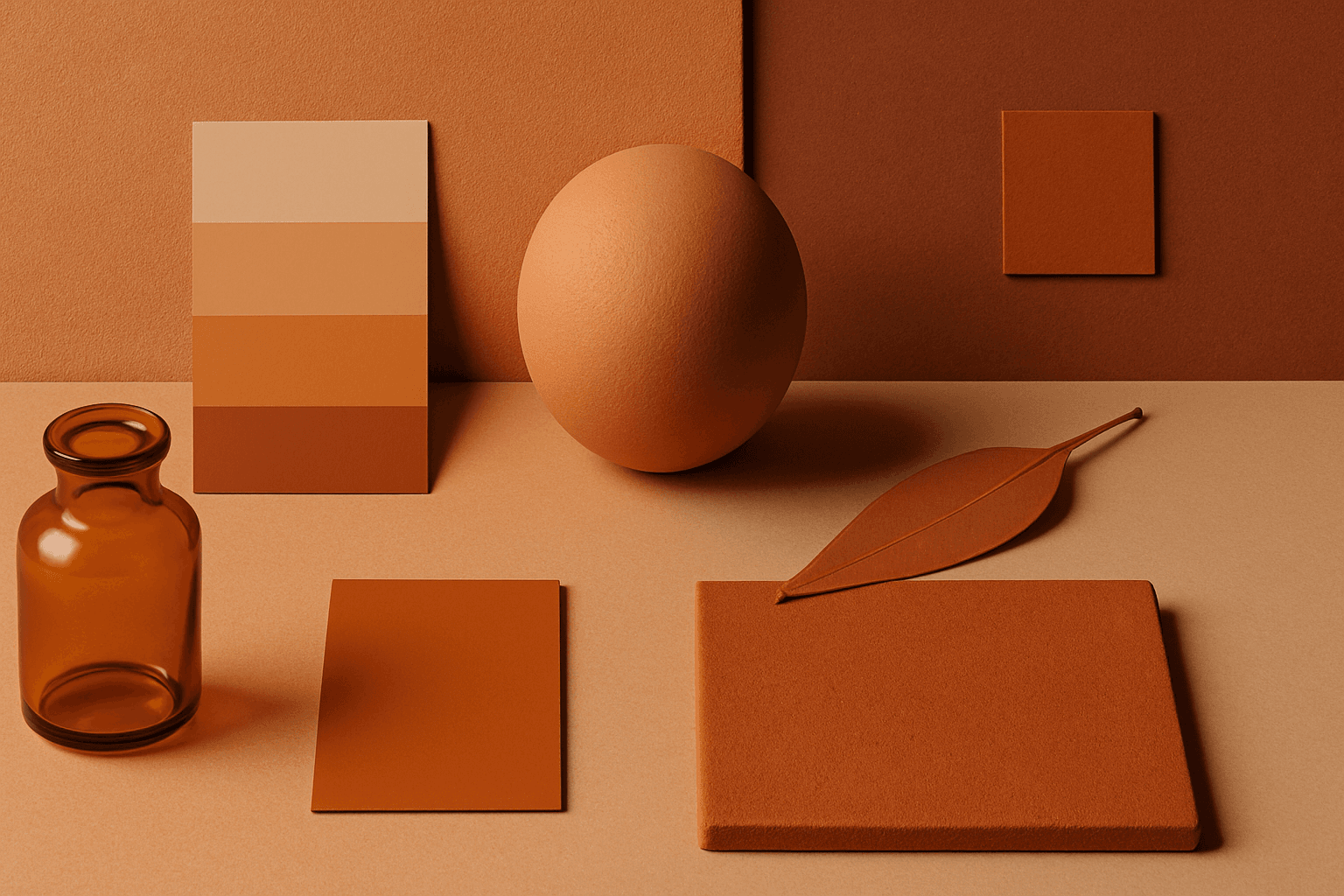
Warm Tones are colors with red, orange, yellow, peach, tan, clay, or golden undertones. They create comfort, optimism, energy, and human warmth.
View keyword
Cool Tones
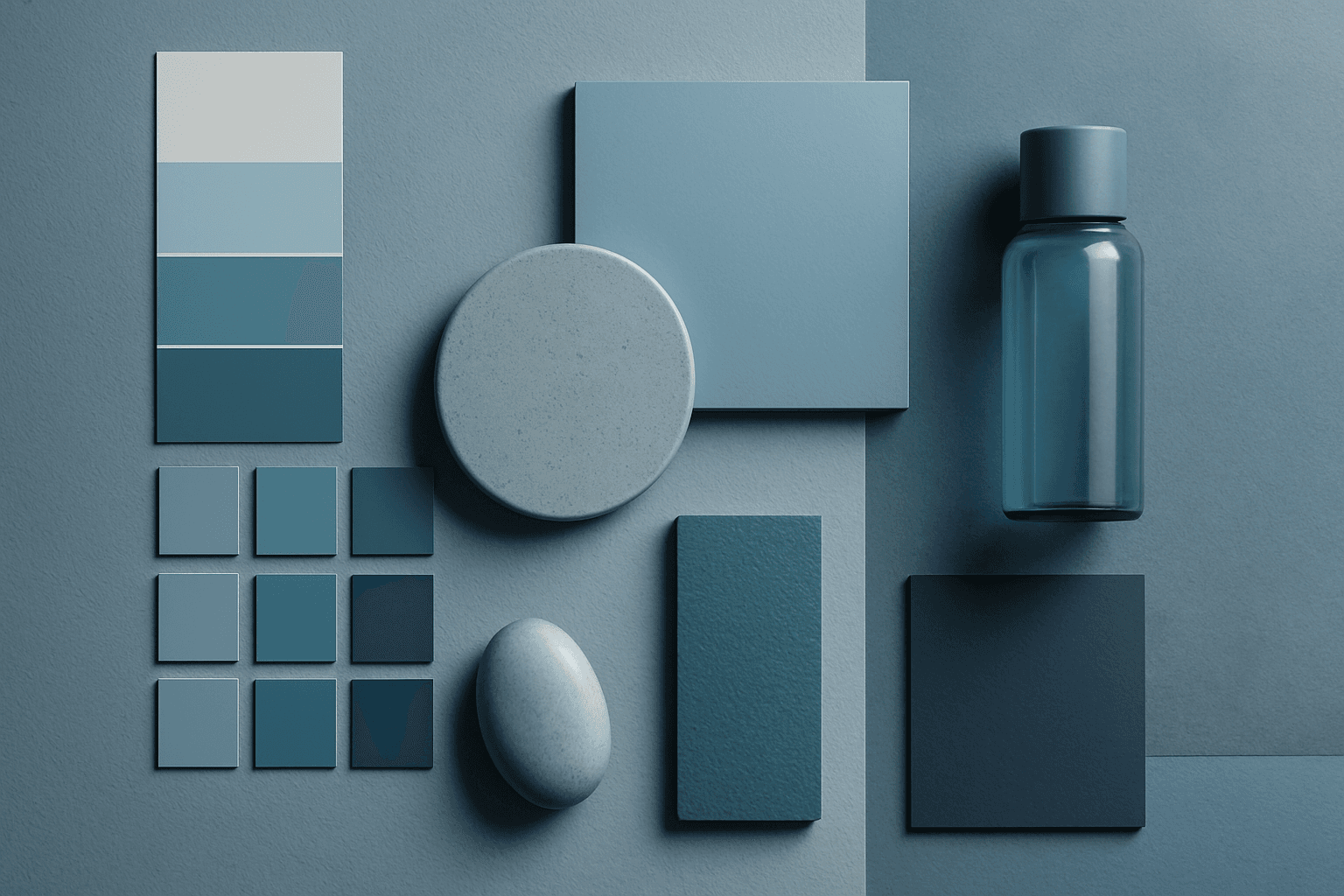
Cool Tones are colors with blue, green, cyan, teal, gray, or silver undertones. They create calm, clarity, professionalism, and modernity.
View keyword
Monochrome
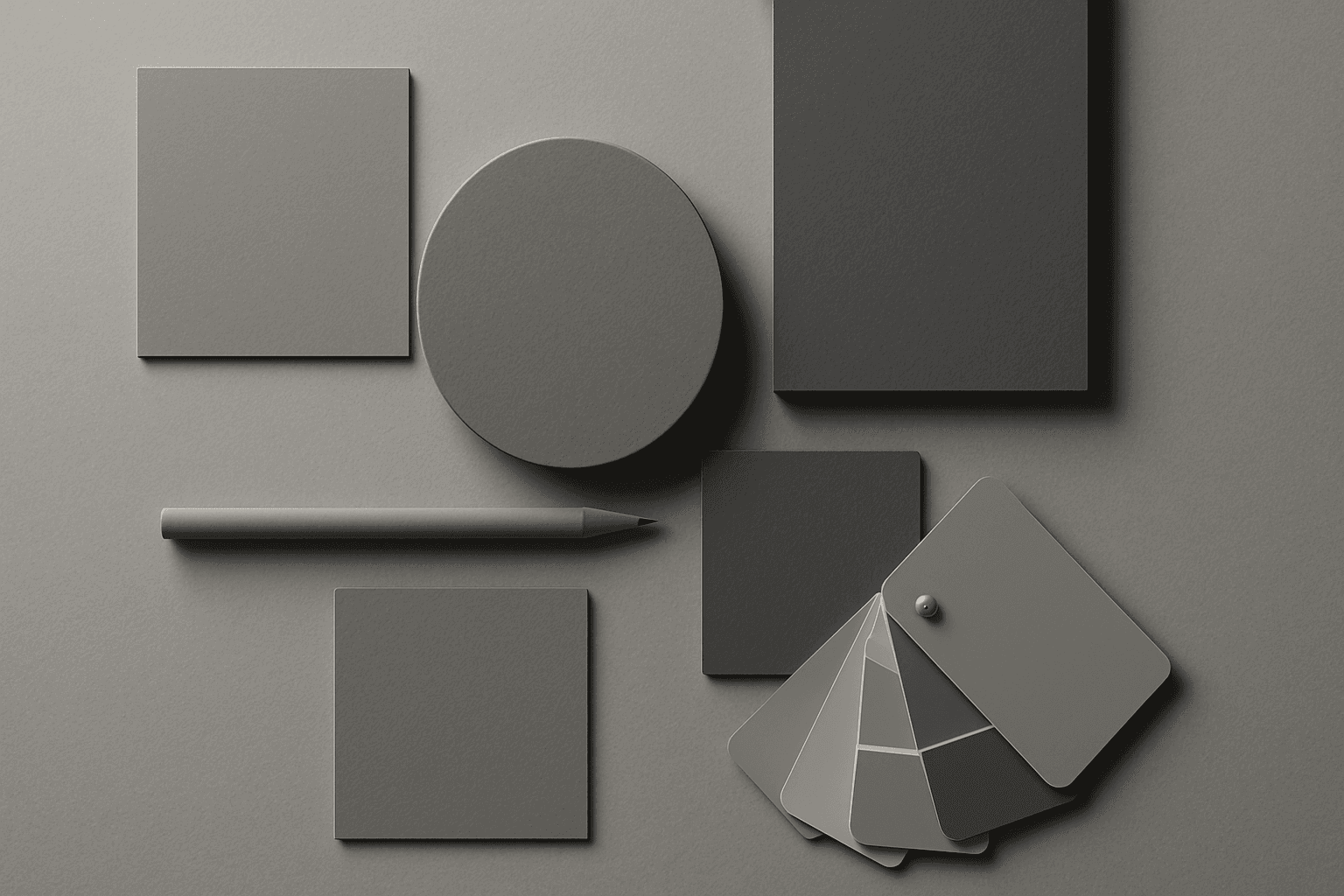
Monochrome is a color approach using one color family or black-and-white values. It creates strong unity, simplicity, and graphic focus.
View keyword
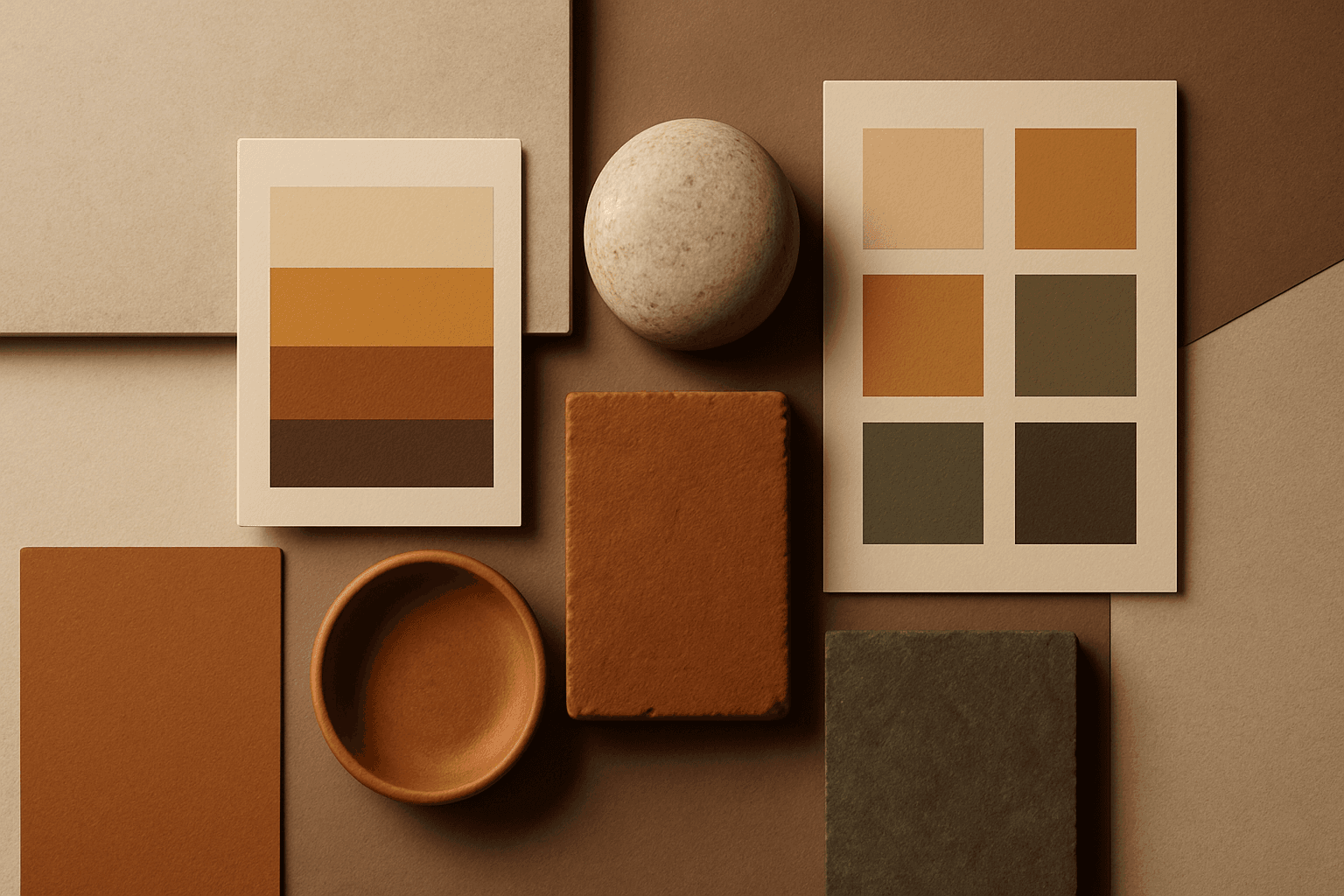
Earth Tones
Earth Tones are natural colors inspired by soil, stone, clay, plants, wood, and sand. They create a grounded, organic, and sustainable feeling.
View keyword
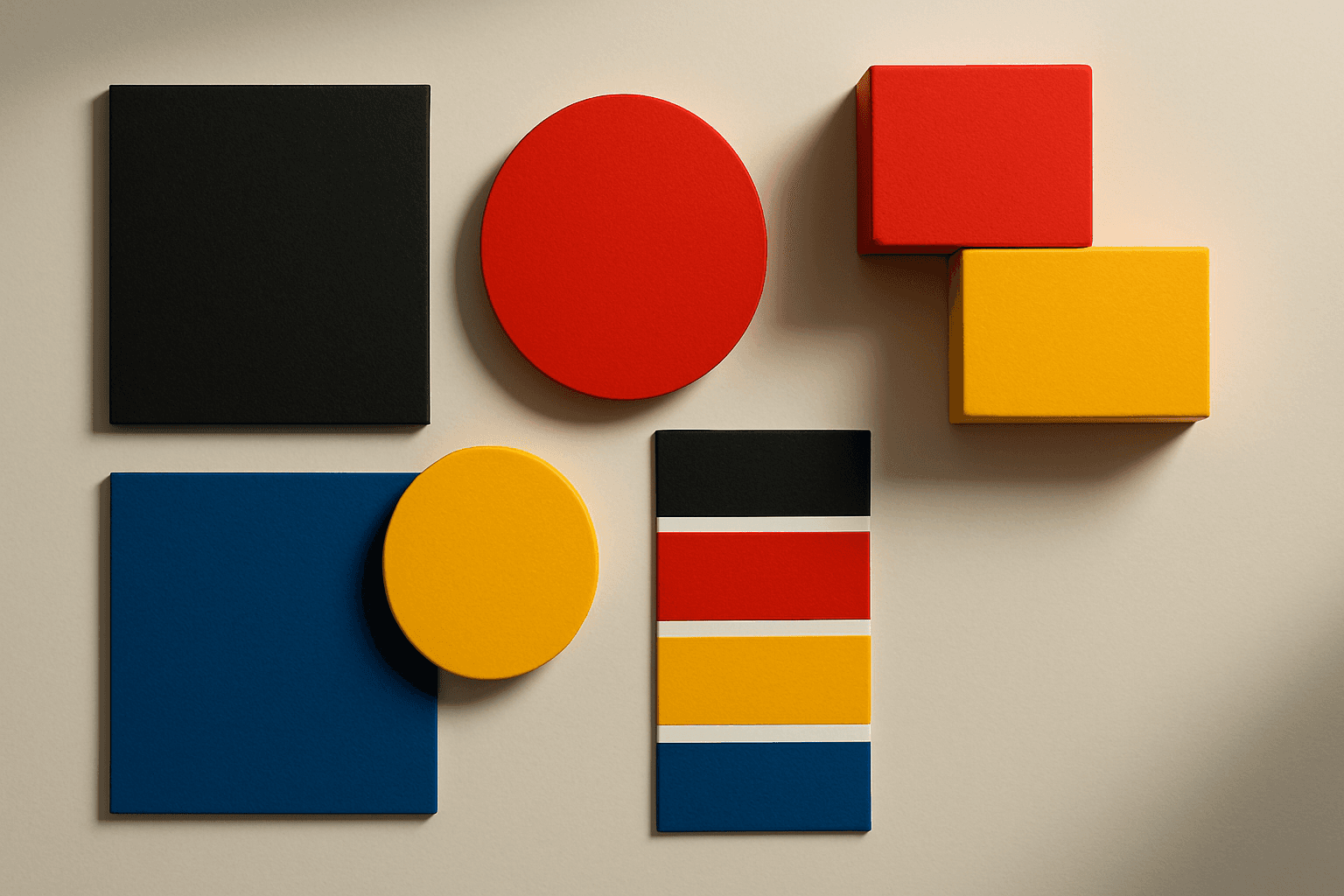
High Contrast Colors
High Contrast Colors use strong differences in hue, value, or saturation to create visual impact. They help subjects stand out quickly.
View keyword
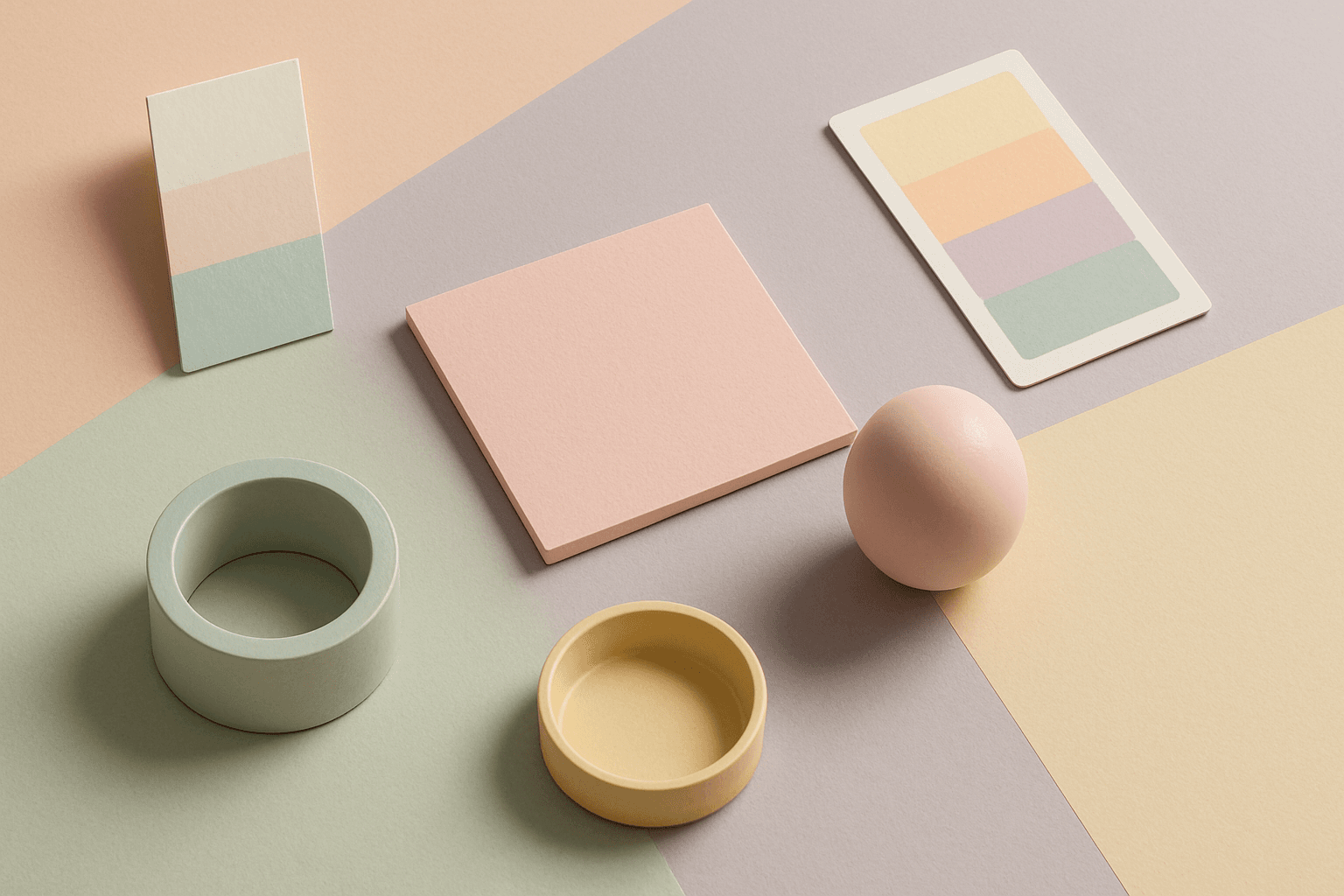
Pastel Colors
Pastel Colors are a beginner-friendly way to make AI images feel soft, clean, and emotionally light. They are especially helpful when default AI results look too saturated or visually loud. Pastels can make a product feel more approachable, an interior feel calm, or a social graphic feel cheerful without becoming aggressive. For stock image creators, this keyword works well because pastel images often support text overlays, seasonal campaigns, beauty brands, lifestyle blogs, and gentle product presentation.
View keyword
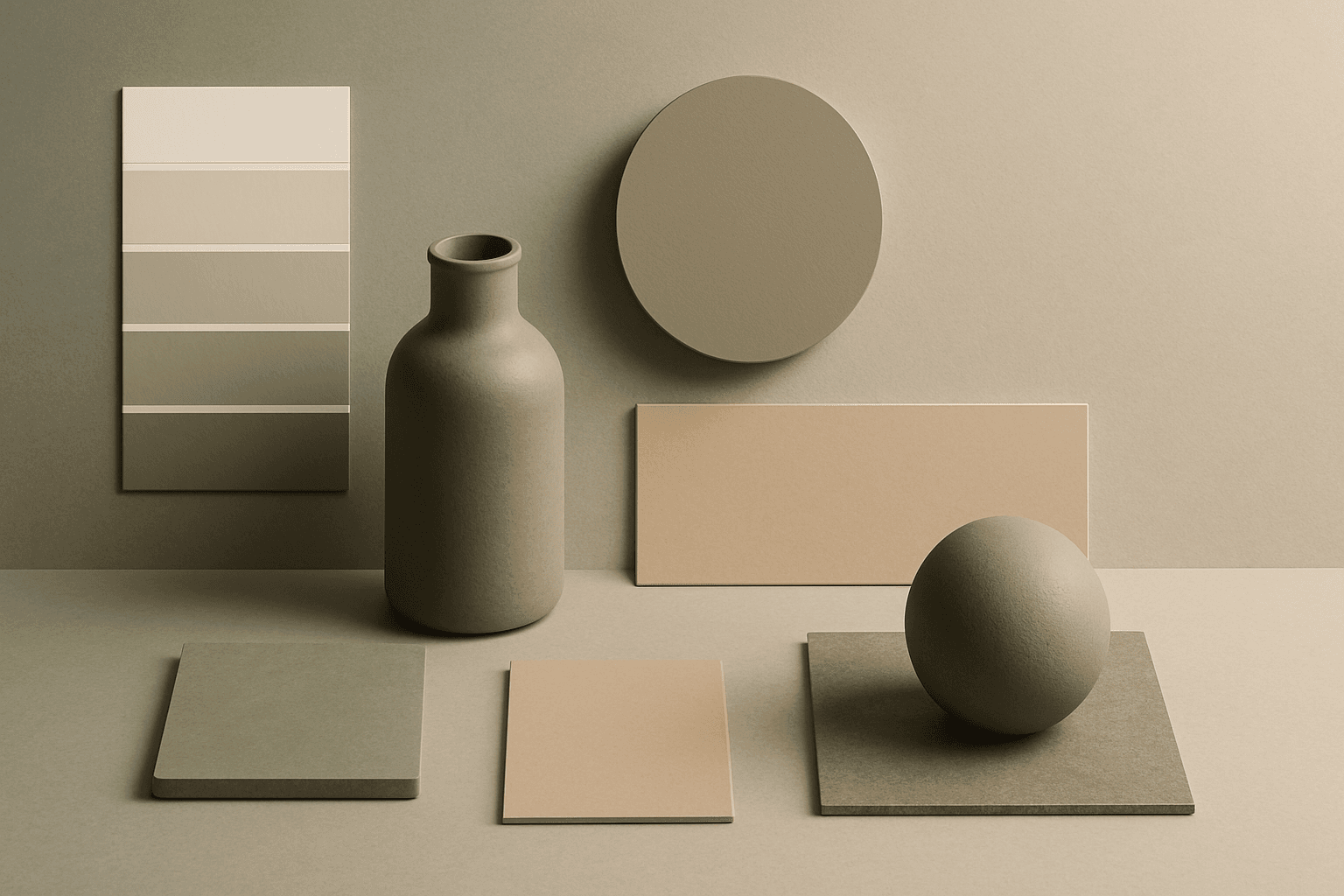
Muted Colors
Muted Colors are useful when you want AI-generated images to feel sophisticated instead of loud. They are common in interiors, lifestyle photography, fashion editorials, packaging, wellness brands, and business imagery. For stock creators, muted palettes can make images more flexible because they do not overpower text or brand elements. They also help avoid the overly saturated look that many AI images produce by default.
View keyword
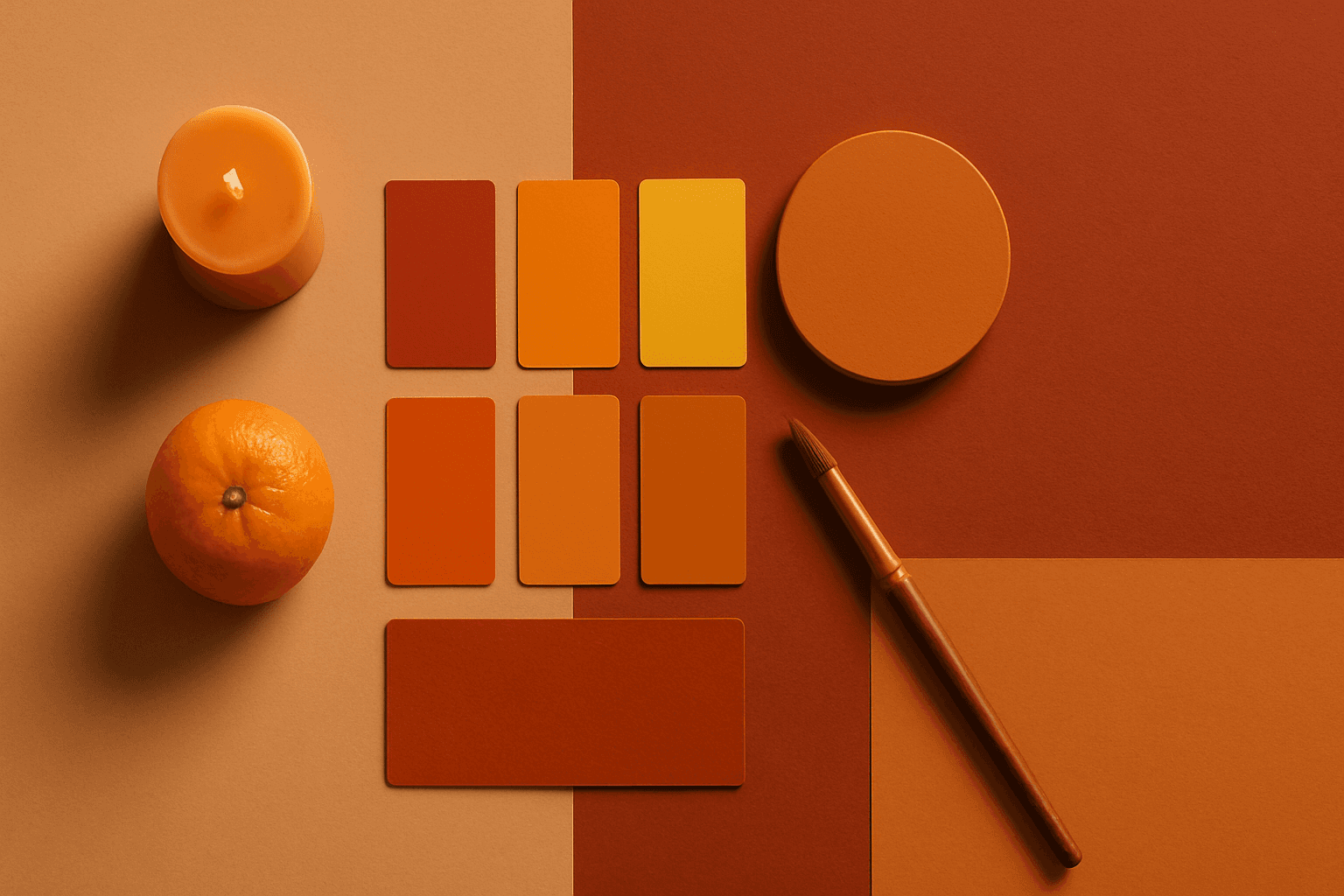
Warm Color Palette
Warm Color Palette is a practical keyword for guiding emotional tone. It can make a breakfast scene feel cozy, a travel image feel sunny, or a brand visual feel more approachable. Warm palettes are strong for commercial images because they connect quickly with themes like comfort, care, family, food, hospitality, wellness, and optimism. For beginners, this keyword is easier to control than listing many individual colors.
View keyword
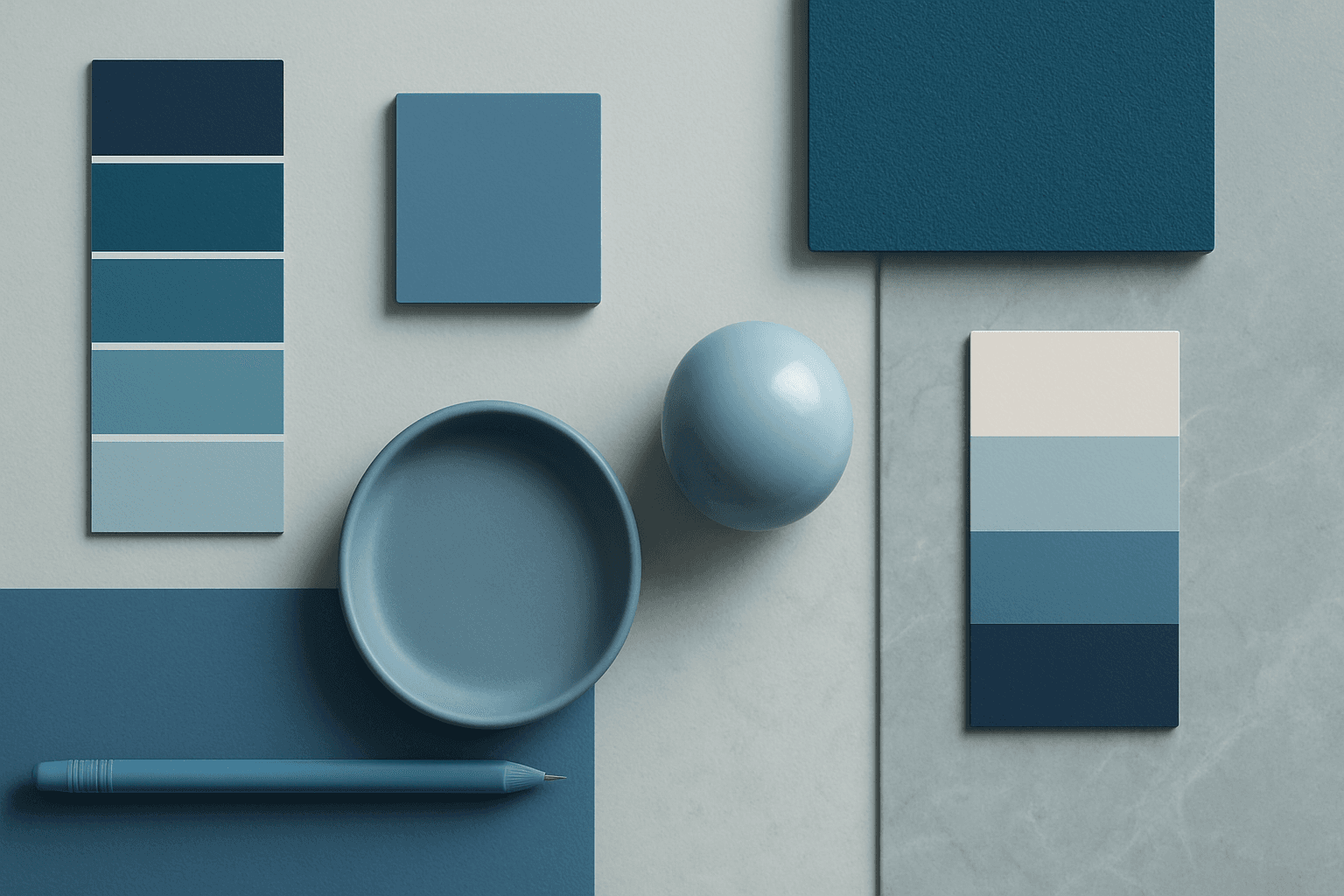
Cool Color Palette
Cool Color Palette is useful when you want an image to feel clear, composed, and modern. It is common in healthcare, technology, finance, architecture, SaaS, clean beauty, and wellness visuals. The palette can reduce emotional heat and make a design feel more trustworthy or focused. For AI creators, this keyword is helpful when a scene needs professionalism or calm rather than warmth and intimacy.
View keyword
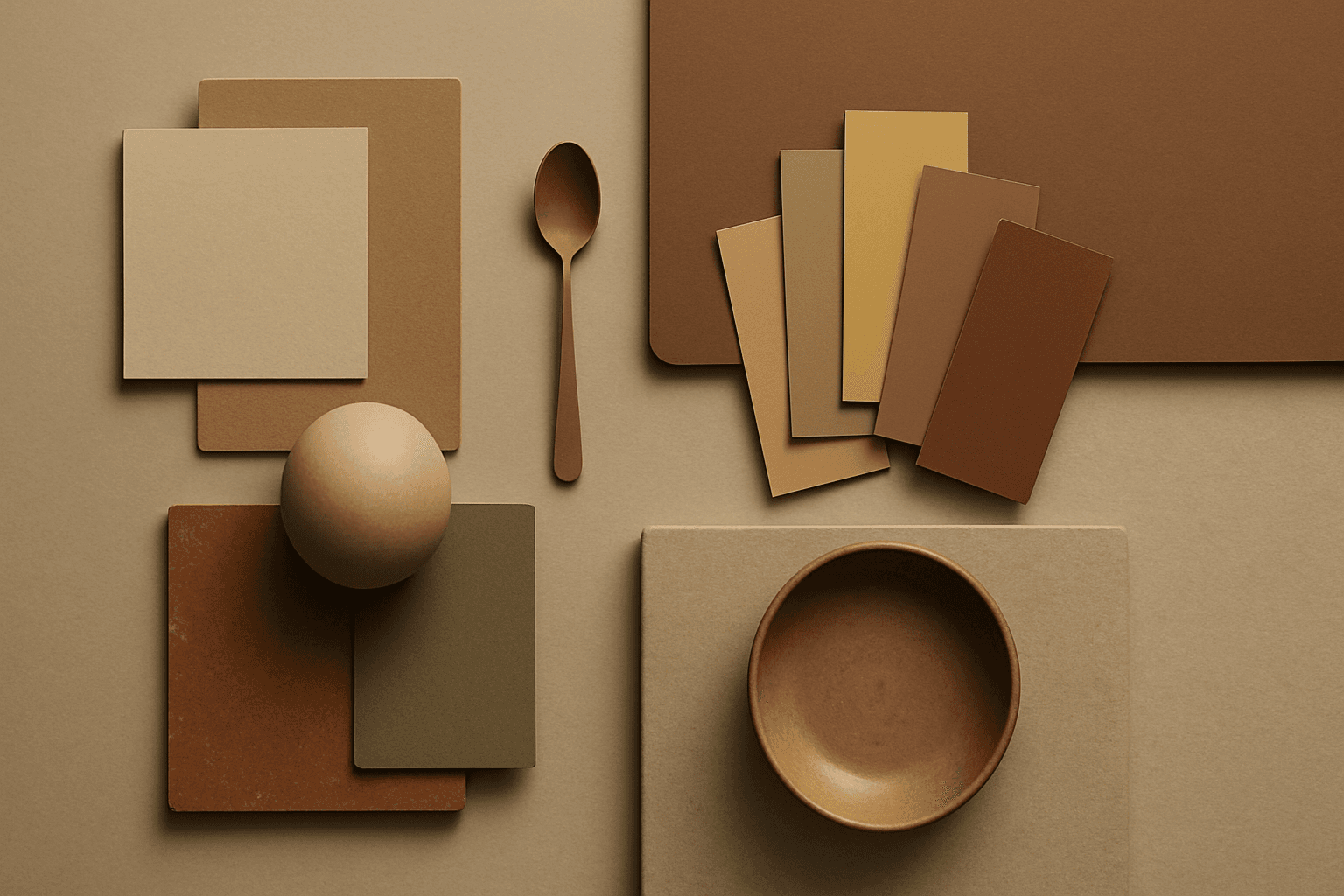
Earth Tone Colors
Earth Tone Colors are useful for creating grounded, organic, and commercially current AI images. They are common in wellness branding, sustainable packaging, interiors, handmade products, food, outdoor lifestyle, and natural beauty campaigns. For stock creators, earth tones can communicate authenticity and trust without needing obvious eco symbols. They also work well in minimalist layouts because the palette is calm but still warm.
View keyword
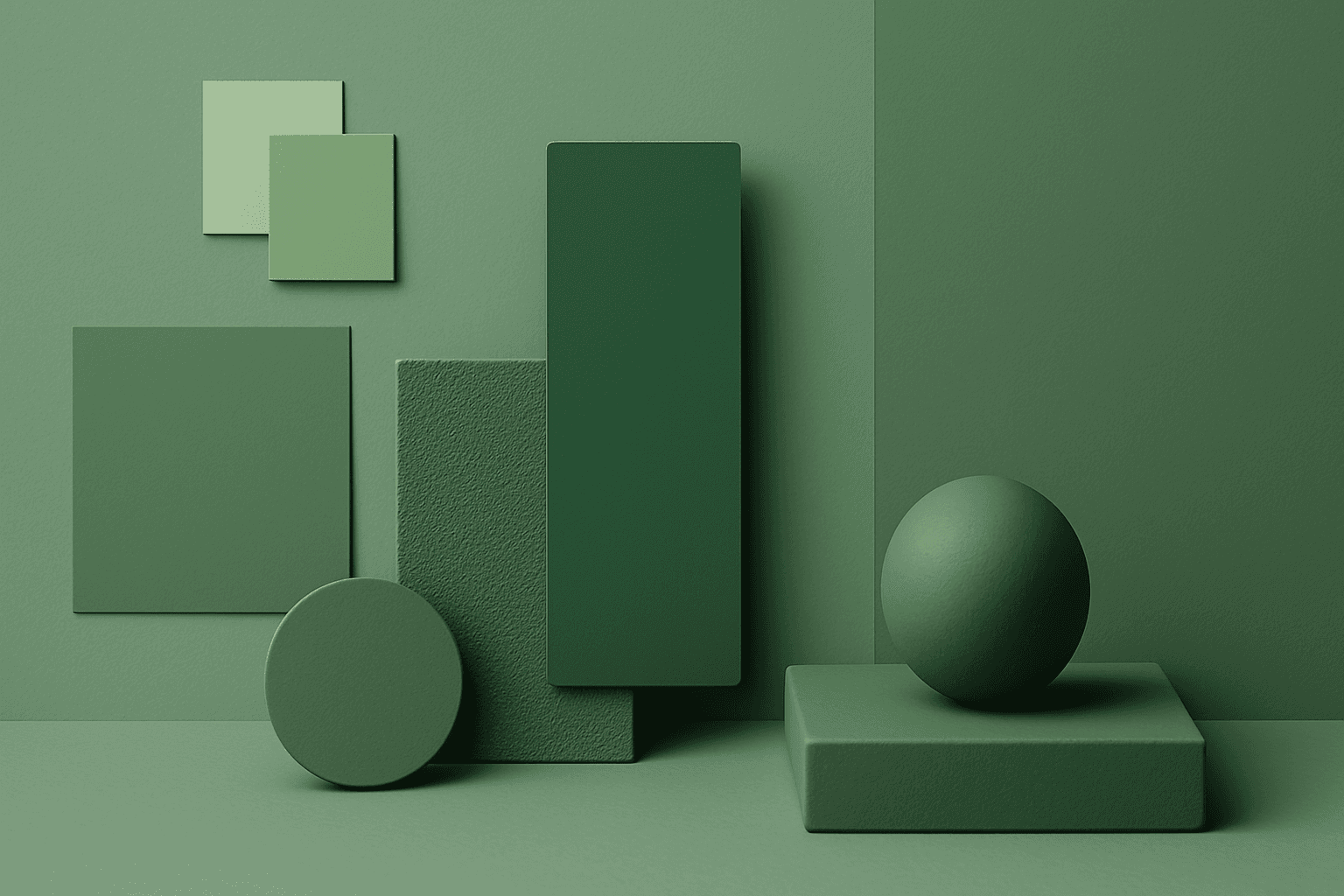
Monochromatic Colors
Monochromatic Colors are useful when an AI image needs strong cohesion and a design-led feel. Because the palette is limited, the viewer pays more attention to form, light, texture, and layout. This can make images feel editorial, premium, minimal, or graphic. For stock creators, monochromatic images can be useful for backgrounds, posters, fashion, architecture, product shots, and brand campaigns where color consistency matters.
View keyword
Complementary Colors
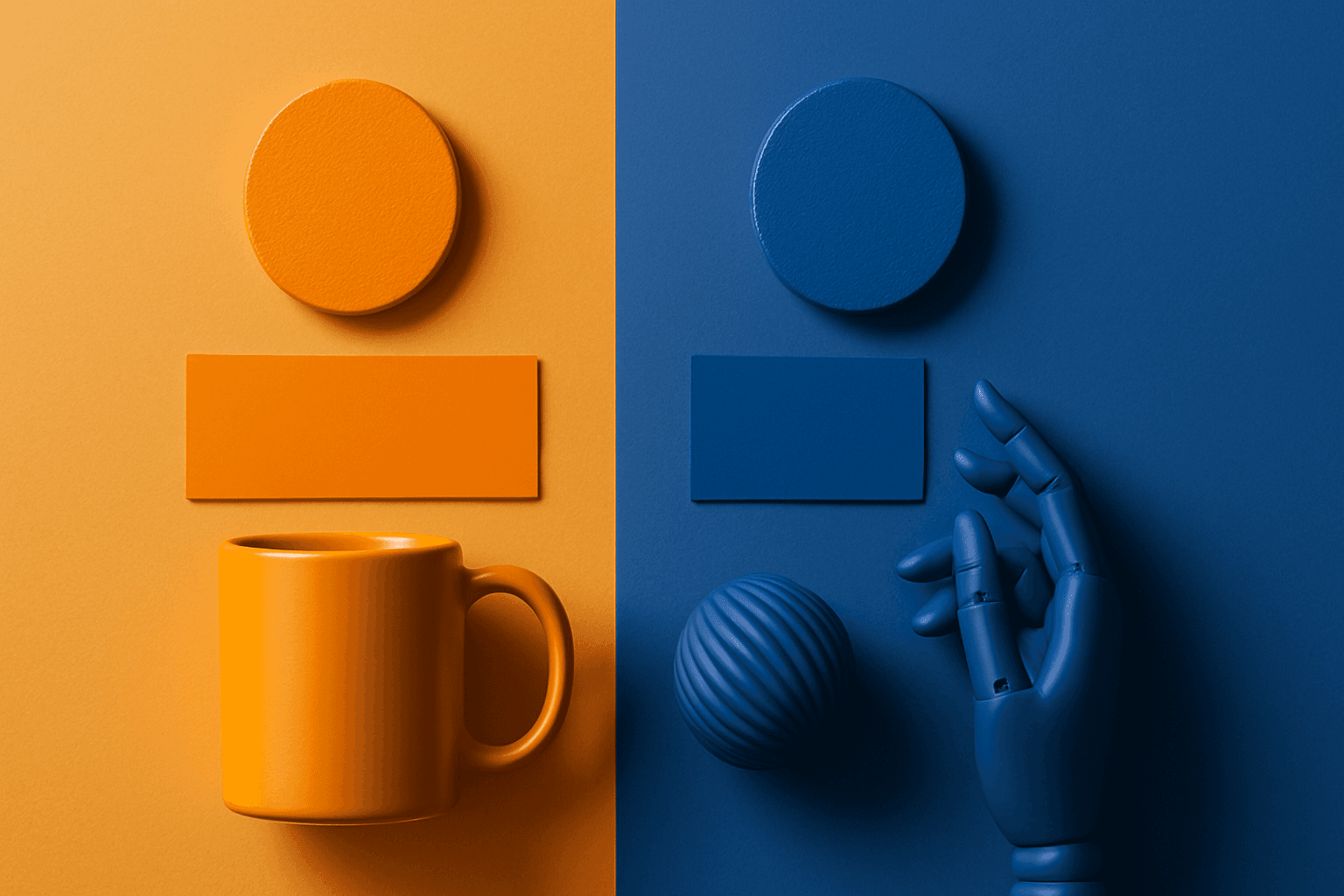
Complementary Colors are useful when an AI image needs to stand out quickly. The contrast can make a subject pop, create visual tension, and improve thumbnail impact. This keyword is common in movie posters, sports ads, product campaigns, music visuals, gaming art, and modern editorial imagery. For beginners, the key is balance: complementary palettes work best when one color leads and the opposite color supports it.
View keyword
Analogous Colors
Analogous Colors are useful when you want an AI image to feel harmonious and easy to look at. Because the colors are related, the image often feels more cohesive and less visually jarring. This makes the keyword helpful for interior design, nature scenes, wellness branding, beauty campaigns, fashion styling, and editorial backgrounds. For beginners, Analogous Colors are easier to control than complex palettes because the colors naturally belong together.
View keyword
Vibrant Colors
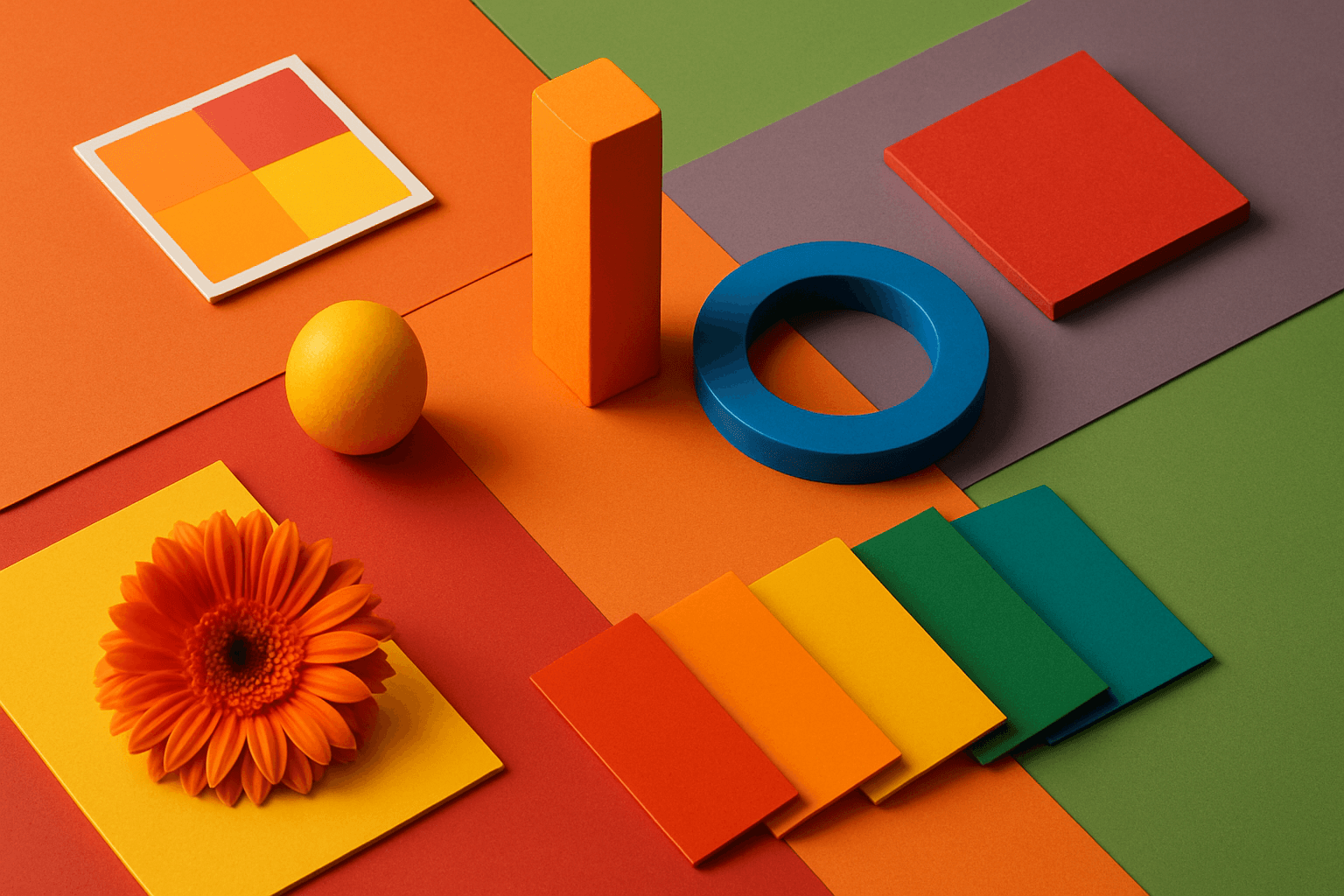
Vibrant Colors are useful when you want an AI image to grab attention quickly. They can make products look exciting, posters feel energetic, and social content stand out in feeds. This keyword is powerful for commercial creators, but it needs control. Too many saturated colors can feel chaotic or cheap. The best vibrant images usually have a clear subject, strong composition, and a limited set of bold colors.
View keyword
Neutral Colors
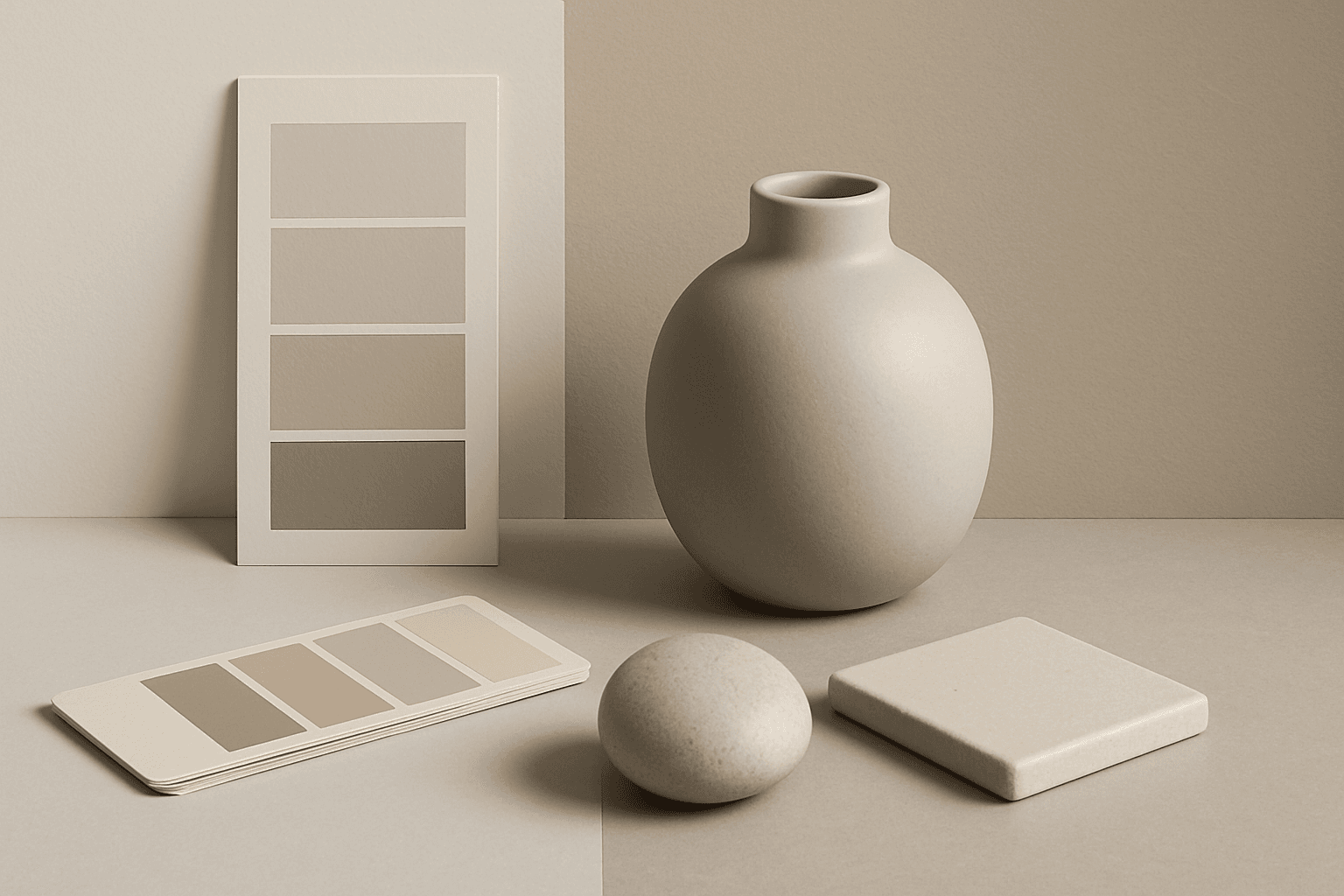
Neutral Colors are among the most commercially useful palette keywords. They help AI images feel clean, versatile, and layout-friendly. Neutral images can support text overlays, product packaging, editorial design, websites, and presentations without competing with brand colors. For stock creators, this is a practical keyword because buyers often need visuals that can blend into many design systems.
View keyword
Jewel Tone Colors
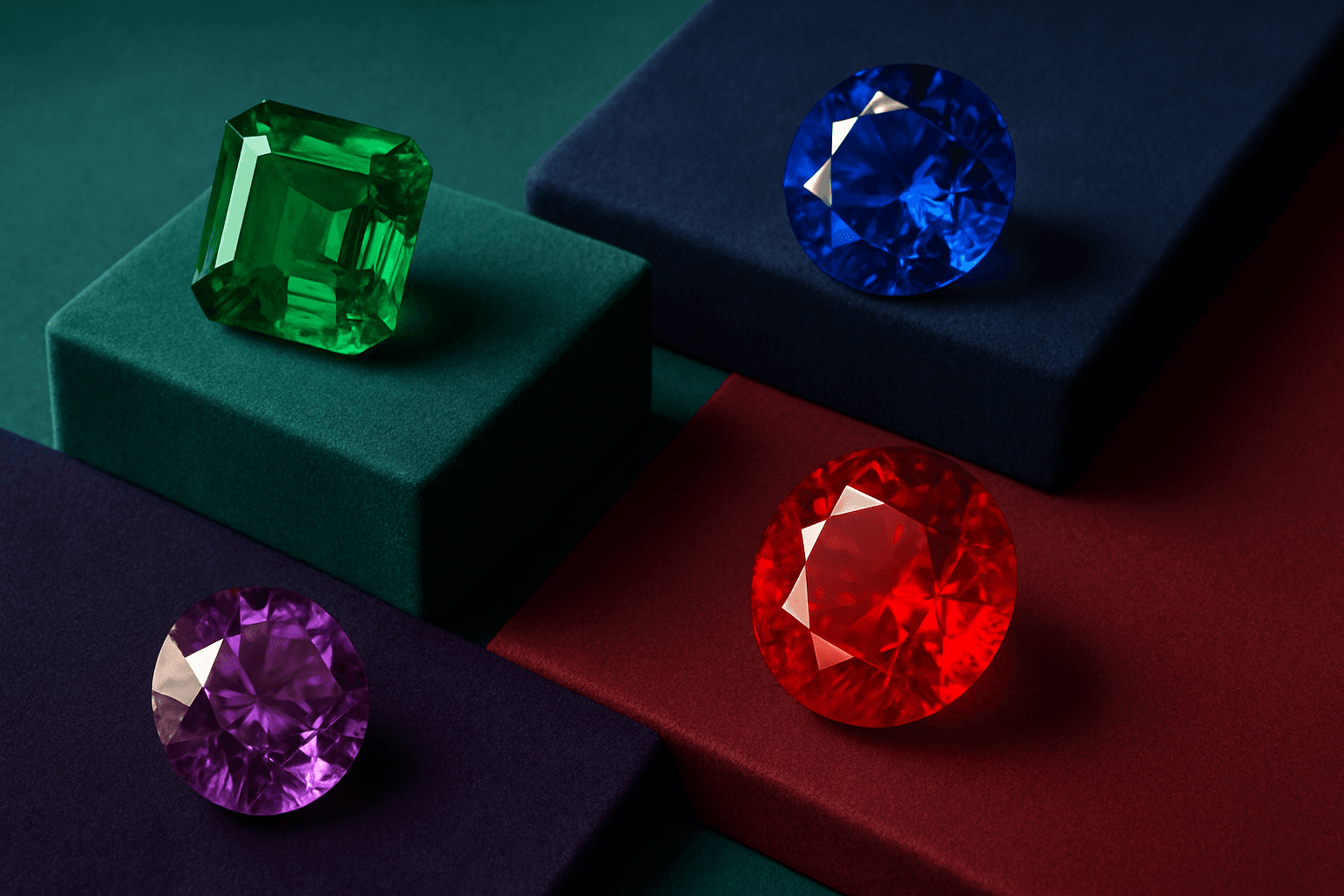
Jewel tone colors are a palette of rich, saturated hues inspired by natural gemstones like emerald green, sapphire blue, ruby red, and amethyst purple. These colors are known for their vibrant intensity and luxurious feel, making them popular across various creative fields including fashion, interior design, and digital art. Jewel tones stand out for their ability to add depth and sophistication to compositions, offering a bold yet elegant aesthetic. Their luminous quality helps convey a sense of opulence and timeless beauty, making them favored choices for premium design projects and high-end branding.
View keyword
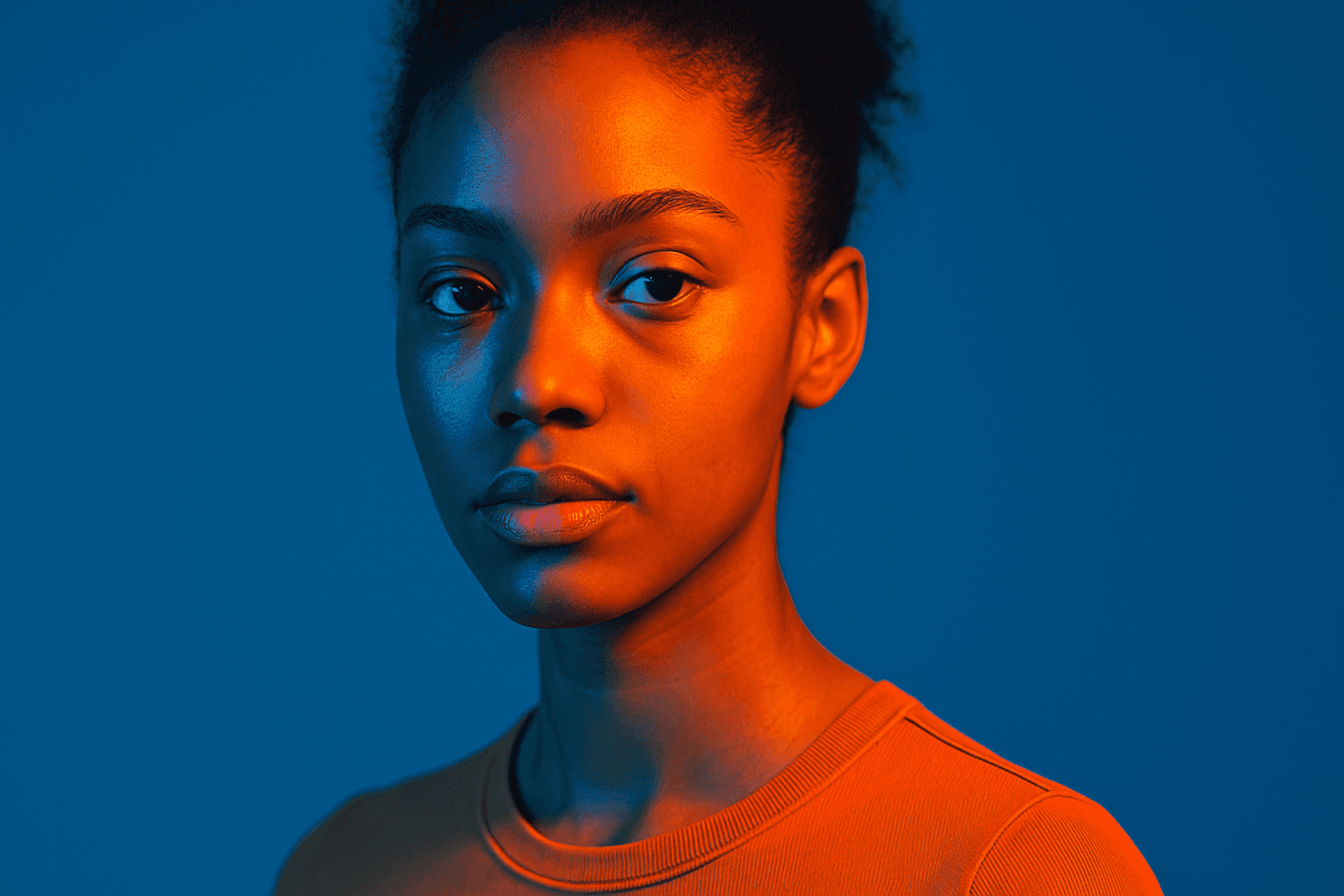
Duotone Colors
Duotone colors combine two distinct hues—often contrasting—to produce visually impactful images that balance simplicity and dynamism. This technique became popular in photography and graphic design where it adds a modern, artistic touch by emphasizing shadows and highlights through just two colors. Duotone visuals work well in various media including digital art, branding, and advertising. By limiting the color scheme, duotone designs offer clarity and a bold aesthetic that can communicate emotion effectively. With advances in AI image generation and editing, creating duotone visuals has become straightforward, allowing designers to experiment with color combinations and achieve stylized imagery that stands out.
View keyword
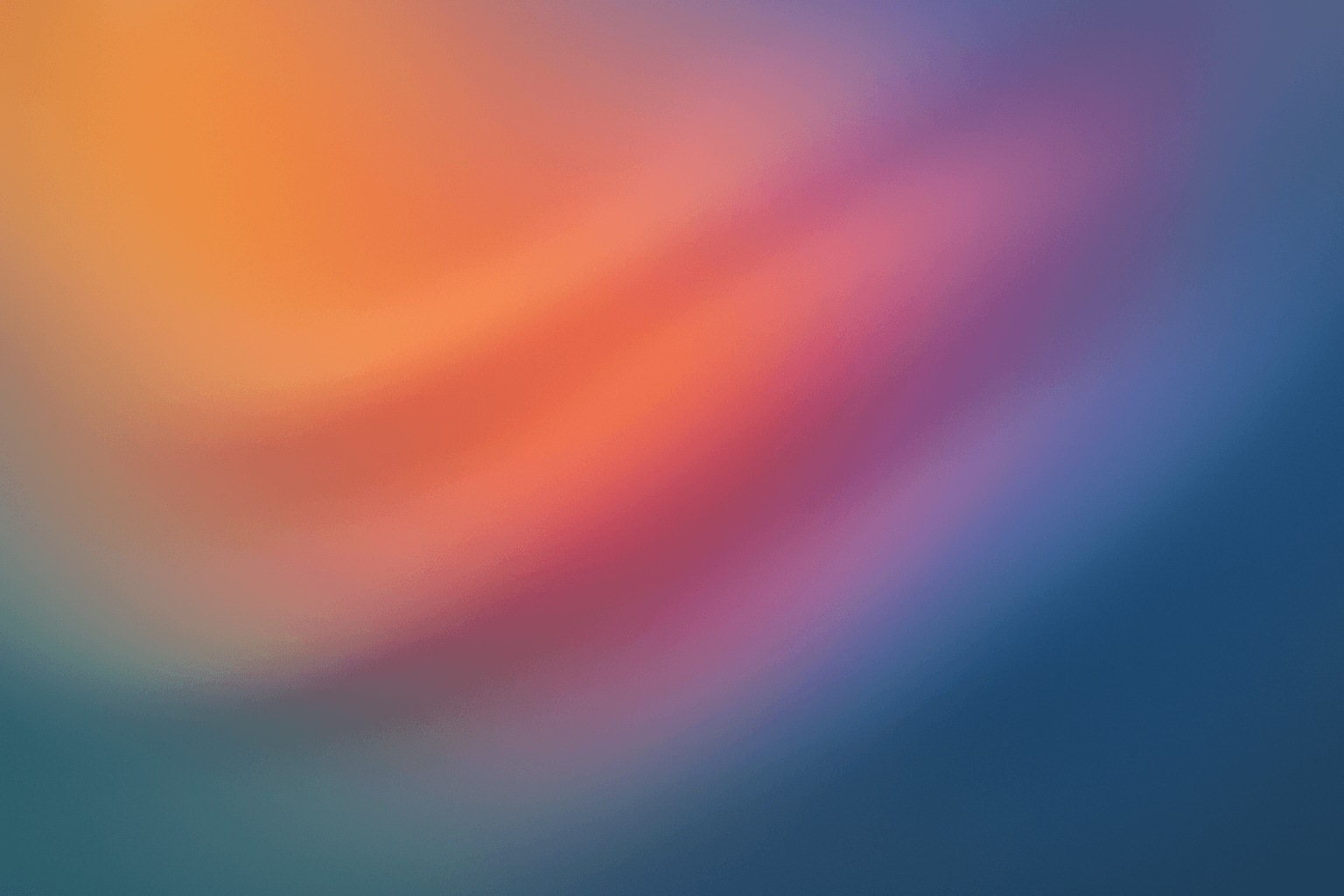
Gradient Colors
Gradient colors are a popular design element characterized by a seamless shift between two or more colors. They range from subtle transitions, such as a light blush to soft pink, to vibrant combinations like bright blue fading into emerald green. Used widely in digital design, web interfaces, branding, and art, gradients add visual interest and guide the viewer's eye across a composition. Modern tools allow designers to customize gradients with various styles — linear, radial, angular, or diamond-shaped — enhancing the flexibility and creative potential of this technique.
View keyword
Black and Gold Palette
The Black and Gold Palette is a timeless color combination used widely across design, fashion, and branding to convey luxury, exclusivity, and elegance. The deep black background serves as a solid, grounding base that enhances the rich, lustrous tone of metallic gold accents. This pairing is versatile enough to appear in editorial layouts, product packaging, and digital art, offering a premium and refined visual appeal. The interplay between matte black and reflective gold elements creates subtle depth and sophisticated contrast, drawing viewers' attention effectively. Its association with opulence and tradition makes it a popular choice for high-end projects seeking a polished and stylish aesthetic.
View keyword
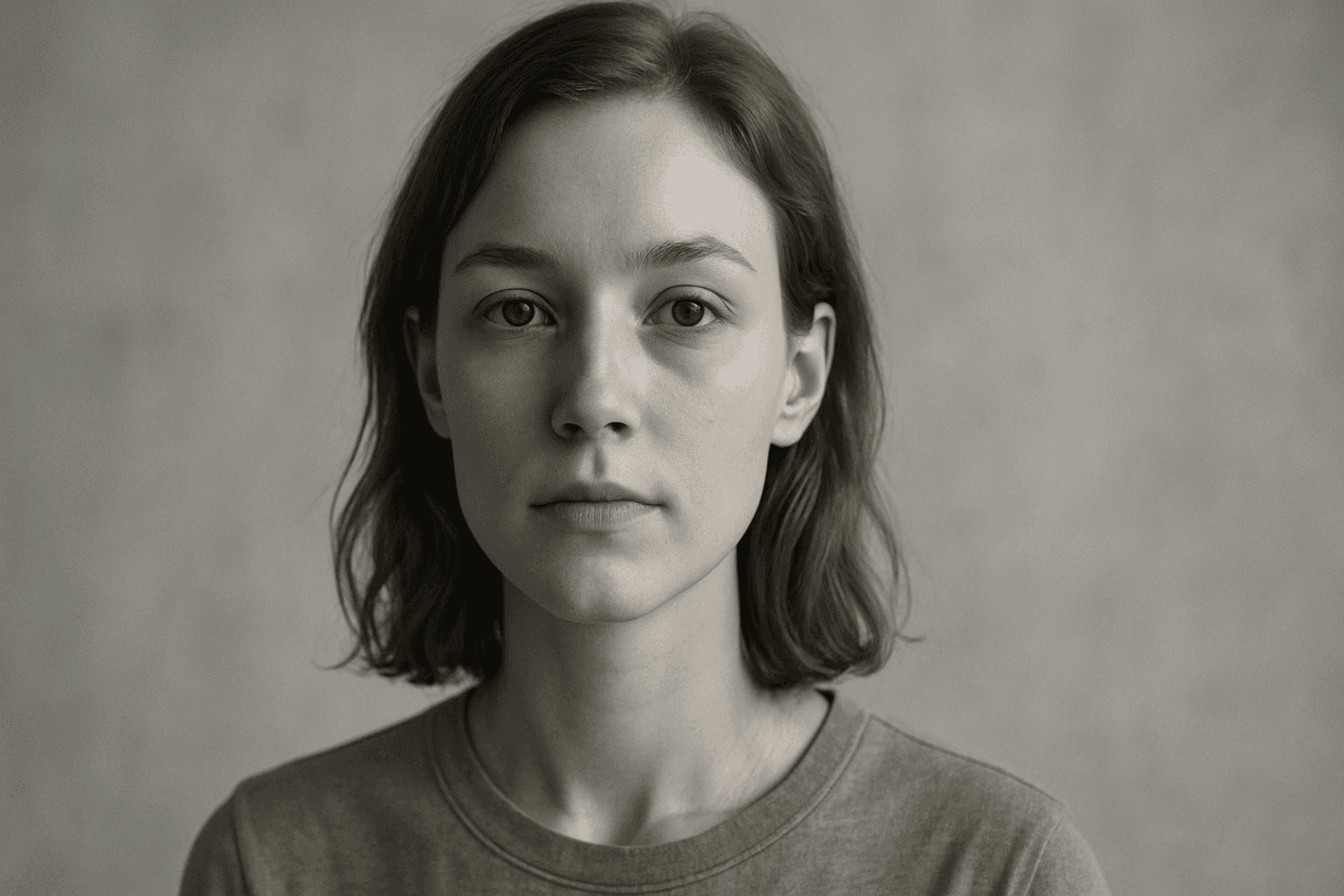
Desaturated Colors
In AI image generation, 'desaturated colors' guide models to produce images with toned-down color intensity, resulting in a muted and understated appearance. This technique is valuable for conveying moods such as tranquility, nostalgia, or elegance by avoiding overly bright or saturated colors. Using desaturated colors can help shift the focus to composition, texture, and lighting rather than vivid color contrasts, making images more versatile for editorial content, fashion, or natural scenes. It balances realism and artistic subtlety, especially when paired with refined lighting and soft shadows to emphasize material qualities and depth.
View keyword
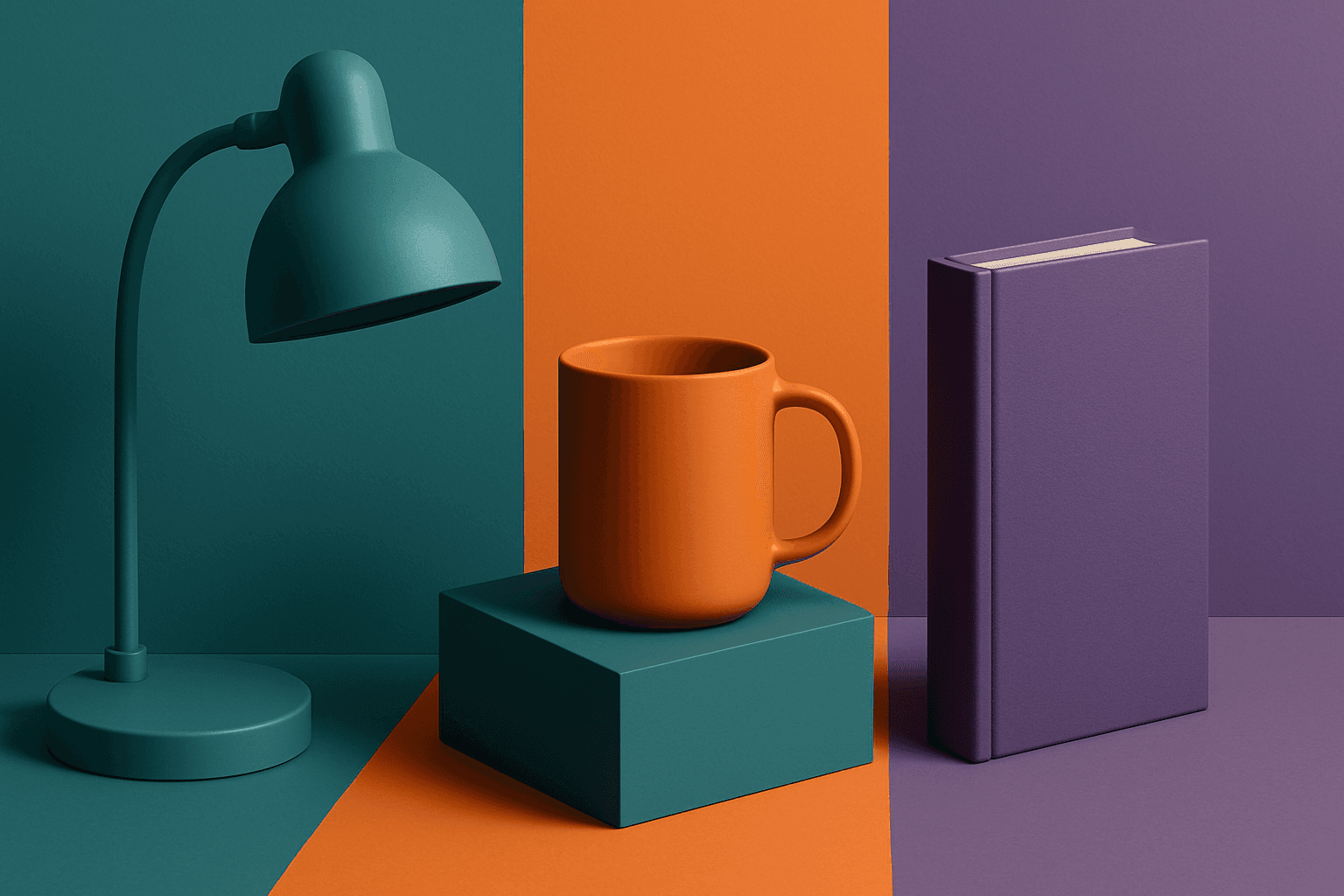
Triadic Color Scheme
The triadic color scheme is a classic color theory concept widely used in art and design, characterized by choosing three colors equally spaced around the color wheel, such as red, yellow, and blue. This approach produces vibrant, balanced images that are visually stimulating yet cohesive. When integrated into AI image generation prompts, directing the model to use a triadic palette influences the overall color composition, encouraging distinct color blocks or gradients that harmonize well. This can be particularly useful for achieving dynamic but balanced aesthetics, making compositions stand out while maintaining visual unity. Triadic schemes often evoke a lively, engaging mood, suitable for varied creative fields including branding, illustration, and editorial design.
View keyword
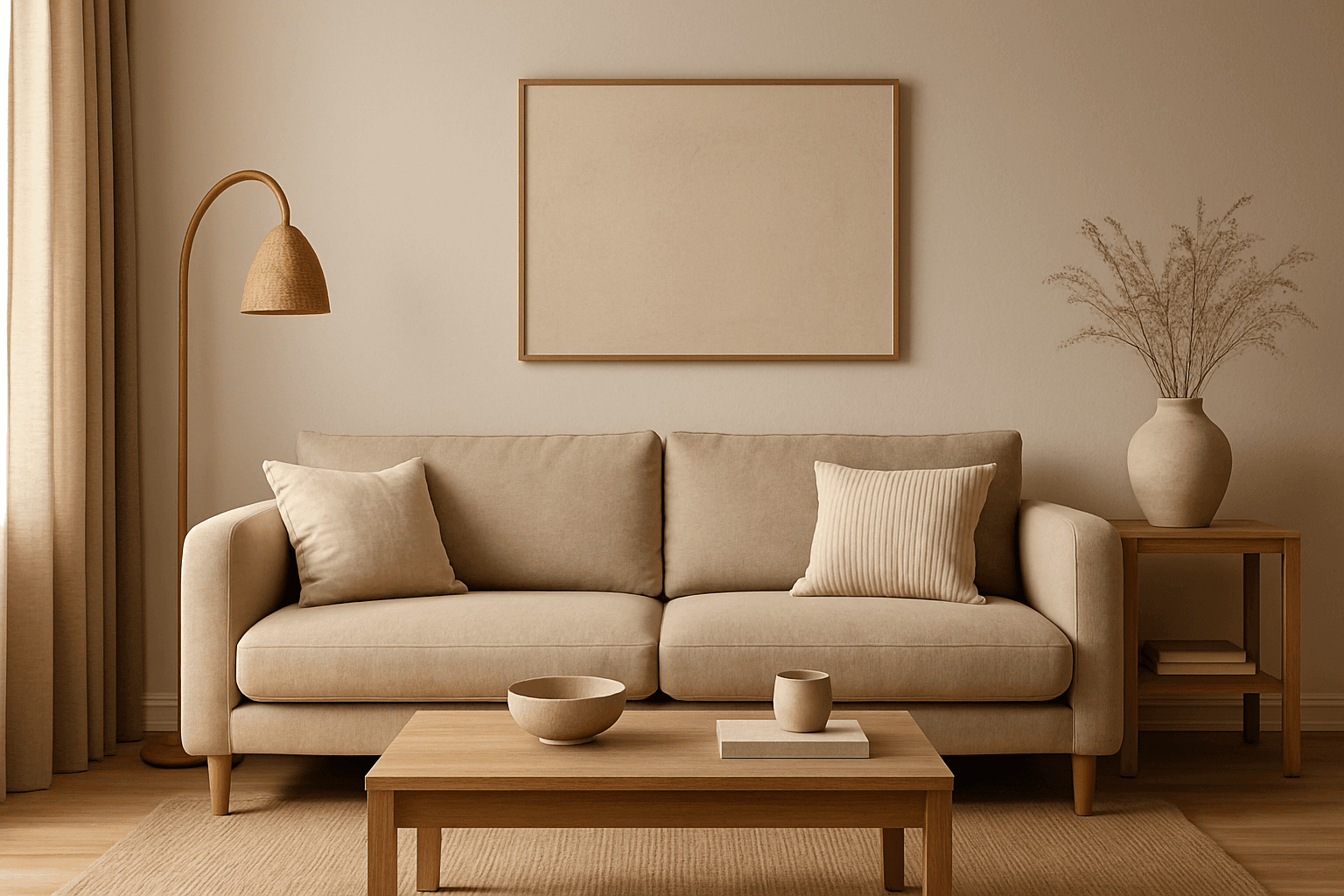
Warm Neutral Palette
The Warm Neutral Palette is a popular color scheme choice in design and AI-generated imagery for its timeless and soothing qualities. This palette combines warm earthy tones with soft neutrals, producing images that feel natural and approachable. Incorporating warm neutrals can enhance mood by bringing subtle warmth and comfort to visuals without overpowering them. When added to AI prompts, it guides the model to emphasize harmonious colors that evoke calmness and sophistication. The palette works well across various genres, including lifestyle, interiors, fashion, and nature themes, helping create polished and refined visuals suitable for editorial or commercial use.
View keyword
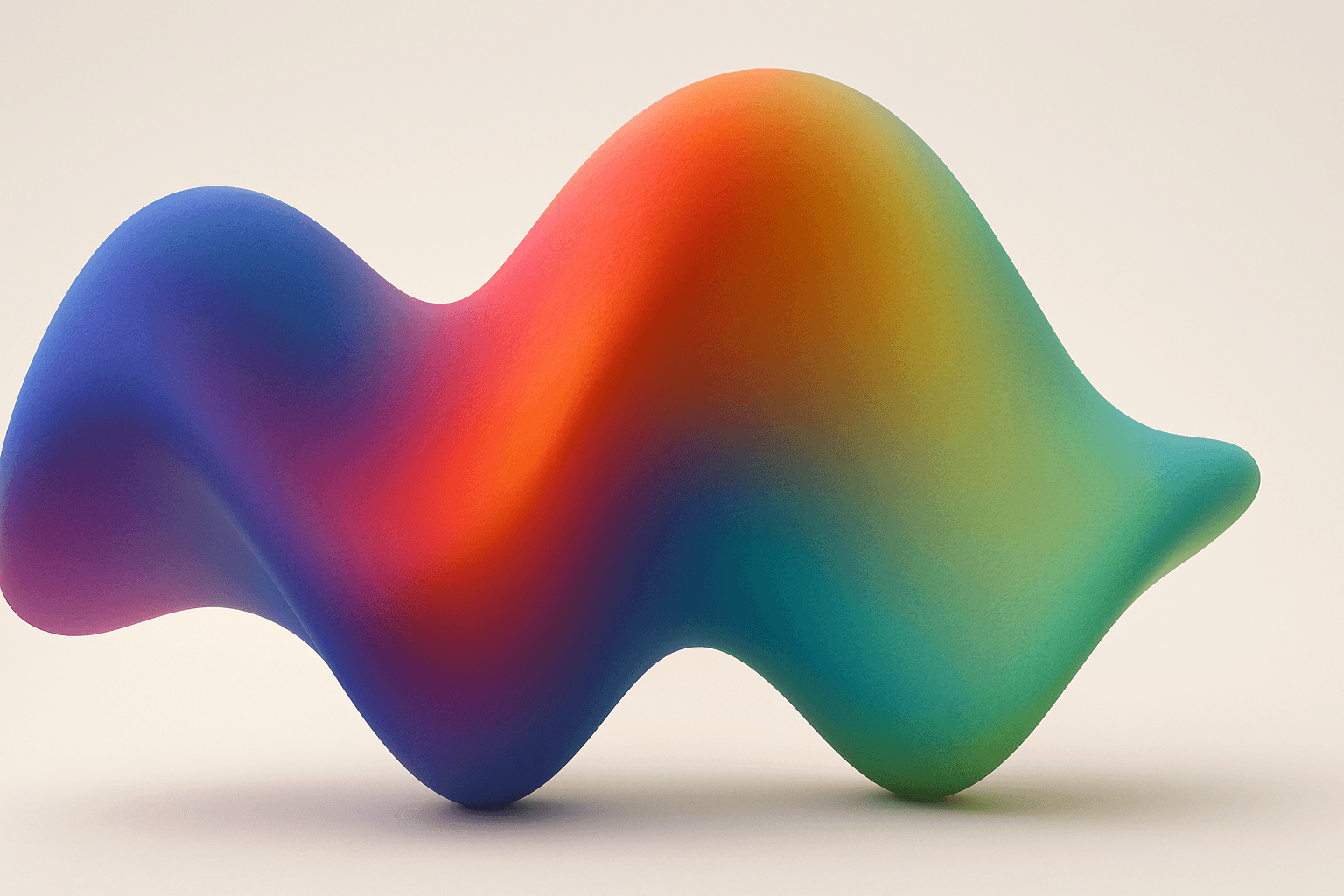
Gradient Mesh Coloring
Gradient mesh coloring enriches AI-generated images by introducing smooth, multidirectional color blends that mimic real-life shading and lighting nuances. Unlike standard gradients, which follow linear or radial flows, gradient meshes form intricate color maps over an object's surface, allowing fine control over color shifts and highlights. When used in AI prompts, this keyword encourages the model to create images with sophisticated color depth, making visuals feel more natural and textured. This effect is especially powerful in subjects requiring realistic rendering of materials like fabric, skin, or liquid, as well as in abstract compositions demanding refined chromatic transitions.
View keyword
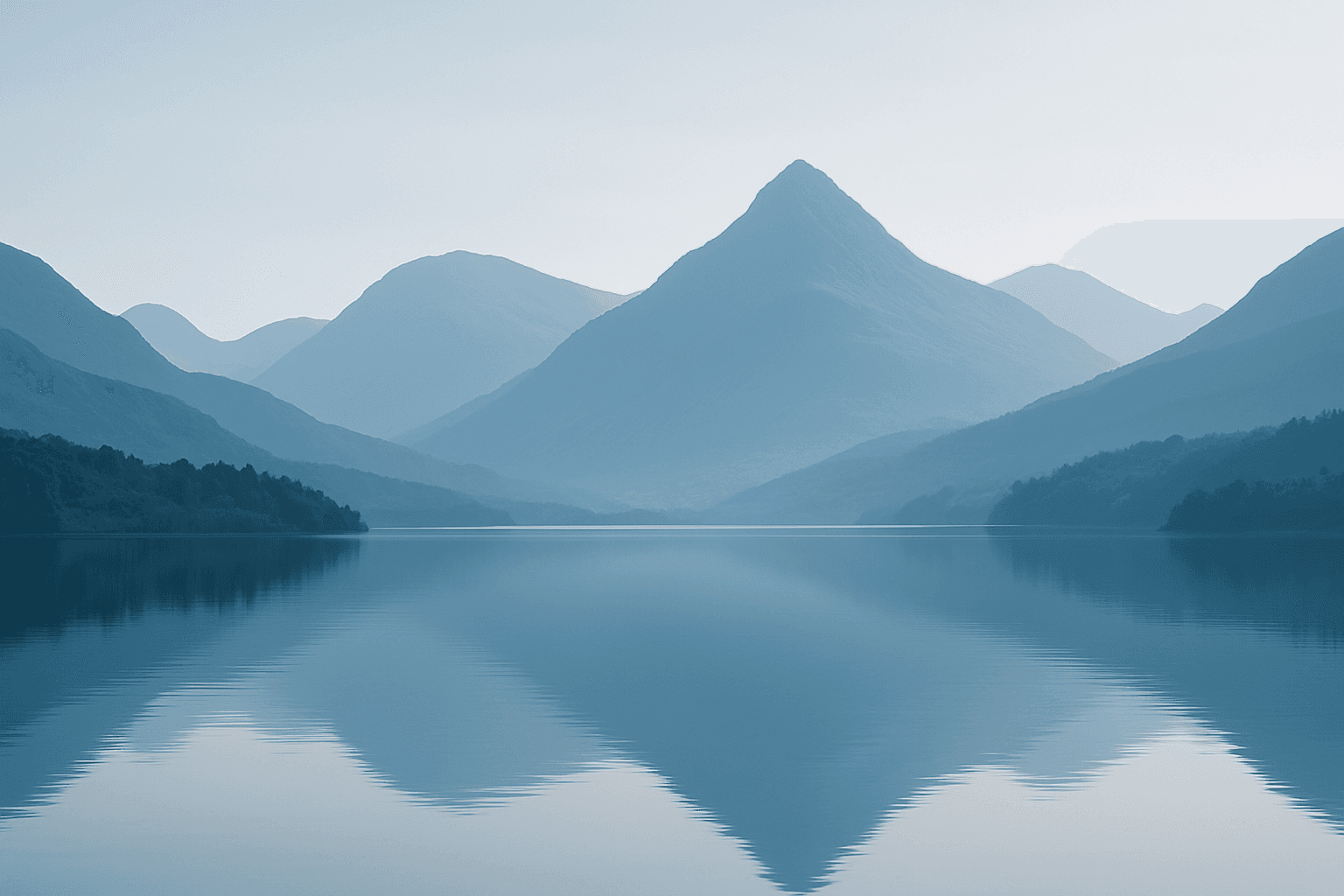
Monotone Blue Palette
The Monotone Blue Palette is a specialized coloring style used in AI-generated imagery that embraces blue tones exclusively, from pale icy blues to deep navy. This approach simplifies color complexity while adding a sophisticated, calming atmosphere to an image. It is ideal for creative projects necessitating mood-driven visuals or stylistic consistency. Incorporating this palette into prompts helps artists, designers, and marketers create images that evoke tranquility, stability, and trustworthiness. The technique fits a variety of themes including landscapes, portraits, and abstract compositions, providing a modern, refined aesthetic that stands out due to its monochromatic elegance.
View keyword
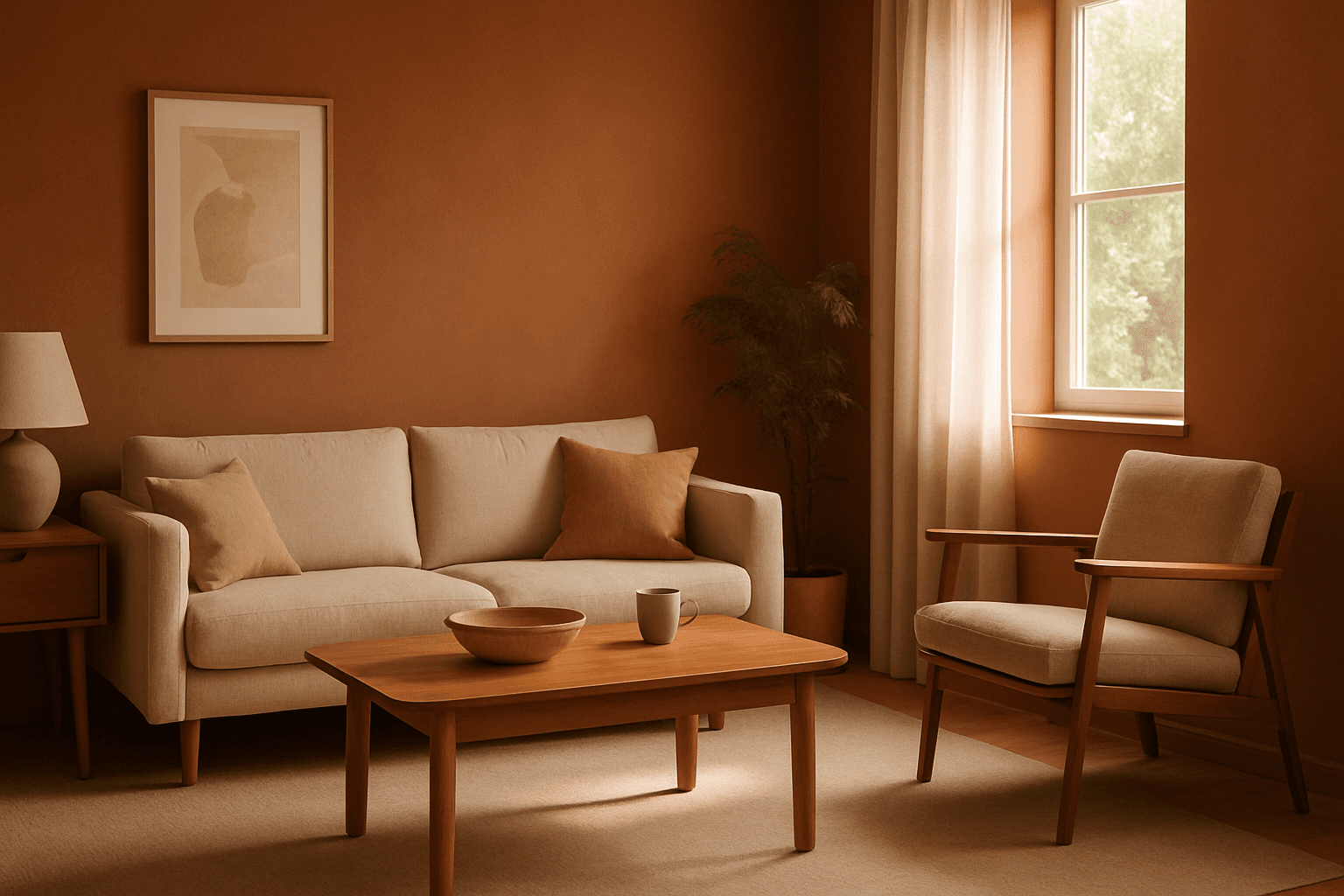
Earthy Warm Tones
Using Earthy Warm Tones in AI image generation brings a cozy and organic aesthetic to your visuals. This color keyword shifts the palette toward natural and muted warm colors that recall the earth's rich textures, often creating a calm and inviting mood. Ideal for images that require realistic materials and depth, these tones lend a premium, editorial polish without harsh contrasts. When combined with refined lighting and subtle depth, images gain a tactile, authentic feel, suitable for editorial hero imagery or sophisticated product presentations.
View keyword
Soft Pastel Color Palette
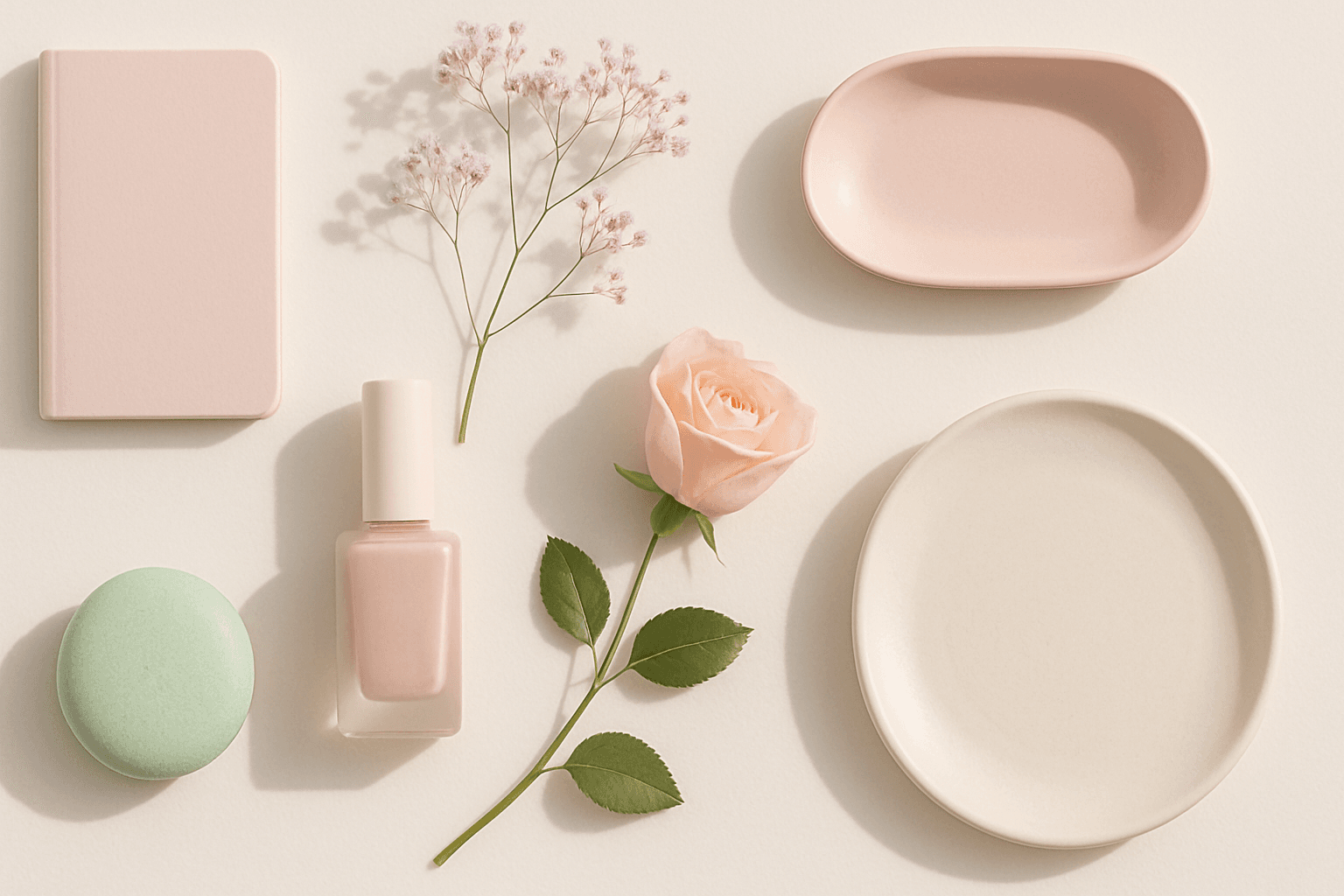
Soft Pastel Color Palette embodies a range of delicate and subdued colors that convey tranquility and subtlety. When directing AI models, mentioning this palette guides the generation toward gentle gradations and harmonious blends of pale pinks, blues, lavenders, and creams. This palette is often employed to produce images with a dreamy, refined aesthetic, fitting for designs needing understated elegance or a nostalgic feel. The softness reduces visual noise and enhances compositions focused on mood rather than bold contrasts.
View keyword
Deep Jewel Tones
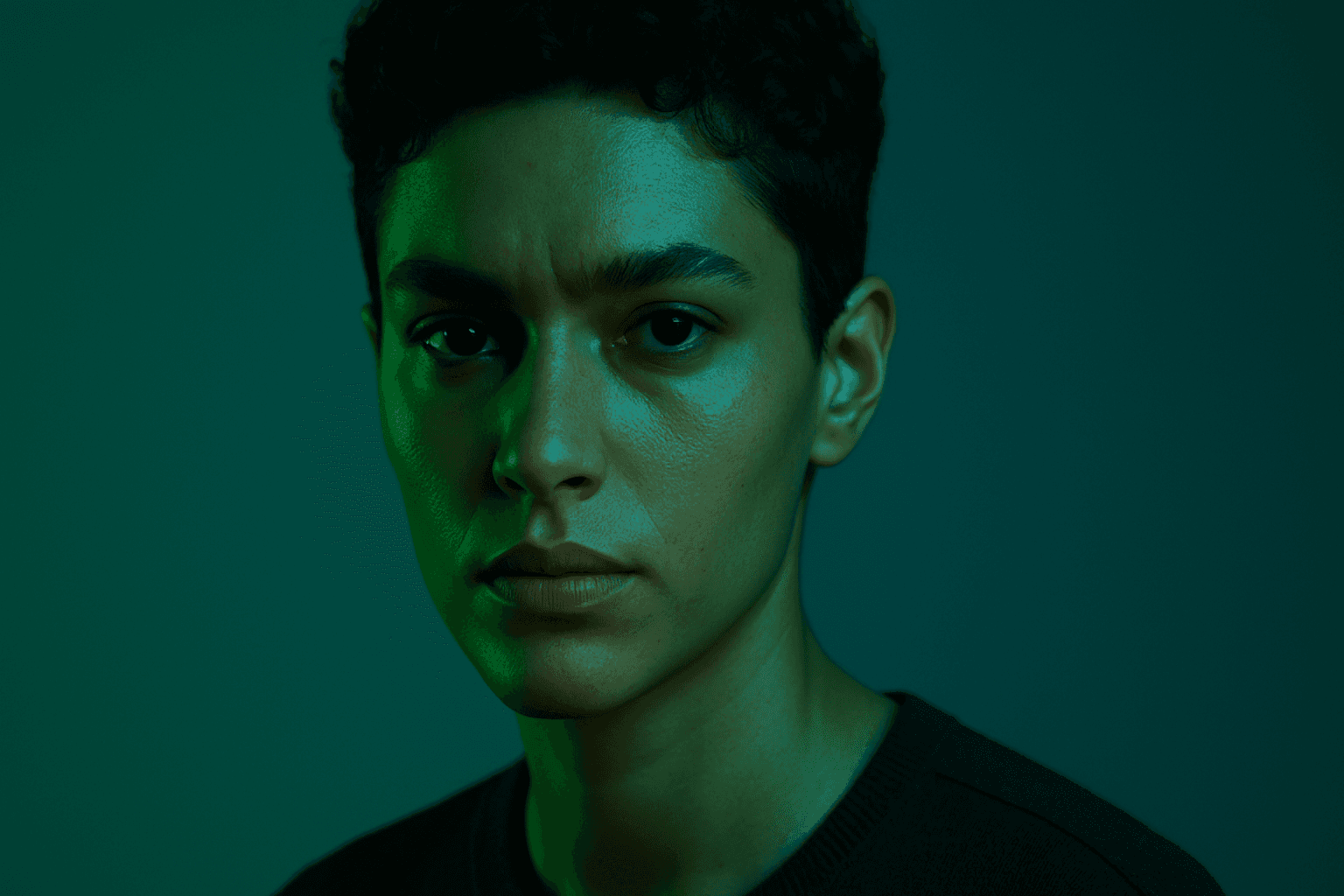
Deep jewel tones are a color category that draws inspiration from the vibrant and saturated hues of gemstones such as emeralds, sapphires, rubies, and amethysts. Using these colors in AI-generated images results in visuals that feel elegant, deep, and luxurious. The intense saturation combined with a natural richness adds emotional depth and visual interest without overwhelming the composition. This palette is especially effective for creating sophisticated editorial portraits, stylish fashion imagery, and premium product photography. By specifying 'deep jewel tones' in prompts, artists and creators can reliably evoke a refined atmosphere with distinctive, eye-catching colors.
View keyword
Earthy Warm Color Scheme
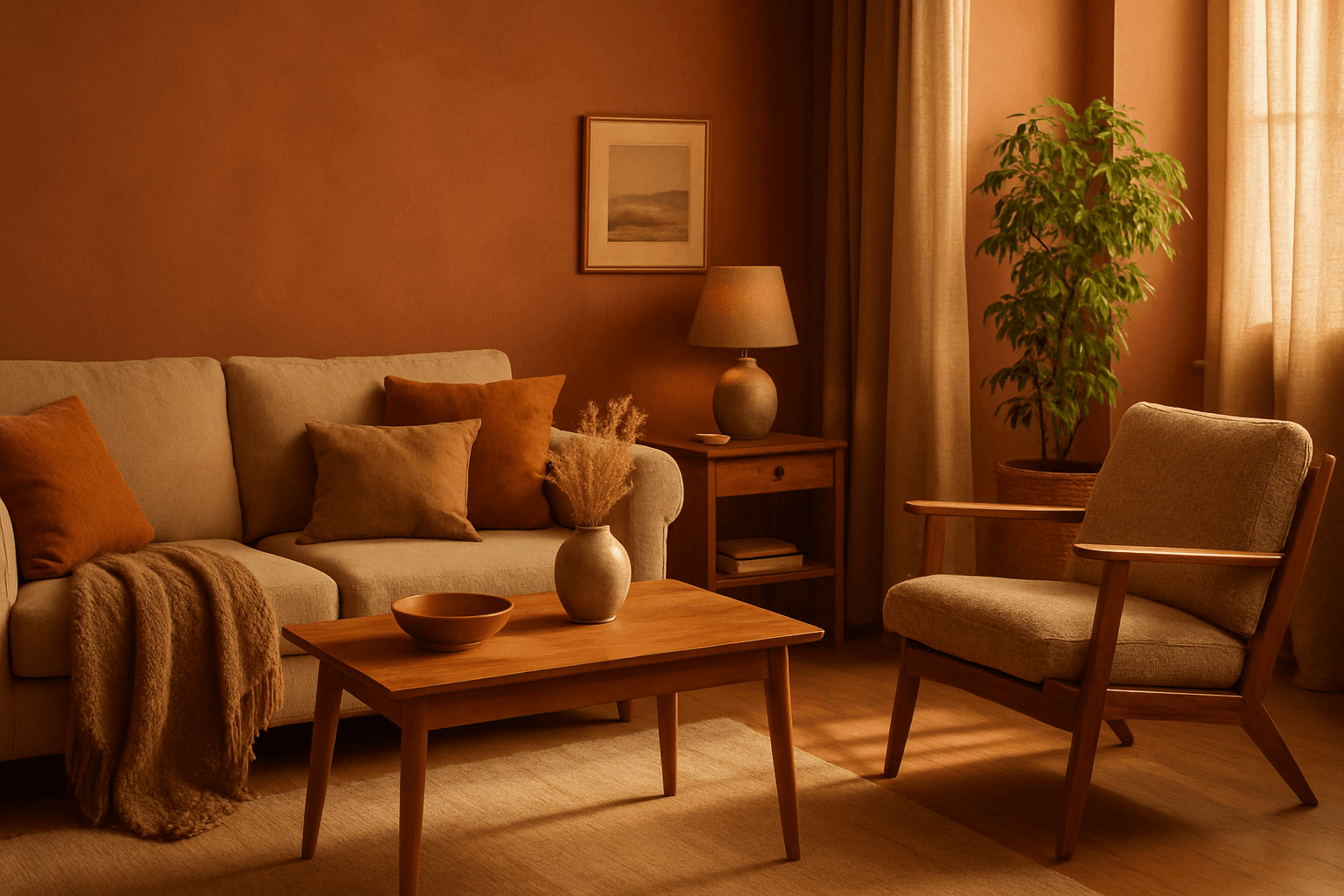
The Earthy Warm Color Scheme is a popular choice for artists and designers aiming to create images that feel natural, comforting, and connected to the environment. By focusing on warm, muted earth tones, this scheme lends a timeless aesthetic suited for a variety of subjects, including landscapes, portraits, interiors, and product shots. Using this palette in AI image prompts can help achieve visuals that emphasize quiet warmth and natural beauty, often evoking rustic charm or bohemian moods. It's well-suited for editorial photography, lifestyle branding, and environmental themes, enhancing images with a sophisticated yet approachable mood.
View keyword

Monochromatic Blue Palette
Using a Monochromatic Blue Palette in AI image generation focuses on deploying only blue hues within the composition. This technique results in images that appear cohesive and unified, emphasizing mood and atmosphere through color consistency. Blue tones evoke calm, trust, and professionalism, making this palette versatile for numerous visual contexts. By instructing AI prompts to apply this palette, designers gain refined control over color ambiance, ensuring that the final image communicates desired emotional undertones or branding colors effectively.
View keyword
Triadic Color Harmonies
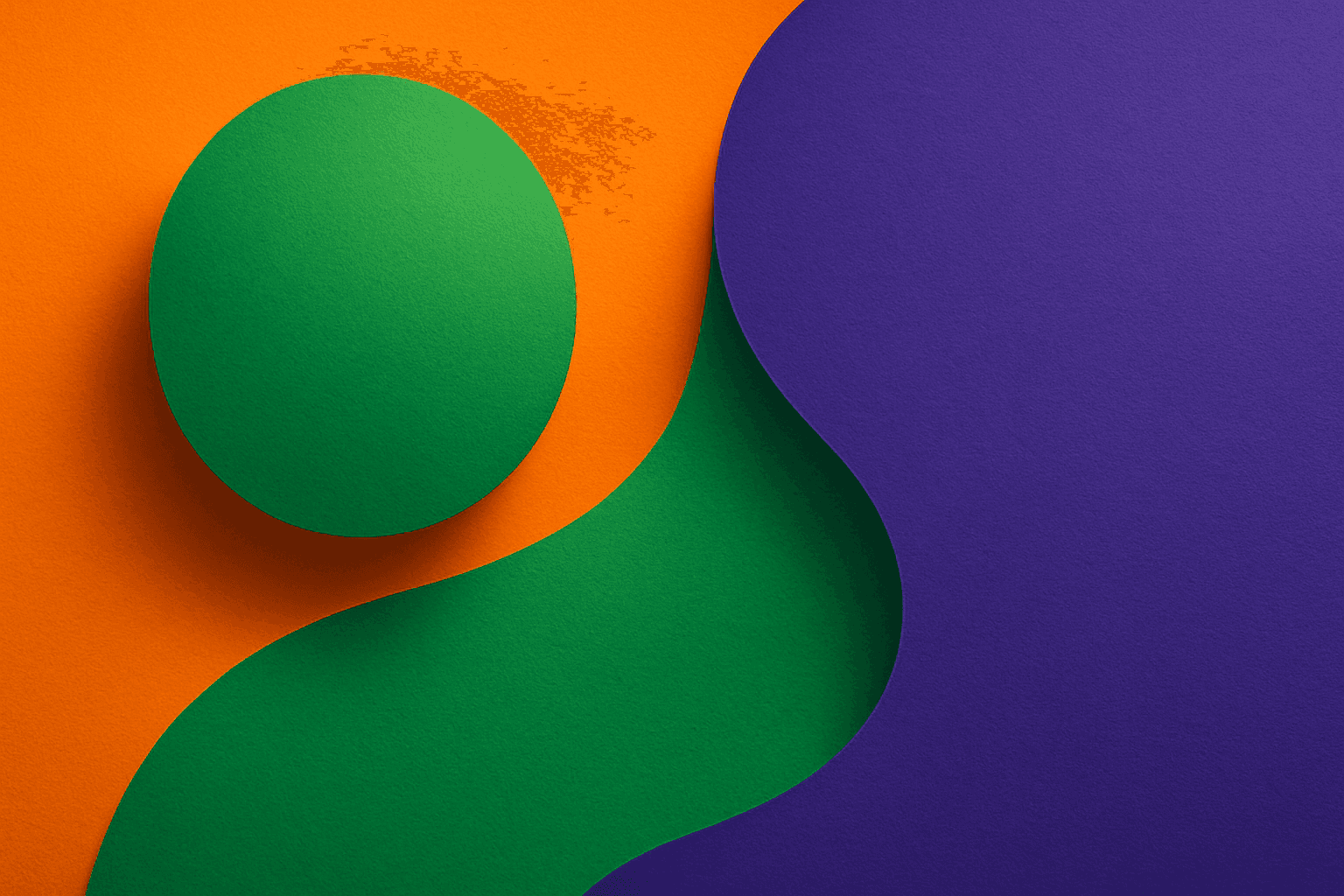
Triadic color harmonies provide a powerful method to generate visually striking AI images with balanced contrast. By selecting three colors evenly distributed on the color wheel, this technique injects vibrancy and diversity into the palette while maintaining harmony. When included in AI image prompts, it helps produce compositions that pop with color but remain cohesive, suitable for a wide range of creative projects. This approach avoids monotone or clashing visuals and offers a natural yet exciting look. Understanding and applying triadic color harmonies in prompts empowers creators to craft images that stand out with rich, lively color schemes across digital art, design mockups, and branding visuals.
View keyword
Analogous Color Schemes
Analogous color schemes bring a visually pleasing harmony to AI-generated images by combining hues that neighbor each other on the color wheel. This creates images with gentle transitions and a cohesive mood, avoiding stark contrasts. When used in prompts, this scheme helps produce illustrations, photography-style renders, or digital art that feel naturally balanced—ideal for themes that require softness or unity like nature scenes, interiors, or fashion visuals. This approach makes images feel comfortable and inviting without overwhelming the viewer.
View keyword
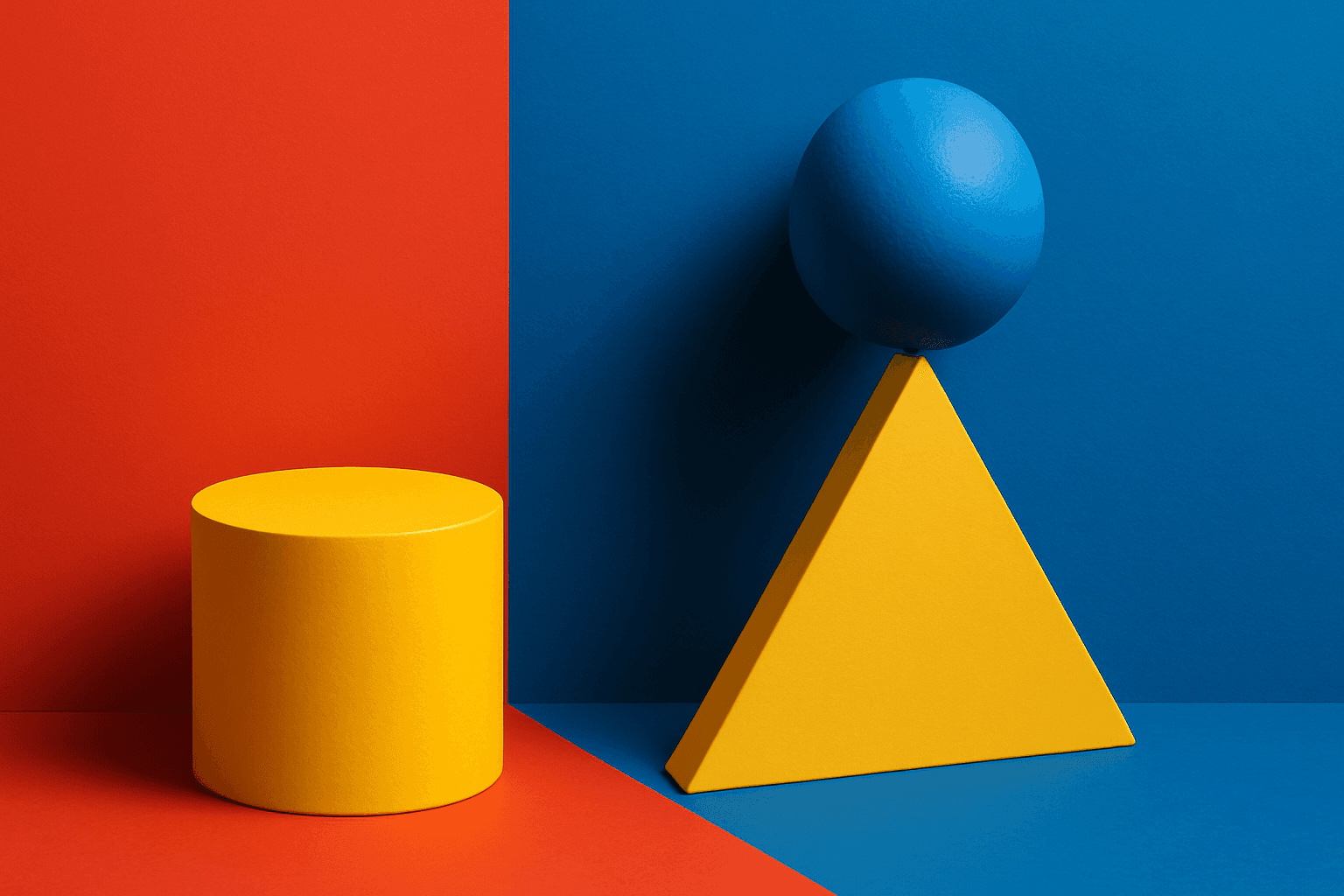
Triadic Color Harmony
Triadic Color Harmony offers AI artists a powerful tool to create vibrant and balanced images by leveraging three colors equally spaced around the color wheel. This color scheme is known for producing striking yet harmonious compositions, making it ideal for colorful illustrations that maintain visual equilibrium. Including 'triadic color harmony' in your AI prompt encourages the model to incorporate this classic palette principle, resulting in images that pop with life but remain visually comfortable. This technique enhances themes ranging from nature scenes to abstract art and graphic design, providing a versatile framework for compelling color use.
View keyword
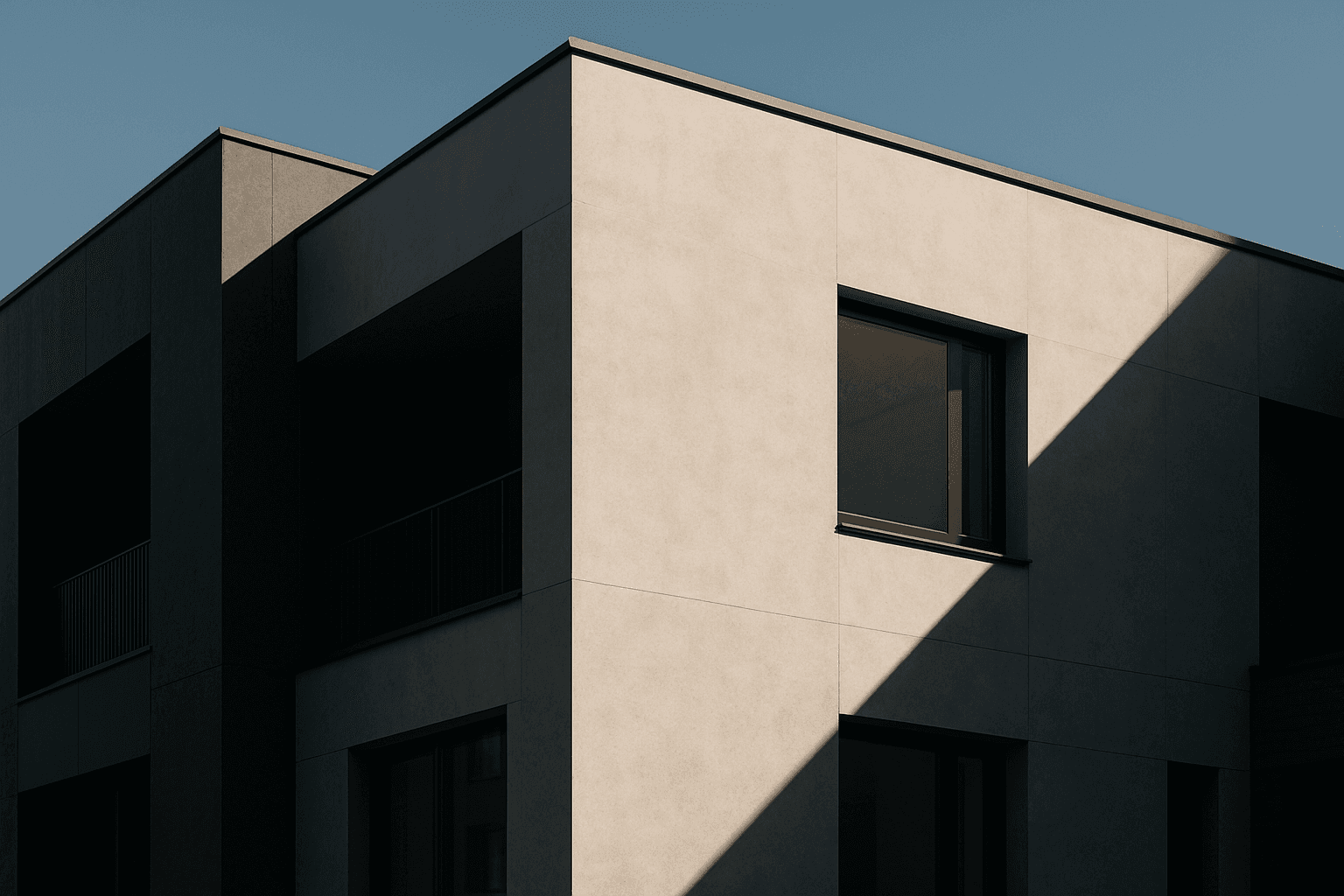
Tonal Contrast Palette
Using a Tonal Contrast Palette in AI image generation helps create compositions with clear differentiation of light and dark areas, which emphasizes structure and mood. This approach intensifies the visual impact by focusing on brightness contrasts rather than just color hues, enabling images with dramatic or refined atmospheres. As a color keyword, it guides AI models to adjust tone values cohesively, producing images that feel dynamic and balanced at once.
View keyword
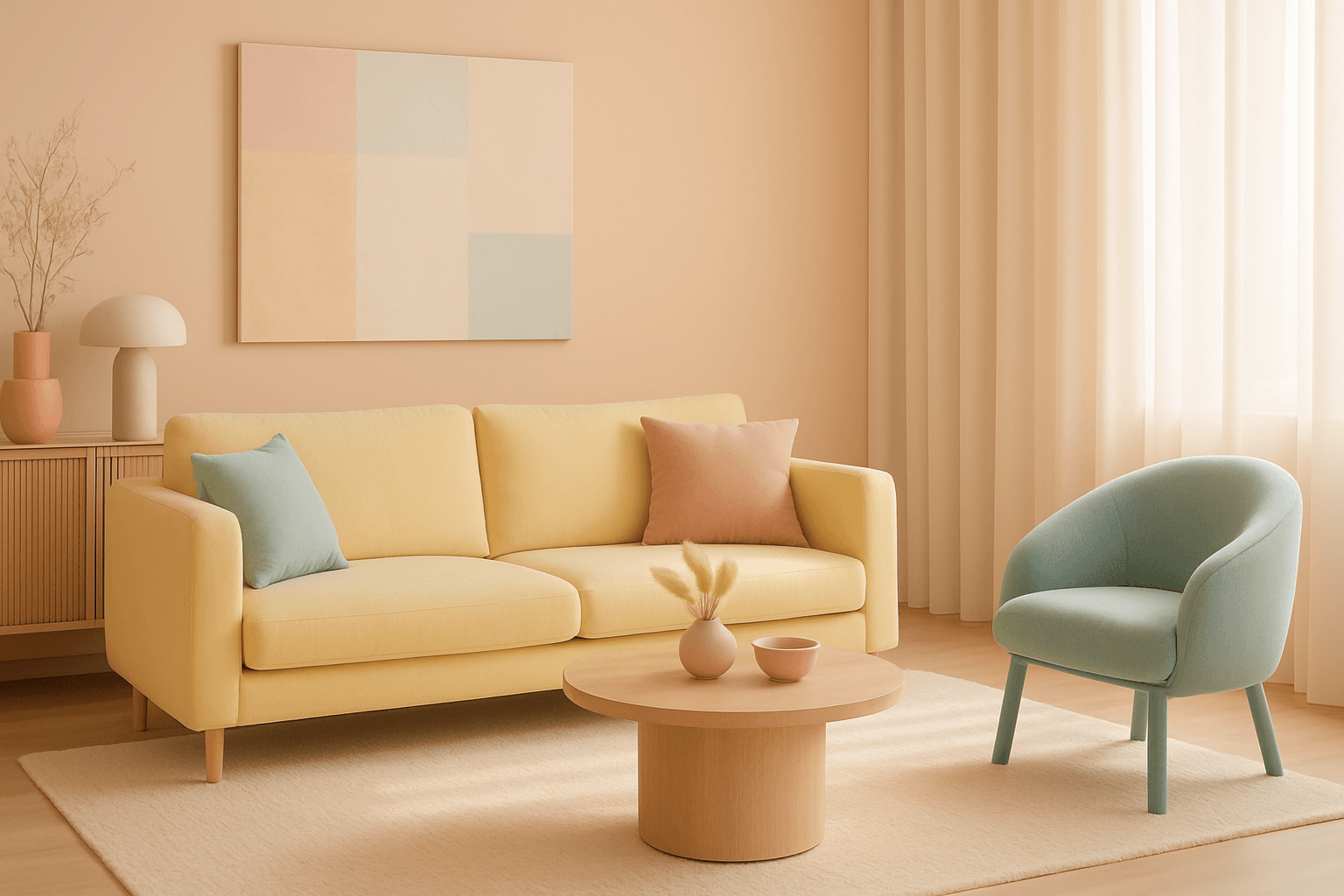
Bright Pastel Palette
The Bright Pastel Palette is a popular choice in AI-generated imagery for creating visuals that combine softness with energy. These palettes blend traditional pastels—colors with low saturation and high lightness—with increased brightness to keep the colors gentle yet eye-catching. This balance serves to evoke feelings of calmness infused with optimism, making the color scheme widely favored in advertising, editorial spreads, and social media visuals. When used in AI image prompts, it steers the model to generate harmonious color compositions that are neither dull nor harsh, ideal for modern and clean aesthetics.
View keyword
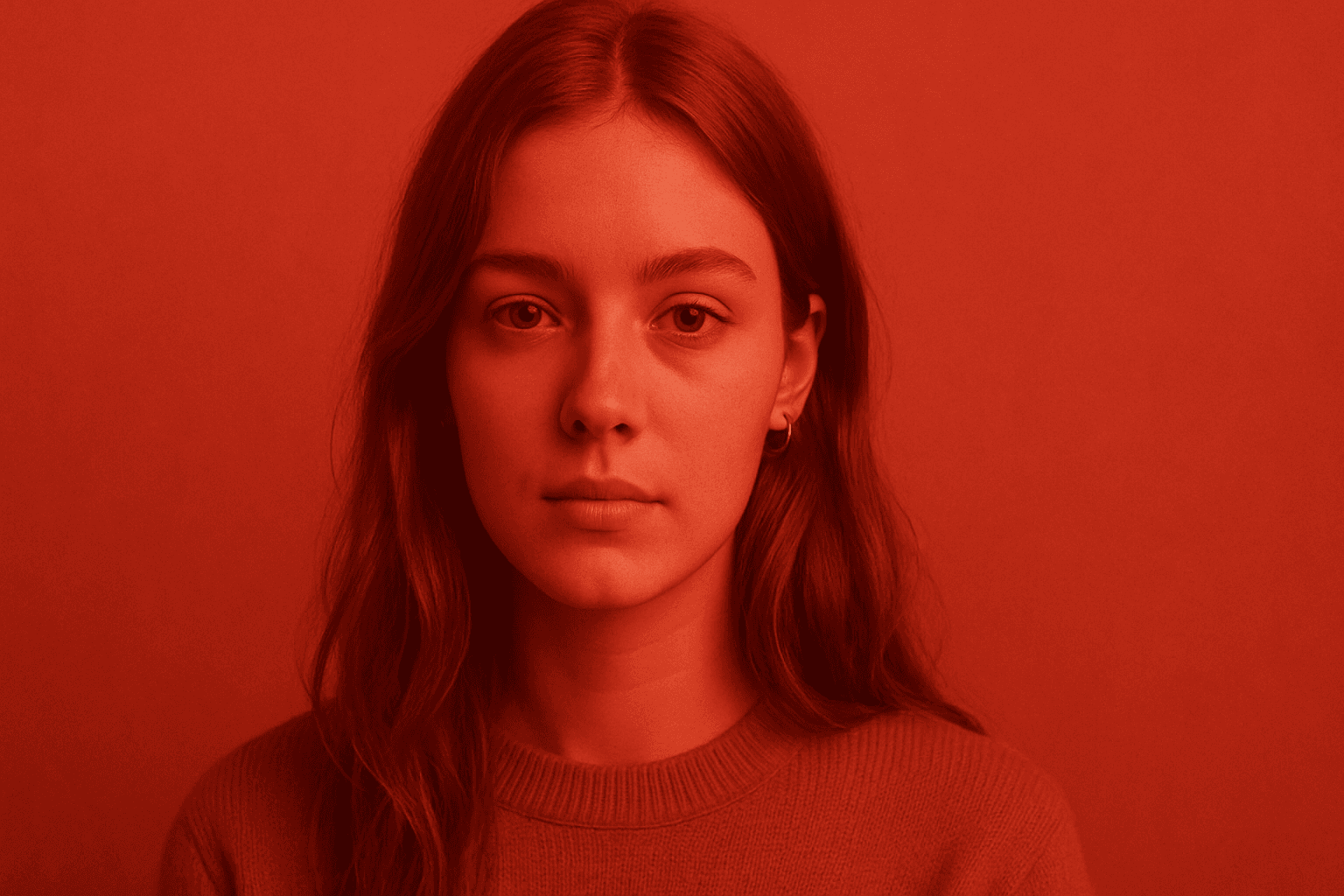
Monochromatic Red Tones
Monochromatic Red Tones is a powerful color approach in AI image generation that emphasizes various shades, tints, and tones of red exclusively. This technique reinforces emotional impact, typically evoking passion, warmth, or intensity, depending on the red variations used. By focusing on a single color family, it simplifies the visual narrative and heightens composition cohesion. Designers and creators leverage this color scheme to create striking editorial images, fashion visuals, or conceptual art where red's symbolic power is essential. Using Monochromatic Red Tones in AI prompts helps achieve images with a unified palette that feels refined and emotionally charged.
View keyword
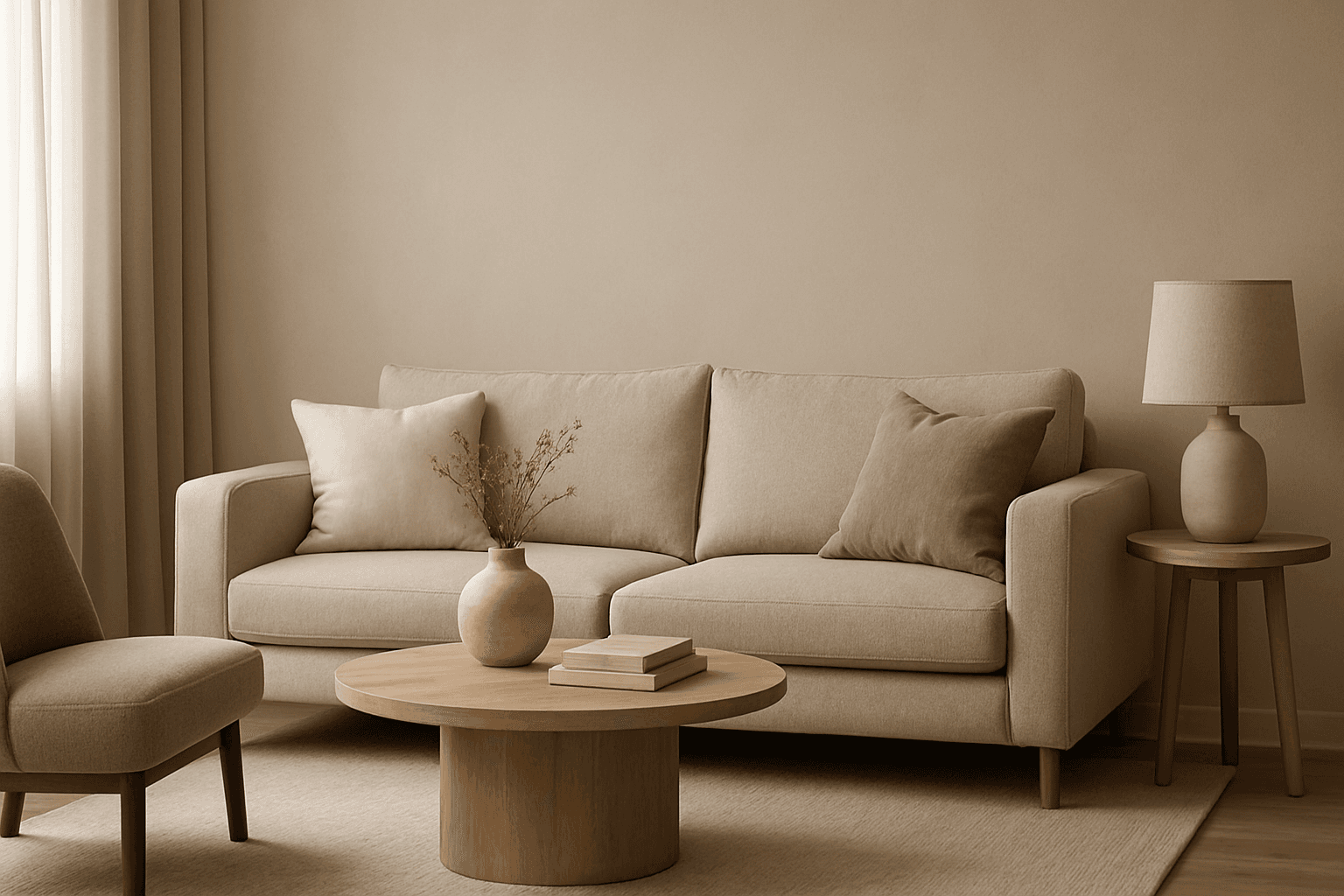
Muted Neutral Palette
The Muted Neutral Palette is an essential color theme used widely in design, photography, and digital imagery to produce a subtle, refined look. These colors lack vivid saturation and strong contrasts, resulting in images that feel calm, natural, and versatile. In AI-driven image generation, specifying a Muted Neutral Palette guides the model to avoid vibrant, saturated colors, focusing on softness and timelessness. It supports creating visuals that blend seamlessly in editorial, fashion, interior, and product contexts where sophistication and neutrality are paramount. This palette is particularly suited for minimalist compositions where color draws attention without overwhelming the scene.
View keyword
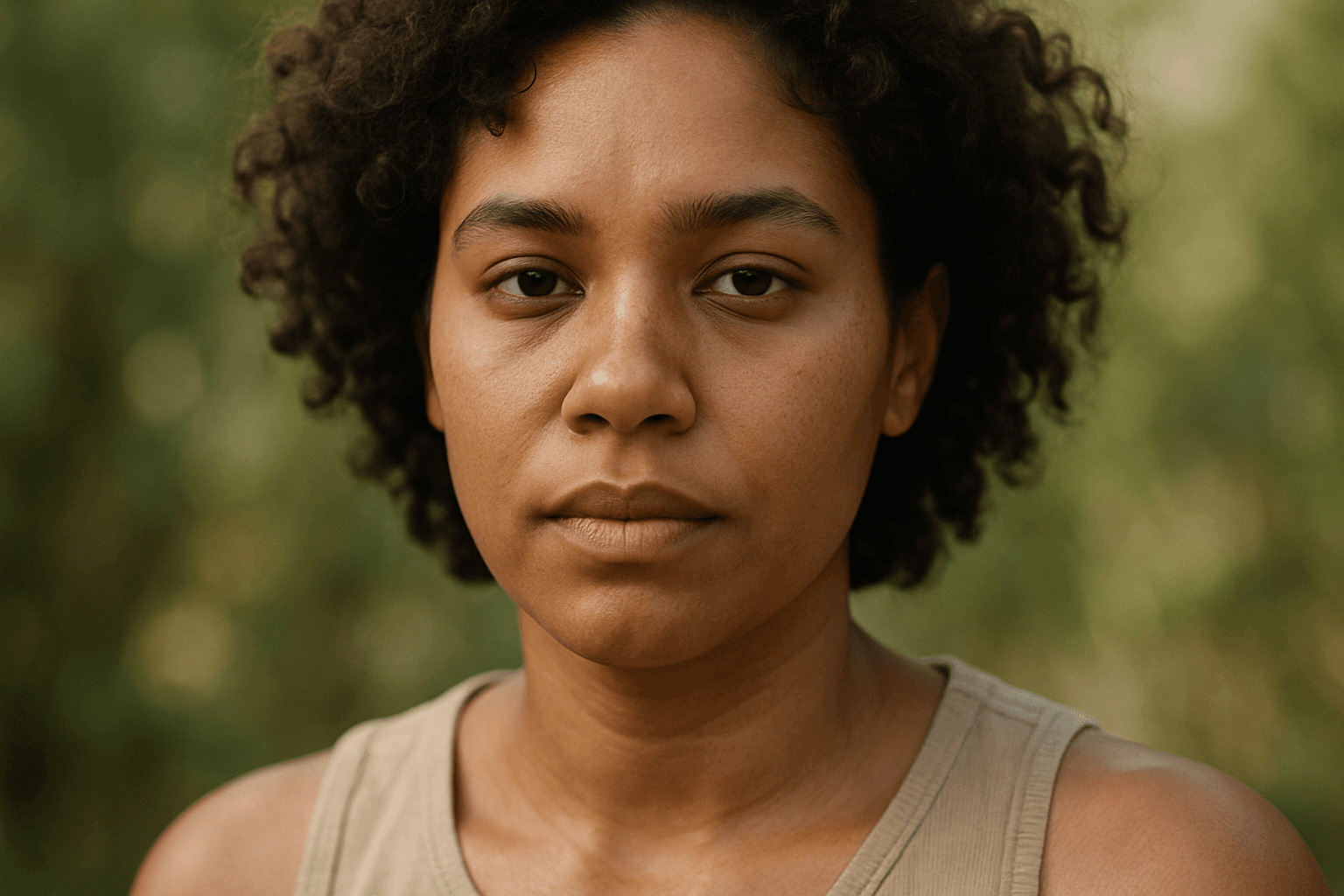
Natural Skin Tone Palette
In AI image generation, achieving realistic skin colors is essential for portrait authenticity and natural appearance. The Natural Skin Tone Palette keyword guides AI models to use a spectrum of genuine human skin colors, ranging from pale to deep tones with nuanced undertones such as peach, olive, brown, and reddish hints. Integrating this color palette results in images that feel authentic and relatable, making them ideal for editorial portraits, advertising, and character design. By specifying this palette, artists and designers can avoid the pitfalls of artificial or monotone skin colors, ensuring inclusivity and vivid detail in generated imagery.
View keyword
Balanced Color Temperature
Balanced Color Temperature in AI-generated images ensures that lighting appears natural and true-to-life, avoiding overpowering warm or cool tones. This quality impacts the mood and realism of visuals by maintaining a neutral color balance, making images suitable for professional presentations, product photography, and editorial content. By controlling color temperature, artists and creators can highlight details without unnatural tints, producing polished and visually coherent artworks.
View keyword
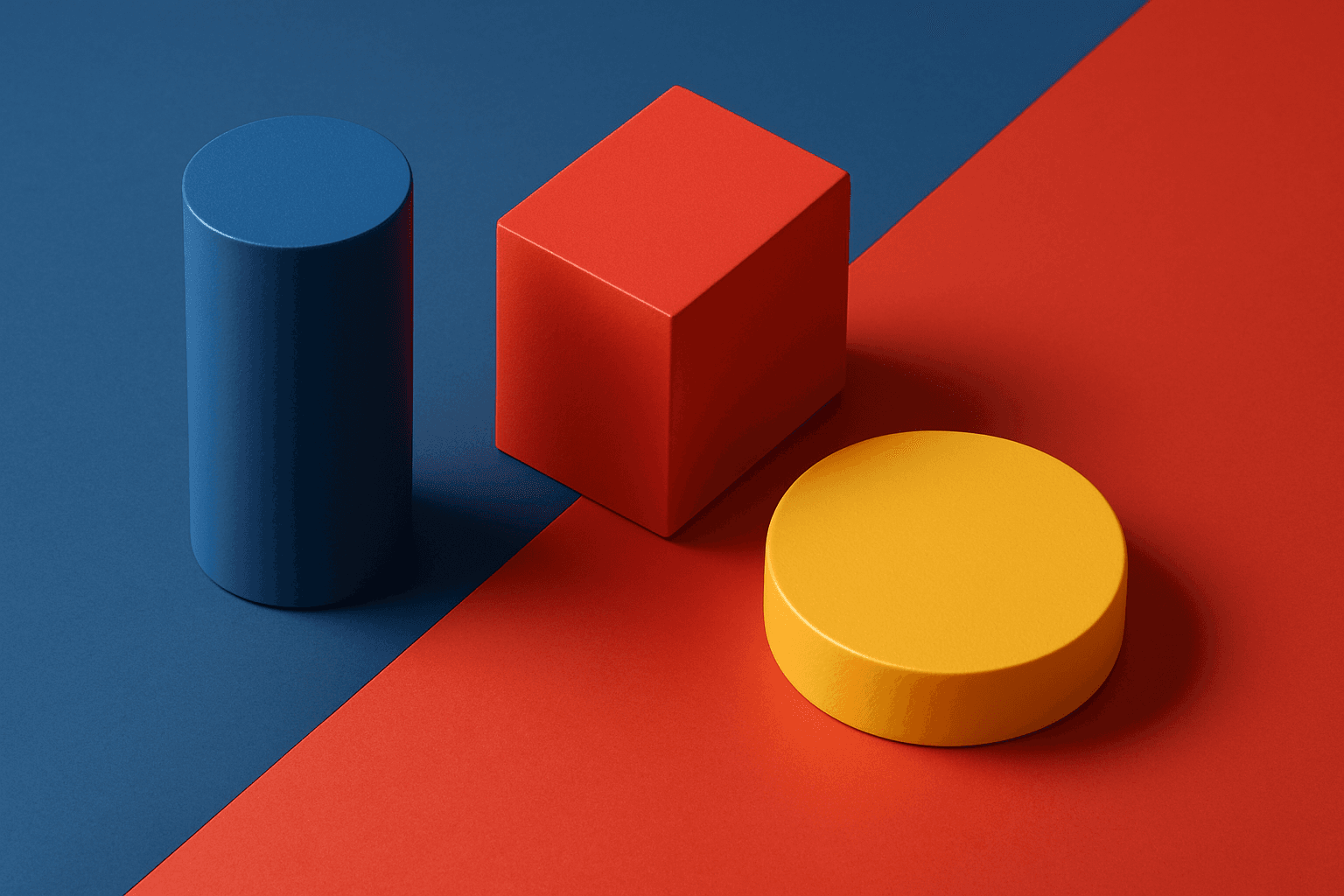
Harmonious Color Triads
Harmonious color triads form a foundational concept in color theory, used to compose striking yet balanced color palettes by selecting three colors spaced evenly around the color wheel (120 degrees apart). In AI image generation, including harmonious color triads in prompts helps produce artworks or designs that display vibrant, dynamic color interplay while maintaining visual balance and unity. This technique prevents color over-saturation or dullness, enabling creation of visuals that feel lively without clashing. It is especially valued in editorial design, branding, digital art, and product visualization where color harmony impacts emotional and aesthetic response.
View keyword
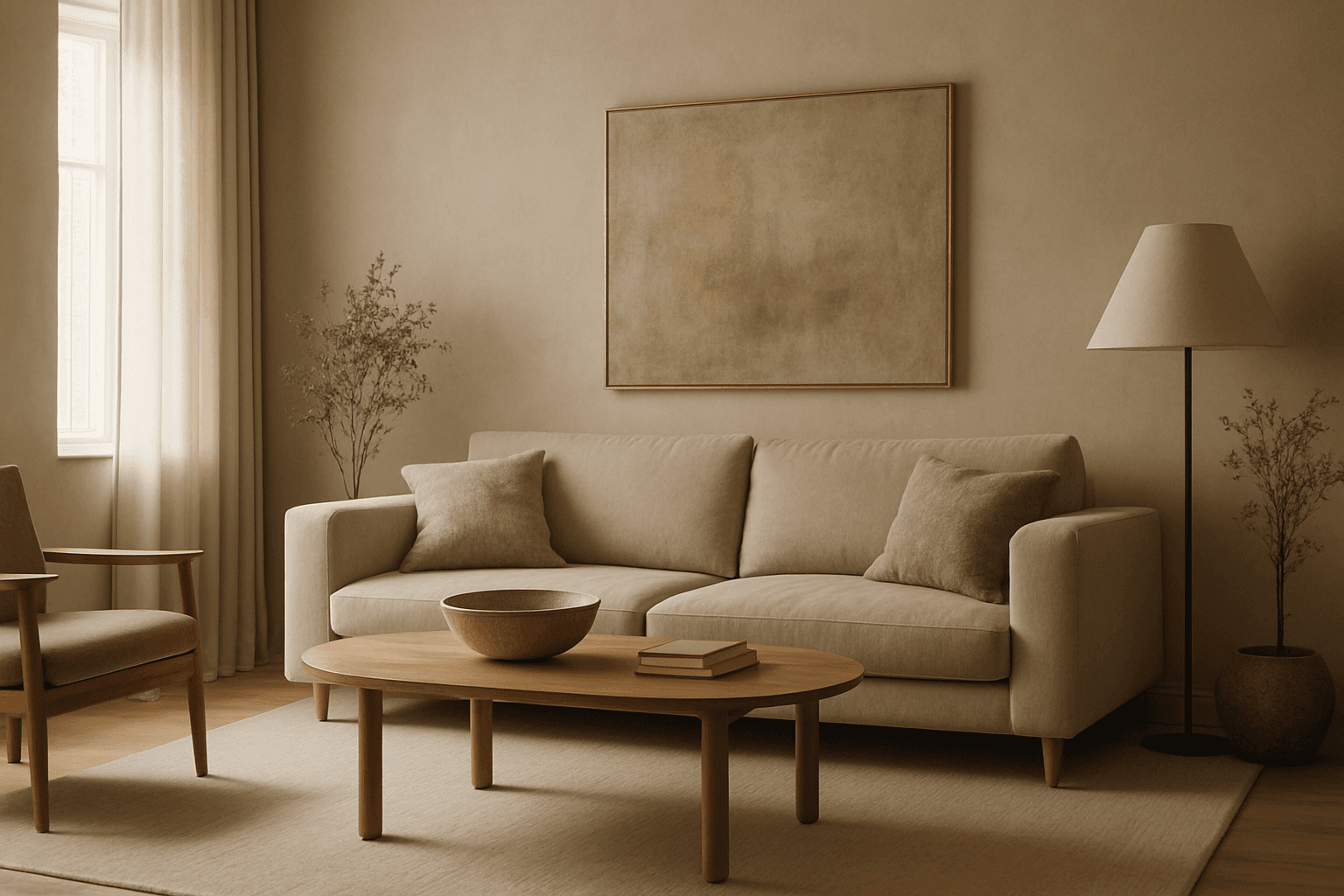
Muted Earth Tone Colors
Muted earth tone colors encapsulate a palette inspired by nature’s subtle and calming shades such as soft browns, gentle greens, warm ochres, and quiet grays. When integrated into AI image prompts, these colors help generate images that feel organic, grounded, and harmonious, making them ideal for designs seeking understated elegance or a natural aesthetic. This approach avoids harsh contrasts and bright tones, providing visuals that are soothing and visually balanced. Such color schemes are especially useful in editorial photography, interior design renderings, and lifestyle imagery, where authenticity and warmth are key. Utilizing these tones can transform generic visuals into cohesive, premium-feeling compositions that align with modern aesthetic trends.
View keyword
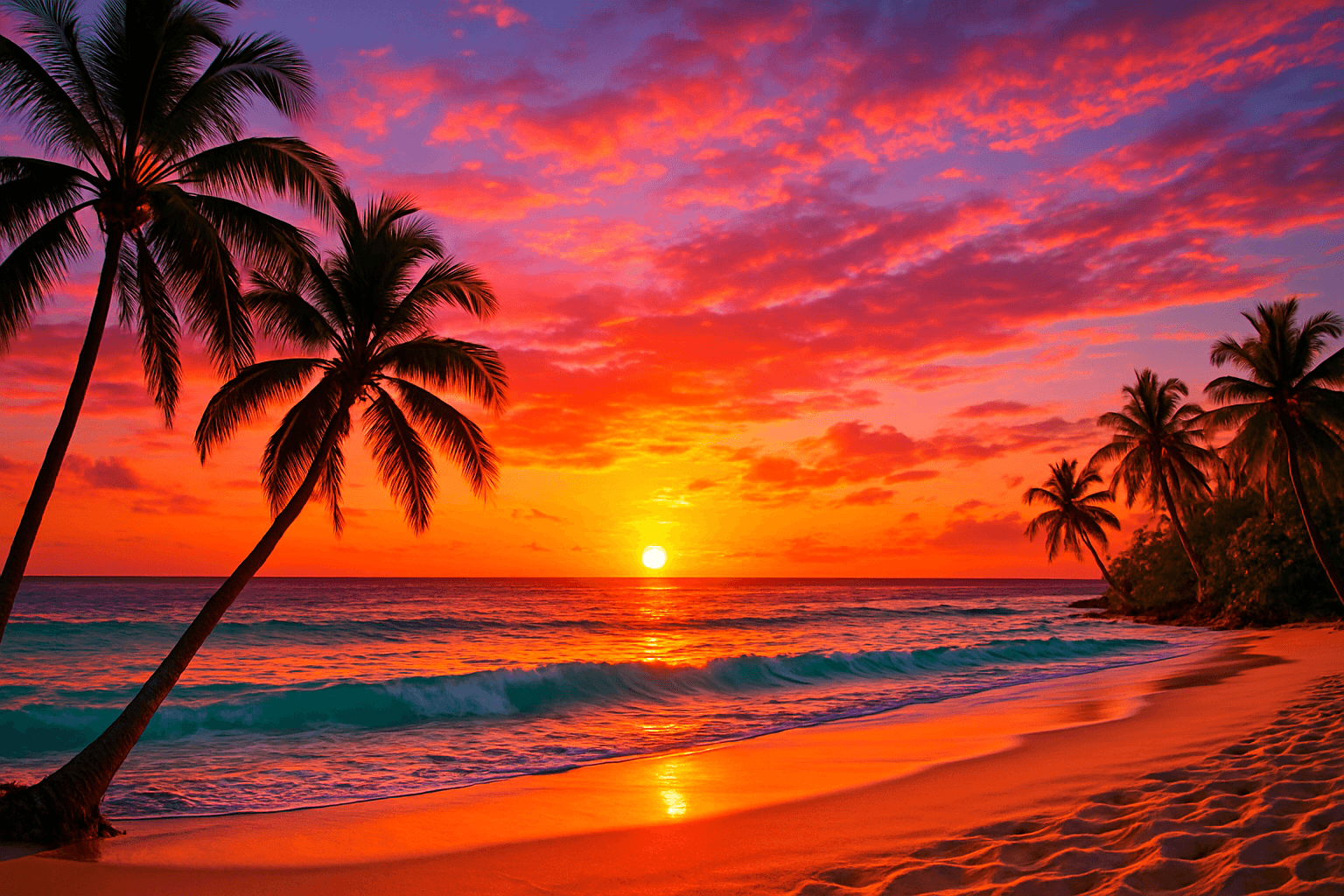
Color Saturation Control
Color Saturation Control is a critical keyword in AI image generation that governs the vibrancy and intensity of colors within the resulting artwork. By adjusting saturation through prompt instructions, users can shift the emotional tone and visual clarity of images — from bright, eye-catching compositions to subtle, understated palettes. This control helps in creating images that fit diverse artistic intentions, whether aiming for hyper-realism, stylized painting, or atmospheric photography. Proper use of saturation modifiers enhances the mood and clarity, making Color Saturation Control indispensable in crafting compelling AI visuals.
View keyword
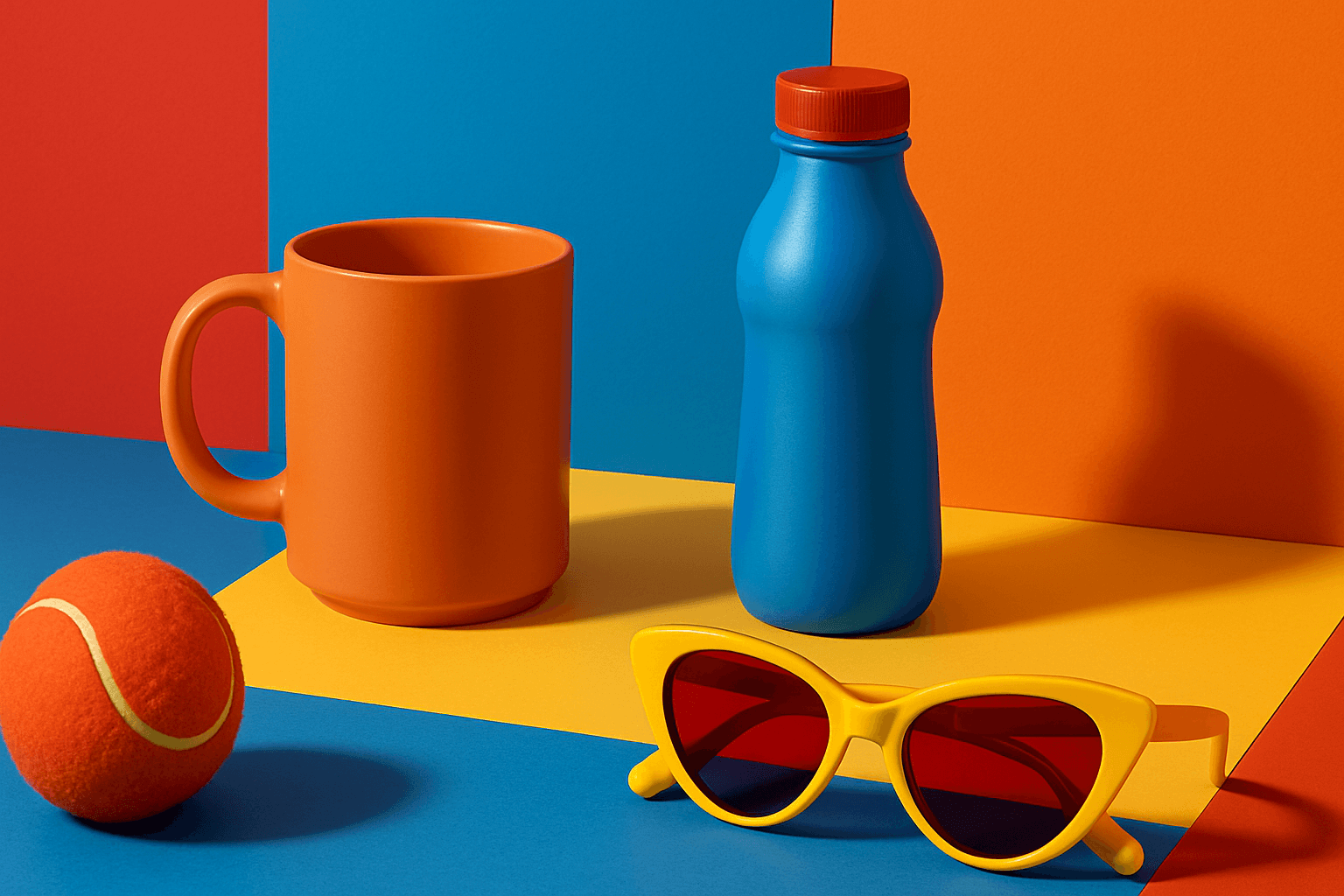
Vibrant Contrast Hues
Vibrant Contrast Hues represent an essential color strategy in AI-generated imagery where vivid and complementary colors are juxtaposed to maximize visual appeal. Applying this concept in prompts leads to images with heightened energy and attention-grabbing qualities, often preferred in marketing materials, editorial photography, and creative digital art. The technique manipulates color relationships to create mood and focus, making elements within the frame more prominent and memorable. Integrating vibrant contrast hues can transform an ordinary image into a visually compelling composition that draws the eye and communicates with clarity and boldness.
View keyword
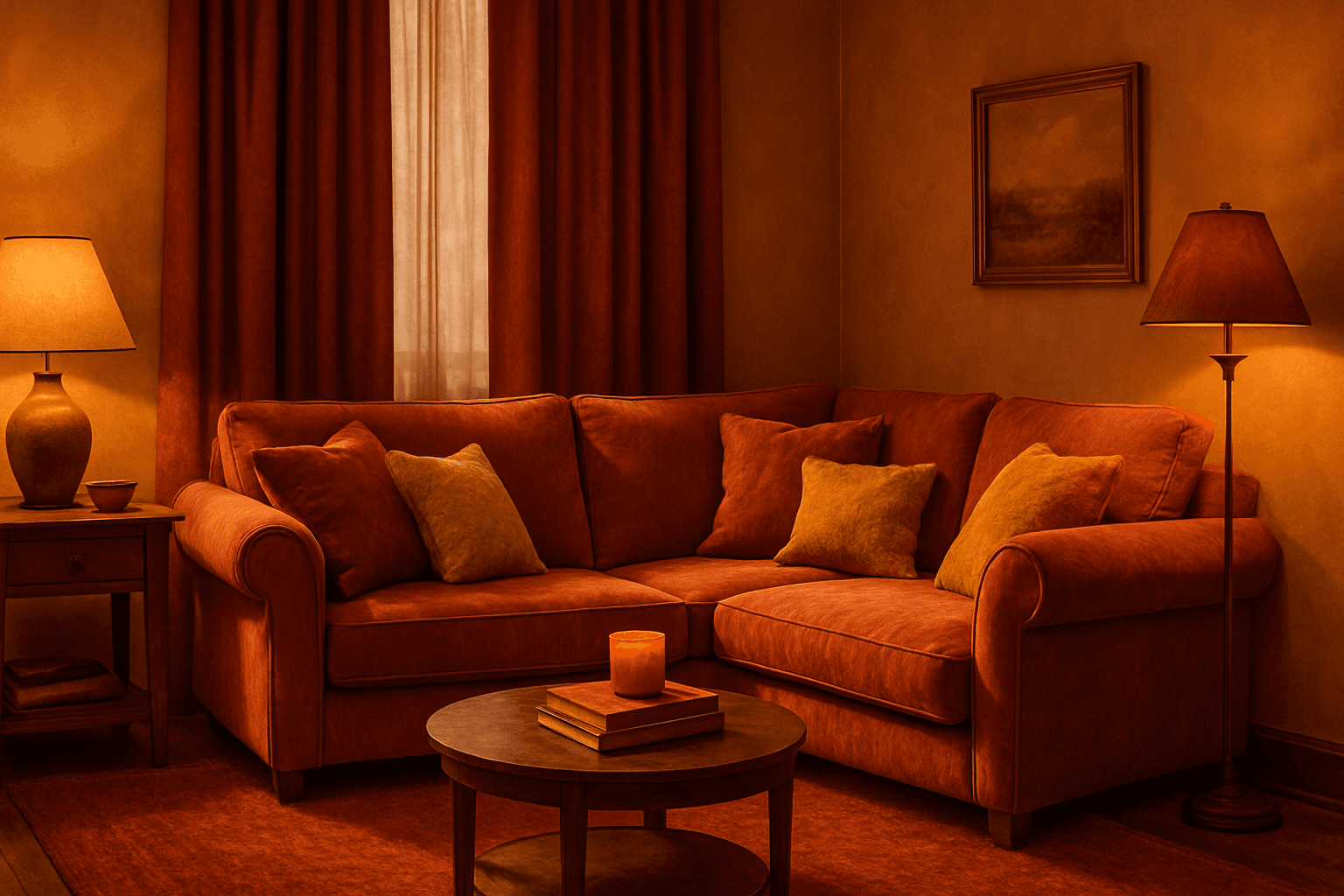
Monochrome Warm Palette
Applying a Monochrome Warm Palette in AI-generated images sets a unified, warm tone that evokes feelings of comfort, energy, and passion. This approach simplifies the color scheme by utilizing only warm colors that range from muted tans and terracottas to vibrant oranges and reds. It directs the AI image generation to avoid cool colors, keeping the visuals coherent and emotionally resonant. The result is a natural, aesthetically pleasing image with subtle depth, ideal for modern editorial designs or lifestyle photography that seeks to communicate warmth and intimacy without overwhelming complexity.
View keyword
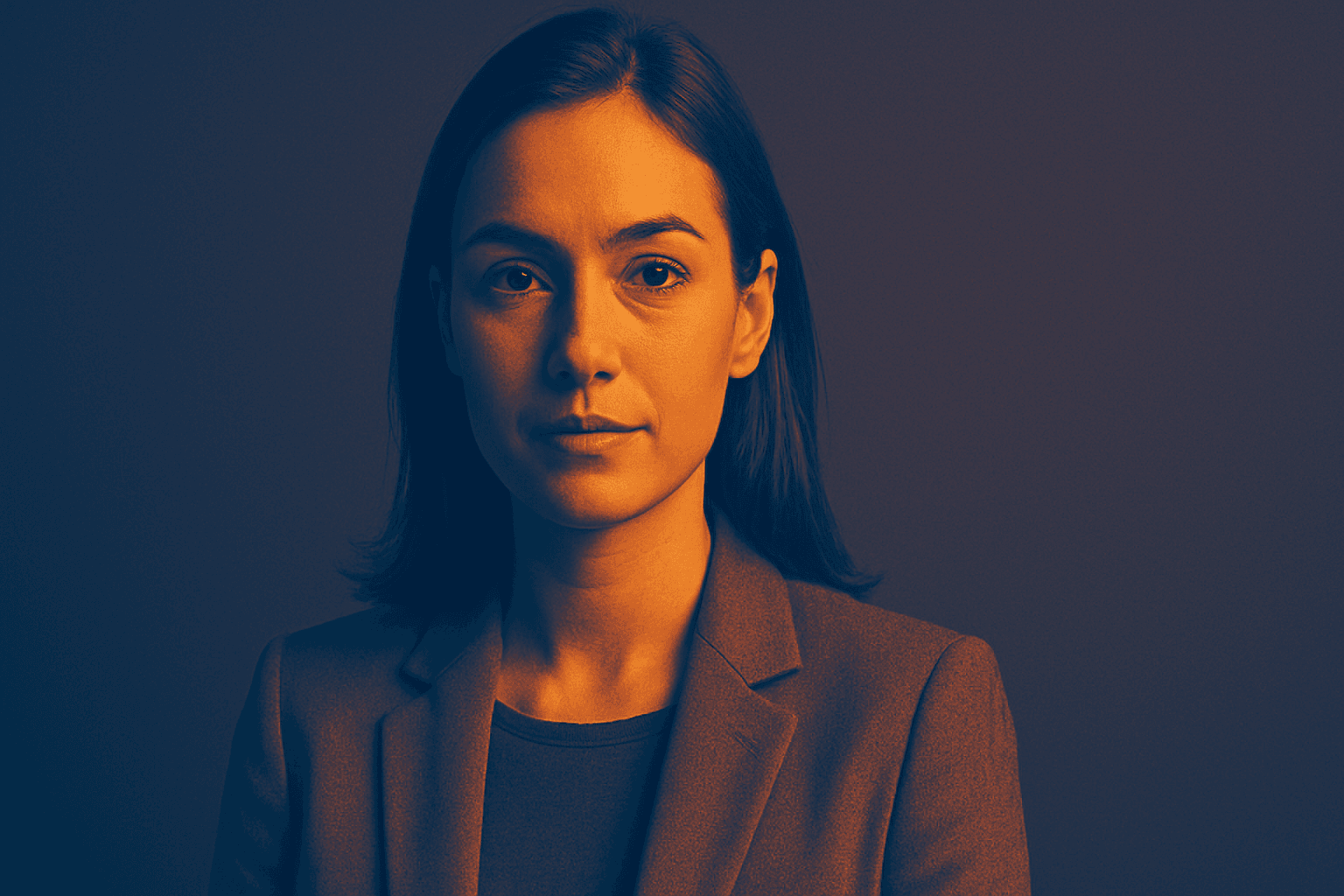
Duotone Contrast Palette
The Duotone Contrast Palette is a contemporary color technique often used in digital art, photography, and graphic design to create visually compelling images. By focusing on two contrasting colors, designers and AI image generators produce striking visuals that enhance mood and emphasize subject contours. This technique simplifies the color landscape, providing boldness and clarity, which is especially effective for editorial images, advertising, or brand messaging. Incorporating it as a prompt keyword guides AI models to generate images that leverage strong color contrasts, appealing to modern aesthetics with a clean, polished finish.
View keyword
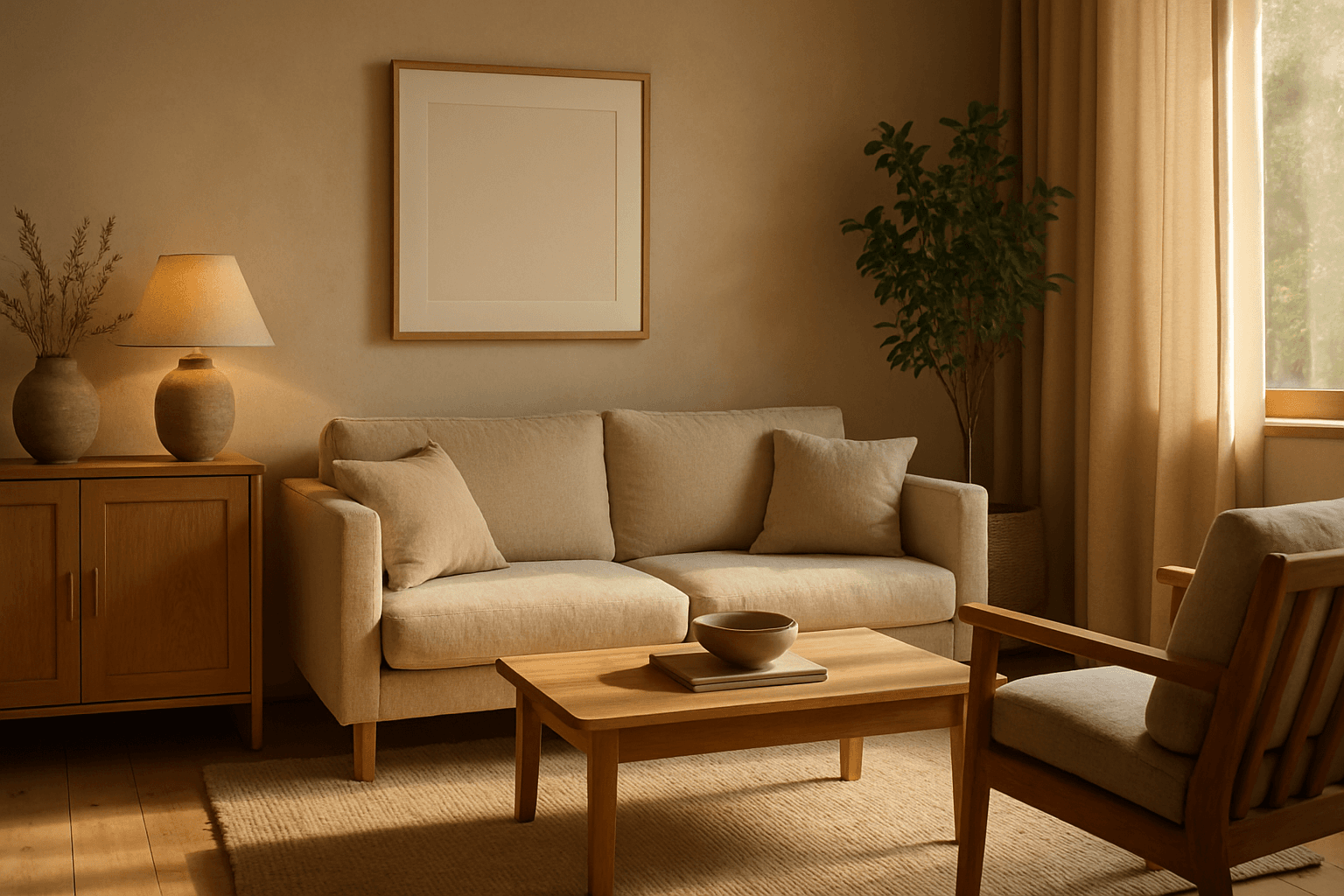
Natural Earthy Palette
The Natural Earthy Palette keyword enriches AI-generated images by guiding color selection toward warm, organic tones rooted in nature. This palette includes shades seen in earth, rocks, foliage, and natural fibers, lending authenticity and a grounded feel. Ideal for scenes emphasizing calmness, rustic settings, or eco-friendly themes, it helps create visuals free from artificial harshness or bright synthetic colors. Using this palette infuses images with softness and understated elegance, matching trends favoring sustainability and natural beauty in design and advertising.
View keyword

Saturated Color Splash
The Saturated Color Splash keyword is a powerful prompt modifier used in AI-driven creative workflows to generate images bursting with vibrant, intense colors and striking splash effects. It commands the AI to amplify the chroma and saturation of the color palette, producing visuals that are lively and compelling. These images typically showcase paint splashes or liquid color bursts that evoke motion and energy, making them ideal for dynamic compositions. Using this keyword enriches the visual storytelling, drawing viewers’ attention through high-impact color contrasts and expressive strokes. This effect suits various digital art applications, advertising visuals, and editorial imagery where boldness and vibrancy are desired.
View keyword

Golden Hour Color Grading
Golden Hour Color Grading is a popular technique used in AI-generated imagery to evoke the warmth and nuanced lighting of early morning or late afternoon sun. By incorporating this keyword, artists and designers can infuse a sense of natural beauty, highlight textures subtly, and create emotionally engaging visuals. This color grading enriches photographic or pictorial prompts by adding depth through soft shadows and warm highlights, transforming otherwise flat images into luminous and aesthetically pleasing works that capture a fleeting moment of natural light and atmosphere.
View keyword

Muted Pastel Color Scheme
The muted pastel color scheme is popular in digital art and design for its delicate, understated quality. Unlike vibrant pastels, muted pastels involve desaturation and slight grey undertones, delivering a refined and peaceful visual experience. When included in AI image prompts, it guides models to focus on gentle colors that evoke softness and subtlety, making the images feel airy and inviting rather than vivid or loud. This approach works well for lifestyle, fashion, illustration, and branding content that aims to be modern, approachable, and aesthetically pleasing while maintaining elegance.
View keyword

Vibrant Accent Color Palette
Utilizing a vibrant accent color palette in AI image prompts transforms ordinary visuals into striking compositions by introducing bright, focused colors that highlight important elements. This technique leverages contrast and saturation to guide viewers' eyes toward key areas, adding energy and visual interest. When combined with modern design principles—such as clean layouts, realistic materials, and refined lighting—these palettes elevate the quality of AI-generated images, making them ideal for editorial designs, marketing materials, and digital art projects.
View keyword
Analogous Warm Color Scheme
Analogous Warm Color Schemes employ colors adjacent on the color wheel within warm tones—reds, oranges, and yellows—to produce harmonious, vibrant images. In AI-generated art, specifying this scheme guides the model to focus on these related colors, resulting in visuals that feel unified and energetic. This scheme evokes warmth, comfort, and optimism, excellent for compositions needing a welcoming or lively mood. Using it strategically in prompts helps artists and designers achieve balanced, naturally blended color palettes that enhance emotional impact without overwhelming the viewer.
View keyword

Muted Earth Tone Palette
The Muted Earth Tone Palette is a popular color approach in AI image generation that emphasizes soft, natural hues inspired by the earth. These colors include warm browns, olive greens, beiges, and greys, all presented in subdued saturation levels to avoid overly bright or intense visuals. Using this palette creates images that feel organic, calm, and stylish, making it ideal for modern editorial content, lifestyle photography, and interior design renders. By focusing on muted tones, the images exude refinement and subtlety, appealing to viewers seeking sophistication without harsh contrasts. Incorporating this palette into your AI prompts helps generate visuals with a cohesive and naturalistic color balance.
View keyword

Bright Primary Colors Palette
Using a Bright Primary Colors Palette in AI image generation emphasizes strong, pure colors—red, blue, and yellow—that are fundamental to color theory. This palette brings a dynamic, energetic feel to images, making them instantly attention-grabbing and easily distinguishable. It's ideal for designs aiming to evoke simplicity with power, evoke nostalgia for classic color schemes, or highlight specific elements through contrast. When integrated thoughtfully, it balances vibrancy with clarity, avoiding muddiness or oversaturation. This approach is especially popular in editorial, advertising, and graphic design work where visual directness is key.
View keyword

Soft Muted Color Palette
Using a Soft Muted Color Palette in AI-generated imagery influences the mood and style by incorporating subdued and delicate colors. This approach conveys sophistication, tranquility, and natural beauty, making visuals suitable for subtle branding, lifestyle photography, and editorial contexts. It avoids bright or saturated colors, instead emphasizing nuance and refinement. Artists and designers use it to evoke feelings of warmth, nostalgia, or modern minimalism, enhancing the visual narrative through controlled color harmony and soft contrasts.
View keyword

Pastel Gradient Color Scheme
The pastel gradient color scheme is popular in AI-generated art for its serene and inviting aesthetic. It involves the blending of light, desaturated pastel tones in gradual transitions, which can add depth and softness to visuals without overwhelming details. Using this keyword in prompts helps create backgrounds, themes, or focal areas that evoke feelings of calmness and subtle sophistication. This scheme often suits digital art, branding visuals, and UI elements where gentle color progression supports readability and aesthetic appeal. Its balanced and harmonious style enhances mood and focuses attention, making it a versatile choice in many design contexts.
View keyword

High Saturation Color Palette
Utilizing a High Saturation Color Palette in AI image generation transforms visuals into bold, lively compositions that capture attention instantly. This approach amplifies the color intensity beyond natural or muted levels, creating a vivid scene bursting with hues that feel powerful and immersive. Often chosen for marketing materials, modern art visuals, and stylized photography, artworks generated with high saturation evoke energetic and emotional responses. When combined thoughtfully with lighting, texture, and composition, it creates a striking balance of vibrancy and clarity, making it ideal for covers, header images, and creative projects needing dynamic coloring.
View keyword

Monochrome Color Palette
Employing a monochrome color palette in AI-generated images allows for creating minimalistic yet striking visuals. By constraining colors to one hue family, creators can convey mood and style consistently while focusing on composition and detail. This technique excels in editorial photography, product presentations, and artistic portraits, where color distraction is minimized and storytelling through form and light is enhanced. Using monochrome prompts guides the AI to simulate realistic materials and subtle depth through nuanced shading, resulting in premium, polished images suitable for professional use.
View keyword

Pastel Color Harmonies
Pastel Color Harmonies are essential for creating gentle and visually pleasing images that emphasize softness and subtlety in color. Using pastel palettes, AI-generated images gain a delicate aesthetic often associated with calm, elegance, and modern minimalism. This approach mitigates harsh contrasts and intense hues, producing visuals ideal for editorial content, branding, and art that need a serene or sophisticated vibe. Incorporating pastel harmonies into AI prompts modifies the image’s overall mood, making scenes feel airy and inviting while maintaining a coherent and balanced color distribution.
View keyword

Gradient Sky Colors
Incorporating Gradient Sky Colors into AI-generated images significantly enhances the atmospheric quality and visual depth of outdoor scenes. By blending multiple hues in a smooth, gradual fashion, these skies offer a natural yet captivating backdrop that supports various themes such as serenity, romance, or drama. This keyword is especially useful in settings featuring landscapes, cityscapes, or fantasy environments, enriching the emotional tone of an image. Using gradient skies in prompts allows creators to move beyond flat or uniform color skies, enabling more dynamic and mood-driven outputs that resonate well in editorial, advertising, and artistic contexts.
View keyword

Duochrome Contrast Palette
Using a Duochrome Contrast Palette in AI-generated images involves combining two distinct contrasting colors to produce lively, attention-grabbing visuals. This method enhances compositions by providing a harmonious yet striking balance between two hues, often playing with differences in saturation, brightness, or temperature to add depth and vibrancy. Ideal for editorial designs, product renders, and artistic portraits, this palette style helps images stand out with refined color clarity and intensity, evoking strong mood and atmosphere.
View keyword
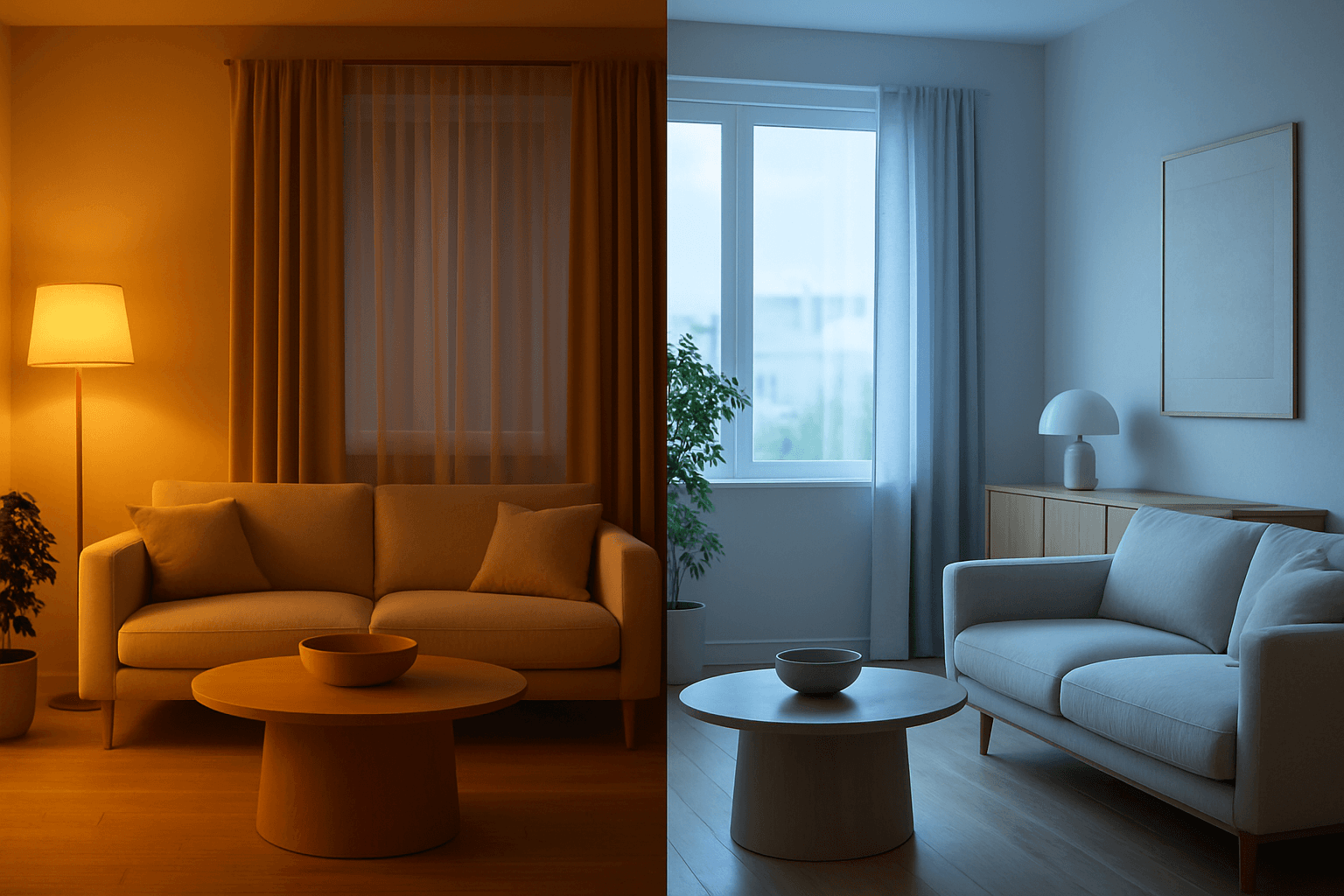
Color Temperature Adjustment
Color Temperature Adjustment is a vital tool in AI image prompt crafting, allowing creators to fine-tune the emotional and visual tone of their images. By manipulating color temperature, users can invite feelings of warmth and comfort or convey crispness and coolness, enhancing the context or story. This adjustment effectively tightens the connection between an image’s lighting environment and its intended impression, such as a warm sunset scene or a cool winter morning. Understanding and applying color temperature improves realism and artistic expression in many visual projects, from photography-style renders to stylized artworks.
View keyword
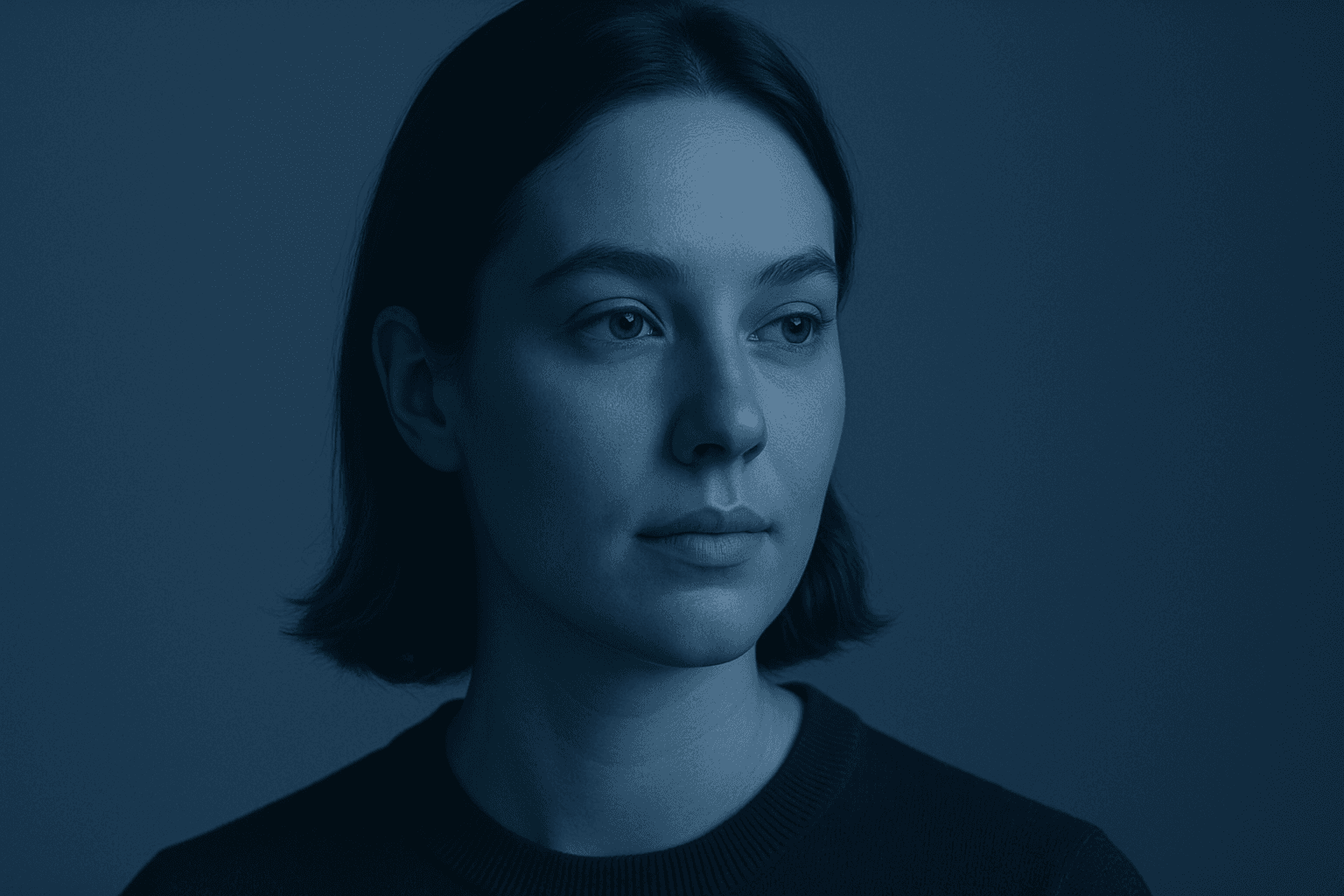
Monochromatic Color Scheme
Monochromatic color schemes leverage variations of one hue, combined with black or white, to build visually appealing images that convey mood and cohesiveness. This approach simplifies color interactions, allowing AI-generated artworks to focus on texture, lighting, and detail without distraction from multiple colors. In prompt engineering, adding this keyword helps produce images with elegant color unity often favored in editorial, fashion, and product photography. It aids in evoking specific emotions like calmness, sophistication, or minimalism by restricting the palette and accentuating tonal relationships.
View keyword
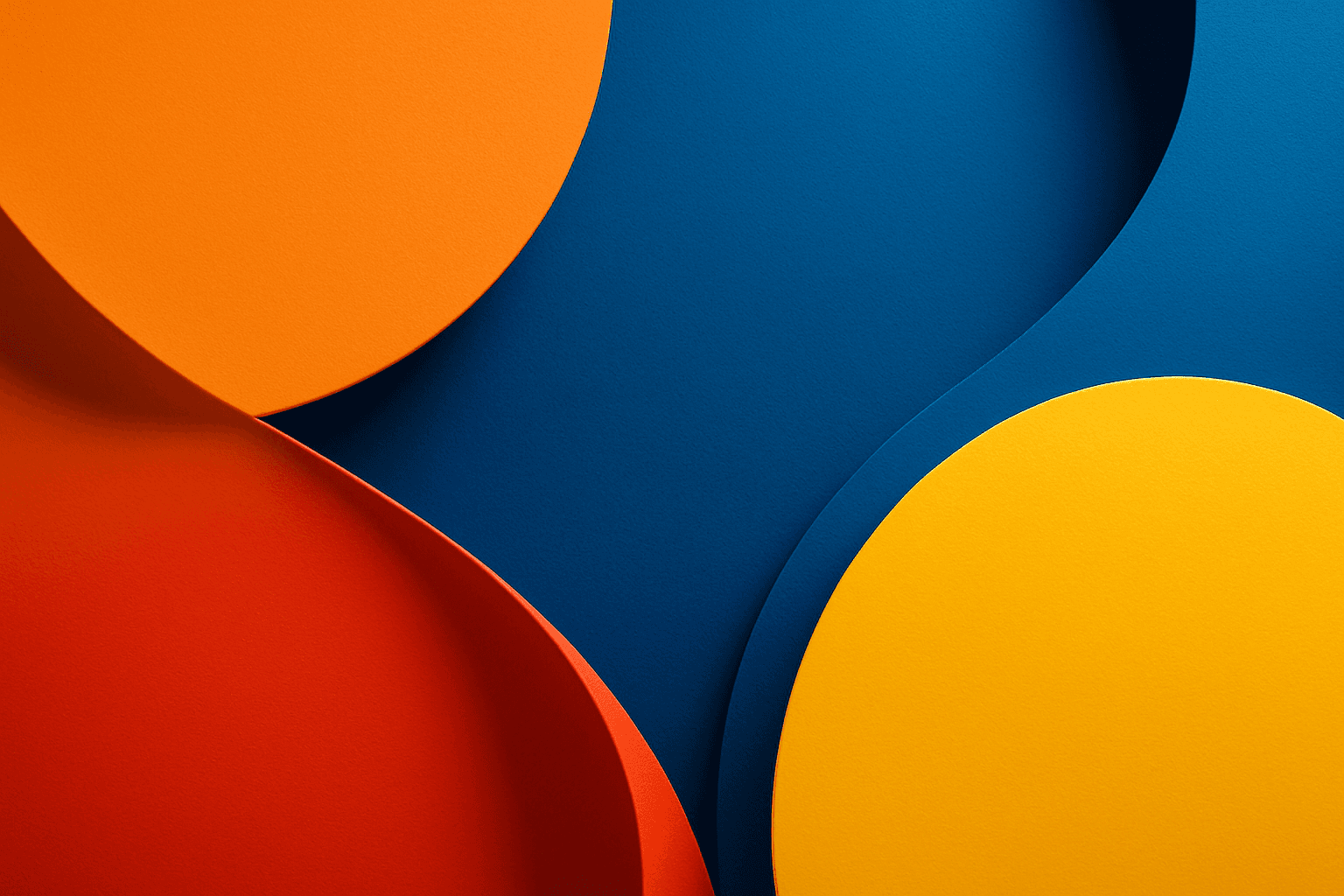
Vibrant Contrast Colors
Using vibrant contrast colors in AI-generated images dramatically amplifies visual impact by pairing bright, intense hues that stand out against each other. This technique can create striking, memorable images with pronounced depth and energy. By incorporating this keyword into prompts, artists and designers can achieve images where colors pop distinctly, guiding the viewer's eye and enhancing compositional clarity. It is particularly valuable in designs aiming to convey excitement, energy, or modernity. The result is a colorful, lively composition that avoids dullness and monotony by leveraging color theory for maximum vibrancy.
View keyword
Pastel Color Harmony
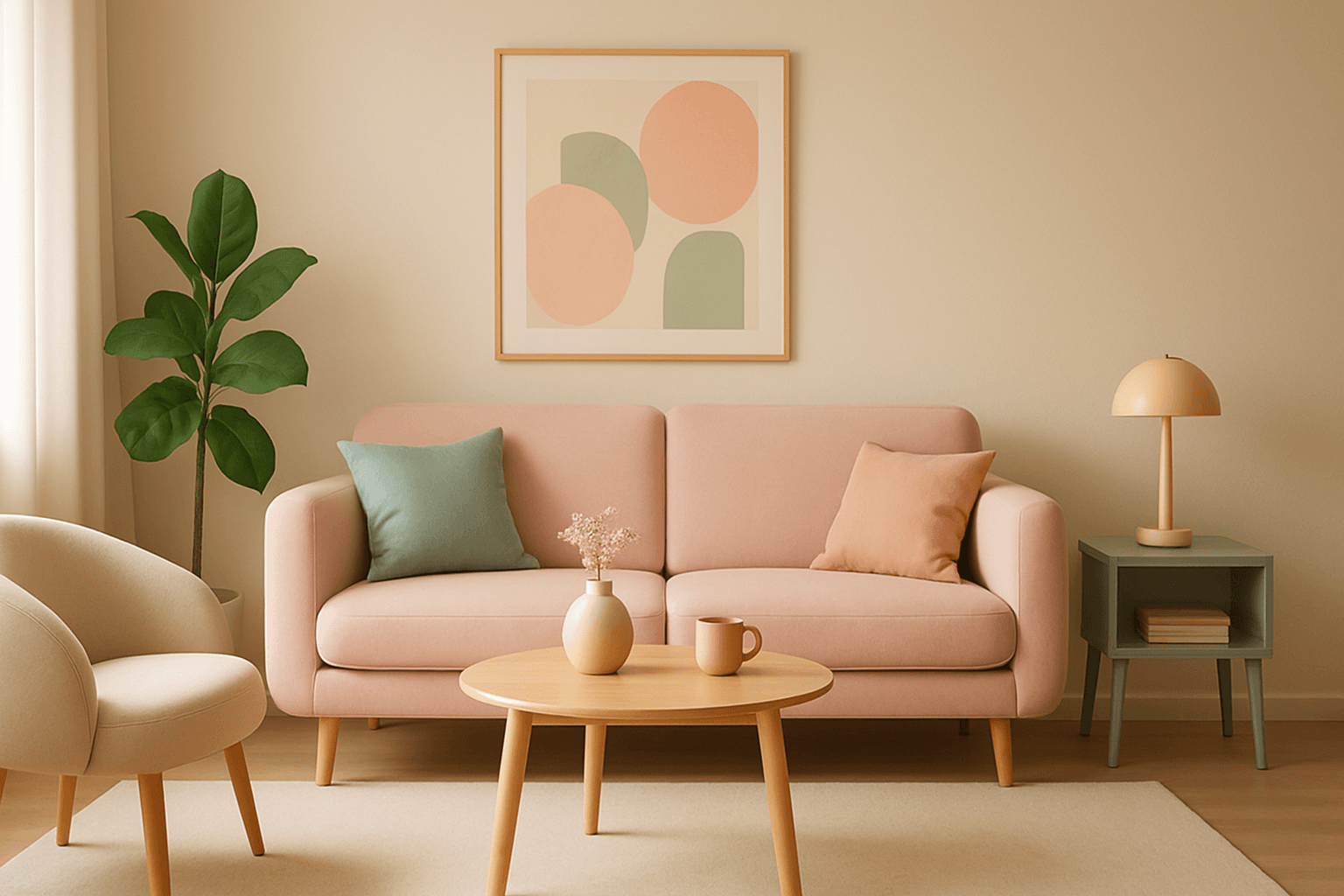
Pastel color harmony is a visually appealing approach that uses pale and muted colors to evoke feelings of softness, tranquility, and sophistication. By incorporating pastel tones, AI-generated images achieve a delicate balance that feels inviting and elegant without overwhelming the viewer. This makes pastel harmonies ideal for designs that require a gentle atmosphere or a subtle emotional impact. When included in AI prompts, the model focuses on blending compatible pastel shades to create coherent color schemes that look naturally integrated and aesthetically calming.
View keyword

Saturated Primary Palette
When you specify a saturated primary palette in AI image generation, you instruct the model to focus on vivid, pure red, blue, and yellow colors. This color scheme creates bold, energetic images with strong visual impact, often evoking feelings of playfulness or modern graphic design. Saturated primaries traditionally appear in pop art, children’s media, or minimalistic art with a color-blocking approach. Using this palette helps direct the AI to avoid washed-out, mixed, or complex color schemes, generating images that are visually striking and clean.
View keyword
Vibrant Jewel Tones
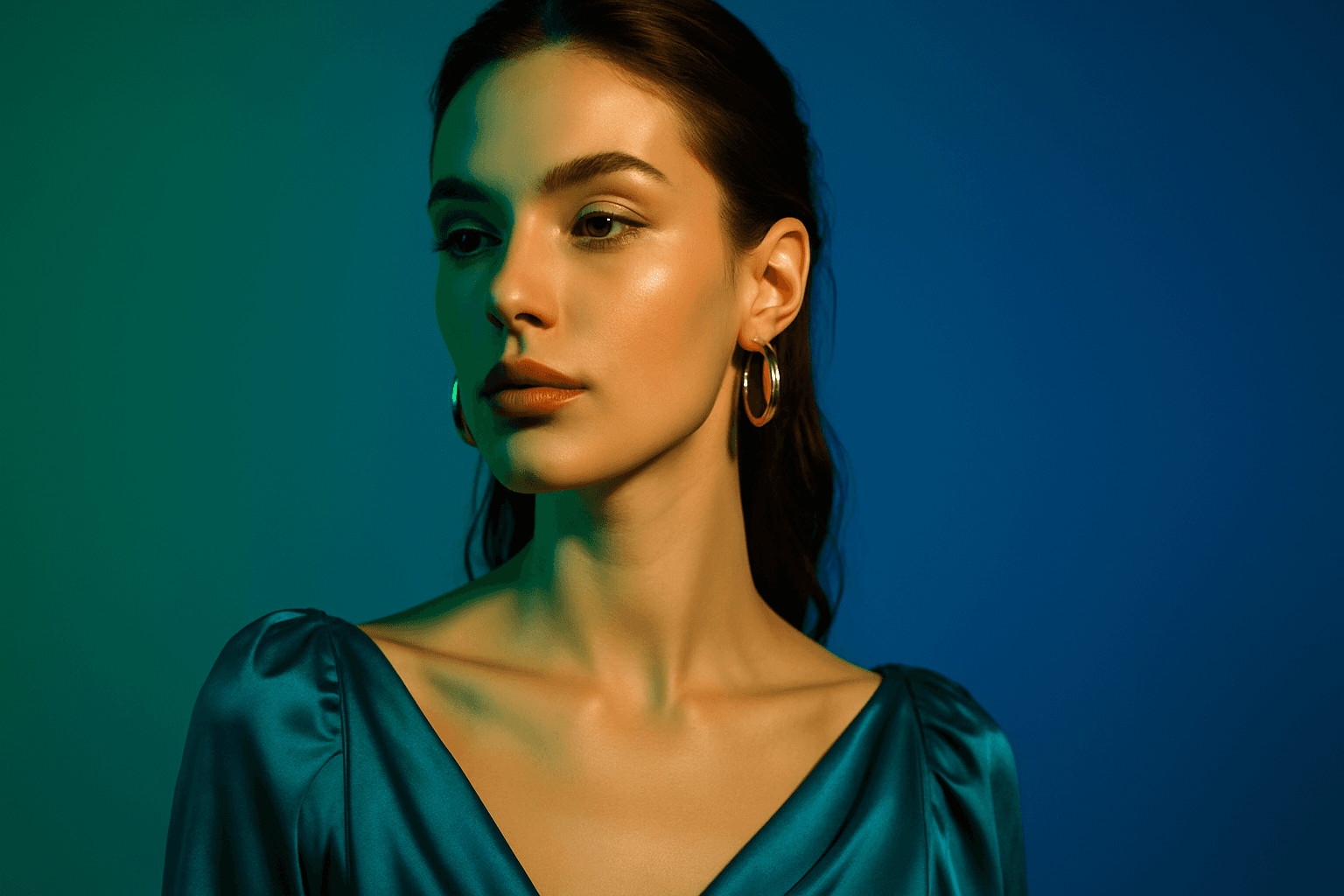
Using vibrant jewel tones in AI image prompts enhances digital artworks with saturated, eye-catching colors inspired by gemstones. These tones introduce a sense of luxury, richness, and visual depth, making images stand out with their jewel-like quality. Ideal for subjects needing an elegant or dramatic flair, jewel tones can elevate portraits, still life, fashion, and interior imagery with their bold and refined color presence. Incorporating this palette encourages AI models to prioritize vivid blues, greens, reds, and purples, often accented with subtle lighting and glossy textures for premium polish.
View keyword
Muted Pastel Color Palette
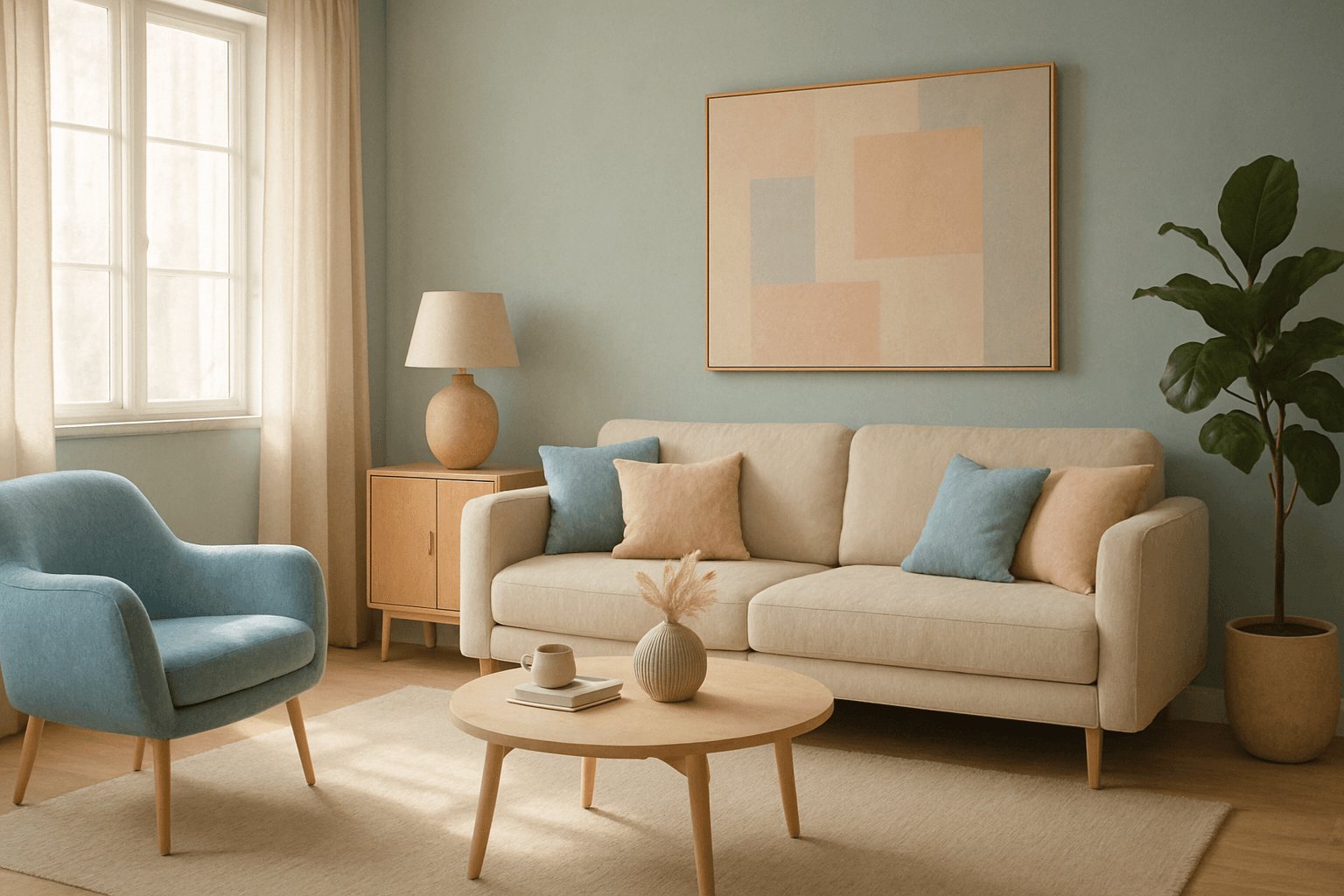
The muted pastel color palette blends the gentle softness of pastel tones with a restrained saturation level, resulting in colors that evoke tranquility and refinement. When integrated into AI image generation, these colors provide a versatile aesthetic that suits a variety of creative and commercial needs. This palette can transform images into visually soothing experiences, often appearing in editorial designs, fashion imagery, and lifestyle branding. It avoids the brightness and intensity typical of standard pastels, offering a more mature and elegant atmosphere. The muted pastels produce harmonious compositions by pairing subdued colors, ideal for designs requiring subtlety, sophistication, and approachability.
View keyword
Bold Contrasting Color Scheme
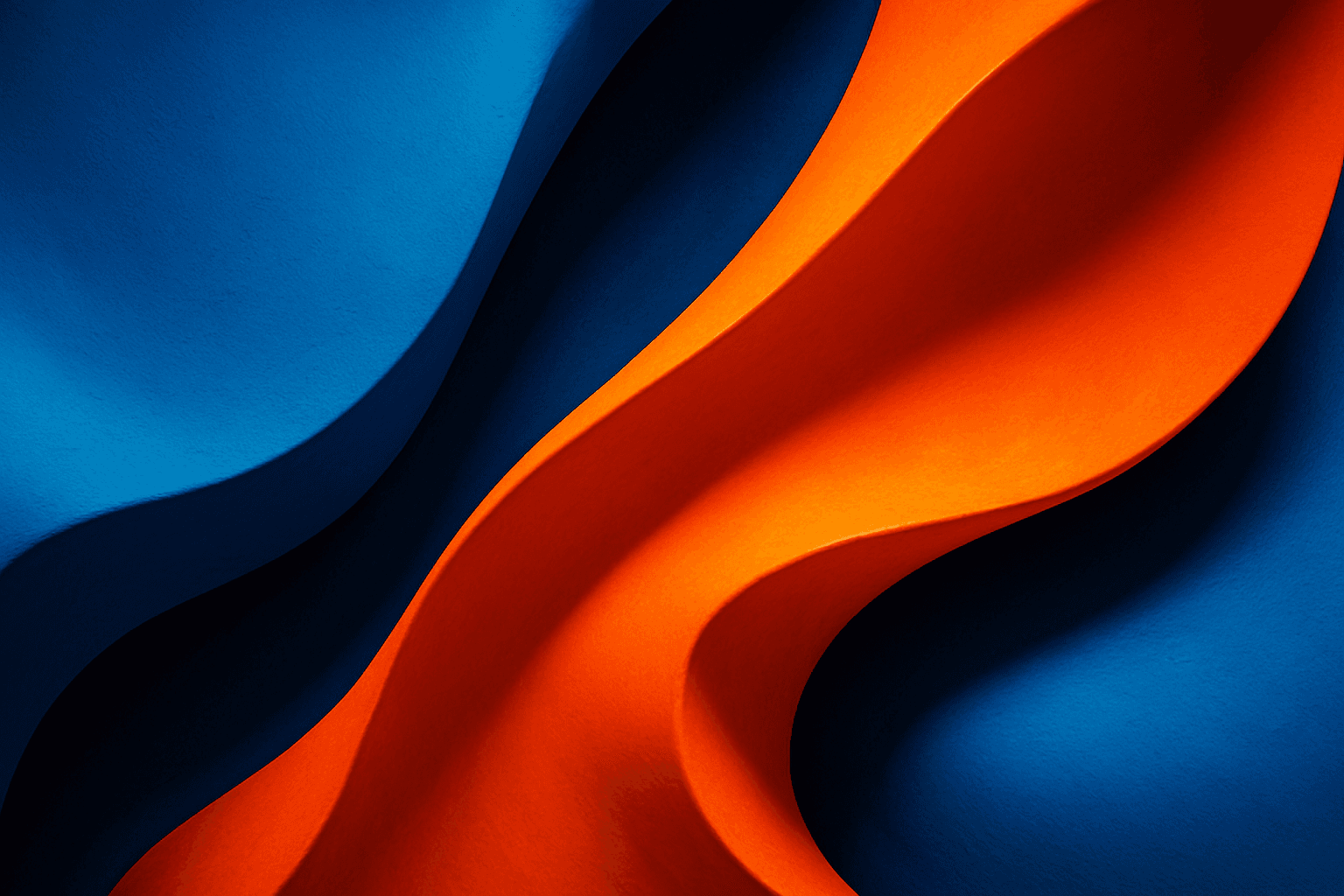
The Bold Contrasting Color Scheme keyword in AI prompts leverages vivid, sharply opposing colors to produce striking, high-impact visuals. This style harnesses color theory principles such as complementary and triadic schemes to make images pop with energy and clarity. It is widely used in graphic design, marketing, and digital art, where capturing attention quickly is essential. Utilizing this approach in AI image generation leads to photographs, illustrations, or digital compositions that feel fresh, modern, and aesthetically bold. The resulting images often feature intense colors side-by-side with strong differentiation, which guides viewer focus and enhances visual storytelling.
View keyword
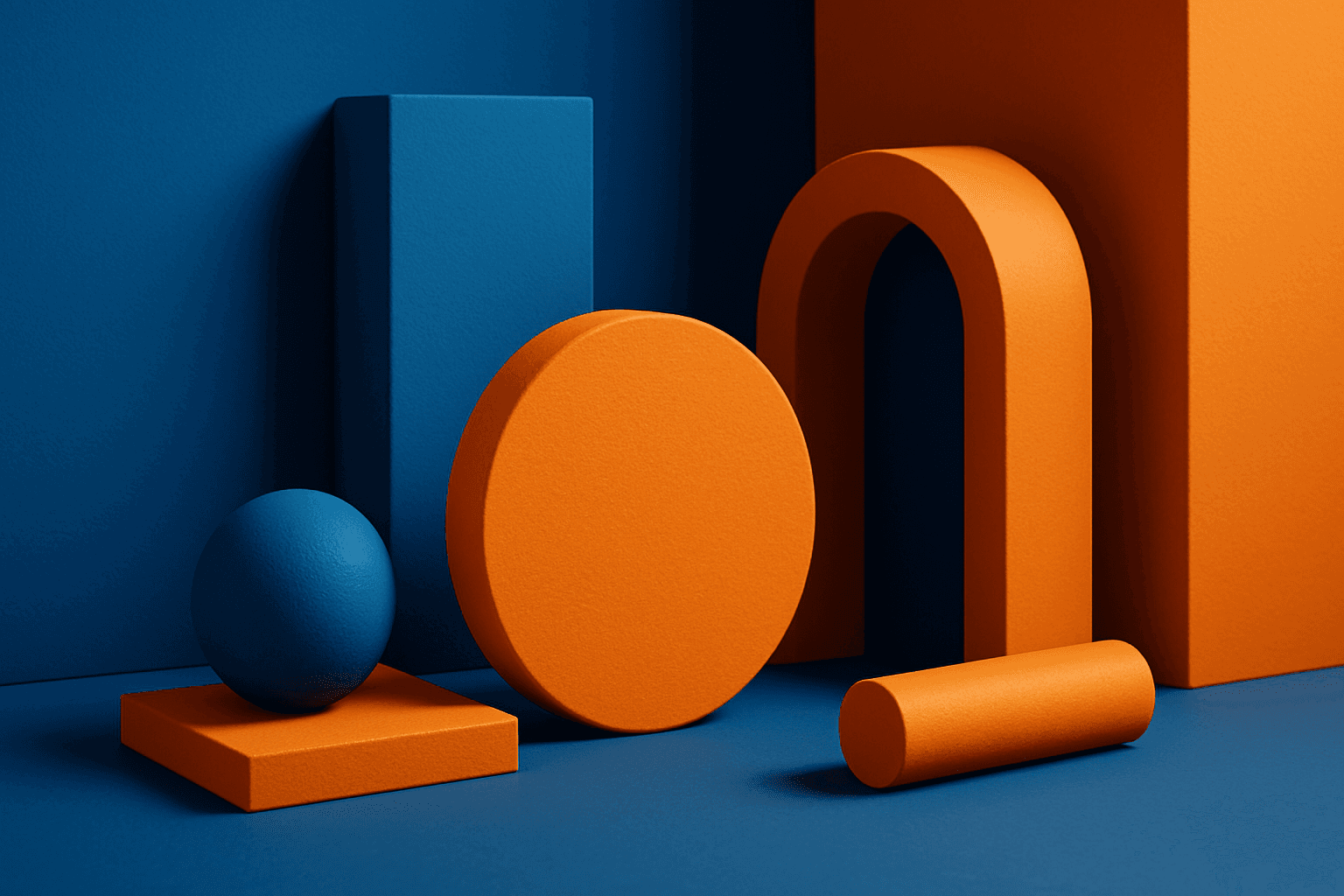
Complementary Color Pairing
Complementary color pairing leverages color theory by using two colors directly opposite each other on the color wheel, such as blue and orange or red and green. This technique is widely used in design and art to create striking visuals that naturally draw the viewer’s attention. In AI image generation, incorporating keywords or prompt elements emphasizing complementary colors can help produce images with balanced color contrast and dynamic interplay, enhancing overall aesthetics. This approach suits various styles, from minimalistic editorial layouts to rich, textured artworks, providing versatility in creative applications.
View keyword
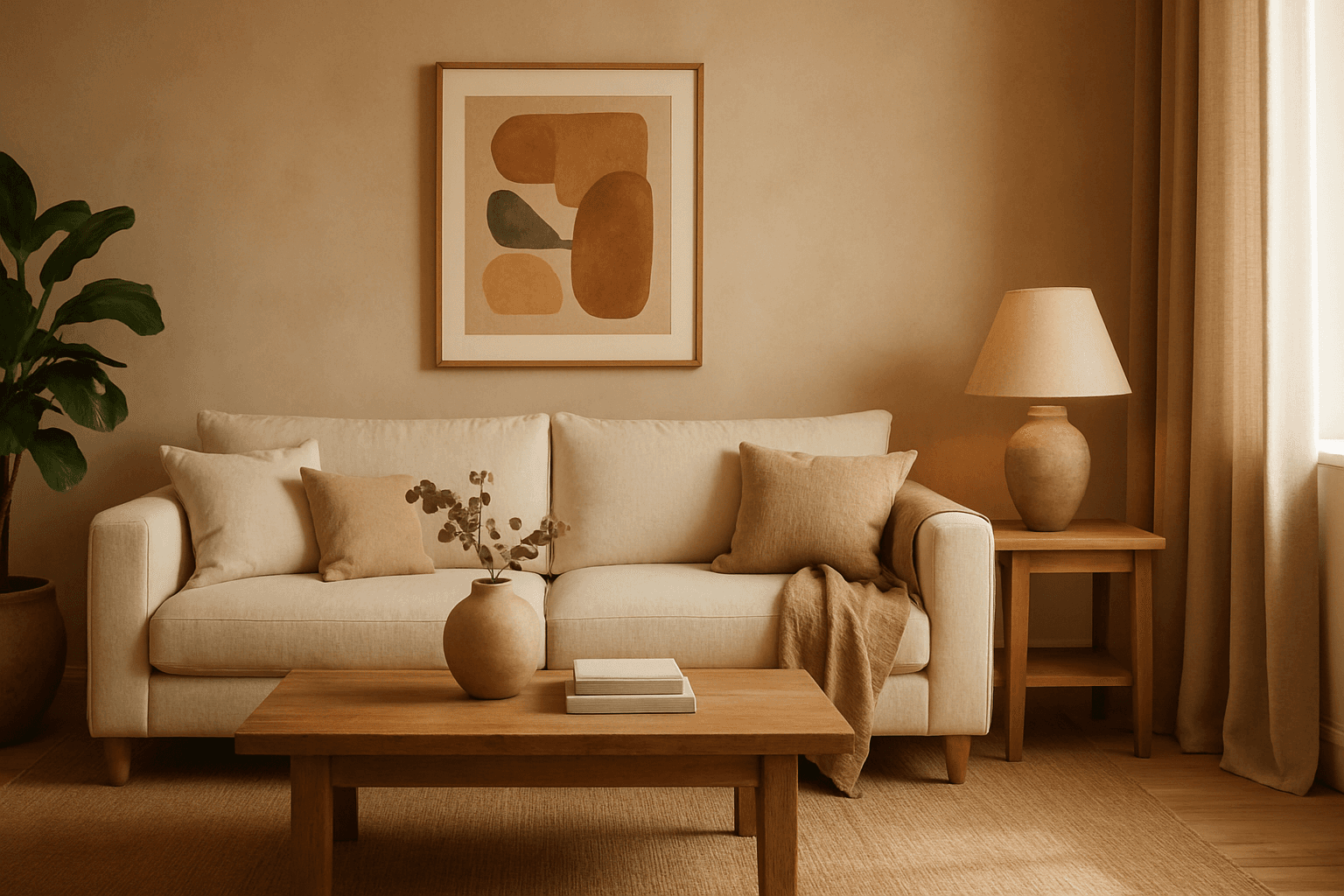
Warm Earth Tone Palette
Using a Warm Earth Tone Palette in AI image generation brings a natural and inviting atmosphere to visuals. These tones emulate colors found in nature, such as clay, autumn leaves, and sunbaked earth, providing a grounded and calming aesthetic. Incorporating this palette into prompts encourages AI models to generate images that feel organic and warm, which is ideal for themes involving nature, rustic settings, comfort, and heritage. It helps create harmonious compositions that appear authentic and emotionally resonant, making the images suitable for lifestyle, interior design, and environmental storytelling.
View keyword
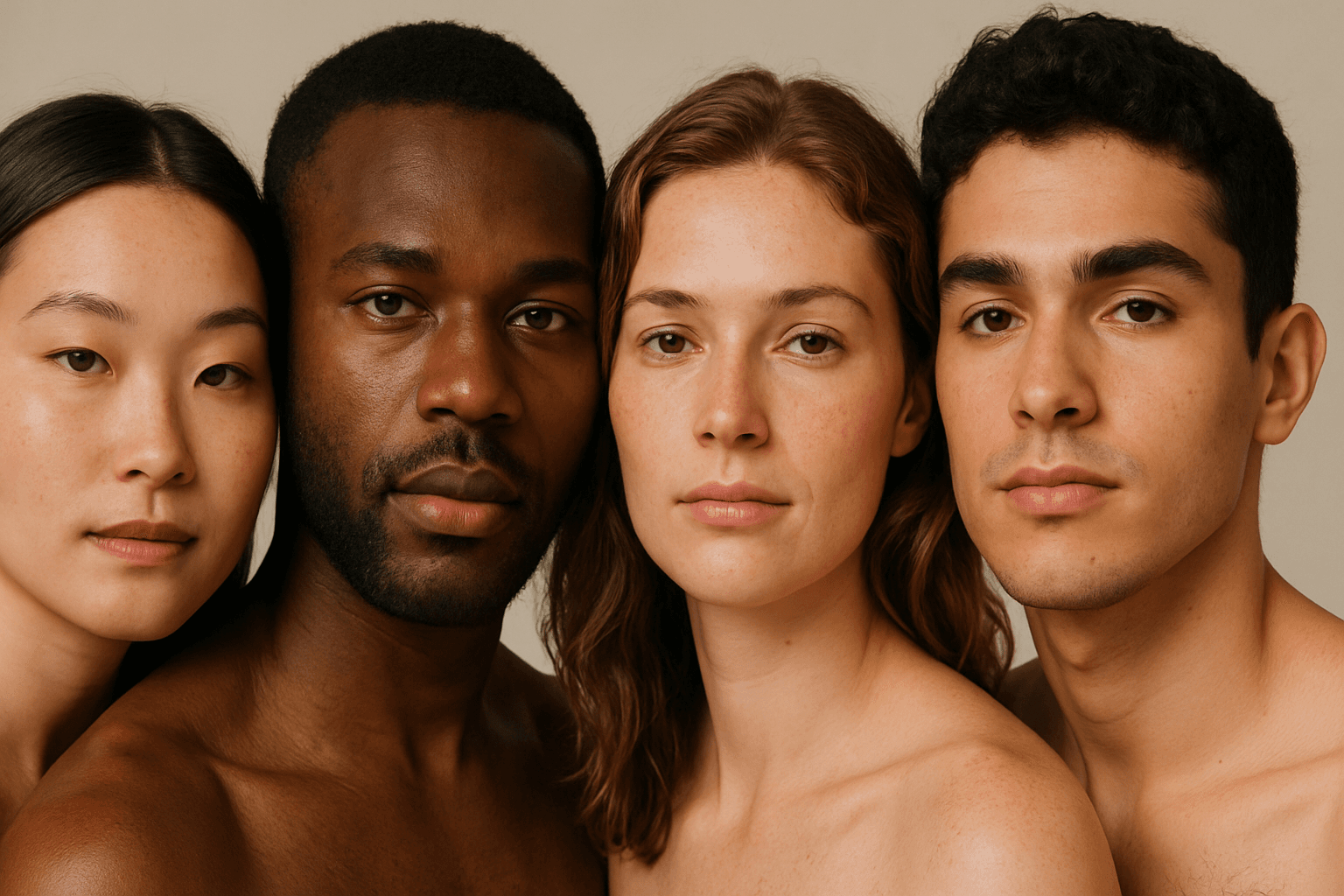
Natural Skin Tone Rendering
Natural Skin Tone Rendering is critical for producing AI-generated portraits or models that appear authentic and lifelike. It requires prompts to specifically guide the AI towards rendering skin with realistic color gradients, subtle shadows, and natural imperfections. Achieving this improves relatable human expressions and enhances emotional connection in visual content. This keyword is essential in contexts requiring true-to-life human representation, from fashion photography to editorial imagery, ensuring the AI captures diverse skin tones inclusively. By focusing on natural skin tone rendering, creators avoid flat, plastic, or overly stylized skin appearances, bringing genuine warmth and depth to AI-generated images.
View keyword

Subtle Gradient Color Blends
Subtle Gradient Color Blends are an essential visual technique in AI-generated imagery that enhance the overall composition and mood by incorporating gentle shifts between hues. These blends create a polished, professional look by avoiding abrupt color changes and enabling a seamless flow that can simulate natural lighting, shadows, or material surfaces. Using subtle gradients in prompts encourages AI models to produce images with refined color transitions that elevate the realism and elegance, making them perfect for backgrounds, product visualization, or editorial illustrations. Incorporating subtle color gradients helps establish depth while maintaining a clean and sophisticated style, highly valued in modern design and digital art.
View keyword
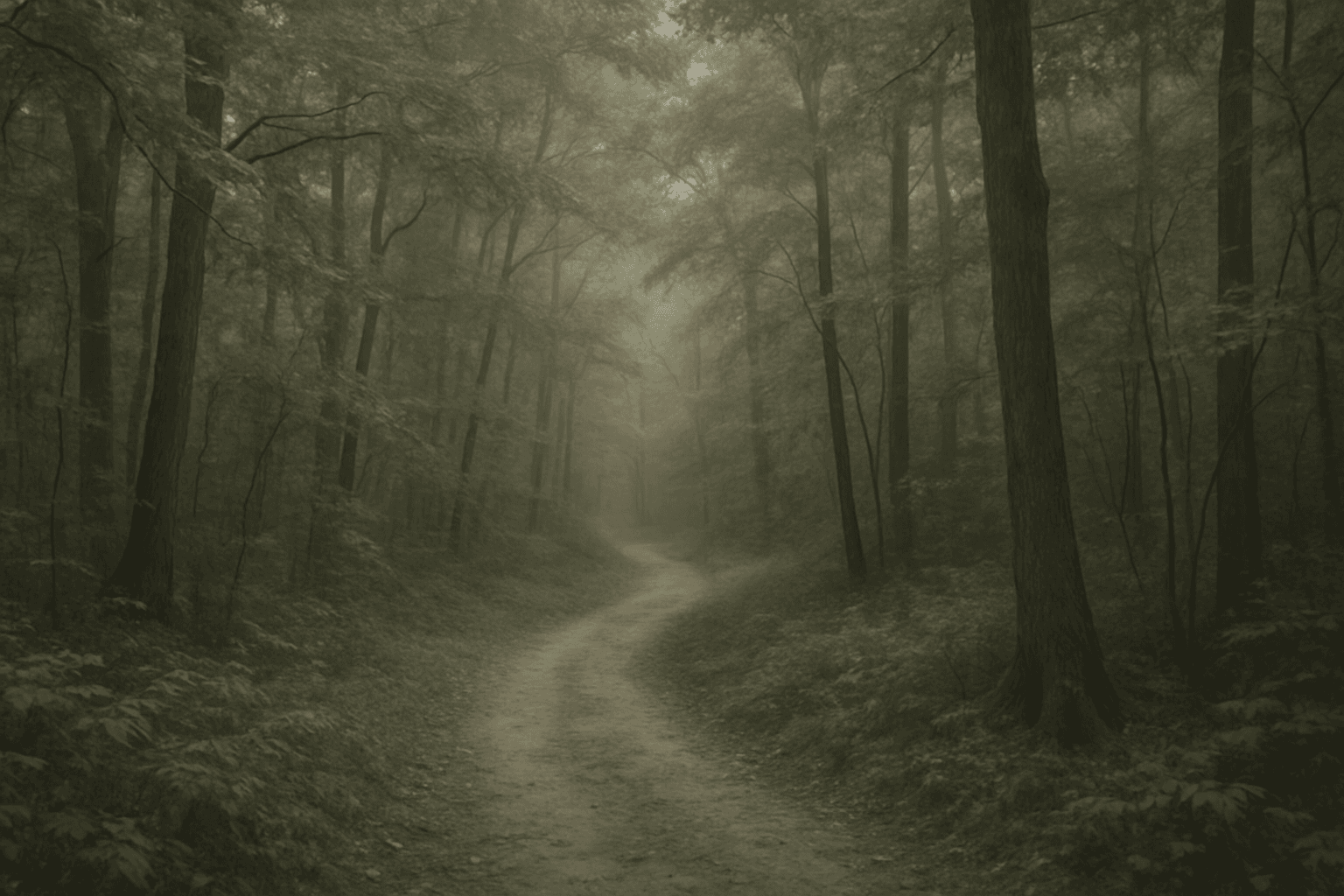
Soft Desaturated Palette
In AI-generated imagery, color palettes significantly influence the mood and visual impact of the final output. The Soft Desaturated Palette keyword directs AI models to render images with subdued colors by lowering saturation and brightness levels. This approach creates an image that feels gentle to the eye, with a natural yet understated aesthetic. By avoiding vibrant hues and opting for soft tones, this palette supports designs requiring subtlety and sophistication. It is particularly beneficial when the goal is to communicate calmness, nostalgia, or elegance, making the image appropriate for editorial layouts, fashion shoots, interior designs, and social media visuals.
View keyword
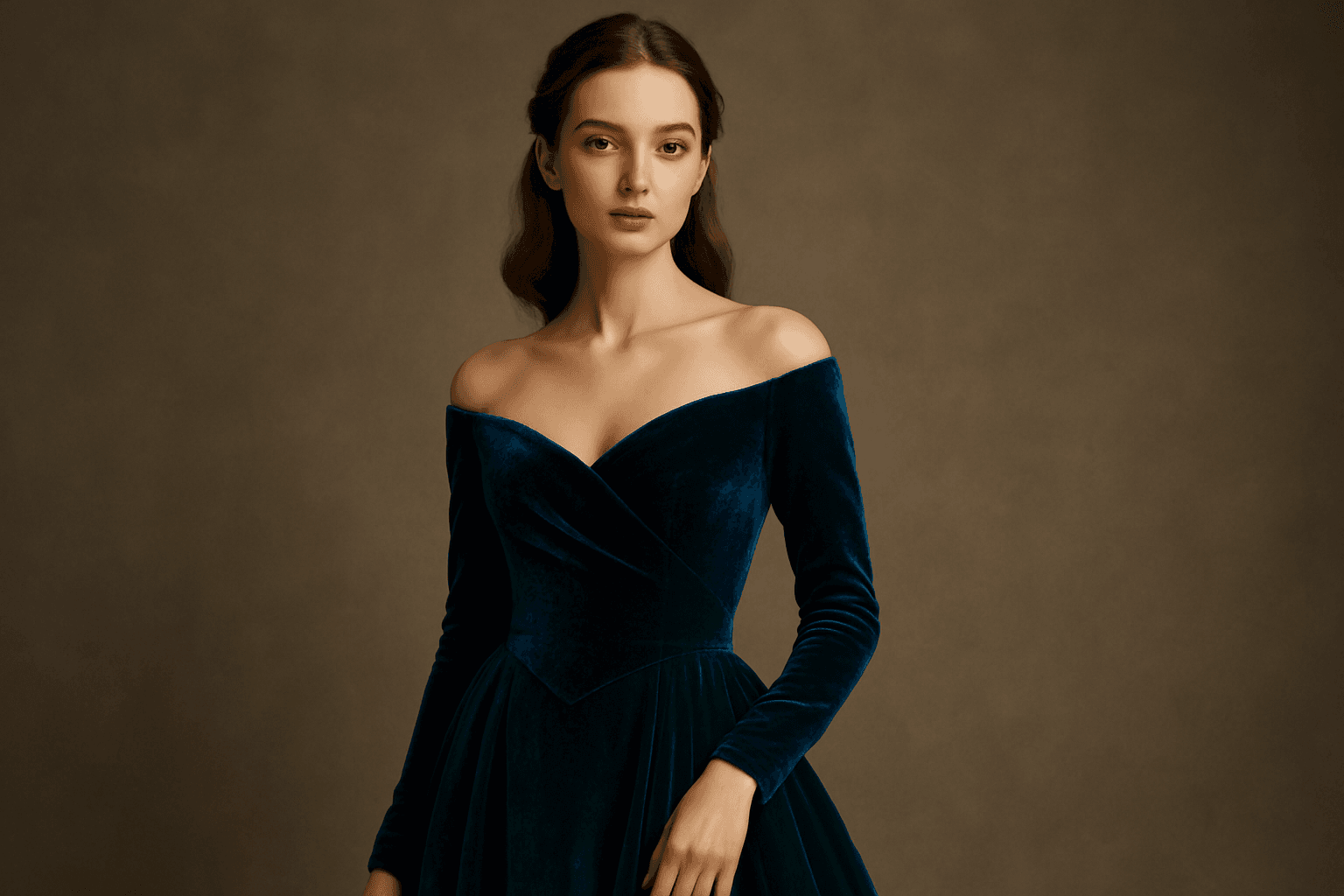
Rich Jewel Tone Palette
Using the Rich Jewel Tone Palette in AI image generation significantly influences the aesthetic by introducing highly saturated, gemstone-inspired colors. These tones create images that appear luxurious and visually striking, elevating compositions beyond simple color schemes. The palette often brings a sense of refinement and depth to scenes or subjects, making it a perfect choice for designs requiring rich, bold visual impact. Applying this palette modifies lighting and material perception to simulate the luminous qualities of jewels, enhancing realism and allure in the final output.
View keyword
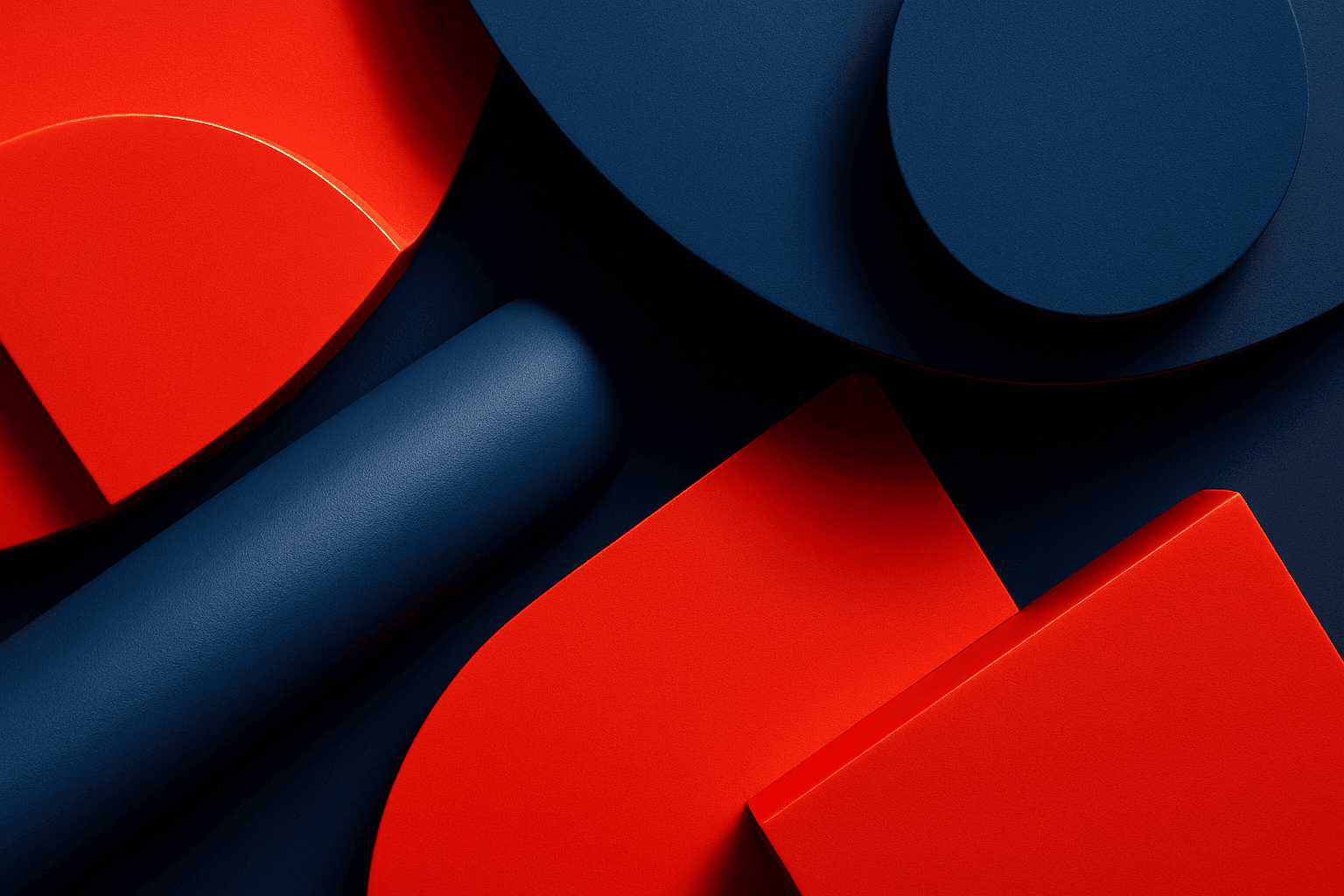
High Contrast Color Palette
A high contrast color palette significantly influences the mood and readability of visual content by emphasizing sharp differences between colors. This palette amplifies distinctions in tones and hues, resulting in images that feel vibrant, bold, and attention-grabbing. In AI image generation, specifying this keyword encourages models to produce compositions that highlight color differences, rather than blending or muted schemes. This enhances subject prominence and can evoke emotional responses or create memorable visuals, essential in advertising, editorial design, and digital art.
View keyword
Analog Film Color Palette
The Analog Film Color Palette is a popular keyword in AI image generation, used to achieve an aesthetic inspired by classic analog photography. It encourages AI models to emulate the color tones of vintage film rolls, incorporating soft reds, dusty blues, faded greens, and warm beige hues. This palette adds emotional depth and a nostalgic atmosphere to images, evoking memories of the past with subtle imperfections like gentle grain and nuanced light scattering. It is highly valued for creating editorial looks, lifestyle imagery, and artistic photographs that stand out for their authenticity and mood. Incorporating this palette can elevate digital images beyond bright, clinical colors toward more tactile, artistic visuals.
View keyword
All Categories
Lighting
81Prompt keywords for shaping light direction, quality, glow, and photographic drama.
Browse keywords
Atmosphere
55Mood-setting language for emotion, haze, weather, ambience, and cinematic tone.
Browse keywords
Composition
67Framing and visual structure keywords that guide layout, focus, and balance.
Browse keywords
Style
43Aesthetic directions for design languages, eras, interiors, and visual identity.
Browse keywords
Color
76Palette keywords for controlling temperature, contrast, softness, and brand feeling.
Browse keywords
Texture & Material
77Surface and material cues for tactile realism, reflection, luxury, and craft.
Browse keywords
Commercial Use
46Keywords tuned for stock imagery, ads, branding, product visuals, and business assets.
Browse keywords