Warm Neutral Palette
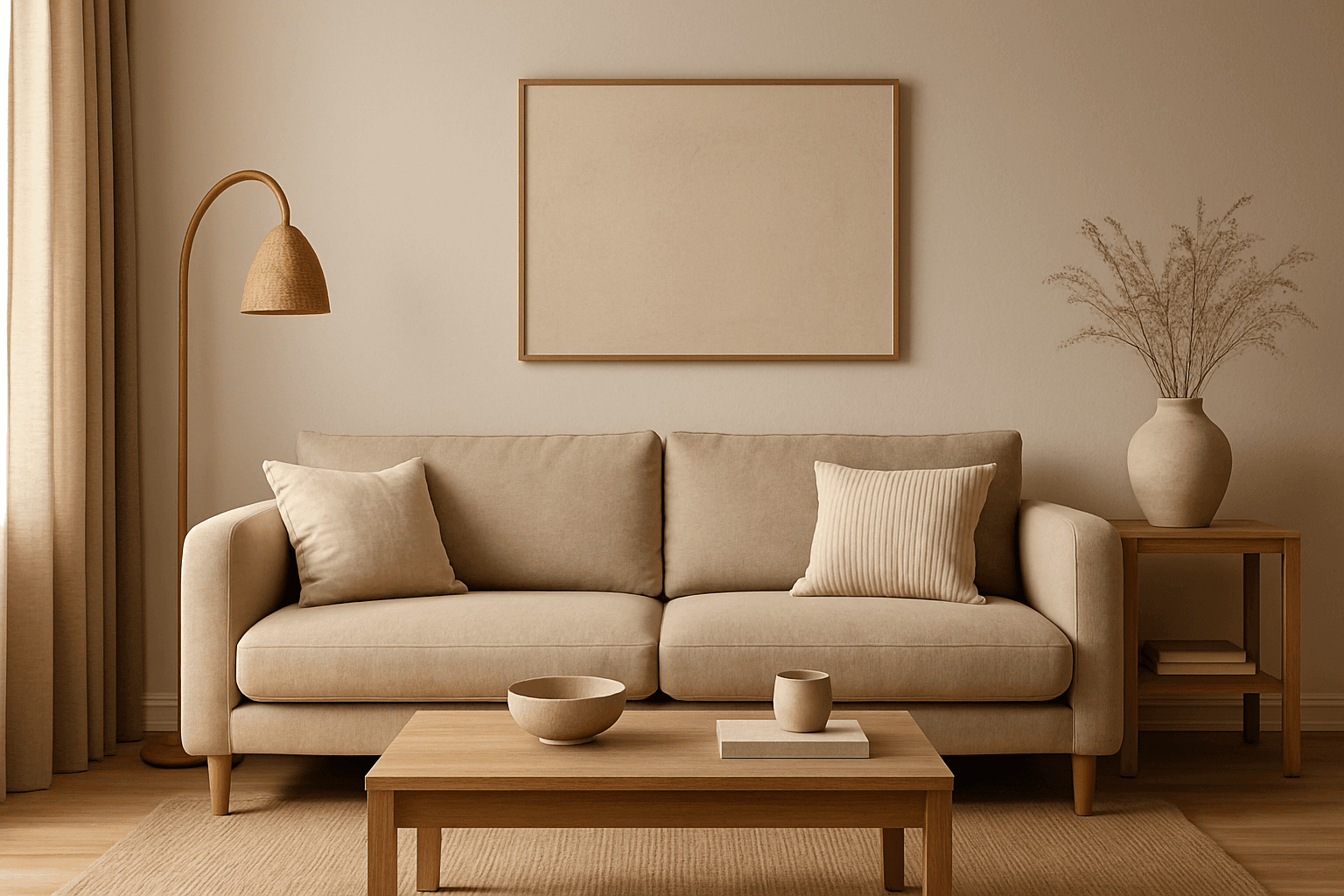
The Warm Neutral Palette is a popular color scheme choice in design and AI-generated imagery for its timeless and soothing qualities. This palette combines warm earthy tones with soft neutrals, producing images that feel natural and approachable. Incorporating warm neutrals can enhance mood by bringing subtle warmth and comfort to visuals without overpowering them. When added to AI prompts, it guides the model to emphasize harmonious colors that evoke calmness and sophistication. The palette works well across various genres, including lifestyle, interiors, fashion, and nature themes, helping create polished and refined visuals suitable for editorial or commercial use.
Definition
A Warm Neutral Palette in AI art prompts refers to a targeted color scheme that integrates soft, earthy tones like creams, beiges, tans, and mild warm grays. Including this keyword steers the AI model to generate images with a gentle warmth and muted brightness, creating cozy and harmonious visuals free from stark, cold colors.
Visual Characteristics
- Predominantly soft earthy tones such as creamy beige, warm browns, and muted tans
- Balanced low-contrast color depth with gentle gradations
- Warmth-infused ambiance evoking comfort and subtle elegance
Prompt Formula
To effectively incorporate the Warm Neutral Palette in your AI prompts, combine color descriptors with environment or subject details. For example: "[subject], warm neutral palette, soft warm lighting, natural textures, subdued contrasts." This formula ensures the model emphasizes earthy warm tones and a cozy mood in compositions.
- [subject], warm neutral palette, soft lighting
- [scene], warm neutral palette, natural textures, subtle shadows
- [object], warm neutral palette, muted colors, gentle gradients
Best Use Cases
- Lifestyle product shoots with natural materials and textures
- Interior design imagery featuring inviting, warm atmospheres
- Editorial portraits emphasizing subtle earth-tone clothing and backgrounds
Creative Variations
To avoid repetitive outputs when using the Warm Neutral Palette, experiment with different lighting conditions, such as golden hour or soft overcast light, and vary texture details like fabrics or ceramics. Adjust compositions by incorporating organic elements or minimalist layouts to explore fresh interpretations of warmth and neutrality.
- Use golden hour lighting for enhanced warmth
- Incorporate natural materials like wood, linen, or clay
- Try minimalist versus detailed textured compositions
Industry Applications
The Warm Neutral Palette is highly applicable in industries prioritizing authentic, approachable aesthetics. In home decor and interiors, it highlights comfort and timeless style. Fashion retailers use it for casual and elegant collections, while editorial projects leverage its natural appeal for lifestyle and wellness stories.
- Home decor and interior design branding
- Fashion lookbooks and casual wear campaigns
- Lifestyle and wellness editorial content
Model-Specific Tips
When prompting modern AI models, pair the 'warm neutral palette' keyword with explicit color references to increase consistency across outputs. Using modifiers like 'soft,' 'natural,' or 'muted' alongside lighting terms enhances the palette's visual fidelity. Avoid overloading prompts to keep focus on the warm neutral effect while letting the model interpret subtle tonal nuances naturally.
- Combine with adjectives: soft, muted, natural
- Add lighting styles: warm natural light, soft shadows
- Keep prompts focused and avoid too many competing color terms
FAQ
What colors make up a warm neutral palette?
Warm neutral palettes typically include beige, cream, soft browns, tan, warm grays, and sometimes olive or muted terra cotta tones—all blending to create warmth without strong saturation.
Can I use warm neutral palettes for vibrant subjects?
Yes, but the color emphasis will be subdued. To retain vibrancy, balance warm neutrals with selective pops of color or enhanced lighting in your prompt.
Continue Exploring
Related Prompts

Muted Earth Tone Palette
The Muted Earth Tone Palette is a popular color approach in AI image generation that emphasizes soft, natural hues inspired by the earth. These colors include warm browns, olive greens, beiges, and greys, all presented in subdued saturation levels to avoid overly bright or intense visuals. Using this palette creates images that feel organic, calm, and stylish, making it ideal for modern editorial content, lifestyle photography, and interior design renders. By focusing on muted tones, the images exude refinement and subtlety, appealing to viewers seeking sophistication without harsh contrasts. Incorporating this palette into your AI prompts helps generate visuals with a cohesive and naturalistic color balance.
Earthy Warm Color Scheme
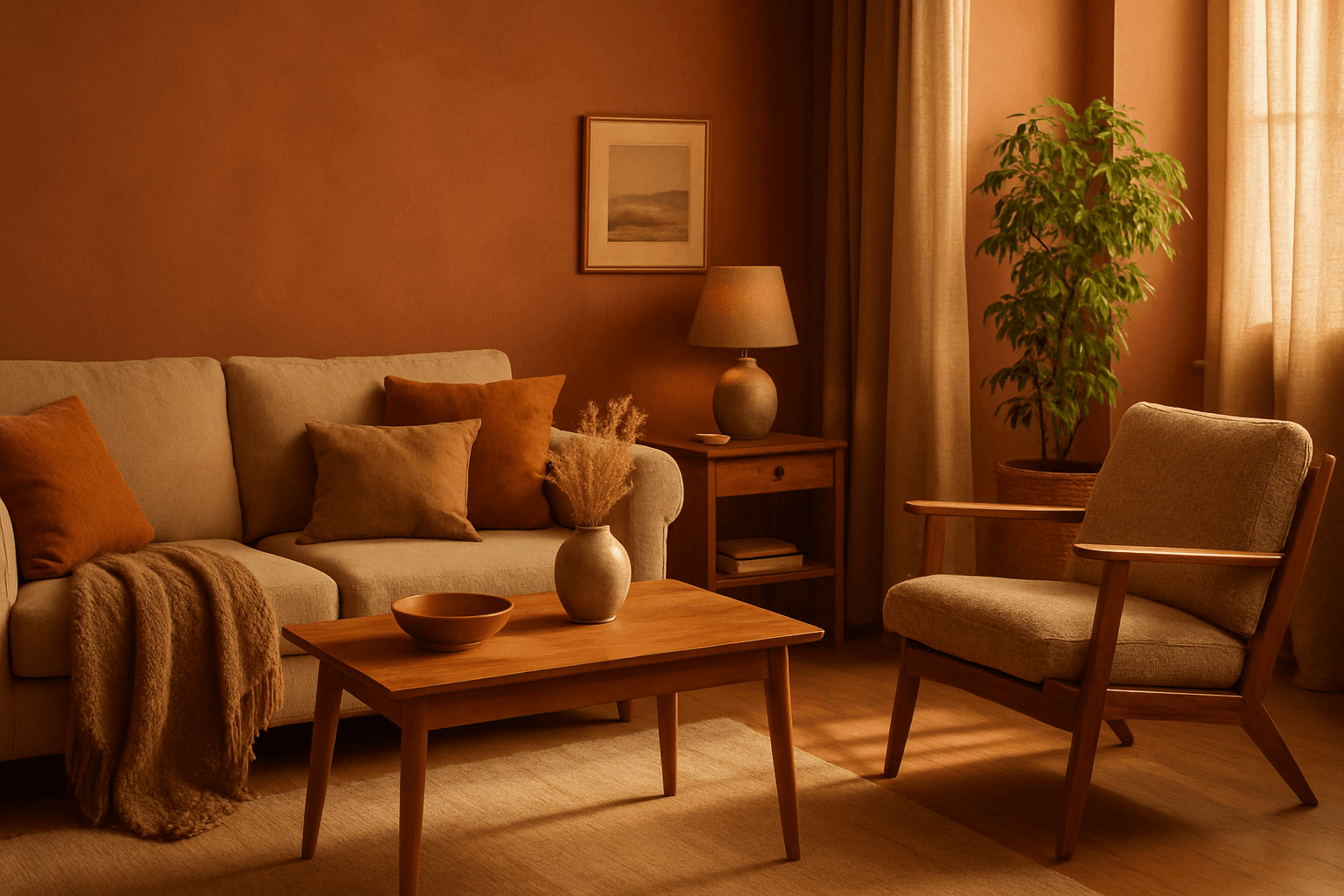
The Earthy Warm Color Scheme is a popular choice for artists and designers aiming to create images that feel natural, comforting, and connected to the environment. By focusing on warm, muted earth tones, this scheme lends a timeless aesthetic suited for a variety of subjects, including landscapes, portraits, interiors, and product shots. Using this palette in AI image prompts can help achieve visuals that emphasize quiet warmth and natural beauty, often evoking rustic charm or bohemian moods. It's well-suited for editorial photography, lifestyle branding, and environmental themes, enhancing images with a sophisticated yet approachable mood.
Muted Neutral Palette
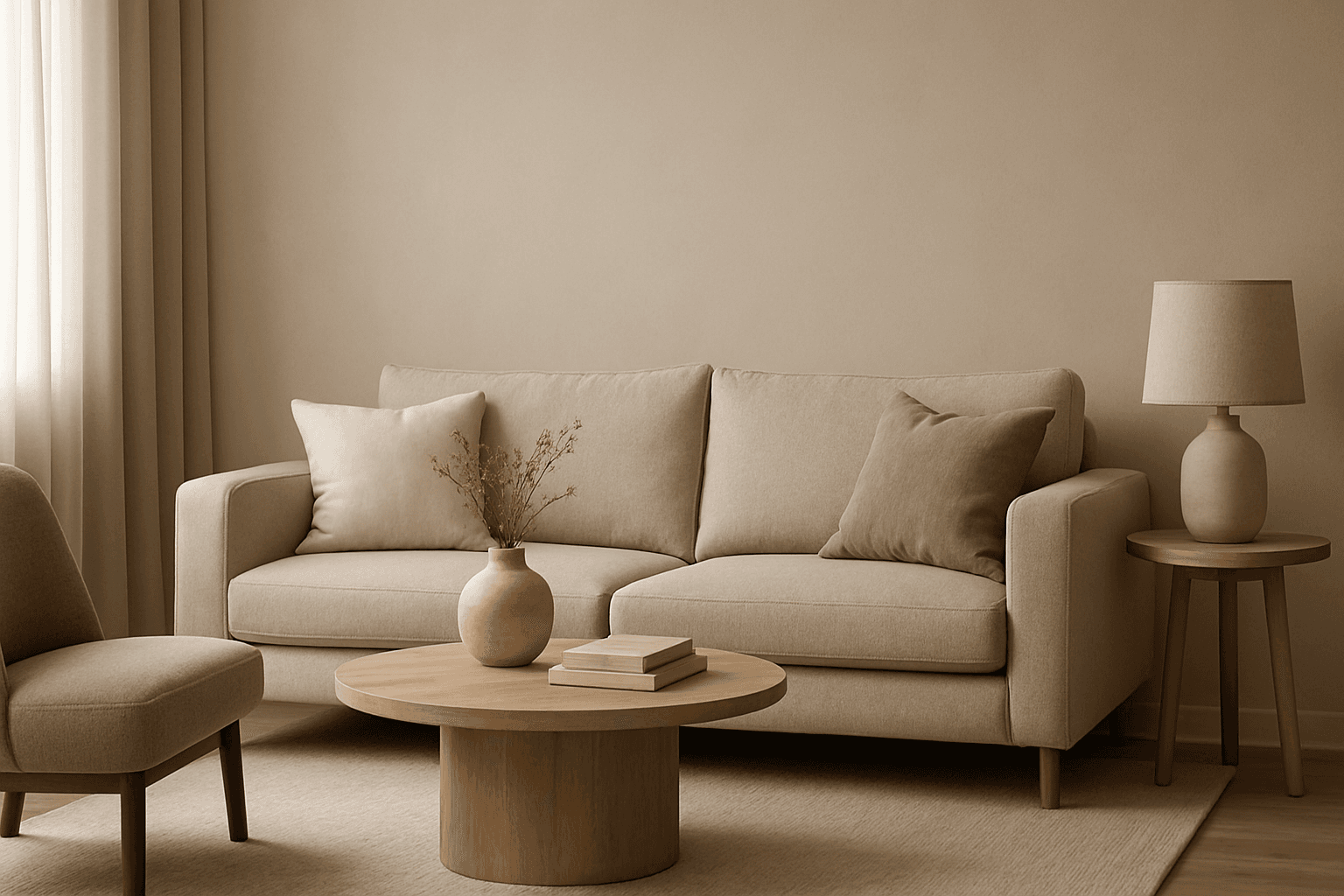
The Muted Neutral Palette is an essential color theme used widely in design, photography, and digital imagery to produce a subtle, refined look. These colors lack vivid saturation and strong contrasts, resulting in images that feel calm, natural, and versatile. In AI-driven image generation, specifying a Muted Neutral Palette guides the model to avoid vibrant, saturated colors, focusing on softness and timelessness. It supports creating visuals that blend seamlessly in editorial, fashion, interior, and product contexts where sophistication and neutrality are paramount. This palette is particularly suited for minimalist compositions where color draws attention without overwhelming the scene.
Earthy Warm Tones
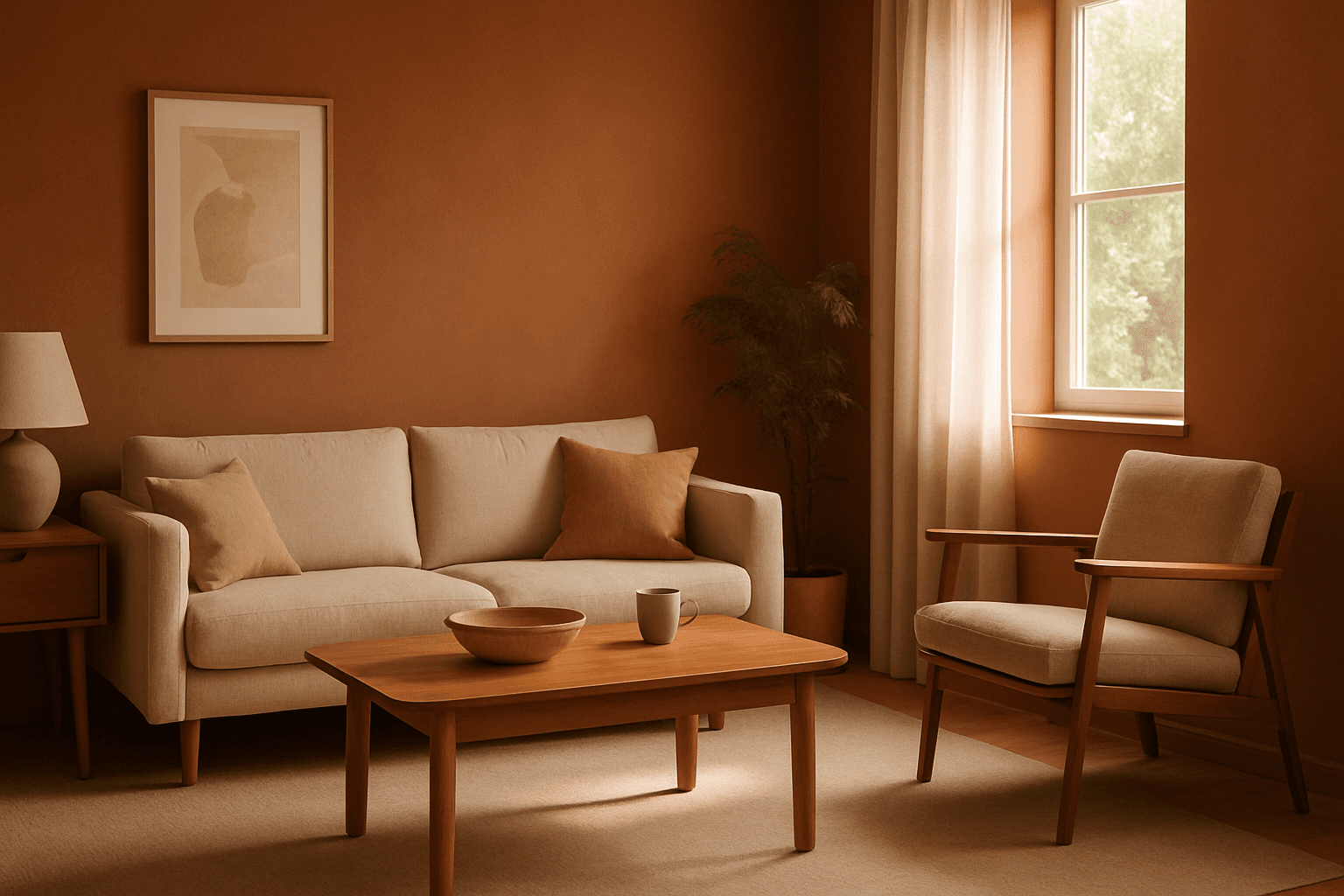
Using Earthy Warm Tones in AI image generation brings a cozy and organic aesthetic to your visuals. This color keyword shifts the palette toward natural and muted warm colors that recall the earth's rich textures, often creating a calm and inviting mood. Ideal for images that require realistic materials and depth, these tones lend a premium, editorial polish without harsh contrasts. When combined with refined lighting and subtle depth, images gain a tactile, authentic feel, suitable for editorial hero imagery or sophisticated product presentations.
Warm Color Palette
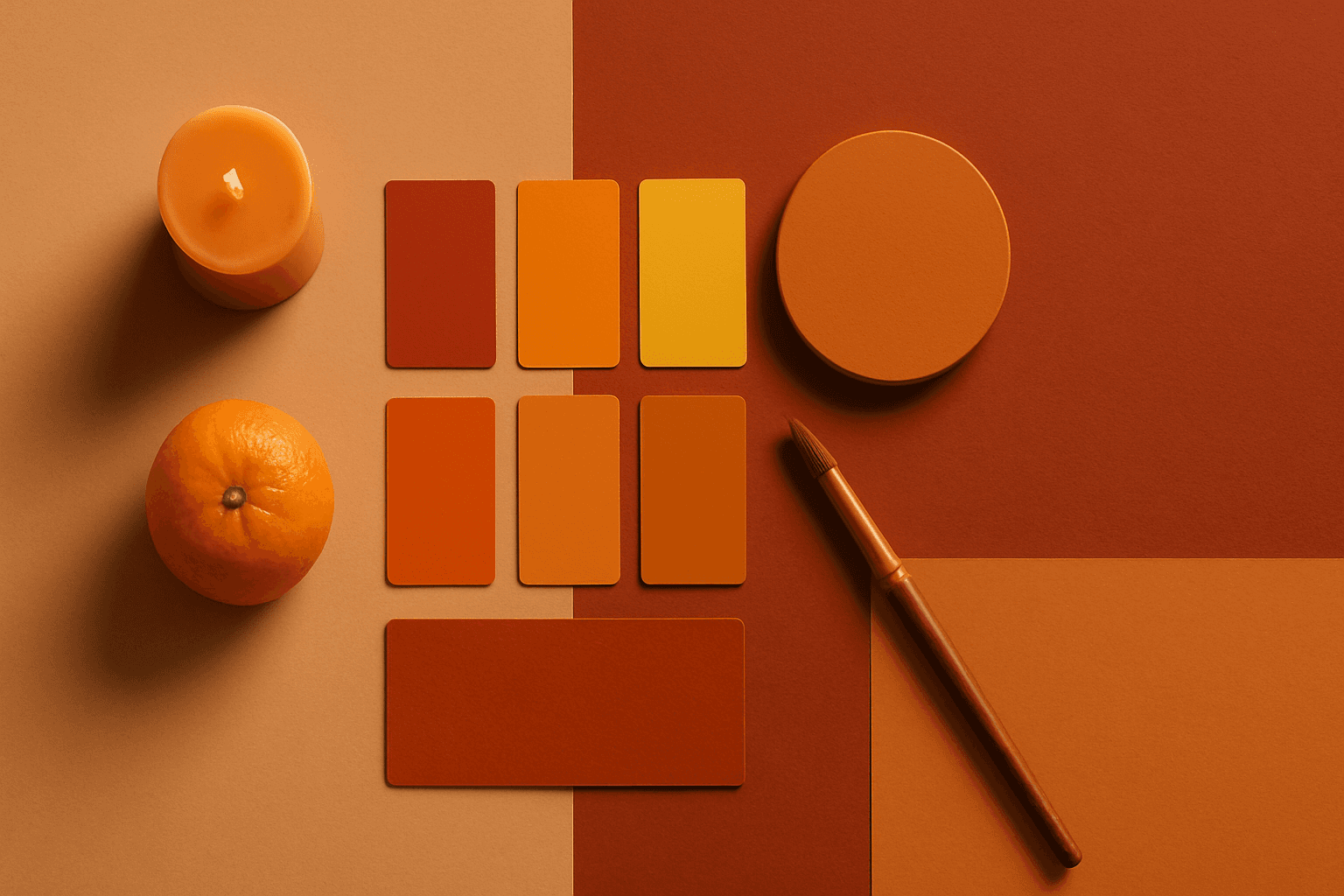
Warm Color Palette is a practical keyword for guiding emotional tone. It can make a breakfast scene feel cozy, a travel image feel sunny, or a brand visual feel more approachable. Warm palettes are strong for commercial images because they connect quickly with themes like comfort, care, family, food, hospitality, wellness, and optimism. For beginners, this keyword is easier to control than listing many individual colors.
Monochrome Warm Palette
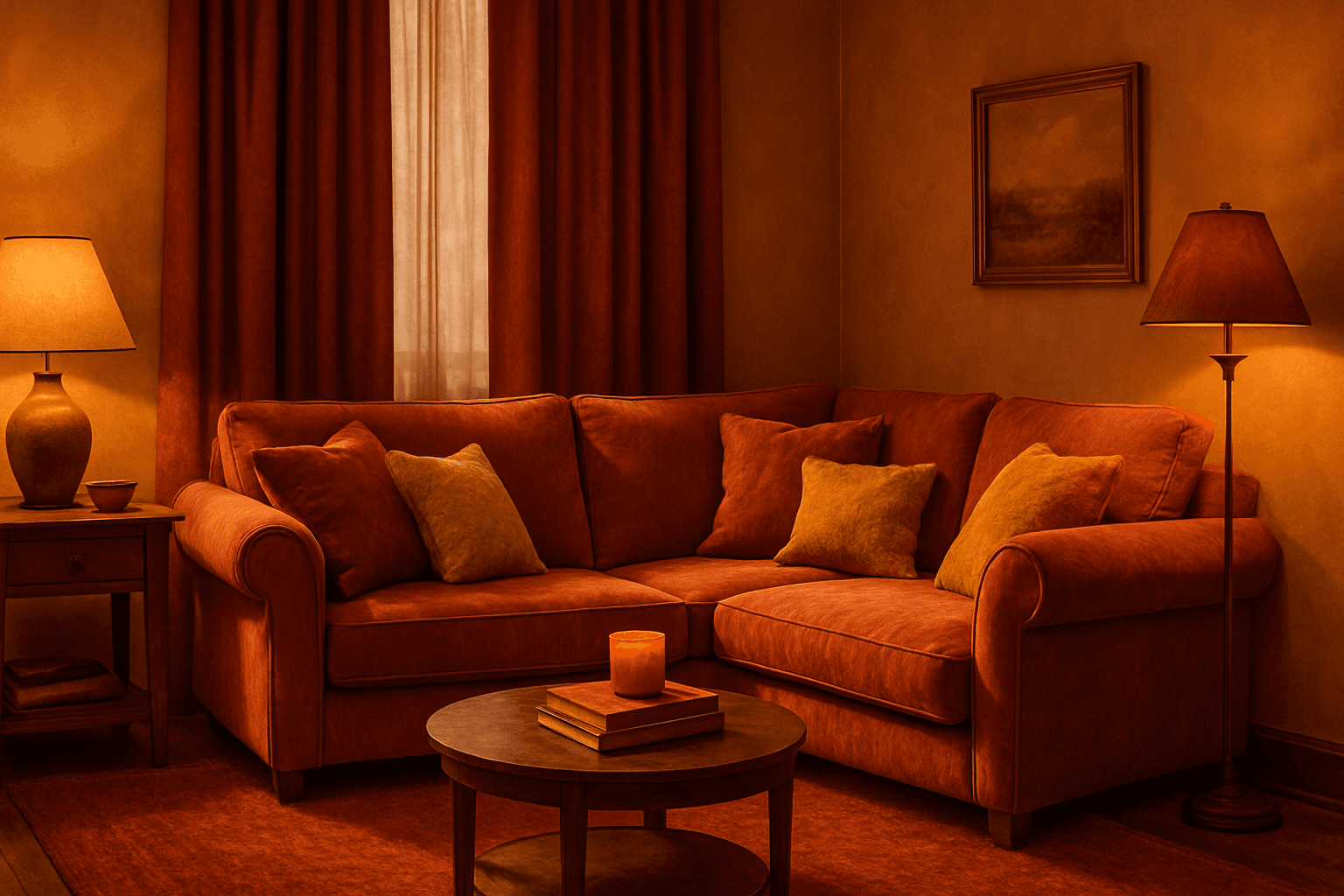
Applying a Monochrome Warm Palette in AI-generated images sets a unified, warm tone that evokes feelings of comfort, energy, and passion. This approach simplifies the color scheme by utilizing only warm colors that range from muted tans and terracottas to vibrant oranges and reds. It directs the AI image generation to avoid cool colors, keeping the visuals coherent and emotionally resonant. The result is a natural, aesthetically pleasing image with subtle depth, ideal for modern editorial designs or lifestyle photography that seeks to communicate warmth and intimacy without overwhelming complexity.