Muted Colors
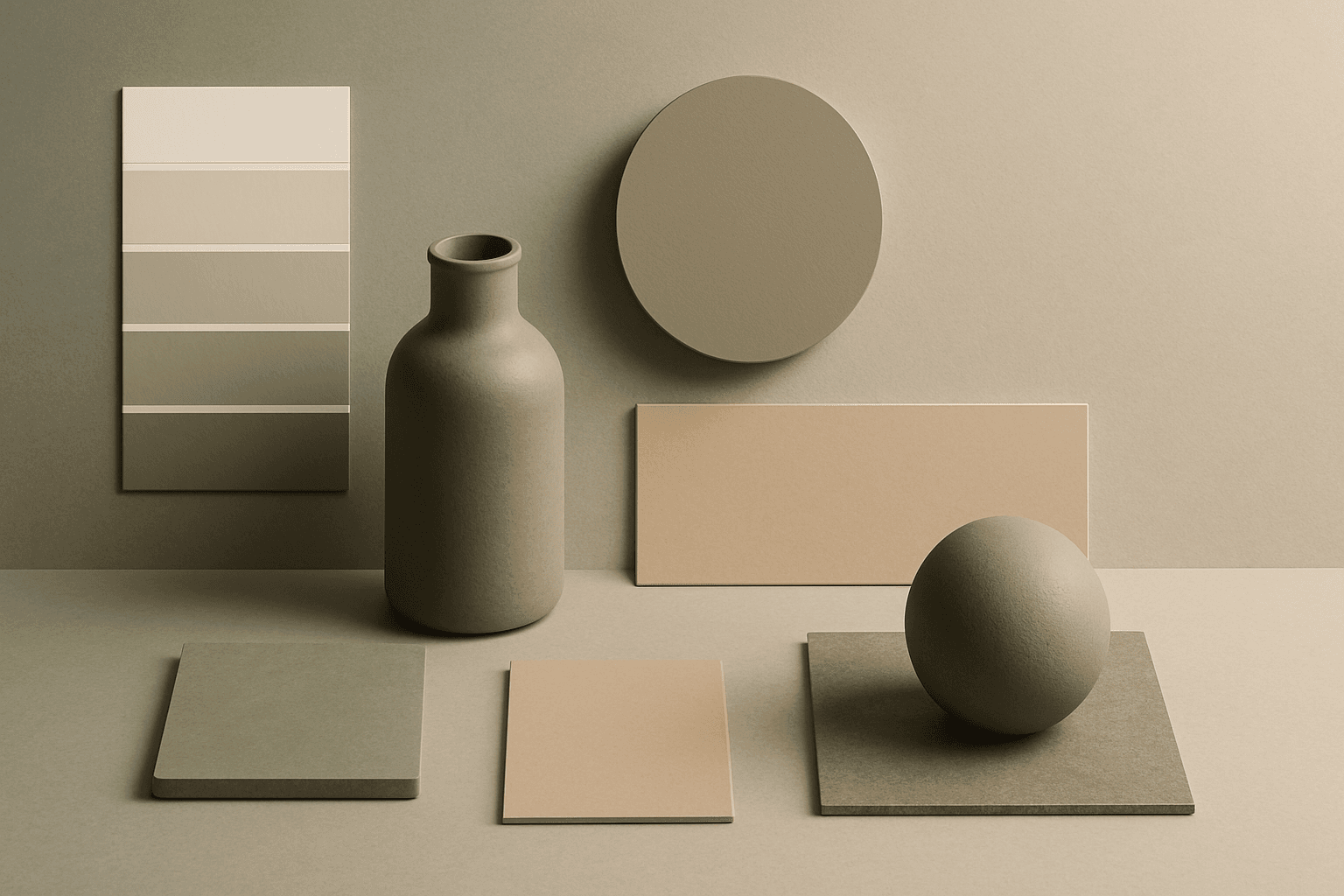
Muted Colors are useful when you want AI-generated images to feel sophisticated instead of loud. They are common in interiors, lifestyle photography, fashion editorials, packaging, wellness brands, and business imagery. For stock creators, muted palettes can make images more flexible because they do not overpower text or brand elements. They also help avoid the overly saturated look that many AI images produce by default.
Definition
Muted Colors are colors with reduced saturation. They can be warm, cool, light, or dark, but they avoid intense brightness. In AI image prompts, Muted Colors help create images that feel mature, editorial, calm, and design-aware.
Visual Characteristics
- Lower saturation than vivid palettes, often with gray, brown, or dusty undertones.
- A calm and cohesive look that reduces visual noise.
- Works well with natural materials, soft shadows, editorial styling, and premium product scenes.
Best Use Cases
- Interior design, furniture, home decor, and organic modern scenes.
- Professional business imagery, wellness branding, and lifestyle stock photos.
- Packaging, beauty, stationery, and editorial product images that need restraint.
Prompt Examples
- A muted colors living room with linen sofa, ceramic vase, soft shadows, and editorial interior styling.
- A muted color product photo for handmade packaging, paper texture, warm gray background, commercial composition.
- A muted colors fashion portrait with soft light, calm expression, and premium editorial mood.
Adobe Stock Potential
Muted Colors are valuable for Adobe Stock because they support broad commercial use. Buyers can use them in websites, editorial articles, brand mockups, social graphics, and presentations without fighting intense color.
FAQ
Why use muted colors in AI prompts?
They make images feel more realistic, refined, and easier to use in commercial layouts.
Can muted colors still look premium?
Yes. Pair them with clean composition, quality materials, and controlled lighting.
Continue Exploring
Related Prompts
Earth Tone Colors
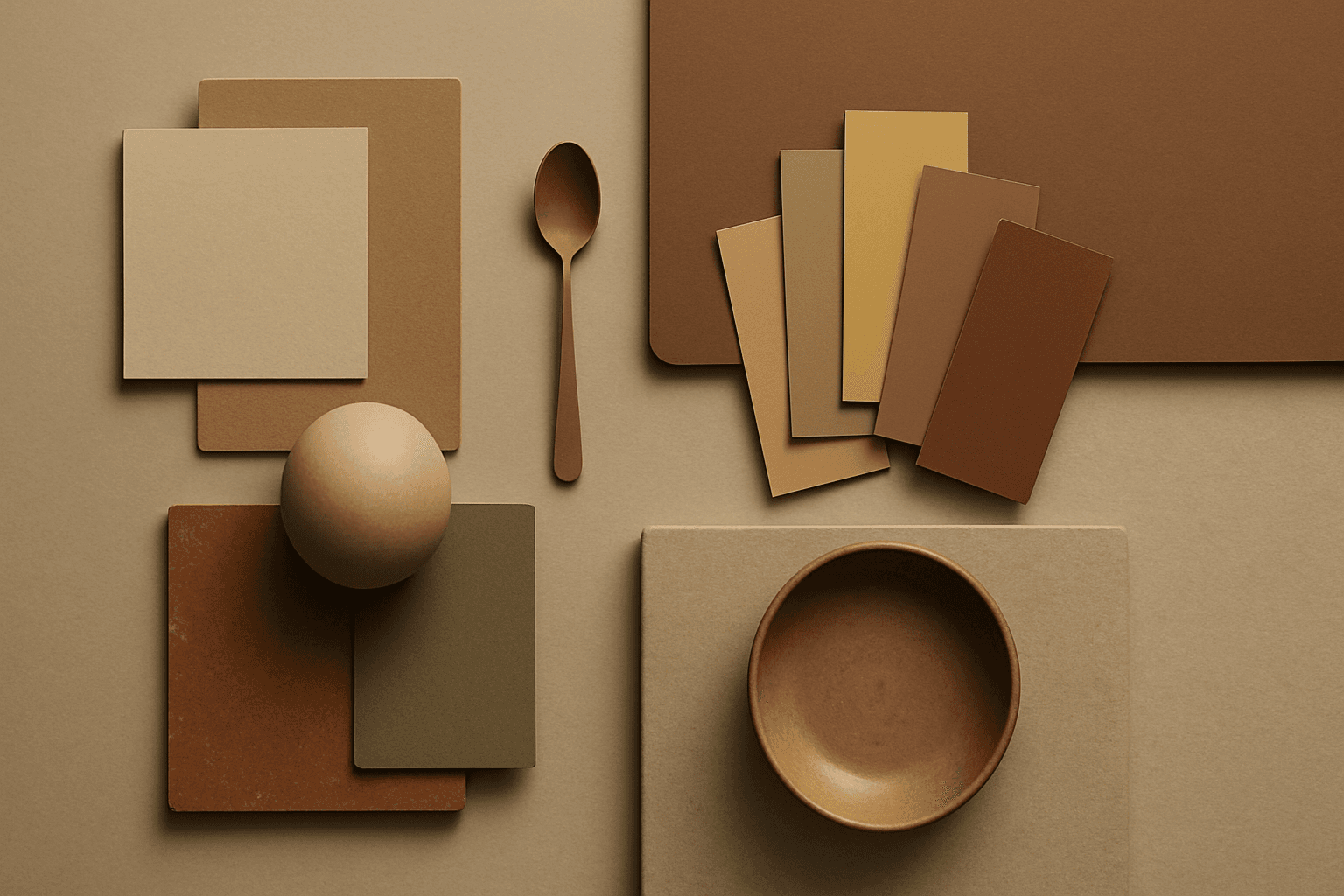
Earth Tone Colors are useful for creating grounded, organic, and commercially current AI images. They are common in wellness branding, sustainable packaging, interiors, handmade products, food, outdoor lifestyle, and natural beauty campaigns. For stock creators, earth tones can communicate authenticity and trust without needing obvious eco symbols. They also work well in minimalist layouts because the palette is calm but still warm.
Neutral Colors
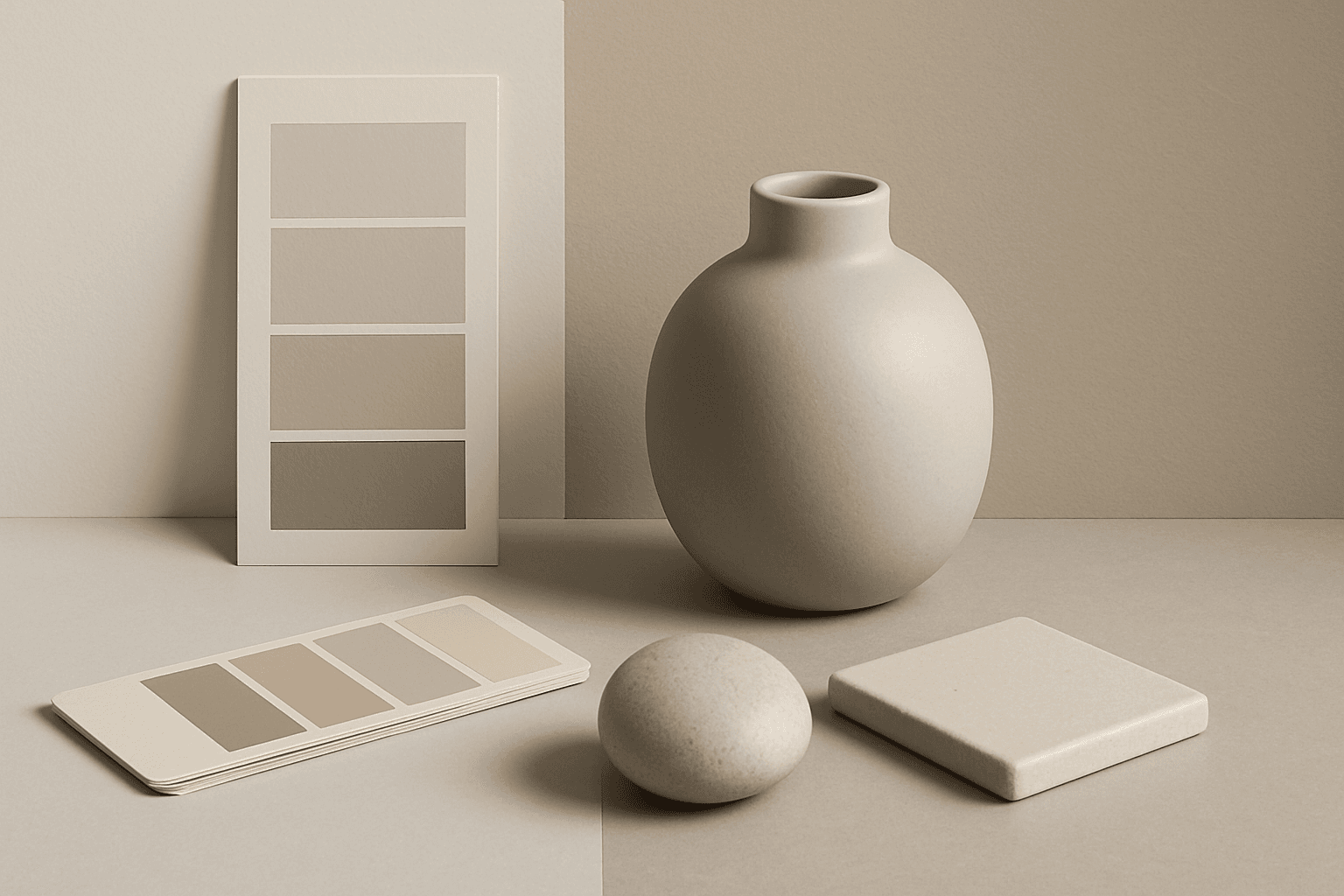
Neutral Colors are among the most commercially useful palette keywords. They help AI images feel clean, versatile, and layout-friendly. Neutral images can support text overlays, product packaging, editorial design, websites, and presentations without competing with brand colors. For stock creators, this is a practical keyword because buyers often need visuals that can blend into many design systems.
Pastel Colors
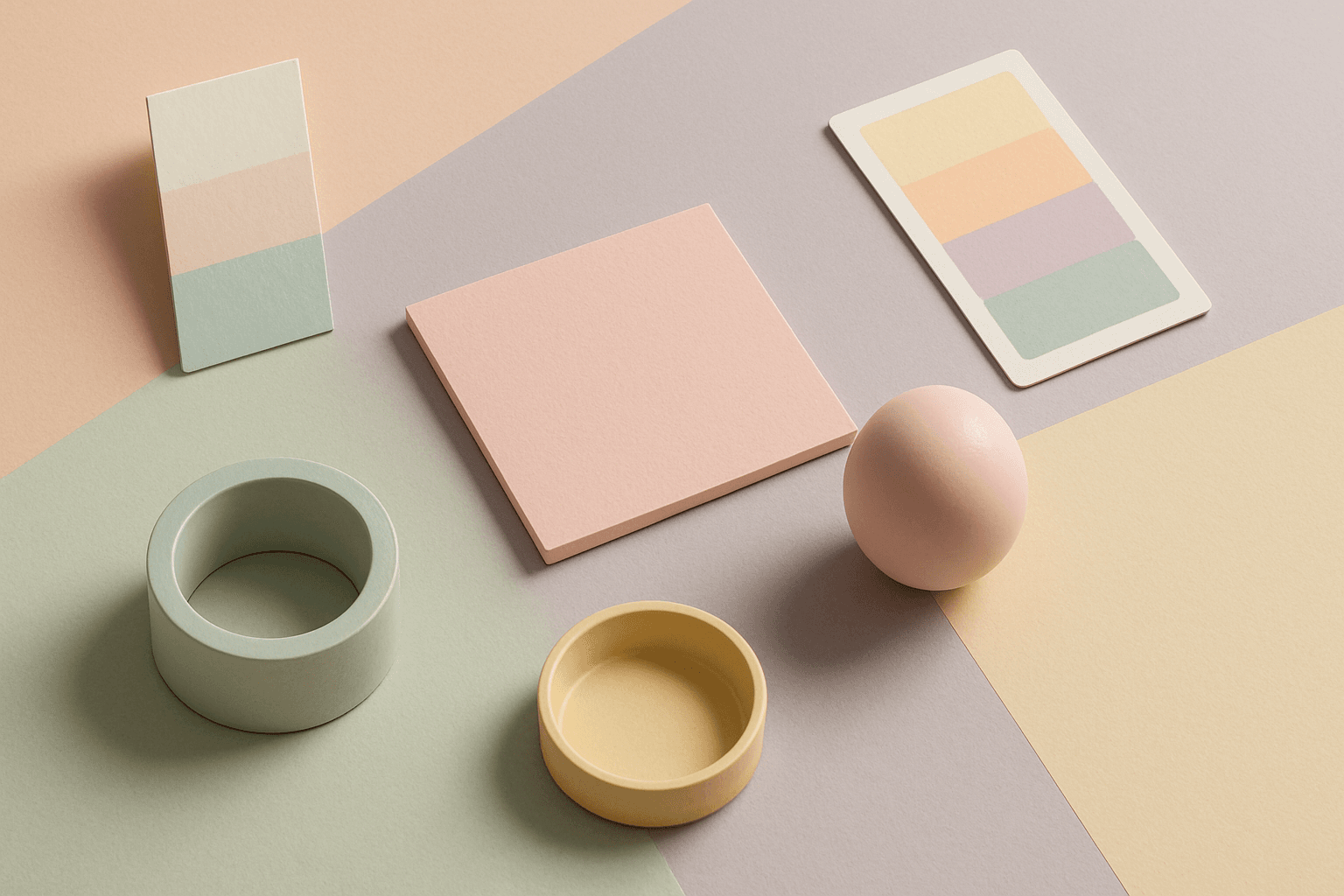
Pastel Colors are a beginner-friendly way to make AI images feel soft, clean, and emotionally light. They are especially helpful when default AI results look too saturated or visually loud. Pastels can make a product feel more approachable, an interior feel calm, or a social graphic feel cheerful without becoming aggressive. For stock image creators, this keyword works well because pastel images often support text overlays, seasonal campaigns, beauty brands, lifestyle blogs, and gentle product presentation.
Morandi Palette
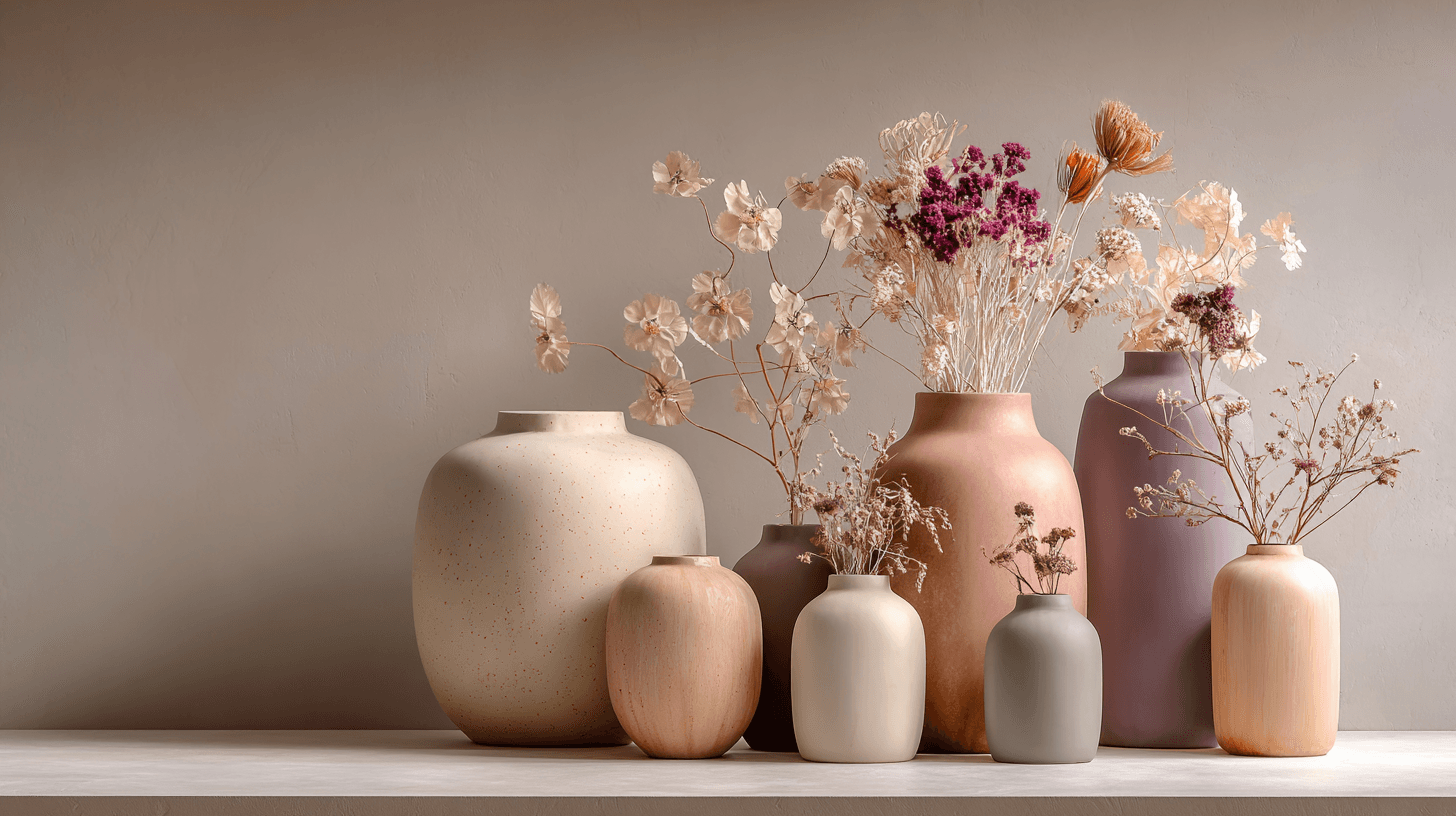
Morandi Palette is a color keyword inspired by the quiet, dusty tones associated with painter Giorgio Morandi. In AI image prompts, it usually points the model toward muted, low-saturation colors such as dusty rose, warm gray, clay, sage, beige, soft blue, faded mauve, and stone. The effect is refined, calm, and slightly editorial. This palette is useful when you want an image to feel sophisticated without becoming cold or overly minimal. For beginners, Morandi Palette is a practical way to control color harmony. It can make a scene feel more tasteful, cohesive, and brand-ready, especially when default AI colors look too bright or artificial.
Analogous Colors
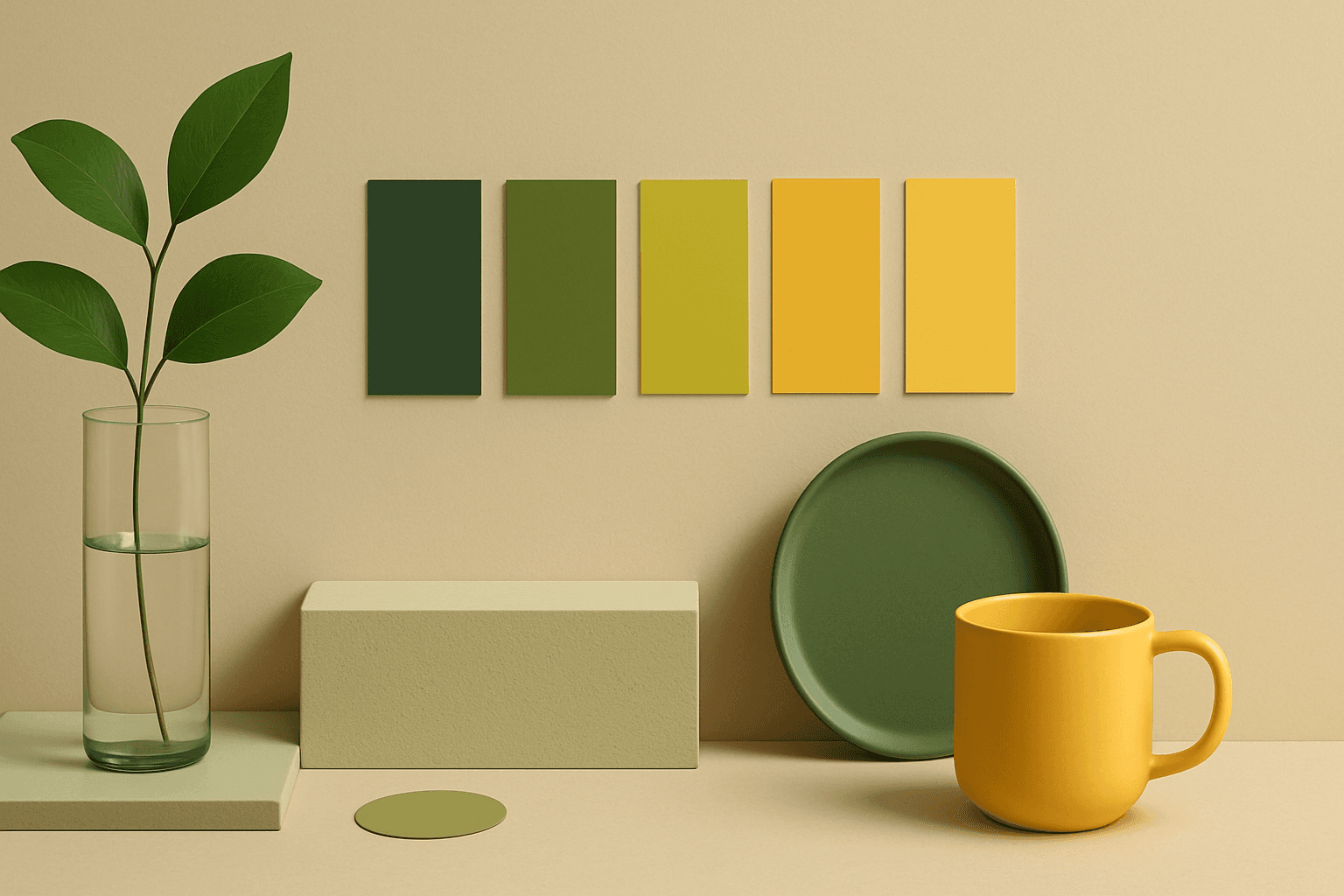
Analogous Colors are useful when you want an AI image to feel harmonious and easy to look at. Because the colors are related, the image often feels more cohesive and less visually jarring. This makes the keyword helpful for interior design, nature scenes, wellness branding, beauty campaigns, fashion styling, and editorial backgrounds. For beginners, Analogous Colors are easier to control than complex palettes because the colors naturally belong together.
Monochromatic Colors
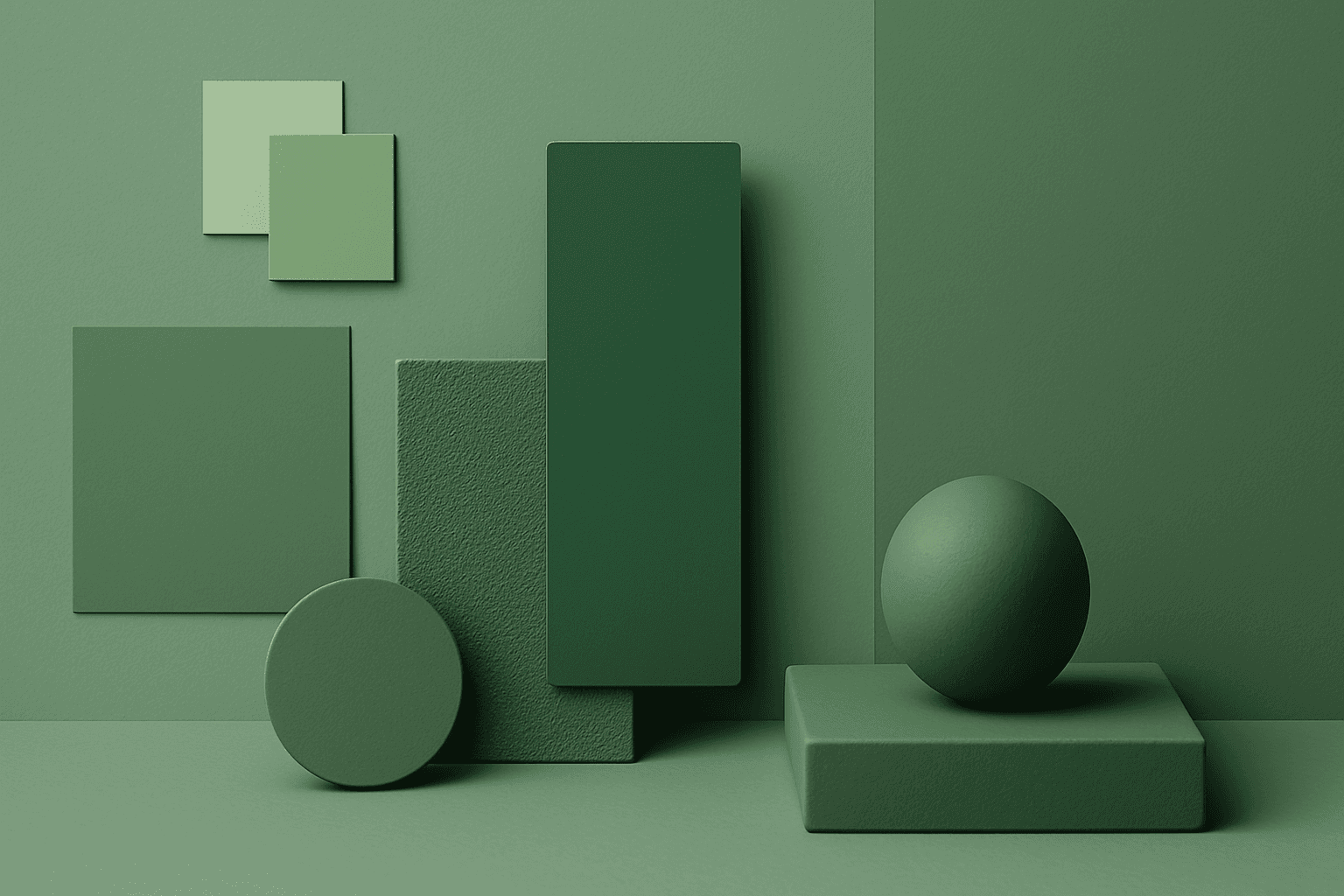
Monochromatic Colors are useful when an AI image needs strong cohesion and a design-led feel. Because the palette is limited, the viewer pays more attention to form, light, texture, and layout. This can make images feel editorial, premium, minimal, or graphic. For stock creators, monochromatic images can be useful for backgrounds, posters, fashion, architecture, product shots, and brand campaigns where color consistency matters.