Gradient Mesh Coloring
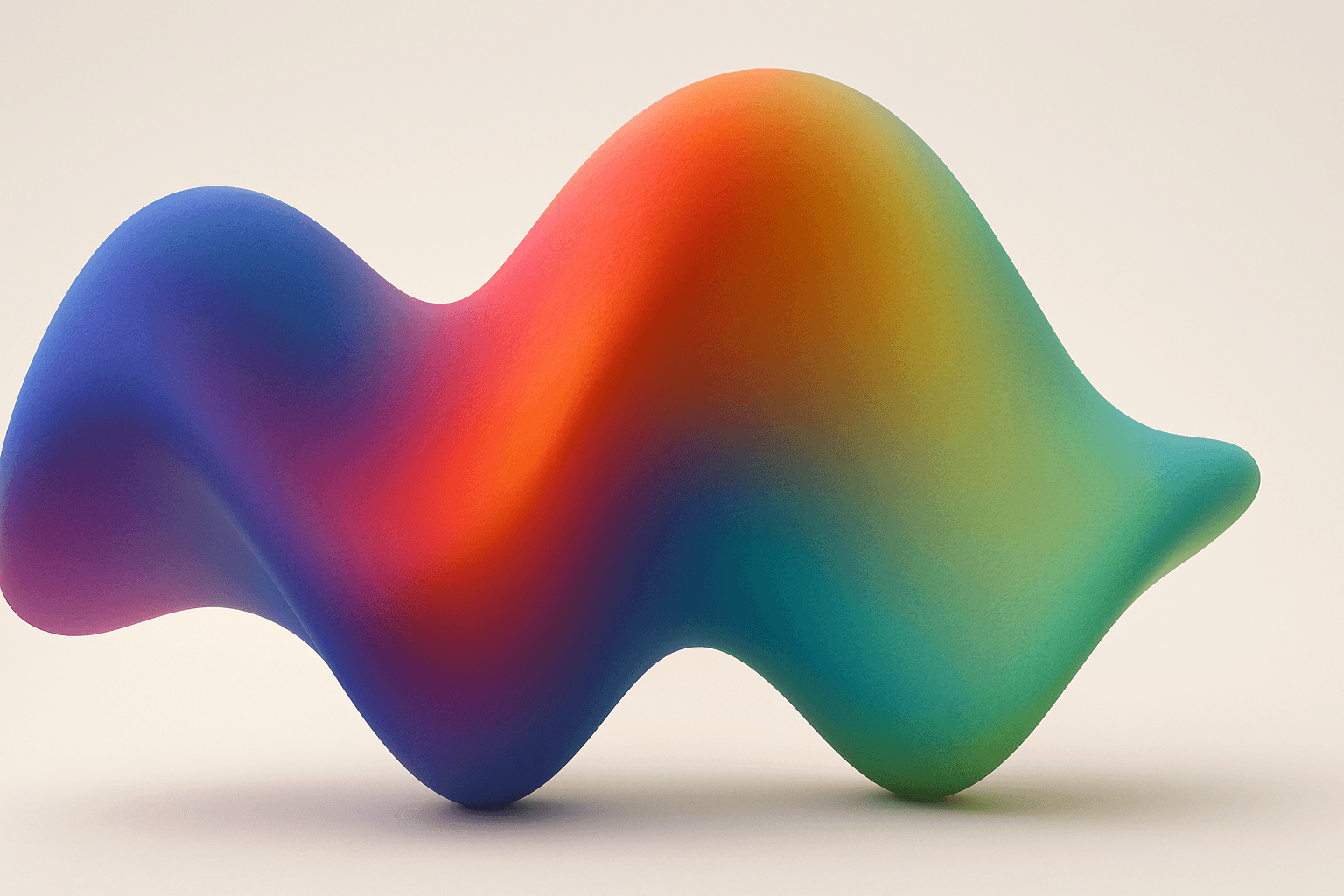
Gradient mesh coloring enriches AI-generated images by introducing smooth, multidirectional color blends that mimic real-life shading and lighting nuances. Unlike standard gradients, which follow linear or radial flows, gradient meshes form intricate color maps over an object's surface, allowing fine control over color shifts and highlights. When used in AI prompts, this keyword encourages the model to create images with sophisticated color depth, making visuals feel more natural and textured. This effect is especially powerful in subjects requiring realistic rendering of materials like fabric, skin, or liquid, as well as in abstract compositions demanding refined chromatic transitions.
Definition
Gradient mesh coloring refers to a technique utilizing a grid of points overlaid on an image or shape, where colors at each mesh point blend smoothly across adjacent areas. This creates natural, multidirectional gradients, enhancing realism and depth. When included in AI image prompts, it signals the AI to generate color transitions that mimic this complex, soft shading style, elevating the visual richness compared to flat or linear gradients.
Prompt Formula
Construct prompts that combine subject descriptions with gradient mesh coloring to guide detailed color blending. Examples include specifying materials, lighting, and color transitions.
- [Subject] with gradient mesh coloring and natural light
- [Material] rendered with smooth gradient mesh shading
- Abstract background featuring intricate gradient mesh color transitions
Best Use Cases
- Hyperrealistic portraits needing natural skin tone transitions
- Product images capturing fine surface details and reflections
- Abstract or decorative art emphasizing complex, smooth color fades
Industry Applications
Gradient mesh coloring is valuable across commercial fields that demand realistic or elegant color manipulation. In advertising, it enhances product imagery by adding material authenticity. Editorial design benefits through visually engaging magazine covers or illustrations with subtle shading. E-commerce platforms use it to showcase products like textiles or cosmetics with lifelike color depth, improving buyer confidence and visual appeal.
- Advertising visuals for high-end products
- Editorial illustrations and fashion magazines
- E-commerce product photography and digital catalogs
Common Mistakes
Prompt users often overuse 'gradient' terms without specifying mesh-related complexity, leading to generic or flat transitions. Another pitfall is failing to pair gradient mesh coloring with lighting cues, which can result in unrealistic or muddy colors. Avoid vague color instructions; clarity in shades and blending style ensures the AI produces nuanced, clean gradations rather than harsh or inconsistent colors.
- Using only 'gradient' without 'mesh' distinction
- Omitting lighting or material context in prompts
- Vague color descriptions causing muddy blends
Advanced Techniques
Combine gradient mesh coloring with constraints like specific color palettes or directional light sources for greater control. Use modifiers such as 'soft shadows' or 'translucent surfaces' alongside to add realism. Experiment with hybrid styles by integrating gradient mesh with vector art or photorealistic textures, leveraging the AI’s ability to blend multiple elements seamlessly.
- Specify color palettes to direct hue transitions precisely
- Add lighting conditions like 'soft morning light'
- Combine with styles like 'vector shading' or 'photorealistic texture'
Professional Workflow
Start by defining the subject and color requirements clearly, adding 'gradient mesh coloring' to emphasize smooth, rich color blends. Generate multiple image variants with adjusted light or palette parameters. Curate selections focusing on color depth and natural gradations. Refine chosen images via minor prompt tweaks or post-generation editing to enhance subtlety and prevent color bleed.
- Brief with detailed color and lighting info plus gradient mesh coloring
- Generate diverse outputs with varying palettes or shadows
- Select images with smooth, natural color transitions
- Refine with prompt variations or minor digital edits
Related Styles
Gradient mesh coloring pairs well with styles emphasizing realism, such as photorealistic rendering, vector shading, and digital painting. Adjacent PromptAtlas keywords include 'Gradient Blending' for simpler color fades, 'Color Transition Mapping' focusing on controlled color flow, and 'Mesh Shading' which covers complex shadow and light nuances within meshes.
- Photorealistic Rendering
- Gradient Blending
- Mesh Shading
FAQ
What makes gradient mesh coloring different from regular gradients?
Gradient mesh coloring uses a network of points allowing multi-directional, subtle color blending across surfaces, unlike regular gradients that usually flow linearly or radially, resulting in more complex and realistic shading.
Can I use gradient mesh coloring for abstract designs?
Yes, gradient mesh coloring is excellent for abstract compositions where intricate, smooth color transitions enhance visual interest and provide vibrant, flowing effects.
Continue Exploring
Related Prompts

Gradient Sky Colors
Incorporating Gradient Sky Colors into AI-generated images significantly enhances the atmospheric quality and visual depth of outdoor scenes. By blending multiple hues in a smooth, gradual fashion, these skies offer a natural yet captivating backdrop that supports various themes such as serenity, romance, or drama. This keyword is especially useful in settings featuring landscapes, cityscapes, or fantasy environments, enriching the emotional tone of an image. Using gradient skies in prompts allows creators to move beyond flat or uniform color skies, enabling more dynamic and mood-driven outputs that resonate well in editorial, advertising, and artistic contexts.

Pastel Gradient Color Scheme
The pastel gradient color scheme is popular in AI-generated art for its serene and inviting aesthetic. It involves the blending of light, desaturated pastel tones in gradual transitions, which can add depth and softness to visuals without overwhelming details. Using this keyword in prompts helps create backgrounds, themes, or focal areas that evoke feelings of calmness and subtle sophistication. This scheme often suits digital art, branding visuals, and UI elements where gentle color progression supports readability and aesthetic appeal. Its balanced and harmonious style enhances mood and focuses attention, making it a versatile choice in many design contexts.

Golden Hour Color Grading
Golden Hour Color Grading is a popular technique used in AI-generated imagery to evoke the warmth and nuanced lighting of early morning or late afternoon sun. By incorporating this keyword, artists and designers can infuse a sense of natural beauty, highlight textures subtly, and create emotionally engaging visuals. This color grading enriches photographic or pictorial prompts by adding depth through soft shadows and warm highlights, transforming otherwise flat images into luminous and aesthetically pleasing works that capture a fleeting moment of natural light and atmosphere.
Gradient Colors
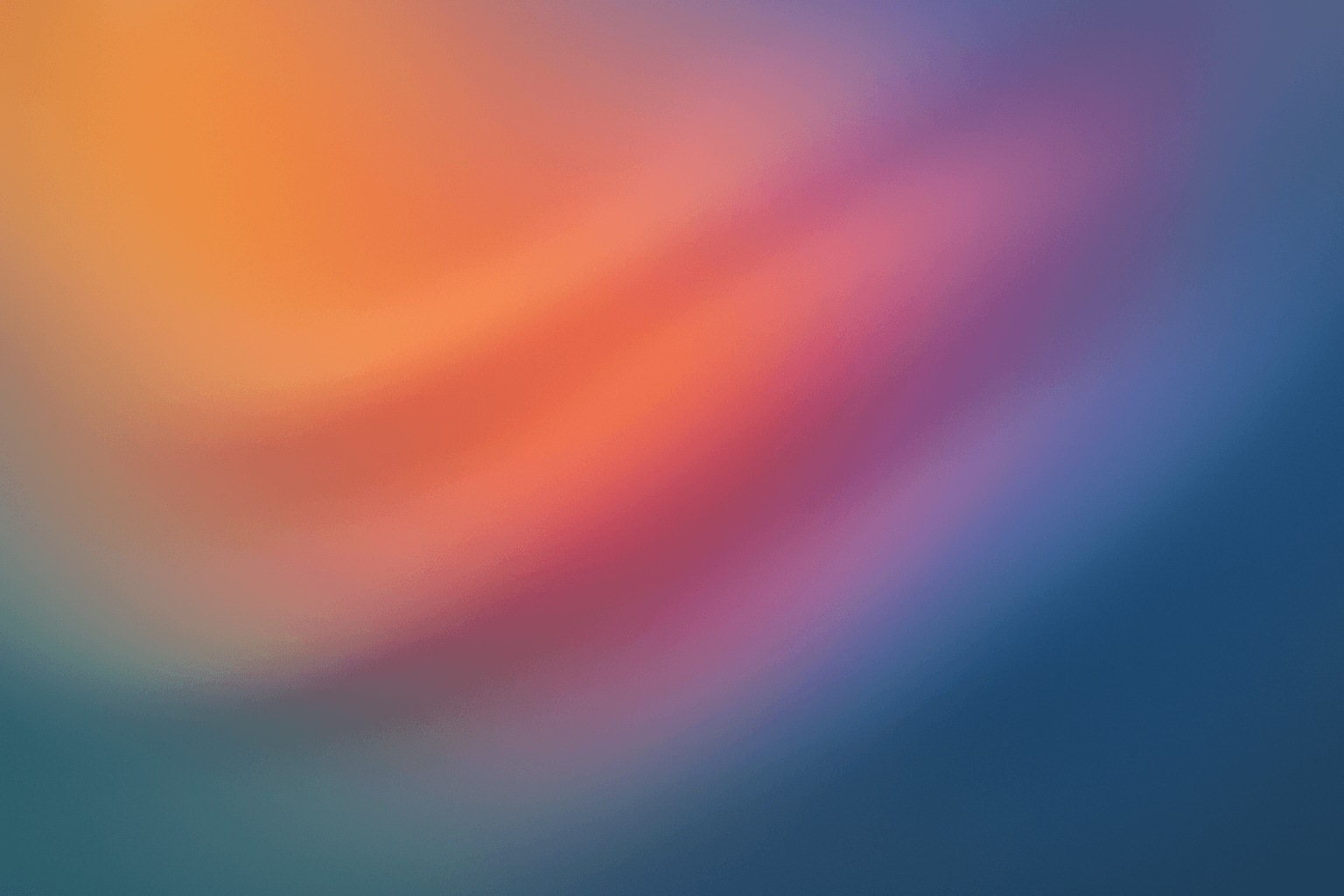
Gradient colors are a popular design element characterized by a seamless shift between two or more colors. They range from subtle transitions, such as a light blush to soft pink, to vibrant combinations like bright blue fading into emerald green. Used widely in digital design, web interfaces, branding, and art, gradients add visual interest and guide the viewer's eye across a composition. Modern tools allow designers to customize gradients with various styles — linear, radial, angular, or diamond-shaped — enhancing the flexibility and creative potential of this technique.

Monochrome Color Palette
Employing a monochrome color palette in AI-generated images allows for creating minimalistic yet striking visuals. By constraining colors to one hue family, creators can convey mood and style consistently while focusing on composition and detail. This technique excels in editorial photography, product presentations, and artistic portraits, where color distraction is minimized and storytelling through form and light is enhanced. Using monochrome prompts guides the AI to simulate realistic materials and subtle depth through nuanced shading, resulting in premium, polished images suitable for professional use.
Muted Earth Tone Colors
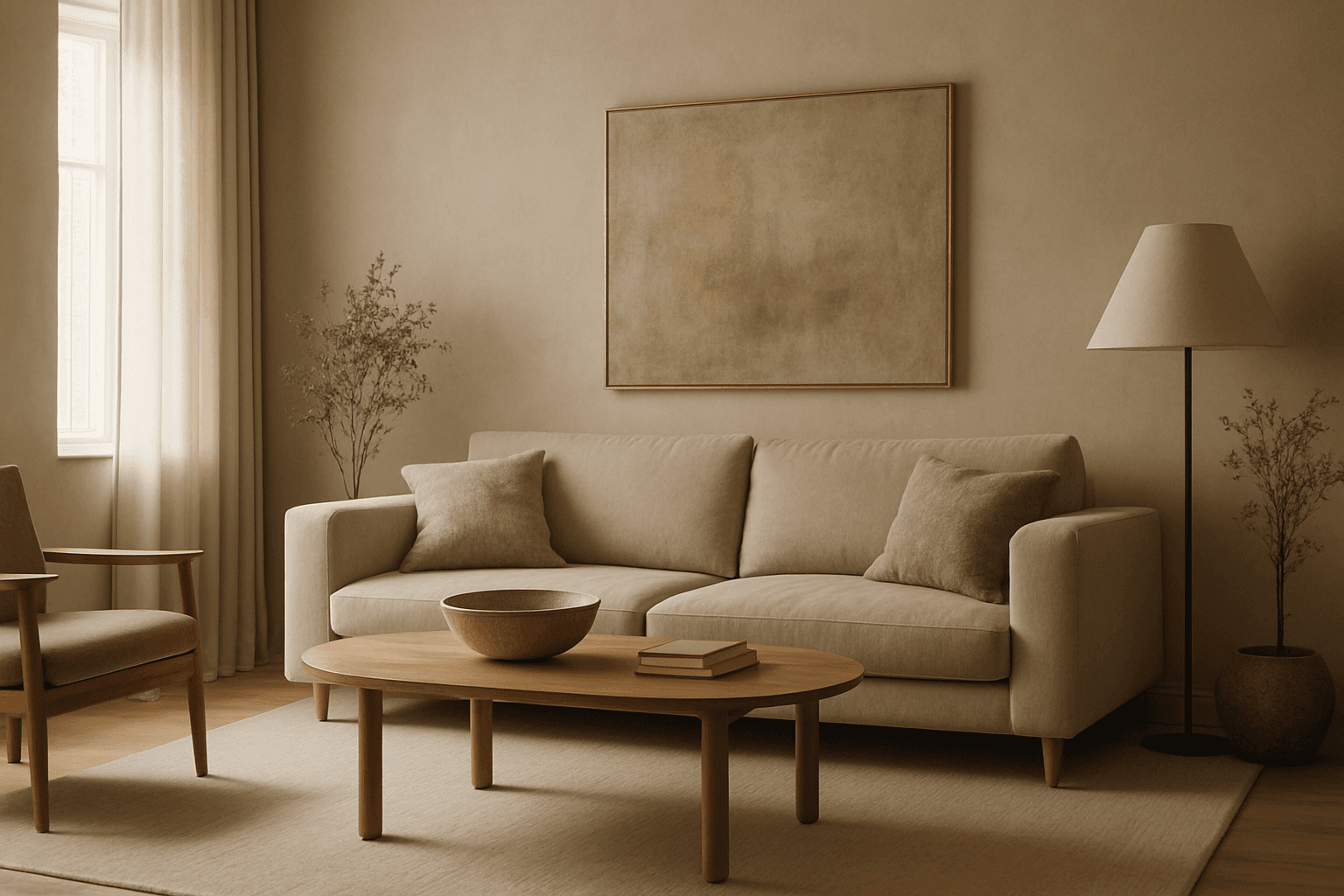
Muted earth tone colors encapsulate a palette inspired by nature’s subtle and calming shades such as soft browns, gentle greens, warm ochres, and quiet grays. When integrated into AI image prompts, these colors help generate images that feel organic, grounded, and harmonious, making them ideal for designs seeking understated elegance or a natural aesthetic. This approach avoids harsh contrasts and bright tones, providing visuals that are soothing and visually balanced. Such color schemes are especially useful in editorial photography, interior design renderings, and lifestyle imagery, where authenticity and warmth are key. Utilizing these tones can transform generic visuals into cohesive, premium-feeling compositions that align with modern aesthetic trends.