Desaturated Colors
In AI image generation, 'desaturated colors' guide models to produce images with toned-down color intensity, resulting in a muted and understated appearance. This technique is valuable for conveying moods such as tranquility, nostalgia, or elegance by avoiding overly bright or saturated colors. Using desaturated colors can help shift the focus to composition, texture, and lighting rather than vivid color contrasts, making images more versatile for editorial content, fashion, or natural scenes. It balances realism and artistic subtlety, especially when paired with refined lighting and soft shadows to emphasize material qualities and depth.
Definition
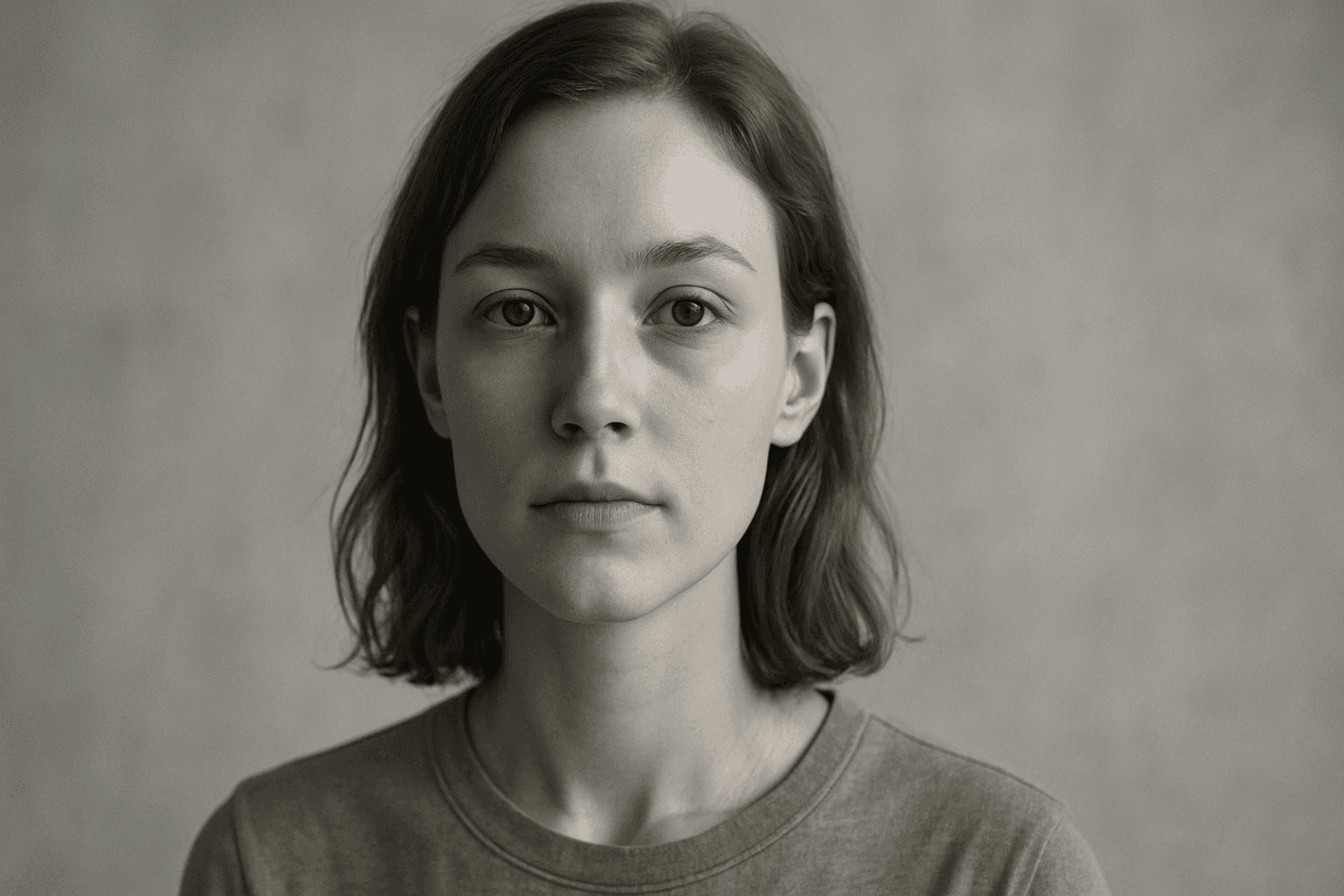
Desaturated colors describe hues that are less intense or vibrant, resulting in understated and muted tones. Adding 'desaturated colors' in AI image prompts directs the model to reduce color saturation, producing images that look softer and less vivid. This change affects the image mood, softening the overall feel without majorly altering brightness or contrast. Beginners can use this keyword to create calm, vintage, or minimalist visuals with ease.
- Colors with low saturation and intensity
- Creates a muted, understated palette
- Alters mood to be softer and less vibrant
Prompt Formula
Use this formula to include desaturated colors effectively in your prompts. Start with the subject or scene, add desired style or mood adjectives, include 'desaturated colors' to specify tone, and follow with lighting or texture elements to refine the image aesthetic.
- [Subject] + desaturated colors + [lighting style] + [texture or mood]
- Example: 'Urban streetscape, desaturated colors, soft diffused light, foggy atmosphere'
- Combining with 'muted tones' or 'vintage palette' enhances subtlety
- Avoid over-complication to maintain clarity for the model
Best Use Cases
- Creating elegant editorial imagery with subtle color schemes
- Designing nostalgic or vintage-themed artwork
- Producing minimalist backgrounds for web or print design
Advanced Techniques
Experienced prompt writers can refine desaturated color effects by combining restrictive adjectives, specifying saturation levels numerically, or pairing with lighting styles that influence mood. Using phrases like 'slightly desaturated colors' vs. 'heavily desaturated colors' commands different saturation intensities. Adding constraints like 'natural desaturated colors' or 'film-inspired muted palette' outputs realistic or stylized results. Layering with complementary styles such as grayscale textures or warm tone filters can create nuanced, artistic images.
- Use modifiers: 'slightly' or 'heavily' desaturated colors
- Specify color intensity levels: e.g., 'saturation 30%'
- Combine with lighting terms: 'soft diffused light', 'warm shadows'
- Add style constraints: 'film-inspired muted palette', 'natural desaturated colors'
Professional Workflow
For professional results using desaturated colors, begin by defining the purpose and mood of your image (e.g., editorial, nostalgic). Draft prompts incorporating 'desaturated colors' with subject and style details. Generate multiple image variants to assess saturation balance and overall aesthetic. Select candidates exhibiting the desired muted tone without losing important details. Refine prompts iteratively by adjusting saturation modifiers or accompanying lighting and texture descriptors. Finally, perform post-generation color grading if needed for consistent output across assets.
- Define image purpose and target mood
- Incorporate 'desaturated colors' in clear prompts
- Generate diverse variations for selection
- Iteratively refine prompts for ideal balance
- Apply post-processing color adjustments as needed
Related Styles
Desaturated colors often pair well with these styles to enrich image aesthetics. Muted tones share similar subdued attributes, often focusing on soft, neutral palettes. Vintage color palettes complement desaturation by adding nostalgic warmth or aged film effects. Subtle lighting techniques include diffuse light or gentle shadows that enhance the muted mood without stark contrasts, suitable for calm and elegant imagery.
- Muted Tones — subdued and soft color schemes
- Vintage Color Palette — nostalgic, warm desaturation
- Subtle Lighting — soft, diffuse light enhancing mood
Model-Specific Tips
When using different AI image models, avoid relying on provider-specific syntax like brackets or special tokens for 'desaturated colors'. Instead, include the phrase plainly within your prompt to ensure wide compatibility. If supported, supplement with related terms like 'muted colors' or 'low saturation' for robustness. Observe each model’s interpretation since saturation adjustments vary; fine-tune wording to achieve the right balance. Testing incremental prompt changes helps optimize results across platforms without losing general applicability.
- Avoid provider-specific syntax or tokens
- Use clear, simple phrases like 'desaturated colors'
- Add synonyms like 'muted colors' or 'low saturation' when helpful
- Test small prompt changes to gauge model response
- Ensure prompts remain compatible across multiple AI models
FAQ
What does 'desaturated colors' mean in AI image generation?
It means colors are rendered with lower saturation, resulting in muted, softer tones instead of bright or vivid hues.
Can I control how much desaturation is applied?
Yes, by adding modifiers like 'slightly' or 'heavily' desaturated or specifying saturation percentages in some models, you can influence the degree of desaturation.
Which image types benefit most from desaturated colors?
Editorial portraits, vintage-styled scenes, minimalist backgrounds, and moody landscapes often use desaturated colors to enhance mood and focus on composition.
Continue Exploring
Related Prompts

Soft Muted Color Palette
Using a Soft Muted Color Palette in AI-generated imagery influences the mood and style by incorporating subdued and delicate colors. This approach conveys sophistication, tranquility, and natural beauty, making visuals suitable for subtle branding, lifestyle photography, and editorial contexts. It avoids bright or saturated colors, instead emphasizing nuance and refinement. Artists and designers use it to evoke feelings of warmth, nostalgia, or modern minimalism, enhancing the visual narrative through controlled color harmony and soft contrasts.
Muted Earth Tone Colors
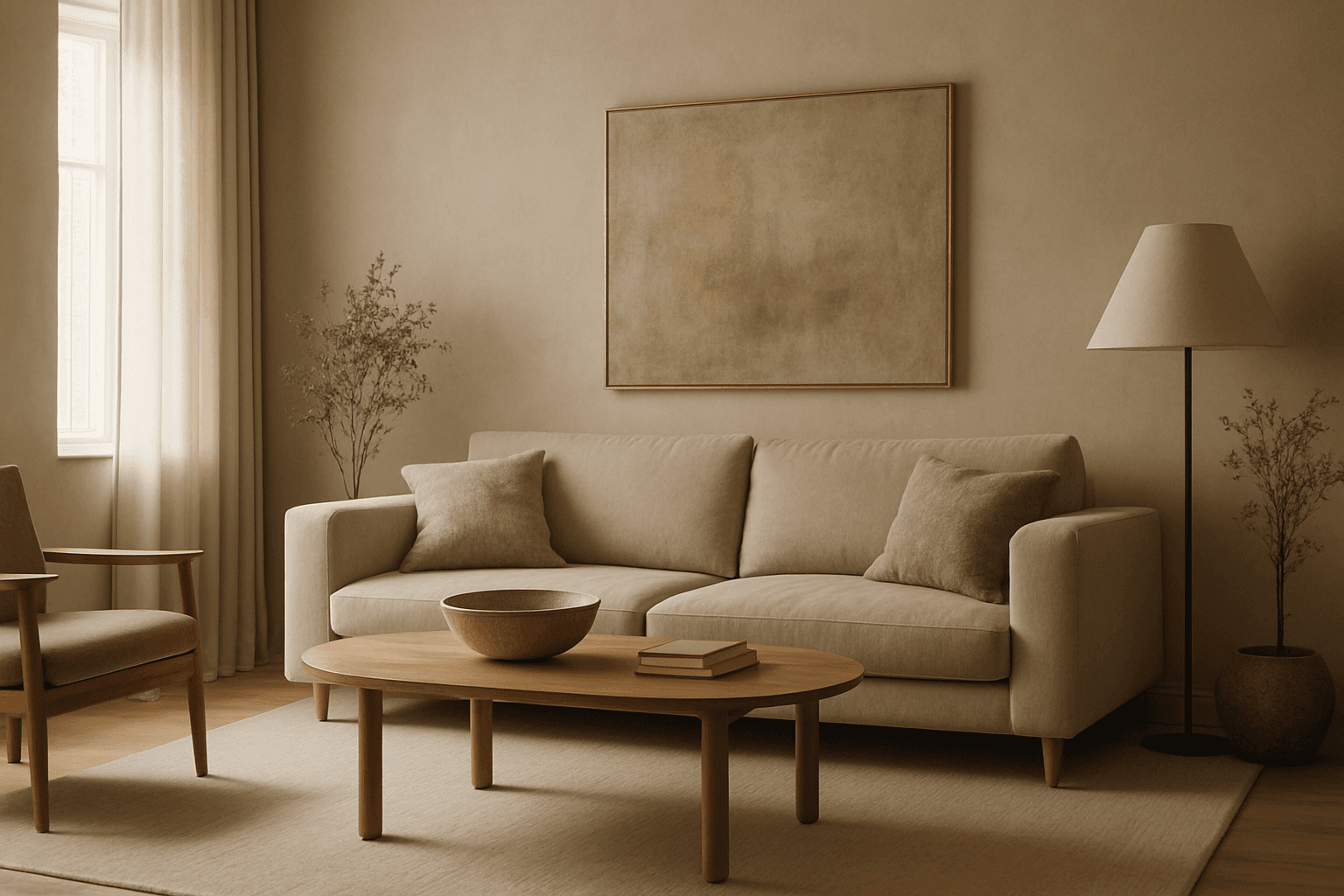
Muted earth tone colors encapsulate a palette inspired by nature’s subtle and calming shades such as soft browns, gentle greens, warm ochres, and quiet grays. When integrated into AI image prompts, these colors help generate images that feel organic, grounded, and harmonious, making them ideal for designs seeking understated elegance or a natural aesthetic. This approach avoids harsh contrasts and bright tones, providing visuals that are soothing and visually balanced. Such color schemes are especially useful in editorial photography, interior design renderings, and lifestyle imagery, where authenticity and warmth are key. Utilizing these tones can transform generic visuals into cohesive, premium-feeling compositions that align with modern aesthetic trends.
Muted Neutral Palette
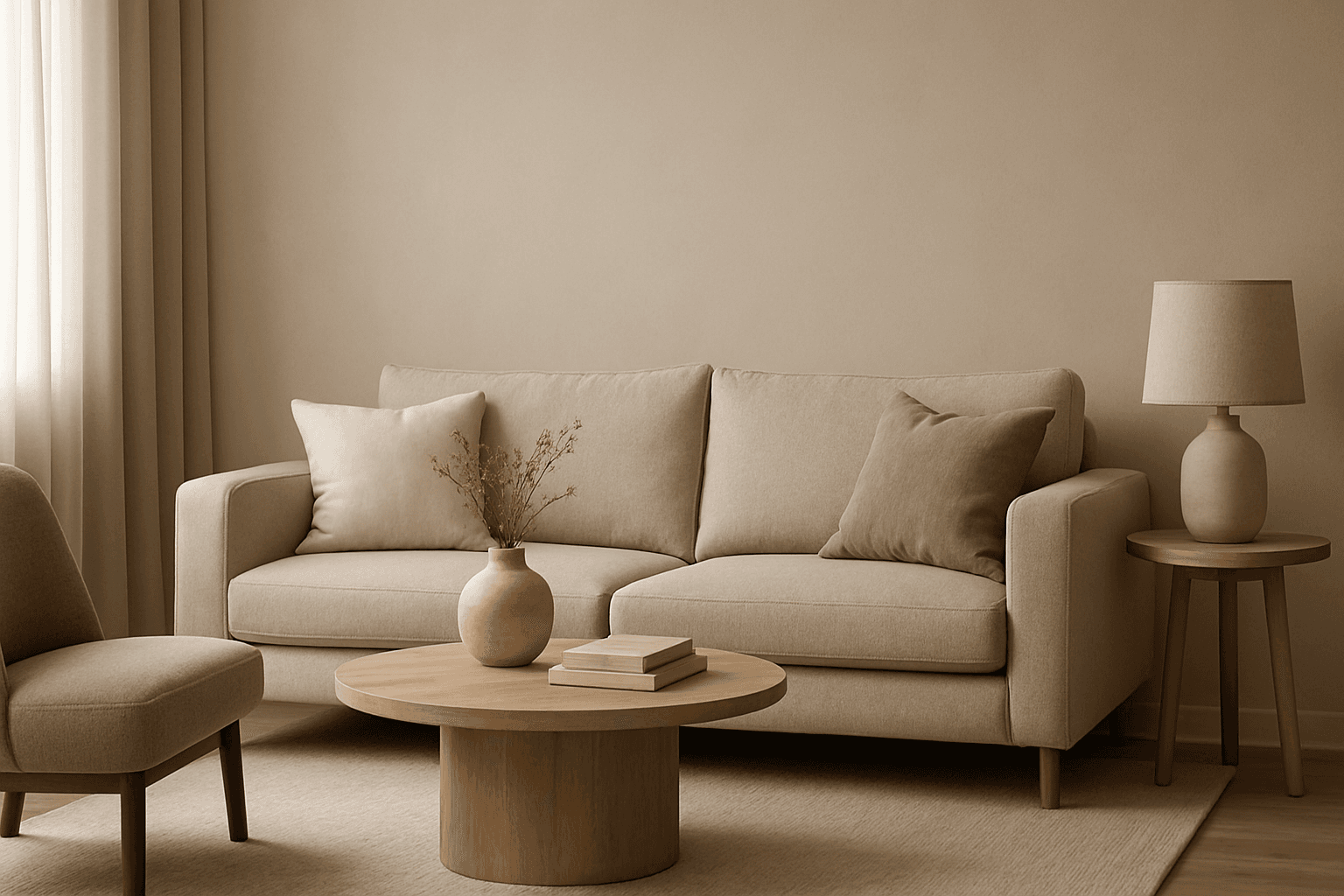
The Muted Neutral Palette is an essential color theme used widely in design, photography, and digital imagery to produce a subtle, refined look. These colors lack vivid saturation and strong contrasts, resulting in images that feel calm, natural, and versatile. In AI-driven image generation, specifying a Muted Neutral Palette guides the model to avoid vibrant, saturated colors, focusing on softness and timelessness. It supports creating visuals that blend seamlessly in editorial, fashion, interior, and product contexts where sophistication and neutrality are paramount. This palette is particularly suited for minimalist compositions where color draws attention without overwhelming the scene.

Gradient Sky Colors
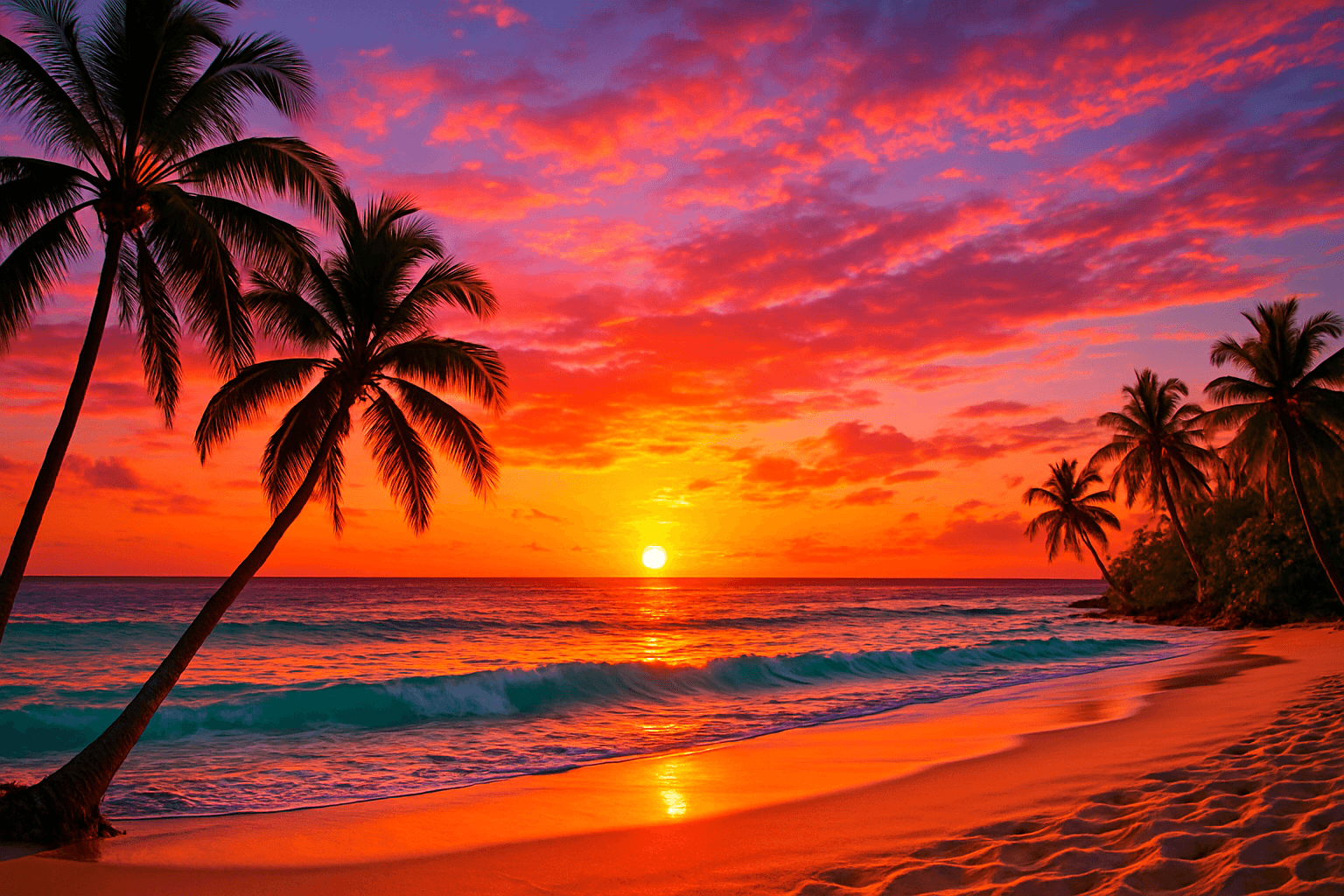
Incorporating Gradient Sky Colors into AI-generated images significantly enhances the atmospheric quality and visual depth of outdoor scenes. By blending multiple hues in a smooth, gradual fashion, these skies offer a natural yet captivating backdrop that supports various themes such as serenity, romance, or drama. This keyword is especially useful in settings featuring landscapes, cityscapes, or fantasy environments, enriching the emotional tone of an image. Using gradient skies in prompts allows creators to move beyond flat or uniform color skies, enabling more dynamic and mood-driven outputs that resonate well in editorial, advertising, and artistic contexts.
Color Saturation Control
Color Saturation Control is a critical keyword in AI image generation that governs the vibrancy and intensity of colors within the resulting artwork. By adjusting saturation through prompt instructions, users can shift the emotional tone and visual clarity of images — from bright, eye-catching compositions to subtle, understated palettes. This control helps in creating images that fit diverse artistic intentions, whether aiming for hyper-realism, stylized painting, or atmospheric photography. Proper use of saturation modifiers enhances the mood and clarity, making Color Saturation Control indispensable in crafting compelling AI visuals.

Muted Earth Tone Palette
The Muted Earth Tone Palette is a popular color approach in AI image generation that emphasizes soft, natural hues inspired by the earth. These colors include warm browns, olive greens, beiges, and greys, all presented in subdued saturation levels to avoid overly bright or intense visuals. Using this palette creates images that feel organic, calm, and stylish, making it ideal for modern editorial content, lifestyle photography, and interior design renders. By focusing on muted tones, the images exude refinement and subtlety, appealing to viewers seeking sophistication without harsh contrasts. Incorporating this palette into your AI prompts helps generate visuals with a cohesive and naturalistic color balance.