Cool Color Palette
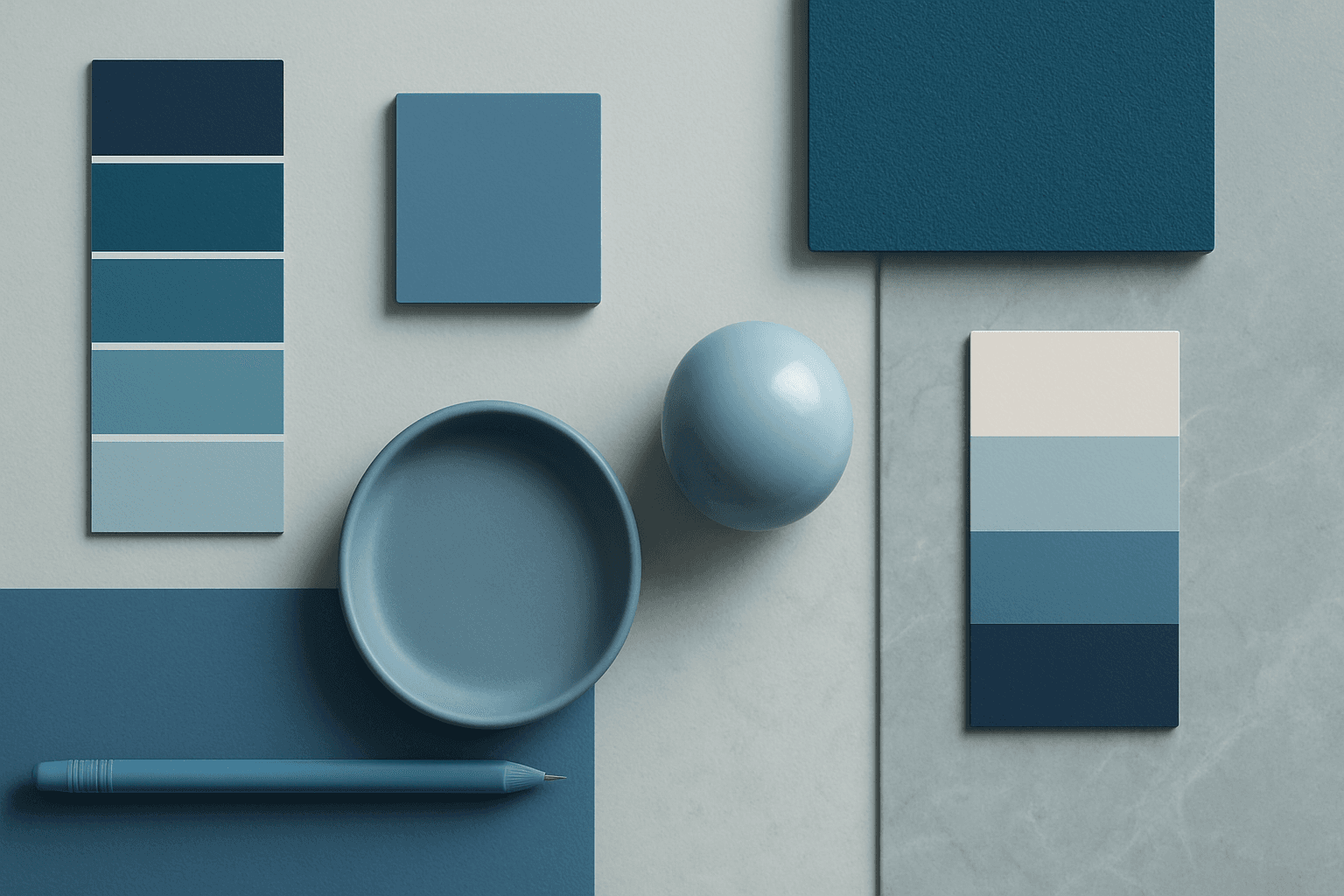
Cool Color Palette is useful when you want an image to feel clear, composed, and modern. It is common in healthcare, technology, finance, architecture, SaaS, clean beauty, and wellness visuals. The palette can reduce emotional heat and make a design feel more trustworthy or focused. For AI creators, this keyword is helpful when a scene needs professionalism or calm rather than warmth and intimacy.
Definition
A Cool Color Palette uses colors such as blue, teal, cyan, mint, cool green, blue-gray, and silver. In AI prompts, it often creates a calm, clean, modern, technical, or professional feeling.
Visual Characteristics
- Blue, teal, cyan, green, gray, and silver tones with a restrained temperature.
- Can feel calm, clinical, futuristic, refreshing, or corporate depending on context.
- Works well with clean lighting, glass, technology, healthcare, and modern architecture.
Best Use Cases
- Healthcare, technology, SaaS, corporate, and science-related stock imagery.
- Modern architecture, clean interiors, glass materials, and futuristic product scenes.
- Visual concepts such as trust, clarity, focus, safety, innovation, and calm.
Prompt Examples
- A cool color palette SaaS dashboard concept with glass reflection, blue-gray tones, and clean composition.
- A cool palette wellness spa interior with mint accents, soft light, and serene atmosphere.
- A cool color corporate background with abstract glass shapes, negative space, and professional polish.
Adobe Stock Potential
Cool Color Palette is strong for Adobe Stock because buyers often need clean, trustworthy visuals for business, healthcare, and technology. Keep scenes human enough when the theme requires approachability.
FAQ
Are cool palettes only blue?
No. They can include teal, mint, cyan, cool green, silver, gray, and blue-tinted neutrals.
How can cool colors feel less sterile?
Add soft light, natural materials, human context, or a small warm accent.
Continue Exploring
Related Prompts
Neutral Colors
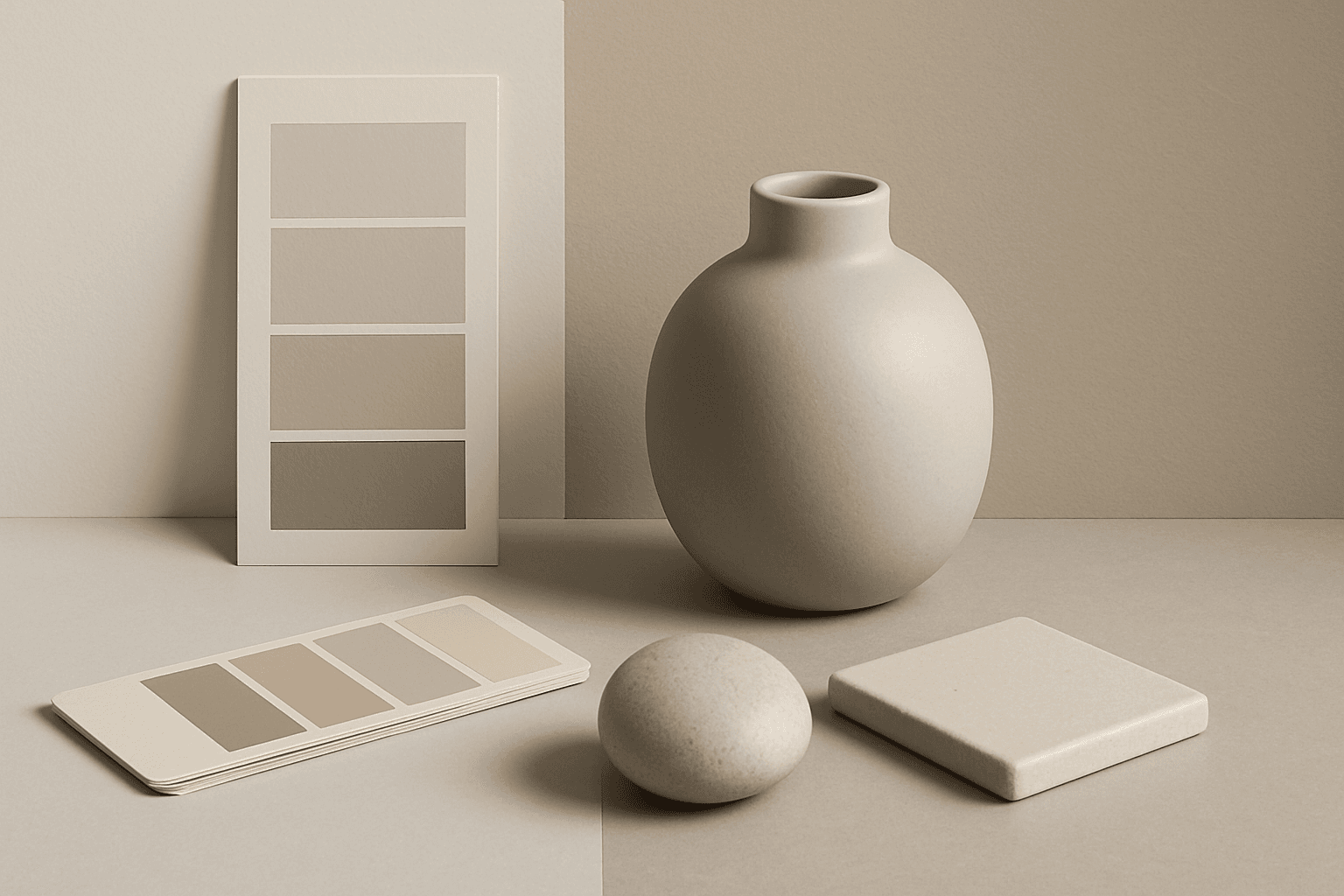
Neutral Colors are among the most commercially useful palette keywords. They help AI images feel clean, versatile, and layout-friendly. Neutral images can support text overlays, product packaging, editorial design, websites, and presentations without competing with brand colors. For stock creators, this is a practical keyword because buyers often need visuals that can blend into many design systems.
Monochromatic Colors
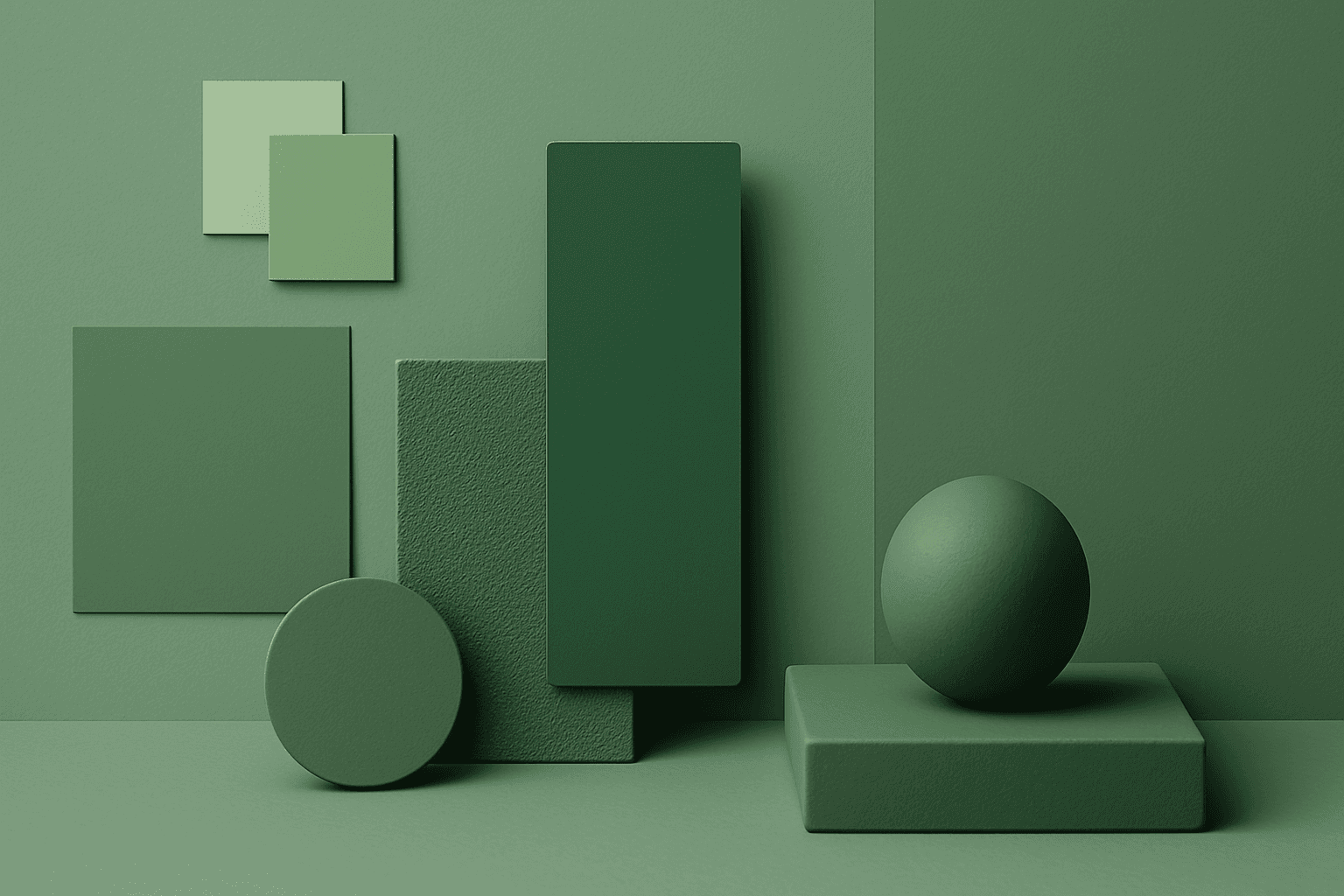
Monochromatic Colors are useful when an AI image needs strong cohesion and a design-led feel. Because the palette is limited, the viewer pays more attention to form, light, texture, and layout. This can make images feel editorial, premium, minimal, or graphic. For stock creators, monochromatic images can be useful for backgrounds, posters, fashion, architecture, product shots, and brand campaigns where color consistency matters.
Cool Tones
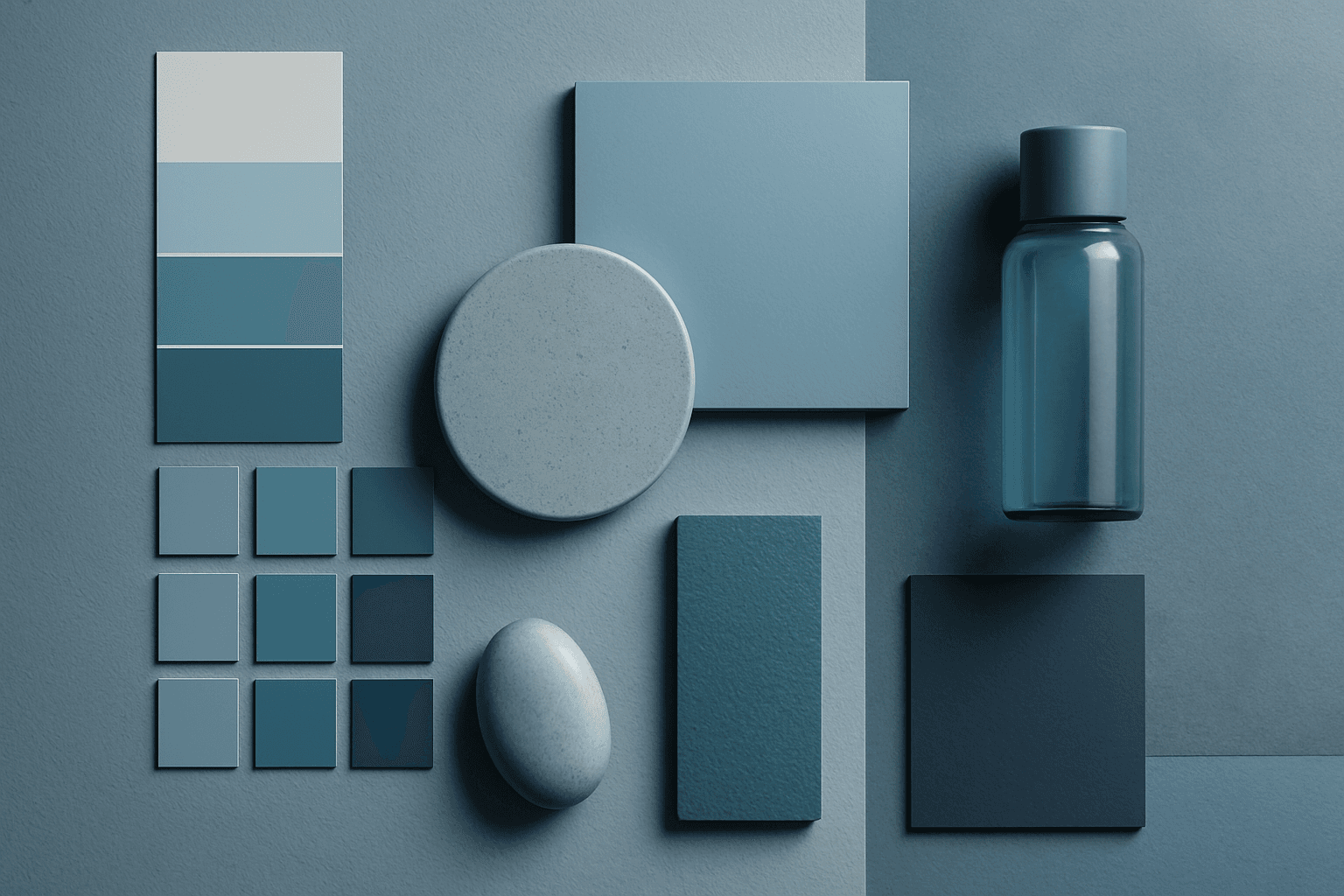
Cool Tones are colors with blue, green, cyan, teal, gray, or silver undertones. They create calm, clarity, professionalism, and modernity.
Complementary Colors
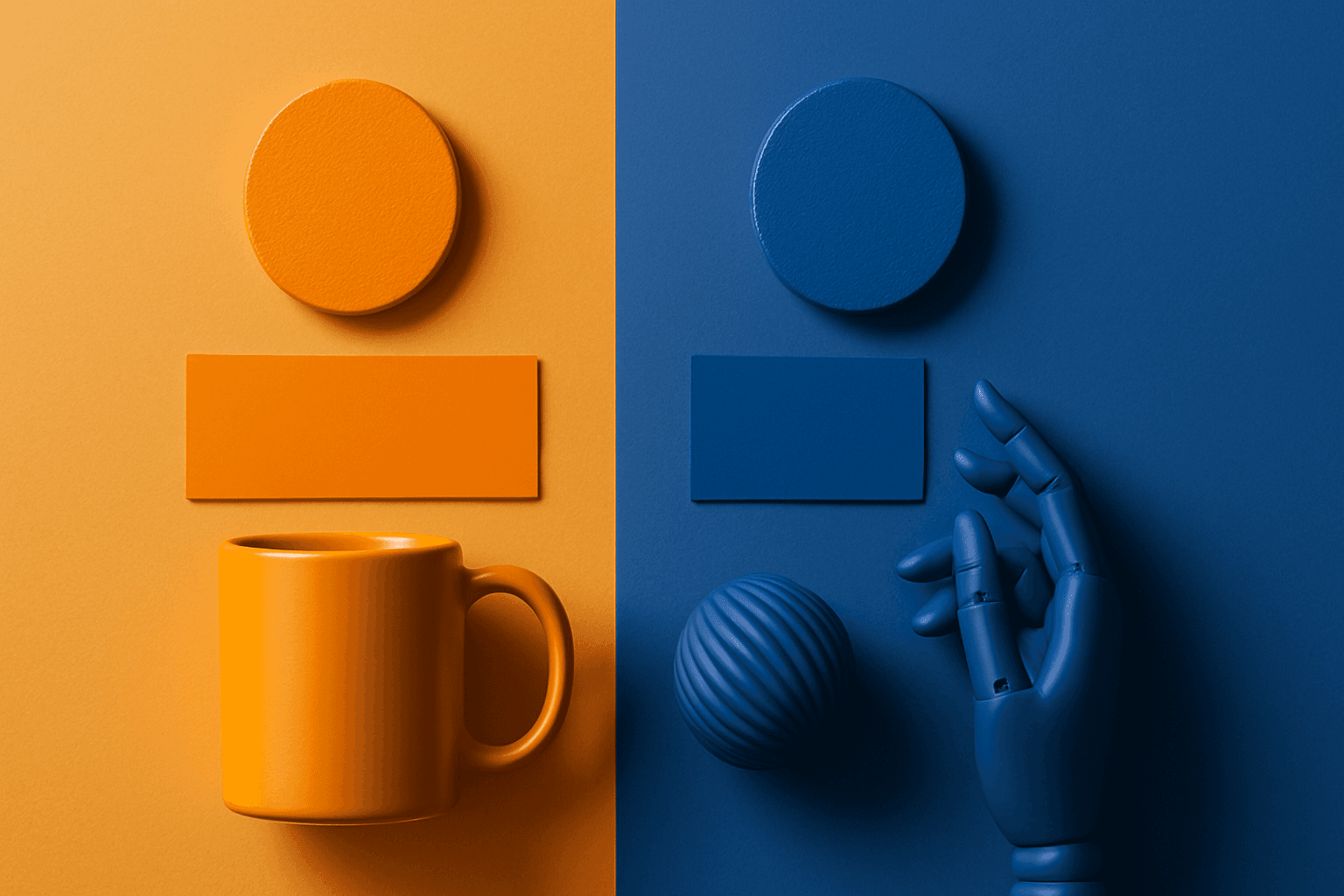
Complementary Colors are useful when an AI image needs to stand out quickly. The contrast can make a subject pop, create visual tension, and improve thumbnail impact. This keyword is common in movie posters, sports ads, product campaigns, music visuals, gaming art, and modern editorial imagery. For beginners, the key is balance: complementary palettes work best when one color leads and the opposite color supports it.
Morandi Palette
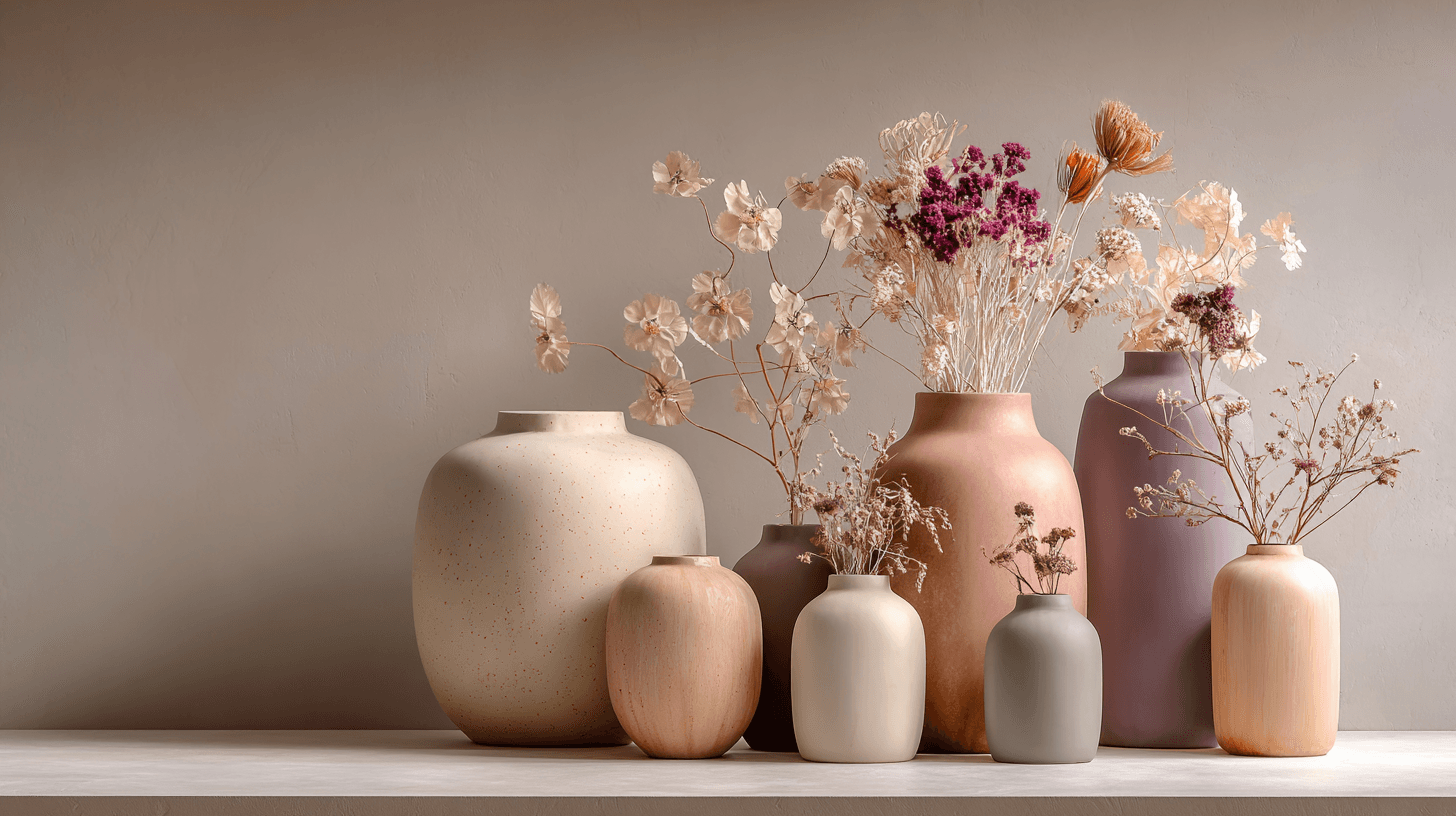
Morandi Palette is a color keyword inspired by the quiet, dusty tones associated with painter Giorgio Morandi. In AI image prompts, it usually points the model toward muted, low-saturation colors such as dusty rose, warm gray, clay, sage, beige, soft blue, faded mauve, and stone. The effect is refined, calm, and slightly editorial. This palette is useful when you want an image to feel sophisticated without becoming cold or overly minimal. For beginners, Morandi Palette is a practical way to control color harmony. It can make a scene feel more tasteful, cohesive, and brand-ready, especially when default AI colors look too bright or artificial.
Warm Color Palette
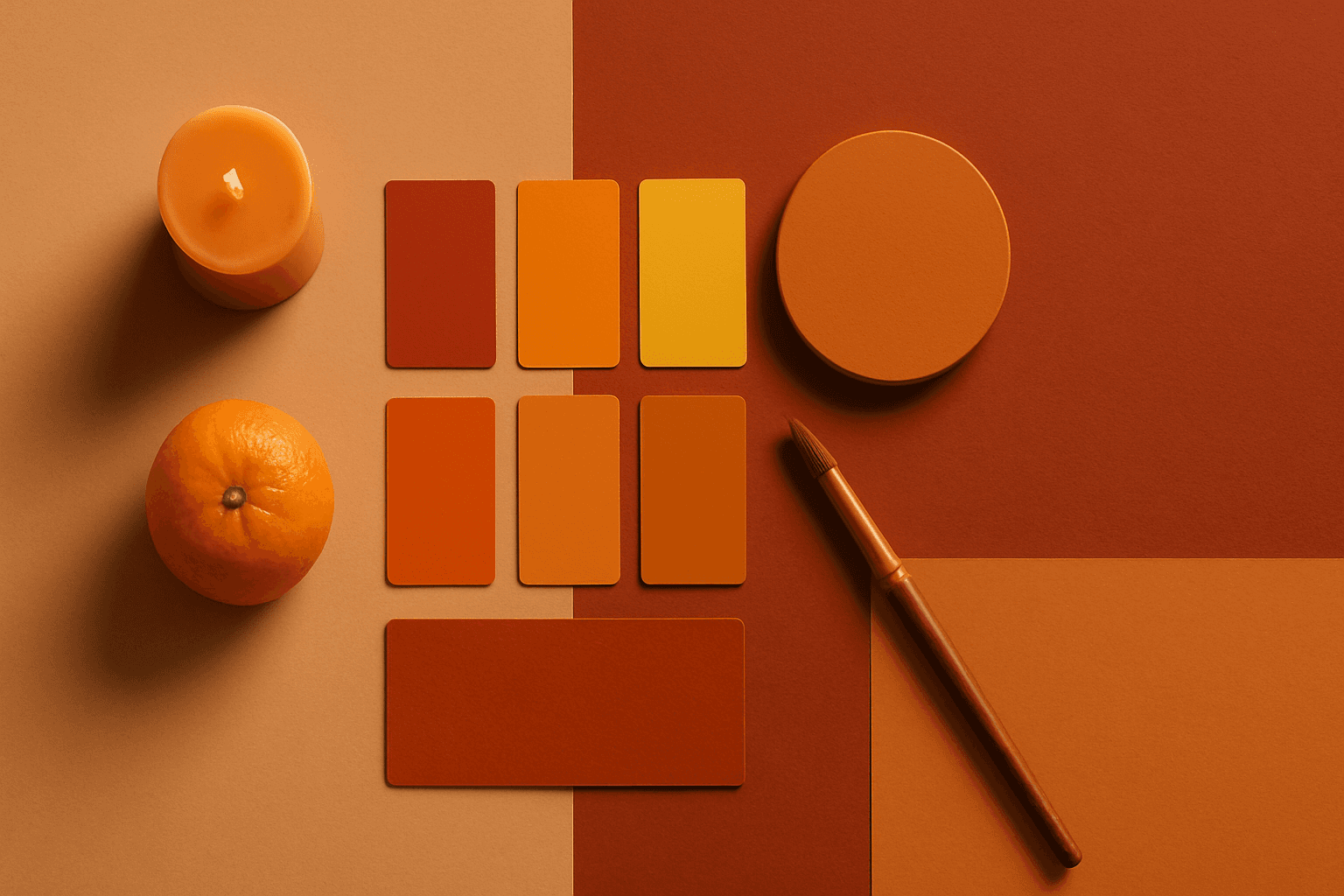
Warm Color Palette is a practical keyword for guiding emotional tone. It can make a breakfast scene feel cozy, a travel image feel sunny, or a brand visual feel more approachable. Warm palettes are strong for commercial images because they connect quickly with themes like comfort, care, family, food, hospitality, wellness, and optimism. For beginners, this keyword is easier to control than listing many individual colors.