Backlit Silhouette Lighting
Backlit silhouette lighting creates dramatic imagery by placing the primary light source behind the subject, effectively hiding most or all of the subject's front details and emphasizing its outline. This technique adds mood and mystery to images, making objects or figures appear as bold, graphic shapes against luminous backgrounds. When incorporated into AI prompts, it guides the model toward producing compositions with strong contrast and minimal front-facing detail, perfect for evocative storytelling and artistic expression.
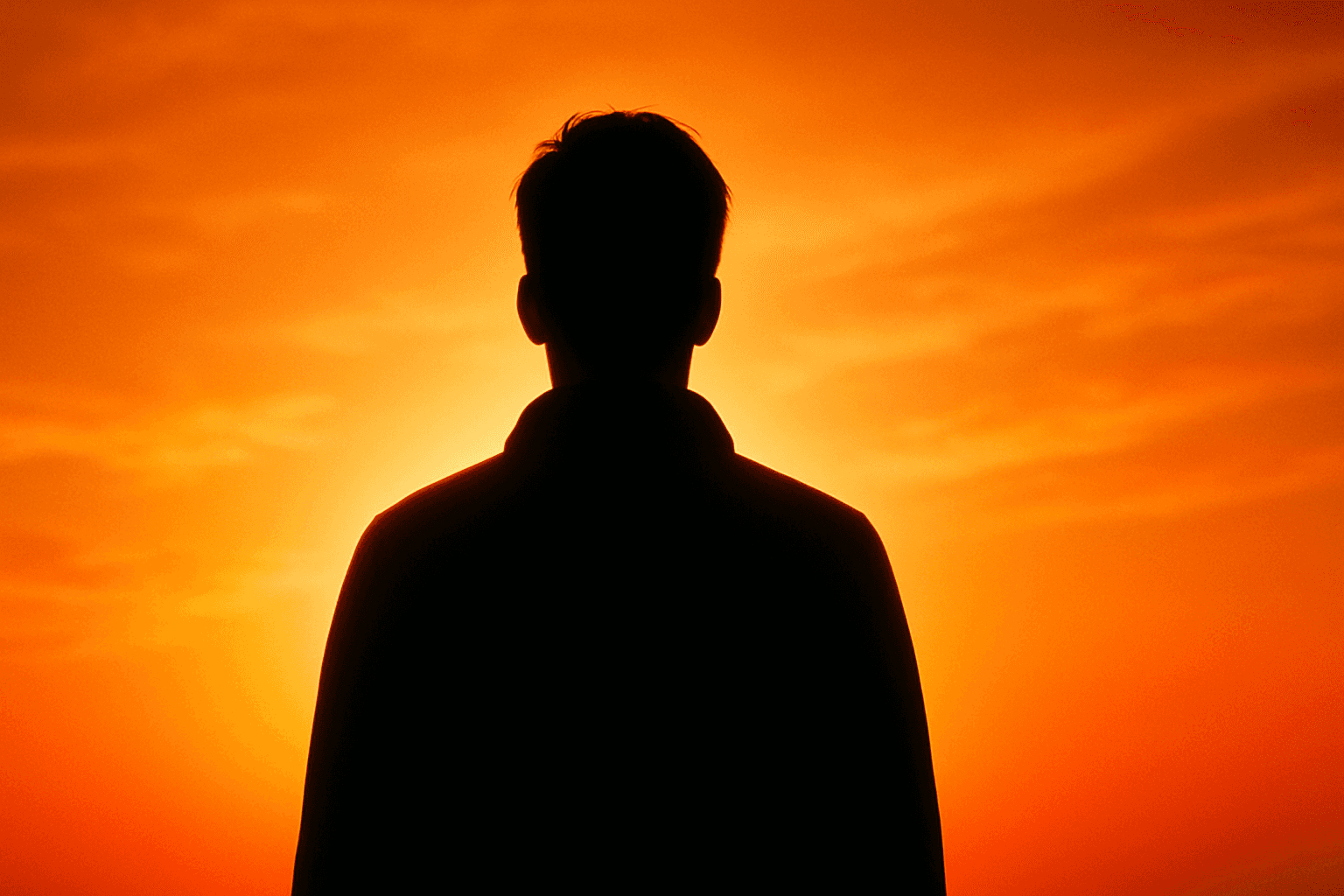
Definition
Backlit silhouette lighting refers to an arrangement where the light source is positioned behind the subject, illuminating the background strongly while rendering the subject itself primarily as a dark, defined shape with minimal front details. In AI prompts, this keyword instructs the model to prioritize this lighting style, creating images with a high-contrast outline effect that emphasizes form over texture or color within the subject.
Prompt Formula
Use descriptive phrases emphasizing light placement and visual contrast. Combine terms related to the light source, background brightness, and silhouette clarity. Example pattern: "Backlit silhouette lighting, [subject] as dark outline, bright [time of day] background, glowing edges, minimal front illumination, high contrast".
- Backlit silhouette lighting
- Subject as dark outline/silhouette
- Bright or glowing background (e.g., sunset, neon light)
- Soft glowing or rim light edges
- Minimal to no front detail/illumination
Best Use Cases
- Portrait photography emphasizing dramatic profiles
- Wildlife images capturing bold animal shapes against bright environments
- Conceptual artwork or fantasy scenes with mystery and focus on shape
Advanced Techniques
For experienced prompt writers, layering specific lighting qualities and environmental factors yields richer images. Try combining backlit silhouette lighting with atmospheric effects like fog, rain, or mist to diffuse the glow subtly. Use modifiers to specify sharpness of edges or color temperature of the backlight, e.g., "warm golden backlit silhouette lighting" or "crisply defined silhouette with cool blue backlight." Incorporate secondary light hints such as faint rim light from the side to add dimensionality without losing the silhouette effect.
- Mix with atmospheric conditions (fog, mist) for mood
- Specify edge sharpness for silhouette definition
- Color tone modifiers for the backlight (warm, cool)
- Add subtle secondary rim lighting for dimension
- Use lens effects like bokeh on the backlight
Professional Workflow
Start by defining the subject and desired mood with backlit silhouette lighting clearly in the briefing. Generate multiple image variations emphasizing different background intensities and edge definitions to find the best silhouette contrast. Select images with the cleanest outlines and strongest light shape separation. Refine prompts iteratively to adjust lighting hardness and glow effects for the target use case. Post-processing may focus on enhancing contrast and soft halos to polish the final look for commercial publication.
- Brief with clear subject and mood using backlit silhouette
- Generate multiple lighting intensity and outline variations
- Select by silhouette clarity and contrast quality
- Iteratively refine prompt for glow and edge sharpness
- Apply post-processing for contrast and halo enhancement
Related Styles
Backlit silhouette lighting closely relates to other high-contrast lighting techniques and minimalist shading styles. It pairs well with rim lighting, which adds thin highlights along subject edges, and general silhouette lighting emphasizing form over detail. Related PromptAtlas keywords include 'Silhouette Lighting' that focuses on shape emphasis, 'Rim Lighting' highlighting edge illumination, and 'High Contrast Lighting' featuring stark light-dark separations.
- Silhouette Lighting
- Rim Lighting
- High Contrast Lighting
Model-Specific Tips
To achieve consistent backlit silhouette lighting effects across various AI image models, emphasize clear instructions about the light source position relative to the subject and desired contrast. Avoid ambiguous terms; use direct phrases such as 'light source behind subject' and 'dark silhouette foreground.' Additionally, specify desired background brightness and edge glow to guide models better. Test and adjust wording to suit the model’s image interpretations, bearing in mind subtle differences in how models handle lighting cues.
- Explicitly state "light source positioned behind subject"
- Use clear terms like "dark silhouette" and "bright background"
- Specify edge glow or halo intensity
- Adjust wording based on the model's visual style handling
- Test prompt variations to optimize silhouette clarity
FAQ
What is backlit silhouette lighting in AI image generation?
It is a lighting style where the subject appears as a dark shape against a bright background due to the light source being behind it, emphasizing outlines and high contrast in generated images.
How can I create a strong silhouette effect in prompts?
Include descriptive phrases about light placement behind the subject, specify minimal front illumination, and emphasize contrast and outline clarity in your prompt.
Continue Exploring
Related Prompts
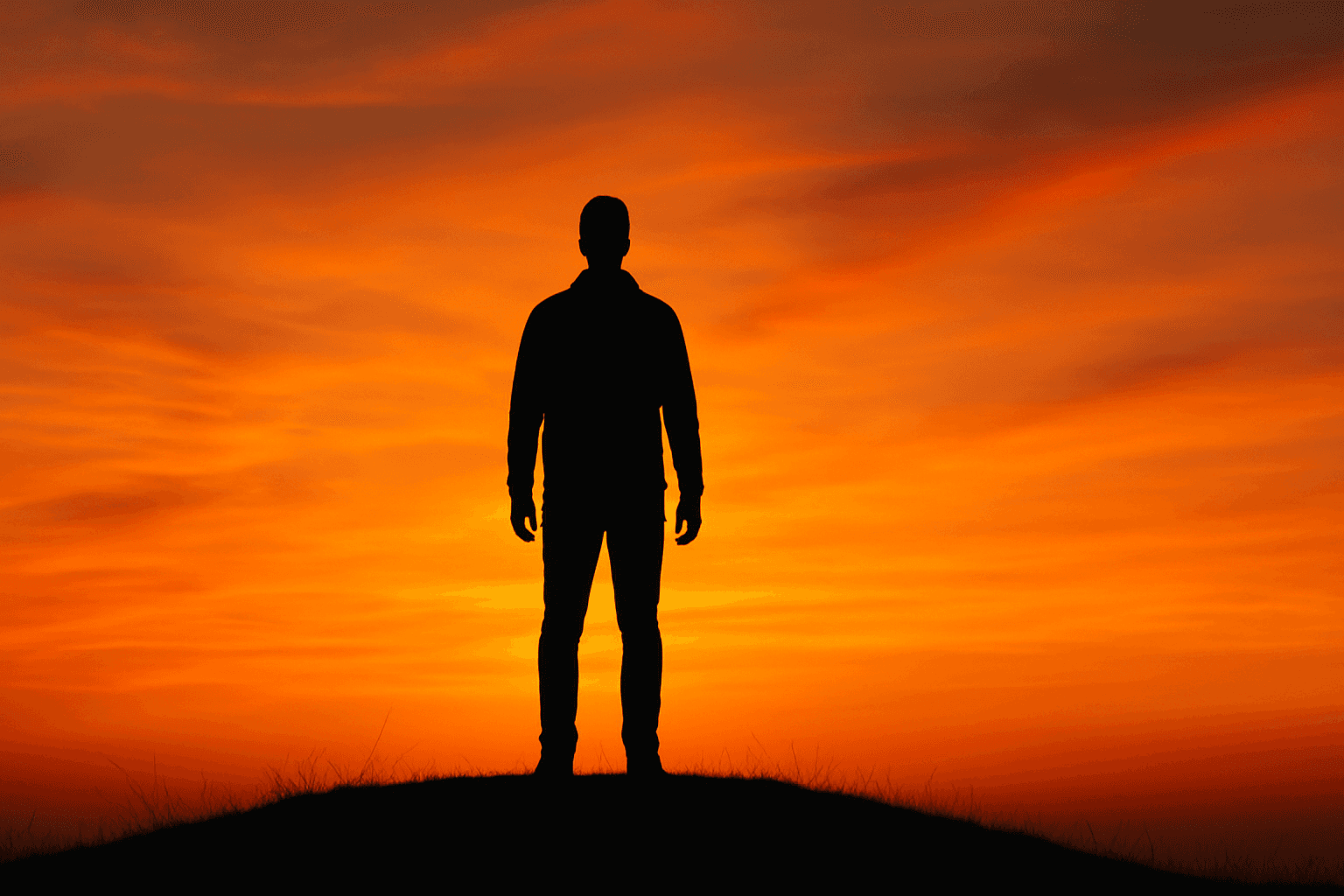
Silhouette Lighting
Silhouette Lighting is a powerful method used by photographers and visual artists to create images that emphasize shape, form, and mood. By positioning a strong light source behind the subject, the subject itself becomes a dark silhouette, stripped of detail but rich in expressive outlines. This technique can evoke mystery, drama, or elegance depending on the composition and context. It is widely applicable across genres, from portraits and nature photography to commercial and editorial imagery. The minimalist visual impact of silhouette lighting makes it a favorite for delivering compelling visuals that focus on contours and compositions rather than intricate details.
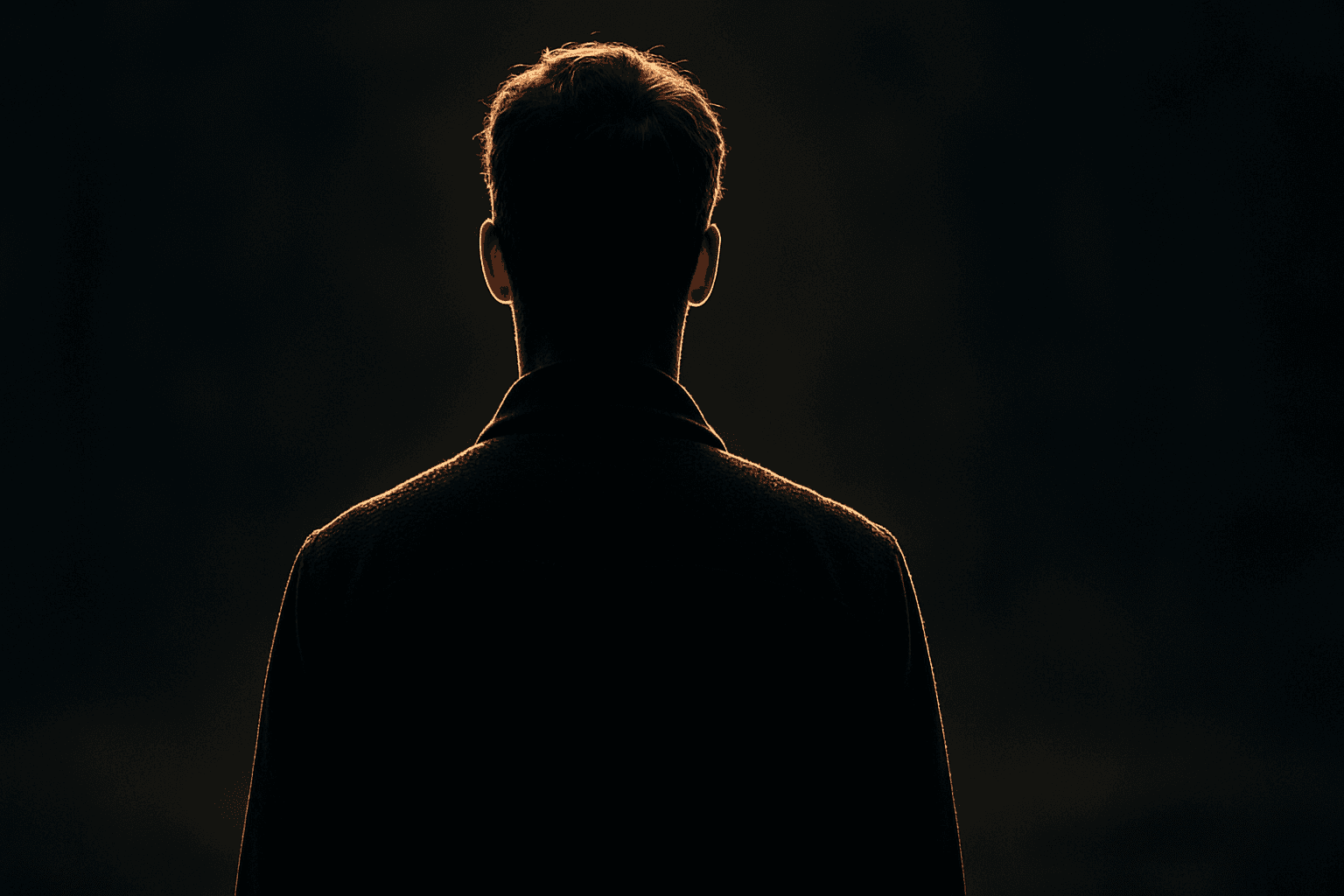
Silhouette Outline Lighting
Silhouette Outline Lighting is a specialized lighting effect that enhances AI-generated images by emphasizing the subject's edges with a glowing rim of light. Commonly used to create dramatic, visually appealing silhouettes, this lighting style accentuates contours and adds striking contrast by brightly outlining the subject against a darker background. In AI image generation, including this keyword can guide the model to apply backlighting or rim lighting techniques, which help separate the subject from the background and add an artistic flair. This approach is widely appreciated in portraiture, product photography, and conceptual art for its ability to convey emotion and focus attention on shape and form.
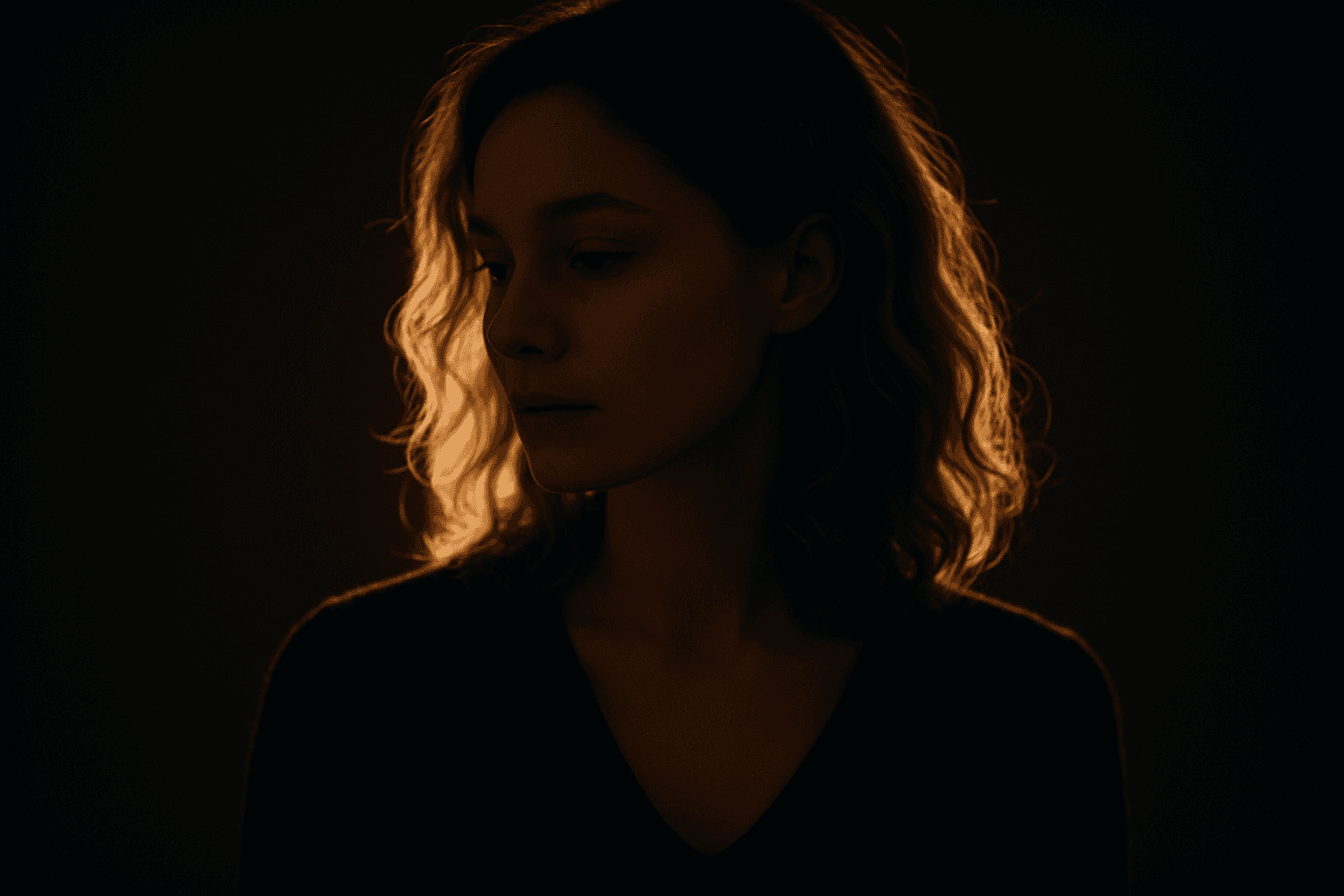
Backlit Rim Lighting
Backlit Rim Lighting offers a striking way to emphasize shapes and contours by placing light sources behind the subject. This technique casts a luminous halo or rim around the edges, enabling clear subject separation from backgrounds even if they are dimly lit. In AI-generated images, prompts including this term encourage models to simulate realistic lighting setups that heighten drama, depth, and visual interest. Artists and photographers often use this style to evoke mood or highlight subject textures through translucent or reflective surfaces. Incorporating Backlit Rim Lighting in image generation can instantly transform compositions, lending premium polish suitable for editorial, cinematic, and commercial visuals.
Directional Side Lighting
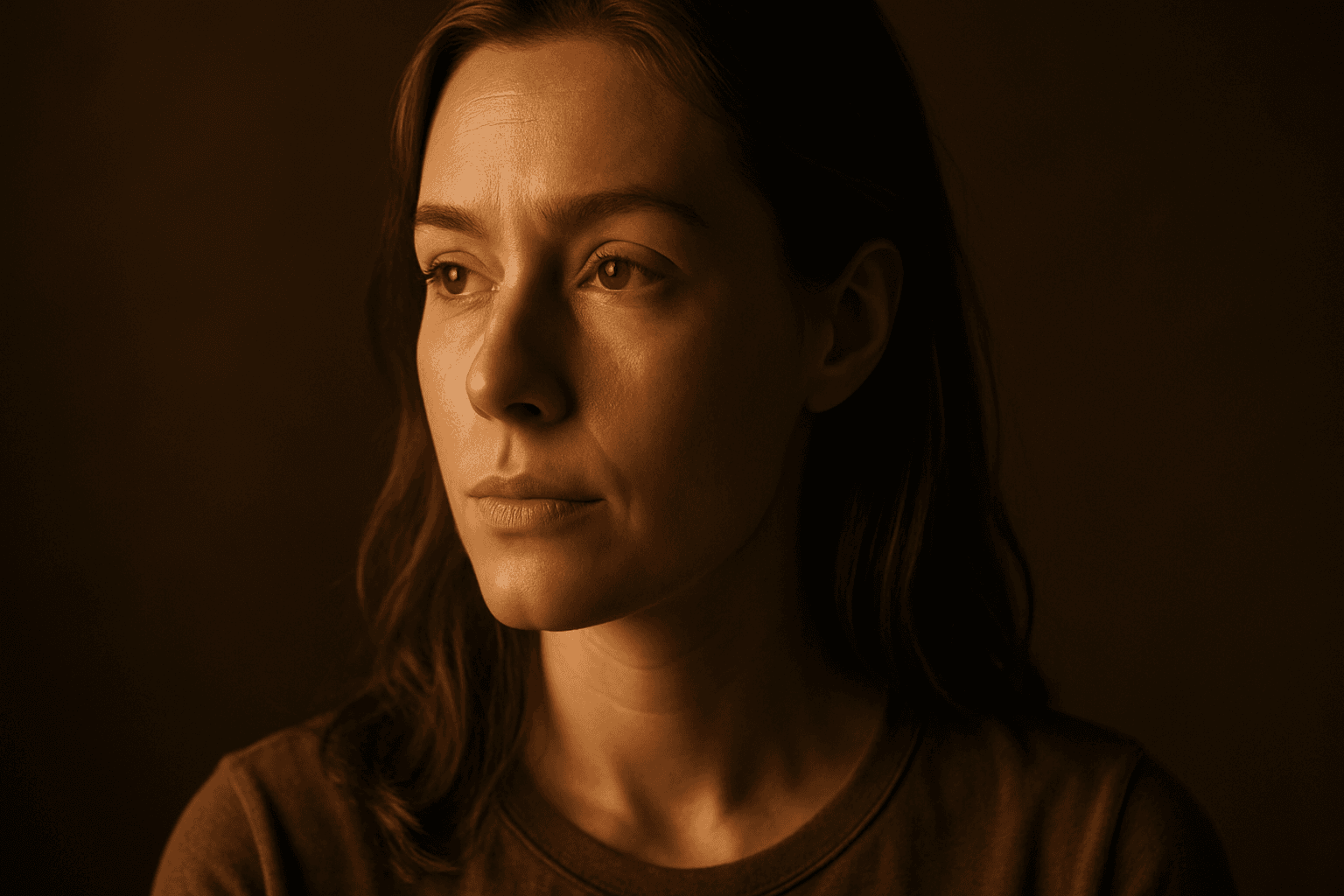
Directional side lighting is a powerful lighting technique widely used in photography and digital art to add dimensionality and mood. In the context of AI image generation, specifying directional side lighting shapes how the model simulates light interaction with subjects and environments. This lighting style creates pronounced contrasts between illuminated and shaded areas, resulting in images with realistic depth and enhanced visual interest. It is especially effective for emphasizing textures and defining shapes in portraits, still life, architectural renders, and product shots. Using this lighting approach in AI prompts helps generate more polished and professional visuals suitable for editorial and commercial use.

Low Angle Lighting
Low angle lighting is a powerful photographic and artistic technique that shifts the viewer's perspective by lighting subjects from below. When integrated into AI image prompts, it helps generate images with a distinct, often dramatic mood and added dimensionality. This lighting arrangement mimics natural scenarios like sunrise or artificial lighting such as street lamps from ground level. Due to its uncommon viewpoint, low angle lighting enhances textures and contours by reversing traditional shadow placement, producing striking images ideal for editorial portraits, architectural shots, and dynamic compositions. Leveraging this keyword allows creators to break away from standard lighting styles and evoke more intriguing atmospheres in synthetic visuals.
Hard Shadow Contrast
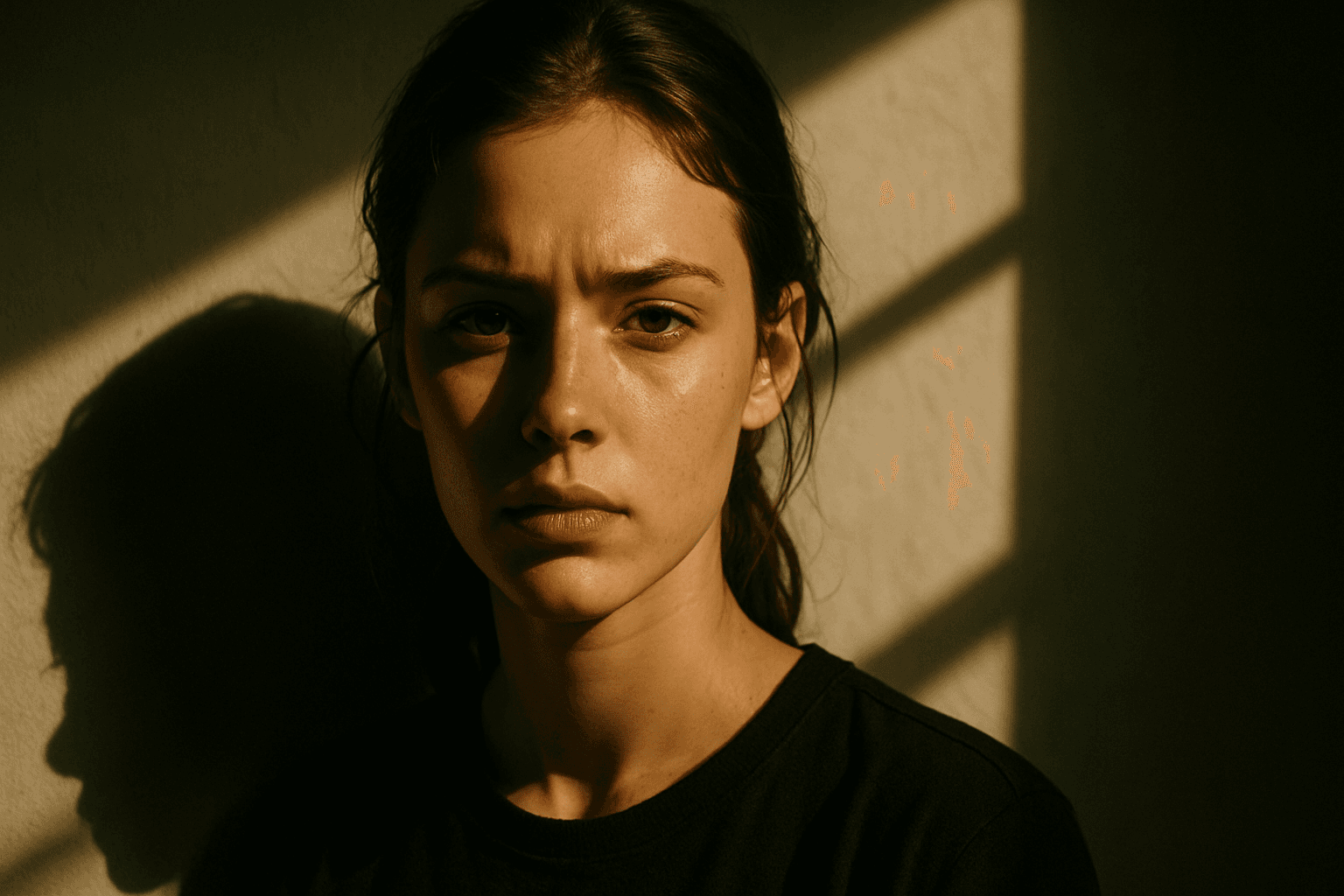
Hard Shadow Contrast is a lighting effect that dramatically defines shadows with crisp, sharp edges and pronounced contrast between light and dark areas. In AI-generated images, incorporating this characteristic elevates the visual impact by adding dimensionality and emphasizing surface textures. It is particularly useful in highlighting form, structure, and materials, creating a striking and refined appearance. By controlling this effect through prompts, artists and designers can guide AI models to produce compositions with cinematic or editorial lighting moods, enhancing realism or artistic expression without soft or diffuse shading.