Color Temperature Matching
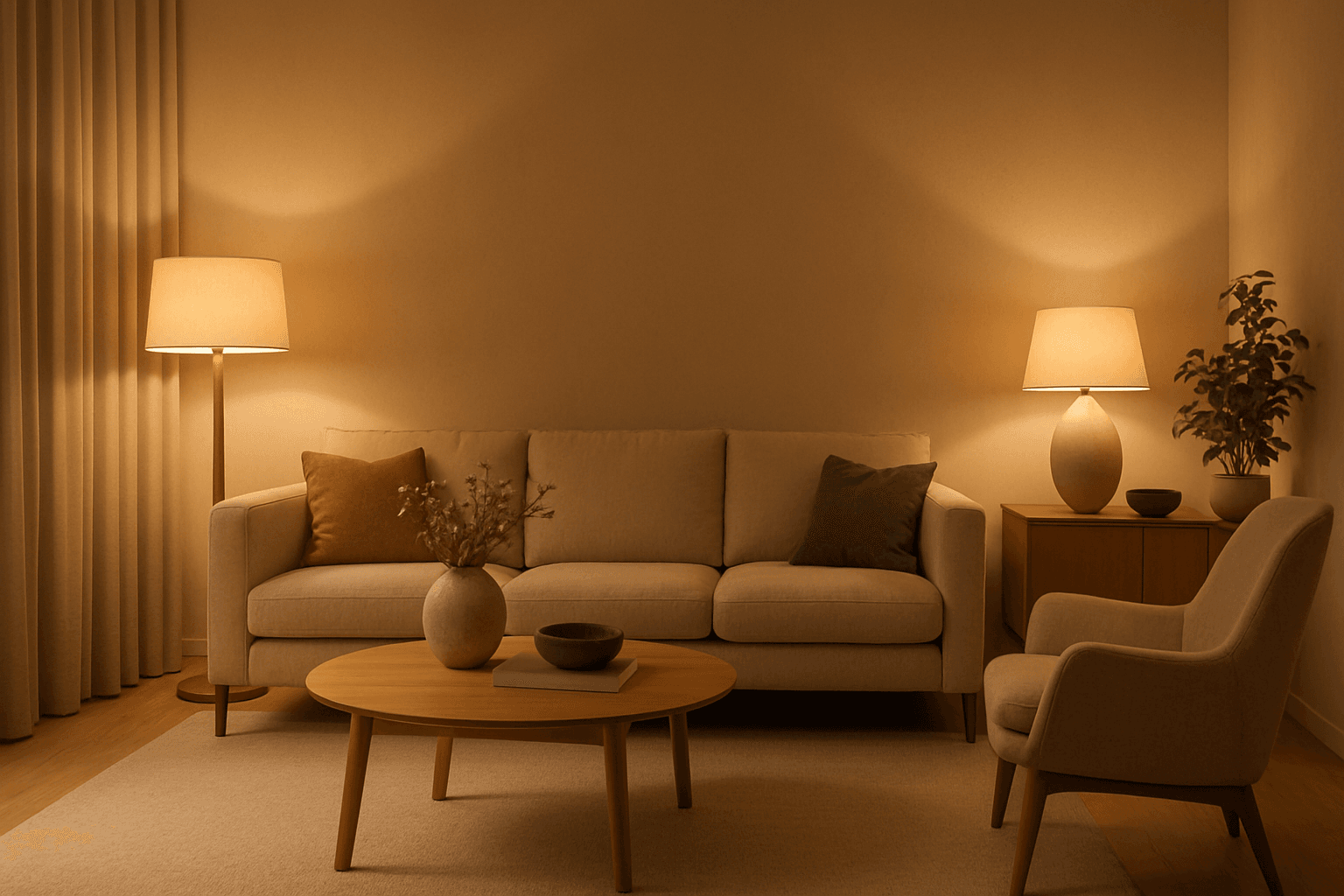
Color Temperature Matching is essential for creating visually coherent AI images where light sources share harmonious color properties. It influences the warmth or coolness of light in the scene, enhancing realism or stylization by ensuring all lighting matches a specific temperature range. This technique can evoke different moods—warm tones impart a cozy or nostalgic feel, while cooler tones produce crispness or calm. Including precise color temperature cues in AI prompts helps generate images with unified lighting, improving visual impact and professional quality across various subjects and settings.
Definition
Color Temperature Matching in AI image generation means guiding the model to unify the color characteristics of lighting throughout a scene. This involves specifying lighting warmth or coolness (measured in Kelvin) so that all light sources and reflections correspond to the chosen temperature. It changes how AI renders the light—whether it's a warm sunset glow or a cold, blueish daylight—affecting the entire image's mood and realism.
Visual Characteristics
- Light tones show a consistent hue temperature, either warm (yellow/orange) or cool (blue/white).
- Soft shadows and highlights adapt to the same temperature coloring, avoiding jarring contrasts.
- The overall image atmosphere conveys a unified lighting environment enhancing realism or specific moods.
Prompt Formula
Use precise descriptors of temperature and lighting to guide AI: include numeric Kelvin values or descriptive terms combined with scene details for best effect. For example, 'warm light at 3000K,' 'cool daylight color temperature,' or 'neutral white balanced lighting' help anchor the image lighting consistently.
- "[lighting description] at [color temperature]K"
- "warm/cool/neutral lighting with [scene description]"
- "color temperature matching [specific mood/environment]"
Best Use Cases
- Enhancing product photography with accurate white balance for true colors.
- Creating interior renders with harmonious natural or artificial lighting.
- Producing portraits where lighting mood and skin tones require consistent warmth or coolness.
Creative Variations
Experiment with unconventional temperature pairings or gradual shifts to create dynamic lighting effects. Combine warm and cool sources strategically for contrast or highlight focal points. Alter saturation and intensity alongside temperature to produce stylized atmospheres or photorealistic scenes.
- Blend warm interior lighting with cool window daylight for dramatic contrast.
- Use very warm (1800K) lighting for candlelit scenes versus cold (6500K) overcast day.
- Adjust color temperature intensity for surreal or hyper-realistic moods.
Related Styles
- White Balance Adjustment
- Warm Lighting
- Cool Lighting
Model-Specific Tips
When crafting prompts, clearly state numerical values or commonly understood descriptions of color temperature to improve AI understanding. Avoid ambiguous terms like 'soft light' alone. Reference specific Kelvin temperatures or moods (e.g., 'sunset warm 2700K') for consistent, repeatable results across different AI platforms.
FAQ
What is color temperature in lighting?
Color temperature measures the hue of a light source, expressed in Kelvins (K), indicating whether the light appears warm (lower K) or cool (higher K).
Why is color temperature important in AI image generation?
Because it ensures lighting consistency across the image, resulting in realistic moods and natural-looking scenes that match the intended atmosphere.
Continue Exploring
Related Prompts
Warm Ambient Glow
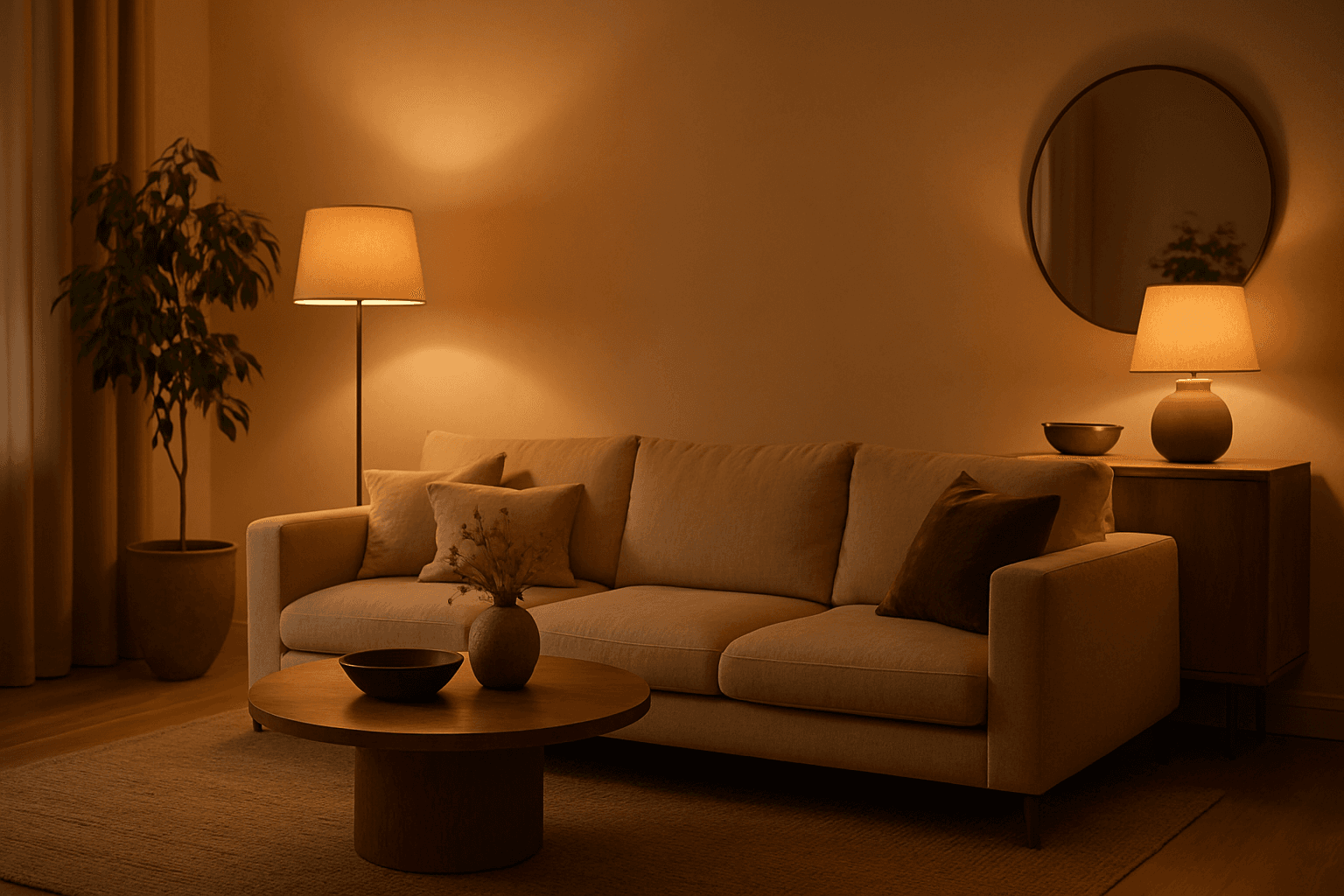
In AI-generated imagery, the "Warm Ambient Glow" keyword is used to simulate cozy, inviting lighting environments characterized by soft, warm illumination that enriches the visual texture and mood. This lighting effect mimics natural golden-hour sunlight or artificial sources like incandescent lamps, casting gentle gradients of warm light that add emotional warmth and realism without overpowering highlights or harsh contrasts. The resulting images often convey feelings of comfort, intimacy, or nostalgia and are especially valuable in editorial, lifestyle, and interior design visuals. Incorporating this prompt keyword encourages AI models to focus on warm tones and a balanced ambient light distribution, making it ideal for enhancing the aesthetic appeal of portraits, product shots, and environmental scenes with a premium, polished finish.
Ambient Light Effects
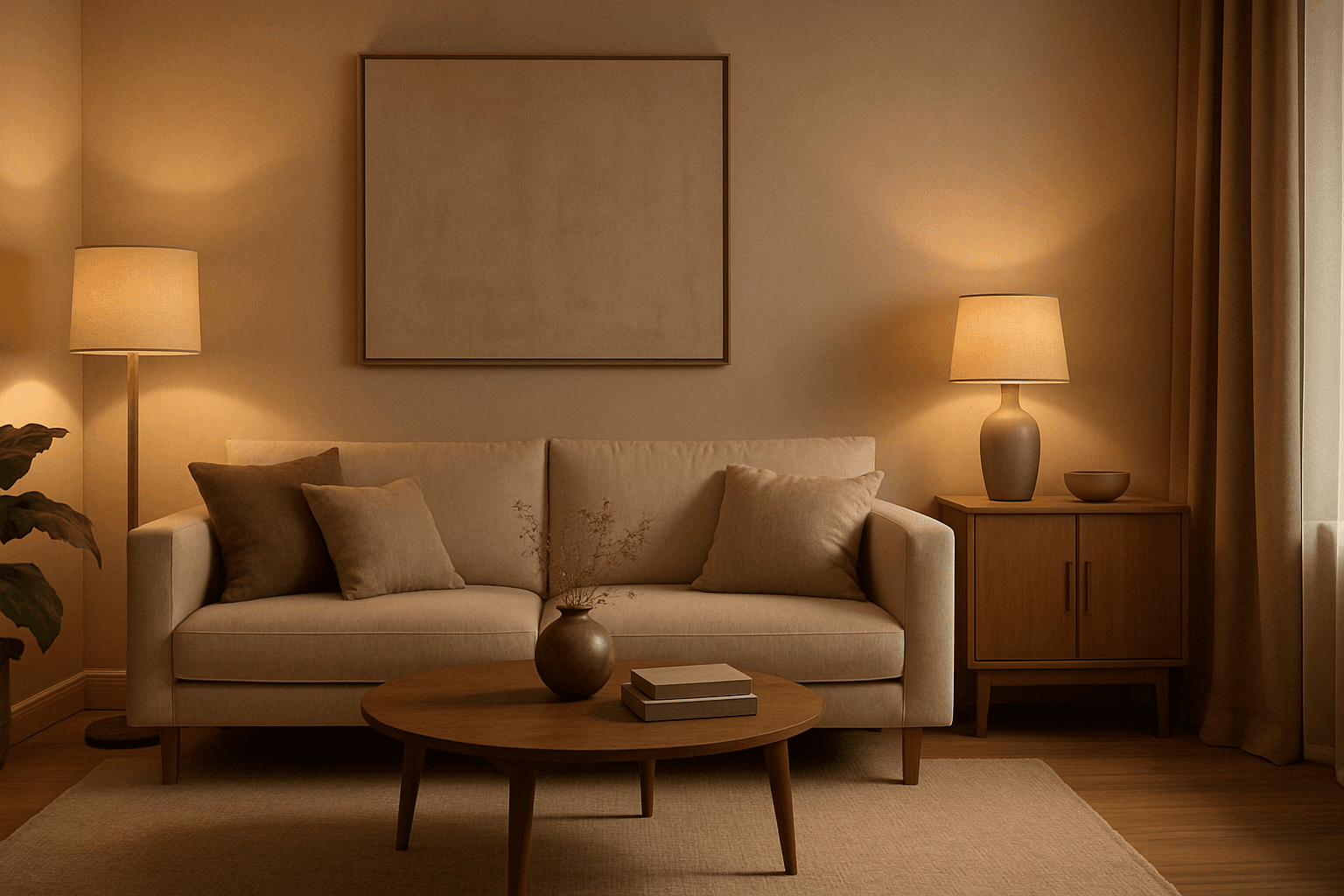
Ambient Light Effects in AI-generated images create a harmonious and natural lighting environment that enhances realism and mood without overpowering contrasts. This lighting type softly bathes scenes in diffuse light, mimicking the effect of indirect sunlight or overcast skies. By integrating ambient light into prompts, users can achieve visuals that feel authentic and immersive, ideal for scenes requiring subtle illumination or a calm atmosphere. This approach minimizes harsh shadows and bright spots, yielding images with smooth gradations and an understated elegance. The result is a balanced exposure that allows textures and colors to appear true to life, enhancing the viewer’s emotional connection.
Golden Hour Soft Light
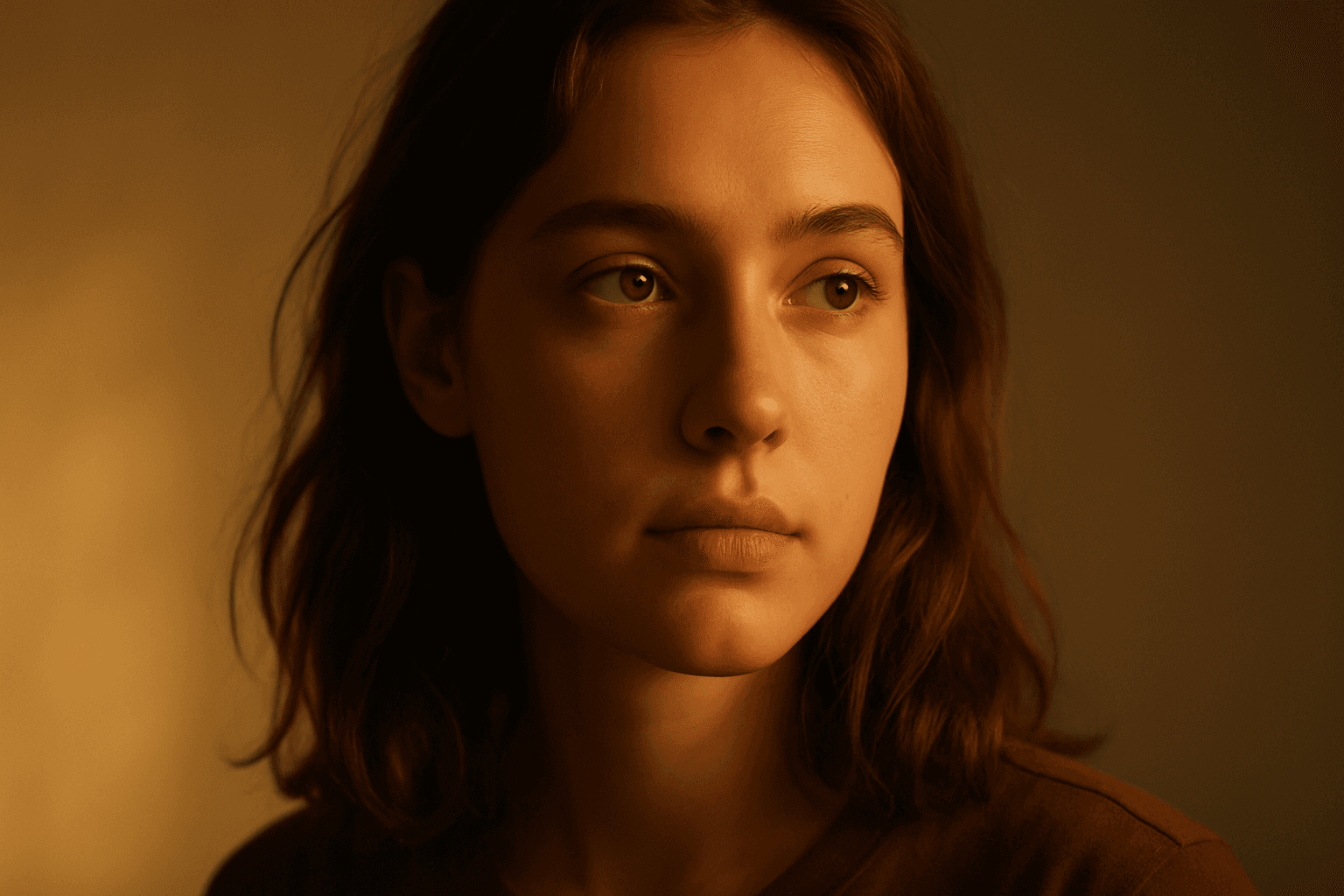
Golden Hour Soft Light captures the magical lighting conditions during the early morning or late afternoon sun. This natural lighting style is prized for its warm colors and flattering softness, often leading to images that feel intimate and aesthetically pleasing. When incorporated into AI prompts, it helps generate scenes with realistic ambient and directional light that evokes emotion and depth. This lighting style works well across portraiture, landscapes, and still-life imagery, providing a premium and elegant look. It subtly enhances textures and materials without harsh contrasts or glare, offering a polished and professional finish suitable for editorial and commercial use.
Artificial Light Balancing
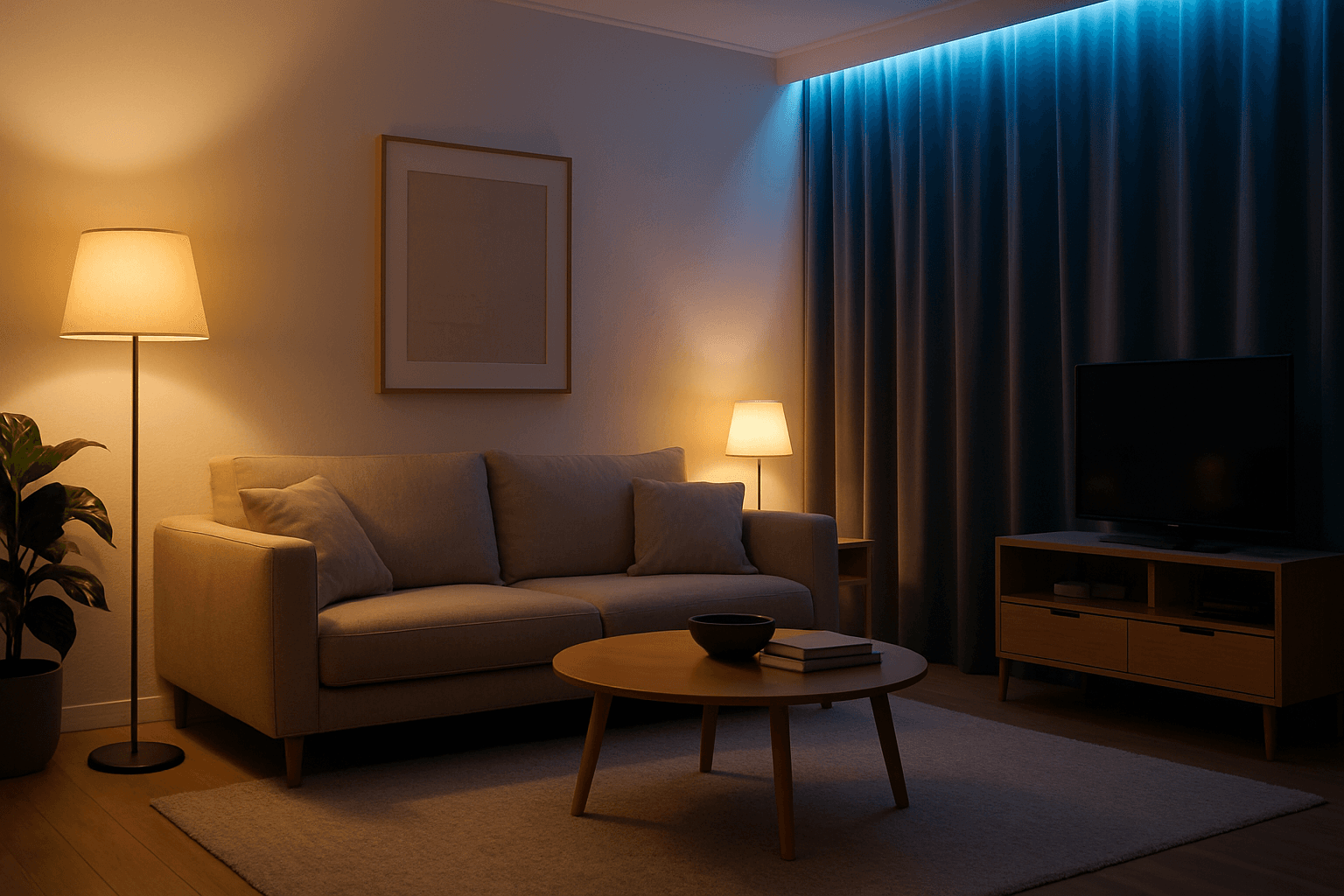
Artificial Light Balancing is a key technique for AI-generated images that simulates the harmonious interplay of multiple artificial lighting sources. Proper balancing ensures the scene does not appear overly exposed, flat, or unevenly lit. This approach helps AI models render depth, texture, and mood accurately, making visuals suitable for professional uses like advertising, interior design, and editorial photography. By emphasizing control over light color temperature, intensity, and angle, this keyword enhances realism and artistic quality in artificial light environments.
Directional Side Lighting
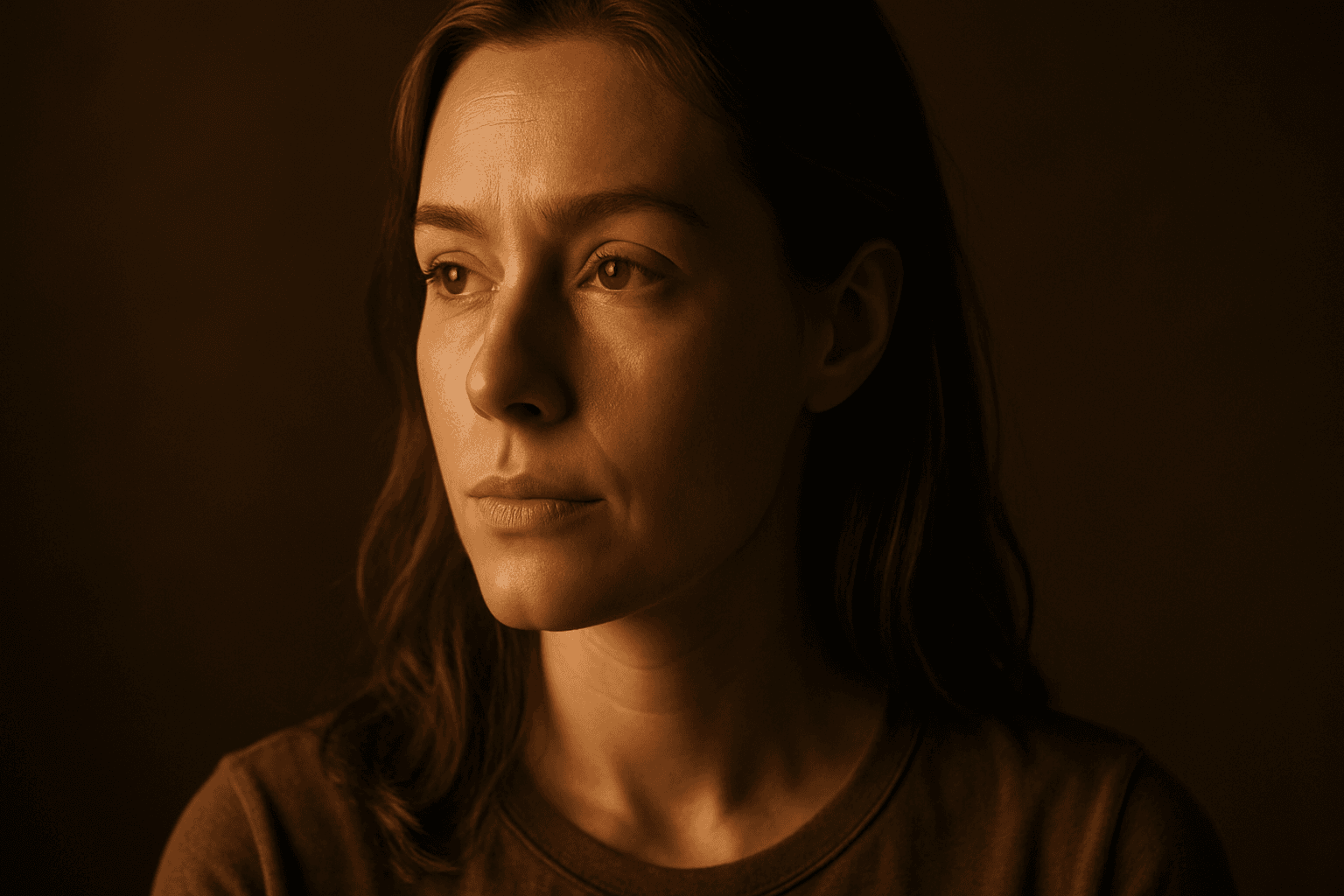
Directional side lighting is a powerful lighting technique widely used in photography and digital art to add dimensionality and mood. In the context of AI image generation, specifying directional side lighting shapes how the model simulates light interaction with subjects and environments. This lighting style creates pronounced contrasts between illuminated and shaded areas, resulting in images with realistic depth and enhanced visual interest. It is especially effective for emphasizing textures and defining shapes in portraits, still life, architectural renders, and product shots. Using this lighting approach in AI prompts helps generate more polished and professional visuals suitable for editorial and commercial use.

High Contrast Lighting Setup
High contrast lighting setups are widely used in photography and cinematic visuals to produce bold, dynamic images that captivate viewers. Incorporating 'high contrast lighting setup' in an AI image prompt instructs the AI to emphasize striking light sources and deep shadows, adding visual tension and clarity to the scene. This lighting approach reveals textures more vividly and helps create a mood that can range from mysterious to intense. For AI-generated images intended for editorial, commercial, or fine art applications, applying this keyword ensures that the resulting visuals have professional-quality lighting that enhances subject definition and atmosphere.