Artificial Light Balancing
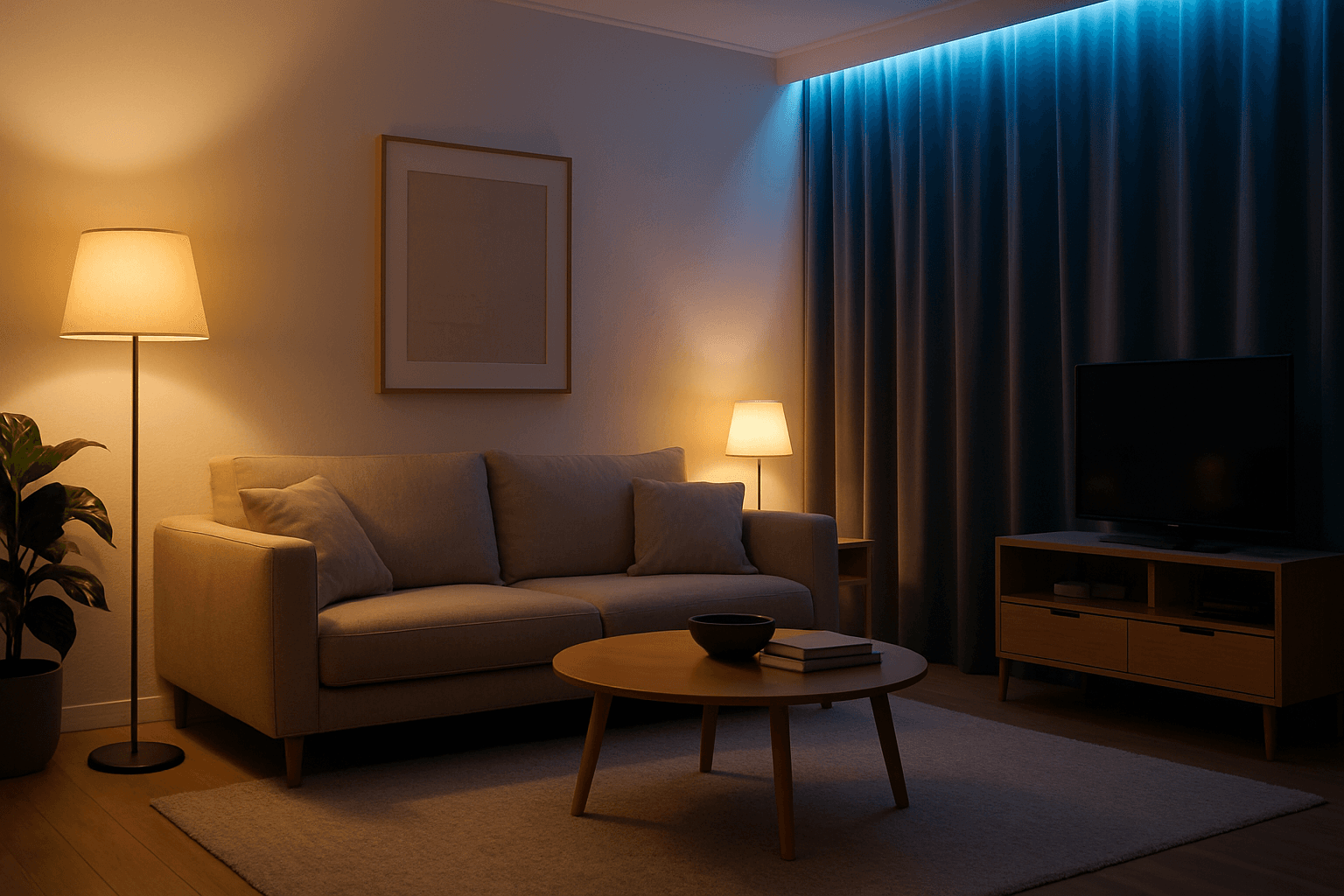
Artificial Light Balancing is a key technique for AI-generated images that simulates the harmonious interplay of multiple artificial lighting sources. Proper balancing ensures the scene does not appear overly exposed, flat, or unevenly lit. This approach helps AI models render depth, texture, and mood accurately, making visuals suitable for professional uses like advertising, interior design, and editorial photography. By emphasizing control over light color temperature, intensity, and angle, this keyword enhances realism and artistic quality in artificial light environments.
Definition
Artificial Light Balancing is the practice of adjusting and harmonizing multiple artificial light sources within an AI image prompt. This ensures the lighting appears natural, avoids harsh shadows or glare, and enhances the scene’s visual depth and realism. Beginners can understand it as controlling lights such as lamps or studio flashes so their intensities and colors blend well together.
Prompt Formula
Incorporate phrases that specify types, intensity, and color temperature of artificial lights combined with balancing terms. Examples include:
- "balanced artificial lighting with soft shadows"
- "cool and warm artificial light sources harmonized"
- "studio lights and ambient lamps with controlled intensity"
- "evenly lit indoor scene with balanced artificial illumination"
Best Use Cases
This keyword excels in scenarios needing clear, professional lighting that enhances subject visibility without unnatural highlights. Use it for:
- Interior product photography featuring multiple lamps or LEDs
- Portraits illuminated by a combination of studio lights and practical light sources
- Advertising images requiring controlled, even artificial lighting for branding
Creative Variations
To freshen outputs and add depth, try variations by modifying light color, intensity, or angle:
- Experiment with warm versus cool artificial lights for mood shifts
- Use directional spotlights combined with soft fill lights
- Add subtle colored lighting accents for artistic effects
- Try high-key balanced lighting or low-key moody balanced lighting
Industry Applications
Artificial Light Balancing is crucial across commercial fields requiring realistic yet controlled lighting:
- Advertising photography to emphasize product features under ideal lights
- Editorial shoots where lighting narratives support storytelling
- E-commerce content requiring consistent and flattering artificial illumination
Common Mistakes
Typical errors when applying this keyword include:
- Neglecting color temperature leading to unnatural tones
- Overemphasizing brightness causing blown-out highlights
- Ignoring shadow softness resulting in harsh contrasts
- Using vague light descriptions that confuse the AI
Advanced Techniques
Experienced users can refine Artificial Light Balancing by combining it with constraints and nuanced settings:
- Specify precise color temperatures, e.g., 3200K warm bulbs with 5600K cool LEDs
- Combine with modifiers like "soft shadows" or "gentle light falloff"
- Use layer lighting descriptions, such as "background lamps dimmed, foreground key light balanced"
- Incorporate surface reflection cues for realistic materials under artificial light
Professional Workflow
A streamlined process for creating balanced artificial lighting images involves:
- Start with a detailed lighting brief specifying light sources and mood
- Craft prompts emphasizing balancing phrases and color temperatures
- Generate multiple variants adjusting light intensity and angles
- Select images demonstrating natural interplay of artificial lights
- Refine prompts based on selected outputs adding modifiers for subtlety and realism
FAQ
How does Artificial Light Balancing improve AI image quality?
It ensures multiple artificial light sources in a scene blend harmoniously, preventing harsh shadows, glare, or unnatural colors, resulting in more realistic and visually pleasing images.
Can this keyword be used in outdoor scenes with artificial lighting?
Yes, especially for night or indoor-like scenes where artificial light plays a major role. The keyword helps balance street lamps, neon signs, or other artificial sources effectively.
What prompt elements enhance Artificial Light Balancing effects?
Including descriptors for light type, color temperature (warm/cool), intensity, shadow softness, and reflections all improve how AI balances artificial lights in the image.
Continue Exploring
Related Prompts
Directional Side Lighting
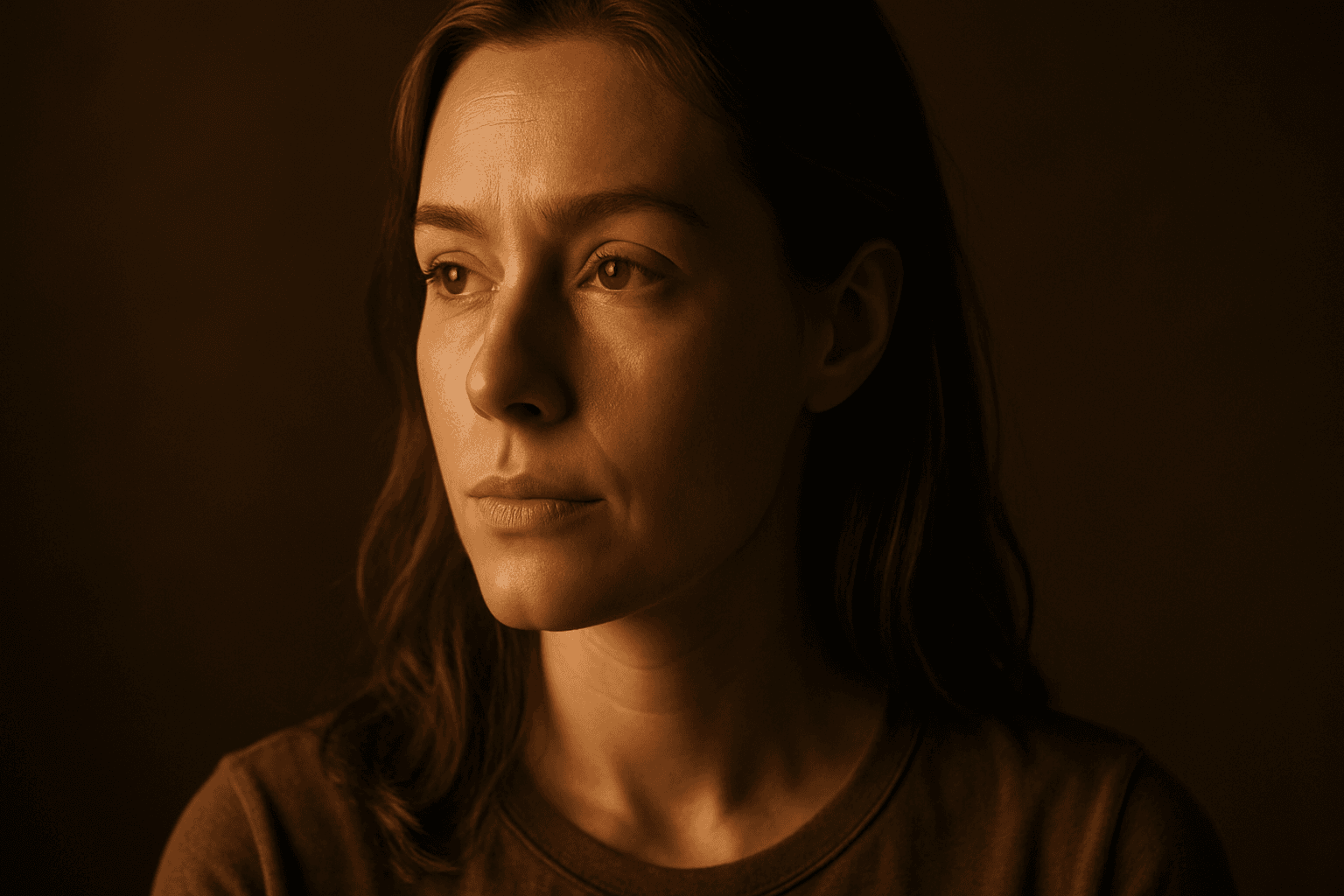
Directional side lighting is a powerful lighting technique widely used in photography and digital art to add dimensionality and mood. In the context of AI image generation, specifying directional side lighting shapes how the model simulates light interaction with subjects and environments. This lighting style creates pronounced contrasts between illuminated and shaded areas, resulting in images with realistic depth and enhanced visual interest. It is especially effective for emphasizing textures and defining shapes in portraits, still life, architectural renders, and product shots. Using this lighting approach in AI prompts helps generate more polished and professional visuals suitable for editorial and commercial use.
Fill Light Technique
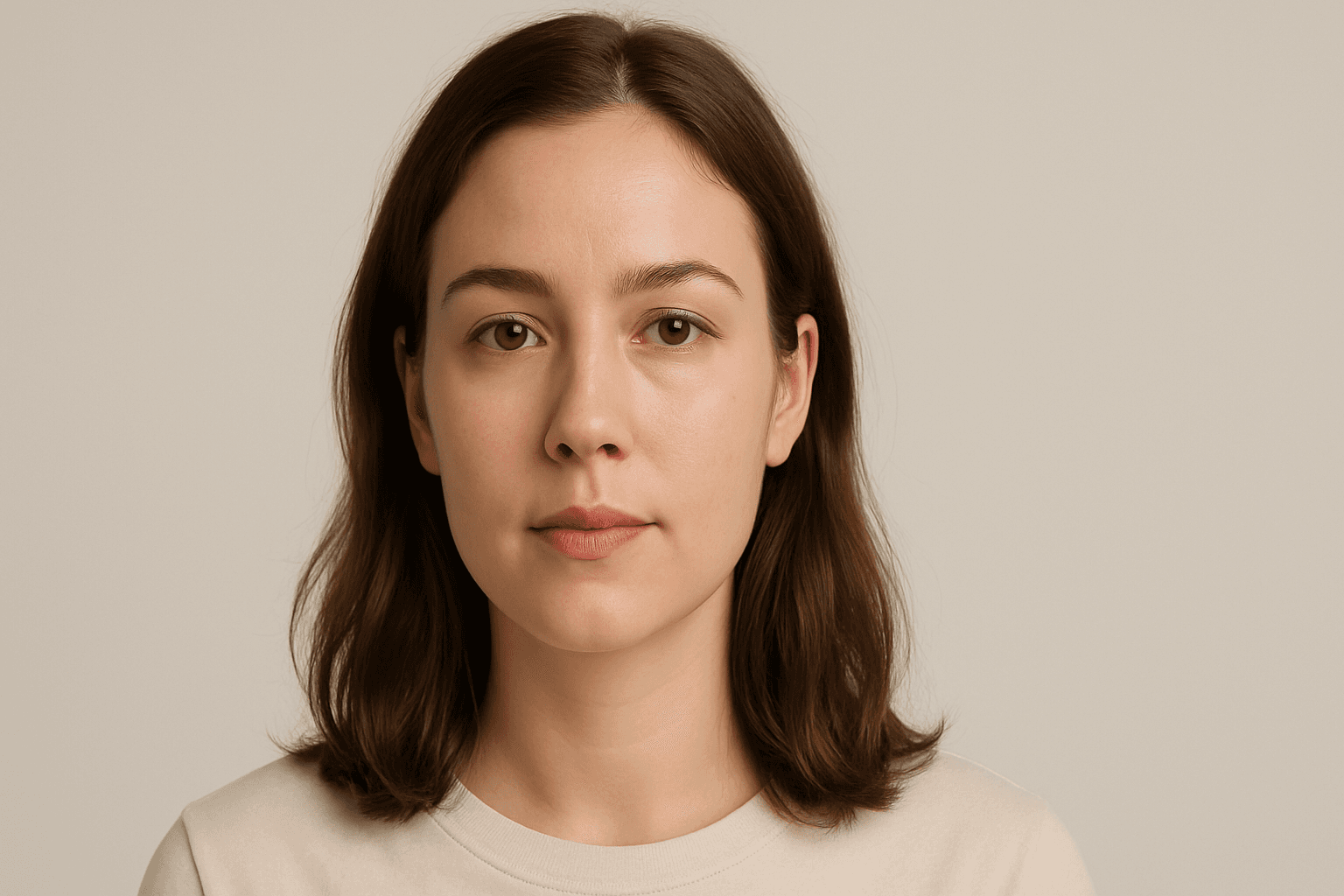
The Fill Light Technique is a crucial component in creating realistic and professionally lit images using AI prompts. By adding a complementary light source, often opposite the main light, it softens shadows and maintains sufficient contrast for depth. This technique avoids flatness that occurs with uniform lighting, enabling better visual storytelling and mood balance. In AI-generated imagery, specifying fill light helps model algorithms simulate natural lighting environments, enhancing the final artwork's quality and appeal. It is widely applied in portraits, product photography simulations, and scene compositions to achieve a polished, studio-quality effect without harsh shadows overwhelming details.
Flickering Light Effect
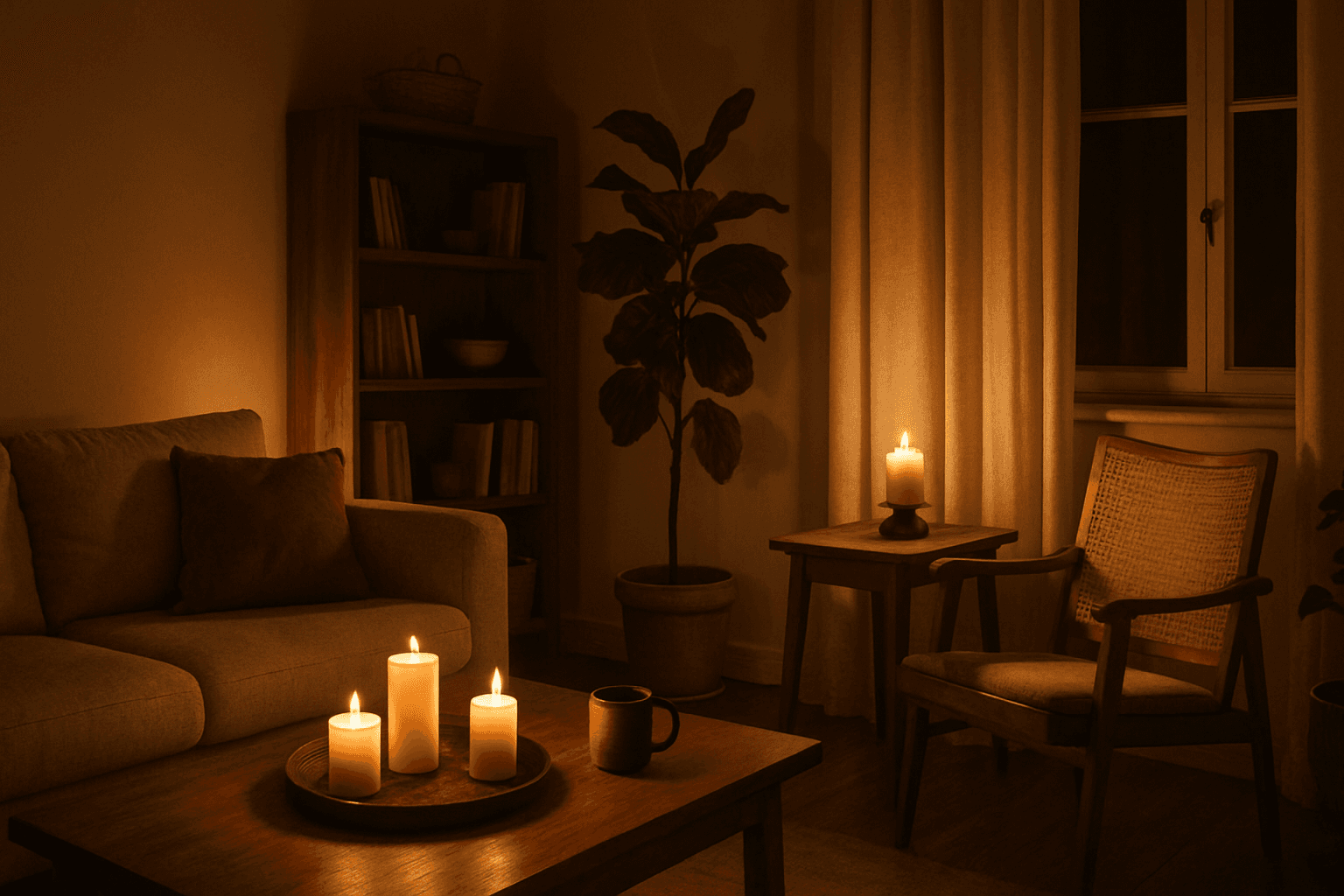
The Flickering Light Effect brings a unique atmospheric depth to AI-generated images by simulating light sources that pulse or flutter, such as candles, neon signs, or fires. This effect adds realism and drama by replicating natural light instability, often used to evoke ambiance, tension, or warmth. Applying this keyword transforms static lighting into visually engaging dynamics, enhancing storytelling in both photography-style renders and illustrative scenes.
Ambient Light Effects
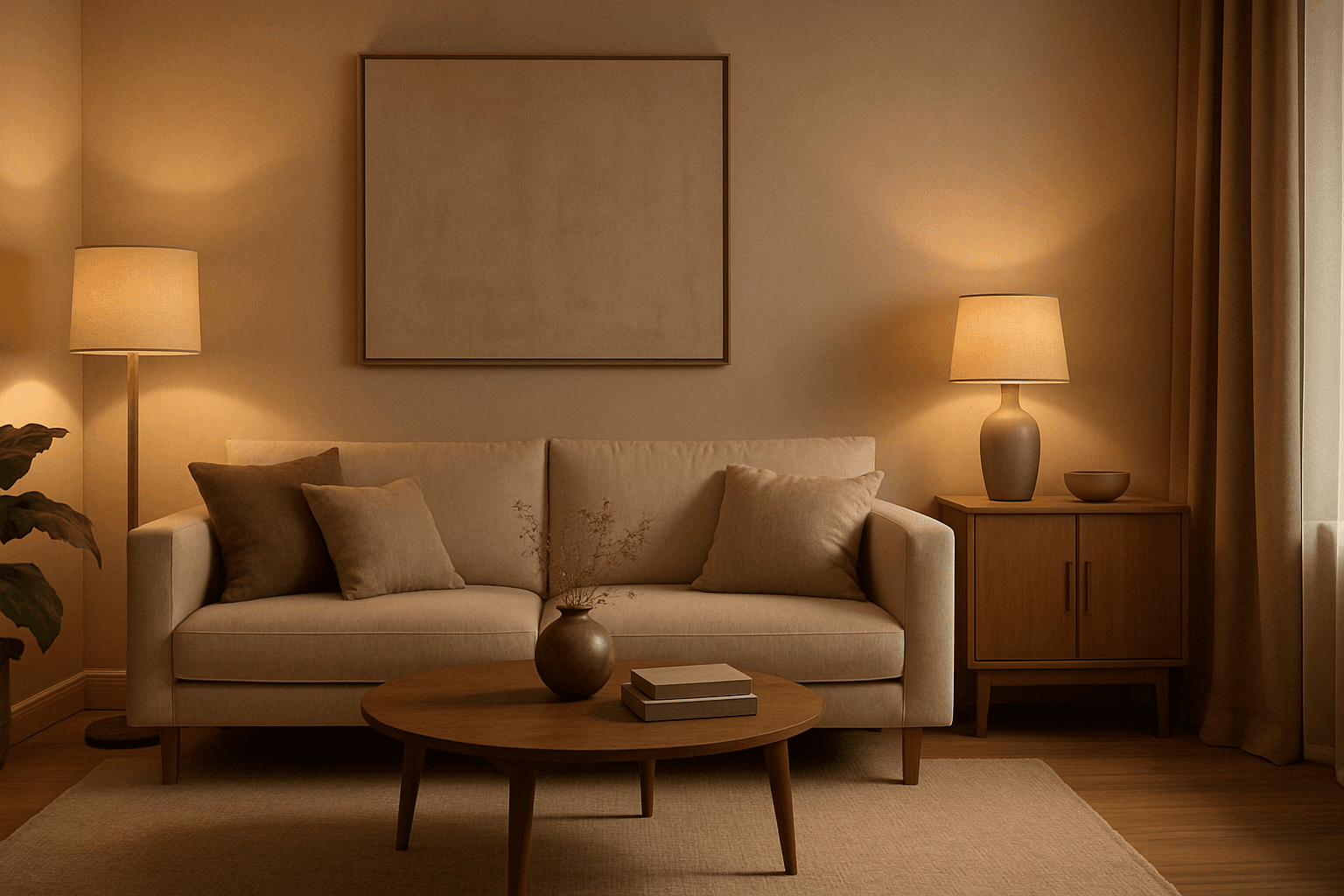
Ambient Light Effects in AI-generated images create a harmonious and natural lighting environment that enhances realism and mood without overpowering contrasts. This lighting type softly bathes scenes in diffuse light, mimicking the effect of indirect sunlight or overcast skies. By integrating ambient light into prompts, users can achieve visuals that feel authentic and immersive, ideal for scenes requiring subtle illumination or a calm atmosphere. This approach minimizes harsh shadows and bright spots, yielding images with smooth gradations and an understated elegance. The result is a balanced exposure that allows textures and colors to appear true to life, enhancing the viewer’s emotional connection.
Mixed Lighting Techniques
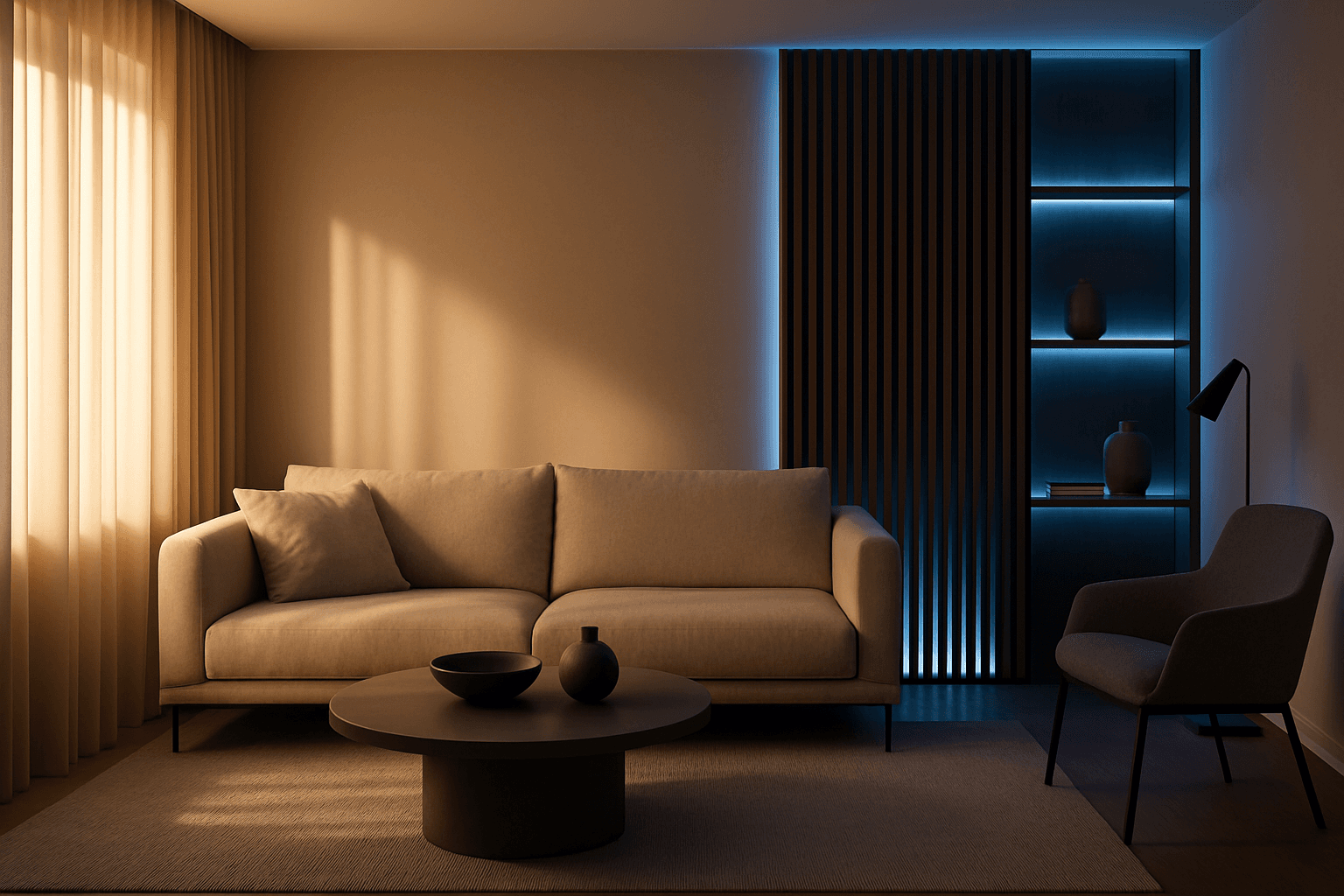
Mixed Lighting Techniques unlock the power to simulate complex lighting scenarios within AI-generated images. By combining different light sources such as natural daylight, artificial lamps, or neon colors, images gain realism and depth. This method helps depict scenes that feel more authentic and visually compelling, including indoor environments with sunlight filtering through windows alongside artificial lights or street scenes with ambient evening light and colored neon. Using mixed lighting effectively elevates the quality and storytelling potential of AI-generated visuals, making them suitable for high-end editorial work, advertising, and artistic compositions.

Soft Fill Light Setup
Soft fill light setup is an essential lighting approach in photography, cinematography, and AI image generation that focuses on enhancing visual clarity by gently illuminating subjects. This method employs diffused light sources positioned strategically to fill in shadows without creating new ones or flattening the image's depth. In AI-generated images, specifying a soft fill light setup guides the model to render scenes with subtle shading and natural contrast, making portraits, still life, and product shots appear more realistic and appealing. By balancing the interplay between light and shadow, the soft fill light setup adds dimension while maintaining a polished and professional look suitable for editorial, commercial, and creative projects.