Fill Light Technique
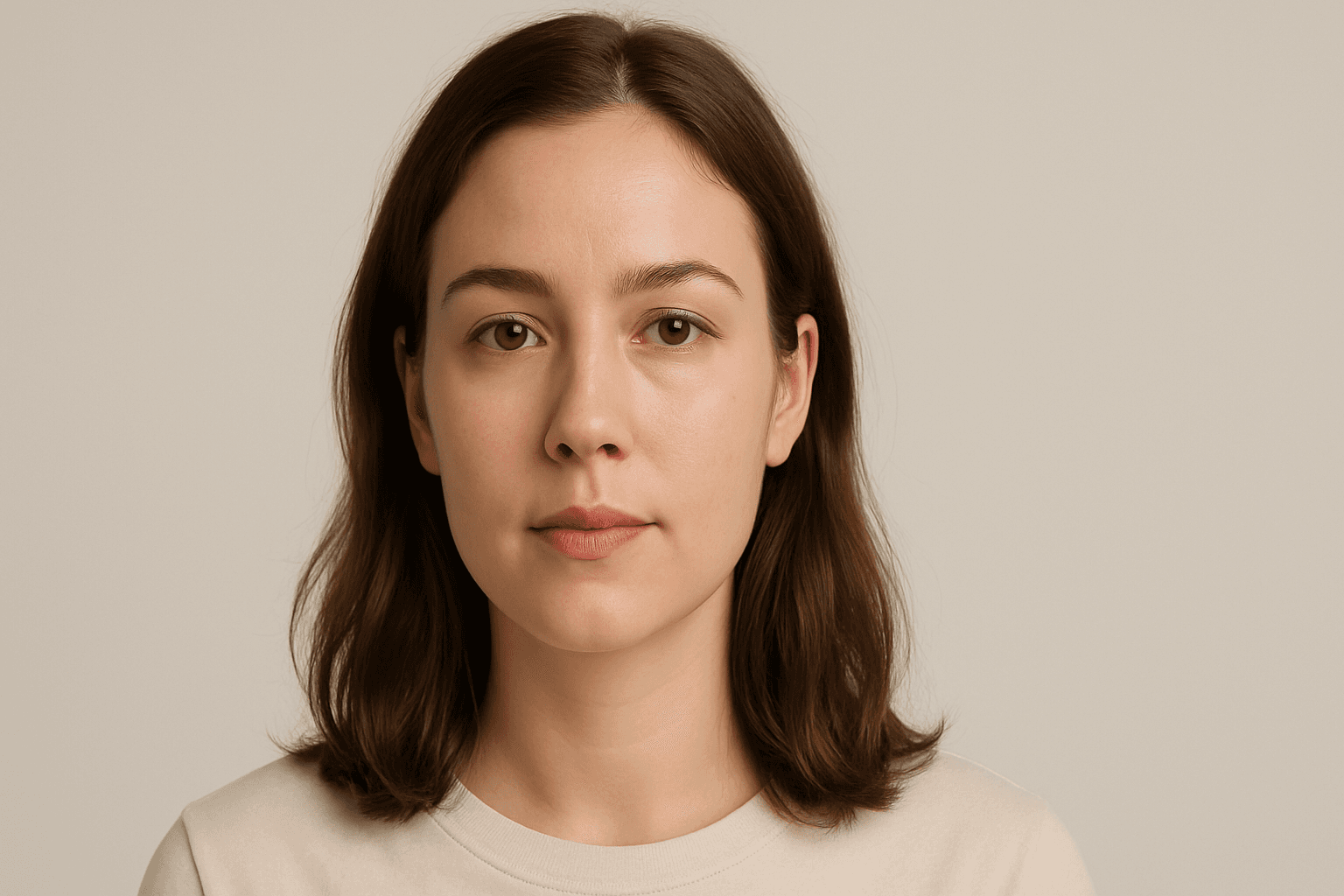
The Fill Light Technique is a crucial component in creating realistic and professionally lit images using AI prompts. By adding a complementary light source, often opposite the main light, it softens shadows and maintains sufficient contrast for depth. This technique avoids flatness that occurs with uniform lighting, enabling better visual storytelling and mood balance. In AI-generated imagery, specifying fill light helps model algorithms simulate natural lighting environments, enhancing the final artwork's quality and appeal. It is widely applied in portraits, product photography simulations, and scene compositions to achieve a polished, studio-quality effect without harsh shadows overwhelming details.
Definition
The Fill Light Technique is a lighting method used in AI prompts to introduce a secondary light source that softens shadows and balances the main lighting. This prevents harsh contrasts and adds depth, helping AI generate images with more natural and appealing illumination. Specifying fill light in a prompt guides the model to simulate subtle non-primary lighting, producing detailed and evenly lit visuals.
Prompt Formula
Use these building blocks to integrate fill light effectively: - "[subject], lit with soft fill light from [direction]" - "[scene], key light from [position], fill light softly illuminating shadows" - "portrait with gentle fill light reducing harsh shadows, studio lighting" Combine these phrases with descriptive adjectives like soft, diffused, or warm to refine atmosphere.
- [subject], lit with soft fill light from [direction]
- [scene], key light from [position], fill light softly illuminating shadows
- portrait with gentle fill light reducing harsh shadows, studio lighting
Best Use Cases
- Enhanced portrait lighting to reveal facial expressions naturally
- Product visualization where shadow detail is important
- Interior environments needing balanced ambient illumination
Creative Variations
To add variety and reduce repetitive output, vary: - Fill light color temperature (warm, cool, neutral) - Intensity levels (soft subtle fill vs. stronger illumination) - Directional placement (side fill, back fill, or bottom fill) - Combine with different light qualities such as diffused or specular - Use in different times of day or mood settings to change ambiance
Industry Applications
- Advertising photography for appealing product and model visuals
- Editorial portraits requiring realistic and flattering lighting
- Ecommerce product renders needing consistent lighting across catalogs
Common Mistakes
Common errors include overusing fill light which can flatten the image by eliminating all shadows, making visuals appear unrealistic. Another mistake is vague prompts that don't specify intensity or direction, causing inconsistent or muddy lighting. Avoid neglecting the balance with key light—fill light should support, not overpower. Clear descriptions help ensure natural and pleasing illumination without losing depth.
Advanced Techniques
Experienced users can combine fill light prompts with HDR or volumetric light keywords to enrich realism. Specify exact light color hex or Kelvin values for precise atmosphere control. Layer directional fill lights or mimic bounce lighting effects for complex scenes. Use constraints like "fill light intensity 30% of key light" to fine-tune balance and maintain contrast.
Professional Workflow
Start by defining the main light source and its characteristics in the prompt. Add fill light details specifying direction, intensity, and softness to balance shadows. Generate multiple variants to assess lighting effects. Select images with natural shadow gradations and clear subject details. Refine prompts iteratively to optimize fill light impact without flattening the image. Finalize outputs with minimal post-processing for consistency in professional use.
FAQ
What is the difference between fill light and key light in AI image prompts?
The key light is the primary and strongest light source that defines shadows and highlights, while the fill light is a secondary, softer light used to reduce shadow harshness and balance illumination, resulting in more natural and detailed images.
Can I use fill light for outdoor scenes in AI prompts?
Yes, fill light can simulate ambient or reflected light outdoors, softening shadows caused by direct sunlight and improving detail visibility, especially in portrait or architectural renders.
Continue Exploring
Related Prompts

Soft Fill Light Setup
Soft fill light setup is an essential lighting approach in photography, cinematography, and AI image generation that focuses on enhancing visual clarity by gently illuminating subjects. This method employs diffused light sources positioned strategically to fill in shadows without creating new ones or flattening the image's depth. In AI-generated images, specifying a soft fill light setup guides the model to render scenes with subtle shading and natural contrast, making portraits, still life, and product shots appear more realistic and appealing. By balancing the interplay between light and shadow, the soft fill light setup adds dimension while maintaining a polished and professional look suitable for editorial, commercial, and creative projects.
Reflected Light Technique
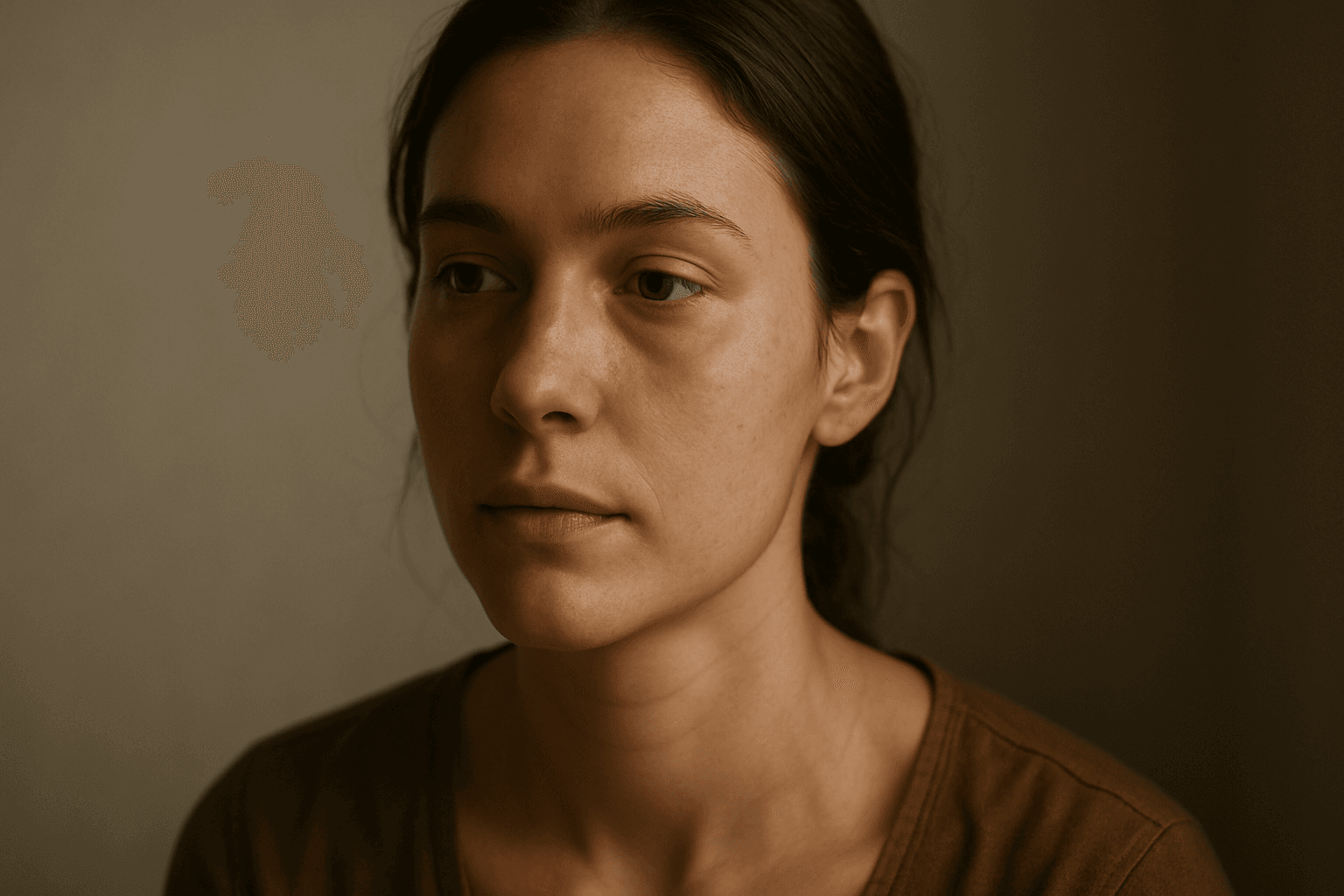
The reflected light technique is essential for artists and AI users aiming to enhance the quality and realism of generated images. By incorporating reflected light cues into prompts, the AI simulates indirect lighting effects that naturally exist in real-world scenes. This technique softens shadows, improves spatial depth, and accentuates textures and materials subtly. It is especially beneficial in portrait, still life, and interior imagery, where nuanced light behavior impacts mood and detail perception. Using reflected light can transform flat, unrealistic images into visually engaging artwork with a heightened sense of atmosphere and authenticity.
Directional Side Lighting
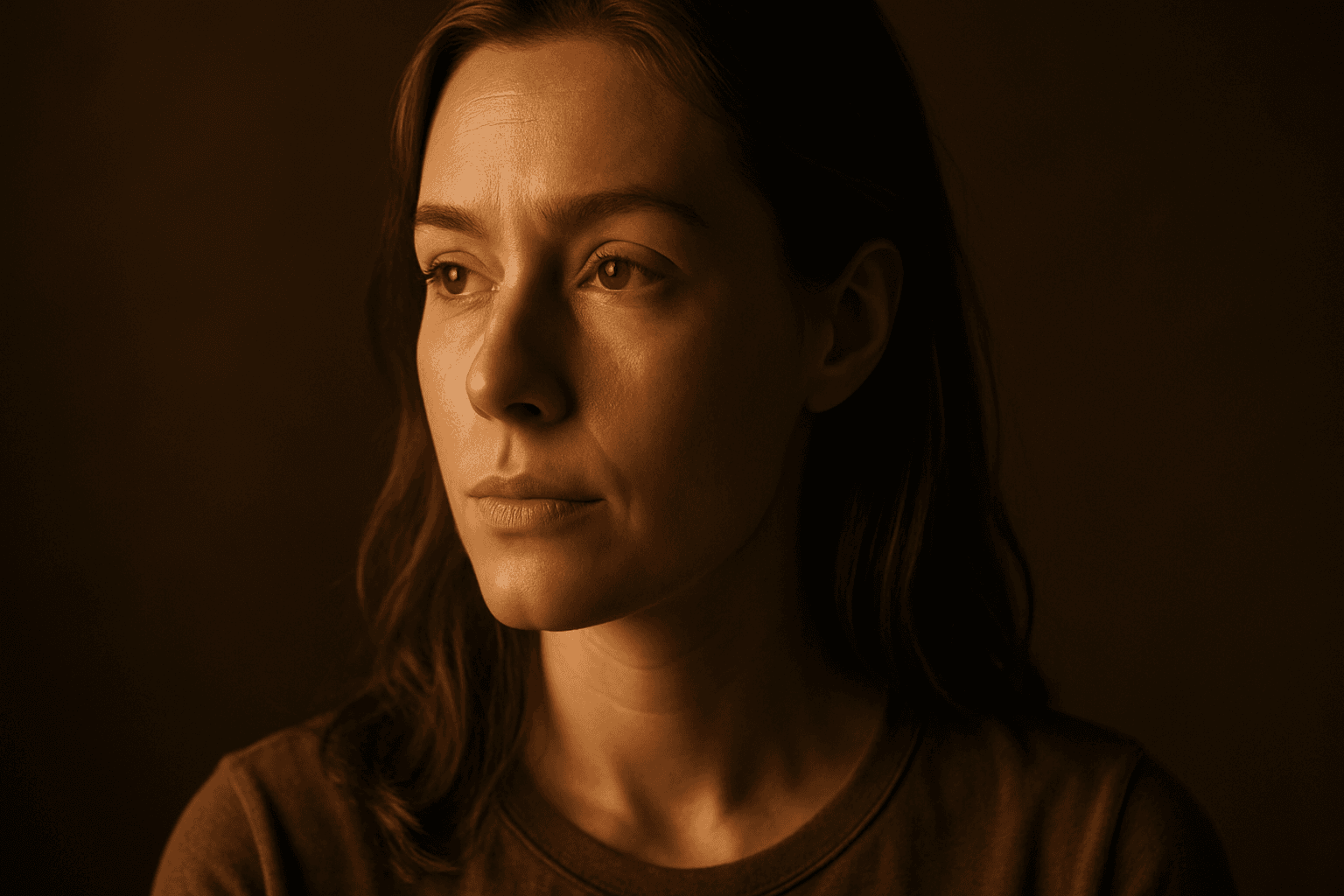
Directional side lighting is a powerful lighting technique widely used in photography and digital art to add dimensionality and mood. In the context of AI image generation, specifying directional side lighting shapes how the model simulates light interaction with subjects and environments. This lighting style creates pronounced contrasts between illuminated and shaded areas, resulting in images with realistic depth and enhanced visual interest. It is especially effective for emphasizing textures and defining shapes in portraits, still life, architectural renders, and product shots. Using this lighting approach in AI prompts helps generate more polished and professional visuals suitable for editorial and commercial use.
Directional Top Lighting
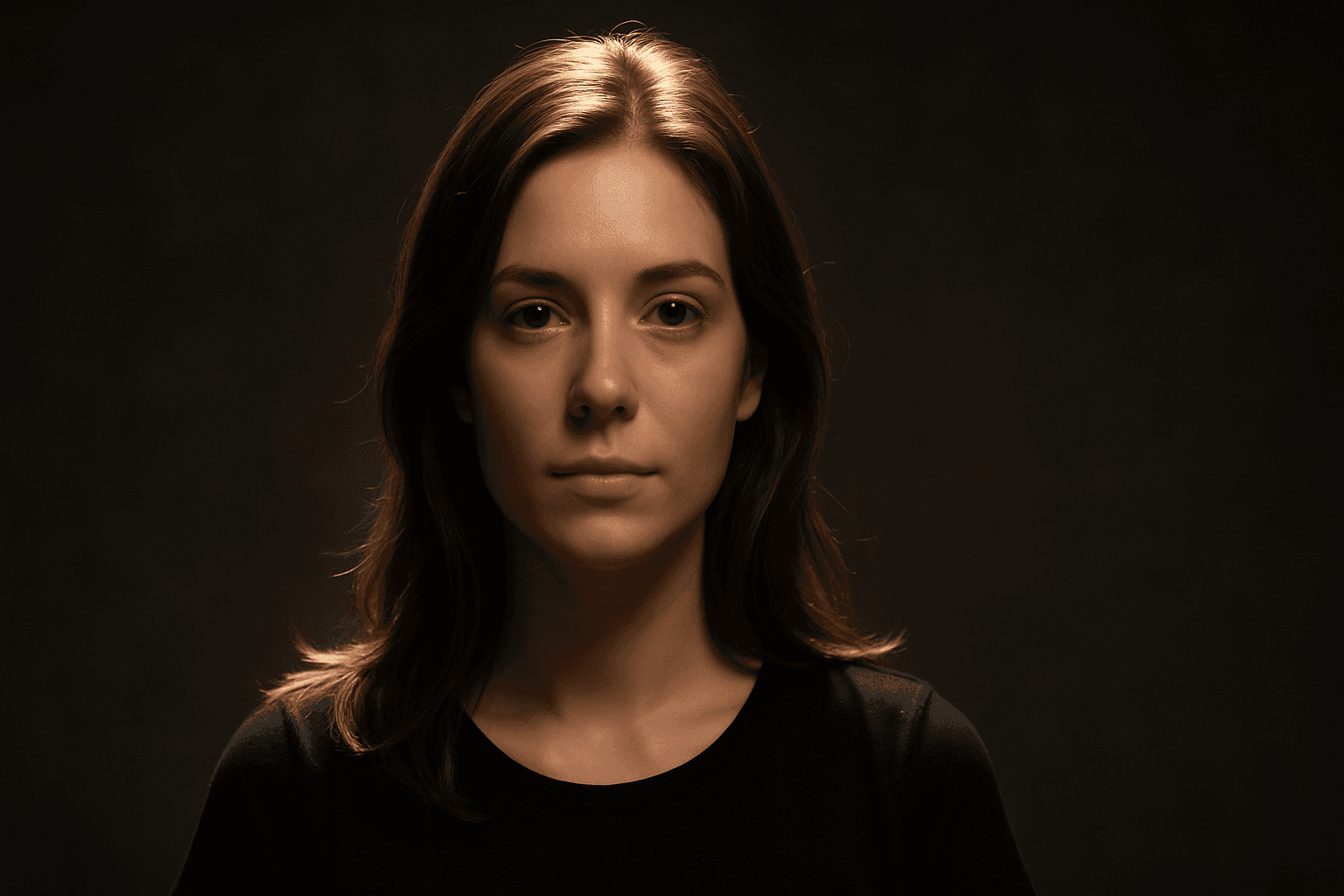
Directional Top Lighting is a technique widely used to simulate natural or artificial light coming directly from above a subject. In AI image generation, specifying this lighting style helps create images with realistic shading and depth, highlighting the textures and contours of objects or scenes from a top-down perspective. This lighting direction mimics sunlight at midday or overhead indoor fixtures, producing crisp shadows and well-defined highlights. It is especially effective for portraits, still life, architectural visuals, and product photography, enhancing the spatial perception and visual appeal of the subject within the composition.

Natural Window Light Quality
Natural window light quality is a sought-after lighting effect in photography and digital art, providing an authentic and warm ambiance to images. This type of lighting emulates sunlight entering through a window, often resulting in soft shadows and delicate contrast that highlight textures and materials naturally. In AI image generation, using this lighting quality can transform compositions to appear more lifelike and emotionally engaging, enhancing the mood without harsh artificial lighting. It's ideal for editorial, lifestyle, and interior imagery where realism and a comfortable atmosphere are essential.

Rembrandt Light Setup
The Rembrandt light setup is a renowned lighting technique that adds dramatic yet natural depth to portraits. It uses a single light source positioned at an angle, creating a small illuminated triangle on the cheek opposite the light. This method emphasizes three-dimensional facial structure while maintaining soft shadow transitions, producing images with a timeless, painterly quality. In AI art generation, including 'Rembrandt lighting' in prompts guides the model toward rendering nuanced shadows and highlights that emulate this classic effect, improving image realism and emotive impact. Its widespread use spans from fine art photography to cinematic scenes, making it a valuable technique for creatives seeking moody, compelling portraits.