Flickering Light Effect
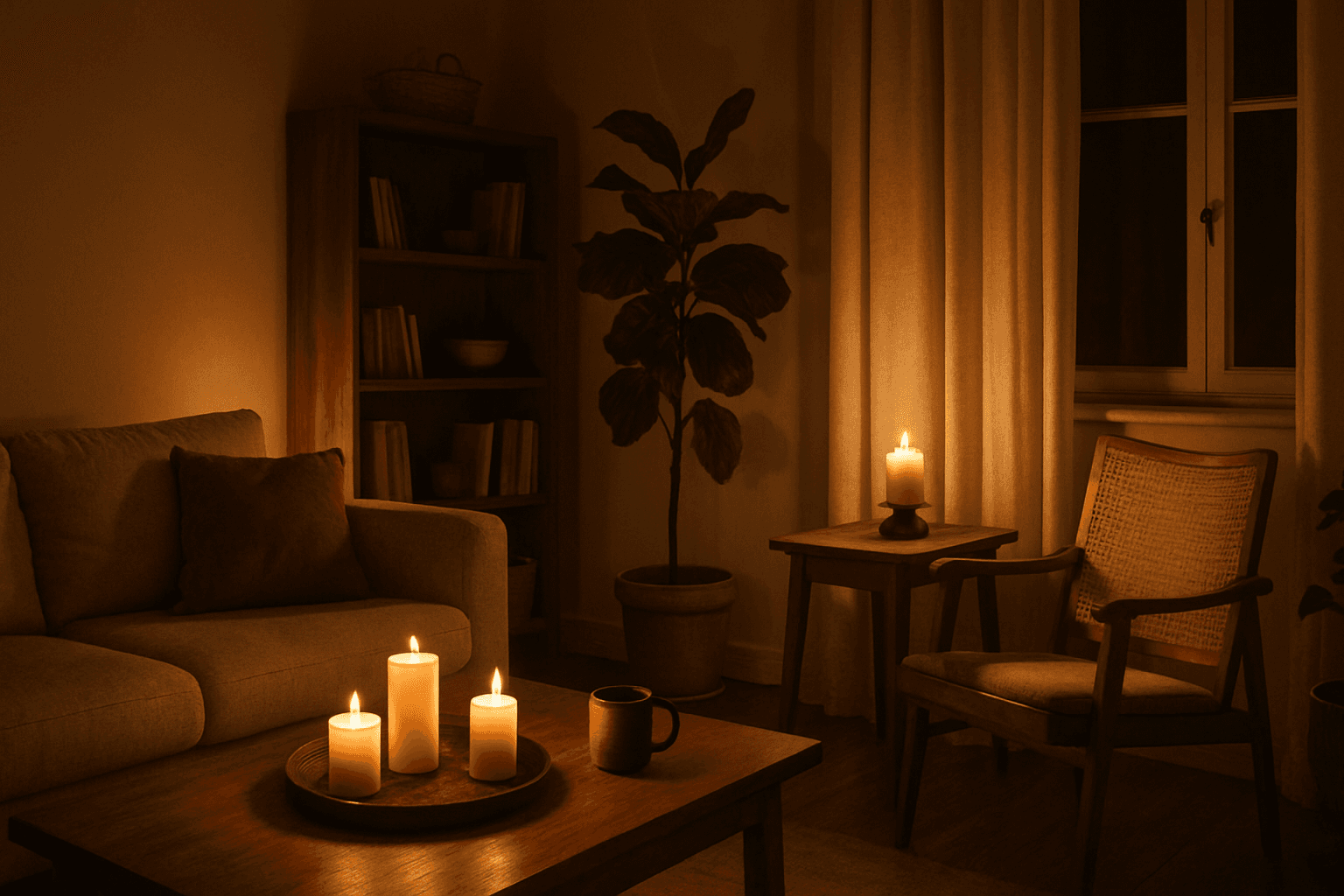
The Flickering Light Effect brings a unique atmospheric depth to AI-generated images by simulating light sources that pulse or flutter, such as candles, neon signs, or fires. This effect adds realism and drama by replicating natural light instability, often used to evoke ambiance, tension, or warmth. Applying this keyword transforms static lighting into visually engaging dynamics, enhancing storytelling in both photography-style renders and illustrative scenes.
Definition
The Flickering Light Effect refers to the simulated appearance of light that fluctuates or pulses intermittently within an image. In AI image prompts, including this keyword directs the model to incorporate subtle changes in brightness and shadows that replicate dynamic light sources such as candles, firelight, or faulty bulbs, thereby creating a lively and atmospheric visual effect.
Prompt Formula
Use descriptive patterns to guide the AI effectively: combine a subject with a flickering light source and specify lighting adjectives for clarity.
- [Subject] illuminated by flickering [light source], [adjective lighting qualities], dynamic shadows
- Scene with flickering light effect from [source], warm/cool tones, subtle light variability
- Close-up of [object] under flickering light, soft contrasts, sparkling highlights
Best Use Cases
- Cinematic and narrative scenes requiring atmospheric or suspenseful lighting
- Product images featuring candles, lamps, or fires to impart warmth and realism
- Urban night scenes highlighting neon lights and natural light fluctuations
Creative Variations
To avoid repetitive outputs when using the Flickering Light Effect, experiment with variations in color temperature, intensity, and environment. Try contrasting warm flickers against cold ambient lighting or integrate multiple flickering sources for complexity. Adjust camera angles to emphasize light movement and shadows for greater visual interest.
- Warm vs. cool flickering light tones
- Multiple flickering sources creating layered shadows
- Different environmental settings such as indoor vs. outdoor lighting
Industry Applications
The Flickering Light Effect plays an important role across various commercial fields. Advertisers use it to create compelling visuals that grab attention by adding life and mood to product shots. Editorial content benefits from the atmospheric qualities for storytelling and emotion. Ecommerce businesses employ it to showcase products under realistic, dynamic lighting, improving appeal.
- Advertising - mood-rich product and lifestyle imagery
- Editorial - narrative and immersive photography
- Ecommerce - realistic lighting for product showcase
Common Mistakes
A frequent error is overusing flickering effects, which can make lighting appear unnatural or distracting. Prompts that lack specific descriptors may produce inconsistent or muddy results. Avoid generic terms like 'flickering light' alone—combine it with light source and mood descriptors to maintain control over output quality.
- Using vague prompt terms without specifying light source or ambiance
- Overapplication leading to chaotic or unrealistic lighting
- Neglecting color temperature causing color mismatches
Advanced Techniques
Advanced prompt writers refine flickering effects by controlling flicker frequency and intensity, specifying multiple light sources, or layering effects with environmental elements like smoke or rain. Combining this with camera settings like motion blur or depth of field can enhance realism and creative impact.
- Specify flicker speed and intensity for precise effects
- Combine multiple flickering sources for complex lighting
- Add atmospheric elements (fog, smoke) interacting with flickers
Professional Workflow
Start by defining the scene concept and relevant light sources. Craft clear prompts incorporating flickering light descriptors alongside subject and setting. Generate multiple variants, evaluate for lighting realism and mood, then refine prompts to fix inconsistencies or enhance subtleties. Final images should be post-processed minimally to preserve authentic flickering dynamics.
- Conceptualize scene and identify flickering light sources
- Write detailed prompts highlighting flicker characteristics
- Generate iterations, review and select best outputs
- Refine prompts based on weaknesses observed
- Apply light touch post-process to maintain effect authenticity
FAQ
How can I make the flickering light effect look more natural in AI images?
Use specific descriptors for the light source and flicker quality, such as 'soft flickering candlelight' or 'irregular neon flicker.' Incorporate environmental details and adjust prompt intensity to avoid uniform or artificial lighting.
Can the flickering light effect be combined with other lighting styles?
Yes, combining flickering light with ambient, directional, or colored lighting enhances depth and complexity, making scenes more dynamic and realistic.
Continue Exploring
Related Prompts
Artificial Light Balancing
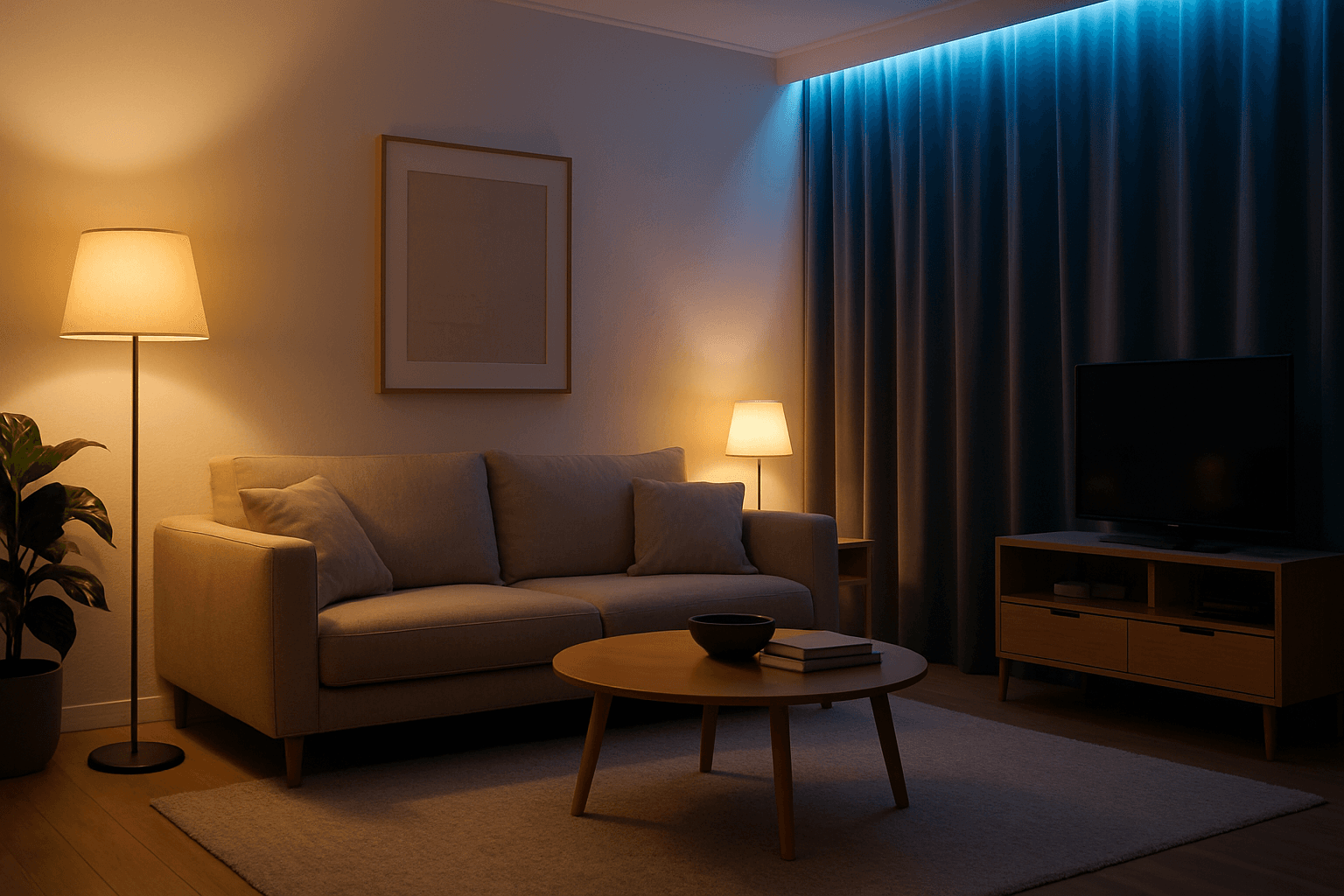
Artificial Light Balancing is a key technique for AI-generated images that simulates the harmonious interplay of multiple artificial lighting sources. Proper balancing ensures the scene does not appear overly exposed, flat, or unevenly lit. This approach helps AI models render depth, texture, and mood accurately, making visuals suitable for professional uses like advertising, interior design, and editorial photography. By emphasizing control over light color temperature, intensity, and angle, this keyword enhances realism and artistic quality in artificial light environments.
Volumetric Light Beams
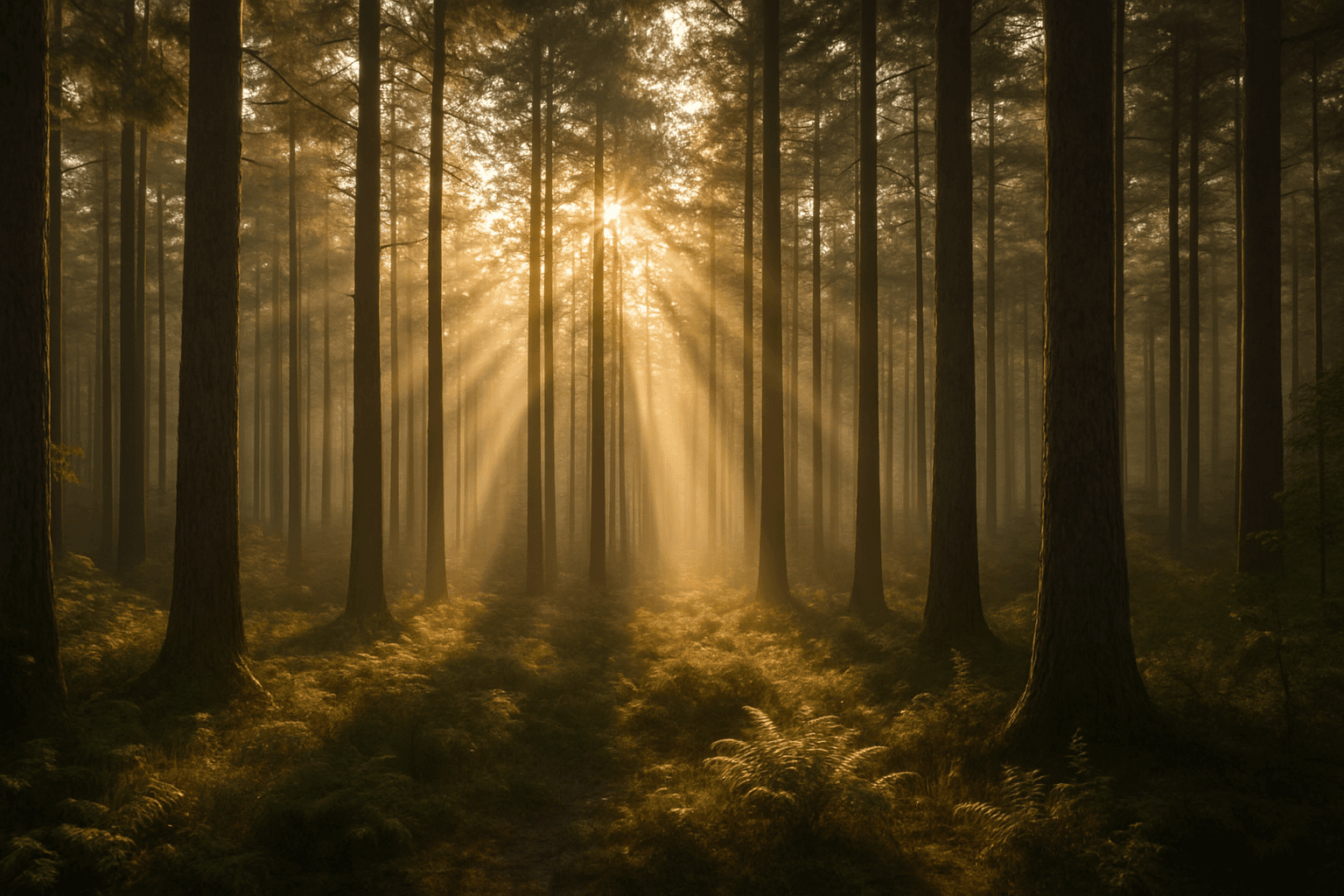
Volumetric Light Beams dramatically influence the mood and spatial perception of AI-generated images by simulating the way light interacts with airborne particles. When incorporated into prompts, these beams create distinct shafts of light that visually extend from a source, adding realistic highlights and shadows to compositions. This effect is widely used in photography and cinematic visuals to evoke feelings of mystery, warmth, or ethereal beauty. In AI art generation, it helps transform flat lighting into immersive three-dimensional ambiance, emphasizing light direction and environmental presence.

Fill Light Technique
The Fill Light Technique is a crucial component in creating realistic and professionally lit images using AI prompts. By adding a complementary light source, often opposite the main light, it softens shadows and maintains sufficient contrast for depth. This technique avoids flatness that occurs with uniform lighting, enabling better visual storytelling and mood balance. In AI-generated imagery, specifying fill light helps model algorithms simulate natural lighting environments, enhancing the final artwork's quality and appeal. It is widely applied in portraits, product photography simulations, and scene compositions to achieve a polished, studio-quality effect without harsh shadows overwhelming details.

Natural Window Light Quality
Natural window light quality is a sought-after lighting effect in photography and digital art, providing an authentic and warm ambiance to images. This type of lighting emulates sunlight entering through a window, often resulting in soft shadows and delicate contrast that highlight textures and materials naturally. In AI image generation, using this lighting quality can transform compositions to appear more lifelike and emotionally engaging, enhancing the mood without harsh artificial lighting. It's ideal for editorial, lifestyle, and interior imagery where realism and a comfortable atmosphere are essential.
Radiant Glow Effect
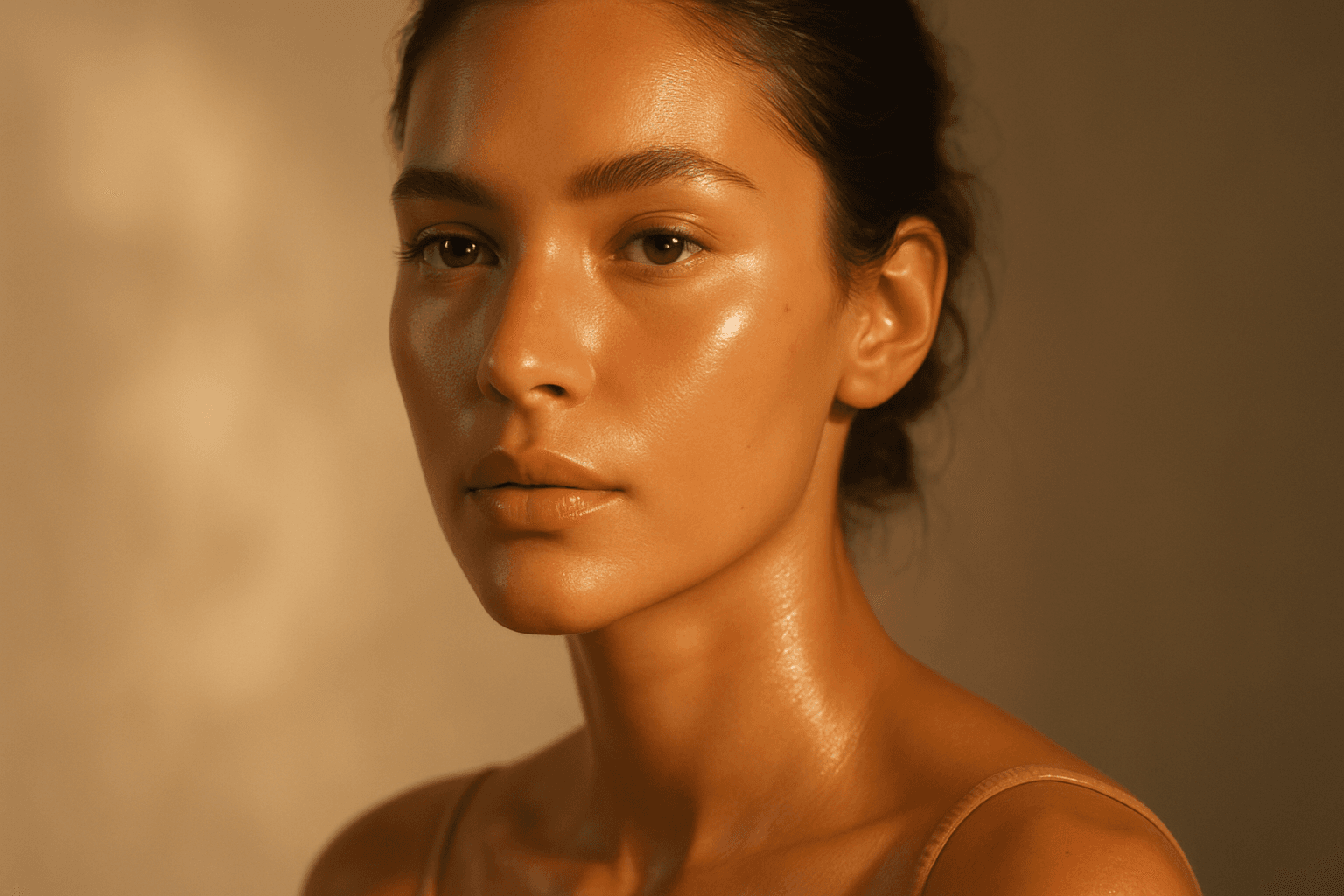
The Radiant Glow Effect is a popular keyword in AI-generated imagery for its ability to create captivating lighting that enhances the mood and realism of digital compositions. By incorporating this effect in prompts, users encourage the model to simulate light that softly radiates, producing a luminous aura around objects or environments. This effect can transform flat or dull scenes into vibrant, atmospheric visuals that feel warm and inviting. It is particularly valuable in scenes featuring candles, neon signs, sunsets, or magical elements where the glow enriches the overall narrative of the image. The effect works well complementing realistic materials and natural lighting setups, contributing to images that are both eye-catching and emotionally engaging.
Ambient Light Effects
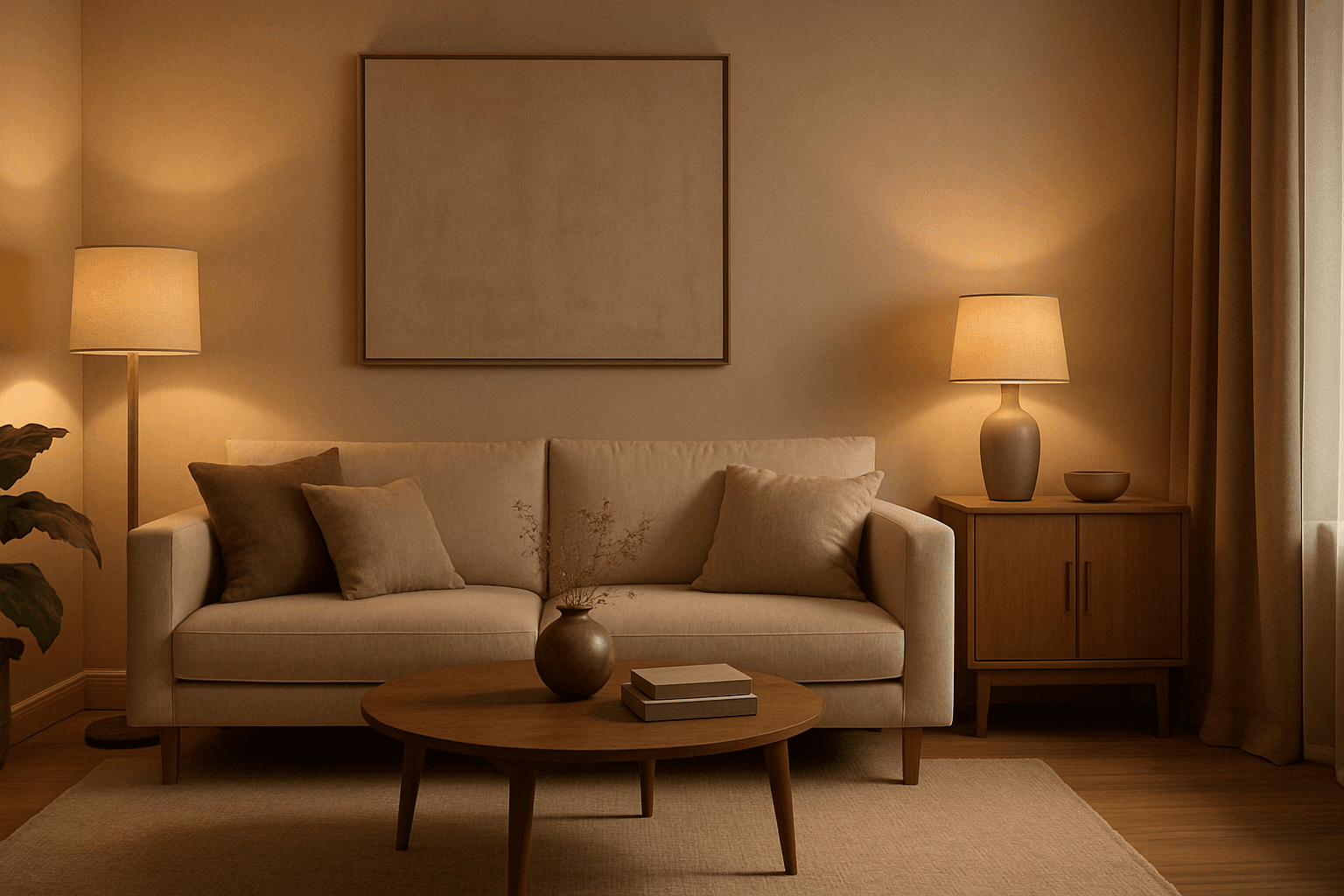
Ambient Light Effects in AI-generated images create a harmonious and natural lighting environment that enhances realism and mood without overpowering contrasts. This lighting type softly bathes scenes in diffuse light, mimicking the effect of indirect sunlight or overcast skies. By integrating ambient light into prompts, users can achieve visuals that feel authentic and immersive, ideal for scenes requiring subtle illumination or a calm atmosphere. This approach minimizes harsh shadows and bright spots, yielding images with smooth gradations and an understated elegance. The result is a balanced exposure that allows textures and colors to appear true to life, enhancing the viewer’s emotional connection.