Volumetric Light Beams
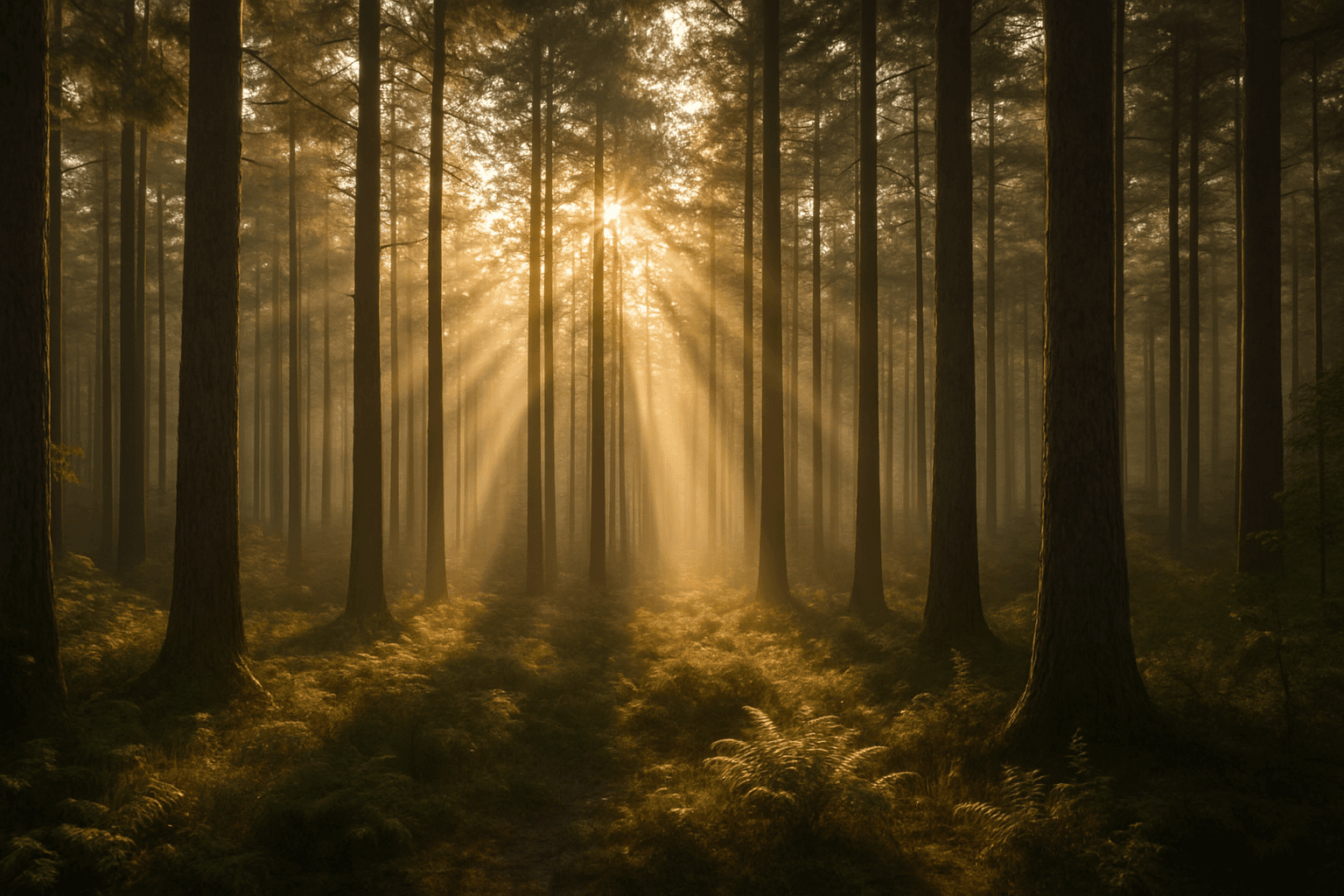
Volumetric Light Beams dramatically influence the mood and spatial perception of AI-generated images by simulating the way light interacts with airborne particles. When incorporated into prompts, these beams create distinct shafts of light that visually extend from a source, adding realistic highlights and shadows to compositions. This effect is widely used in photography and cinematic visuals to evoke feelings of mystery, warmth, or ethereal beauty. In AI art generation, it helps transform flat lighting into immersive three-dimensional ambiance, emphasizing light direction and environmental presence.
Definition
Volumetric Light Beams are visible shafts of light created when light scatters through particles like fog, dust, or smoke in the air. In AI image prompts, including this keyword directs the model to produce these dramatic light rays, adding a realistic touch of atmosphere and depth. This effect enhances the lighting dimension in images by showing how light behaves in a volumetric space rather than just illuminating surfaces directly.
- Creates visible light rays interacting with atmospheric particles
- Simulates volumetric scattering for depth and mood
- Enhances realism by depicting light volume instead of flat illumination
Prompt Formula
To incorporate volumetric light beams effectively, structure your prompt with a light source, medium, and descriptive modifiers for mood and realism. Example formula: [scene description] + "with" + [light source] + "emitting volumetric light beams" + [atmospheric condition] + [style/quality]. This formula ensures the AI focuses on rendering distinct light shafts while balancing environment context and artistic details.
- [Scene] with [directional light source] emitting volumetric light beams
- Specify atmosphere: fog, dust, mist, smoke
- Add mood descriptors: cinematic, golden hour, soft glow
- Include quality terms: ultra-detailed, photorealistic, HDR
Best Use Cases
Volumetric light beams excel in scenarios requiring enhanced atmospheric effects and dramatic illumination. They are ideal when visual depth, mood, or realism through lighting is essential. Common applications include natural environments with sunlight filtering through foliage, interior scenes where sparse light pierces dusty air, and fantasy or sci-fi settings that benefit from striking lighting architectures.
- Forests or natural settings with sunlight streaming through trees
- Dusty or foggy interiors with focused light shafts
- Fantasy landscapes or futuristic scenes with stylized lighting
Advanced Techniques
To elevate the use of volumetric light beams, experiment with combining them with specific elements and lighting controls. Adjust beam color temperature for mood shifts (cool blues for mystery, warm golds for warmth). Use partial occlusion to create layered volumetric shadows. Mix with localized haze or smoke to vary beam visibility dynamically. Refine beam width and intensity via descriptive adjectives to tailor subtlety or drama.
- Combine with colored haze or fog for mood variation
- Control beam width with terms like 'narrow' or 'broad'
- Add occluding objects to create layered light and shadow
- Use lighting style modifiers: 'soft', 'harsh', or 'diffused' volumetric beams
- Incorporate realistic light attenuation effects
Professional Workflow
Start by defining the scene and lighting source clearly to establish where volumetric beams will originate. Use the prompt formula to build a focused request including atmospheric conditions. Generate initial images and review beam clarity, softness, and interaction with the environment. Select candidates with well-balanced volumetric effects, then refine prompts to enhance or tone down beams as needed. Iterate until achieving a polished image that integrates volumetric lighting naturally with the composition.
- Brief scene context, light source, and atmosphere
- Generate samples with volumetric light beams included
- Evaluate realism and mood impact of beams
- Refine prompt descriptors to adjust beam intensity and spread
- Repeat generation and selection to finalize imagery
FAQ
What are volumetric light beams in AI image generation?
They are visible shafts of light produced when the AI simulates light scattering through particles like fog or dust, adding depth and atmosphere to images.
How do I make volumetric light beams more realistic in my AI prompts?
Specify atmospheric conditions like fog or smoke, include directional light sources, and use adjectives describing beam width, softness, and color temperature to enhance realism.
Can volumetric light beams work in indoor scenes?
Yes, they work well in dusty or foggy interiors where light shafts penetrate the space, creating dramatic and moody lighting effects.
Continue Exploring
Related Prompts
Volumetric Light Rays
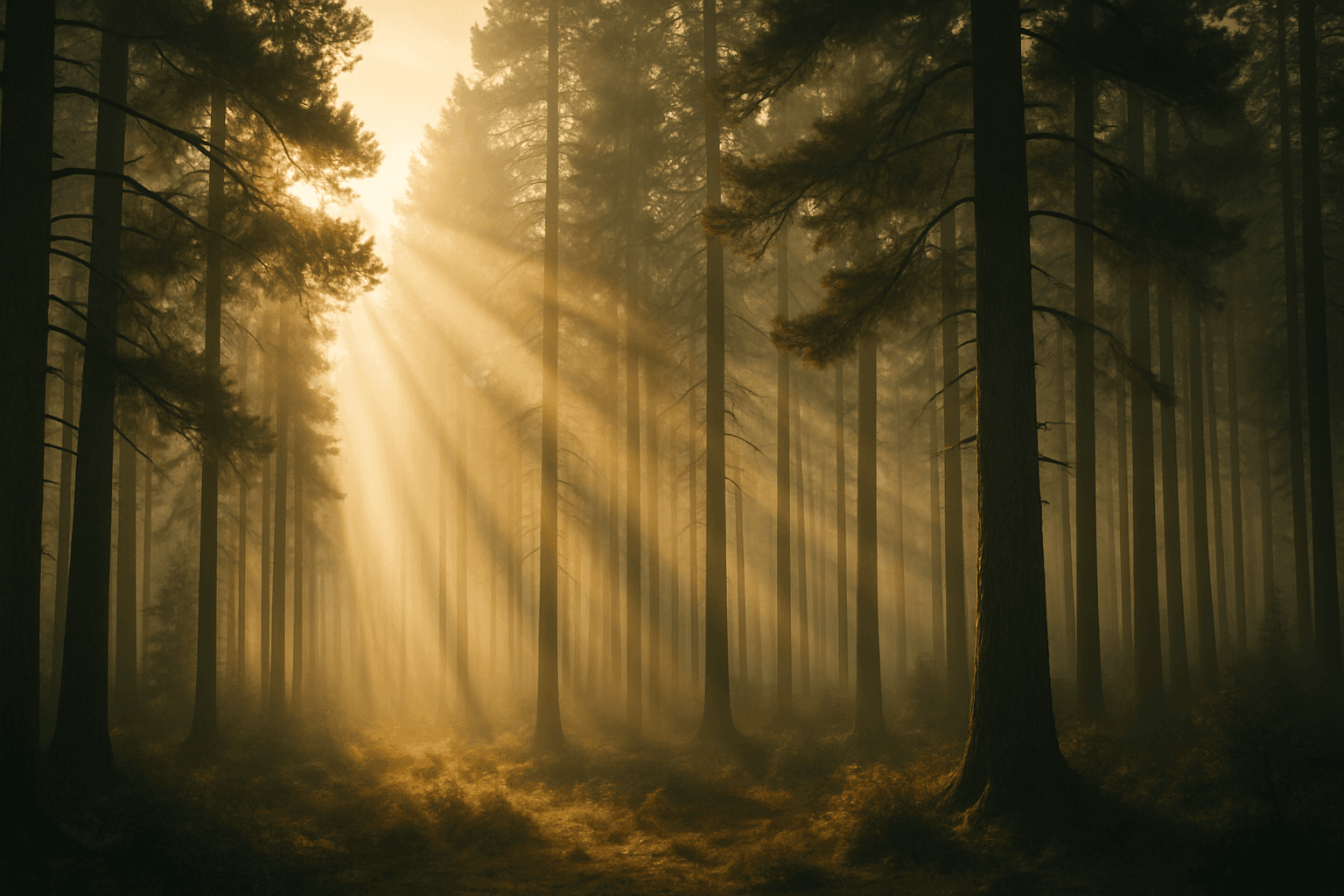
Volumetric light rays serve as a compelling lighting effect in AI-generated images, offering a sense of realism and spatial depth by mimicking how light interacts with particles in the air. Incorporating this keyword in prompts helps create scenes lit through fog, dust, or haze where beams of light are visible, producing cinematic or ethereal atmospheres. Common in landscape photography, interiors with windows, and dramatic portraits, volumetric light rays enhance storytelling by emphasizing ambient conditions or time of day. This effect can elevate compositions by adding subtle guiding lines that direct viewers’ attention and foster a mood of mystery, tranquility, or awe.

Volumetric Lighting Effects
Volumetric lighting effects add a three-dimensional quality to AI images by depicting light as it filters through environmental particles, such as fog or dust. This lighting style is prized for its ability to convey mood, environment, and spatial depth, often used in cinematic scenes or natural landscapes. When prompting AI, specifying volumetric lighting helps models emphasize light shafts and diffused glow rather than flat, uniform illumination. This keyword guides image creation toward a premium, realistic look with refined light behavior, making it ideal for editorial visuals, concept art, and atmospheric photography recreations.
Volumetric Lighting
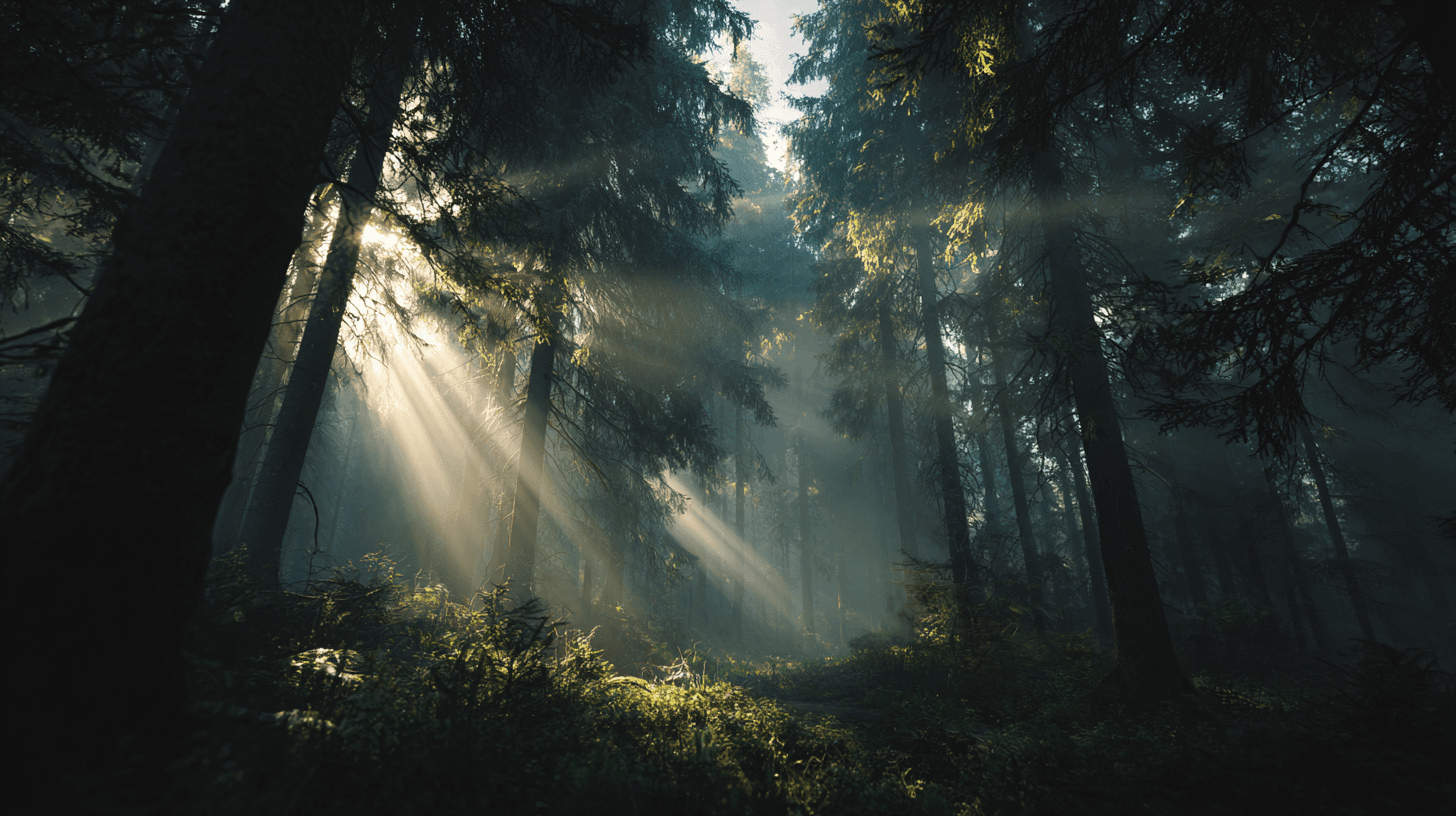
Volumetric Lighting describes visible beams of light traveling through particles in the air, such as mist, dust, smoke, fog, or atmospheric haze. In AI image generation, it is a powerful keyword for adding depth and drama. Instead of light simply landing on objects, the light itself becomes visible inside the scene. This can make an image feel cinematic, mysterious, sacred, futuristic, or magical depending on the setting. Beginners can use Volumetric Lighting when a prompt feels flat or lacks atmosphere. It is especially useful when you want the viewer to feel the scale of a space, the direction of the light, or the mood of an environment.

God Rays
God Rays are visible beams of sunlight or strong light streaming through clouds, trees, windows, fog, or dust. In AI prompts, they create a sense of awe, spirituality, scale, and atmosphere.
Ambient Light Effects
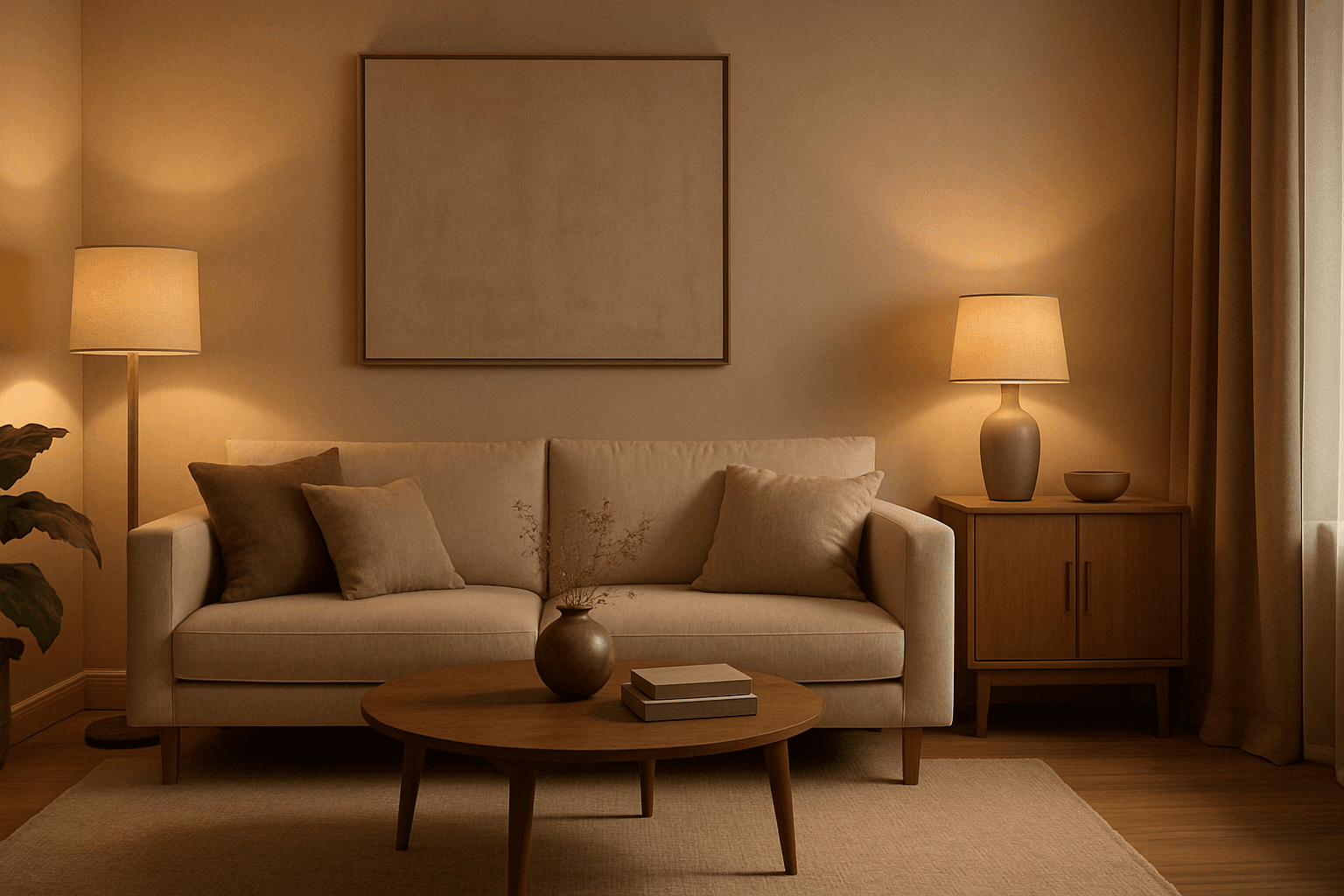
Ambient Light Effects in AI-generated images create a harmonious and natural lighting environment that enhances realism and mood without overpowering contrasts. This lighting type softly bathes scenes in diffuse light, mimicking the effect of indirect sunlight or overcast skies. By integrating ambient light into prompts, users can achieve visuals that feel authentic and immersive, ideal for scenes requiring subtle illumination or a calm atmosphere. This approach minimizes harsh shadows and bright spots, yielding images with smooth gradations and an understated elegance. The result is a balanced exposure that allows textures and colors to appear true to life, enhancing the viewer’s emotional connection.
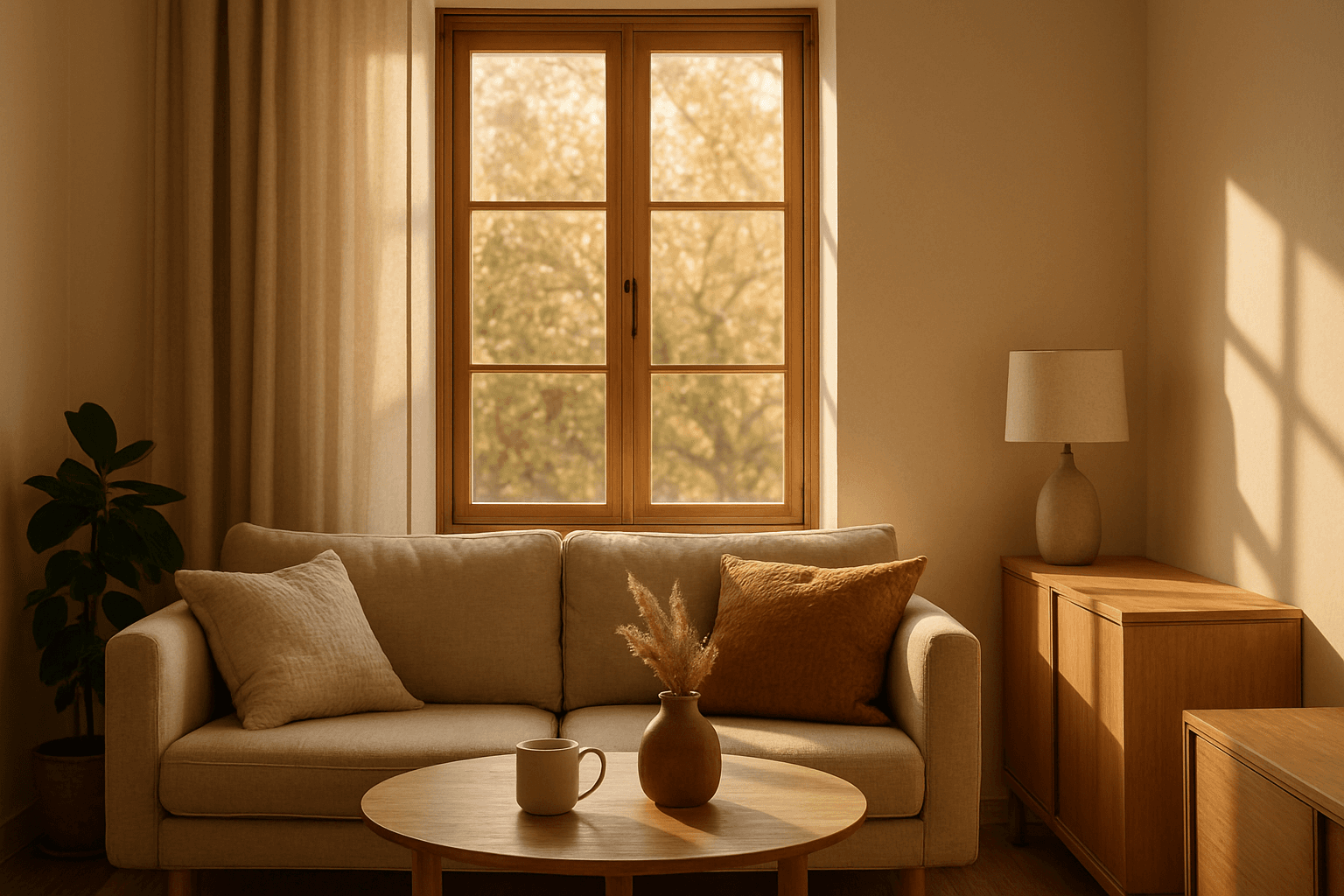
Natural Window Light Usage
Utilizing Natural Window Light in AI-generated images enhances realism by replicating the nuanced qualities of daylight entering an indoor space. This approach creates subtle contrasts between illuminated areas and shadows, adding dimensionality and mood. The lighting often produces warm tones and soft shadows that reveal textures and form delicately, making portraits, still lifes, and interiors appear inviting and authentic. Prompting with this keyword guides AI models to focus on lighting interplay shaped by window light, fostering images that feel naturally composed and comfortable.