Diffused Daylight Lighting
Diffused daylight lighting mimics the effect of sunlight filtered through clouds or sheer curtains, creating an environment with balanced, soft illumination. This type of lighting is valued for its ability to enhance realism and natural ambiance in AI-generated images. It avoids harsh contrasts and stark shadows, making scenes appear inviting and tactile. Using this keyword in prompts guides AI models to replicate a subtle, flattering light quality ideal for portraits, interiors, product photography, and nature scenes where natural, gentle light is preferred.

Definition
Diffused daylight lighting describes a soft form of natural light created when sunlight is filtered through diffusing elements such as clouds, sheer curtains, or frosted glass. It produces gentle, even lighting with minimal shadows and reduced contrast, creating a flattering and natural look. Adding this keyword to AI prompts directs the model to replicate such environmentally softened daylight, enhancing realism and subtlety in lighting.
Prompt Formula
To construct prompts with diffused daylight lighting, combine location or subject descriptions with lighting details. For example, use phrases like "subject in diffused daylight lighting," "soft natural light filtered through clouds," or "interior illuminated by gentle diffused daylight." Adding modifiers such as "soft shadows," "even illumination," or "natural color tones" enhances clarity. This formula lets you consistently replicate balanced daylight effects in your images.
- [subject or scene] + diffused daylight lighting
- "soft natural light filtered through clouds" + [scene details]
- [interior/exterior] illuminated by gentle diffused daylight + modifiers like "soft shadows" or "natural colors"
Best Use Cases
- Creating portraits with natural, flattering lighting that enhances skin tone
- Visualizing interior spaces with soft daylight for realistic, inviting atmospheres
- Product photography emphasizing textures and true colors without harsh glare
Advanced Techniques
For experienced prompt crafters, pair diffused daylight lighting with time-of-day or weather conditions such as "morning overcast" or "soft golden hour diffused light" to achieve nuanced moods. Combine it with adjectives like "moist air" or "slightly cool temperature" to deepen atmosphere. Use constraints like "no harsh shadows" or "soft glints on surfaces" to focus AI output toward subtle details. Layering these modifiers guides models to more sophisticated, realistic natural lighting.
- Combine with specific times: "morning diffused daylight lighting"
- Add weather variations: "cloudy diffused daylight lighting"
- Use constraints: "soft shadows only, no glare or overexposure"
Professional Workflow
Start by defining your visual goal and selecting subjects suited for natural lighting effects. Create prompt drafts incorporating diffused daylight lighting with clear descriptive modifiers. Generate multiple image versions to explore variations in softness and shadow detail. Evaluate outputs for lighting quality, making notes on areas needing adjustment. Refine prompts iteratively, focusing on adjusting light intensity, color temperature, and shadow softness. Finalize images by selecting those with ideal balance and exporting for editing or licensing.
- Brief: Define scene and mood requiring soft daylight
- Generate: Use prompt formulas to create initial images
- Select: Choose images with balanced diffused lighting
- Refine: Adjust prompts to perfect light softness and shadow detail
- Finalize: Export or edit selected images for delivery
Related Styles
- Soft Natural Lighting
- Window Light Illumination
- Overcast Sky Lighting
Model-Specific Tips
When using popular AI image generation models, include phrases like "diffused daylight lighting" along with descriptive environmental modifiers to steer lighting realistically. Avoid conflicting terms such as "harsh sunlight" when specifying diffusion. Some models respond well when you explicitly mention "soft shadows" and "natural colors" to reinforce the lighting effect. Testing with incremental prompt changes helps find the best balance, as lighting interpretations can vary across models.
- Pair with modifiers like "soft shadows" and "natural color tones"
- Avoid contradictory lighting terms like "direct sunlight" when using diffusion
- Test prompt variations to suit specific model lighting interpretations
FAQ
How does diffused daylight lighting differ from direct sunlight in AI prompts?
Diffused daylight lighting creates soft, even illumination with minimal shadows, while direct sunlight produces strong, distinct shadows and high contrast. Including 'diffused daylight lighting' in prompts instructs AI to simulate gentle natural light rather than harsh, directional sun rays.
Can diffused daylight lighting be combined with other lighting styles?
Yes, it can be blended with styles like soft natural lighting or overcast conditions to achieve nuanced effects. However, avoid conflicting terms like 'harsh' or 'direct' lighting to maintain a consistent diffuse light effect.
Continue Exploring
Related Prompts
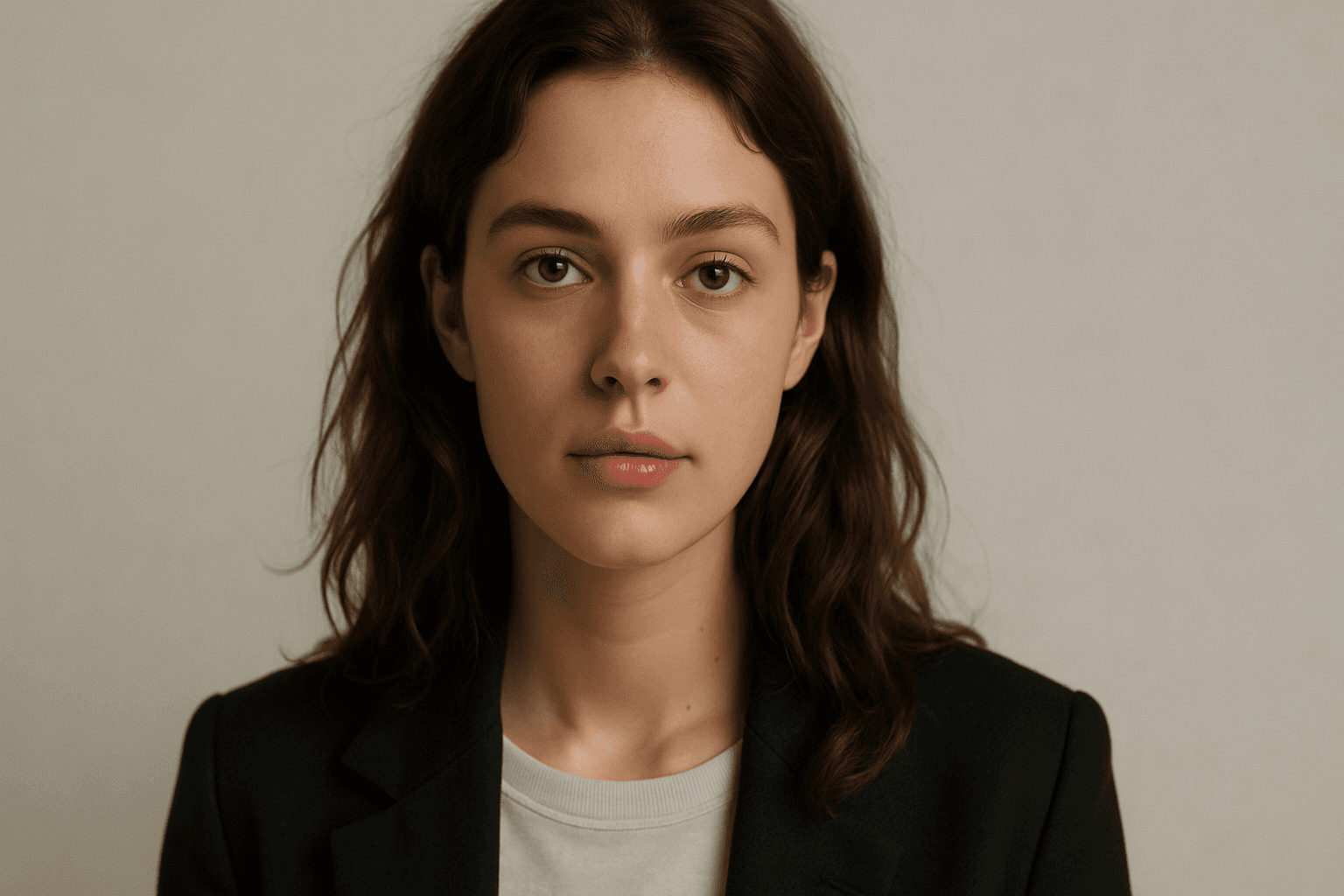
Overhead Diffused Lighting
Overhead Diffused Lighting is a fundamental technique in photography and digital imaging that involves placing a diffused light source directly above the subject. This method softens shadows and reduces contrast, creating an inviting and natural look. When applied in AI image generation, including this keyword in prompts helps achieve realistic skin tones, fabric textures, and surface details without harsh lighting artifacts. It is especially effective for portraits, still lifes, and product photography. The technique enhances depth subtly, maintaining a premium, clean aesthetic that suits modern editorial and commercial imagery.
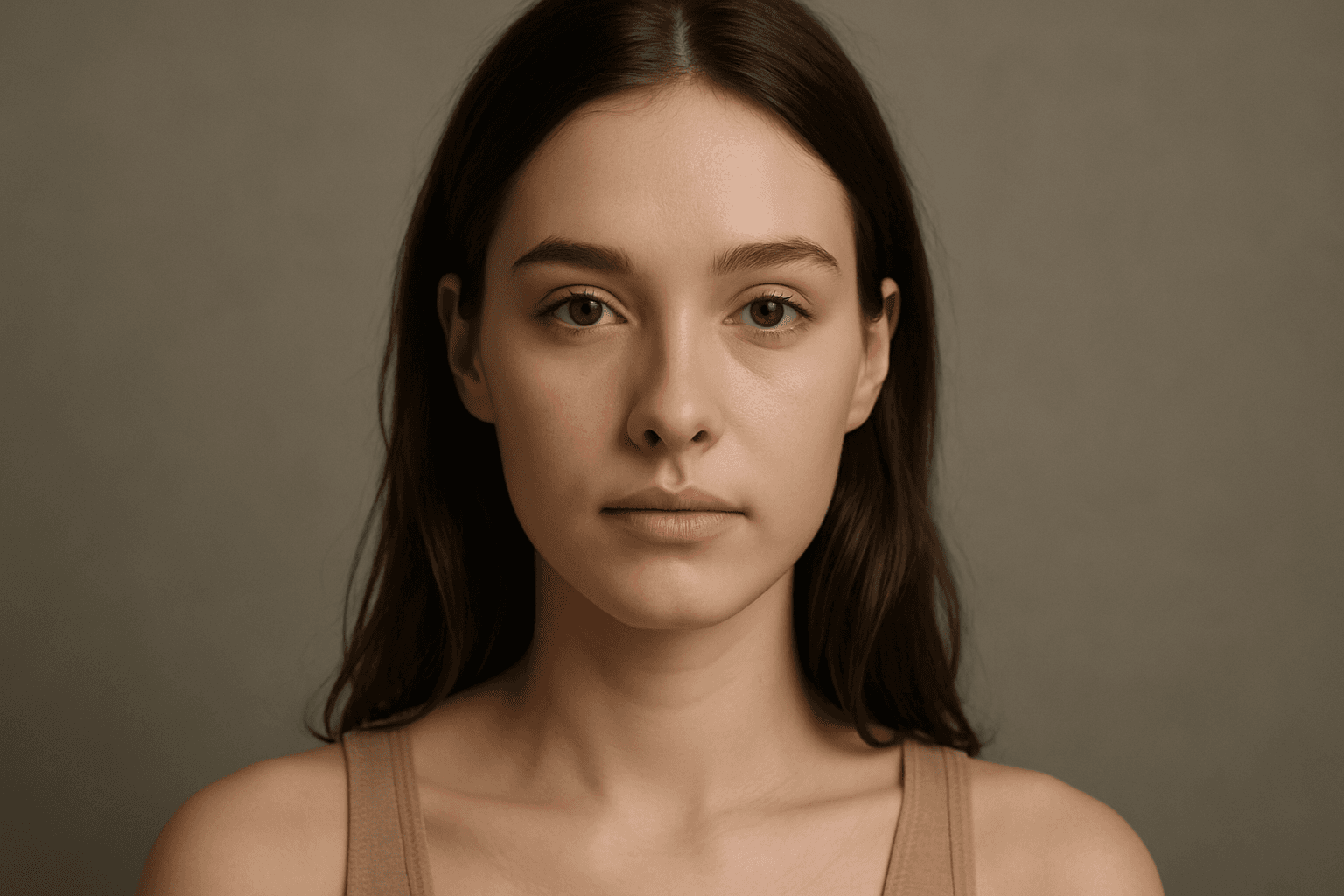
Soft Diffused Lighting
Soft diffused lighting is a popular lighting technique used to create visually appealing images with gentle, even illumination. This lighting style reduces harsh shadows and highlights, producing a smooth transition of light on subjects and backgrounds. In AI-generated imagery, specifying soft diffused lighting helps to evoke a natural, calming mood, making subjects appear more realistic and intricate details visible without stark contrast. It is commonly used in portraiture, product photography, and editorial imagery to deliver a polished, premium look. Leveraging soft diffused lighting enhances an image’s depth and material realism, ensuring a refined and aesthetically balanced output.
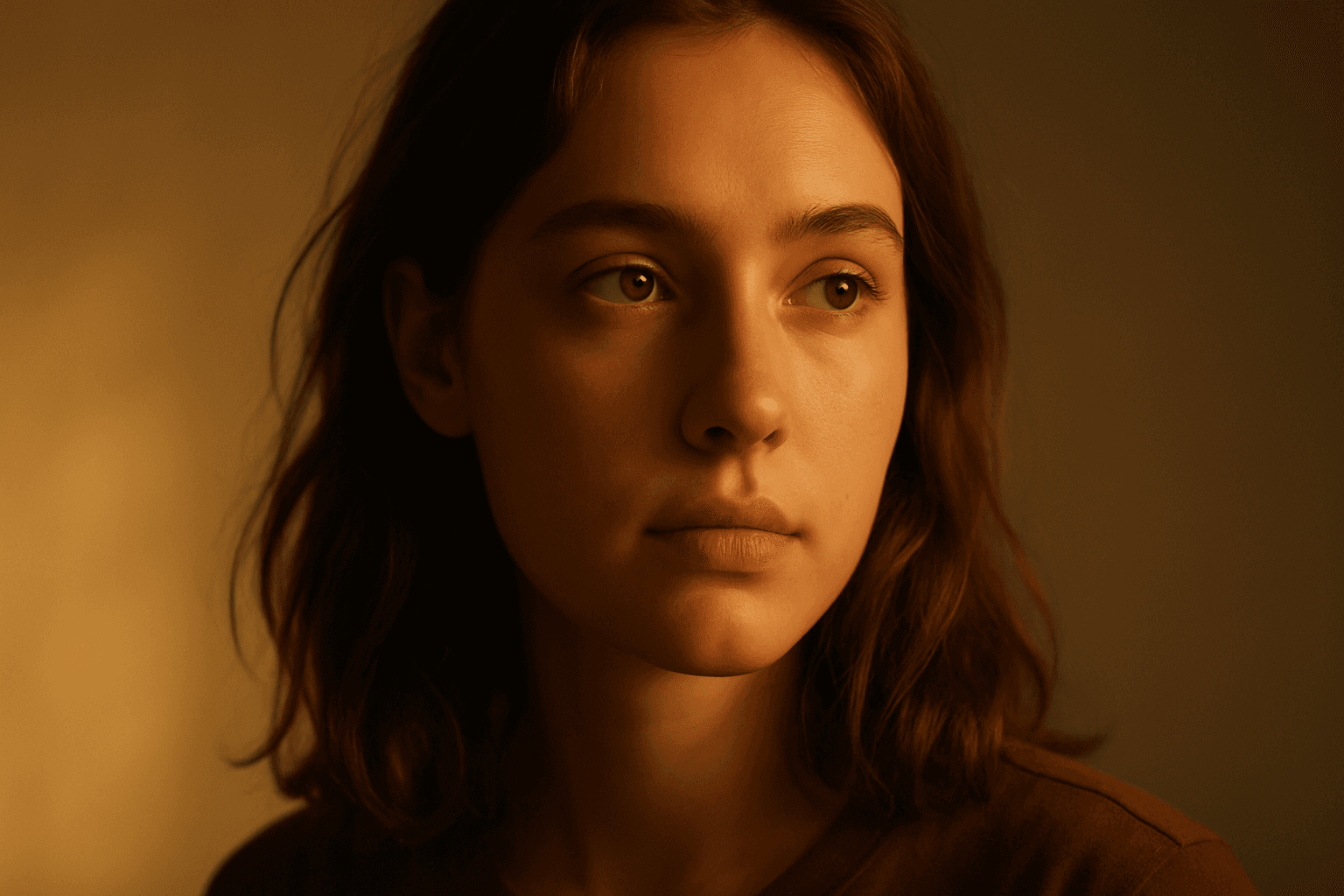
Golden Hour Soft Light
Golden Hour Soft Light captures the magical lighting conditions during the early morning or late afternoon sun. This natural lighting style is prized for its warm colors and flattering softness, often leading to images that feel intimate and aesthetically pleasing. When incorporated into AI prompts, it helps generate scenes with realistic ambient and directional light that evokes emotion and depth. This lighting style works well across portraiture, landscapes, and still-life imagery, providing a premium and elegant look. It subtly enhances textures and materials without harsh contrasts or glare, offering a polished and professional finish suitable for editorial and commercial use.
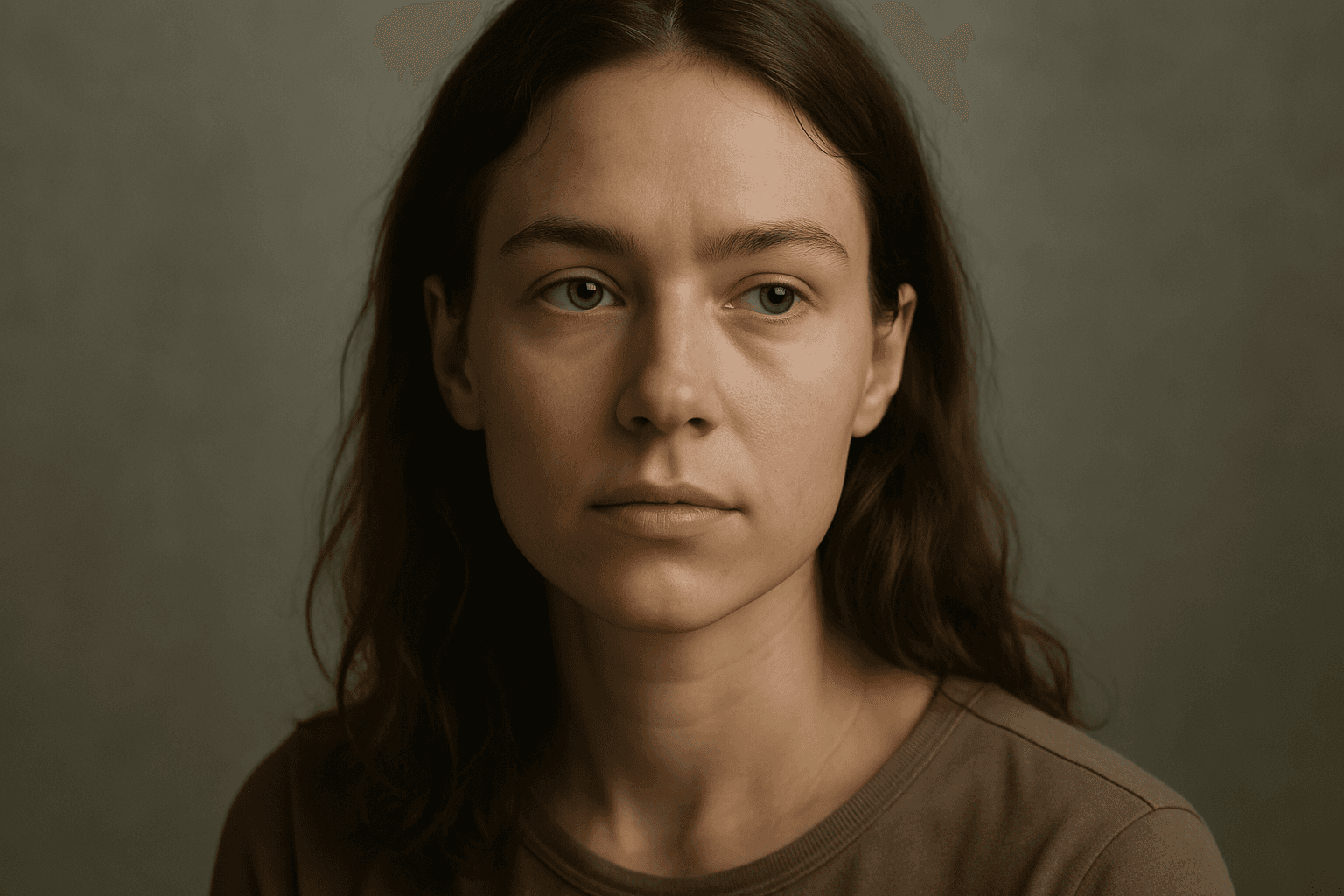
Diffuse Lighting Effect
Diffuse lighting effect is a crucial concept in photography, art, and AI image generation that simulates soft, widespread light typically produced by overcast skies or light diffusion materials. This lighting style provides smooth gradations between light and shadow, avoiding harsh contrasts. When integrated into AI image prompts, it helps achieve images with a gentle, natural look that emphasizes subject details without dramatic shadows or glare. Diffuse lighting creates a mood of calm realism, ideal for portraits, product photography, and interior scenes. Understanding how to prompt for this effect enables creators to produce realistic and appealing visuals with enhanced depth and subtlety while maintaining a clean and harmonious composition.
Natural Window Lighting
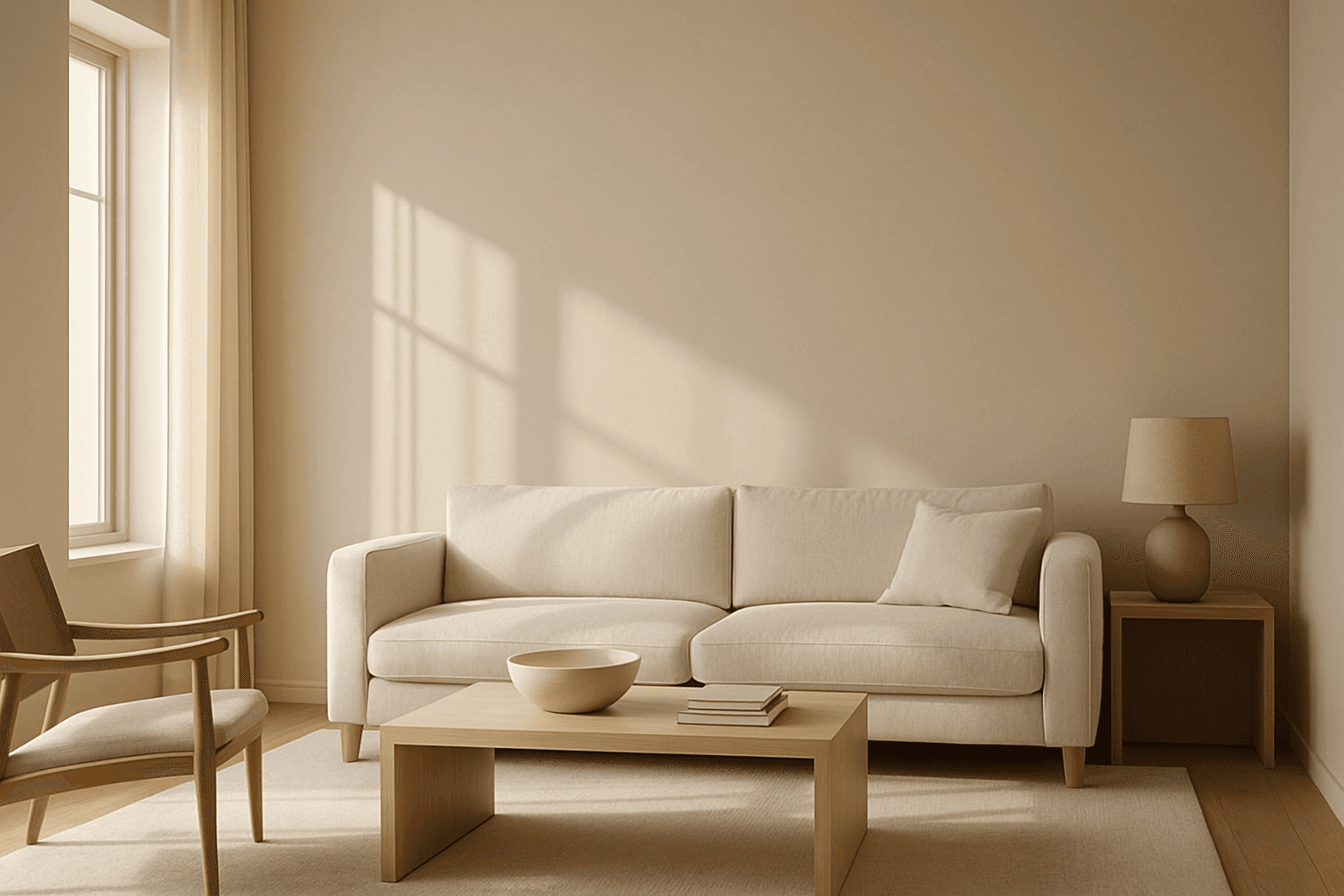
Natural Window Lighting is a popular lighting technique that mimics the ambient daylight streaming through windows, offering a natural and realistic illumination style in AI-generated images. It emphasizes soft shadows and highlights that define form and texture without harsh contrasts, making scenes appear inviting and warm. This lighting enhances photographic aesthetics, especially for indoor portraits, still lifes, and architectural visualizations, by adding depth and subtle color shifts. Using this keyword in AI prompts guides the image generation to prioritize delicate lighting effects and realistic shadow play reminiscent of early morning or late afternoon light filtering through windowpanes.
Ambient Light Effects
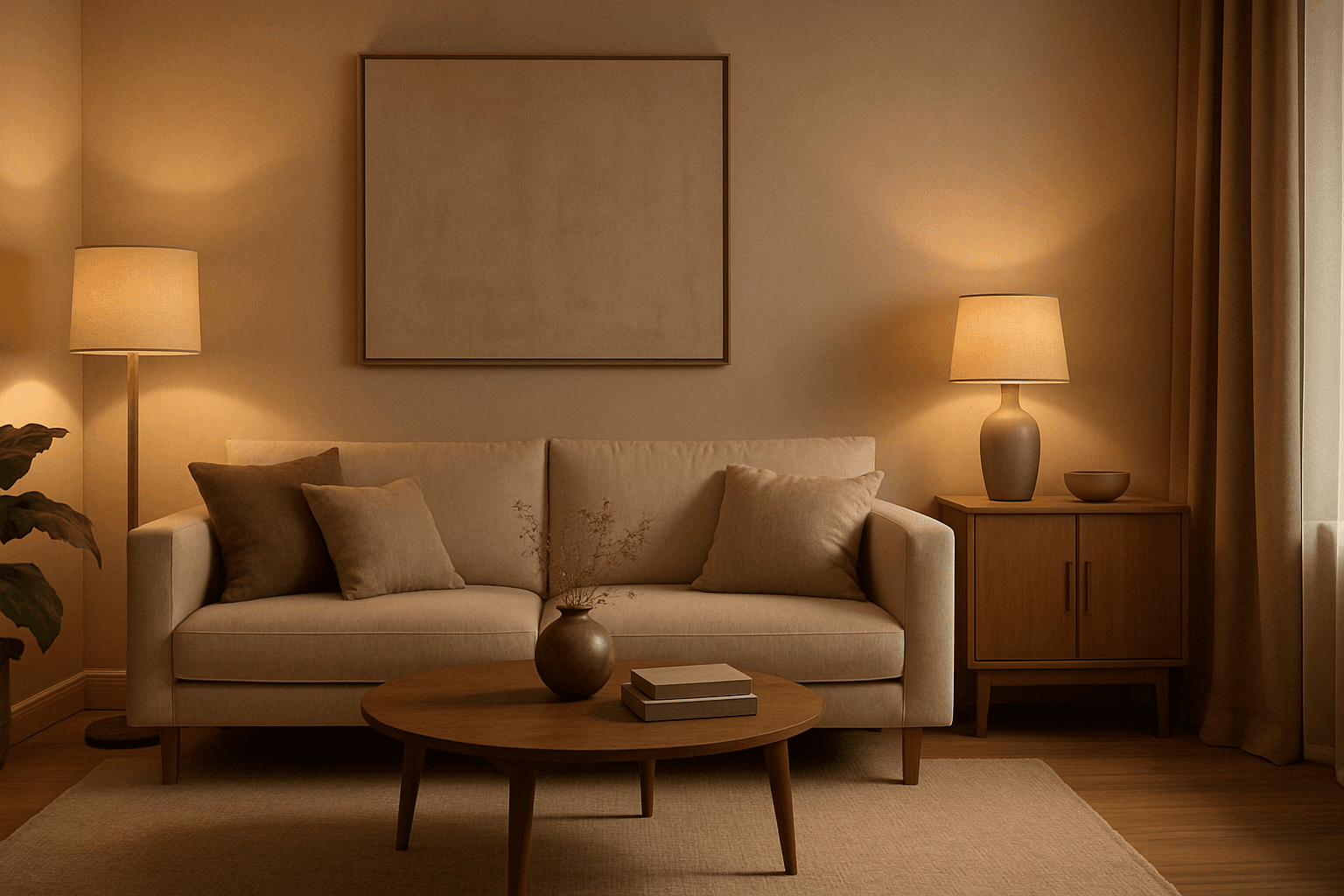
Ambient Light Effects in AI-generated images create a harmonious and natural lighting environment that enhances realism and mood without overpowering contrasts. This lighting type softly bathes scenes in diffuse light, mimicking the effect of indirect sunlight or overcast skies. By integrating ambient light into prompts, users can achieve visuals that feel authentic and immersive, ideal for scenes requiring subtle illumination or a calm atmosphere. This approach minimizes harsh shadows and bright spots, yielding images with smooth gradations and an understated elegance. The result is a balanced exposure that allows textures and colors to appear true to life, enhancing the viewer’s emotional connection.