Polished Wood Grain Texture
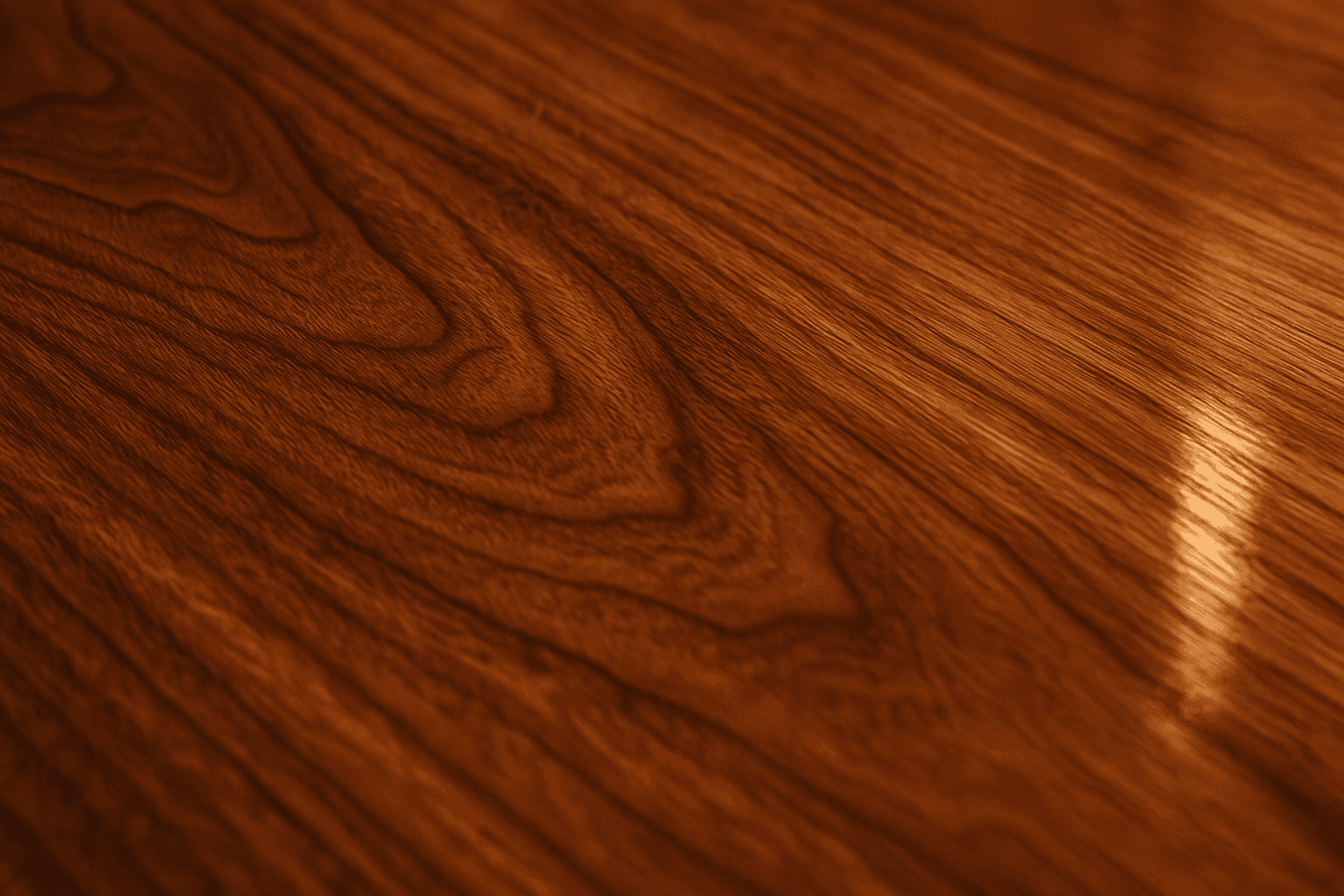
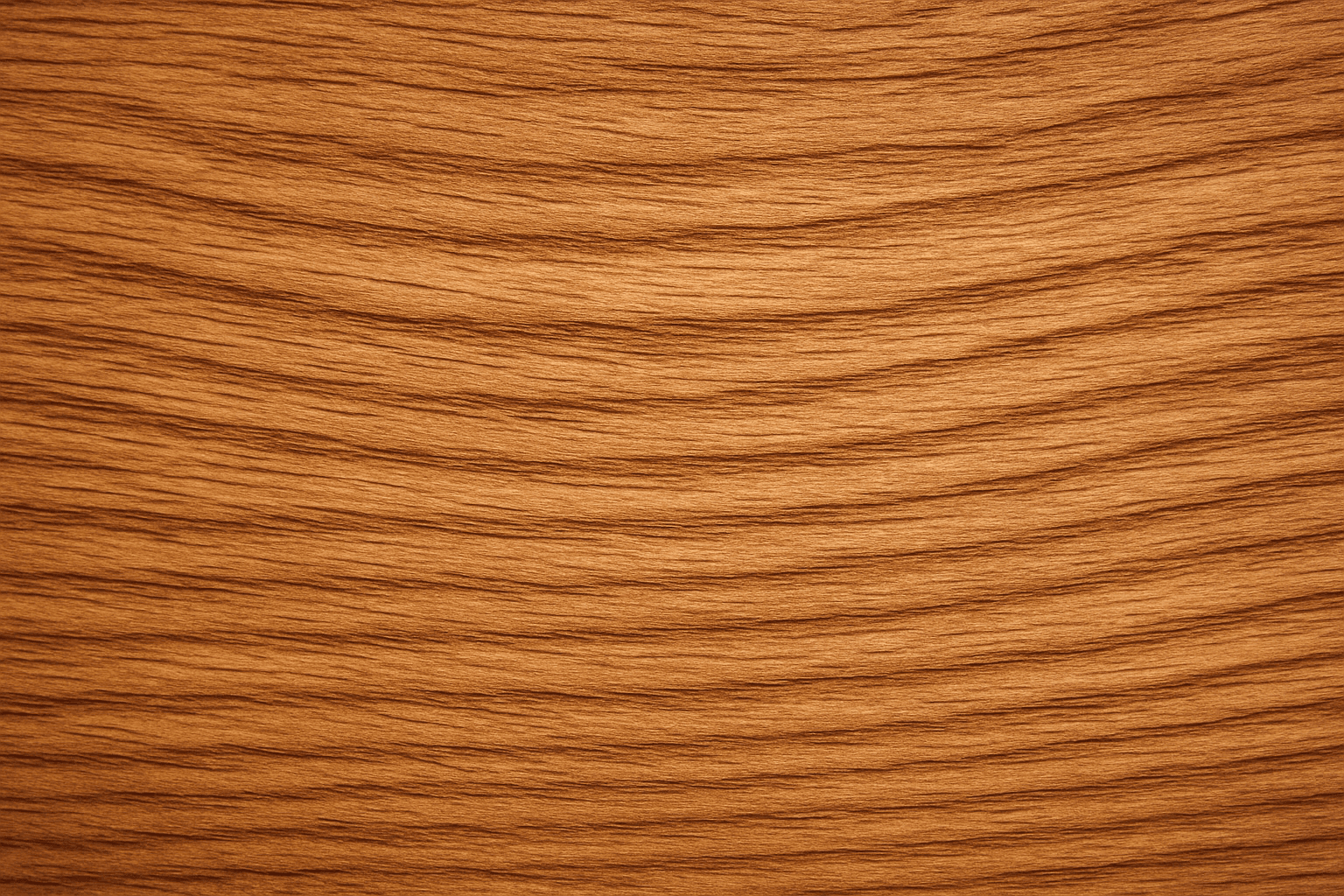
Polished wood grain texture is essential for creating images that emphasize realistic and luxurious wood surfaces. This texture highlights the intricate wood lines and rings, enhanced by a polished, glossy finish that reflects light subtly, adding depth and richness. When used in AI art prompts, it generates images of wood that look refined and tactile, suitable for premium product backgrounds, interior design visuals, furniture presentations, and editorial photography. It conveys warmth and natural elegance while maintaining a modern, clean aesthetic.
Definition
Polished wood grain texture represents a highly finished wood surface where the natural grain patterns remain distinct but are enhanced with a smooth, reflective polish. For AI image generation, incorporating this keyword ensures the creation of wood surfaces that look both natural and luxuriously sleek, adding realism and tactile quality to renderings. It differs from rough or matte wood by emphasizing gloss and subtle light reflections that reveal refined material craftsmanship.
Prompt Formula
Use these phrase patterns to incorporate polished wood grain texture effectively: - "[wood species] polished wood grain texture with [lighting condition]" - "Close-up of polished wood grain texture showing [surface detail]" - "High-resolution polished wood grain texture, warm tones, soft reflections" Combine modifiers like "glossy," "refined," or "premium finish" for additional emphasis.
- [wood species] polished wood grain texture with [lighting condition]
- Close-up of polished wood grain texture showing [surface detail]
- High-resolution polished wood grain texture, warm tones, soft reflections
Best Use Cases
- Visuals for luxury furniture catalogs and advertisements
- Backgrounds for interior design presentations
- Product photography backdrops needing natural, elegant texture
Common Mistakes
A frequent pitfall when prompting for polished wood grain texture is using vague or contradictory terms like 'rough' or 'matte' alongside 'polished,' which confuses the AI and yields inconsistent surfaces. Another mistake is neglecting lighting specifics; insufficient or harsh lighting can flatten the gloss effect, making the wood appear dull or artificial. Also, overemphasizing polish without preserving visible grain details results in unrealistic smoothness, losing the texture’s natural appeal. Avoid these by clearly specifying desired gloss levels, wood type, and lighting conditions.
Advanced Techniques
To achieve nuanced polished wood grain textures, combine your prompts with specific wood species for unique grain patterns—e.g., 'polished zebrawood grain texture with golden hour lighting.' Add descriptive lighting cues like 'soft diffused reflections' to emphasize polish subtly. Use negative prompts to exclude unwanted imperfections such as scratches or knots if a flawless surface is desired. Consider layering texture prompts, such as blending 'polished wood grain texture' with 'subtle dust particles' for a more tactile realism. Adjust focus and depth cues to highlight surface details.
- Combine wood species with polished grain for distinctive textures
- Specify lighting to control gloss and reflection intensity
- Use negative prompts to exclude scratches and imperfections
- Layer textures by combining polish with atmospheric elements
- Manipulate focus to enhance tactile appearance
Professional Workflow
Start by briefing the AI model with a clear description of the wood type and desired polished finish, including lighting and camera angle. Generate multiple variations emphasizing different aspects such as warmth of wood tones and gloss intensity. Select images where grain detail and polish balance well without artifacts or unnatural gloss. Perform refinements by adjusting light reflections or enhancing grain contrast in post-processing tools if needed. Finally, export images consistent with your design standards, ensuring uniform polish and texture quality across assets.
Related Styles
Polished wood grain texture pairs well with styles focusing on natural and refined materials. Related styles include 'Glossy Wood Surface' for higher shine emphasis, 'Natural Wood Grain' focusing on raw texture without polish, and 'Refined Wood Texture' which highlights smoothness and premium finishes. These adjacent keywords help diversify wood material aesthetics across projects, allowing creators to match varying degrees of polish and texture complexity.
- Glossy Wood Surface
- Natural Wood Grain
- Refined Wood Texture
FAQ
How do I ensure the wood grain appears detailed and not blurry in AI-generated images?
Use specific descriptors like 'high resolution,' 'detailed wood grain,' and 'close-up' in your prompt. Also, include lighting details that enhance texture visibility, such as 'soft side light' or 'directional highlights,' to bring out grain intricacies.
Can I combine polished wood grain texture with other materials in one image?
Yes, by clearly specifying both materials in your prompt along with spatial relationships or layering, you can generate composite images. For example, 'polished wood grain texture table next to matte stone surface' helps guide the model effectively.
Continue Exploring
Related Prompts
Polished Wood Texture
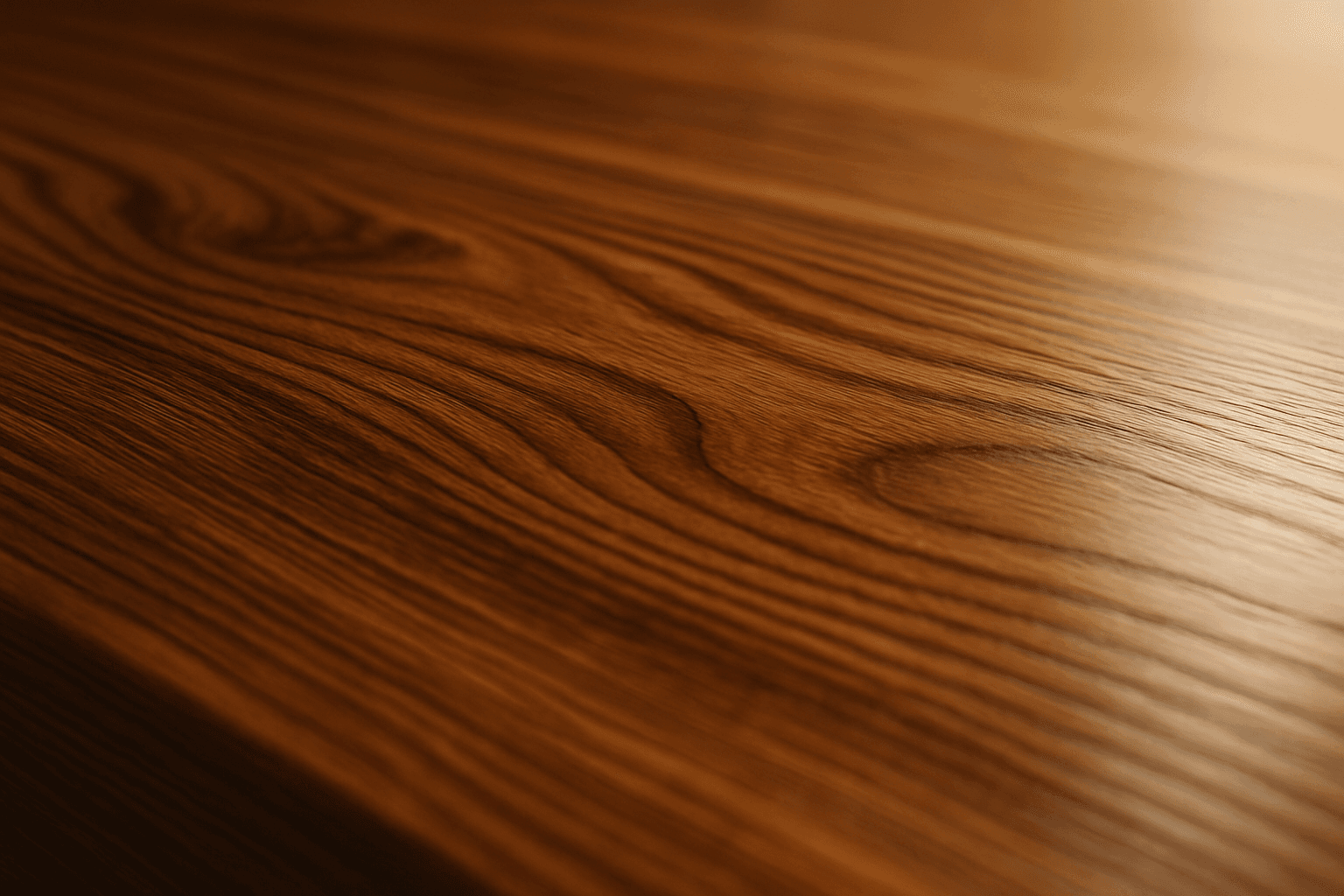
The 'Polished Wood Texture' keyword is essential for creating highly realistic and visually appealing wood surfaces in AI-generated imagery, especially in product design, interior visualization, and material studies. This texture emphasizes the fine finish and reflective qualities of wood that has been carefully sanded and treated with a glossy coating, producing subtle light reflections and depth. Using this keyword, artists and designers can quickly convey a sense of luxury, craftsmanship, and natural warmth in their images. It works effectively with various wood types and complements modern editorial aesthetics that value clean, premium material representations. Leveraging this texture in AI-generated images helps achieve a refined realism suitable for high-end design presentations or stock imagery.
Natural Wood Grain
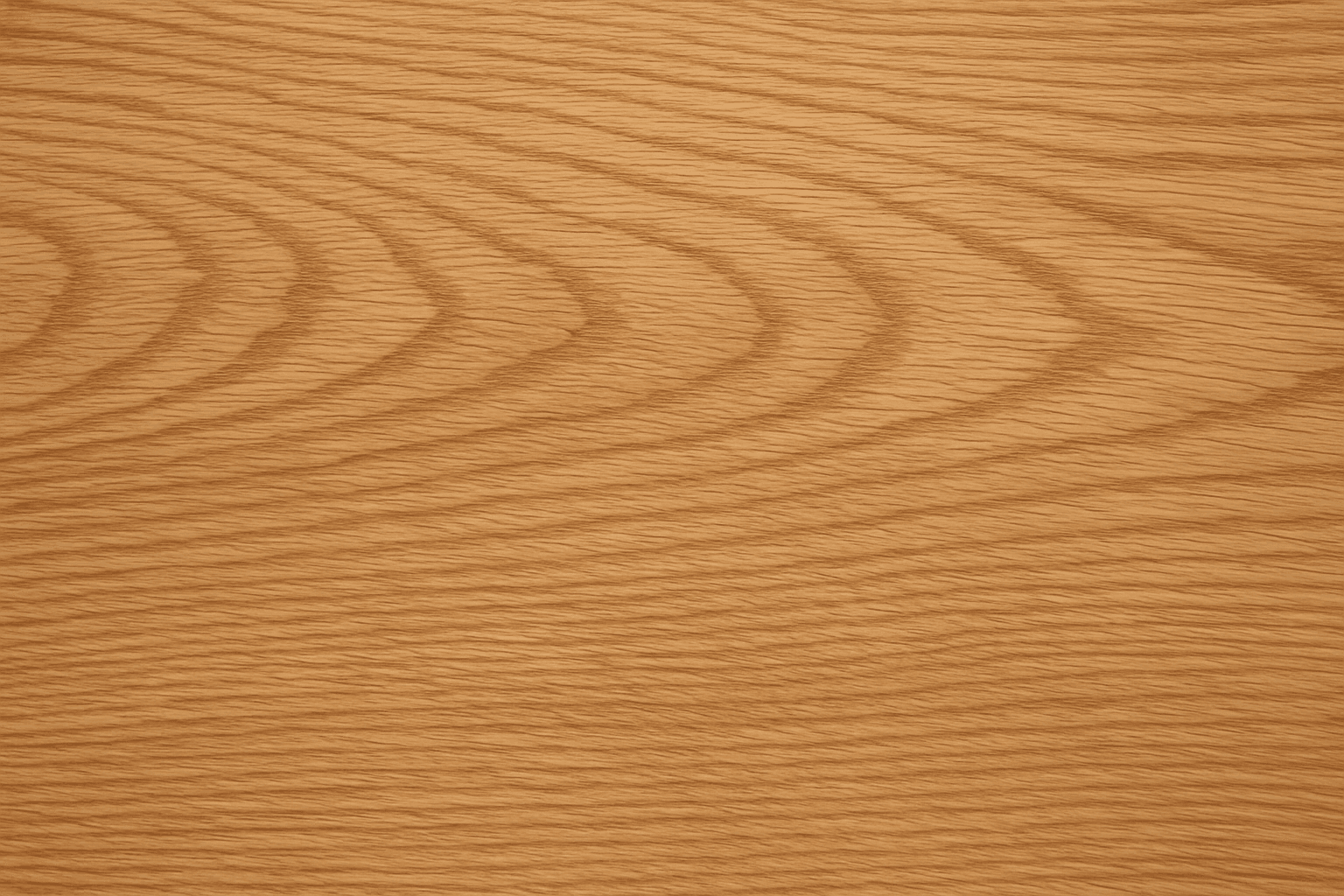
Using the 'natural wood grain' keyword in AI prompts enables creators to generate images that showcase the authentic texture and appearance of wood surfaces. This keyword helps emphasize the organic features of wood, including its characteristic rings, knots, and fiber patterns. The result is a realistic depiction often required in product mockups, interior design visualizations, or nature-inspired artworks. Accurately rendering wood grain adds depth and authenticity to images, making them more visually appealing and true to life, which benefits designers and marketers who focus on natural or crafted wooden elements.

Wood Grain Surface Texture
Wood grain surface texture captures the intricate patterns and natural beauty found in wooden materials. This texture is characterized by flowing lines, knots, and a warm color palette that conjures the organic essence of wood. When incorporated in AI image generation prompts, it helps models produce authentic wooden surfaces, from smooth polished floors to rustic furniture with visible fibers. Wood grain lends tactile depth and aesthetic appeal, making images more immersive and rich in detail. Its versatility allows for use across design, interior visualization, product mockups, and artistic compositions, enhancing the material realism dramatically.
Leather Grain Texture
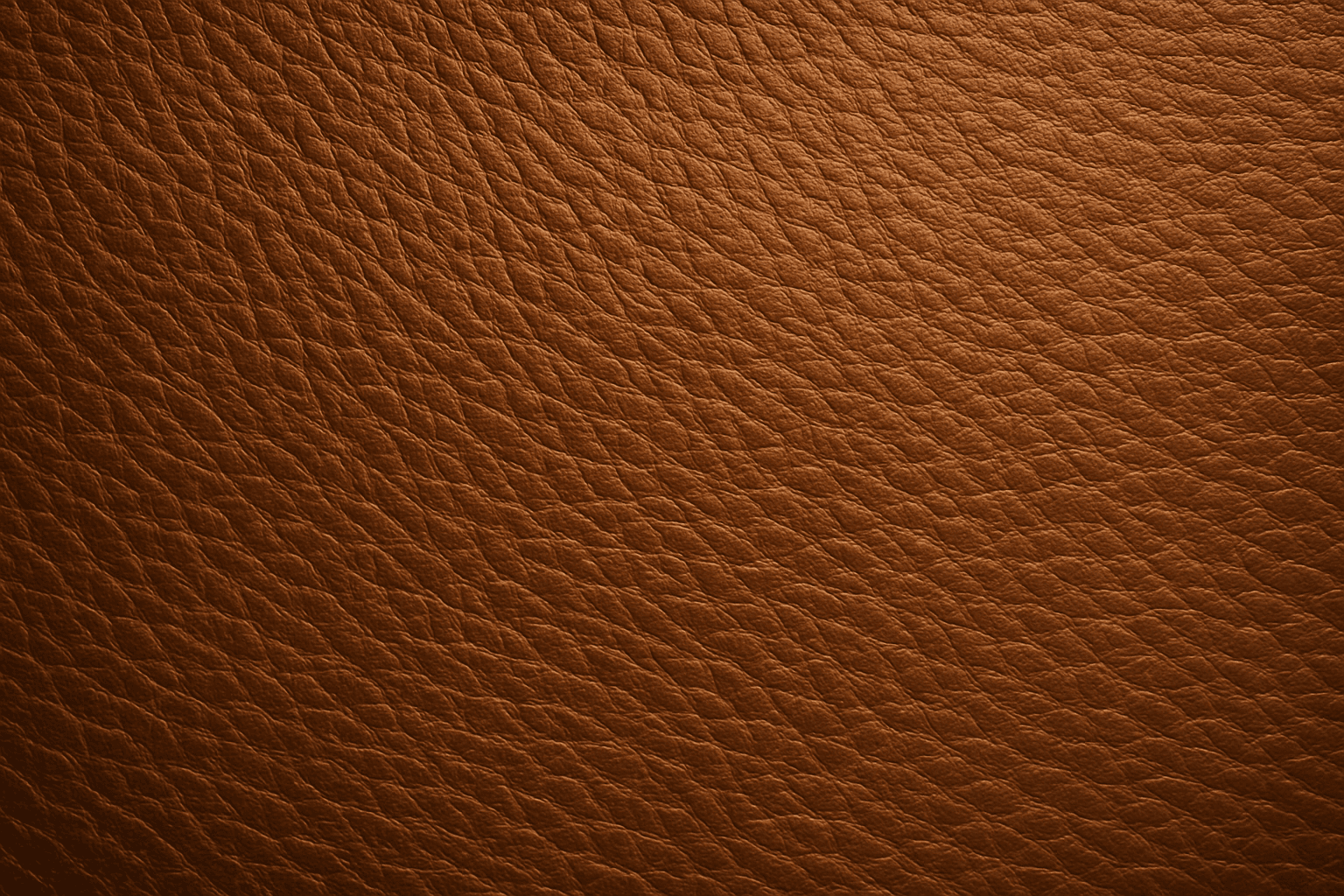
Using 'Leather Grain Texture' in AI image prompts allows creators to generate images with highly detailed and realistic leather surfaces. This keyword enhances the tactile quality of materials depicted, making them appear more authentic and premium. The characteristic grain patterns convey luxury and craftsmanship, useful for designs needing sophisticated material representation. When combined with appropriate lighting and composition, this texture can create visually rich images suitable for product visualization, fashion editorials, or interior design concepts. Mastery of this keyword helps artists achieve depth and realism in their material renderings, appealing to audiences seeking visually convincing visuals.
Wood Grain
Incorporating 'wood grain' into AI image prompts enriches visuals with authentic wooden textures that convey warmth and natural beauty. This keyword directs AI to replicate the complex, organic patterns seen in wood, including growth rings and surface details. It is ideal for creating backgrounds, materials, or objects that visually suggest wood, lending depth and tactile quality to images. When employed thoughtfully, it helps artists, designers, and content creators generate engaging visuals for furniture design, nature themes, or rustic aesthetics with subtle lighting and realistic material simulation.

Polished Stone Material
The 'Polished Stone Material' keyword enriches AI-generated imagery by adding the refined look of shiny, smooth stone surfaces such as marble or granite. When included in prompts, it guides the AI to depict realistic textures featuring lustrous reflections and intricate mineral patterns. This material is essential for creating premium visuals used in architecture, interior design, product renders, and luxury branding. The polished finish adds elegance and tactile appeal, elevating the perceived quality of the object or environment. Using this keyword correctly results in images that convey sophistication and material authenticity, critical for editorial and commercial use.