Polished Stone Material
The 'Polished Stone Material' keyword enriches AI-generated imagery by adding the refined look of shiny, smooth stone surfaces such as marble or granite. When included in prompts, it guides the AI to depict realistic textures featuring lustrous reflections and intricate mineral patterns. This material is essential for creating premium visuals used in architecture, interior design, product renders, and luxury branding. The polished finish adds elegance and tactile appeal, elevating the perceived quality of the object or environment. Using this keyword correctly results in images that convey sophistication and material authenticity, critical for editorial and commercial use.

Definition
The term 'Polished Stone Material' describes a material appearance characterized by a smooth, glossy surface typical of stones like marble, granite, or quartz. When used in AI prompts, it instructs the model to generate textures that mimic the high reflectivity and detailed veining found in polished stone, adding realism and tactile quality to digital images.
Prompt Formula
To effectively incorporate 'Polished Stone Material' into your prompts, combine texture descriptors with environment and lighting terms for maximum effect. For example:
- "polished stone material, smooth marble veining, soft natural light"
- "high gloss polished granite surface, subtle reflections, studio lighting"
- "shiny quartz stone texture, refined details, elegant shadowing"
Best Use Cases
- Creating high-end architectural visuals with marble or granite elements
- Designing luxury product mockups featuring stone components
- Rendering realistic interior scenes highlighting polished stone floors and walls
Industry Applications
The 'Polished Stone Material' keyword is widely useful in various commercial fields. In advertising, it helps present luxurious products with stone accents. Editorial projects can benefit from realistic architectural imagery emphasizing materials. Ecommerce platforms leverage polished stone textures to enhance product displays, while interior design and real estate use it to portray refined living spaces.
- Advertising luxury goods and packaging
- Editorial content for architecture and design magazines
- Ecommerce websites featuring stone-crafted products and home decor
Common Mistakes
When using 'Polished Stone Material' in prompts, avoid vague or contradictory descriptors like mixing matte or rough textures with glossiness. Overemphasizing reflectivity may lead to unrealistic mirror-like surfaces, while poor lighting terms can wash out texture details. Balance shine with natural stone veining and direct lighting to maintain authenticity and avoid generic or artificial results.
- Using conflicting texture adjectives like "rough polished stone"
- Overdoing reflections causing loss of detail
- Neglecting lighting effects that highlight material depth
FAQ
How can I make polished stone surfaces look more realistic in AI images?
Focus on adding natural veining patterns, balanced glossiness, and realistic lighting with soft reflections to capture the material's depth and luster authentically.
Can 'Polished Stone Material' be combined with other materials in a prompt?
Yes, combining polished stone with materials like wood or metal can create rich compositions, but clearly specify each material's attributes to avoid blending or confusion in textures.
Continue Exploring
Related Prompts
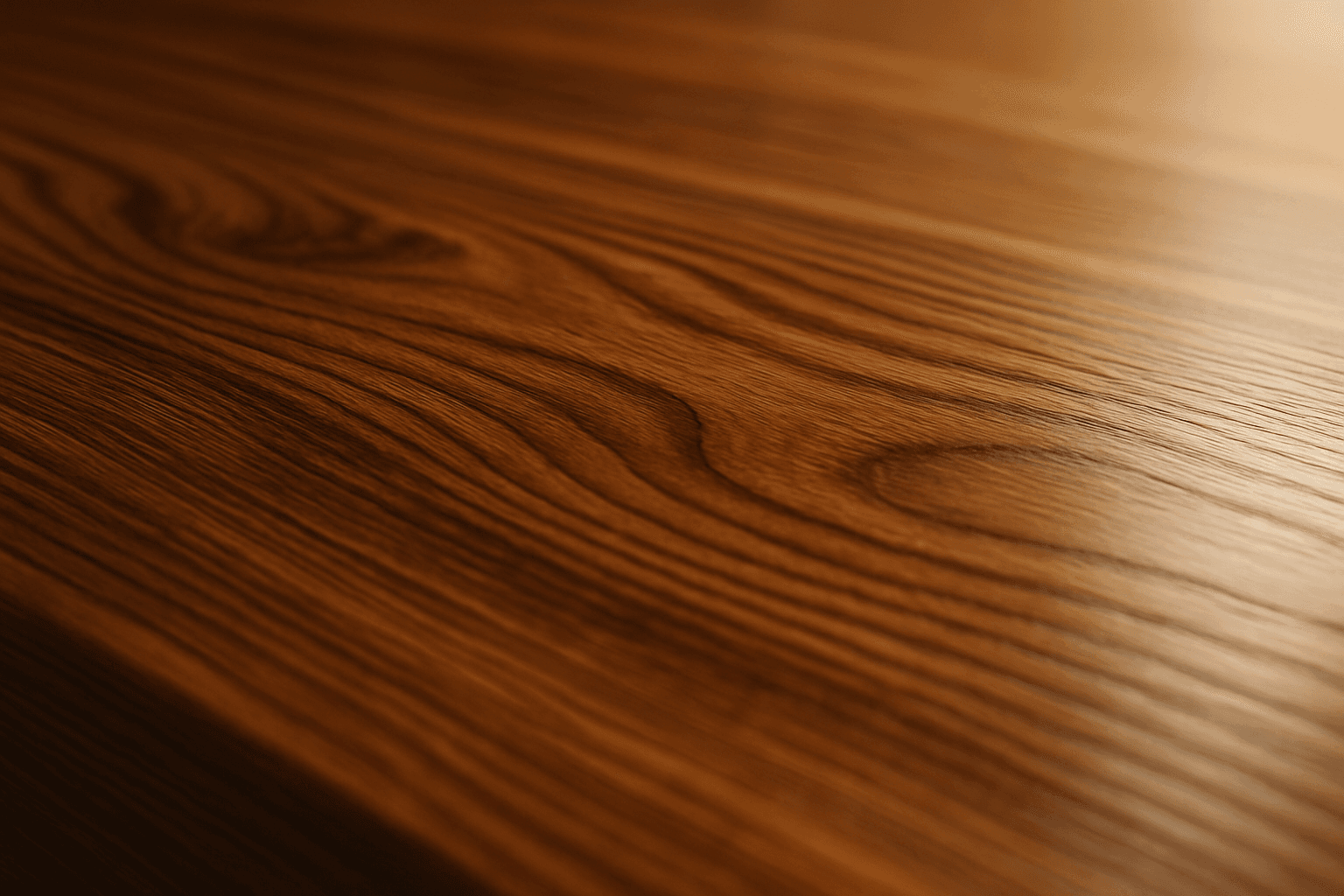
Polished Wood Texture
The 'Polished Wood Texture' keyword is essential for creating highly realistic and visually appealing wood surfaces in AI-generated imagery, especially in product design, interior visualization, and material studies. This texture emphasizes the fine finish and reflective qualities of wood that has been carefully sanded and treated with a glossy coating, producing subtle light reflections and depth. Using this keyword, artists and designers can quickly convey a sense of luxury, craftsmanship, and natural warmth in their images. It works effectively with various wood types and complements modern editorial aesthetics that value clean, premium material representations. Leveraging this texture in AI-generated images helps achieve a refined realism suitable for high-end design presentations or stock imagery.
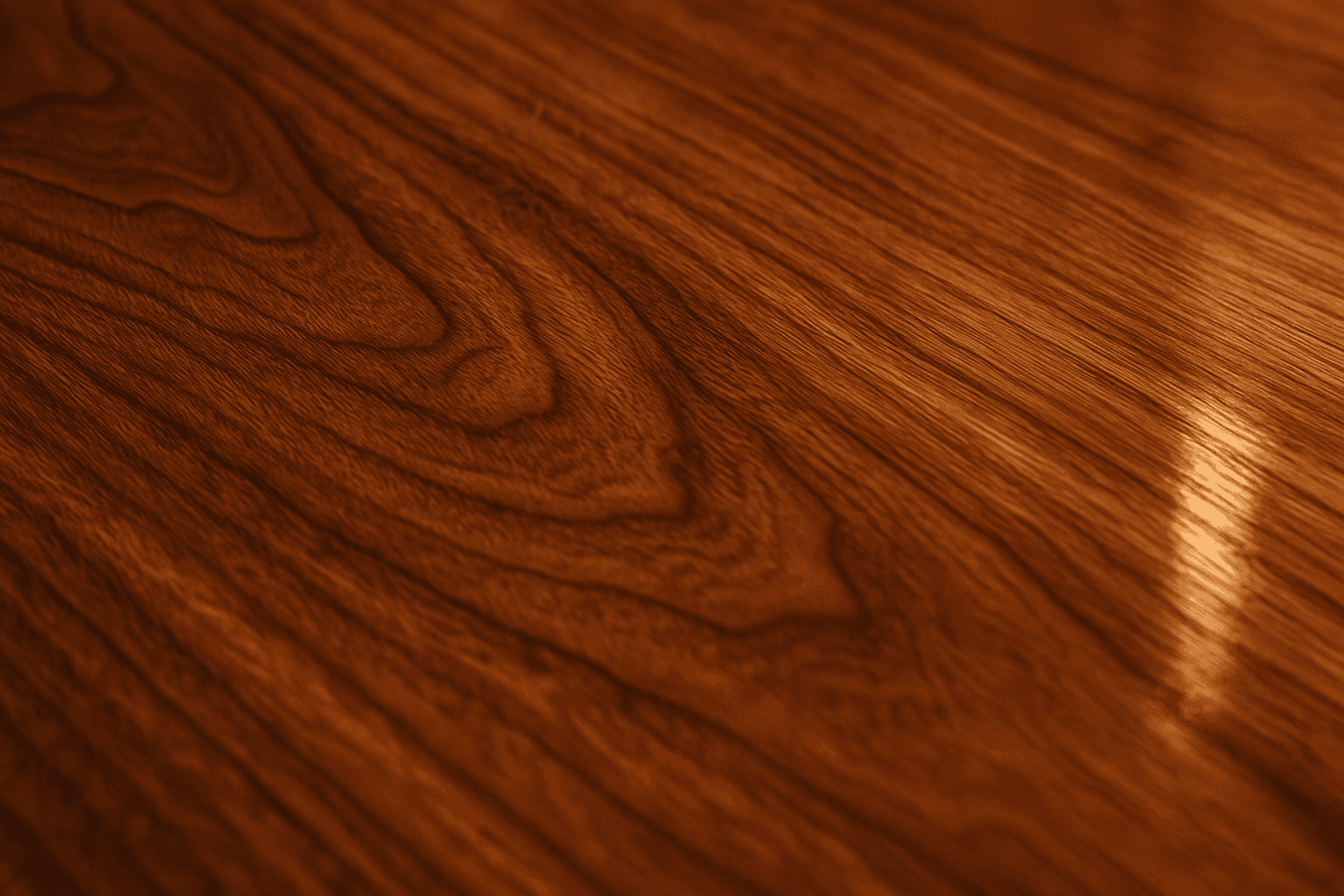
Polished Wood Grain Texture
Polished wood grain texture is essential for creating images that emphasize realistic and luxurious wood surfaces. This texture highlights the intricate wood lines and rings, enhanced by a polished, glossy finish that reflects light subtly, adding depth and richness. When used in AI art prompts, it generates images of wood that look refined and tactile, suitable for premium product backgrounds, interior design visuals, furniture presentations, and editorial photography. It conveys warmth and natural elegance while maintaining a modern, clean aesthetic.
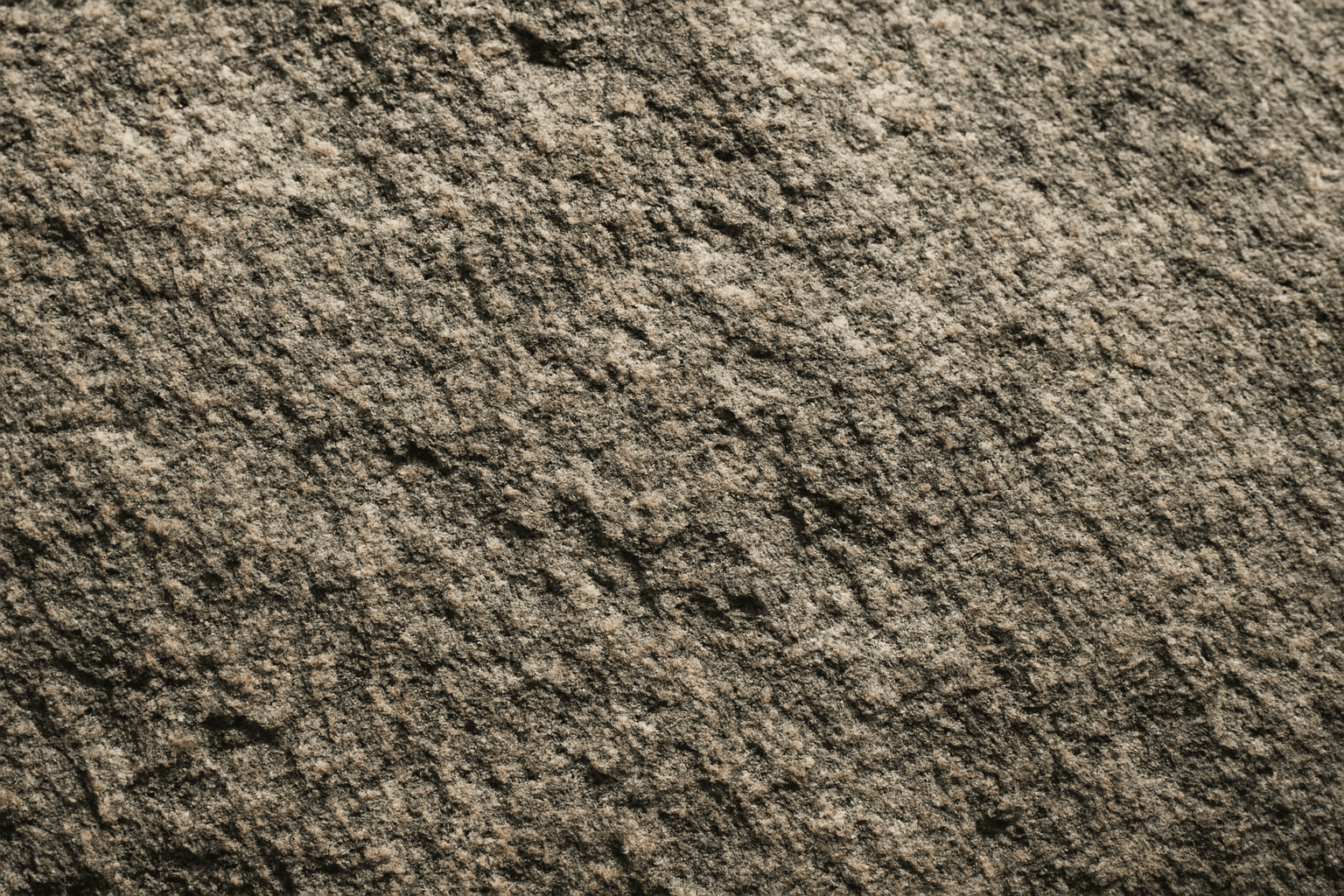
Rough Stone Surface Texture
The 'rough stone surface texture' keyword enriches AI-generated images by emphasizing the coarse and uneven qualities of stone materials. Incorporating this into prompts directs the AI to produce surfaces with natural irregularities, such as grains, cracks, and rugged edges, which simulate real-world rough stone. This texture adds depth and realism, making visuals suitable for architectural renders, backgrounds, or tactile material studies. By mastering this keyword, creators can enhance visual storytelling where material authenticity plays a key role in immersion or aesthetic appeal.
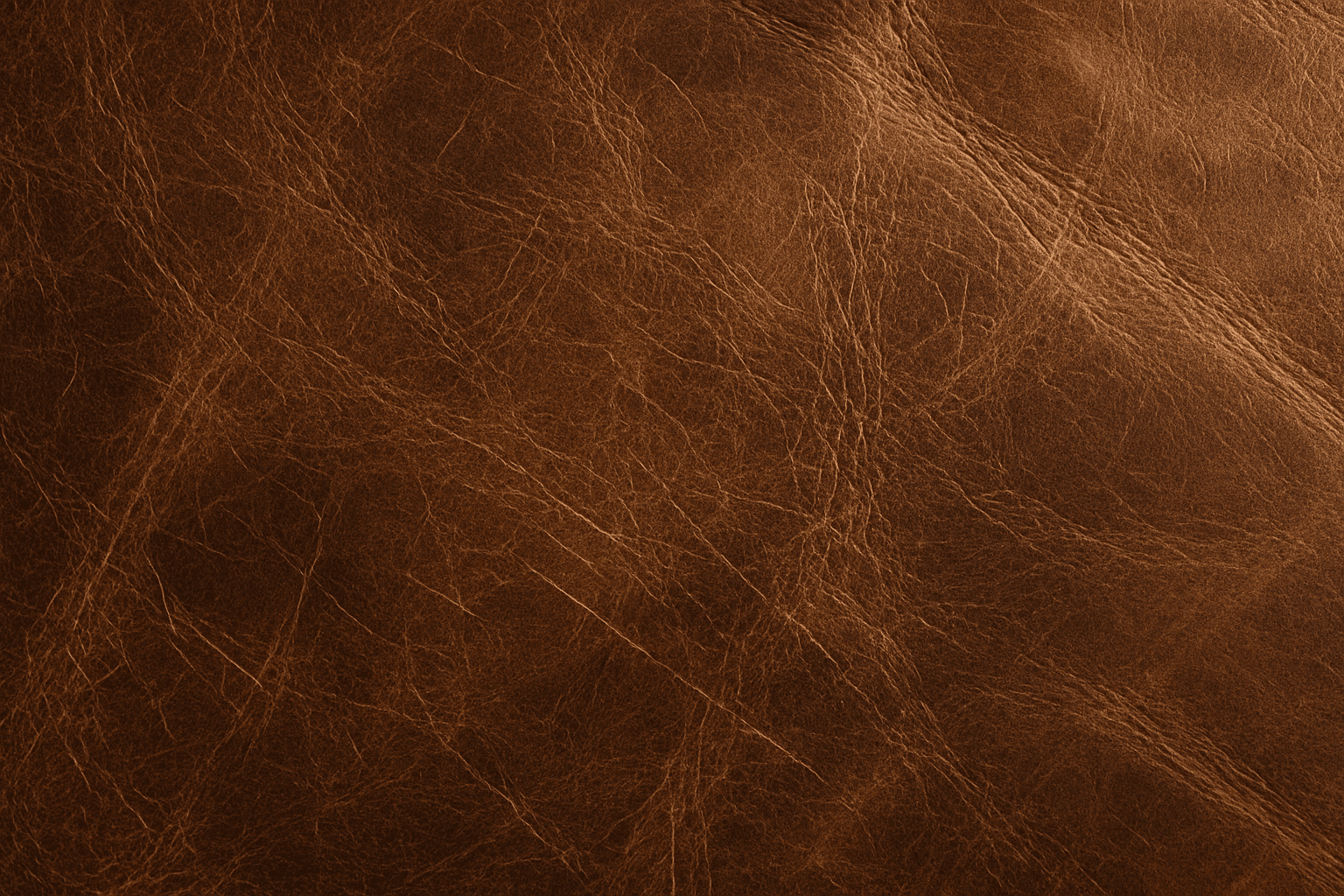
Distressed Leather Material
Distressed leather material is a popular texture choice in digital art and design, known for its vintage and rugged aesthetic. When integrated into AI image prompts, it imparts a tactile, realistic feel characterized by natural wear, color fading, and textural depth. This material is typically used to evoke a sense of history or durability in objects like furniture, accessories, and fashion items. Including this keyword in AI prompts enhances the visual complexity and authenticity of leather surfaces, making rendered images more appealing and believable in contexts ranging from product visualization to conceptual art.
Rough Stone Texture
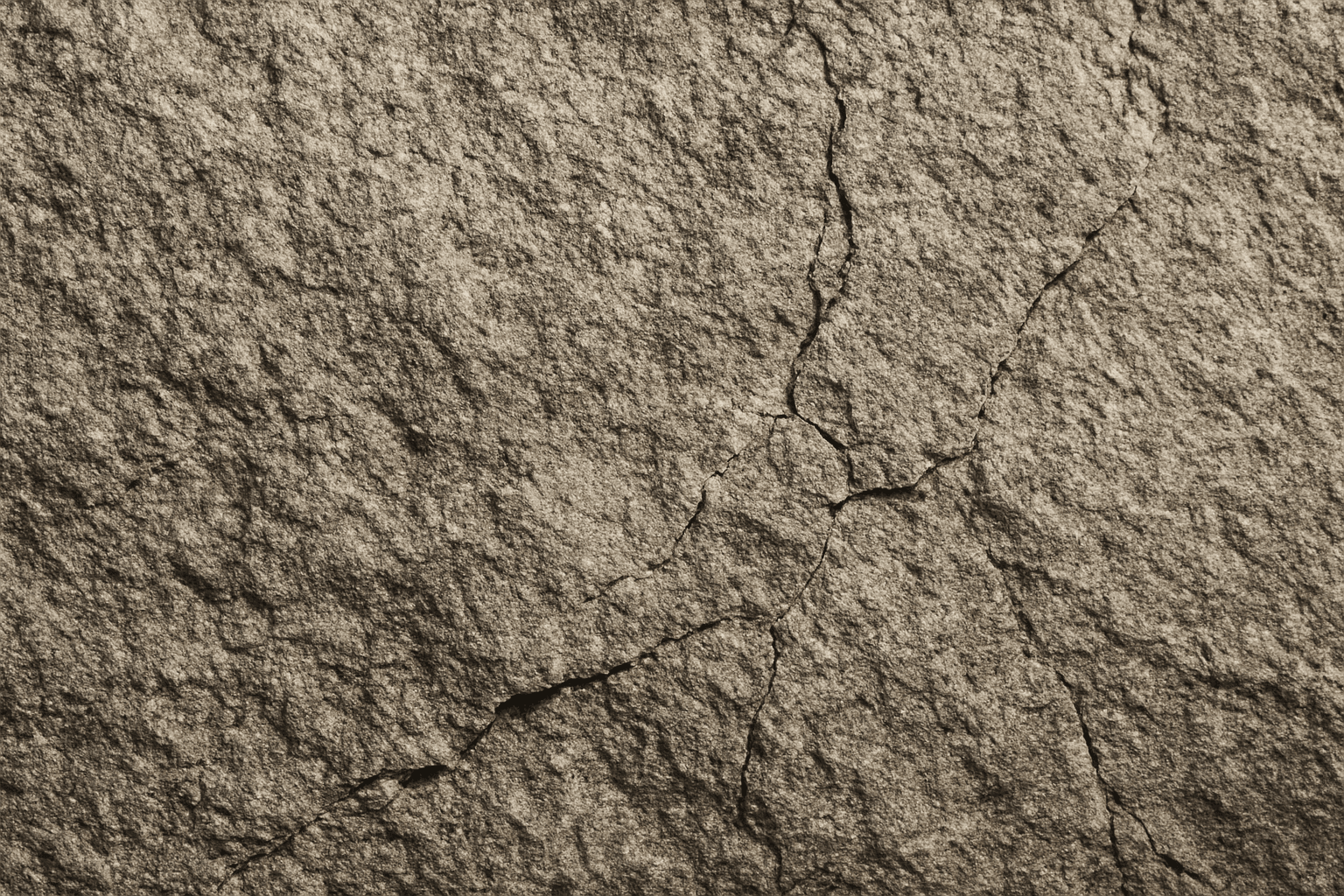
The 'Rough Stone Texture' keyword enhances AI-generated images by simulating the complex irregularities found in natural stone surfaces. This texture adds depth and authenticity to visuals, making materials appear tactile and rugged rather than smooth or artificial. It is especially valuable in rendering natural elements, architectural details, or backgrounds requiring realistic stone appearance. Using precise prompts with this keyword guides AI models toward creating images with detailed stone grains, cracks, and surface imperfections, aligning with authentic rough stone features found in nature or construction materials.
Rustic Stone Texture
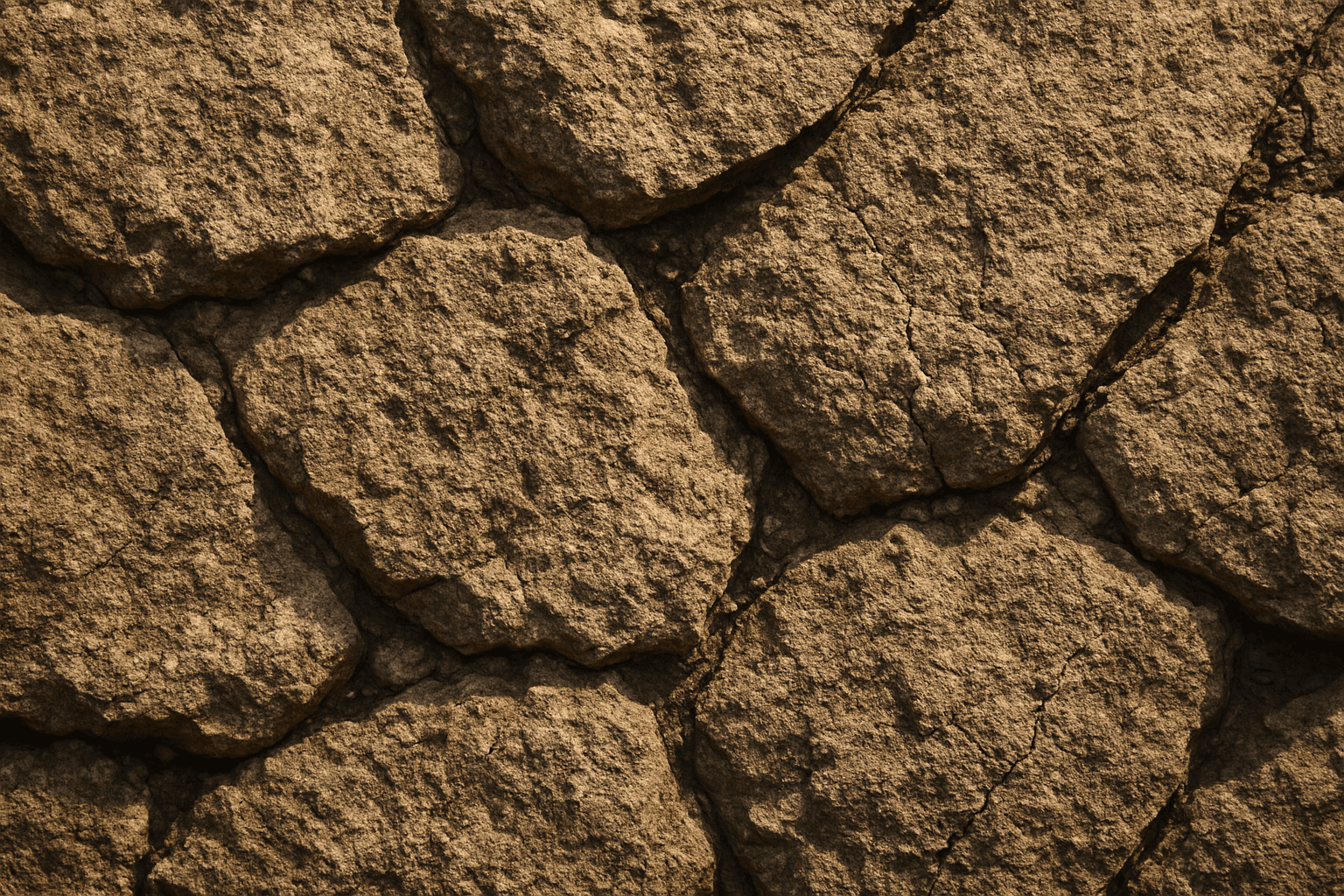
Rustic Stone Texture captures the charm of natural, unpolished stone surfaces, commonly found in outdoor walls, patios, and countryside architecture. When used as an AI prompt keyword, it guides image generation toward materials that have a raw, tactile quality with an irregular and aged look. This texture is highly valuable for artists and designers aiming to depict authentic stonework or vintage construction details. The keyword enhances image realism by emphasizing stone’s natural imperfections such as cracks, chips, and coarse grains. This makes it an excellent choice for backgrounds, architectural visualizations, and product mockups needing an organic, weathered material feel.