Softbox Lighting Technique
Softbox lighting is a staple in professional photography for producing flattering and balanced illumination. In AI image generation, invoking this technique in prompts encourages models to replicate the light diffusion qualities typical of softboxes. This results in images with smooth tonal transitions, gentle shadows, and a polished, natural appearance. It is especially favored in producing portraits, marketing visuals, and editorial content where controlled, subtle lighting enhances subject detail and overall mood. Integrating softbox lighting into prompts complements other descriptive lighting terms to refine ambiance and texture representation.

Definition
The Softbox Lighting Technique refers to using a simulated softbox effect within AI image prompts to achieve a diffused, gentle lighting that minimizes harsh shadows and evens out highlights. This lighting style replicates a photographic setup where light is softened by a fabric diffuser, creating a flattering and natural appearance. For AI-generated images, including this keyword helps the model render scenes with smooth light transitions, subtle shadows, and a professional finish that enhances subject details and textures.
Prompt Formula
To effectively include the Softbox Lighting Technique in your AI prompts, combine lighting descriptors with subject and environment details for clarity and control. Use phrases like: "softbox lighting, diffused soft light, minimal shadows, gentle highlights". Pair with subject specifics and adjectives to shape mood and texture.
- Subject + softbox lighting + description + environment
- Example: portrait of a man, softbox lighting, smooth skin texture, neutral background
- Add mood or style modifiers, e.g., softbox lighting, cinematic, warm tones
Best Use Cases
- Studio-style portraits requiring natural and flattering illumination
- Product photography to highlight textures with minimal glare
- Fashion and editorial images benefiting from smooth and controlled light
Common Mistakes
A common error is overusing generic light descriptors without specifying ‘softbox’ or its effects, leading to harsh or unrealistic lighting. Another pitfall is neglecting to balance soft lighting with contrast, resulting in flat or dull images. Avoid vague terms like ‘soft light’ alone and instead emphasize diffusion and shadow quality. Also, pairing softbox lighting incorrectly with incompatible styles (e.g., harsh spotlight or dramatic chiaroscuro) can produce confused lighting effects that detract from image quality.
Advanced Techniques
Experienced prompt writers can refine the Softbox Lighting Technique by combining it with modifiers indicating color temperature (e.g., warm white softbox lighting) or multiple light sources (e.g., primary softbox plus subtle rim light). Adding spatial constraints, such as ‘softbox lighting from left, gentle falloff on right’, improves directional control. Layering textures to respond naturally to softbox illumination, or integrating reflective surfaces for bounce effects, enhances realism and visual interest.
- Combine with precise color temperature modifiers
- Specify multiple softbox light directions
- Include subtle bounce reflections and shadow gradients
- Use spatial descriptors for light placement
- Integrate with texture detail emphasis
Professional Workflow
Begin by clearly defining your visual goals and selecting subjects suited for softbox lighting effects (portraits, products). Draft prompts including 'softbox lighting' along with refined adjectives for mood and texture. Generate multiple images to explore light interactions and choose the render best balancing softness and detail. Refine selected images by tuning prompt complexity, adding modifiers for environment or color grading as needed. Finally, consider feedback cycles where lighting precision is iterated until the desired professional polish is achieved.
Related Styles
- Studio Lighting Techniques
- Natural Daylight Simulation
- Diffused Lighting Effects
- Portrait Lighting
- High-Key Lighting Styles
Model-Specific Tips
Most advanced AI image generation models respond well to explicit lighting keywords. Use clear, descriptive phrases like ‘softbox lighting’ in combination with modifiers to maintain consistency across models. Avoid overly technical jargon to ensure the prompt is universally understood. Adjust emphasis on lighting versus subject elements to prevent loss of detail. Test variations with terms like ‘diffused softbox light’ versus ‘softbox illumination’ to find optimal model compatibility.
- Use clear and concise lighting descriptors
- Combine general and specific lighting terms
- Test prompt variations for consistency
- Balance lighting with subject details
- Avoid overly specialized photography terms
FAQ
What is the main benefit of using the Softbox Lighting Technique in AI image prompts?
It produces soft, evenly diffused light that reduces harsh shadows and highlights, resulting in more natural, flattering, and professional-looking images.
Can the Softbox Lighting Technique be combined with other lighting styles in prompts?
Yes, it can be combined with additional modifiers such as color temperature, ambient light, or directional lights to achieve complex lighting setups.
Is specifying 'softbox lighting' necessary if I already mention 'soft lighting'?
Specifying 'softbox lighting' is more effective because it specifically guides the model toward the photographic softbox effect, as opposed to the broader and less defined 'soft lighting'.
Continue Exploring
Related Prompts

Softbox Lighting Setup
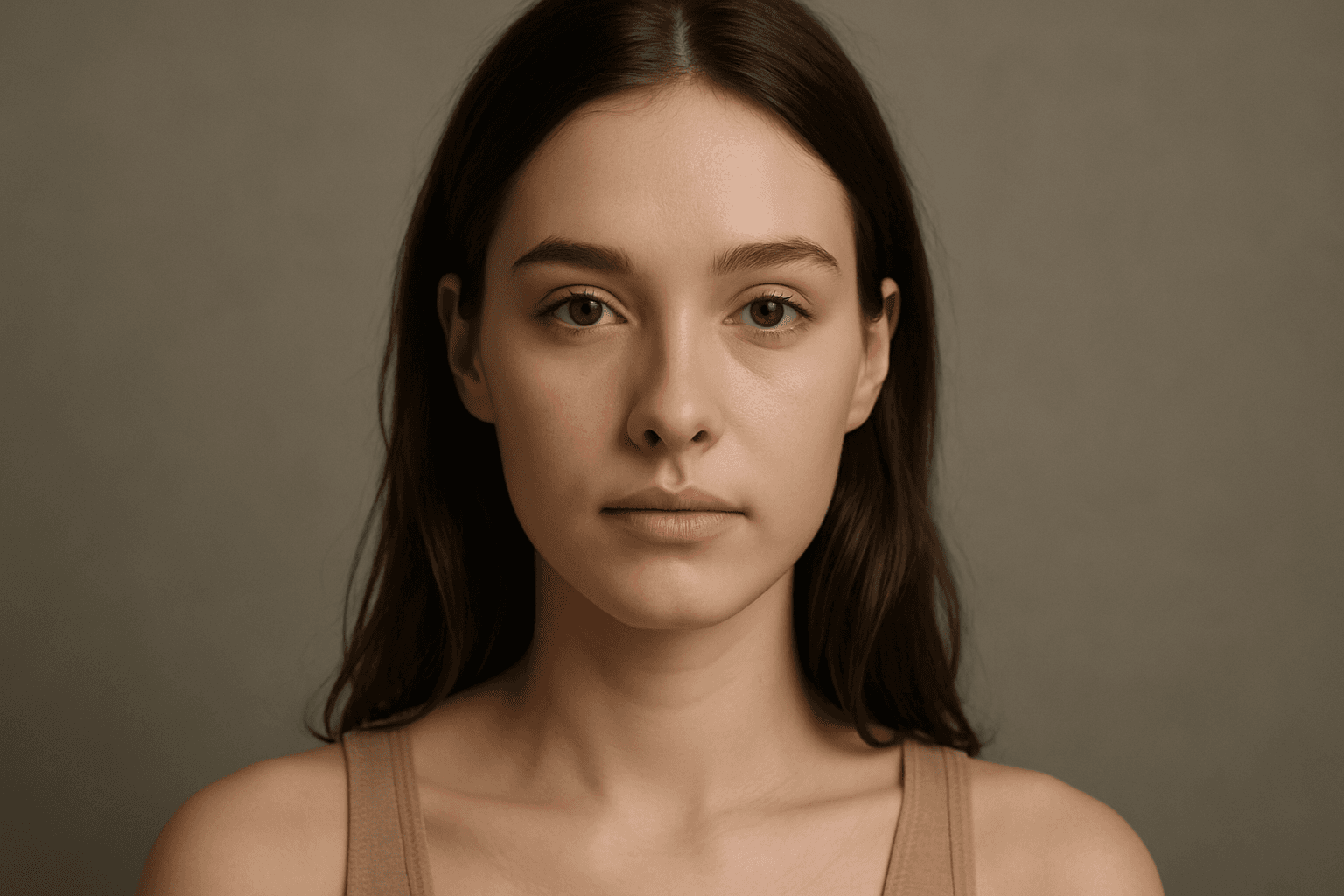
Softbox Lighting Setup is a foundational lighting technique often used in photography and cinematography to produce a flattering, diffused light source. It uses a softbox—a box-like light modifier with a diffusing material—to spread light evenly and soften shadows. When incorporated in AI image prompts, this keyword helps produce images with balanced, natural-looking lighting that enhances texture and detail. This setup is crucial for portraits, product photography, and scenes requiring controlled illumination. Using this keyword improves realism and mood by avoiding harsh contrasts and emphasizing smooth tonal transitions in images.
Soft Diffused Lighting
Soft diffused lighting is a popular lighting technique used to create visually appealing images with gentle, even illumination. This lighting style reduces harsh shadows and highlights, producing a smooth transition of light on subjects and backgrounds. In AI-generated imagery, specifying soft diffused lighting helps to evoke a natural, calming mood, making subjects appear more realistic and intricate details visible without stark contrast. It is commonly used in portraiture, product photography, and editorial imagery to deliver a polished, premium look. Leveraging soft diffused lighting enhances an image’s depth and material realism, ensuring a refined and aesthetically balanced output.

Soft Fill Light Setup
Soft fill light setup is an essential lighting approach in photography, cinematography, and AI image generation that focuses on enhancing visual clarity by gently illuminating subjects. This method employs diffused light sources positioned strategically to fill in shadows without creating new ones or flattening the image's depth. In AI-generated images, specifying a soft fill light setup guides the model to render scenes with subtle shading and natural contrast, making portraits, still life, and product shots appear more realistic and appealing. By balancing the interplay between light and shadow, the soft fill light setup adds dimension while maintaining a polished and professional look suitable for editorial, commercial, and creative projects.
Diffuse Lighting Effect
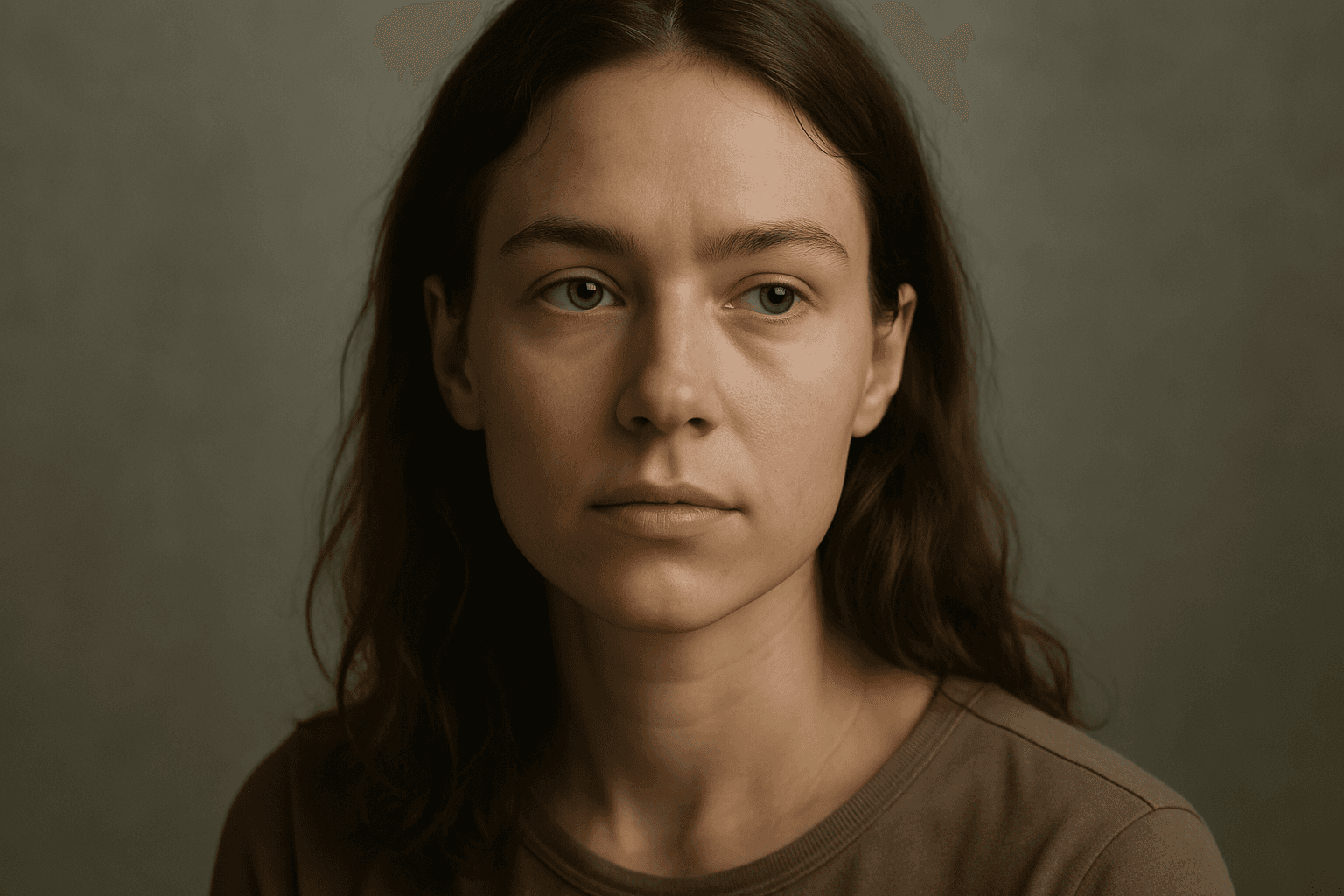
Diffuse lighting effect is a crucial concept in photography, art, and AI image generation that simulates soft, widespread light typically produced by overcast skies or light diffusion materials. This lighting style provides smooth gradations between light and shadow, avoiding harsh contrasts. When integrated into AI image prompts, it helps achieve images with a gentle, natural look that emphasizes subject details without dramatic shadows or glare. Diffuse lighting creates a mood of calm realism, ideal for portraits, product photography, and interior scenes. Understanding how to prompt for this effect enables creators to produce realistic and appealing visuals with enhanced depth and subtlety while maintaining a clean and harmonious composition.
Overhead Diffused Lighting
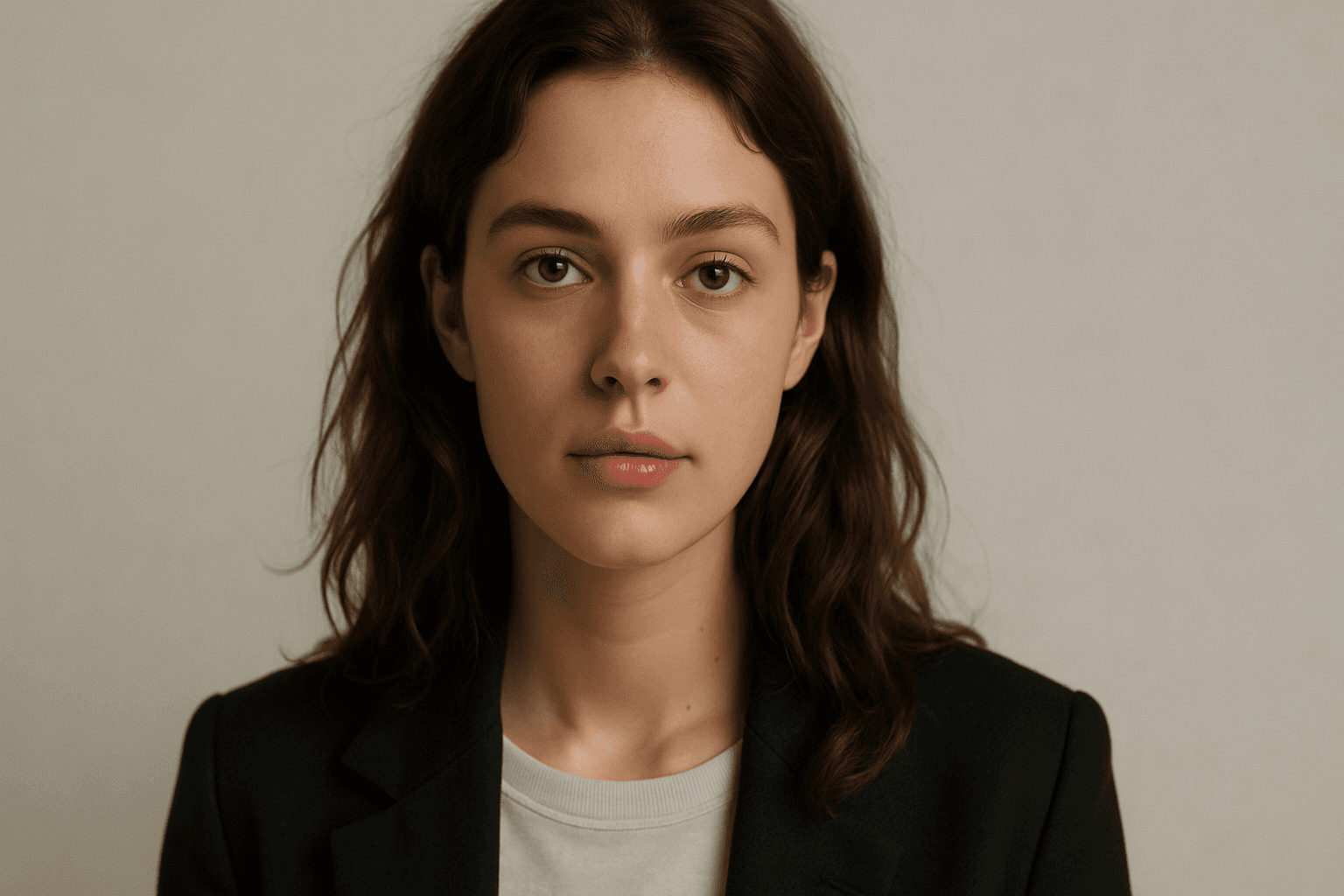
Overhead Diffused Lighting is a fundamental technique in photography and digital imaging that involves placing a diffused light source directly above the subject. This method softens shadows and reduces contrast, creating an inviting and natural look. When applied in AI image generation, including this keyword in prompts helps achieve realistic skin tones, fabric textures, and surface details without harsh lighting artifacts. It is especially effective for portraits, still lifes, and product photography. The technique enhances depth subtly, maintaining a premium, clean aesthetic that suits modern editorial and commercial imagery.
Overhead Lighting Technique
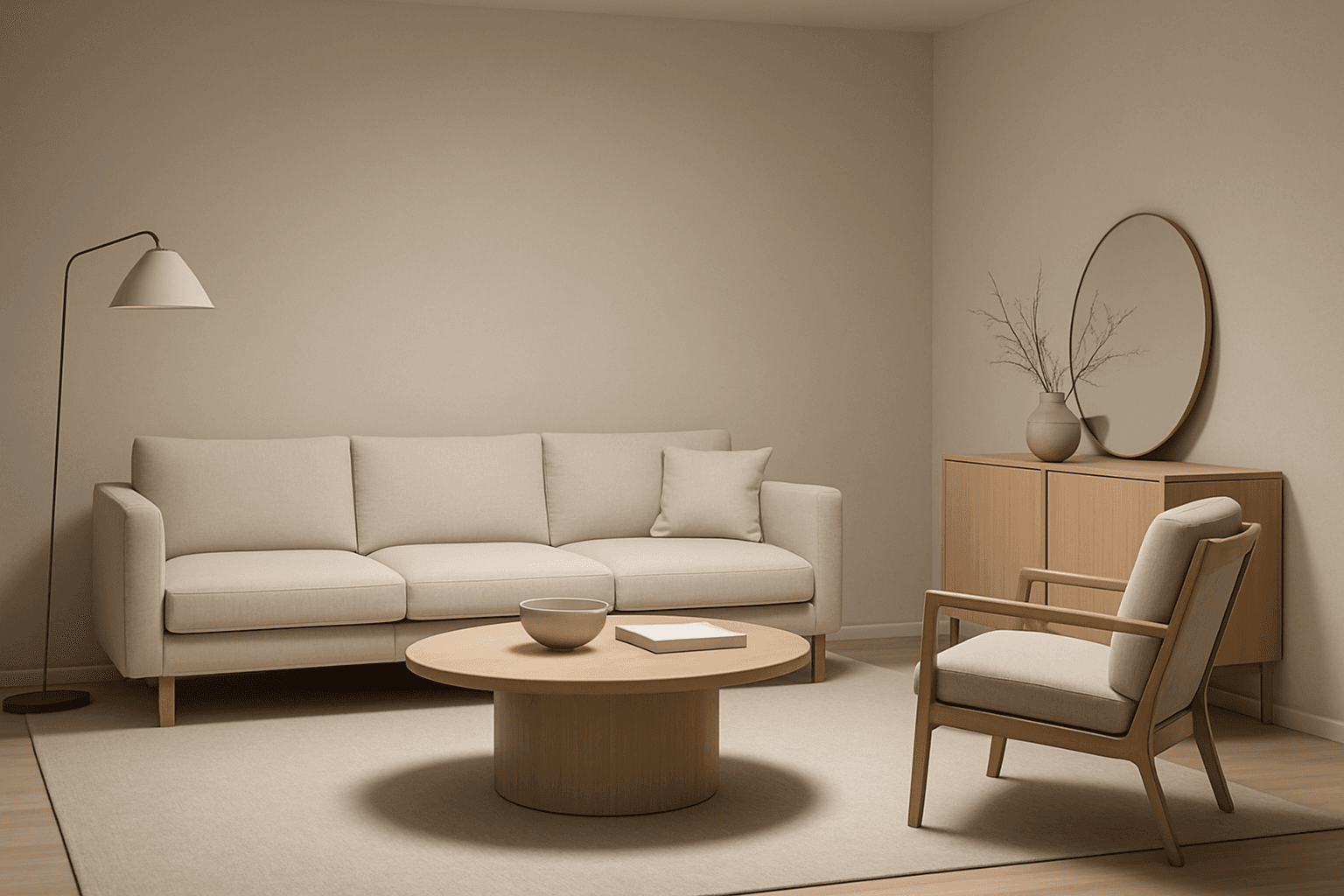
Using the overhead lighting technique in AI image generation adds a realistic and professional quality to images by simulating light coming from above the subject. This lighting style emphasizes the contours and shapes by casting natural shadows beneath objects, enhancing visual depth and dimensionality. It is frequently used in editorial photography, product displays, and interior visuals to create a refined mood and clarity. Incorporating overhead lighting into your prompts helps produce images with clean, premium aesthetics that suit commercial and artistic purposes alike.