Crosshatching Texture
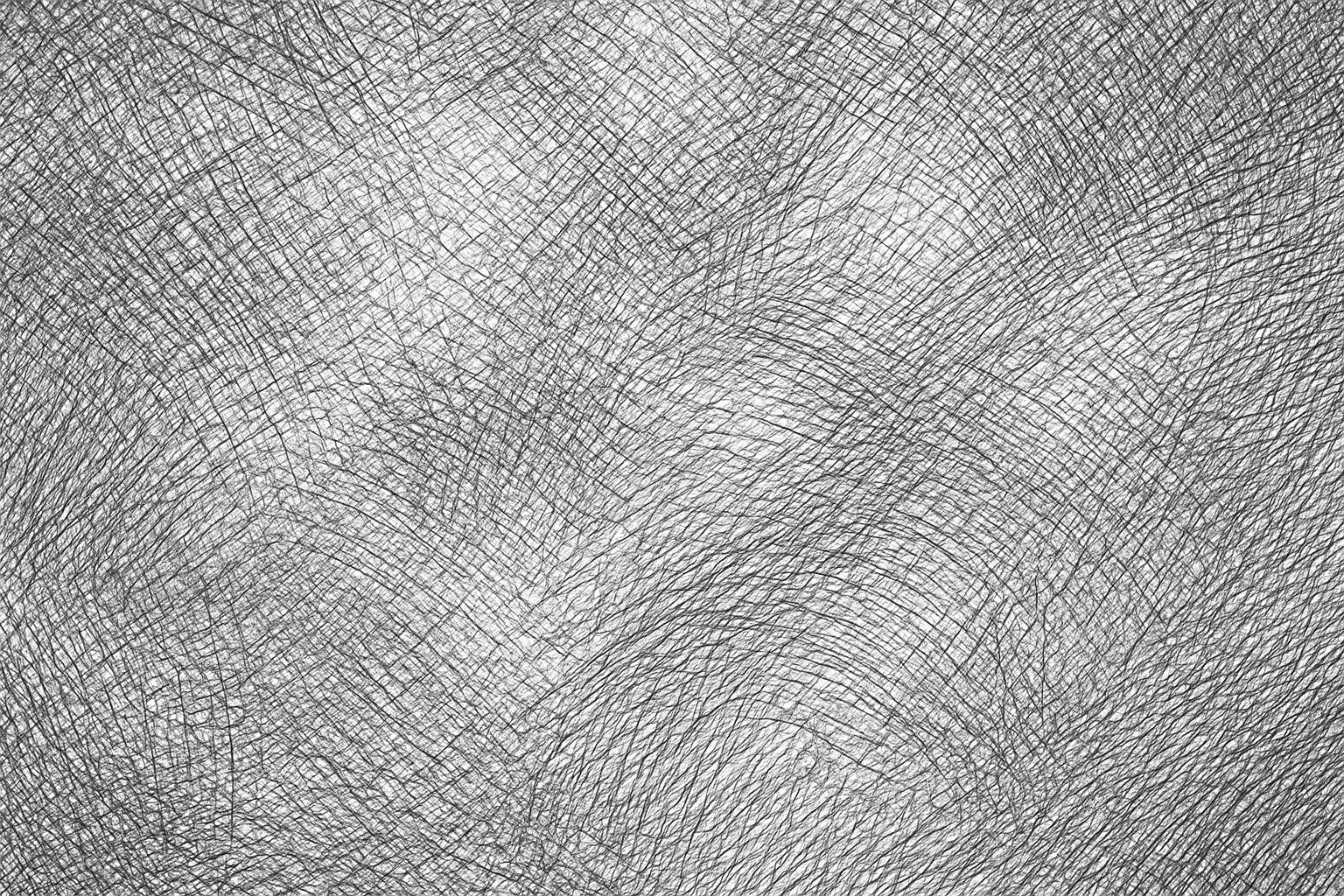
Crosshatching texture is a visual style that emulates hand-drawn shading through intersecting lines, widely used in pen and ink illustrations. When incorporated in AI art prompts, it enhances images with refined shading effects and a tactile quality reminiscent of classical sketching. This texture adds depth by simulating shadows and volume without solid fills, making visuals appear more organic and crafted. Artists and designers leverage crosshatching to achieve nuanced contrast and artistic expressiveness, especially in black-and-white or monochrome compositions. Using this keyword effectively guides AI models to produce images rich in detailed linework and traditional illustrative charm, suitable for creative projects seeking an analog texture feel within digital artworks.
Definition
Crosshatching texture emulates a traditional artistic shading method made by layering intersecting lines to depict depth and shadows. In AI prompts, it guides the image generation toward intricate hatch marks creating tonal variation instead of smooth gradients. This keyword transforms surfaces to resemble pen-and-ink drawings, adding illustrative, handmade qualities to generated art.
Prompt Formula
Use these patterns to incorporate crosshatching effectively: - Subject + 'with crosshatching texture' - Style description + 'intricate crosshatching linework' - Material or surface + 'rendered in crosshatching texture' Combine 'crosshatching texture' with monochrome or vintage styles for best effect.
- Subject with crosshatching texture
- Material rendered with intricate crosshatching linework
- Scene depicted in black-and-white crosshatching texture
Best Use Cases
- Creating classic pen-and-ink style portraits or figures
- Illustrating editorial or book imagery with textured shading
- Designing vintage-inspired graphics and packaging with tactile feel
Professional Workflow
1. Define the creative goal and decide where crosshatching will accentuate shading or texture. 2. Draft a prompt incorporating 'crosshatching texture' alongside subject and style descriptors. 3. Generate multiple AI images and review line detail and shading quality. 4. Select images with balanced hatch density and clarity. 5. Refine chosen images by adjusting contrast or layering in post-processing to enhance texture visibility.
Related Styles
- Engraving texture — similar linear shading mimicking print engravings
- Stippling texture — dotted shading technique complementing crosshatching
- Line art texture — general style emphasizing line-based illustration
FAQ
How does crosshatching texture differ from regular shading in AI prompts?
Crosshatching texture uses intersecting lines to create shading and depth, giving a stylized, hand-drawn look, whereas regular shading often results in smooth gradients or blended tones. This makes crosshatching distinct and more illustrative.
Can crosshatching texture be combined with color in AI-generated images?
Yes, while crosshatching traditionally appears in monochrome, AI models can integrate it with color, producing colored linework or layered effects to add artistic nuance.
Continue Exploring
Related Prompts
Cracked Paint Wall Texture
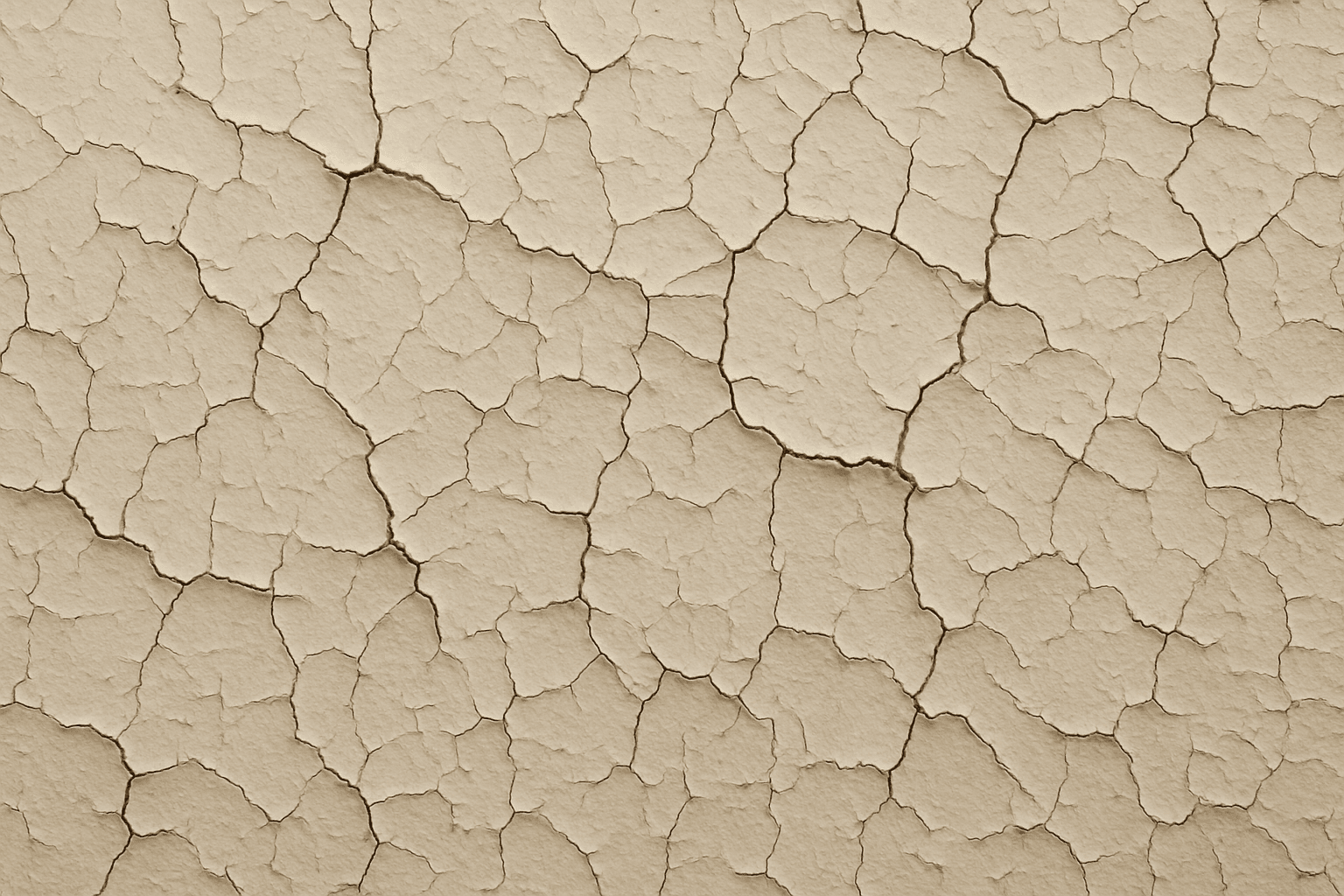
Cracked paint wall texture is a highly sought-after element in digital art and design for its ability to convey urban decay, vintage charm, or neglected environments. When applied to AI image generation, this keyword guides models to create detailed and photorealistic renderings of distressed wall surfaces marked by peeling, cracking, and flaking paint. These textures can evoke strong visual interest and tactile realism, ideal for use in backgrounds, material references, or concept art. Incorporating cracked paint enhances an image’s authenticity by simulating natural deterioration effects often seen in outdoor or abandoned settings, influencing the mood with aged aesthetics and weathered charm.
Paper Fiber Texture
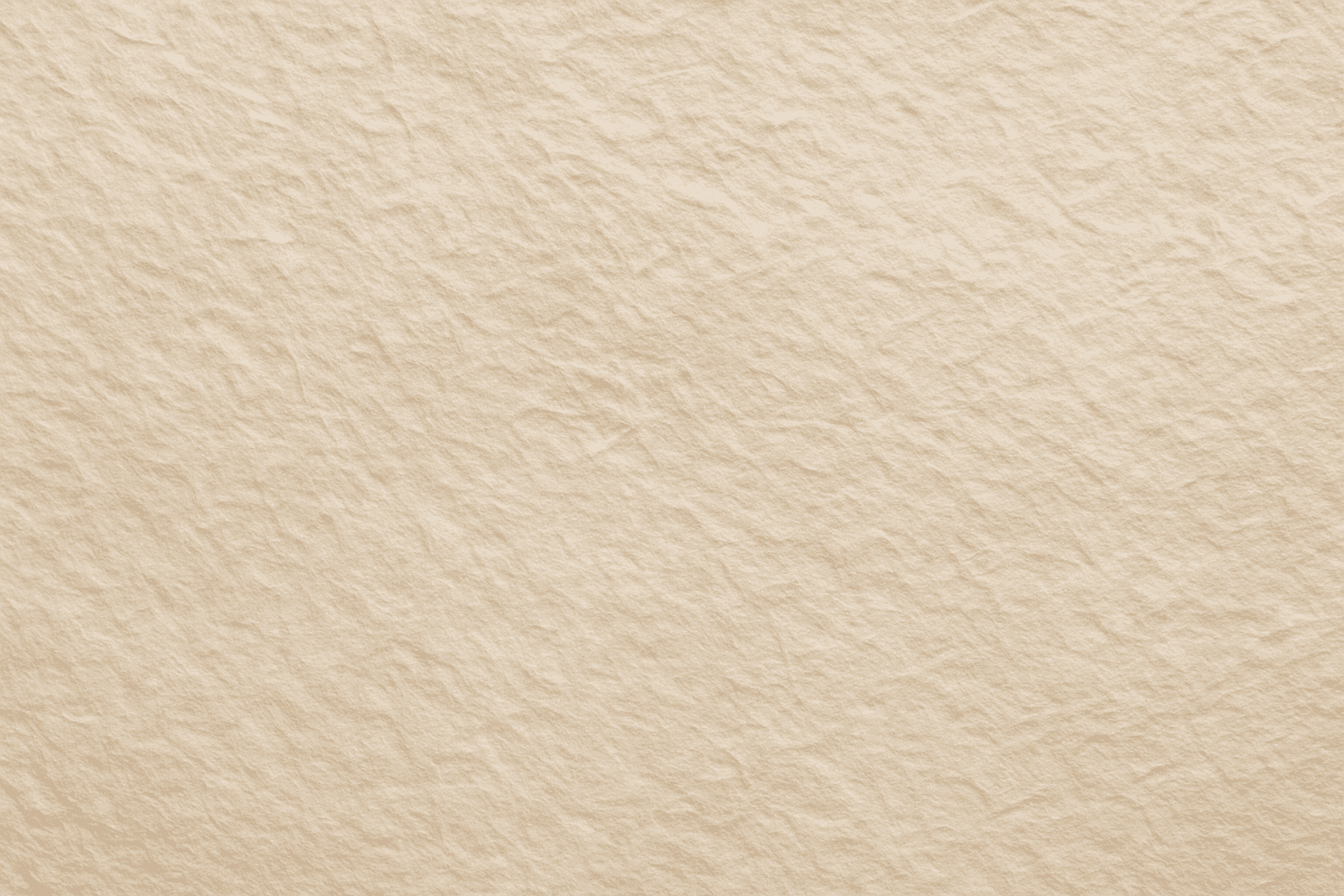
Paper Fiber Texture in AI-generated images enhances realism by simulating the microscopic fibers found in physical paper. This texture adds subtle detail and tactile qualities to artwork, making backgrounds or materials appear organic and handcrafted. When included in prompts, it helps models focus on delicate and uneven surfaces rather than flat or overly smooth ones. This keyword is especially useful in designs needing authenticity or vintage aesthetics, offering an alternative to digital or synthetic textures. It works well combined with lighting descriptions to highlight the tactile aspects of the fibers and create refined editorial visuals.
Texture Overlay Techniques
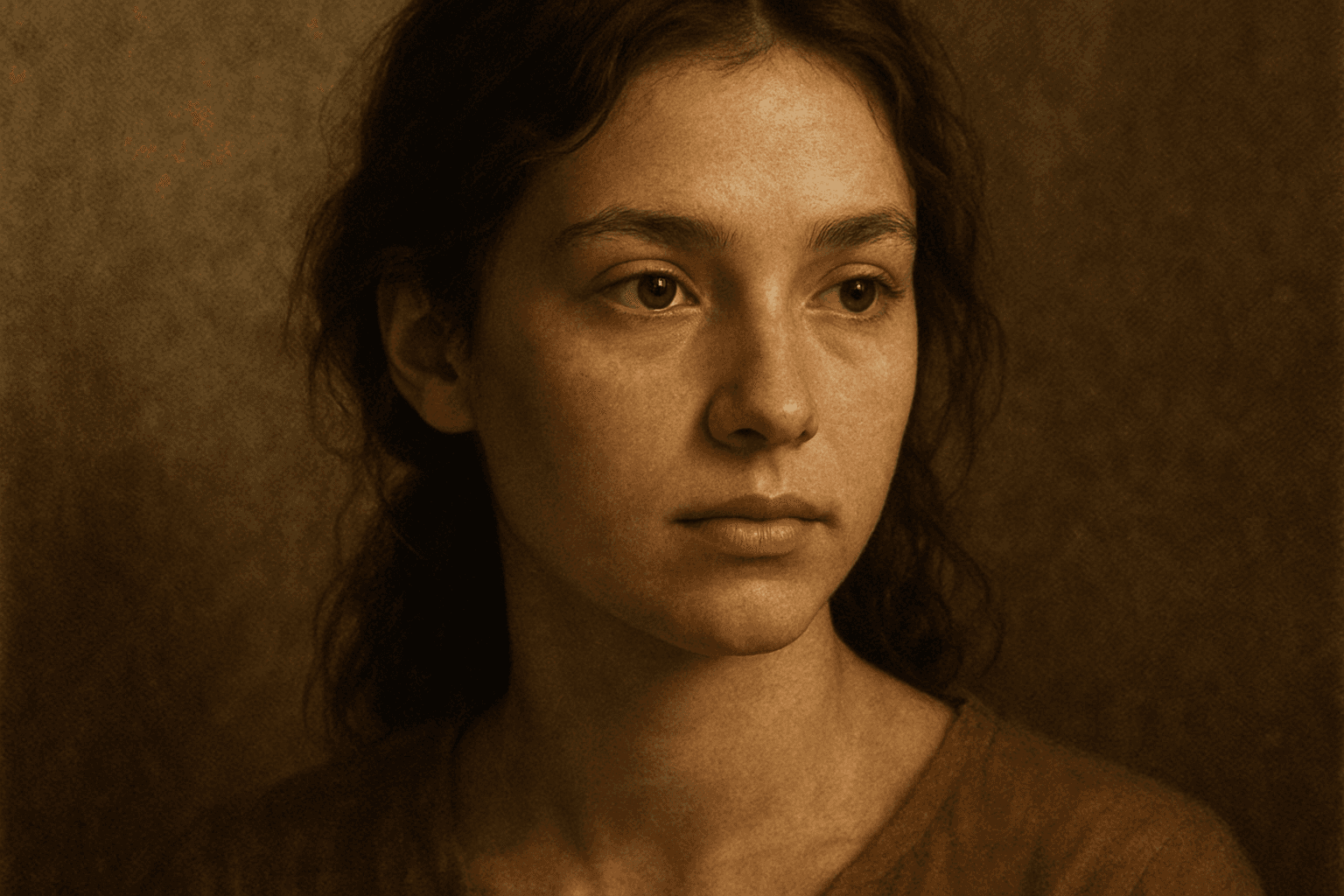
Texture Overlay Techniques are essential for artists and designers using AI image generation to add realistic or stylized surface qualities to their visuals. By specifying textures in a prompt, you can transform flat or generic images into rich, detailed creations that mimic physical materials or artistic effects. These overlays help in achieving mood, authenticity, or unique artistry by adding layers of complexity without altering the core composition. Whether you want a weathered wall effect or a glossy metallic finish, texture overlays deepen the narrative and visual appeal. Understanding how to incorporate texture keywords and their combinations allows for controlled refinement and diverse outputs, making images stand out in editorial, commercial, or creative projects.
Leather Grain Texture
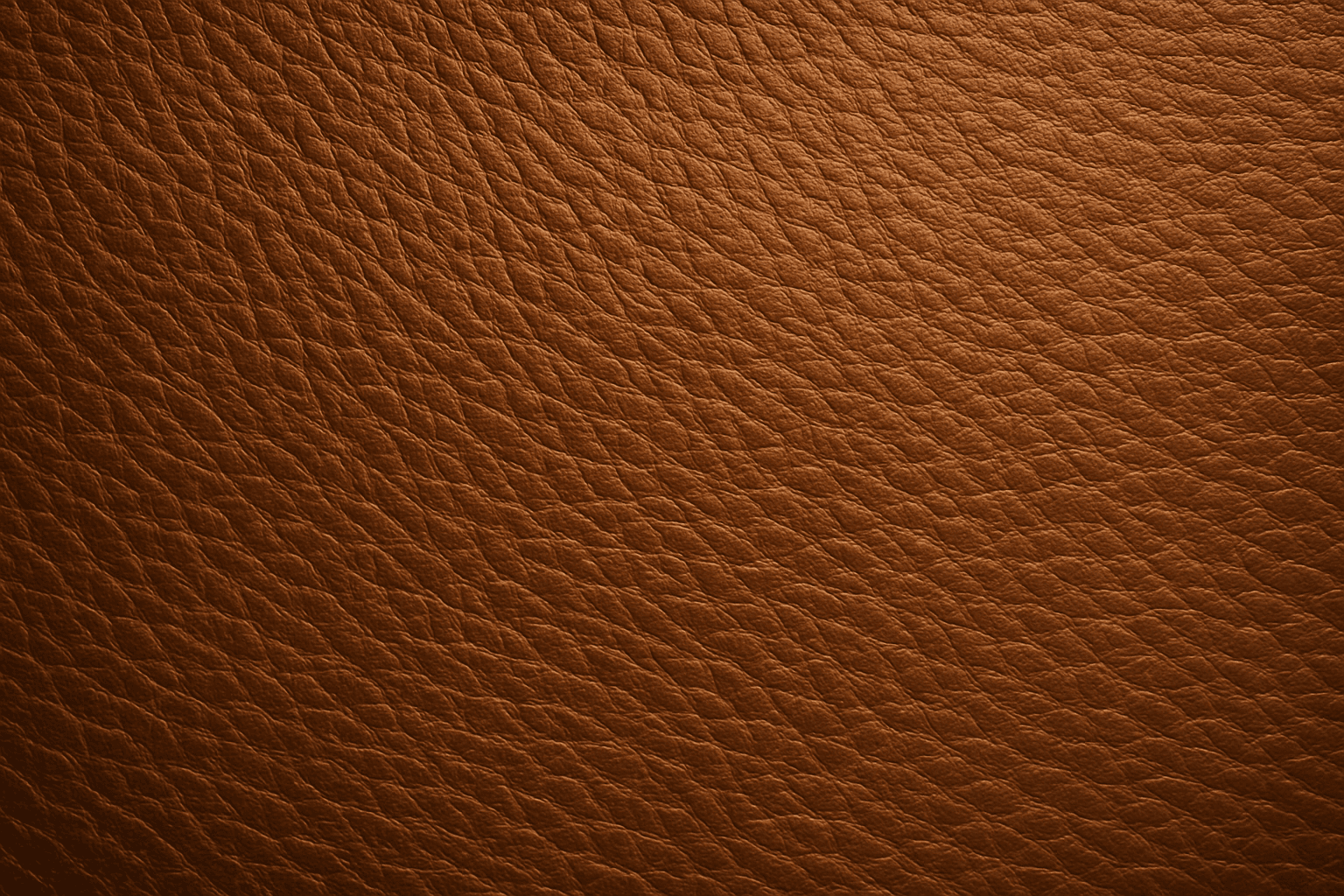
Using 'Leather Grain Texture' in AI image prompts allows creators to generate images with highly detailed and realistic leather surfaces. This keyword enhances the tactile quality of materials depicted, making them appear more authentic and premium. The characteristic grain patterns convey luxury and craftsmanship, useful for designs needing sophisticated material representation. When combined with appropriate lighting and composition, this texture can create visually rich images suitable for product visualization, fashion editorials, or interior design concepts. Mastery of this keyword helps artists achieve depth and realism in their material renderings, appealing to audiences seeking visually convincing visuals.
Oil Paint Texture
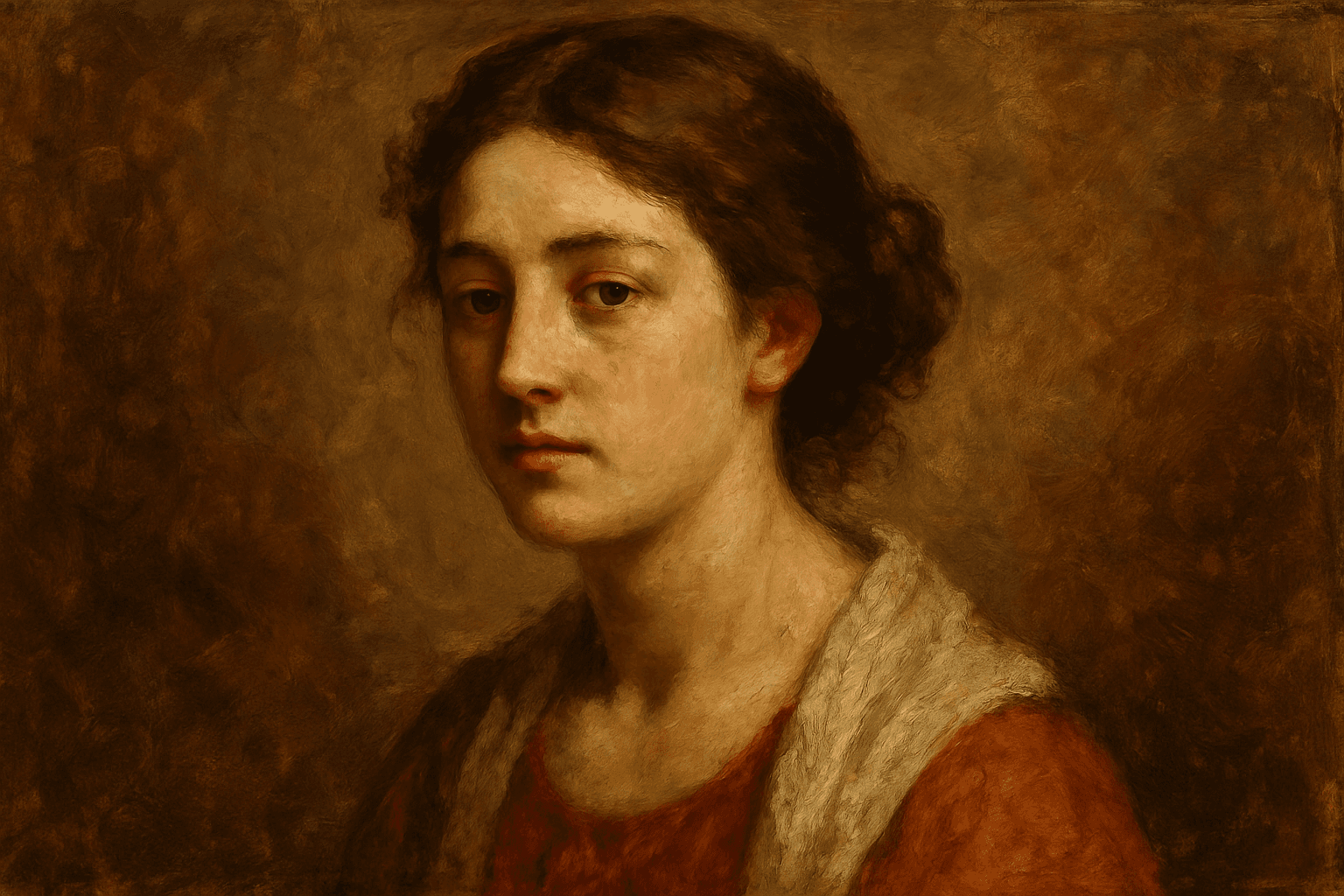
In AI image generation, incorporating the 'Oil Paint Texture' keyword transforms the visual output by imparting a handcrafted artistic quality typical of oil paintings. This texture evokes the physicality of layered paint and distinct brushwork, providing images that appear rich, deep, and textured rather than flat or overly polished. Its use is valuable for artists, designers, and content creators seeking to add classic fine art aesthetics or realistic painterly effects to portraits, landscapes, still lifes, and abstract artworks. By emphasizing brushstroke dynamics and color depth, the oil paint texture enhances visual storytelling and emotional resonance.
Rustic Metal Texture
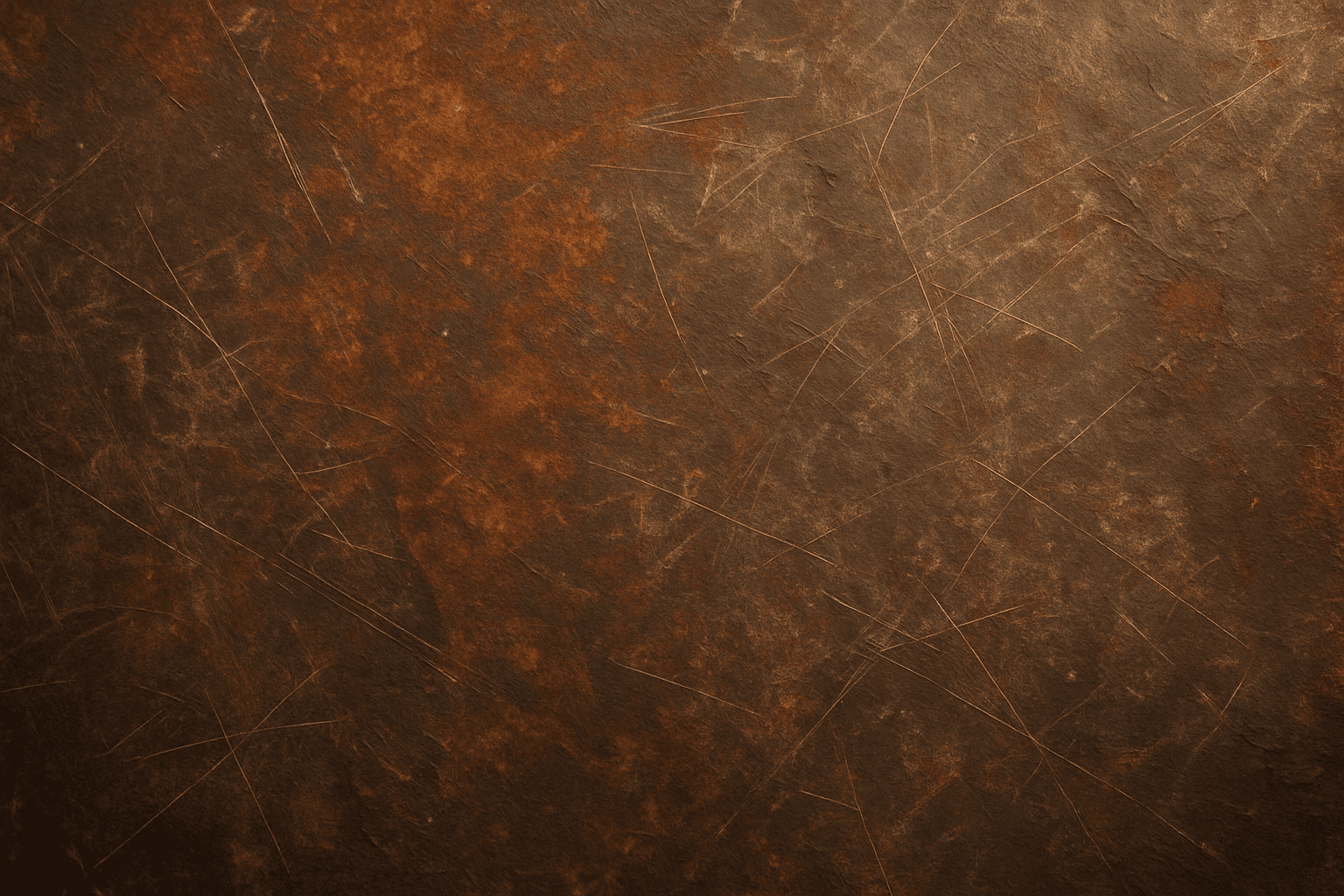
Using the Rustic Metal Texture keyword in AI image generation prompts enables artists and designers to depict materials that evoke a tactile sense of history and industrial age charm. The effect mimics the natural aging process on metals, featuring oxidation, pitting, and surface irregularities, which deliver a realistic and visually compelling finish. This texture works well in designs requiring an authentic vintage or handcrafted aesthetic, often used to contrast smoother, newer materials or to emphasize material quality and environment. Incorporating this keyword enhances the feel of depth and realism, making digital renders more tangible and atmospheric for editorial, product visualization, and concept art contexts.