Oil Paint Texture
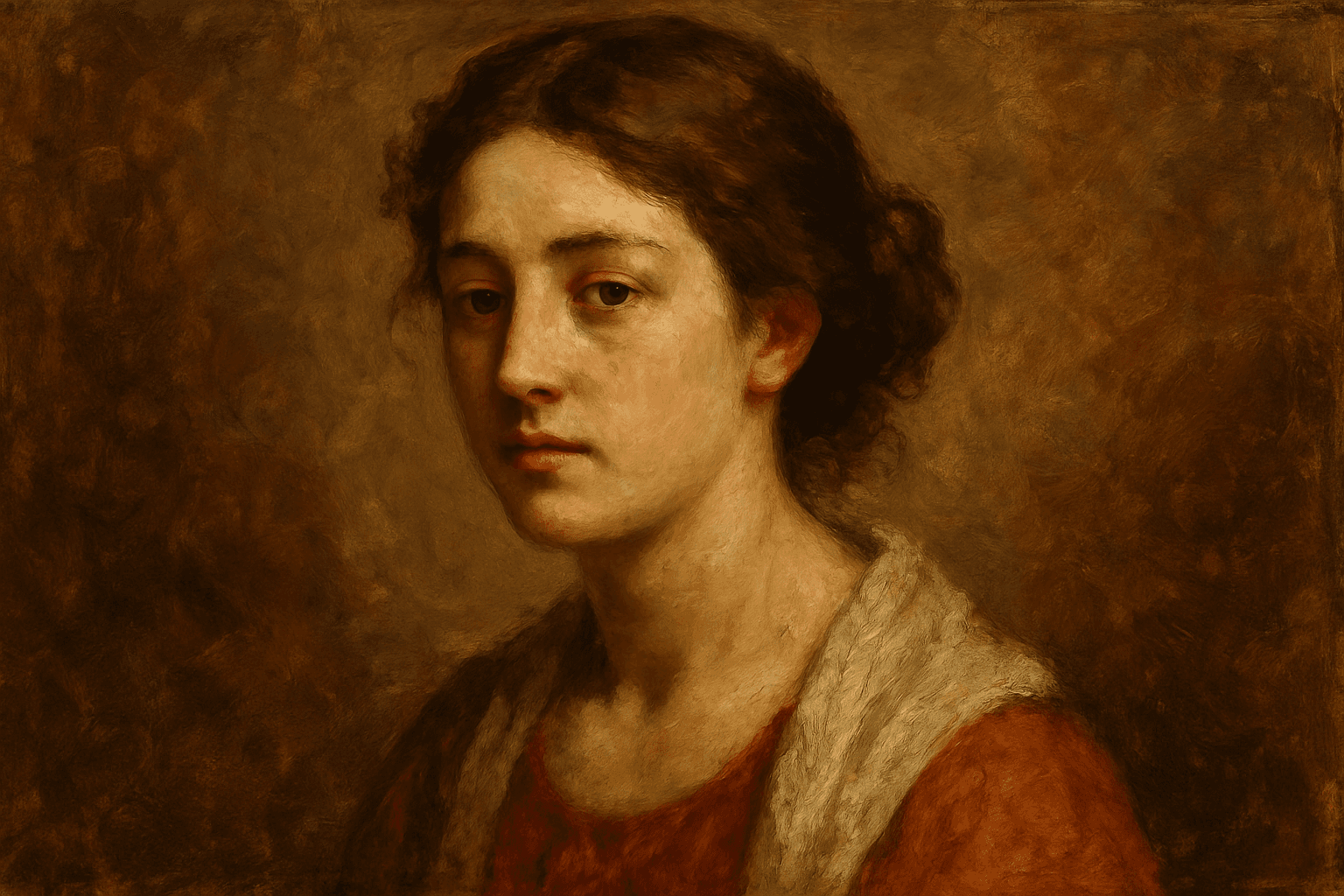
In AI image generation, incorporating the 'Oil Paint Texture' keyword transforms the visual output by imparting a handcrafted artistic quality typical of oil paintings. This texture evokes the physicality of layered paint and distinct brushwork, providing images that appear rich, deep, and textured rather than flat or overly polished. Its use is valuable for artists, designers, and content creators seeking to add classic fine art aesthetics or realistic painterly effects to portraits, landscapes, still lifes, and abstract artworks. By emphasizing brushstroke dynamics and color depth, the oil paint texture enhances visual storytelling and emotional resonance.
Definition
Oil Paint Texture in AI prompts instructs the model to recreate the look and feel of traditional oil paintings, focusing on dense brushwork and layered pigment effects. This keyword changes the image's surface quality, adding depth and a tactile sense that simulates real brushstrokes, making images appear hand-painted rather than digitally smooth or flat.
Prompt Formula
To generate authentic oil paint textures, combine descriptive elements specifying brushstroke style, paint application, and lighting. Example formula: [Subject or Scene], oil paint texture, thick brushstrokes, layered pigments, realistic lighting, classic or impressionist style.
- [Subject], oil paint texture, visible brushstrokes, rich pigment layering
- [Scene], oil paint texture, impasto effect, dynamic brushwork
- [Portrait], oil paint texture, soft lighting, natural color blending
Best Use Cases
- Fine art portraiture and figure painting recreations
- Editorial illustration with a classic hand-painted appearance
- Textured landscape or still life artworks emphasizing brush dynamics
Common Mistakes
Common issues when using 'Oil Paint Texture' include overloading the prompt with vague or generic terms, which can yield muddy or unrealistic brush effects. Avoid requesting 'oil paint' without texture descriptors, as this leads to flat or simulated appearances rather than credible paint surfaces. Also, overemphasis on texture without balancing lighting and color dynamics can cause the image to look overworked or unnatural.
Advanced Techniques
To refine images, pair 'Oil Paint Texture' with specific styles like 'impasto' or add lighting constraints such as 'soft natural light' to enhance pigment depth. Use modifiers like 'visible brushstrokes with directional flow' or 'thick textured layers on canvas' to control stroke detail. Incorporate color harmony tags to preserve realistic paint blending and avoid color bleeding.
- Combine with 'impasto effect' to simulate thick paint application
- Add 'directional brushstrokes' for dynamic texture flow
- Use lighting descriptors like 'soft natural light' to enhance pigment realism
Professional Workflow
Start by defining the artistic vision and specifying oil paint texture attributes in your prompt. Generate multiple variations with subtle changes to brushstroke and paint thickness settings. Evaluate outputs focusing on texture clarity and color layering. Select the most authentic renderings and refine them by adjusting prompt modifiers or post-processing to enhance tactile qualities and color vibrancy.
- Brief with clear paint texture descriptors
- Generate iterations varying brushstroke and thickness
- Select images exhibiting pronounced tactile detail
- Refine with lighting and color balance adjustments
Related Styles
- Impasto (thick paint application style)
- Brushstroke Detail (focused on stroke visibility)
- Painterly Style (emphasizing visible hand-crafted paint marks)
Model-Specific Tips
When using modern AI image models, phrase 'oil paint texture' combined with concrete visual attributes such as 'thick brushstrokes' or 'layered pigments' rather than relying on ambiguous terms. Avoid overly long prompts; instead, balance texture descriptors with style and lighting cues. Test slight phrasing variations for robustness and use moderation to prevent texture overload, which can degrade image quality.
- Use concrete descriptors alongside 'oil paint texture'
- Balance texture terms with style and lighting details
- Test prompt variations for consistent texture results
- Avoid excessive length to maintain image clarity
FAQ
How can I make AI images look like traditional oil paintings?
Use the 'Oil Paint Texture' keyword combined with descriptors like 'thick brushstrokes', 'layered pigments', and style modifiers such as 'impasto' or 'painterly' to instruct the model to replicate the texture and depth of traditional oil paintings.
What should I avoid when prompting for oil paint texture?
Avoid vague or generic terms without specifying texture details, and don't overload the prompt with contradictory style requests. This helps prevent unrealistic or muddy renderings and ensures the brushstroke effect looks natural and convincing.
Continue Exploring
Related Prompts
Cracked Paint Wall Texture
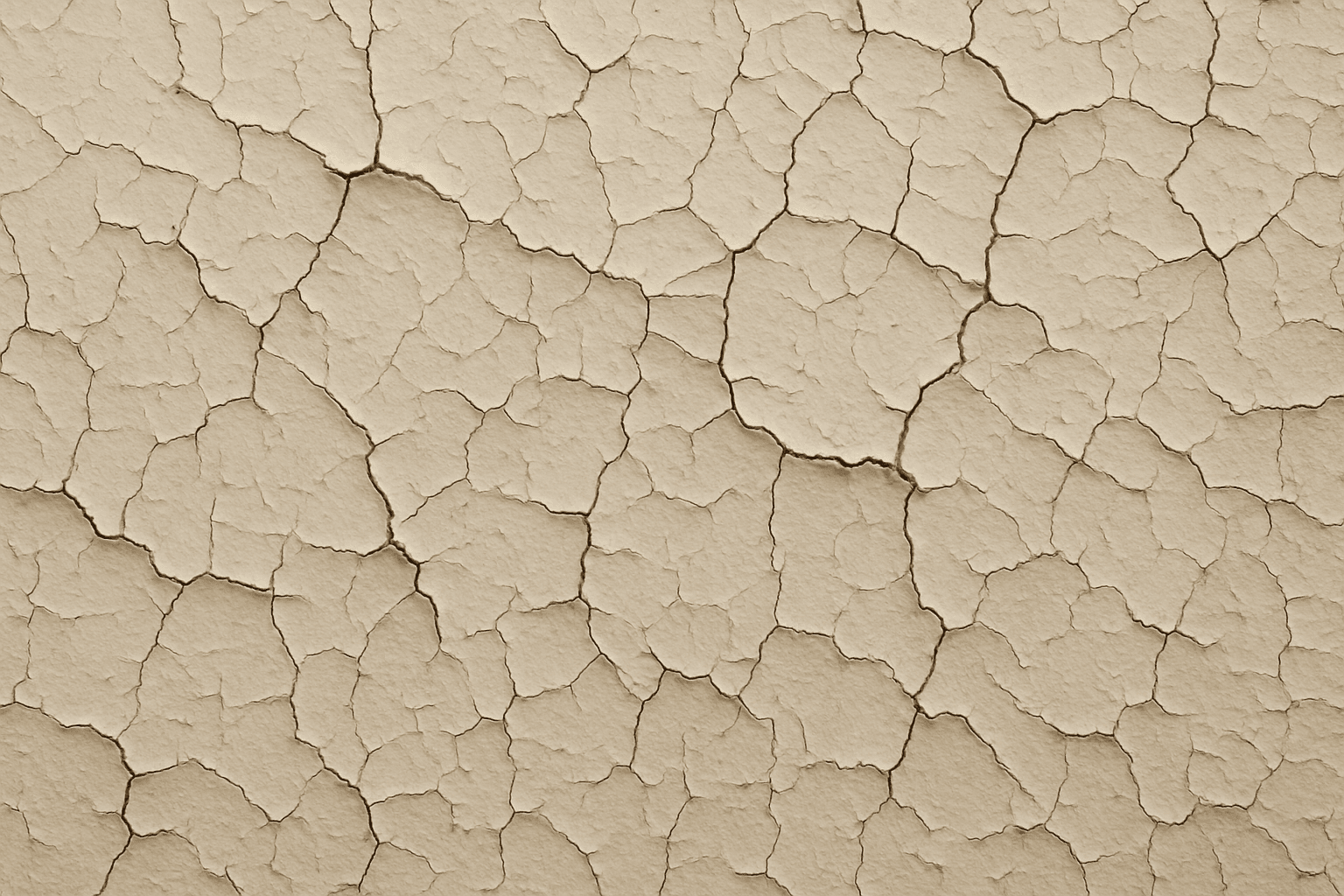
Cracked paint wall texture is a highly sought-after element in digital art and design for its ability to convey urban decay, vintage charm, or neglected environments. When applied to AI image generation, this keyword guides models to create detailed and photorealistic renderings of distressed wall surfaces marked by peeling, cracking, and flaking paint. These textures can evoke strong visual interest and tactile realism, ideal for use in backgrounds, material references, or concept art. Incorporating cracked paint enhances an image’s authenticity by simulating natural deterioration effects often seen in outdoor or abandoned settings, influencing the mood with aged aesthetics and weathered charm.
Texture Overlay Techniques
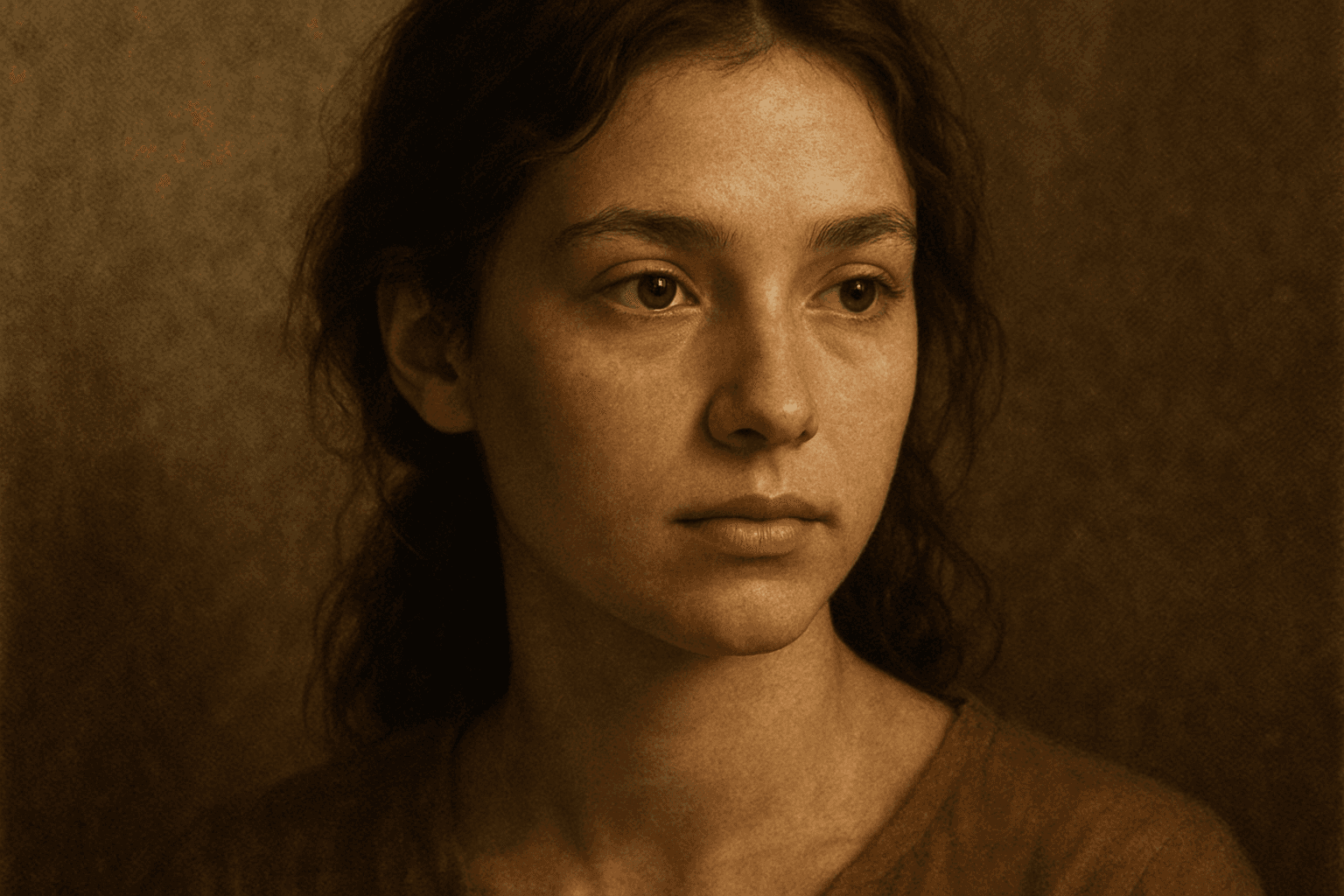
Texture Overlay Techniques are essential for artists and designers using AI image generation to add realistic or stylized surface qualities to their visuals. By specifying textures in a prompt, you can transform flat or generic images into rich, detailed creations that mimic physical materials or artistic effects. These overlays help in achieving mood, authenticity, or unique artistry by adding layers of complexity without altering the core composition. Whether you want a weathered wall effect or a glossy metallic finish, texture overlays deepen the narrative and visual appeal. Understanding how to incorporate texture keywords and their combinations allows for controlled refinement and diverse outputs, making images stand out in editorial, commercial, or creative projects.
Distressed Paper Texture
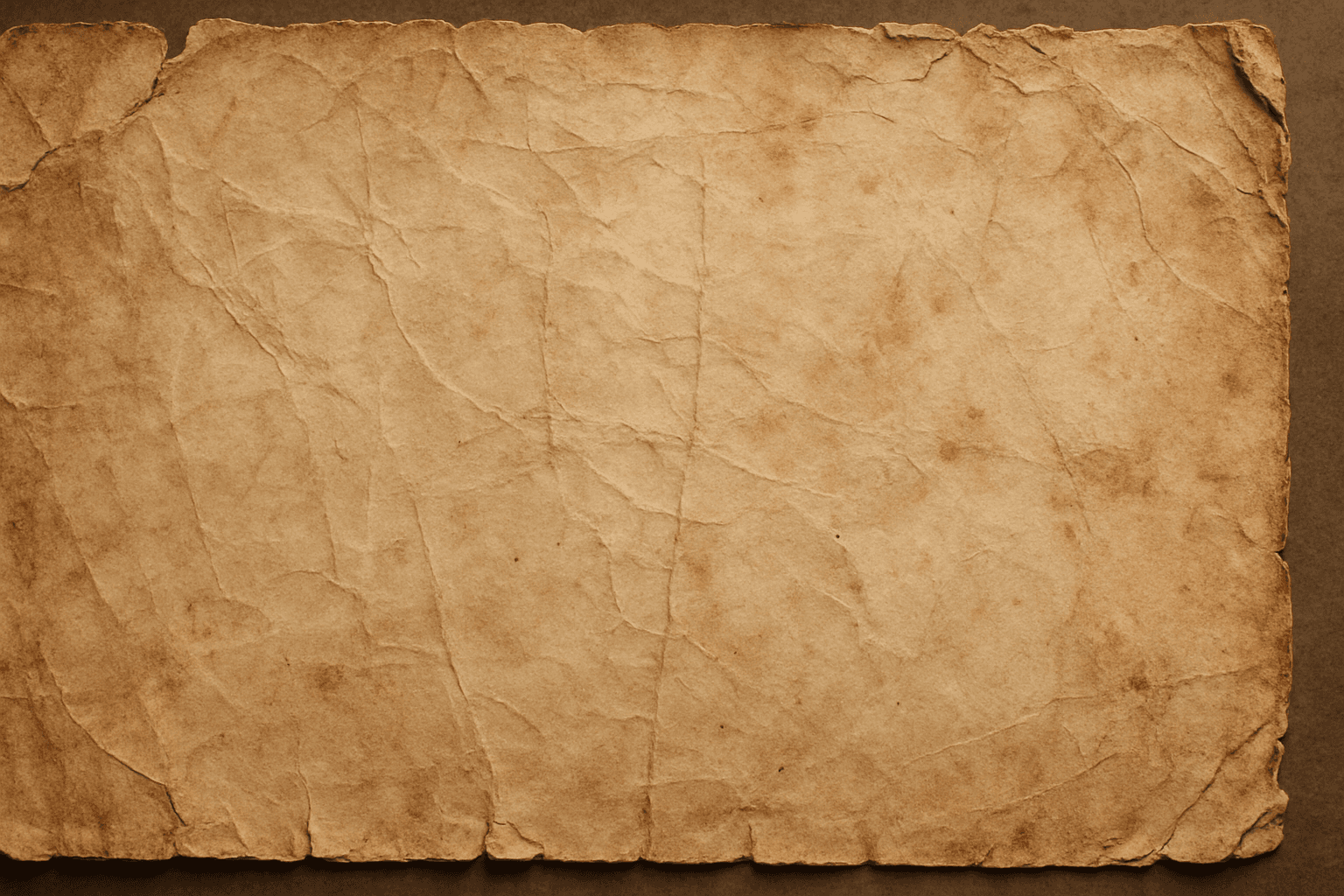
The distressed paper texture keyword is a valuable tool in AI image generation that adds authenticity and historical ambiance to digital artworks by simulating the look of aged or damaged paper. This effect is popular for creating backgrounds, overlays, or standalone textures in graphic design, photography adjustments, and illustrative projects. Incorporating distressed paper elements enriches visual storytelling, evokes nostalgia, and can enhance the mood of vintage or handmade aesthetics. Controlled application within prompts ensures that the wear appears natural without overpowering the primary subject.
Rough Canvas Surface Texture
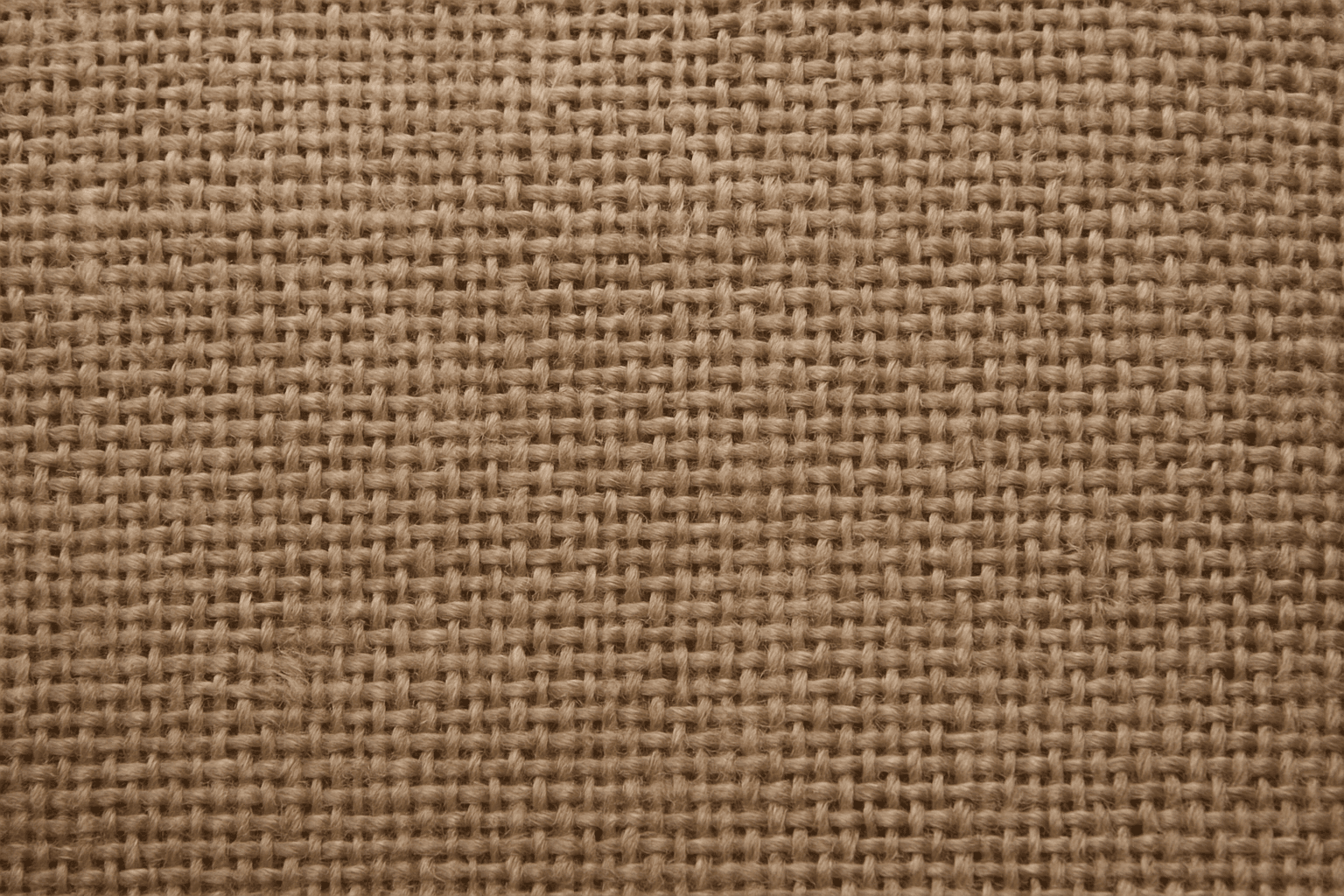
Rough Canvas Surface Texture is a popular keyword in the AI art community used to replicate the physical characteristics of a traditional painter's canvas within digital images. By incorporating this texture, artists and designers can introduce a natural, tactile element that enriches visual storytelling with the impression of real-world materials. This adds both photorealistic and artistic qualities, making AI-generated images evocative, detailed, and perfect for various creative projects that require a handcrafted feel. Whether aiming for a classic painting effect or textured backgrounds, this keyword guides AI models to recreate complex fiber surfaces realistically.
Crosshatching Texture
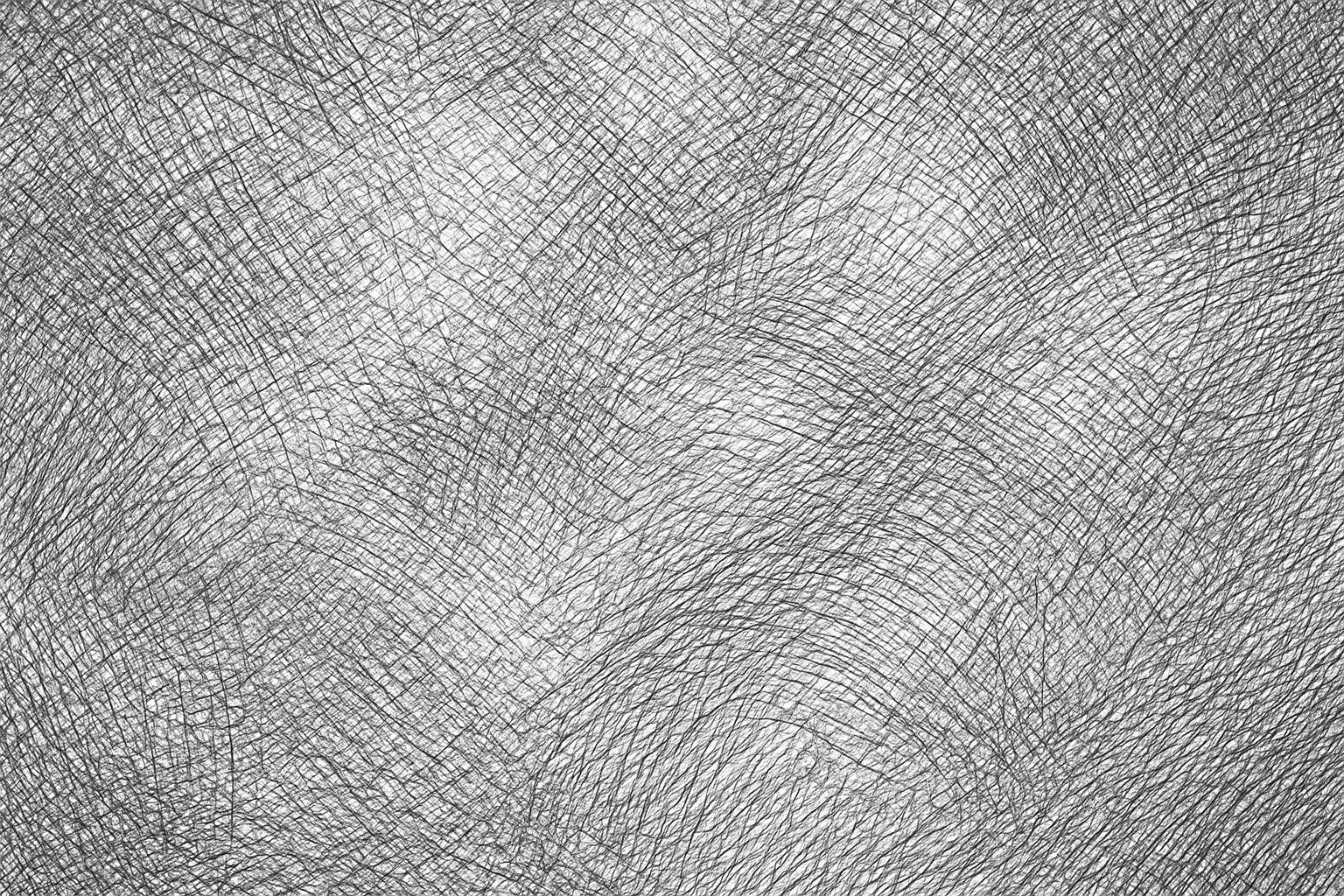
Crosshatching texture is a visual style that emulates hand-drawn shading through intersecting lines, widely used in pen and ink illustrations. When incorporated in AI art prompts, it enhances images with refined shading effects and a tactile quality reminiscent of classical sketching. This texture adds depth by simulating shadows and volume without solid fills, making visuals appear more organic and crafted. Artists and designers leverage crosshatching to achieve nuanced contrast and artistic expressiveness, especially in black-and-white or monochrome compositions. Using this keyword effectively guides AI models to produce images rich in detailed linework and traditional illustrative charm, suitable for creative projects seeking an analog texture feel within digital artworks.
Cracked Paint Texture
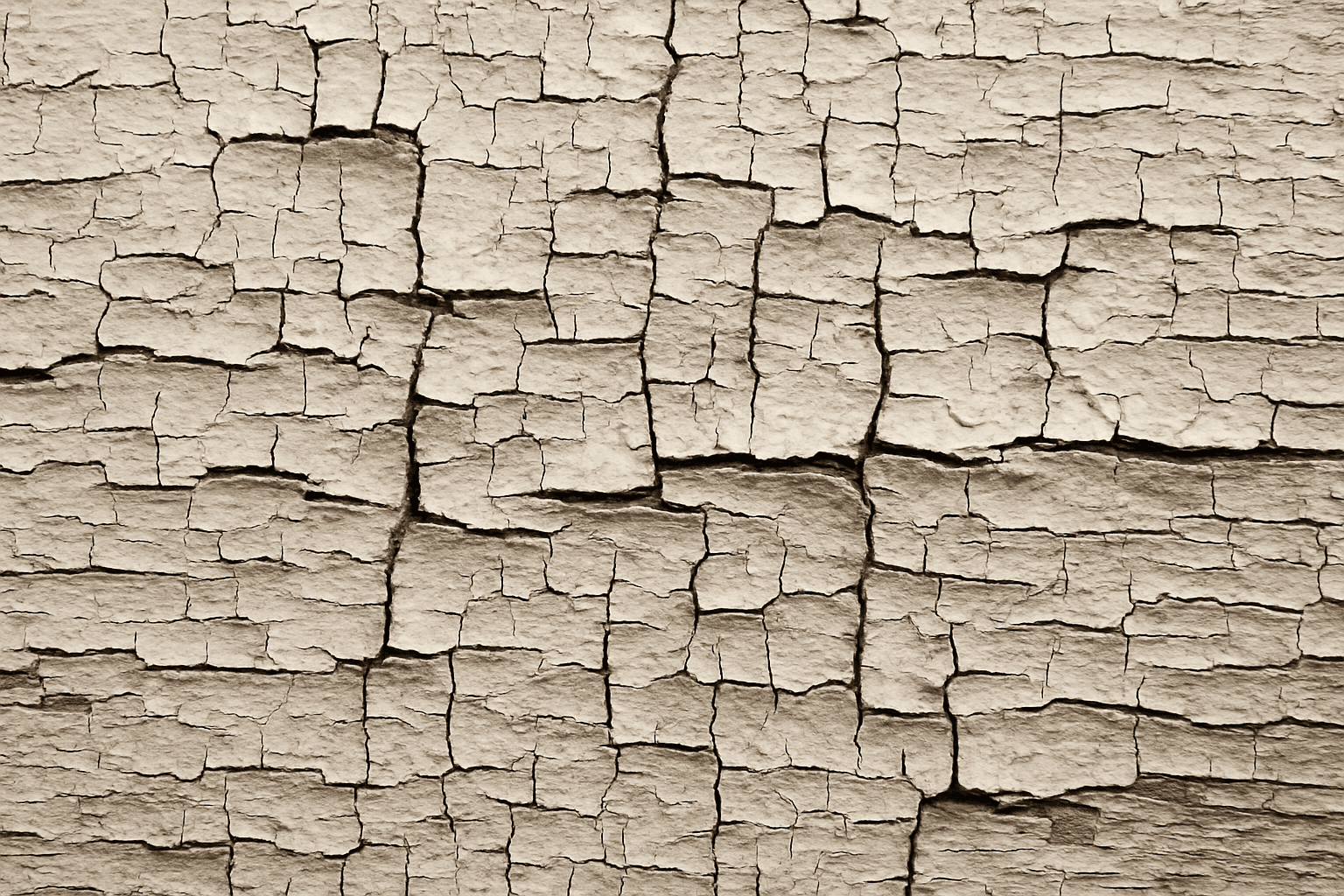
The cracked paint texture keyword enhances AI-generated images by adding a distinctive aged or weathered surface effect commonly seen on old walls, furniture, or vehicles. This texture introduces visual complexity and an organic feel, making scenes appear more realistic or artistically rich. By emphasizing imperfections, it invokes a tactile dimension that conveys history, decay, or rustic charm. Using this keyword allows creators to explore themes of time passage or urban aesthetics in digital art, photography-inspired visuals, or realistic product renders.