HDR Lighting Techniques
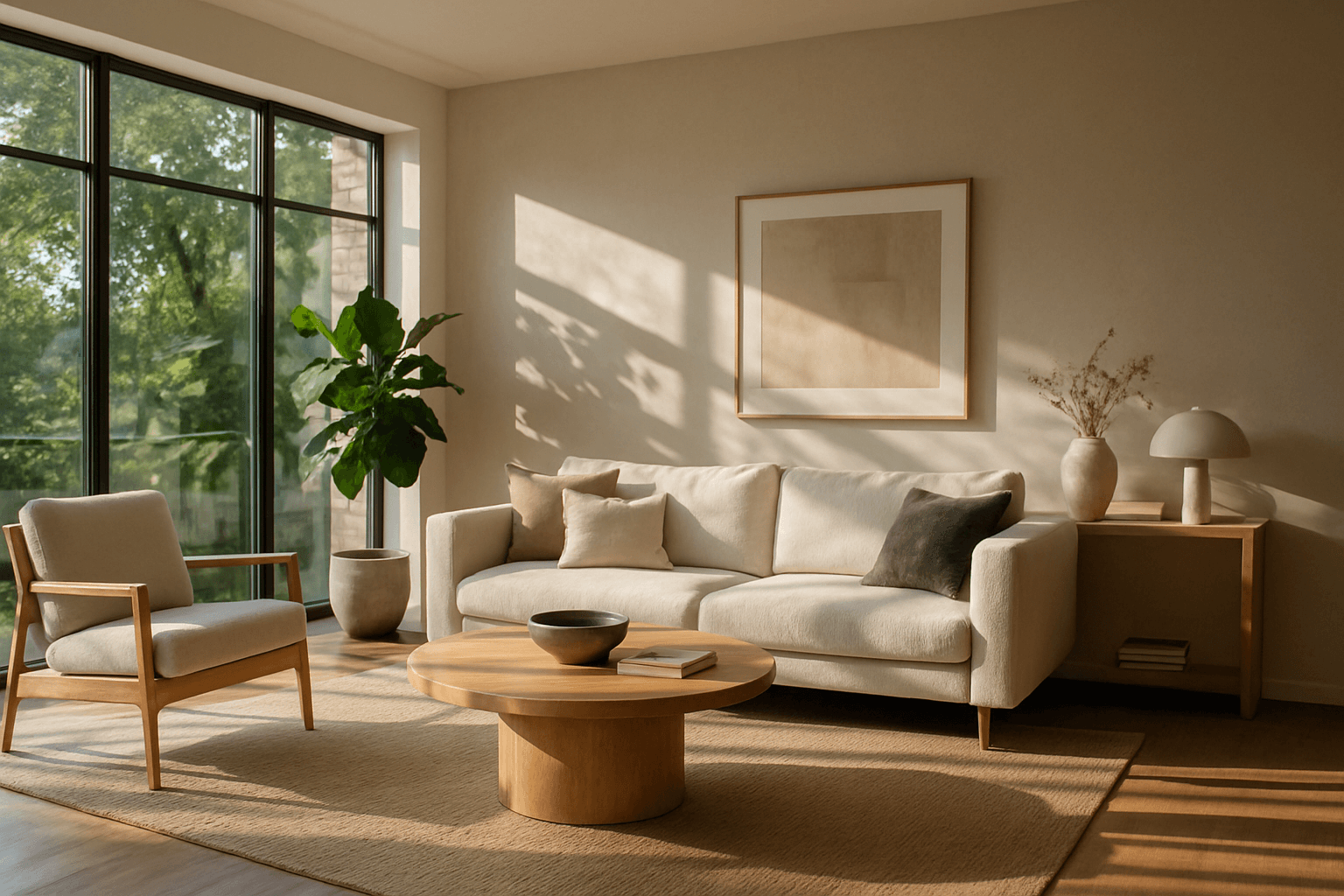
HDR lighting techniques simulate a photographic method that captures a broader luminance range by combining multiple exposure levels. Incorporating HDR descriptors in AI image prompts guides the model to produce visuals rich in contrast and color fidelity, mimicking professional photography results. This technique is particularly effective for scenes where fine details in shadows and highlights must be preserved, such as landscapes, architectural shots, or product imagery. Using HDR lighting keywords prompts AI to render images with superior depth and texture, contributing to a dynamic and immersive viewing experience.
Definition
HDR lighting techniques use High Dynamic Range principles to balance extreme lights and darks within a scene, producing images with superior tonal range and detail visibility. When applied to AI image prompts, this keyword instructs the model to simulate enhanced luminance capturing multiple exposure levels, resulting in visuals rich with vibrance and depth. For beginners, including "HDR lighting" in prompts means expecting a more dramatic and realistic lighting effect that accentuates textures and colors naturally.
Prompt Formula
To incorporate HDR lighting effectively, use these base formulas that can be adjusted for style and subject: 1. "[Subject] with HDR lighting, vivid highlights, deep shadows, ultra-realistic details" 2. "HDR illuminated [scene], balanced contrast, rich color saturation, high dynamic range" 3. "Studio HDR lighting on [object], sharp shadows and bright reflections, photorealistic" Combine these with modifiers like time of day, textures, and environment to further specify the look.
- [Subject] with HDR lighting, vivid highlights, deep shadows, ultra-realistic details
- HDR illuminated [scene], balanced contrast, rich color saturation, high dynamic range
- Studio HDR lighting on [object], sharp shadows and bright reflections, photorealistic
Best Use Cases
- Realistic architectural visualization requiring detailed light rendering
- Vibrant landscape scenes needing balanced sky and shadow details
- High-end product photography emphasizing texture and color fidelity
Professional Workflow
To leverage HDR lighting in AI-generated imagery, begin by clearly briefing the desired scene with specific HDR keywords and lighting directions. Generate initial images using variations of prompts incorporating hdr lighting formulas. Next, review outputs focusing on shadow depth, highlight preservation, and color vibrancy. Select the best candidates and refine them with additional details or adjustment prompts to enhance lighting realism. Finally, perform post-processing touch-ups if necessary to optimize contrast and hues for final use.
Related Styles
- Cinematic Lighting
- Studio Lighting
- Golden Hour Lighting
Model-Specific Tips
Modern AI models respond well to lighting descriptors that mention HDR explicitly combined with terms like "ultra-realistic", "photorealistic", or "high dynamic range." Avoid ambiguous or generic lighting terms alone. Including contextual keywords such as time of day or natural vs. artificial light improves model interpretation. When working with different models, experiment with order placement of "HDR lighting" in prompts for optimal emphasis, as some prioritize initial descriptors more heavily.
FAQ
What does HDR lighting mean in AI image prompts?
In AI prompts, HDR lighting refers to guiding the model to simulate High Dynamic Range illumination, balancing bright and dark areas, resulting in images with greater contrast and visible details across all luminance levels.
Can HDR lighting be combined with other lighting styles?
Yes, HDR lighting can be combined with styles like cinematic or studio lighting to create unique atmospheres while maintaining rich contrast and detail rendering.
Continue Exploring
Related Prompts
High Dynamic Range Lighting
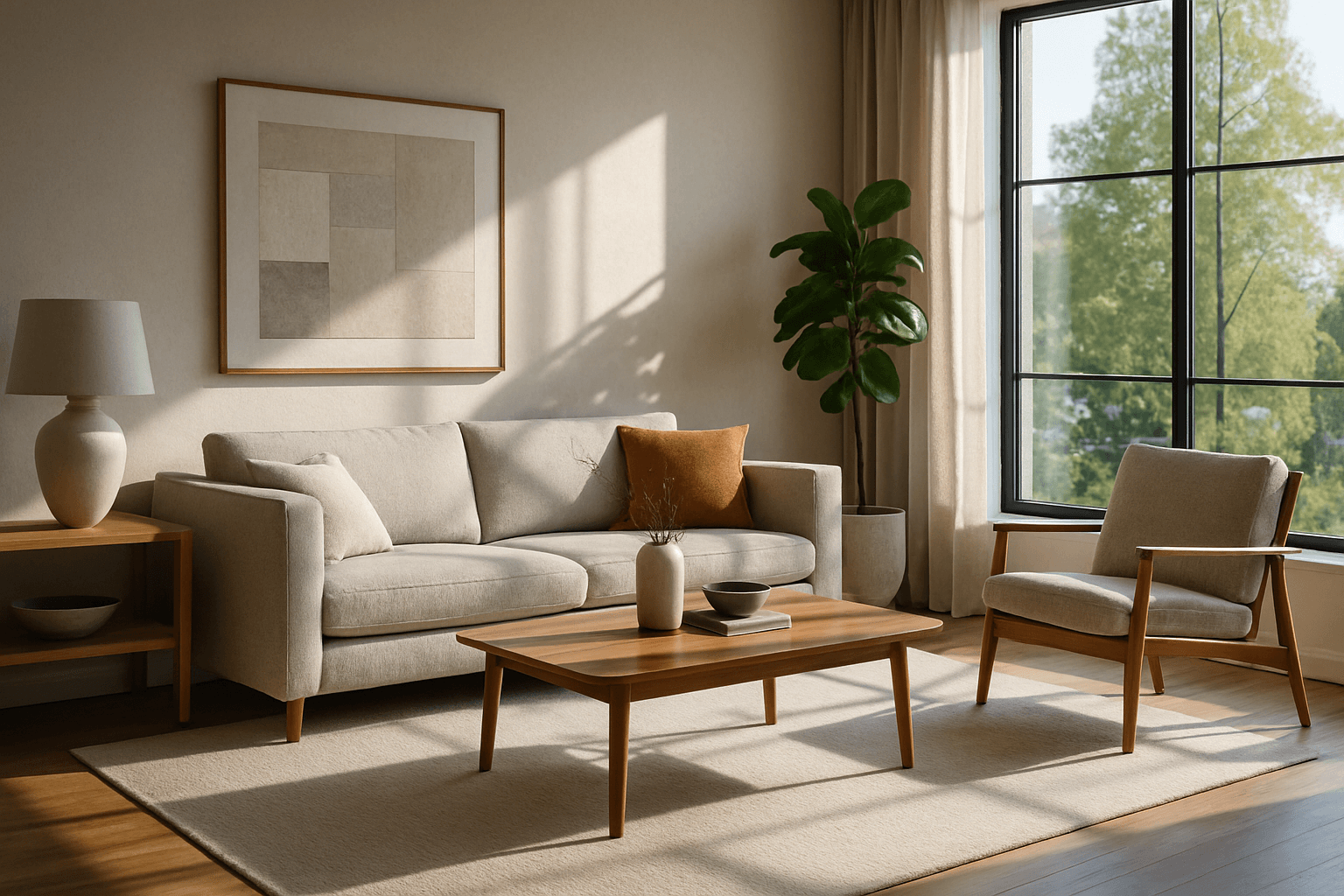
High Dynamic Range Lighting (HDR Lighting) elevates AI-generated images by mimicking the natural spectrum of light intensity present in real-world environments. This lighting style captures a broad range of brightness, preserving details in both shadows and highlights that might otherwise be lost. When integrated into AI prompts, HDR Lighting contributes to images that feel more immersive, dramatic, and visually striking. It is especially beneficial for scenes involving complex lighting situations like sunsets, indoor interiors with windows, or reflective surfaces. Artists and creators looking to create premium-quality renderings with photorealistic depth often rely on HDR Lighting to add a compelling sense of realism and sophistication to their work.
Cinematic Lighting
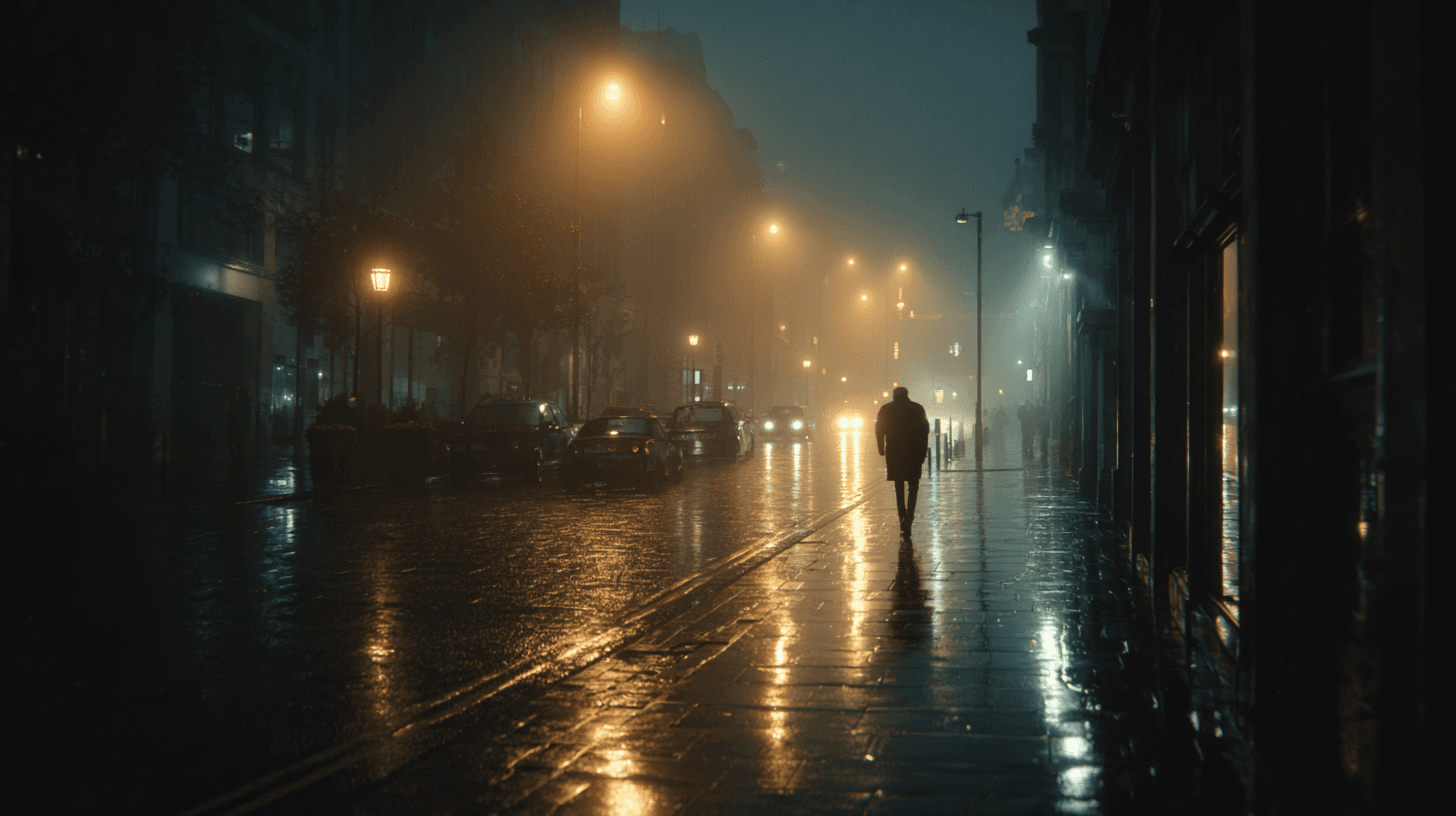
Cinematic Lighting is one of the most useful prompt keywords for making AI-generated images feel intentional, polished, and story-driven. Instead of asking for a flat, evenly lit image, this keyword signals that the scene should feel as if it was lit for a film, commercial, or high-end editorial shoot. The result often includes stronger direction in the light source, more purposeful shadows, richer contrast, and a clearer sense of atmosphere. For beginners, it is a reliable way to move an image away from a generic render and toward something that feels composed, dramatic, and visually memorable.
Dynamic Range Lighting
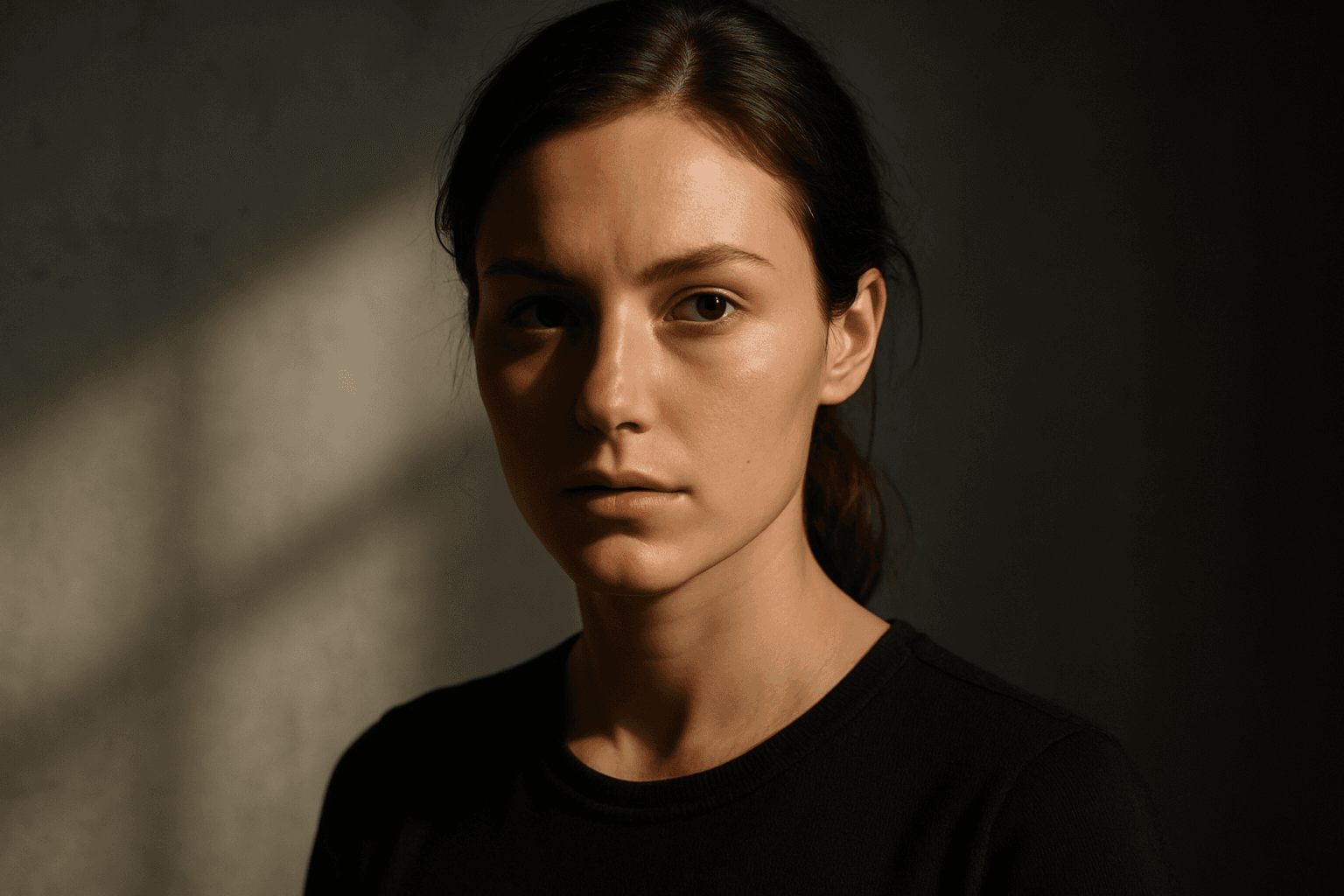
Dynamic Range Lighting significantly improves the quality of AI-generated images by incorporating a wide range of light intensities, from deep shadows to bright highlights. This approach mimics natural lighting conditions or creatively accentuated environments, adding depth and realism to compositions. When integrated into AI prompts, it instructs the model to thoughtfully manage exposure and contrast, preventing flat or washed-out images. Such lighting enriches textures, elevates focal points through contrast, and contributes to a premium, polished appearance fitting for editorial and commercial use.
Studio Lighting
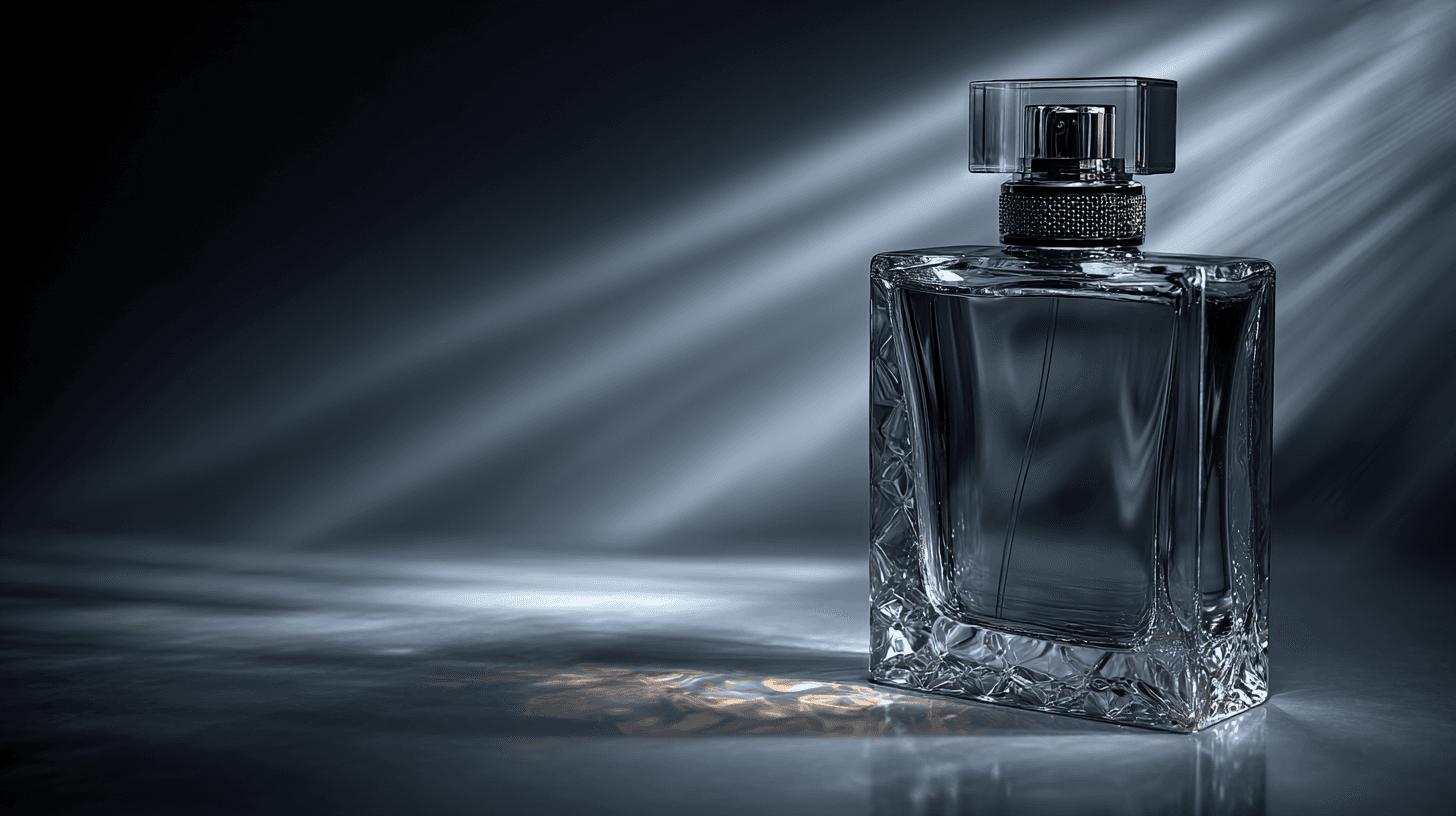
Studio Lighting is a prompt keyword that suggests a controlled, professional lighting setup. Instead of relying on natural sunlight or random environmental light, Studio Lighting points the model toward clean highlights, intentional shadows, balanced exposure, and a polished commercial finish. It is one of the most practical lighting keywords for AI image creators because it works across product photography, portraits, ecommerce, fashion, corporate visuals, and catalog-style imagery. For beginners, Studio Lighting is helpful when you want an image to look professional, reliable, and ready for business use.
Mixed Lighting Techniques
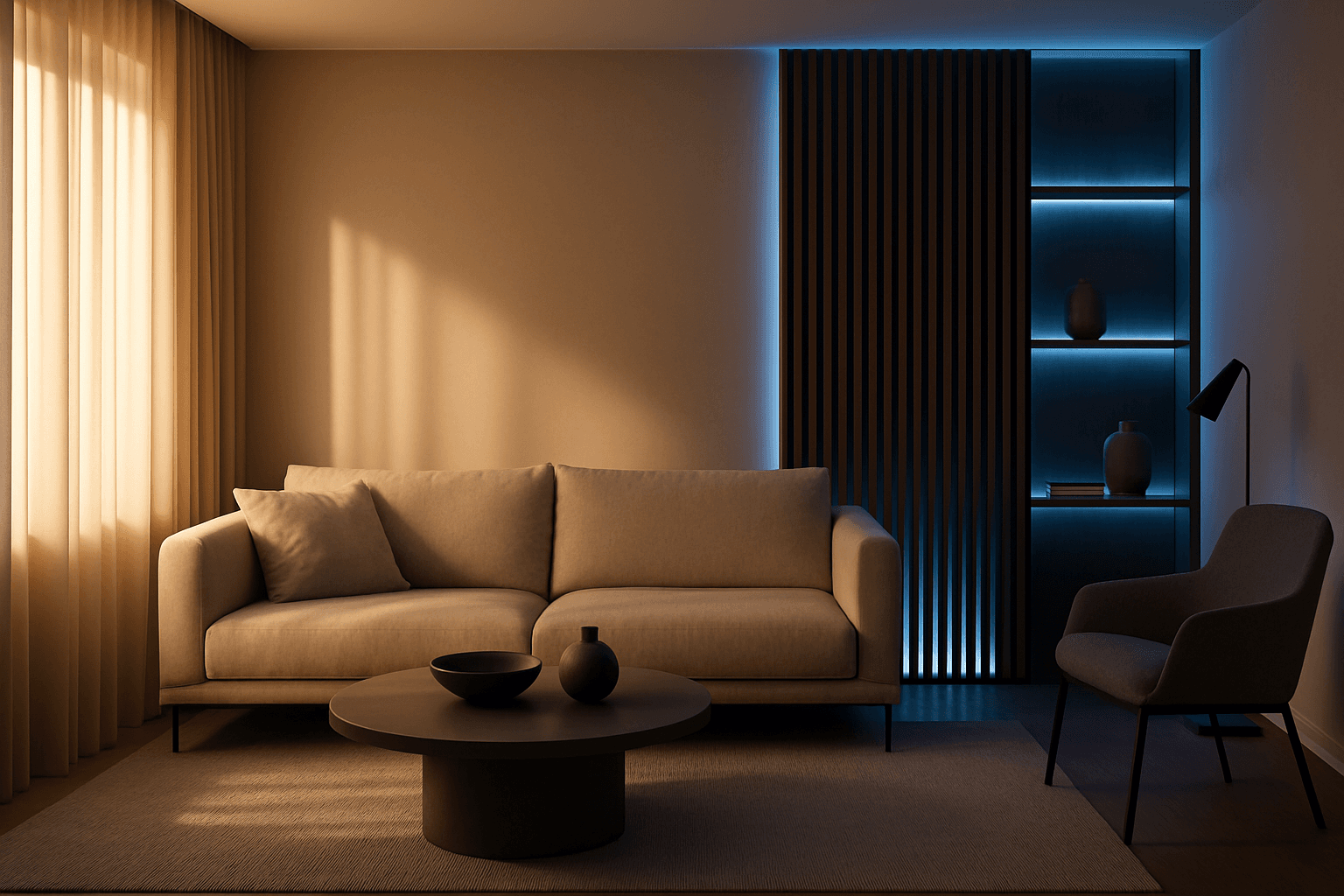
Mixed Lighting Techniques unlock the power to simulate complex lighting scenarios within AI-generated images. By combining different light sources such as natural daylight, artificial lamps, or neon colors, images gain realism and depth. This method helps depict scenes that feel more authentic and visually compelling, including indoor environments with sunlight filtering through windows alongside artificial lights or street scenes with ambient evening light and colored neon. Using mixed lighting effectively elevates the quality and storytelling potential of AI-generated visuals, making them suitable for high-end editorial work, advertising, and artistic compositions.
Natural Window Lighting
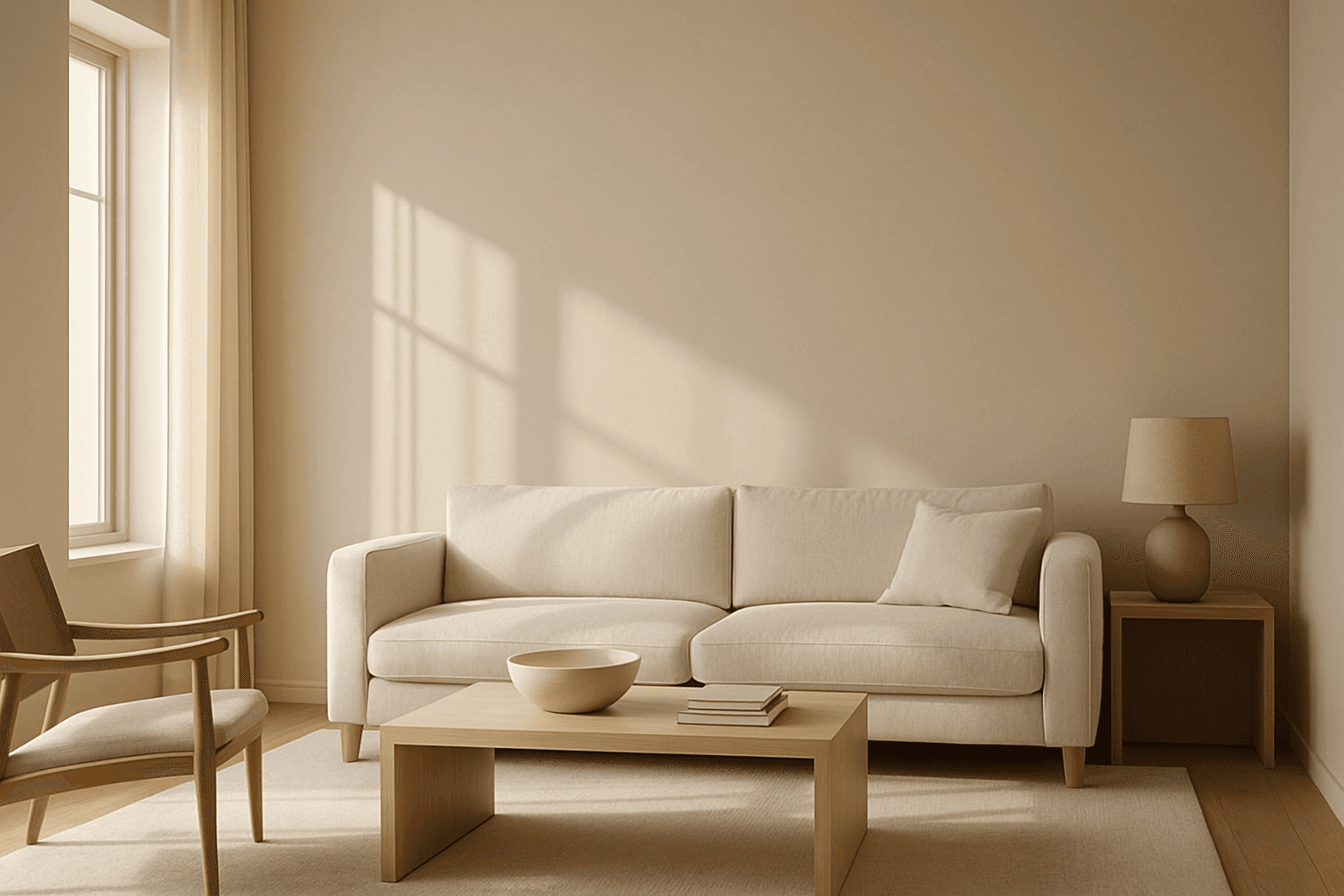
Natural Window Lighting is a popular lighting technique that mimics the ambient daylight streaming through windows, offering a natural and realistic illumination style in AI-generated images. It emphasizes soft shadows and highlights that define form and texture without harsh contrasts, making scenes appear inviting and warm. This lighting enhances photographic aesthetics, especially for indoor portraits, still lifes, and architectural visualizations, by adding depth and subtle color shifts. Using this keyword in AI prompts guides the image generation to prioritize delicate lighting effects and realistic shadow play reminiscent of early morning or late afternoon light filtering through windowpanes.