Light Painting Technique
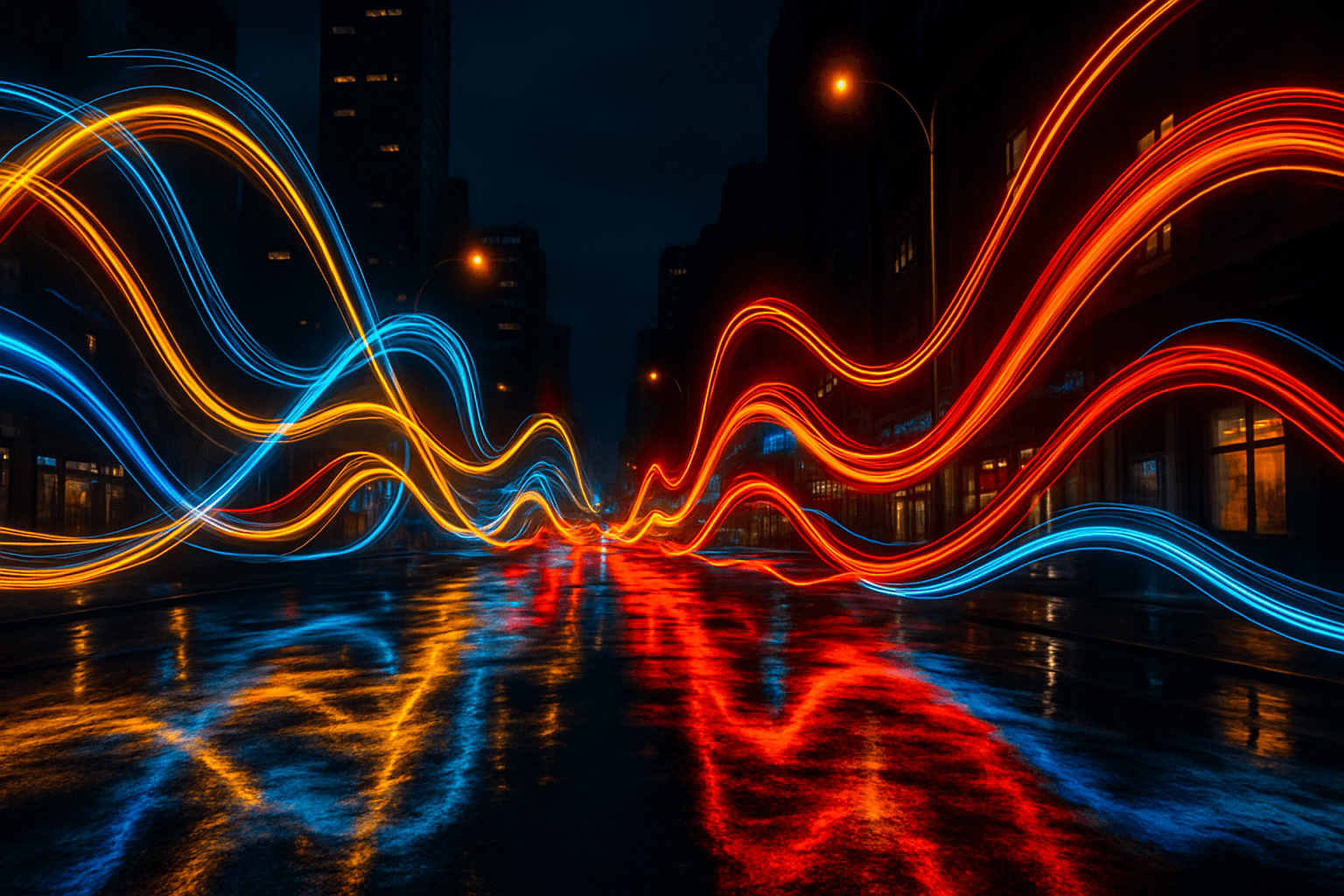
Light Painting Technique is a powerful keyword in AI image generation that mimics the real-world photographic method of painting with light during long exposures. By incorporating this keyword into prompts, users can evoke dramatic, ethereal lighting effects that add movement and vibrancy to images. This technique is particularly effective for creating dynamic scenes featuring motion, abstract light art, or futuristic aesthetics. Using the Light Painting Technique keyword enables creators to explore an innovative lighting style that transforms ordinary settings into visually captivating compositions with glowing and fluid light elements.
Definition
The Light Painting Technique in AI image prompts simulates long-exposure photography effects where moving light sources create bright trails and patterns. Adding this keyword guides AI models to generate artistic illuminated lines that imply motion and glowing light in a scene. It transforms static images by emphasizing dynamic, flowing light forms often seen in night photography.
- Simulates long-exposure light trail effects
- Creates dynamic, glowing light streaks
- Adds motion and artistry through light patterns
Prompt Formula
To craft effective AI prompts using the Light Painting Technique, combine descriptors of lighting, movement, and environment. Example formulas include:
- '[Subject] illuminated with colorful light painting technique, long exposure glow, vibrant light trails'
- '[Scene] at night featuring light painting technique, flowing neon lights, dynamic luminosity'
- 'Abstract composition with swirling light painting technique, bright streaks on dark background'
Best Use Cases
- Night cityscapes or urban environments with vibrant light trails
- Artistic portraits emphasizing motion and glowing lighting effects
- Abstract or futuristic visuals showcasing dynamic illuminated patterns
Related Styles
- Light Trails — emphasizes glowing moving lights
- Long Exposure — captures slow shutter speed photography effects
- Neon Glow — focuses on bright neon illumination
Model-Specific Tips
When using modern AI image models, specify the Light Painting Technique alongside vivid lighting adjectives and color schemes to enhance results. Avoid overly generic terms; include contextual details like subject motion or background darkness to help the model render clear light streaks. Balance lighting with realism by mentioning material reflections or subtle shadows for depth.
- Include specific descriptors: 'colorful', 'glowing', 'long exposure'
- Mention subject movement or environmental darkness
- Combine with materials reflecting light for realism
- Avoid abstract or vague lighting instructions alone
FAQ
How does the Light Painting Technique affect AI-generated images?
It directs the AI to simulate glowing light trails and patterns, adding a sense of motion and luminous artistry to the image, enhancing dynamic lighting effects.
Can the Light Painting Technique be used in portrait images?
Yes, it can creatively highlight subject movement with swirling light effects, adding vibrancy and focus to portraits, especially against dark backgrounds.
Continue Exploring
Related Prompts
Reflected Light Technique
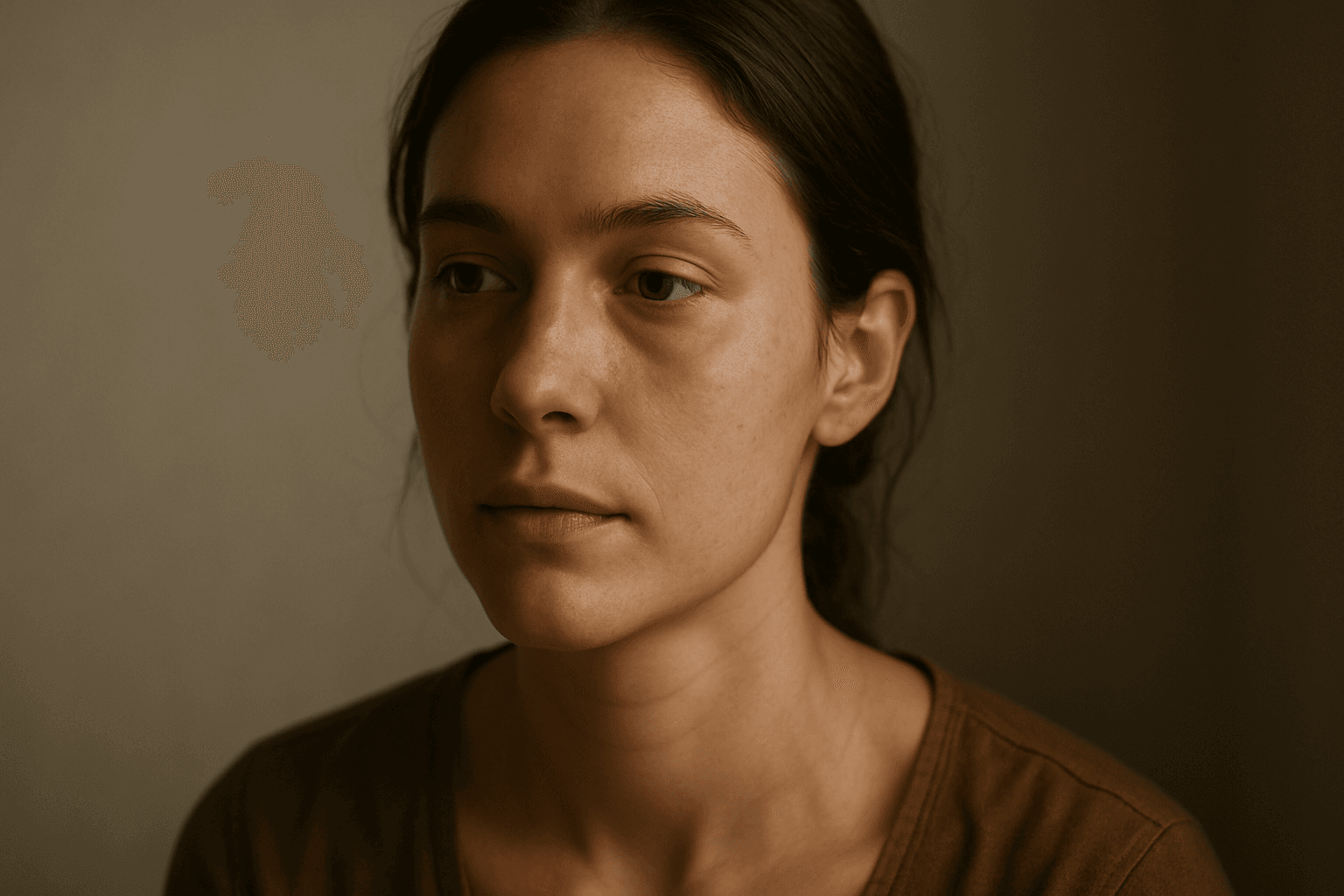
The reflected light technique is essential for artists and AI users aiming to enhance the quality and realism of generated images. By incorporating reflected light cues into prompts, the AI simulates indirect lighting effects that naturally exist in real-world scenes. This technique softens shadows, improves spatial depth, and accentuates textures and materials subtly. It is especially beneficial in portrait, still life, and interior imagery, where nuanced light behavior impacts mood and detail perception. Using reflected light can transform flat, unrealistic images into visually engaging artwork with a heightened sense of atmosphere and authenticity.
Rembrandt Lighting Technique
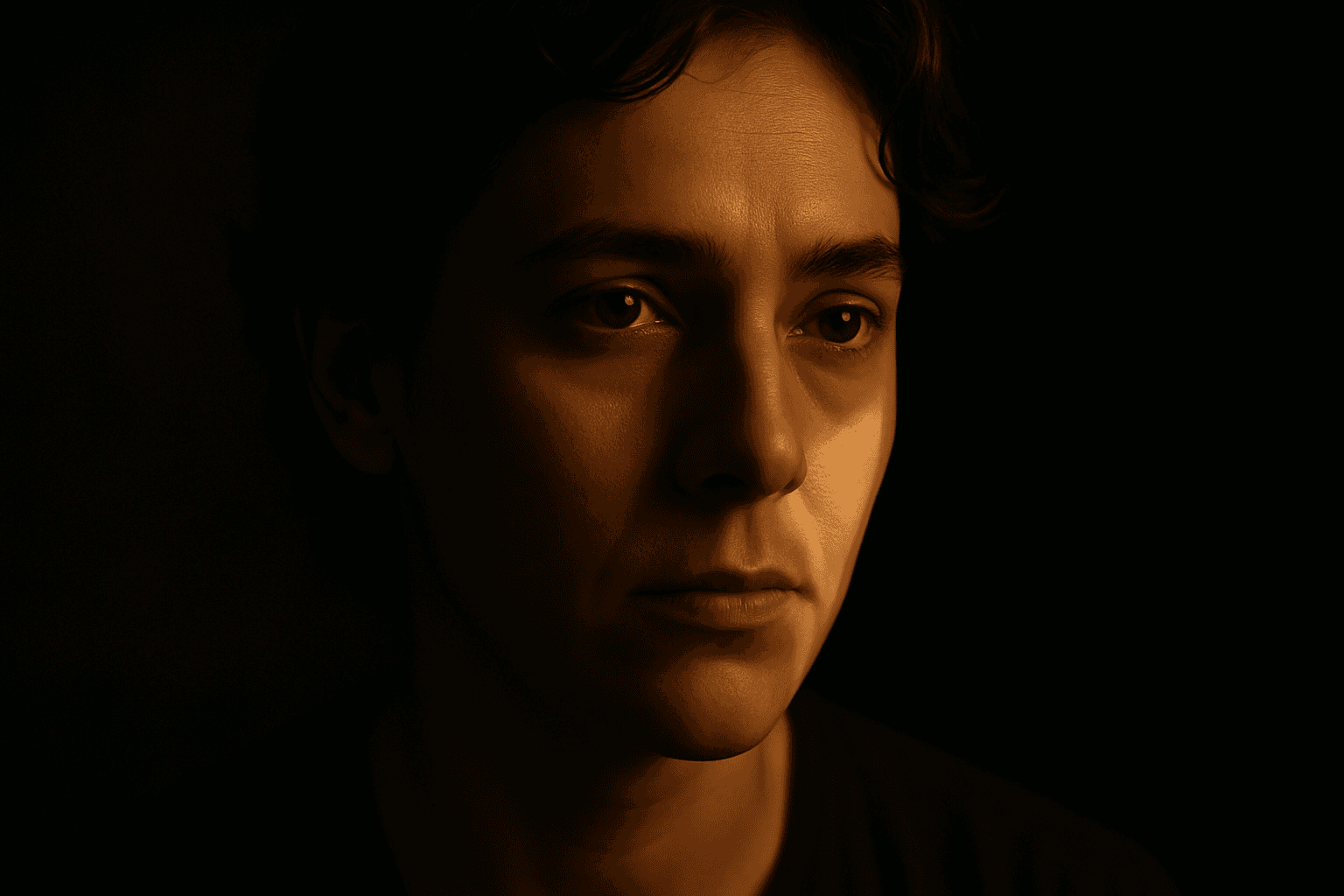
The Rembrandt lighting technique is a foundational portrait lighting method originating from the Old Master painter Rembrandt Harmenszoon van Rijn. In AI-generated images, this technique adds a cinematic and three-dimensional quality by highlighting a small illuminated triangle beneath the eye on the shadowed side of the face. Artists and photographers often use Rembrandt lighting to evoke drama, depth, and a classic aesthetic. Including this keyword in AI image prompts instructs models to replicate the lighting angle and shadow play, making portraits more visually compelling and lifelike. This effect enhances textures and contours, perfect for expressive character studies and refined editorial photography simulations.
Overhead Lighting Technique
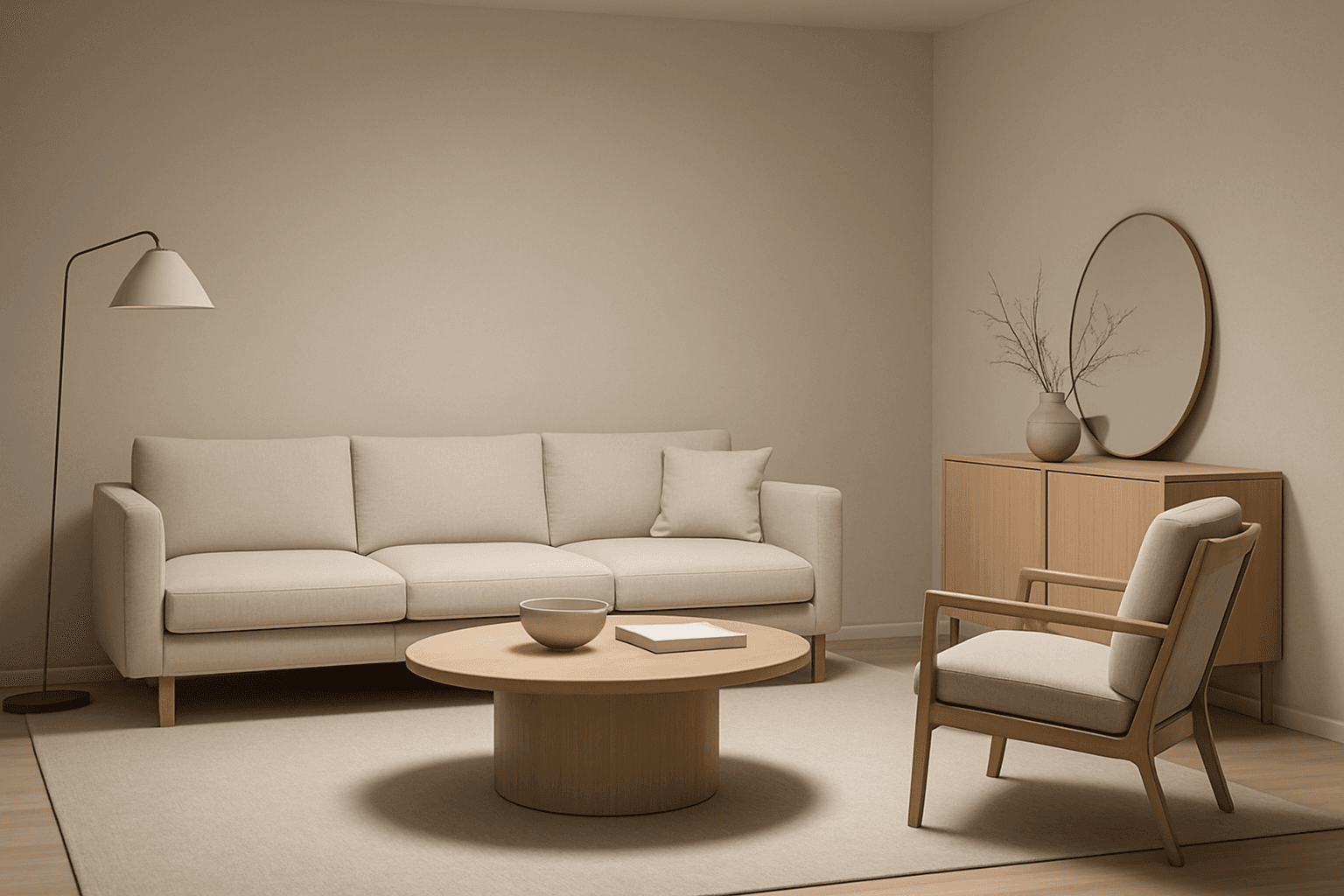
Using the overhead lighting technique in AI image generation adds a realistic and professional quality to images by simulating light coming from above the subject. This lighting style emphasizes the contours and shapes by casting natural shadows beneath objects, enhancing visual depth and dimensionality. It is frequently used in editorial photography, product displays, and interior visuals to create a refined mood and clarity. Incorporating overhead lighting into your prompts helps produce images with clean, premium aesthetics that suit commercial and artistic purposes alike.
Split Lighting Technique
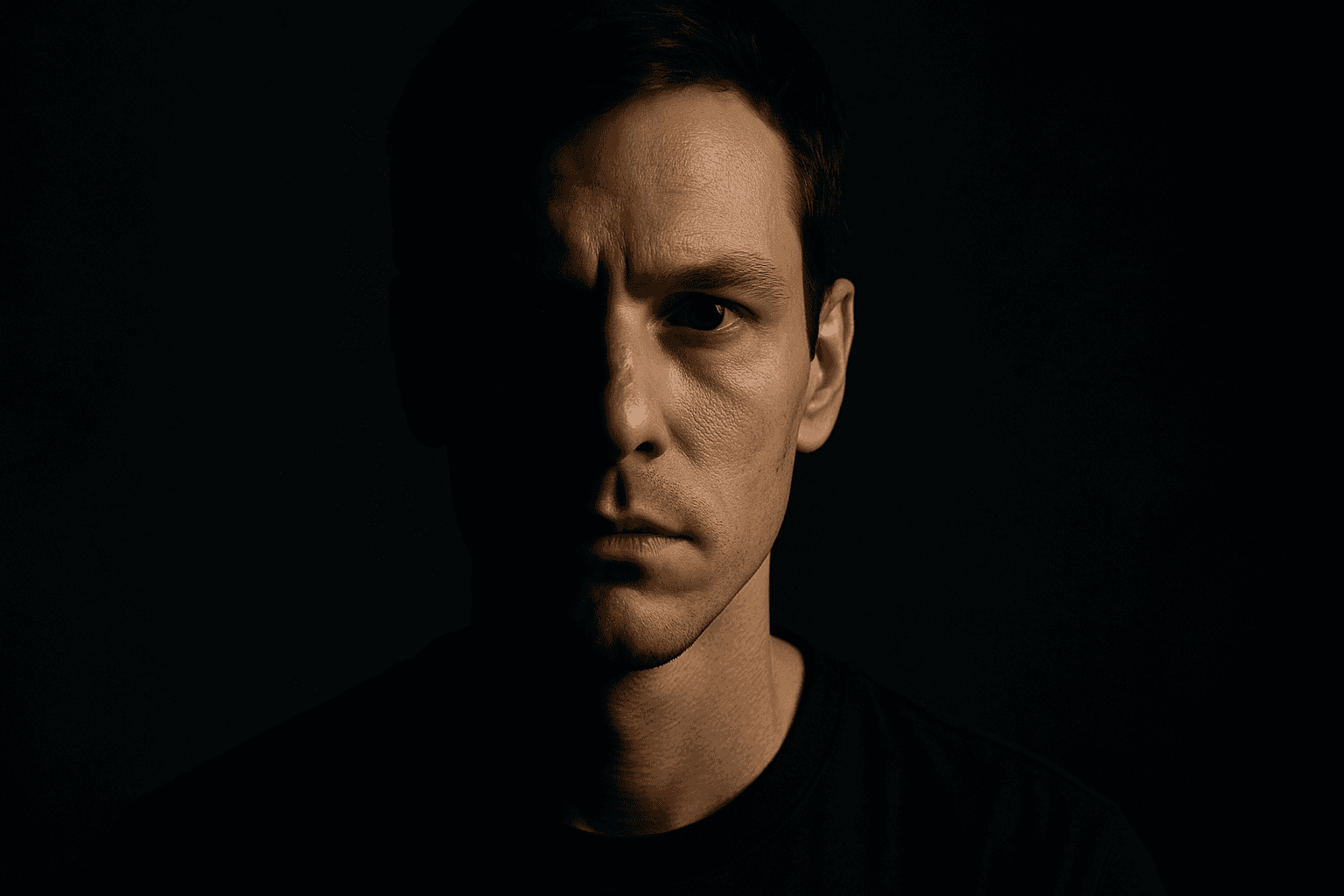
Split lighting is a classic photographic lighting technique widely used for portraits to craft dramatic and intense images. When applied in AI image prompts, it guides the generation to simulate this lighting style by illuminating one half of the subject brightly while casting the other half in shadow. This technique enhances depth and character, often lending a mysterious or serious tone to portraits. It is especially effective for emphasizing facial features, textures, and emotional expressions. Utilizing split lighting in AI art allows creators to generate compelling, high-contrast images that stand out in editorial, commercial, or artistic contexts.

Low Angle Lighting
Low angle lighting is a powerful photographic and artistic technique that shifts the viewer's perspective by lighting subjects from below. When integrated into AI image prompts, it helps generate images with a distinct, often dramatic mood and added dimensionality. This lighting arrangement mimics natural scenarios like sunrise or artificial lighting such as street lamps from ground level. Due to its uncommon viewpoint, low angle lighting enhances textures and contours by reversing traditional shadow placement, producing striking images ideal for editorial portraits, architectural shots, and dynamic compositions. Leveraging this keyword allows creators to break away from standard lighting styles and evoke more intriguing atmospheres in synthetic visuals.

Rembrandt Light Setup
The Rembrandt light setup is a renowned lighting technique that adds dramatic yet natural depth to portraits. It uses a single light source positioned at an angle, creating a small illuminated triangle on the cheek opposite the light. This method emphasizes three-dimensional facial structure while maintaining soft shadow transitions, producing images with a timeless, painterly quality. In AI art generation, including 'Rembrandt lighting' in prompts guides the model toward rendering nuanced shadows and highlights that emulate this classic effect, improving image realism and emotive impact. Its widespread use spans from fine art photography to cinematic scenes, making it a valuable technique for creatives seeking moody, compelling portraits.