Natural Skin Tone Rendering
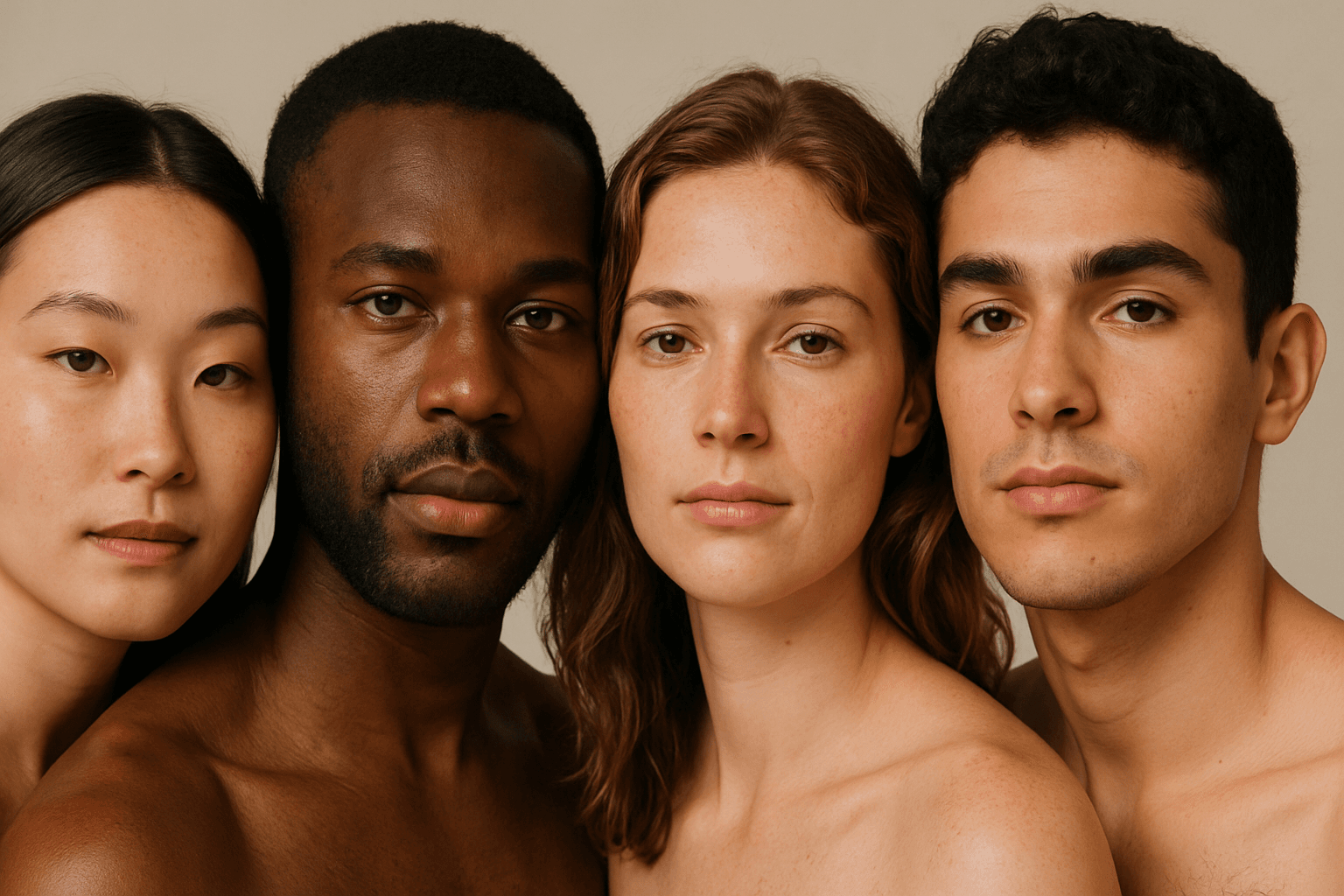
Natural Skin Tone Rendering is critical for producing AI-generated portraits or models that appear authentic and lifelike. It requires prompts to specifically guide the AI towards rendering skin with realistic color gradients, subtle shadows, and natural imperfections. Achieving this improves relatable human expressions and enhances emotional connection in visual content. This keyword is essential in contexts requiring true-to-life human representation, from fashion photography to editorial imagery, ensuring the AI captures diverse skin tones inclusively. By focusing on natural skin tone rendering, creators avoid flat, plastic, or overly stylized skin appearances, bringing genuine warmth and depth to AI-generated images.
Definition
Natural Skin Tone Rendering in AI imaging refers to crafting prompts that guide the AI to produce lifelike and accurate skin colors and textures. This keyword affects how the AI interprets lighting and pigmentation to replicate realistic human skin, avoiding artificial or flat skin appearances. It is essential for believable human portrayal in generated images.
Prompt Formula
Use the following formula to enhance natural skin tones in your AI prompts: Subject description + lighting condition + ethnicity descriptor + "natural skin tone rendering" + texture detail + camera style Example: "Portrait of elderly Asian man, soft morning light, natural skin tone rendering, detailed skin texture, 85mm lens".
- Subject description
- lighting condition
- ethnicity descriptor
- natural skin tone rendering
- texture detail (e.g., pores, subtle freckles)
Best Use Cases
This keyword excels in images needing lifelike human representation. It works well for: - Diverse portrait photography showcasing ethnic variety. - Fashion and beauty shoots requiring authentic skin presentation. - Social media influencer content that values relatable appearance.
- Diverse portrait photography
- Fashion and beauty editorial imagery
- Authentic social media content
Industry Applications
Natural Skin Tone Rendering is crucial in fields such as advertising, where authentic representation builds trust; editorial photography demanding credible human subjects; and ecommerce platforms presenting diverse models to connect with broader audiences. It enhances product appeal by ensuring skin tones are true to life across campaigns.
- Advertising promoting inclusivity
- Editorial human-interest stories
- Ecommerce showcasing diverse models
Common Mistakes
A frequent error is omitting ethnicity or lighting cues, resulting in generic or unrealistic skin tones. Overuse of modifiers like "perfect skin" can cause unnaturally smooth or plastic appearances. Avoid too broad descriptors that confuse the model, and be specific about conditions to maintain realism.
- Omitting ethnicity or lighting details
- Over-smoothing skin textures
- Using vague descriptors leading to generic skin tones
Advanced Techniques
For experienced users, combine "natural skin tone rendering" with precise lighting descriptors like "golden hour sunlight" or "studio softbox light" to modulate skin highlights and shadows. Adding skin texture contrasts such as "distinct pores and fine lines" can intensify realism. Layer prompts with emotion or context for added depth.
- Pair with lighting details (e.g., golden hour, softbox)
- Include skin texture elements (pores, fine lines)
- Add emotional context for lifelike expression
Professional Workflow
Start by briefing clear subject demographics and lighting conditions. Generate initial images with natural skin tone prompts. Select candidates showing authentic skin colors and textures, then refine by tweaking lighting and texture descriptors to adjust tone depth. Finalize by validating skin realism on multiple devices and gather stakeholder feedback before delivery.
- Define subject ethnicity and lighting
- Generate with targeted skin tone prompts
- Select and refine chosen images
- Validate realism and gather feedback
FAQ
How can I ensure AI generates diverse and accurate skin tones?
Include specific ethnicity descriptors along with natural skin tone rendering in your prompts, and specify lighting conditions to help the AI produce accurate, varied skin colors.
Why do some AI images show unnatural or flat skin tones?
This often results from insufficient prompt detail regarding lighting, texture, and ethnicity, causing the AI to default to generic or oversimplified skin rendering.
Continue Exploring
Related Prompts
Natural Skin Tone Palette
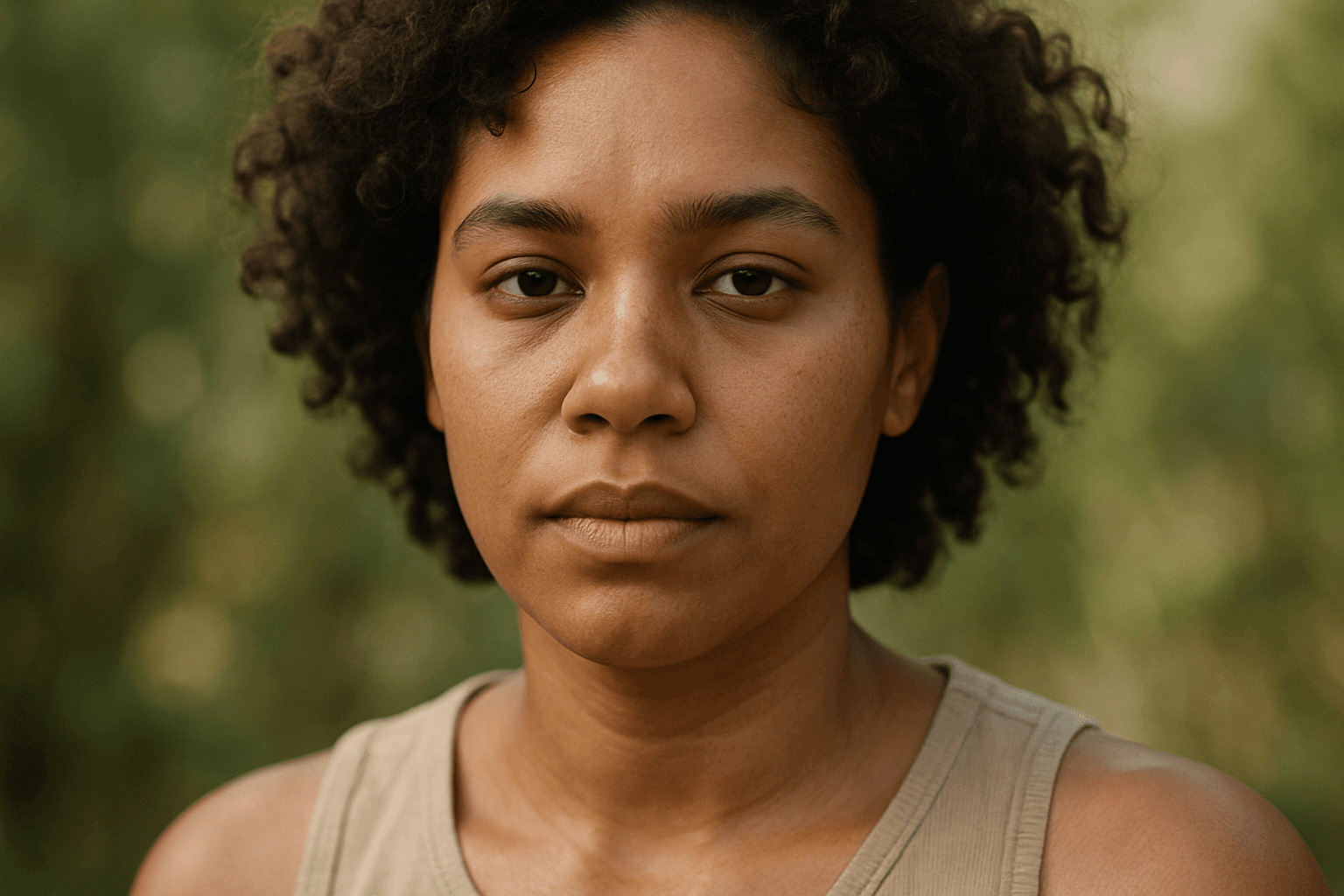
In AI image generation, achieving realistic skin colors is essential for portrait authenticity and natural appearance. The Natural Skin Tone Palette keyword guides AI models to use a spectrum of genuine human skin colors, ranging from pale to deep tones with nuanced undertones such as peach, olive, brown, and reddish hints. Integrating this color palette results in images that feel authentic and relatable, making them ideal for editorial portraits, advertising, and character design. By specifying this palette, artists and designers can avoid the pitfalls of artificial or monotone skin colors, ensuring inclusivity and vivid detail in generated imagery.

Muted Earth Tone Palette
The Muted Earth Tone Palette is a popular color approach in AI image generation that emphasizes soft, natural hues inspired by the earth. These colors include warm browns, olive greens, beiges, and greys, all presented in subdued saturation levels to avoid overly bright or intense visuals. Using this palette creates images that feel organic, calm, and stylish, making it ideal for modern editorial content, lifestyle photography, and interior design renders. By focusing on muted tones, the images exude refinement and subtlety, appealing to viewers seeking sophistication without harsh contrasts. Incorporating this palette into your AI prompts helps generate visuals with a cohesive and naturalistic color balance.
Muted Earth Tone Colors
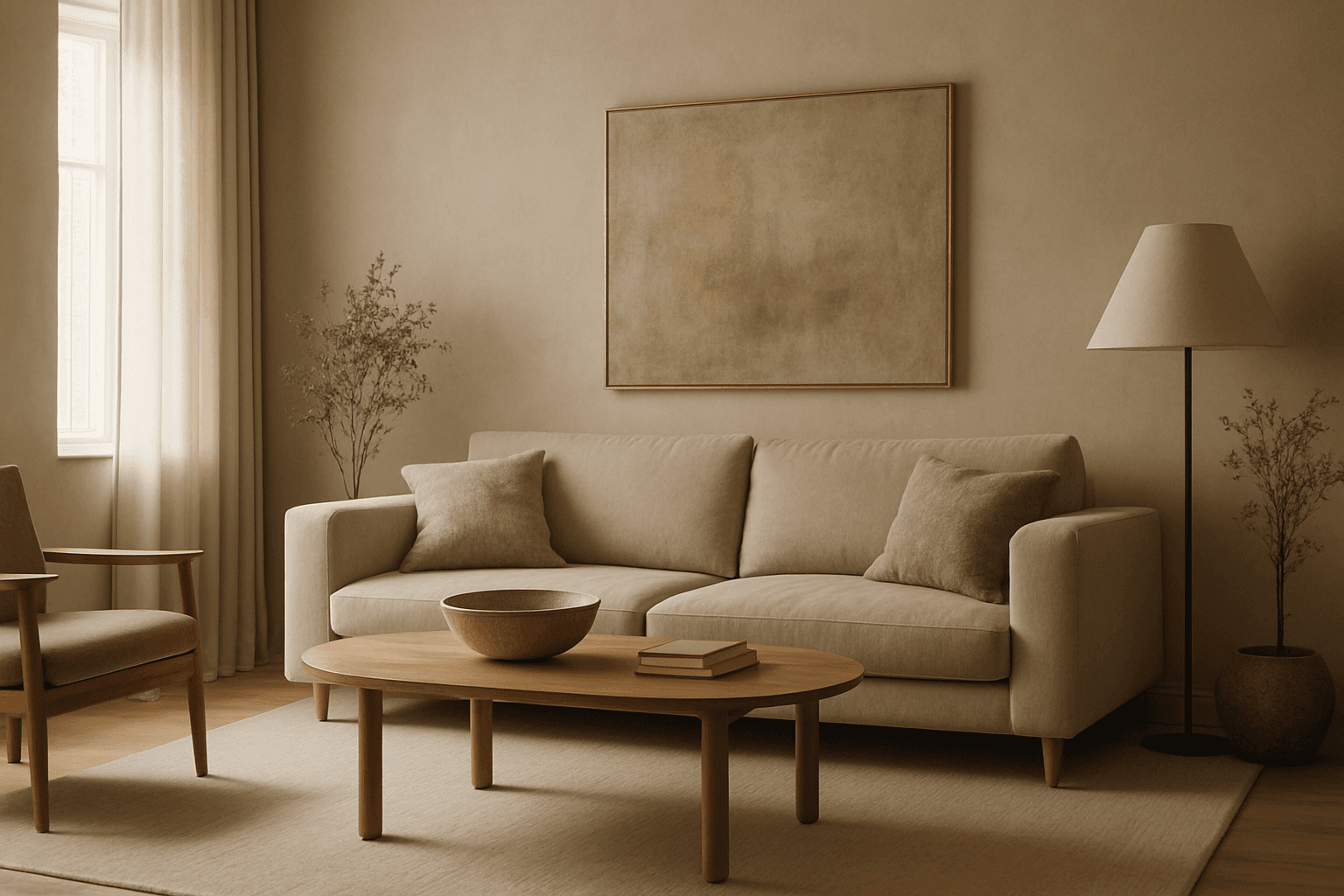
Muted earth tone colors encapsulate a palette inspired by nature’s subtle and calming shades such as soft browns, gentle greens, warm ochres, and quiet grays. When integrated into AI image prompts, these colors help generate images that feel organic, grounded, and harmonious, making them ideal for designs seeking understated elegance or a natural aesthetic. This approach avoids harsh contrasts and bright tones, providing visuals that are soothing and visually balanced. Such color schemes are especially useful in editorial photography, interior design renderings, and lifestyle imagery, where authenticity and warmth are key. Utilizing these tones can transform generic visuals into cohesive, premium-feeling compositions that align with modern aesthetic trends.
Balanced Color Temperature
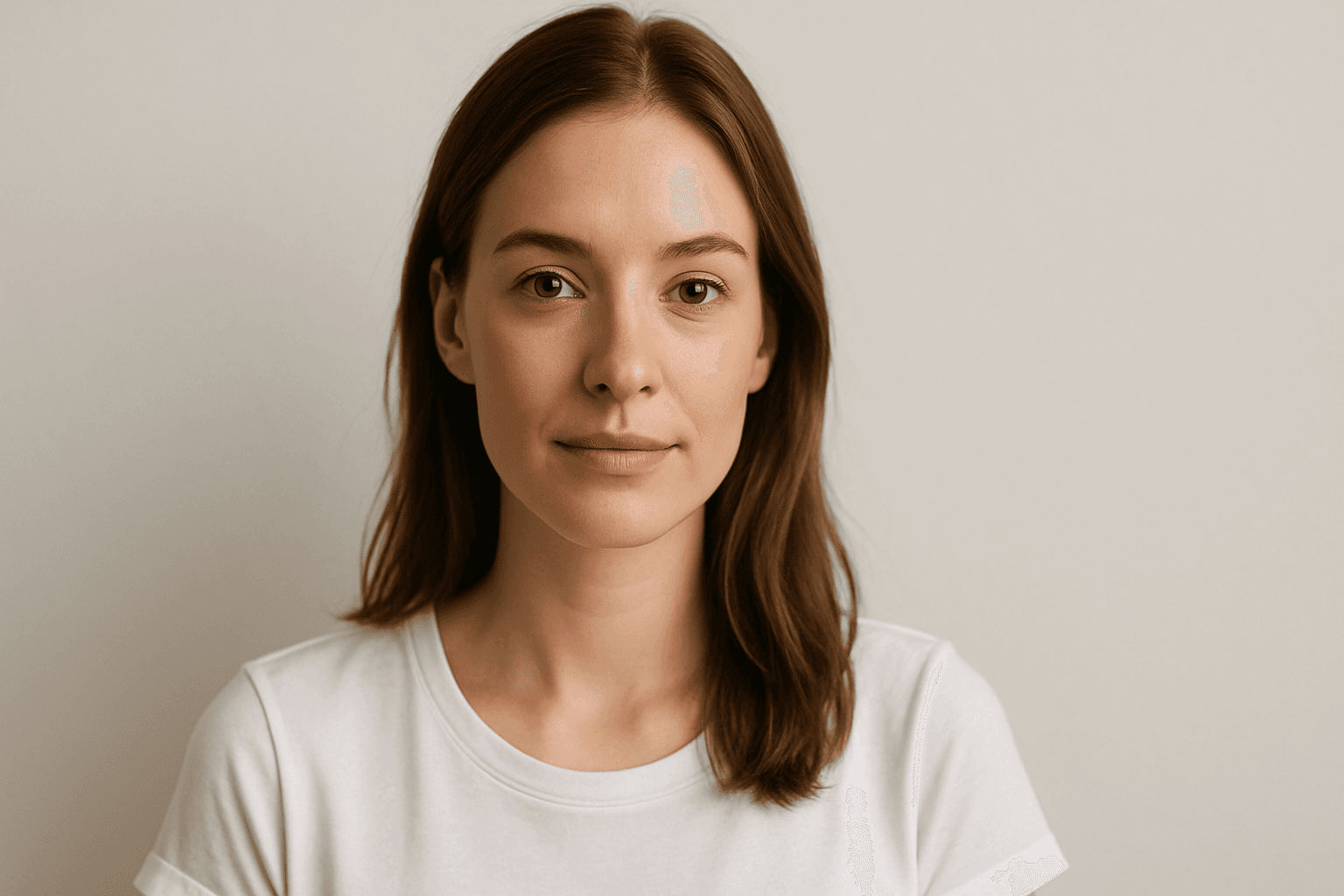
Balanced Color Temperature in AI-generated images ensures that lighting appears natural and true-to-life, avoiding overpowering warm or cool tones. This quality impacts the mood and realism of visuals by maintaining a neutral color balance, making images suitable for professional presentations, product photography, and editorial content. By controlling color temperature, artists and creators can highlight details without unnatural tints, producing polished and visually coherent artworks.

Gradient Sky Colors
Incorporating Gradient Sky Colors into AI-generated images significantly enhances the atmospheric quality and visual depth of outdoor scenes. By blending multiple hues in a smooth, gradual fashion, these skies offer a natural yet captivating backdrop that supports various themes such as serenity, romance, or drama. This keyword is especially useful in settings featuring landscapes, cityscapes, or fantasy environments, enriching the emotional tone of an image. Using gradient skies in prompts allows creators to move beyond flat or uniform color skies, enabling more dynamic and mood-driven outputs that resonate well in editorial, advertising, and artistic contexts.
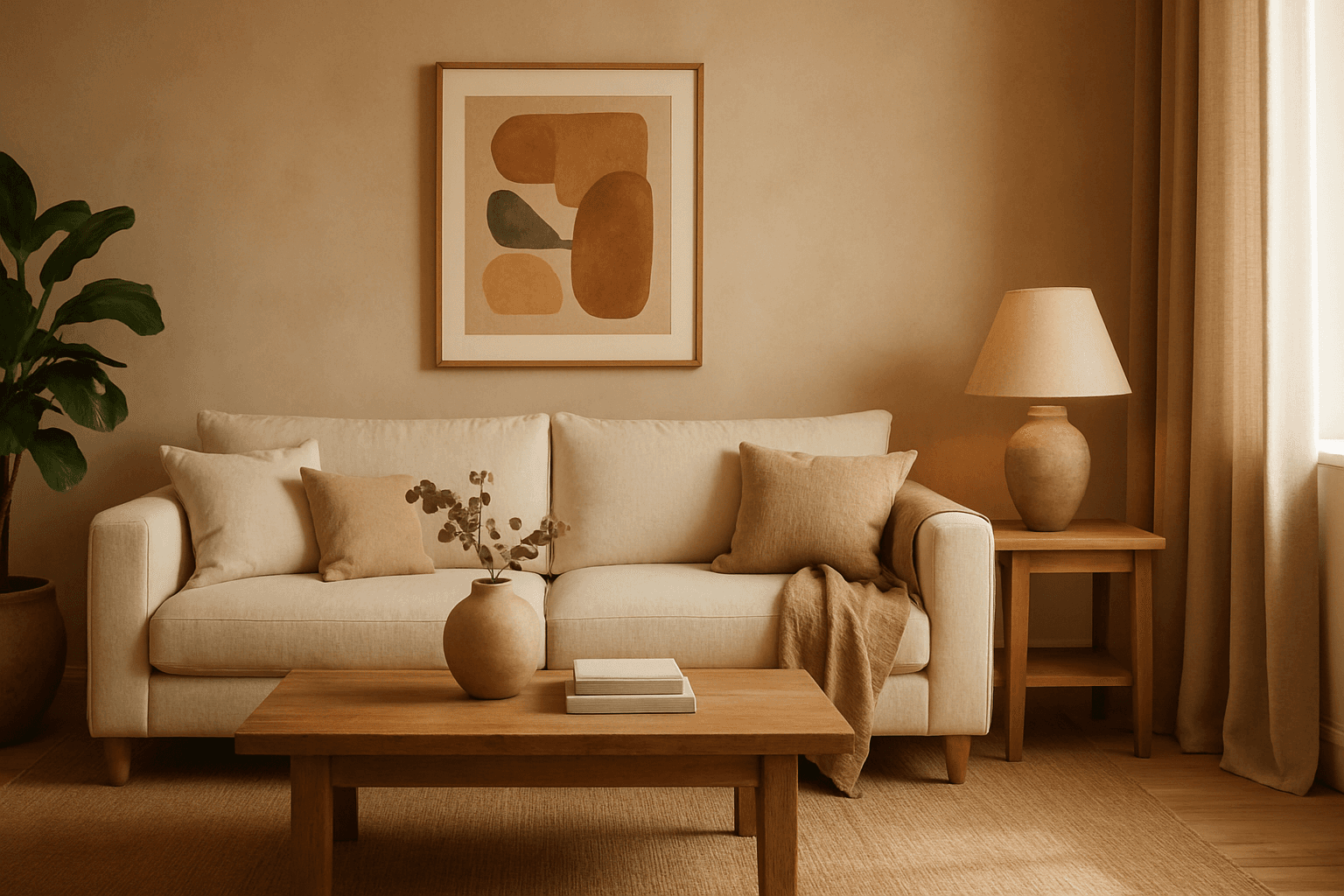
Warm Earth Tone Palette
Using a Warm Earth Tone Palette in AI image generation brings a natural and inviting atmosphere to visuals. These tones emulate colors found in nature, such as clay, autumn leaves, and sunbaked earth, providing a grounded and calming aesthetic. Incorporating this palette into prompts encourages AI models to generate images that feel organic and warm, which is ideal for themes involving nature, rustic settings, comfort, and heritage. It helps create harmonious compositions that appear authentic and emotionally resonant, making the images suitable for lifestyle, interior design, and environmental storytelling.