Textured Canvas Material
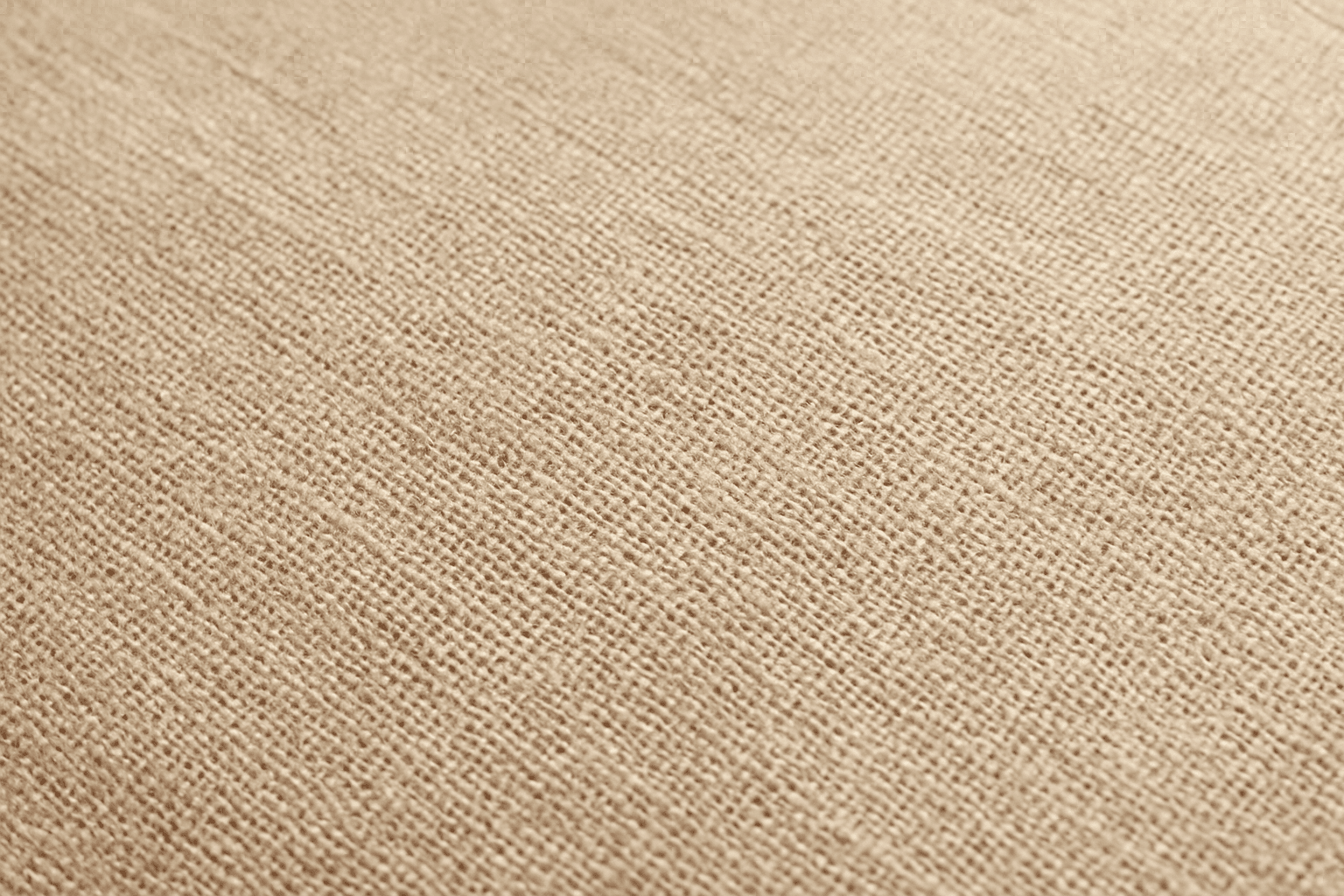
Using the textured canvas material keyword in AI image generation simulates the look and feel of real canvas fabric, widely appreciated in art and design fields. It brings a traditional, handcrafted quality to digital images, making them appear as if printed or painted on a physical canvas. This effect improves the sensory richness and realism of images, especially paintings, portraits, or background textures. Digital artists and content creators can use this keyword to add authentic fabric texture without manually editing textures, saving time while enhancing visual appeal.
Definition
Textured Canvas Material is a prompt keyword that guides AI image generators to simulate the appearance of traditional canvas fabric. It introduces visible fiber weaves, subtle roughness, and fabric-like surface irregularities to images, enhancing their tactile and visual realism. This is especially useful for artworks, backgrounds, or designs that benefit from a handcrafted, physical texture, bridging digital creations with traditional artistic materials.
Visual Characteristics
- Fine weave patterns resembling canvas fibers across surfaces
- Tactile roughness and grain best seen in close or macro views
- Natural matte finish with soft shadows highlighting texture depth
Prompt Formula
Combine subject and style details with the textured canvas material keyword phrase to achieve consistent textured effects. Use modifiers to adjust lighting, color, and medium for variety.
- <subject> on textured canvas material with <lighting>
- Abstract <style> using vibrant colors on textured canvas material
- Still life composition rendered on textured canvas material surface
Best Use Cases
- Realistic digital paintings or portraits needing fabric texture
- Textured backgrounds enhancing graphic design compositions
- Product renders requiring simulation of canvas or fabric surfaces
Creative Variations
To diversify outputs when using textured canvas material, vary lighting from soft natural to dramatic spotlights, experiment with color saturation, and combine with mediums like oil or watercolor styles. Experiment with composition by adding depth of field or macro perspectives to emphasize texture, or merge abstract elements for unique tactile art.
- Use warm natural light to highlight the canvas fibers
- Combine with oil painting style for pronounced texture
- Add abstract color washes on textured canvas for artistic effects
- Shoot close-up or macro views to showcase weave details
- Introduce depth of field to emphasize surface texture
FAQ
How does adding textured canvas material affect AI-generated art?
It imbues images with realistic fabric-like textures, making them appear as if created on actual canvas, adding depth, tactile feel, and traditional artistic quality.
Can I use textured canvas material for non-art images?
Yes, it is also effective for backgrounds or product visuals where a subtle fabric texture enhances realism or aesthetic appeal.
Does this keyword increase rendering time or complexity?
Generally no, but it may require higher detail settings to fully capture fine texture intricacies in some AI models.
Continue Exploring
Related Prompts
Textured Canvas Surface
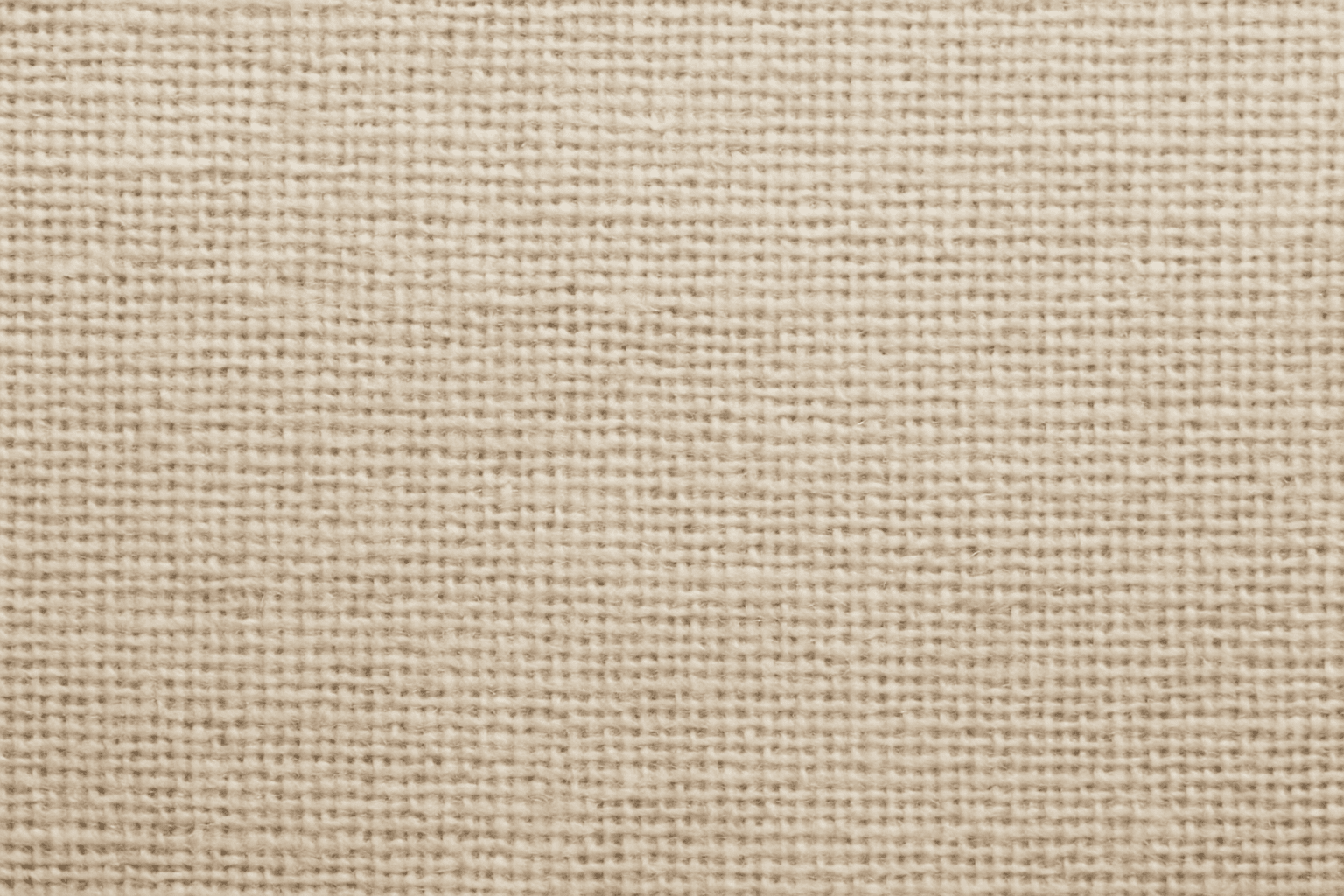
In AI image generation, adding a 'Textured Canvas Surface' imparts the look and feel of traditional canvas materials, enriching digital images with a tactile, handcrafted aesthetic. This feature is vital when aiming for realism in artworks simulating paintings or prints, as it introduces subtle texture variations and surface depth that digital renders often lack. This keyword helps bridge the gap between digital creation and physical artistry by mimicking the fibrous structure and matte finish of real canvas, offering a premium and authentic appearance. Used carefully, it can elevate stock images, fine art reproductions, and editorial visuals that benefit from material authenticity.
Rough Canvas Surface Texture
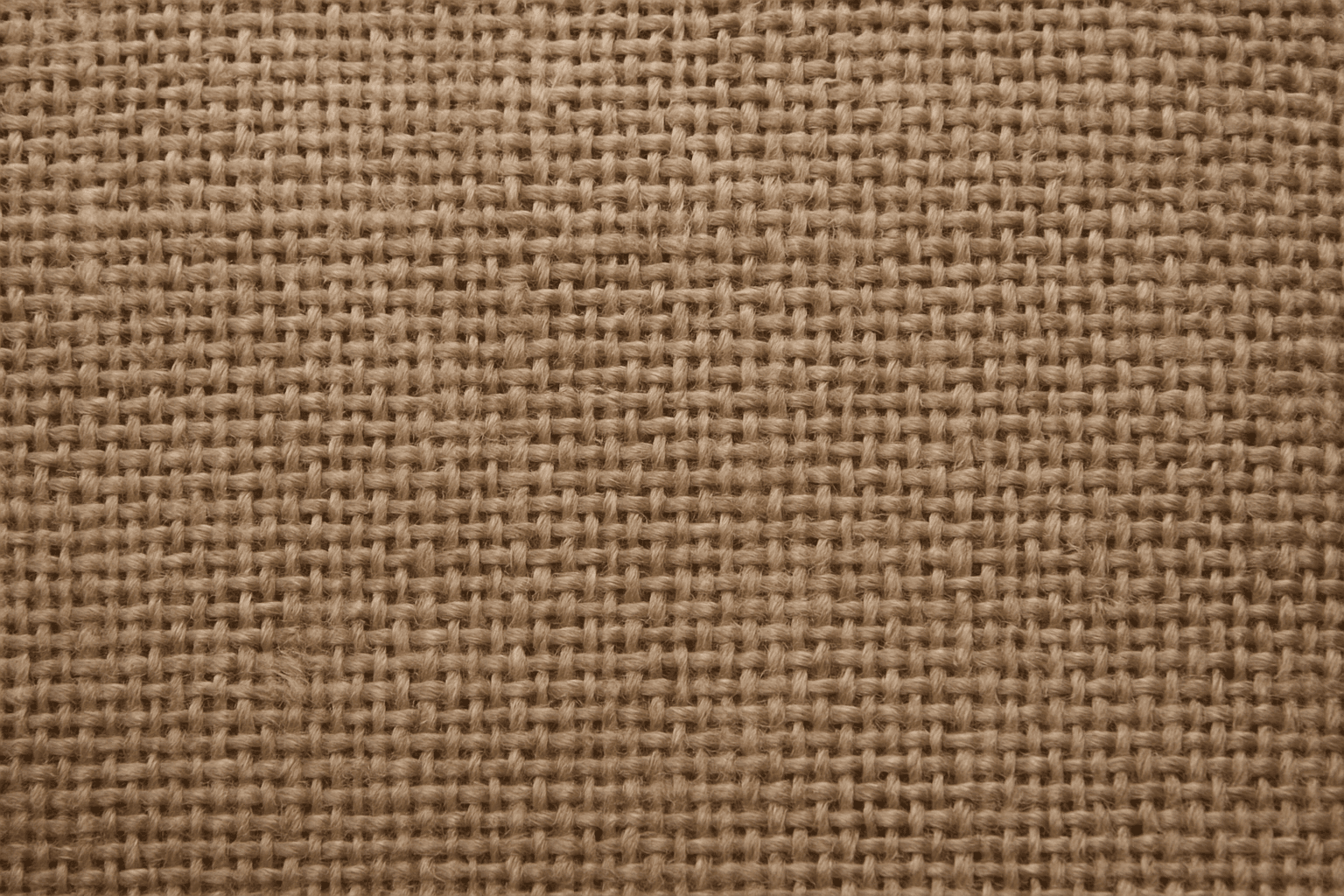
Rough Canvas Surface Texture is a popular keyword in the AI art community used to replicate the physical characteristics of a traditional painter's canvas within digital images. By incorporating this texture, artists and designers can introduce a natural, tactile element that enriches visual storytelling with the impression of real-world materials. This adds both photorealistic and artistic qualities, making AI-generated images evocative, detailed, and perfect for various creative projects that require a handcrafted feel. Whether aiming for a classic painting effect or textured backgrounds, this keyword guides AI models to recreate complex fiber surfaces realistically.
Textured Paper Background
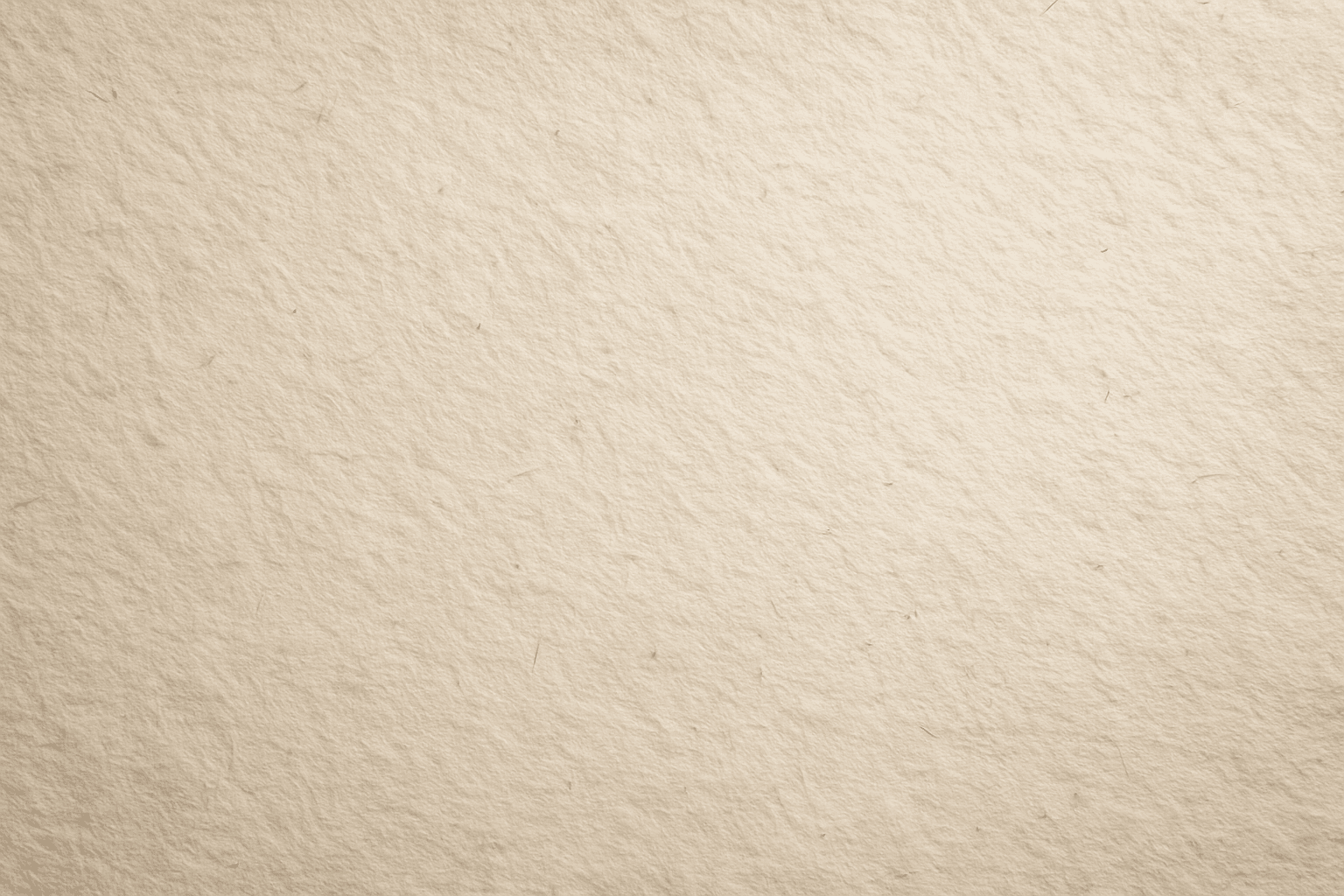
Adding the 'Textured Paper Background' keyword to an AI-generated image prompt introduces a tactile and organic feel, mimicking the subtle fibers and natural imperfections of real paper. It optimizes visual depth and material realism, making backgrounds appear authentic and refined. This effect is particularly useful in artistic, editorial, or product-related images where a clean yet textural backdrop is desired. By specifying this texture, users can elevate the image's material presentation, avoiding flat or digital-only appearances. The result is a premium stock-image-quality background with sophisticated lighting and nuanced detail that enhances focus on the main subject without distraction.
Rough Canvas Texture
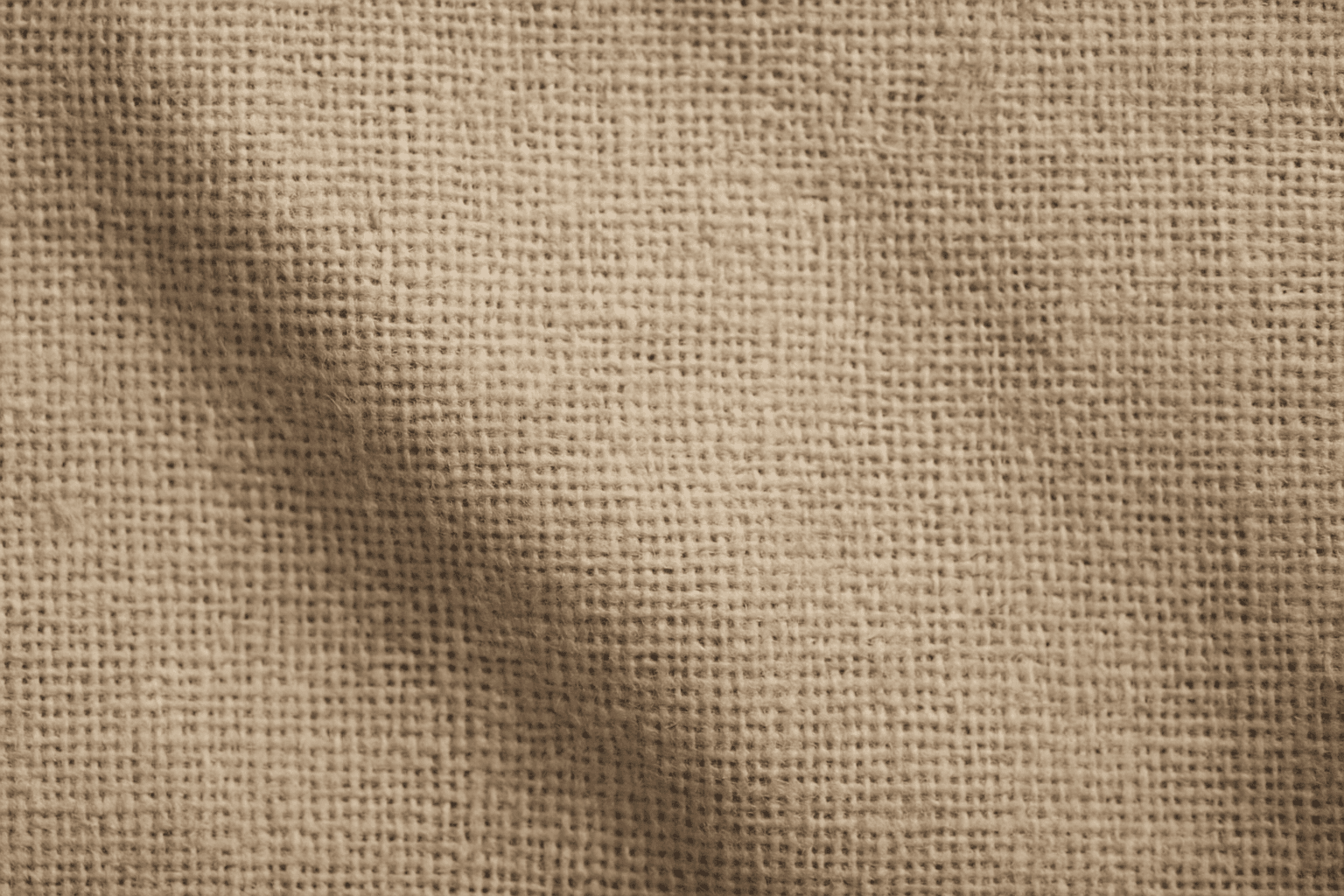
Rough Canvas Texture describes the distinct appearance of coarse woven fabric, typically made from natural fibers like cotton or linen. This texture is characterized by a pronounced weave pattern and a tactile, uneven surface. When used in AI image prompts, it enhances realism by simulating the physical characteristics of canvas materials often seen in paintings, upholstery, or artistic backgrounds. It helps bring a natural, handcrafted feel to digital images, enriching their visual depth and authenticity. This texture suits creative projects aiming to blend digital art with organic elements, serving as a compelling backdrop or detail layer.
Paper Fiber Texture
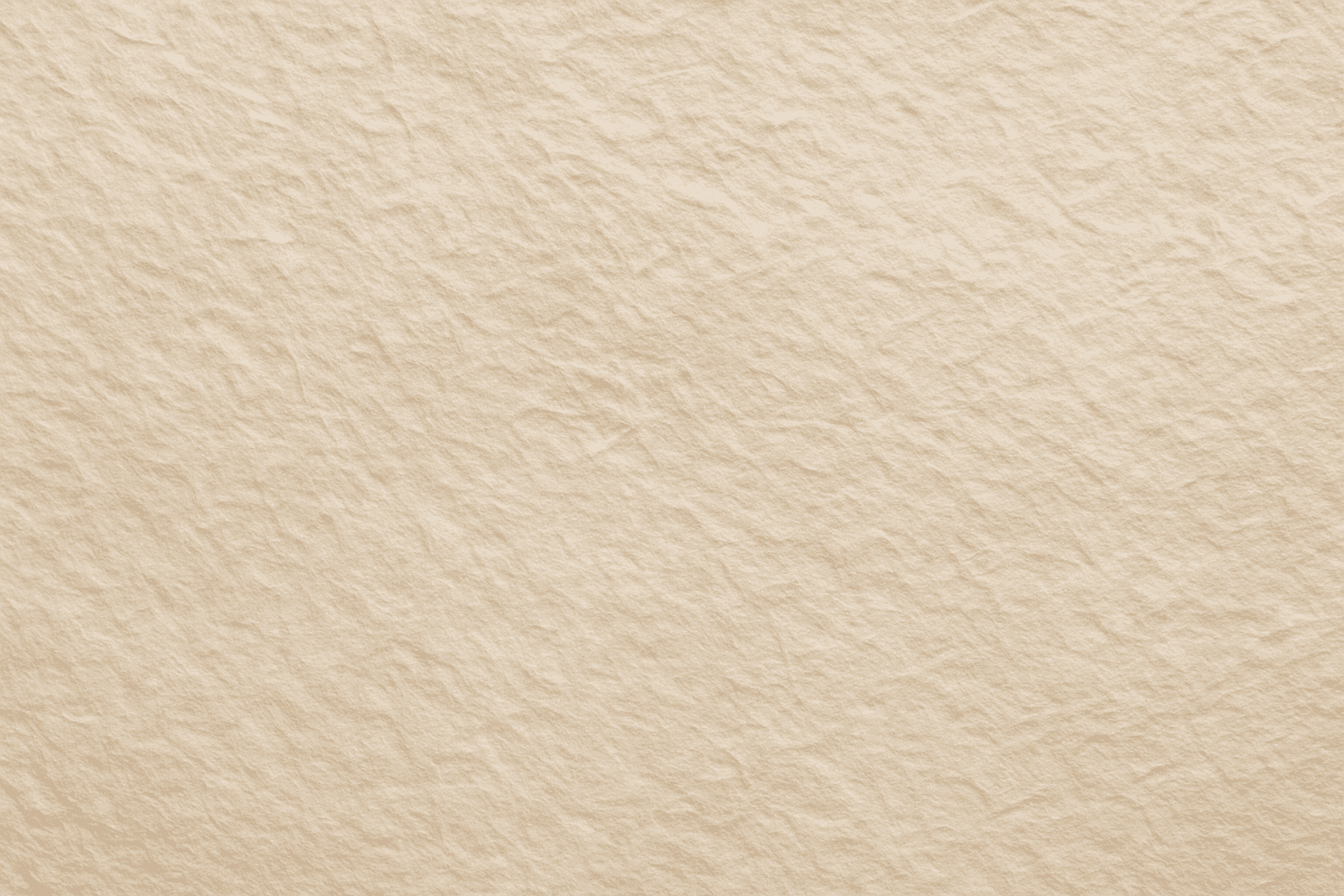
Paper Fiber Texture in AI-generated images enhances realism by simulating the microscopic fibers found in physical paper. This texture adds subtle detail and tactile qualities to artwork, making backgrounds or materials appear organic and handcrafted. When included in prompts, it helps models focus on delicate and uneven surfaces rather than flat or overly smooth ones. This keyword is especially useful in designs needing authenticity or vintage aesthetics, offering an alternative to digital or synthetic textures. It works well combined with lighting descriptions to highlight the tactile aspects of the fibers and create refined editorial visuals.

Rough Canvas Surface
Using 'Rough Canvas Surface' in AI image prompts introduces a rich textural layer that replicates the tactile qualities of genuine coarse canvas fabric. This texture lends authenticity and tactile depth by showcasing natural weave patterns and surface irregularities that scatter light softly. Ideal for artworks, product mockups, or backgrounds, this texture elevates imagery to feel handcrafted and organic. Its detailed grain adds subtle complexity without overpowering the composition, making it perfect for refined, premium visuals.