Backscatter Lighting Effect
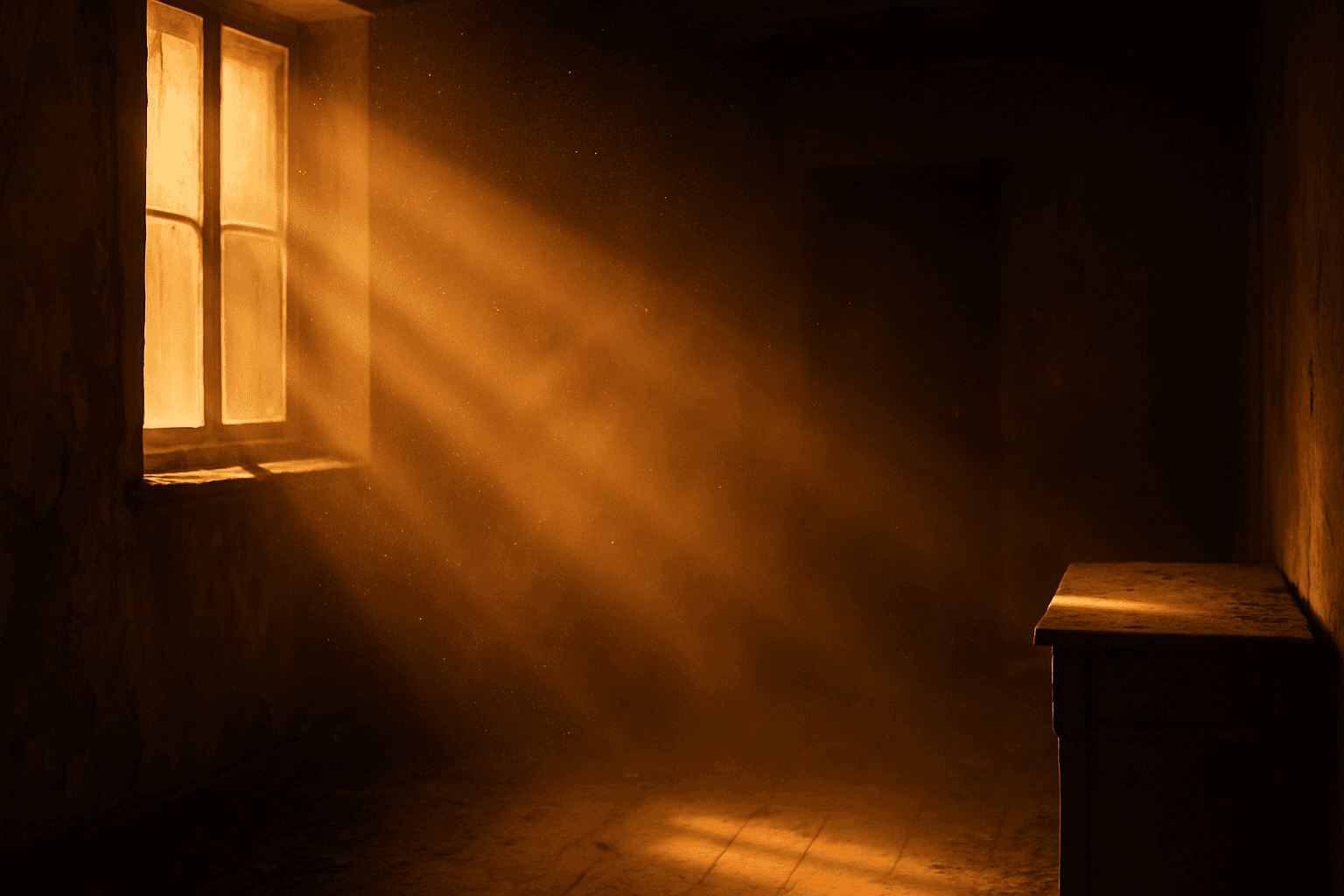
The Backscatter Lighting Effect simulates light interacting with airborne particles, typically seen as glowing halos or fog-like glimmers surrounding light sources. This effect provides images with a vivid sense of atmosphere and environmental depth, often enhancing moodiness and realism. When used in AI prompts, it guides models to replicate this physical light interaction, making scenes feel more immersive and cinematic. This effect is especially impactful in scenes with fog, smoke, dust, or mist, emphasizing details that evoke senses of environment and ambience. It’s widely employed in photography, film, and digital art to enrich the visual storytelling experience.
Definition
Backscatter Lighting Effect describes light reflecting from particles in the air back toward the viewer, creating glowing halos or light fog in images. In AI prompts, it guides models to simulate this optical scattering, adding depth and atmosphere to scenes.
Prompt Formula
Use structured phrases to reliably add backscatter effects in AI prompts: Start with the lighting source, then describe atmospheric particles with modifiers, and finish with descriptive light scattering effects.
- [Scene description] with backscatter lighting effect
- Include descriptors like glowing particles, light haze, volumetric light scattering
- Modifiers: subtle, warm, soft, cinematic, ambient
Best Use Cases
- Foggy or misty landscapes and nature scenes
- Nighttime urban or street photography with rain or dust
- Close-ups with illuminated airborne particles for mood
Advanced Techniques
Combine Backscatter Lighting Effect with volumetric lighting and environmental elements like smoke or dust to create complex atmospheres. Use color grading to tweak warmth and contrast. Employ negative prompts to reduce overexposure and maintain subtlety.
- Pair with volumetric light for dense haze effects
- Specify particle types: dust, pollen, mist, rain droplets
- Use contrast controls to balance light scattering intensity
Professional Workflow
Begin with a clear brief highlighting the desired atmosphere and presence of backscatter lighting. Generate multiple iterations focusing on lighting variations. Select candidates exhibiting realistic particle illumination and halo effects. Refine prompts or apply post-editing for optimal depth and frame balance.
- Outline scene and lighting goals emphasizing backscatter
- Generate and review diverse lighting intensities
- Select and refine for realism and subtlety
Related Styles
- Volumetric Lighting
- Atmospheric Fog
- Cinematic Glow
Model-Specific Tips
Avoid overly complex or ambiguous terms when requesting Backscatter Lighting Effect. Use clear, descriptive phrases referencing particles and scattered light. Experiment with modifiers like "subtle" and "soft glow" for balanced rendering. Check model updates for new lighting capabilities and syntax expansions.
- Use simple keywords: backscatter, light haze, glowing particles
- Avoid jargon that may confuse model understanding
- Test modifiers to control effect intensity and subtlety
FAQ
What does Backscatter Lighting Effect mean in AI image generation?
It means simulating the optical effect where light scatters off airborne particles, creating visible halos, glows, or haze that add realism and atmosphere to images.
How can I add Backscatter Lighting Effect in an AI prompt?
Include keywords like "backscatter lighting effect," "glowing particles," "soft haze," or "volumetric light scattering" to guide the AI to render these light phenomena.
Which scenes benefit most from backscatter lighting?
Scenes with fog, mist, dust, rain, or smoke—especially atmospheric landscapes, cinematic night scenes, or artistic close-ups—gain mood and depth from this effect.
Continue Exploring
Related Prompts
Volumetric Lighting
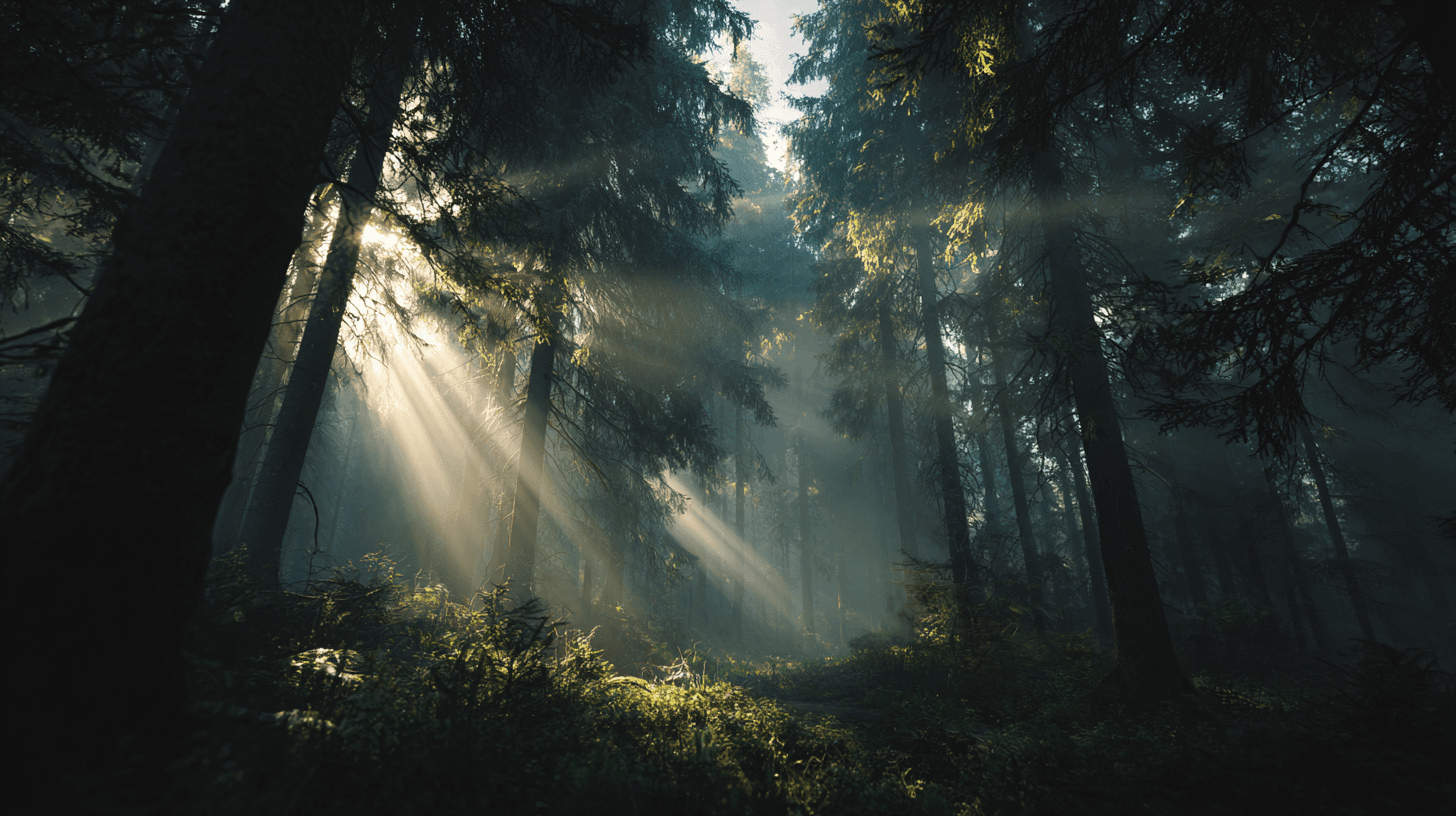
Volumetric Lighting describes visible beams of light traveling through particles in the air, such as mist, dust, smoke, fog, or atmospheric haze. In AI image generation, it is a powerful keyword for adding depth and drama. Instead of light simply landing on objects, the light itself becomes visible inside the scene. This can make an image feel cinematic, mysterious, sacred, futuristic, or magical depending on the setting. Beginners can use Volumetric Lighting when a prompt feels flat or lacks atmosphere. It is especially useful when you want the viewer to feel the scale of a space, the direction of the light, or the mood of an environment.

Volumetric Lighting Effects
Volumetric lighting effects add a three-dimensional quality to AI images by depicting light as it filters through environmental particles, such as fog or dust. This lighting style is prized for its ability to convey mood, environment, and spatial depth, often used in cinematic scenes or natural landscapes. When prompting AI, specifying volumetric lighting helps models emphasize light shafts and diffused glow rather than flat, uniform illumination. This keyword guides image creation toward a premium, realistic look with refined light behavior, making it ideal for editorial visuals, concept art, and atmospheric photography recreations.
Cinematic Lighting
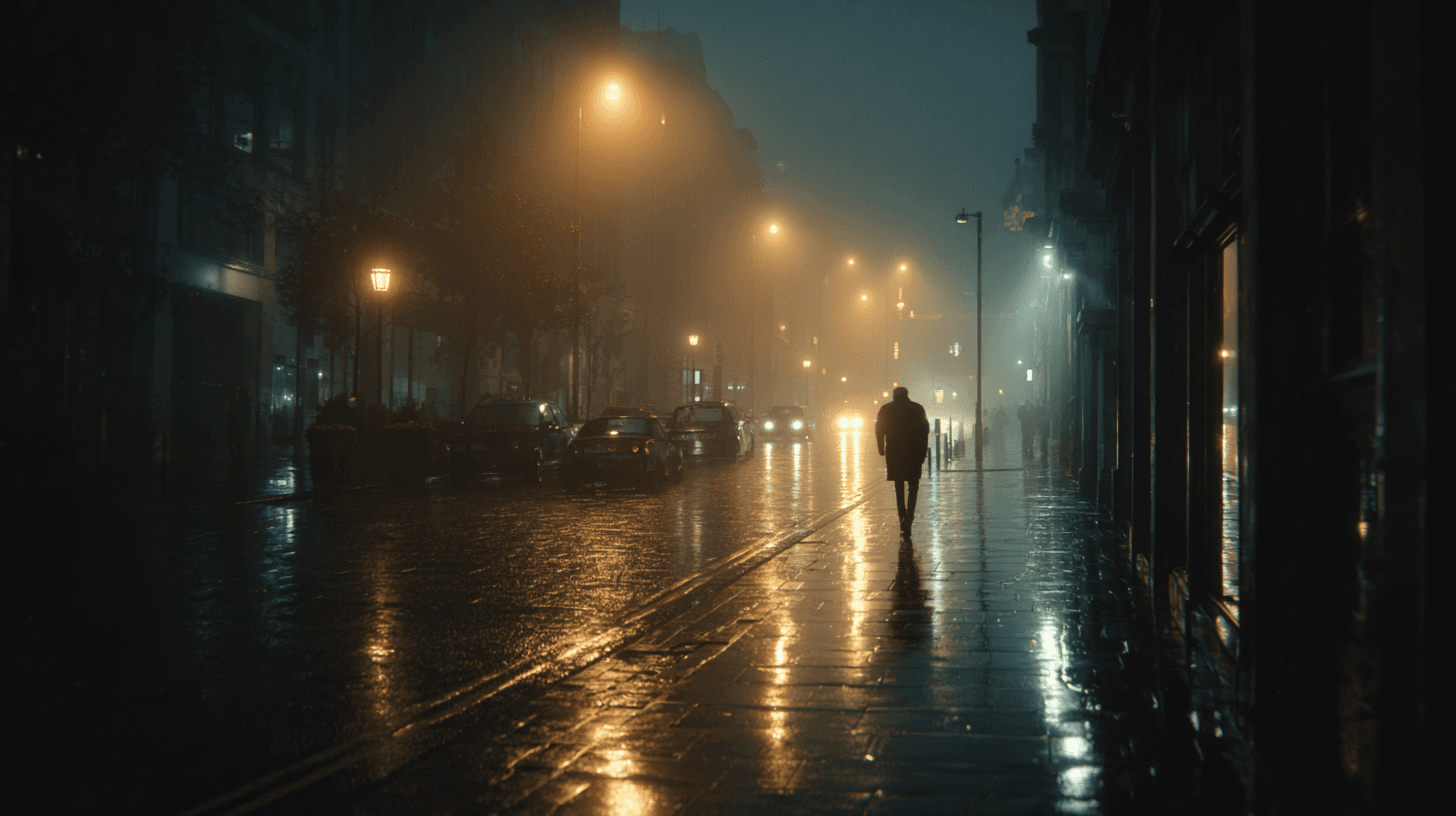
Cinematic Lighting is one of the most useful prompt keywords for making AI-generated images feel intentional, polished, and story-driven. Instead of asking for a flat, evenly lit image, this keyword signals that the scene should feel as if it was lit for a film, commercial, or high-end editorial shoot. The result often includes stronger direction in the light source, more purposeful shadows, richer contrast, and a clearer sense of atmosphere. For beginners, it is a reliable way to move an image away from a generic render and toward something that feels composed, dramatic, and visually memorable.
High Dynamic Range Lighting
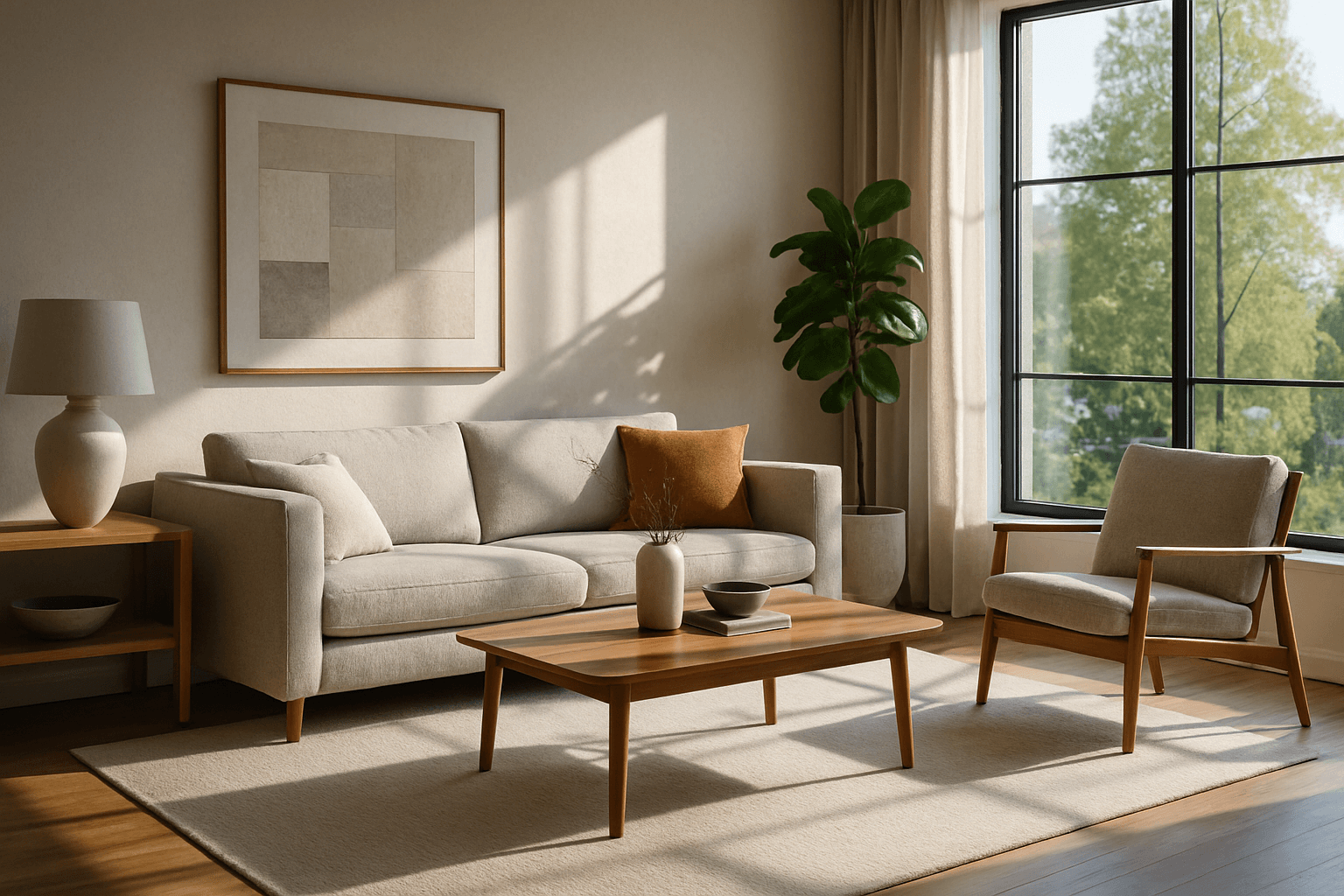
High Dynamic Range Lighting (HDR Lighting) elevates AI-generated images by mimicking the natural spectrum of light intensity present in real-world environments. This lighting style captures a broad range of brightness, preserving details in both shadows and highlights that might otherwise be lost. When integrated into AI prompts, HDR Lighting contributes to images that feel more immersive, dramatic, and visually striking. It is especially beneficial for scenes involving complex lighting situations like sunsets, indoor interiors with windows, or reflective surfaces. Artists and creators looking to create premium-quality renderings with photorealistic depth often rely on HDR Lighting to add a compelling sense of realism and sophistication to their work.
Diffuse Lighting Effect
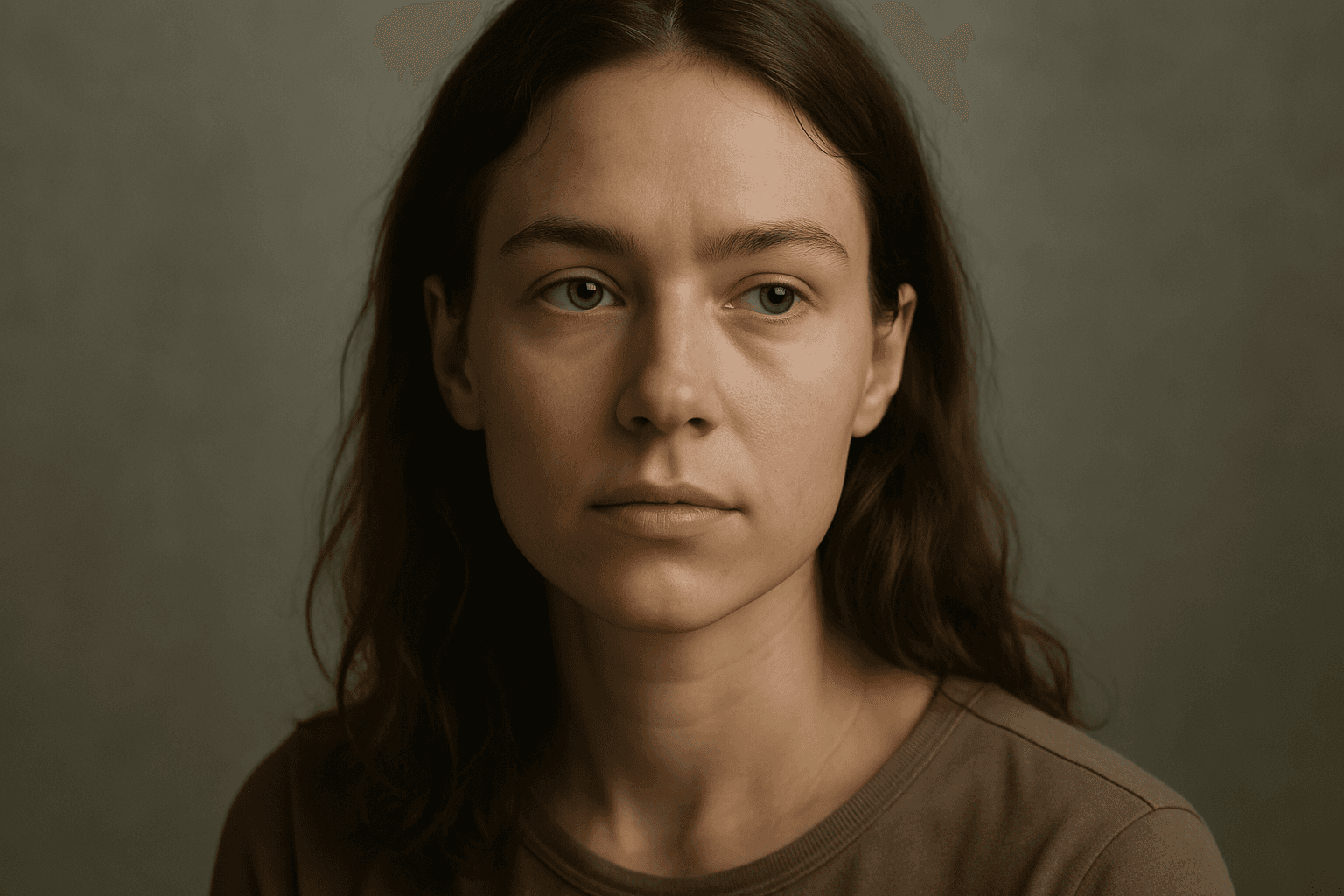
Diffuse lighting effect is a crucial concept in photography, art, and AI image generation that simulates soft, widespread light typically produced by overcast skies or light diffusion materials. This lighting style provides smooth gradations between light and shadow, avoiding harsh contrasts. When integrated into AI image prompts, it helps achieve images with a gentle, natural look that emphasizes subject details without dramatic shadows or glare. Diffuse lighting creates a mood of calm realism, ideal for portraits, product photography, and interior scenes. Understanding how to prompt for this effect enables creators to produce realistic and appealing visuals with enhanced depth and subtlety while maintaining a clean and harmonious composition.
Backlight
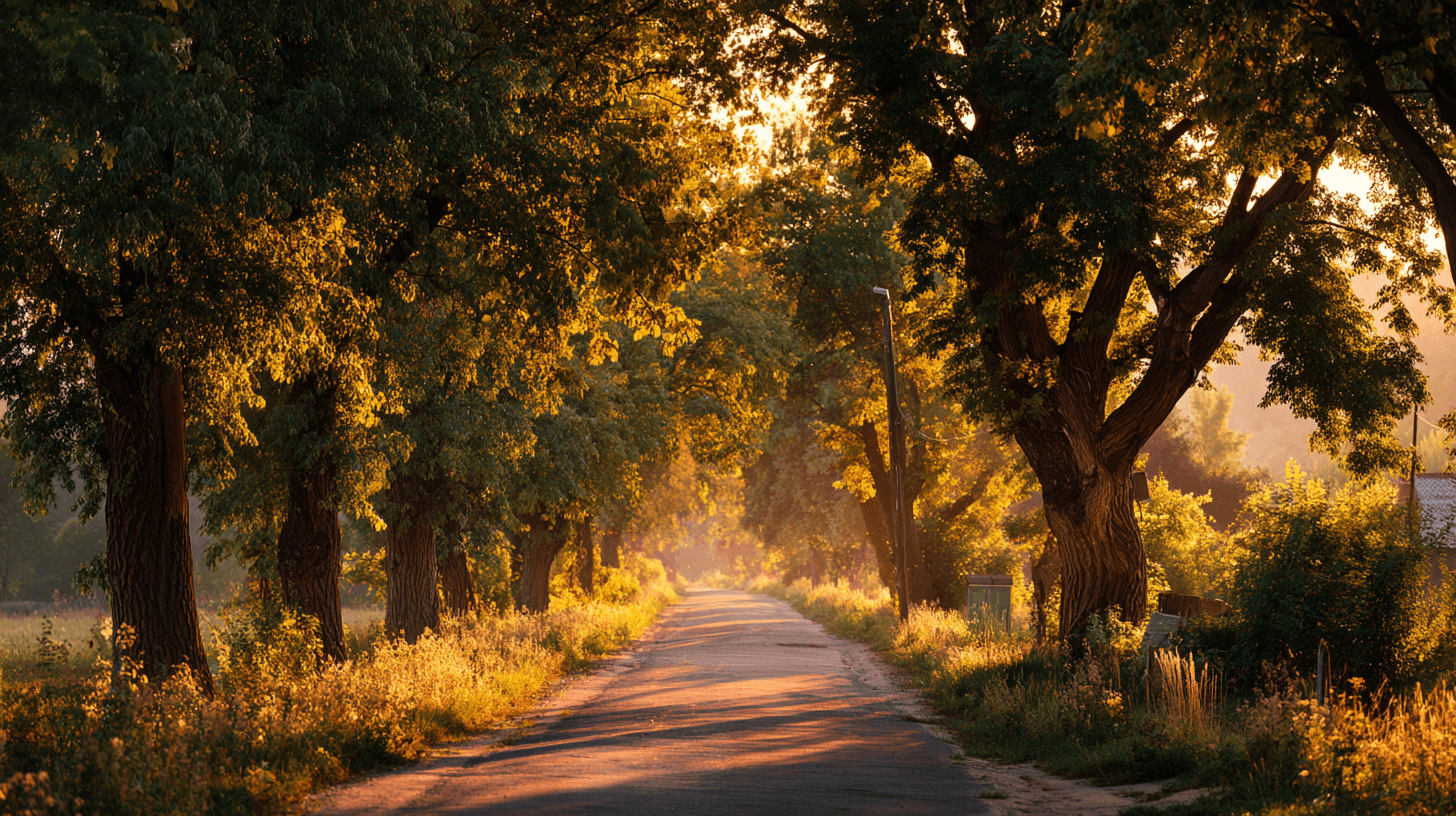
Backlight is a lighting direction where the main light source sits behind the subject, facing toward the camera. It can create glowing edges, silhouettes, translucent materials, and a strong sense of atmosphere. In AI image prompts, Backlight is useful when you want an image to feel warm, emotional, mysterious, or visually layered. It is common in outdoor lifestyle photography, travel imagery, nature scenes, music videos, and cinematic portraits. Beginners can use Backlight to make a simple scene feel more dramatic without needing complicated camera or lighting language.